
Glass Book Reader
Read aloud, shown on glasses
Conçue pour iPhone, iPad
Gratuit
- Classification d’âge4+
- CatégorieLivres
- DéveloppeurRed Shore Tech
- LanguesAnglais+ 1 de plus
- Taille22,4 Mo
Renvoie vers la page App Store officielle
Download.org n’héberge aucun fichier de Glass Book Reader. Le bouton ouvre la page de l’application sur App Store, où Red Shore Tech la publie. Fiche vérifiée pour la dernière fois le 12/11/2026.
Captures d’écran
À propos
Le développeur n’a pas fourni ce texte dans votre langue.
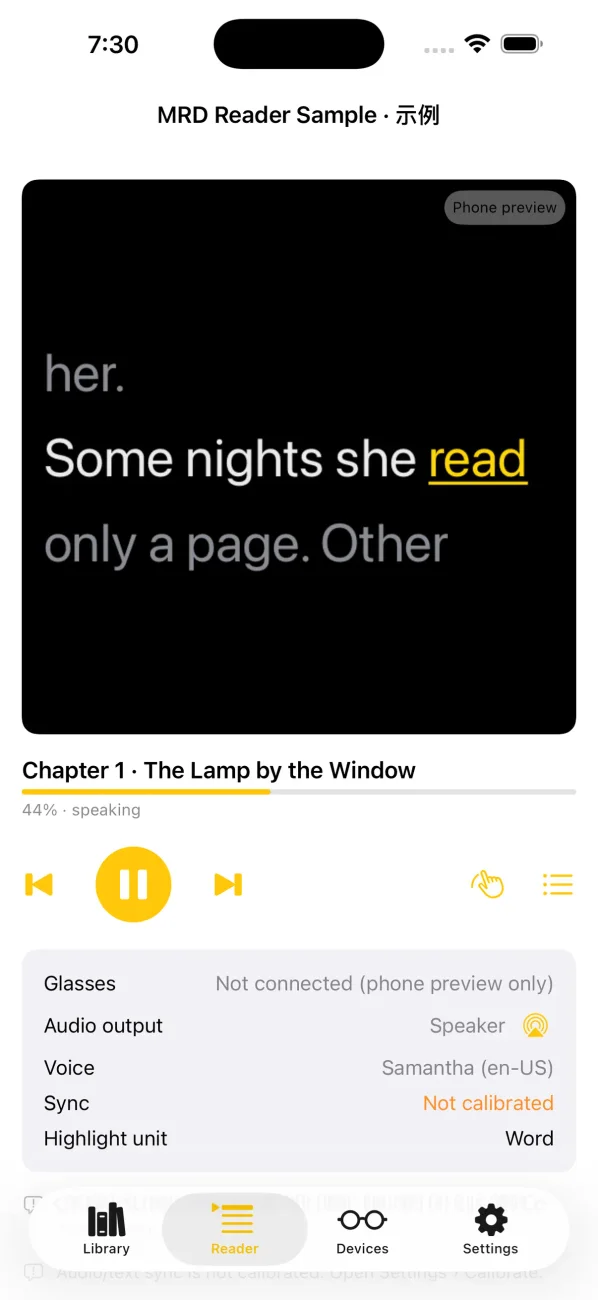
Glass Book Reader reads your own e-books aloud with the voices built into iOS and, if you own Meta Ray-Ban Display glasses, shows the previous, current and next line on the glasses with the spoken word highlighted.
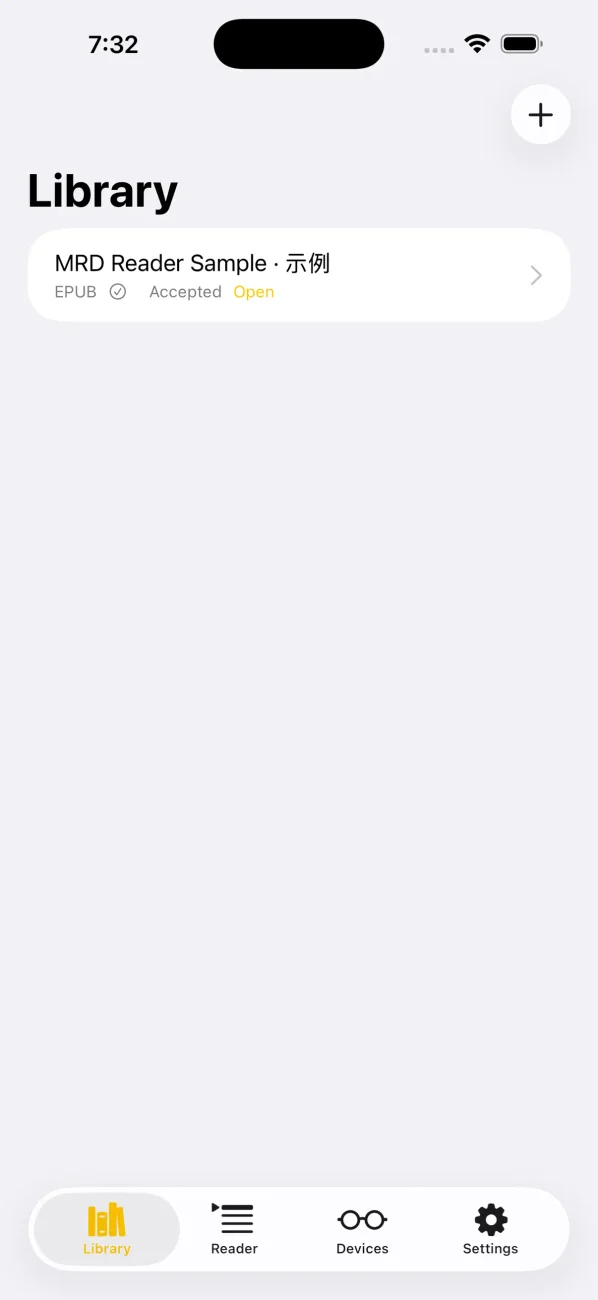
• Import DRM-free EPUB, text PDF and TXT files, or start with the built-in sample.
• Reading uses the system voices on your iPhone — nothing is sent to the cloud.
• Three lines on the glasses: the line being read in the middle, the word being spoken highlighted.
• Control reading from headphones, AirPods or the glasses touchpad: play/pause, next and previous page.
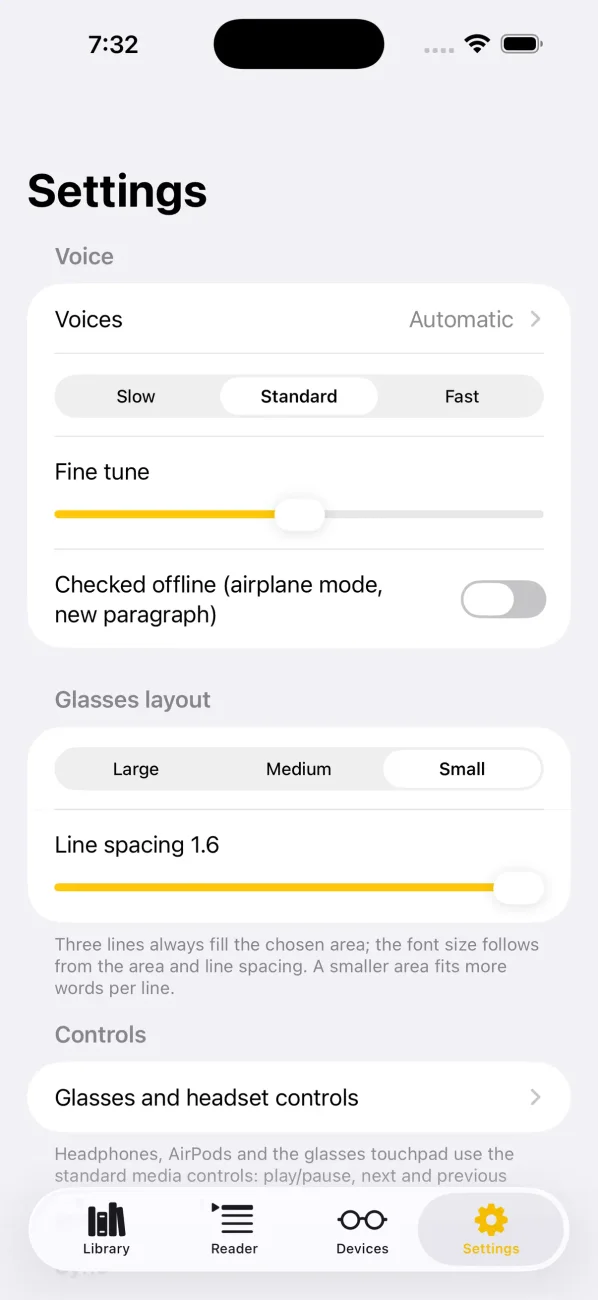
• Resume where you left off; pick a voice, speed and reading area; adjust audio/text sync.
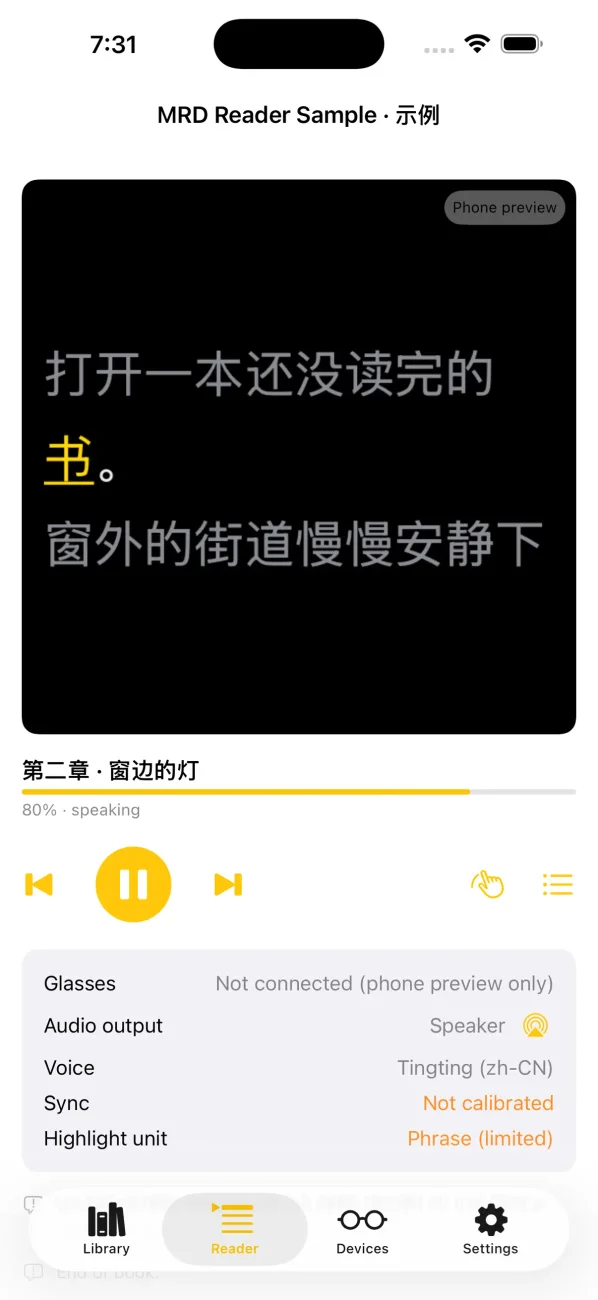
• English and Simplified Chinese text and interface.
Meta glasses are optional: without them, Glass Book Reader reads on the phone with a three-line preview. Showing text on glasses requires the Meta AI app and a one-time approval of Glass Book Reader in it.
No accounts, no analytics, no servers. Your books stay on your phone.
Nouveautés
Version 0.2.0 · 29/10/2026
New: word-by-word translation on the glasses. When you pause reading, the glasses menu highlights the current word and shows its translation; the word buttons step one word back or forward. Translation uses Apple's on-device translation (iOS 26 or later) and goes into your phone's language by default; choose another language or turn it off in Settings → Word translation.
Fixed: Meta Neural Band gestures on the paused menu. A swipe now moves the focus between the menu buttons and a pinch presses the focused button, as the glasses touchpad already did.
The paused menu on the glasses is also clearer.
Confidentialité de l’application
Ce que Red Shore Tech déclare sur l’App Store au sujet du traitement des données par cette application.
-
Données non collectées
Le développeur ne collecte aucune donnée à partir de cette application.
Les pratiques en matière de confidentialité peuvent varier, notamment en fonction des fonctionnalités que vous utilisez ou de votre âge.
Informations
- Vendeur
- Red Shore Tech L.L.C.
- Catégorie
- Livres
- Version
- 0.2.0
- Mis à jour
- 29/10/2026
- Publié
- 12/10/2026
- Taille
- 22,4 Mo
- Nécessite
- iOS 17.2 ou version ultérieure
- Classification d’âge
- 4+
- Prix
- Gratuit
- Langues
- Anglais, Chinois simplifié
- Copyright
- © 2026 Red Shore Tech L.L.C.
Vous aimerez peut-être aussi
-
 Bible - The Word of Promise®Livres
-
 Bible - Catholic StudyLivres
-
 PARALLEL PLUS Bible-study appLivres
-
 Concordance Biblique FrançaiseBible Concordance in French
-
 Panels - Comic ReaderThe best comic reader
-
 WebComics - Webtoon, MangaRead Manga, Comics & Manhwa
-
 NovelToon: Livres Et eBooksEnjoy book reading pleasures