
- Clasificación por edad4+
- CategoríaProductividad
- DesarrolladorManasin Ivan
- IdiomasInglés+ 1 más
- Tamaño35,8 MB
Es posible que IM. CAD no esté disponible en App Store en este momento
No se pudo acceder a la ficha de la tienda en nuestra última comprobación. El enlace sigue llevando a la página oficial de App Store.
Capturas de pantalla

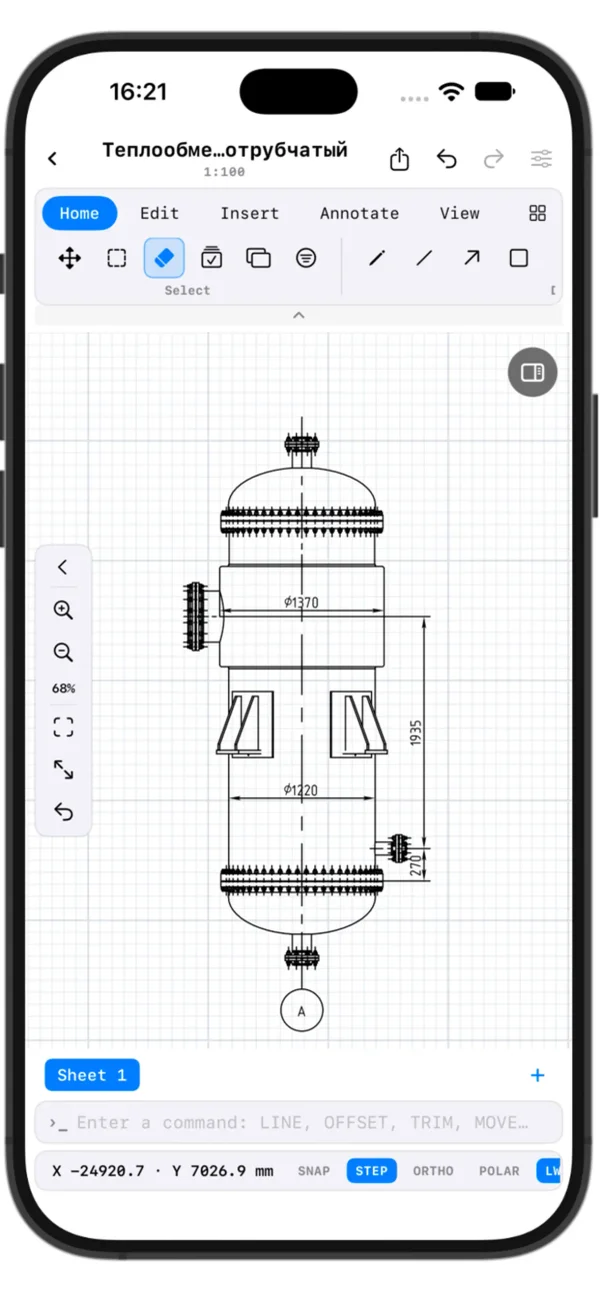
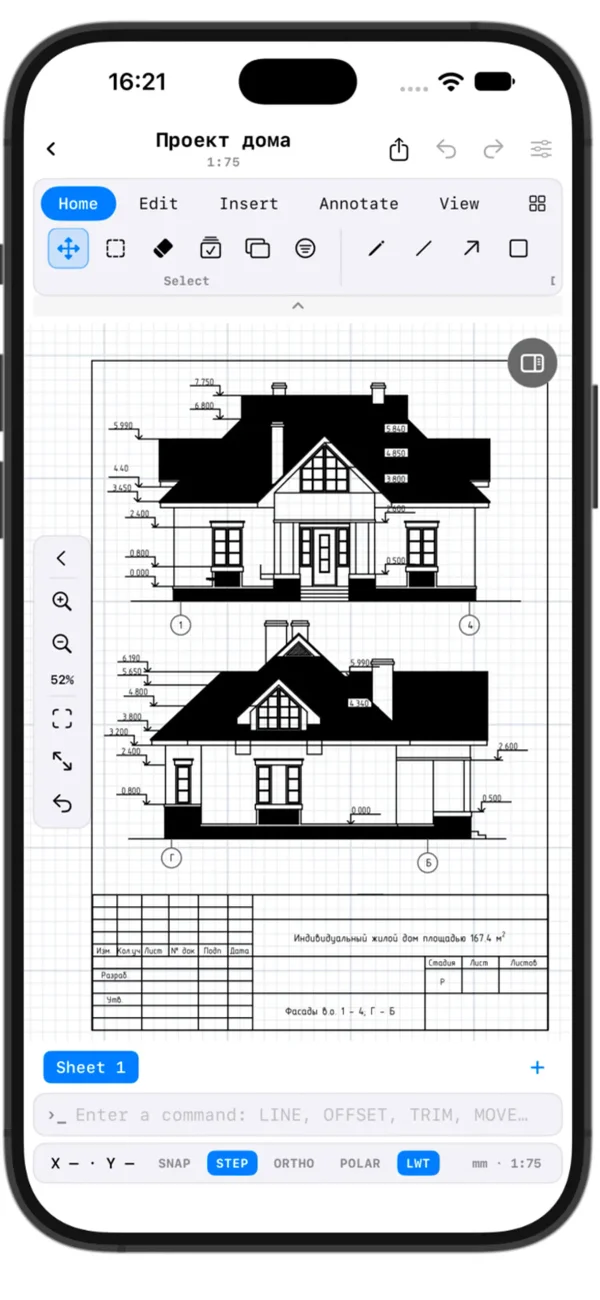
Acerca de
El desarrollador no ha proporcionado este texto en tu idioma.
Draw, design and document wherever you work: on site, in the office or on the road. The precision of professional CAD with the ease of a touch screen, on iPad, iPhone and Mac.
DRAWING AND EDITING
- Lines, polylines, arcs, circles, rectangles, curves and text
- Object snaps to endpoints, midpoints, centers, intersections and tangents
- Keyboard entry of coordinates, lengths and angles; command line with suggestions
- Move, copy, rotate, scale, mirror, offset, trim, extend, stretch and align
- Fillet and chamfer, arrays, blocks
- Undo and redo
ARCHITECTURE
- Walls, doors and windows, columns, stairs, elevators and roofs
- Rooms with automatic area calculation
- Grid lines and axis grids
- Section view along a line on the plan
- Furniture, kitchen and bathroom fixtures from the library
BUILDING SERVICES
- Piping and plumbing fixtures
- Electrical: outlets, lighting, panels
- Heating and ventilation
- Schedules for objects on the plan
SITE PLAN AND SECURITY SYSTEMS
- Surveillance cameras with coverage zones
- Intrusion and fire detectors with coverage check
- Access control, cable routes and equipment
- Fences, gates and wickets
DRAFTING STANDARDS
- Title blocks and borders with a title block editor
- Dimensions: linear, angular, radius and diameter, plus automatic dimensioning
- Annotation marks: level marks, leaders, detail callouts, slopes
- Hatches, standard line weights and fonts
- Tables and bills of materials
- Multiple sheets in one drawing; drawing and print scales
- ANSI and GOST sheet formats
SYMBOL LIBRARY
- Electrical schematics, instrumentation and control, piping and equipment
- Piping isometrics, symbols for mechanical drawings
- Furniture and interior
- Your own stencils from DXF files
SHARING DRAWINGS
- DXF import and export
- PDF and image underlays with automatic scale detection
- Insert a drawing from PDF as editable lines and text
- Export to PDF for printing and review
- Native .imdraw format
STAYING ORGANIZED
- Layers: visibility, locking, list of objects on a layer
- Folders and drawing search
- Trash: deleted drawings are kept for 30 days
- Send selected drawings and folders to iCloud to work on your other devices
EASE OF USE
- Draw with your finger or Apple Pencil
- Portrait and landscape orientation
- Labeled tool ribbon that collapses so the drawing fills the screen
- Inches and feet or millimeters and meters
- Sample drawings ready right after installation
Your drawings are stored on your device and in your iCloud. We do not collect or share your data.
Novedades
Versión 1.51 · 21/11/2026
- Bug fixes;
- Added a drawing tool;
- Improved the project's visual design.
Privacidad de la aplicación
Lo que Manasin Ivan declara en App Store sobre cómo esta aplicación gestiona los datos.
-
No se recopilan datos
El desarrollador no recopila ningún dato de esta aplicación.
Las prácticas de privacidad pueden variar, por ejemplo, según las funciones que uses o tu edad.
Información
- Vendedor
- Manasin Ivan
- Categoría
- Productividad
- Versión
- 1.51
- Actualizado
- 21/11/2026
- Publicado
- 10/11/2026
- Tamaño
- 35,8 MB
- Requiere
- iOS 17.6 o posterior
- Clasificación por edad
- 4+
- Idiomas
- Inglés, Ruso
- Copyright
- © IM-EcoSystem
Quizá también te guste
-
 Plano: medidas y 3DMedidas, muebles y PDF
-
 Room Planner 3D LiDAR ScannerProductividad
-
 xPlain2Me - draw doodle videoProductividad
-
 CADFast - dwg viewerProductividad
-
 Plantekn - Planos de casaPlano de casa e interiorismo
-
 DWSIM SimulatorProductividad
-
 ЧП (чек-лист прораба)Productividad
-
 iPocket Draw LiteProductividad
-
 TTS Text To Speech: Read AloudProductividad
-
 TeamGanttProductividad