
- Clasificación por edad4+
- CategoríaEstilo de vida
- DesarrolladorStanko Gazibari
- IdiomasInglés
- Tamaño1,6 MB
Enlaza a la página oficial de App Store
Download.org no aloja ningún archivo de Infinity Paper. El botón abre la página de la aplicación en App Store, donde la publica Stanko Gazibari. Ficha comprobada por última vez el 12/11/2026.
Capturas de pantalla

Acerca de
El desarrollador no ha proporcionado este texto en tu idioma.
Give your thoughts room to move.
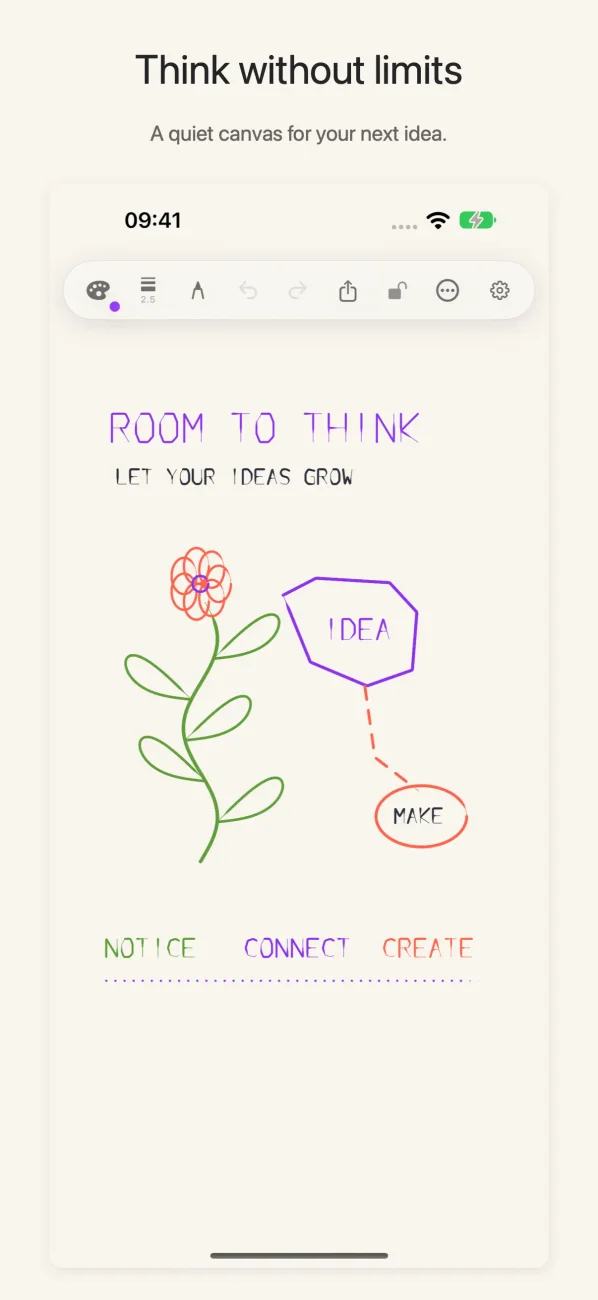
Infinity Paper is a quiet canvas for sketches, handwritten ideas, diagrams, and doodles. Let the paper move as you draw, or lock it when you want to stay in one place.
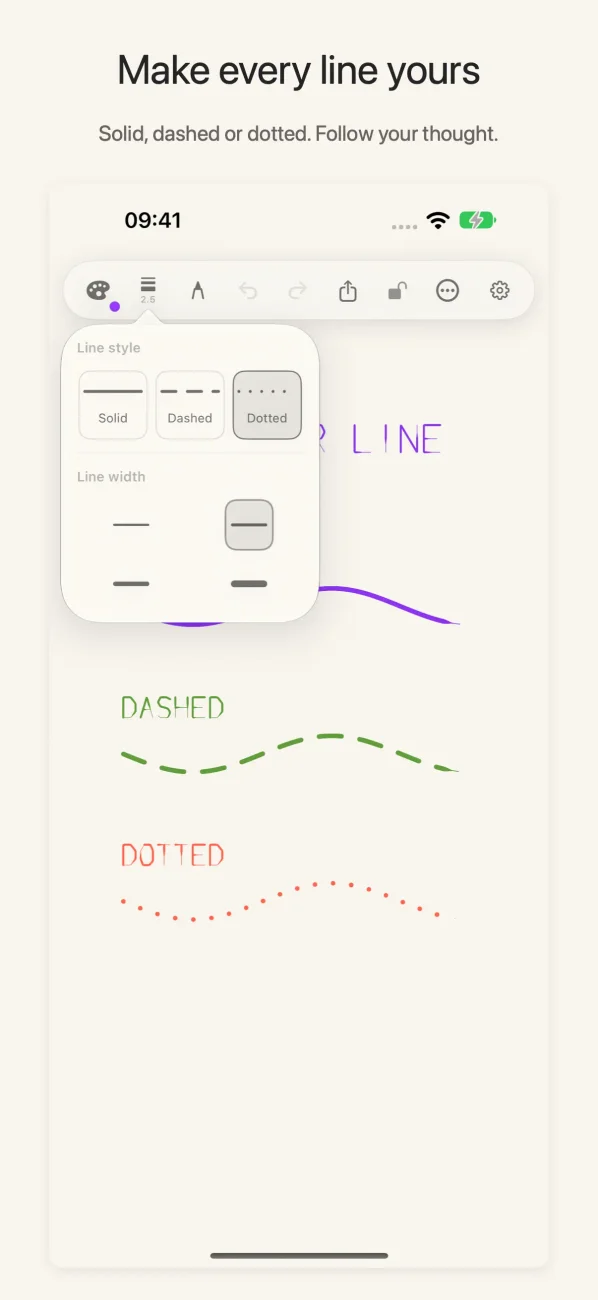
SKETCH YOUR WAY
Choose your colors, adjust stroke width, and switch between solid, dashed, and dotted lines. Draw with your finger or use Apple Pencil on a compatible iPad.
MAKE SPACE FOR IDEAS
Pan and zoom around your canvas without turning a page. Hide the toolbar in Focus mode, then bring it back whenever you need it.
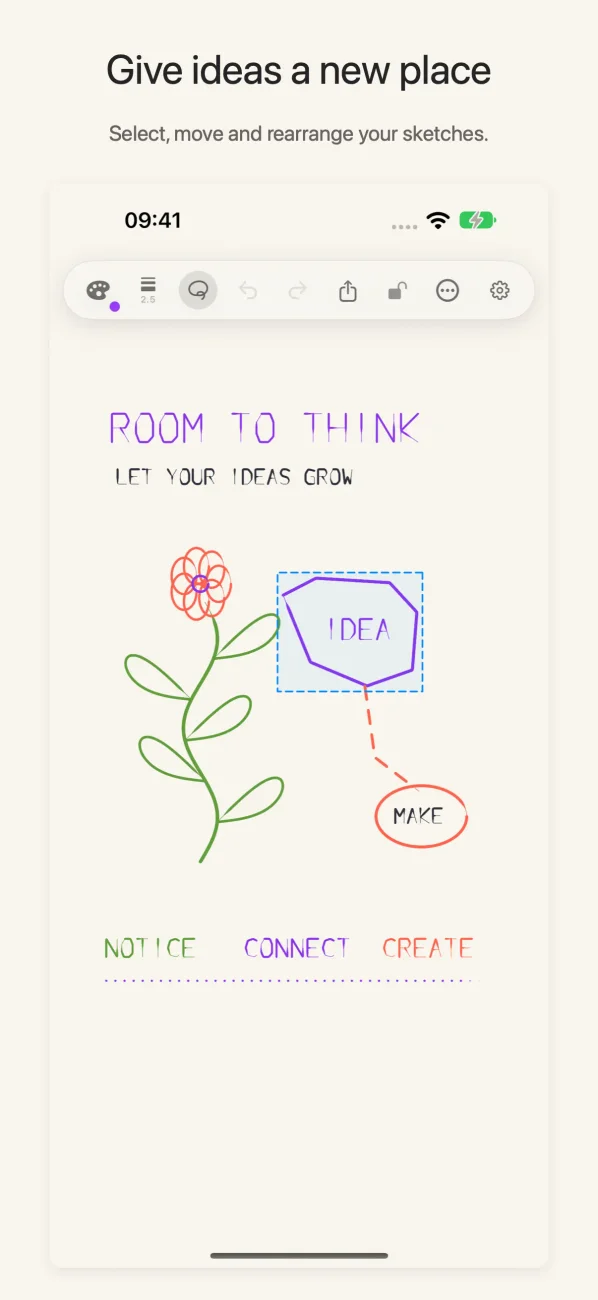
REARRANGE YOUR THINKING
Use lasso selection to move, duplicate, or delete strokes. Remove whole strokes with the eraser, and explore freely with undo and redo.
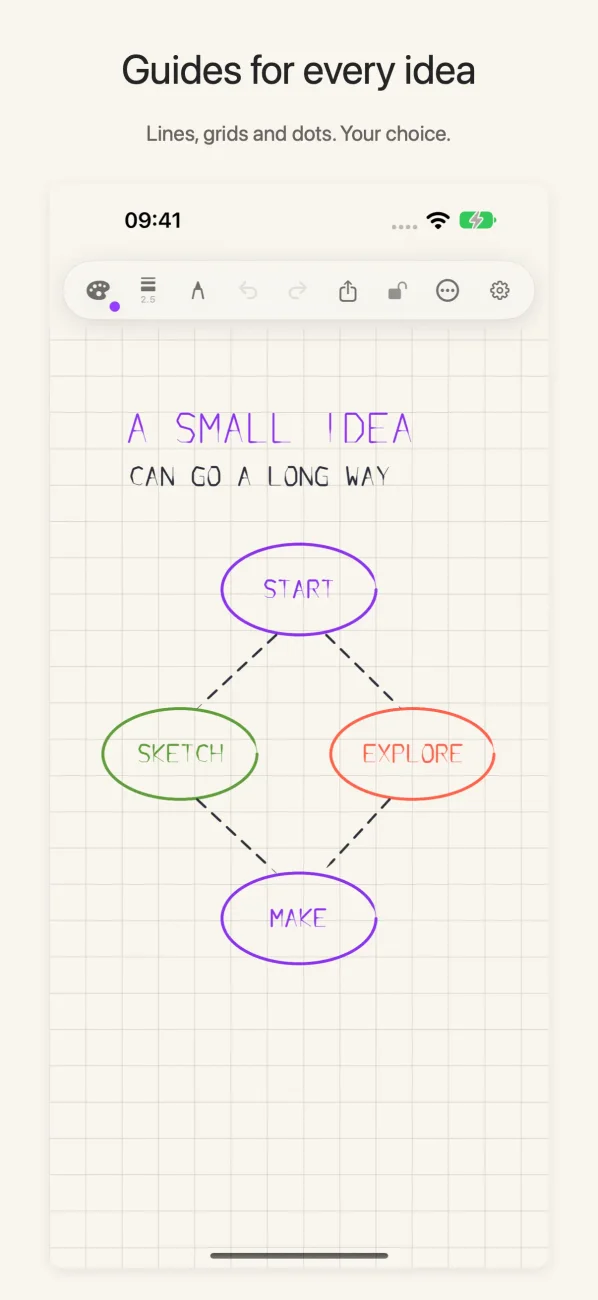
FIND YOUR GUIDES
Start with plain paper or add lines, a grid, or dots. Adjust the spacing to suit your handwriting, sketches, or diagrams.
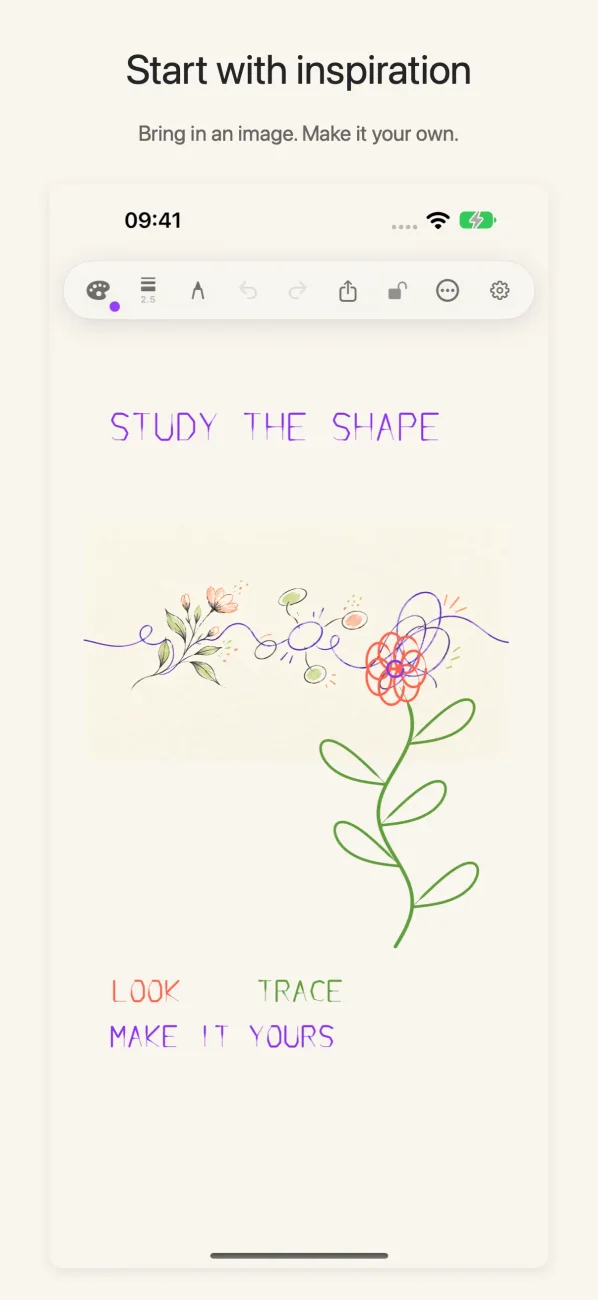
BRING IN INSPIRATION
Import a reference image from Photos or Files. Adjust its size, position, opacity, and visibility, then sketch over it or alongside it.
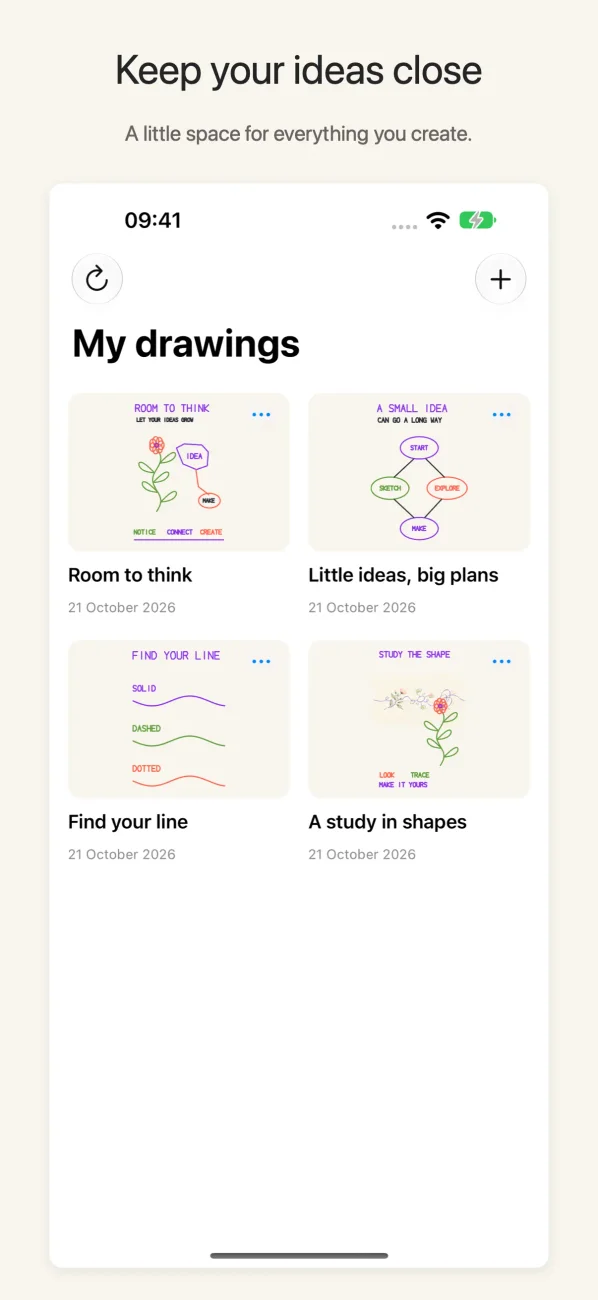
KEEP YOUR IDEAS TOGETHER
Save separate drawings in My drawings. Name, rename, duplicate, and revisit them when inspiration returns.
DRAW WITH APPLE PENCIL
On compatible iPads, customize pressure response, sensitivity, and tilt. Enable Pencil-only mode to draw with your Pencil and move the paper with one finger.
SHARE WHAT YOU CREATE
Export your whole drawing or the visible area as PDF or PNG. Choose whether to include your reference image and paper guides, with options for margins and backgrounds.
YOUR DRAWINGS STAY WITH YOU
Your work is stored locally on your device. No account, advertising, or tracking.
Think, scribble, let the paper roll.
Novedades
Versión 1.5 · 22/10/2026
More room for your ideas, with new ways to draw and organize:
• Solid, dashed, and dotted lines.
• Color and line controls arranged in easy-to-browse grids.
• Lasso selection to move, duplicate, or delete strokes.
• A whole-stroke eraser with undo and redo.
• Reference images from Photos or Files.
• Paper guides with lines, grids, or dots and adjustable spacing.
• A drawing library to name, duplicate, and revisit your work.
• Apple Pencil pressure, tilt, and Pencil-only settings on compatible iPads.
• Updated drawing tips and an in-app guide.
Privacidad de la aplicación
Lo que Stanko Gazibari declara en App Store sobre cómo esta aplicación gestiona los datos.
-
No se recopilan datos
El desarrollador no recopila ningún dato de esta aplicación.
Las prácticas de privacidad pueden variar, por ejemplo, según las funciones que uses o tu edad.
Información
- Vendedor
- Stanko Gazibari
- Categoría
- Estilo de vida
- Versión
- 1.5
- Actualizado
- 22/10/2026
- Publicado
- 26/4/2026
- Tamaño
- 1,6 MB
- Requiere
- iOS 18.6 o posterior
- Clasificación por edad
- 4+
- Precio
- 2,99 €
- Idiomas
- Inglés
- Copyright
- © 2026 Stanko Gazibaric
Quizá también te guste
-
 AntKeeper: Care JournalEstilo de vida
-
 JinXi - Record,reflect,expectEstilo de vida
-
 BarePaper: Thinking by HandEstilo de vida
-
 Diario Una Frase Ánimo DiarioPrivado Offline Hábito Racha
-
 Annum - The Tiny Day JournalEstilo de vida
-
 Solace: Private AI CompanionEstilo de vida
-
 Impasto - Paint RecipesEstilo de vida
-
 TalkToMe TranslatorEstilo de vida
-
 MBRCEstilo de vida
-
 Founders Baptist ChurchEstilo de vida