
- Age rating4+
- CategoryLifestyle
- DeveloperStanko Gazibari
- LanguagesEnglish
- Size1.6 MB
Links to the official App Store page
Download.org hosts no file of Infinity Paper. The button opens its official App Store page, published by Stanko Gazibari. Listing last checked on Nov 12, 2026.
Screenshots

About
Give your thoughts room to move.
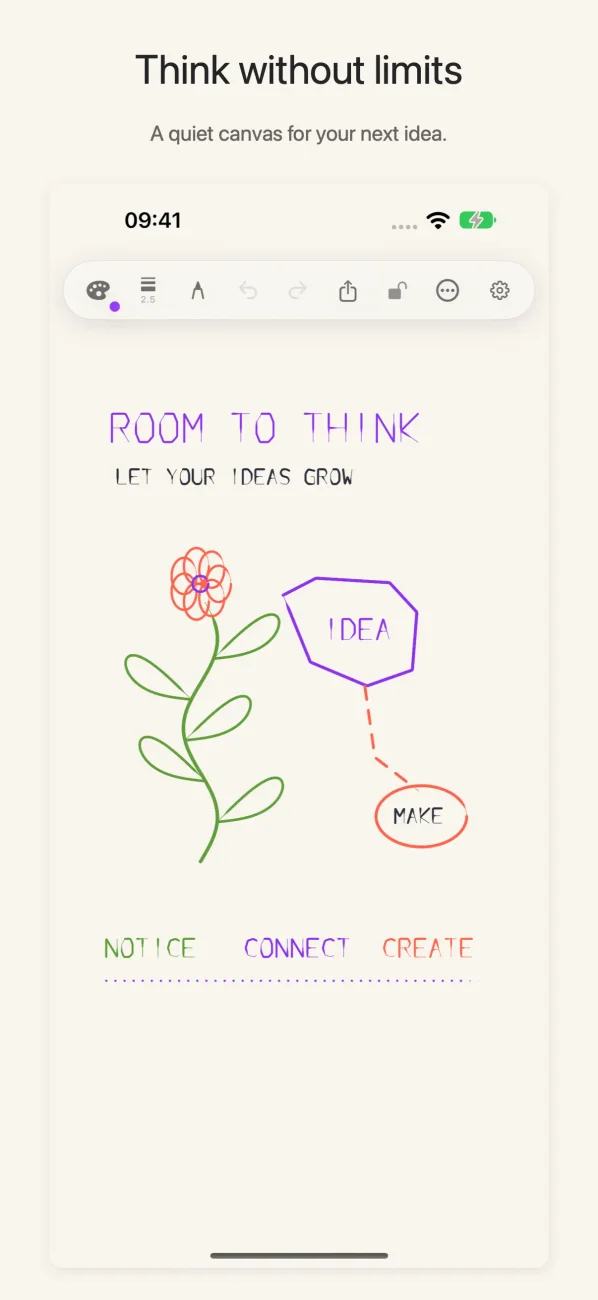
Infinity Paper is a quiet canvas for sketches, handwritten ideas, diagrams, and doodles. Let the paper move as you draw, or lock it when you want to stay in one place.
SKETCH YOUR WAY
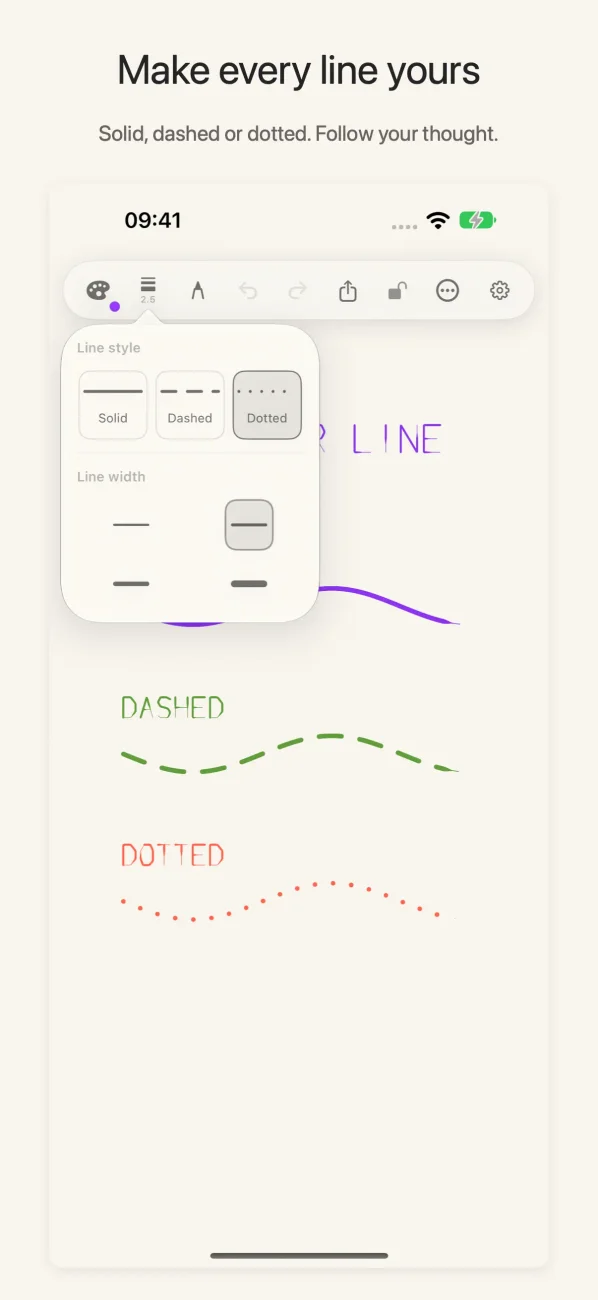
Choose your colors, adjust stroke width, and switch between solid, dashed, and dotted lines. Draw with your finger or use Apple Pencil on a compatible iPad.
MAKE SPACE FOR IDEAS
Pan and zoom around your canvas without turning a page. Hide the toolbar in Focus mode, then bring it back whenever you need it.
REARRANGE YOUR THINKING
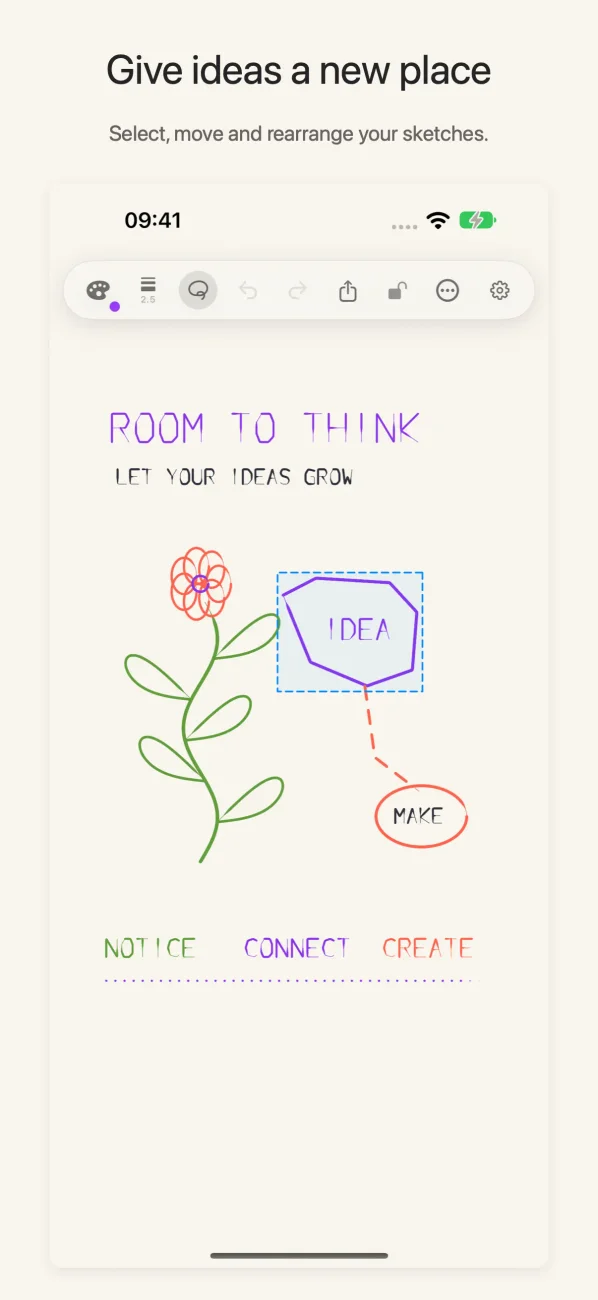
Use lasso selection to move, duplicate, or delete strokes. Remove whole strokes with the eraser, and explore freely with undo and redo.
FIND YOUR GUIDES
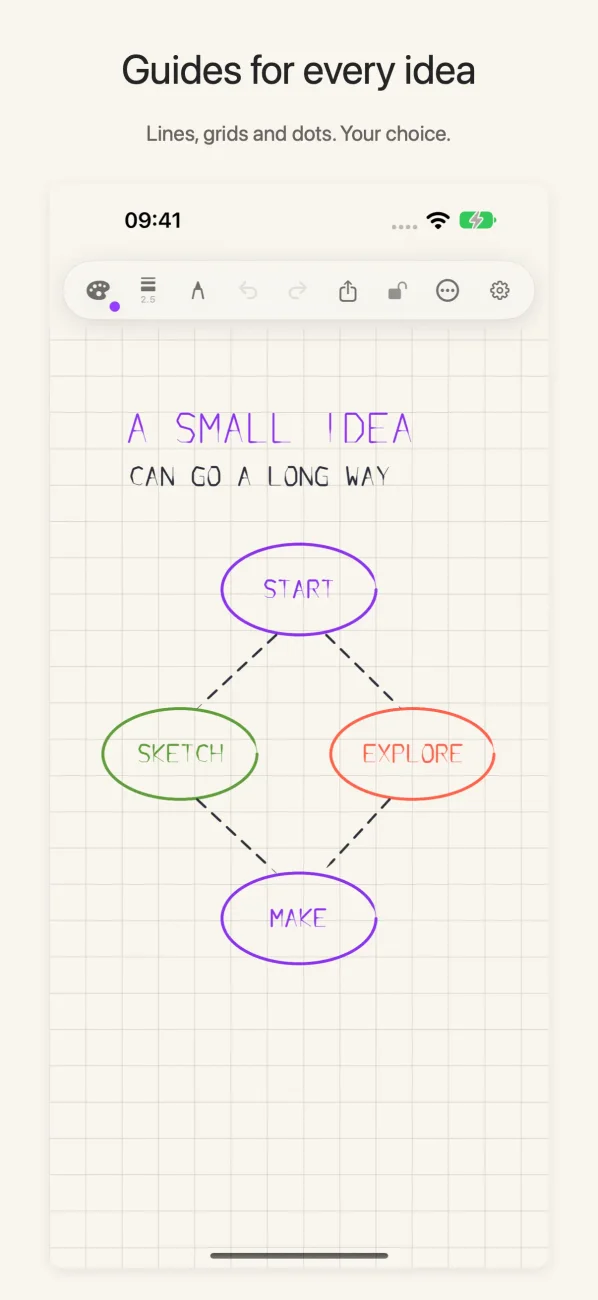
Start with plain paper or add lines, a grid, or dots. Adjust the spacing to suit your handwriting, sketches, or diagrams.
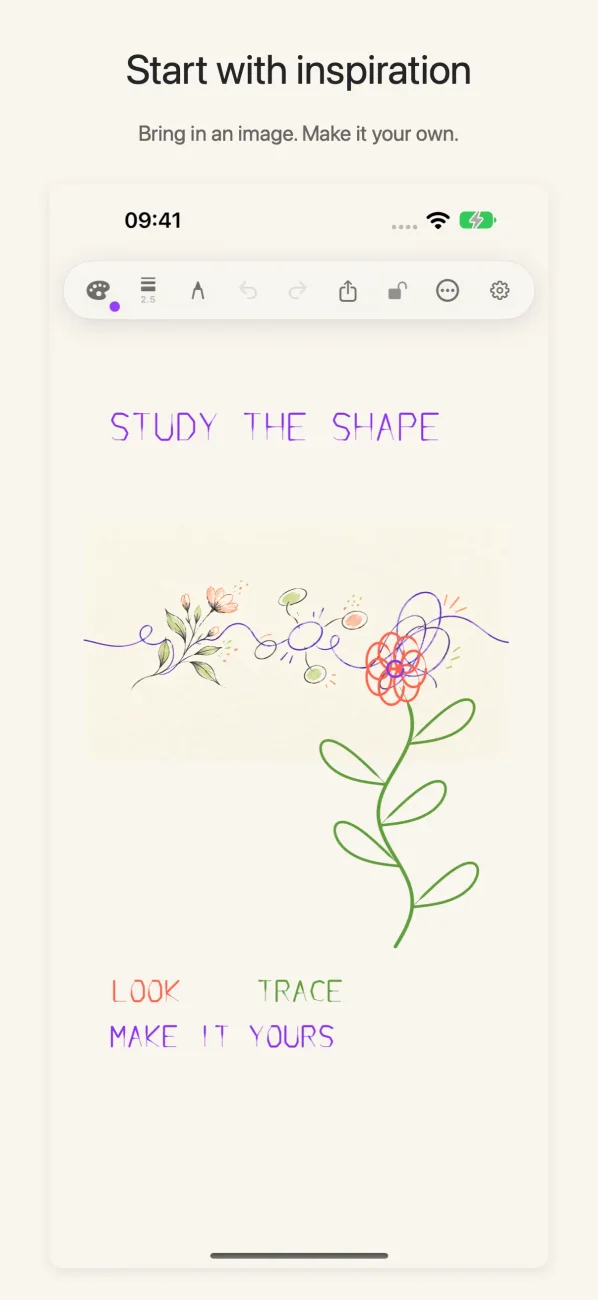
BRING IN INSPIRATION
Import a reference image from Photos or Files. Adjust its size, position, opacity, and visibility, then sketch over it or alongside it.
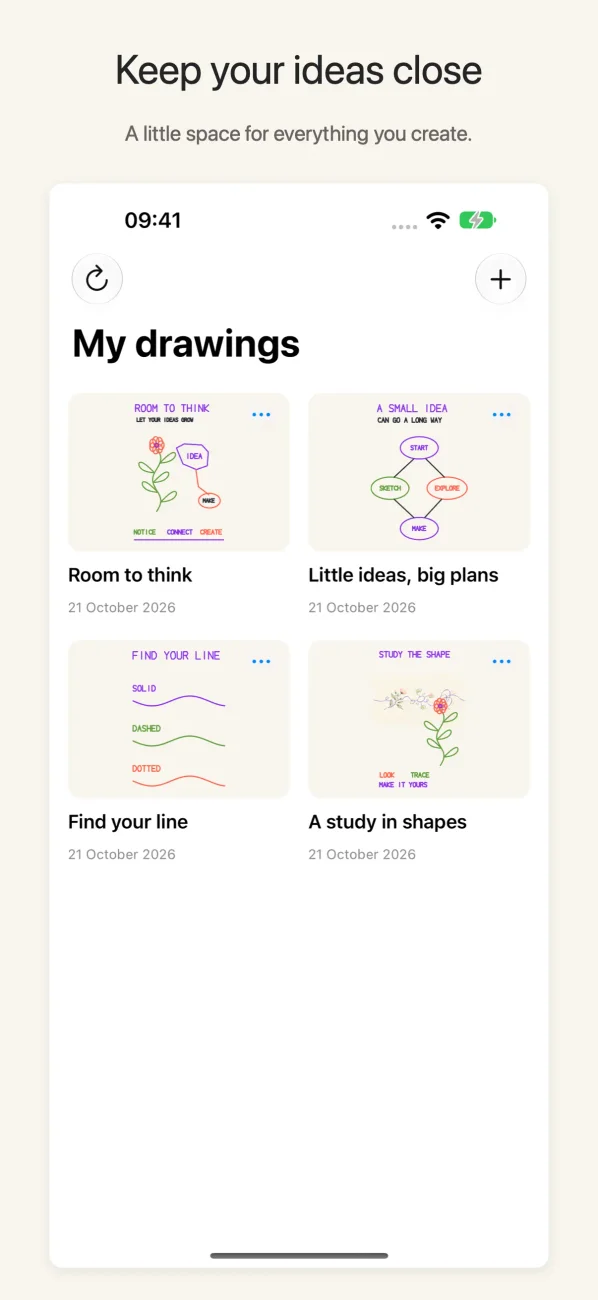
KEEP YOUR IDEAS TOGETHER
Save separate drawings in My drawings. Name, rename, duplicate, and revisit them when inspiration returns.
DRAW WITH APPLE PENCIL
On compatible iPads, customize pressure response, sensitivity, and tilt. Enable Pencil-only mode to draw with your Pencil and move the paper with one finger.
SHARE WHAT YOU CREATE
Export your whole drawing or the visible area as PDF or PNG. Choose whether to include your reference image and paper guides, with options for margins and backgrounds.
YOUR DRAWINGS STAY WITH YOU
Your work is stored locally on your device. No account, advertising, or tracking.
Think, scribble, let the paper roll.
What’s new
Version 1.5 · Oct 22, 2026
More room for your ideas, with new ways to draw and organize:
• Solid, dashed, and dotted lines.
• Color and line controls arranged in easy-to-browse grids.
• Lasso selection to move, duplicate, or delete strokes.
• A whole-stroke eraser with undo and redo.
• Reference images from Photos or Files.
• Paper guides with lines, grids, or dots and adjustable spacing.
• A drawing library to name, duplicate, and revisit your work.
• Apple Pencil pressure, tilt, and Pencil-only settings on compatible iPads.
• Updated drawing tips and an in-app guide.
App privacy
What Stanko Gazibari declares on the App Store about how this app handles data.
-
Data not collected
The developer does not collect any data from this app.
Privacy practices may vary, for example with the features you use or your age.
Information
- Seller
- Stanko Gazibari
- Category
- Lifestyle
- Version
- 1.5
- Updated
- Oct 22, 2026
- Released
- Apr 26, 2026
- Size
- 1.6 MB
- Requires
- iOS 18.6 or later
- Age rating
- 4+
- Price
- $2.99
- Languages
- English
- Copyright
- © 2026 Stanko Gazibaric
You might also like
-
 AntKeeper: Care JournalAnt Colony Care Journal
-
 JinXi - Record,reflect,expectmy journal,personal diary app
-
 BarePaper: Thinking by HandDistraction-free endless paper
-
 One Line Diary - Daily MoodPrivate Offline Habit Stats
-
 Annum - The Tiny Day JournalThe daily habit you’ll keep.
-
 Solace: Private AI CompanionYour private AI chat & friend.
-
 Impasto - Paint RecipesColor Mixing Made Simple
-
 TalkToMe TranslatorInstant Language Translations
-
 MBRCMembers' Lounge
-
 Founders Baptist ChurchLifestyle