
Infinity Paper
An infinite mental scratchpad
Dirancang untuk iPhone, iPad
Rp 59ribu
- Batasan usia4+
- KategoriGaya Hidup
- PengembangStanko Gazibari
- BahasaInggris
- Ukuran1,6 MB
Tertaut ke halaman resmi App Store
Download.org tidak menyimpan file Infinity Paper apa pun. Tombol ini membuka halaman aplikasi di App Store, tempat Stanko Gazibari menerbitkannya. Halaman terakhir diperiksa pada 12/11/2026.
Tangkapan layar

Tentang
Pengembang belum menyediakan teks ini dalam bahasa Anda.
Give your thoughts room to move.
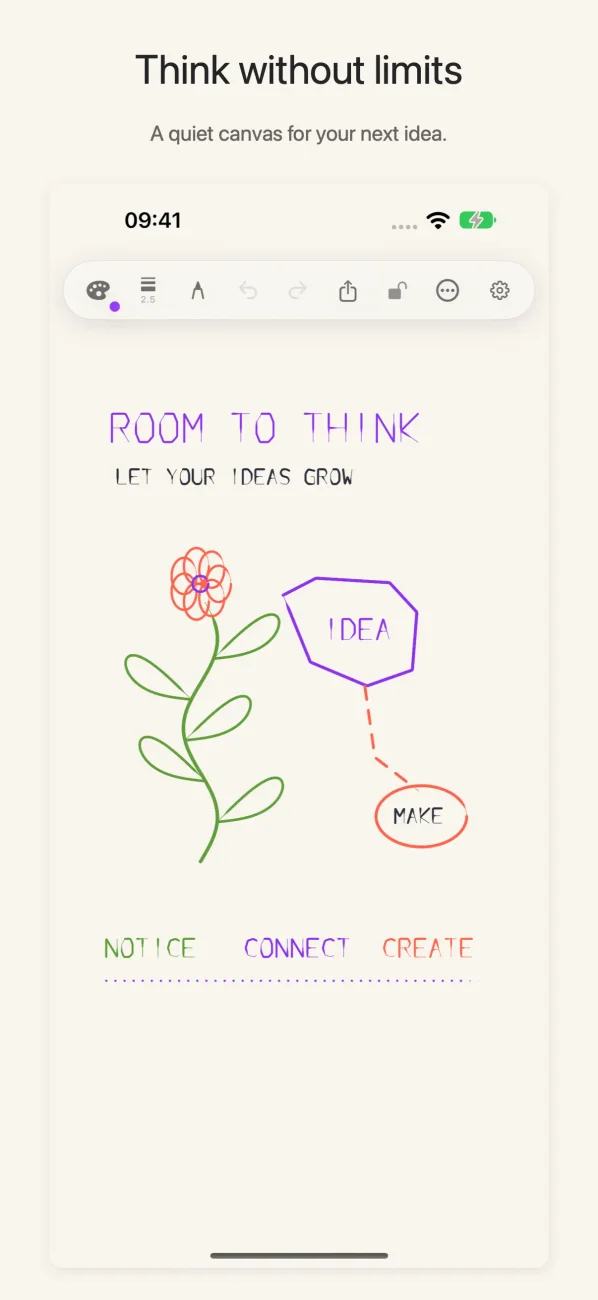
Infinity Paper is a quiet canvas for sketches, handwritten ideas, diagrams, and doodles. Let the paper move as you draw, or lock it when you want to stay in one place.
SKETCH YOUR WAY
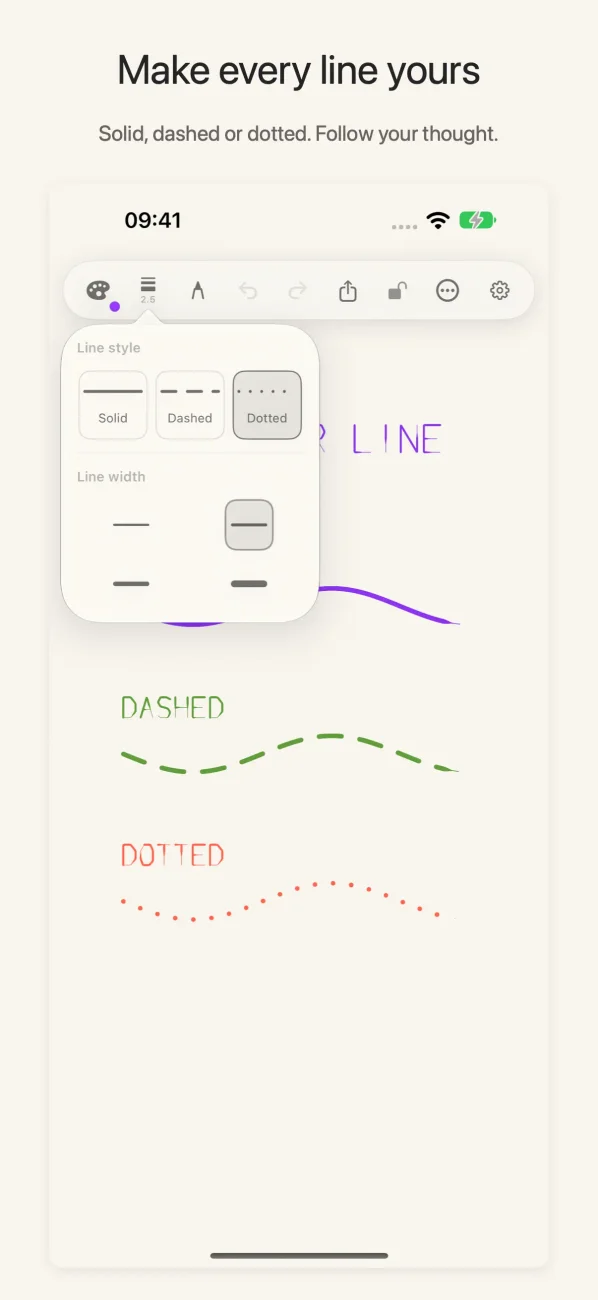
Choose your colors, adjust stroke width, and switch between solid, dashed, and dotted lines. Draw with your finger or use Apple Pencil on a compatible iPad.
MAKE SPACE FOR IDEAS
Pan and zoom around your canvas without turning a page. Hide the toolbar in Focus mode, then bring it back whenever you need it.
REARRANGE YOUR THINKING
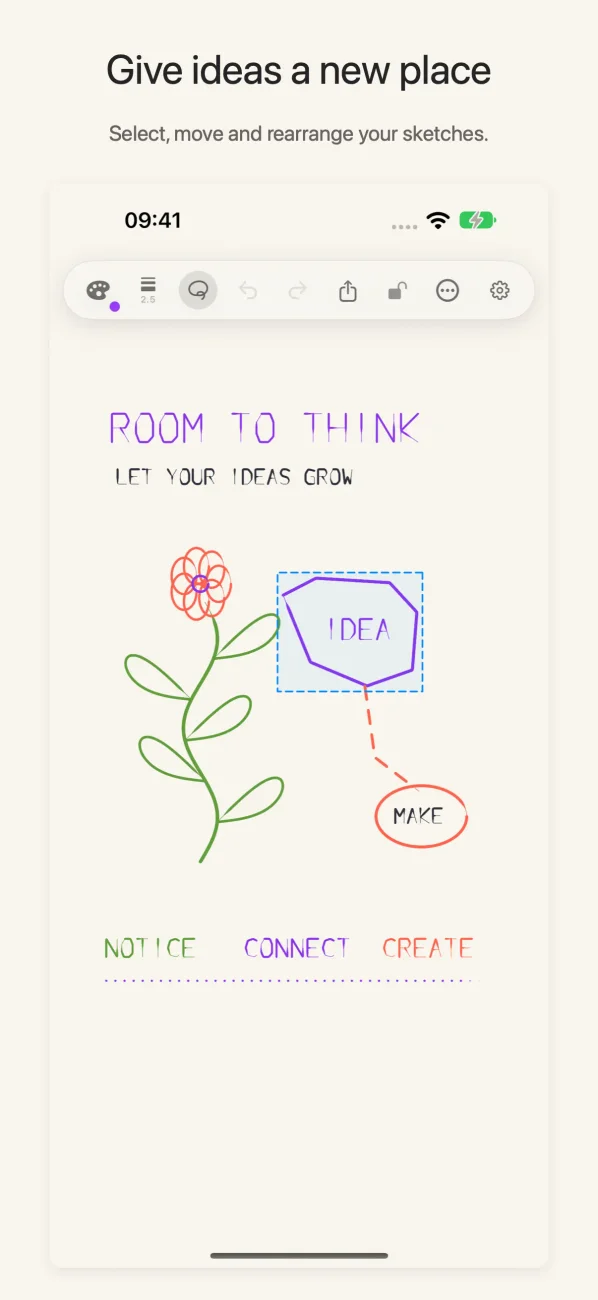
Use lasso selection to move, duplicate, or delete strokes. Remove whole strokes with the eraser, and explore freely with undo and redo.
FIND YOUR GUIDES
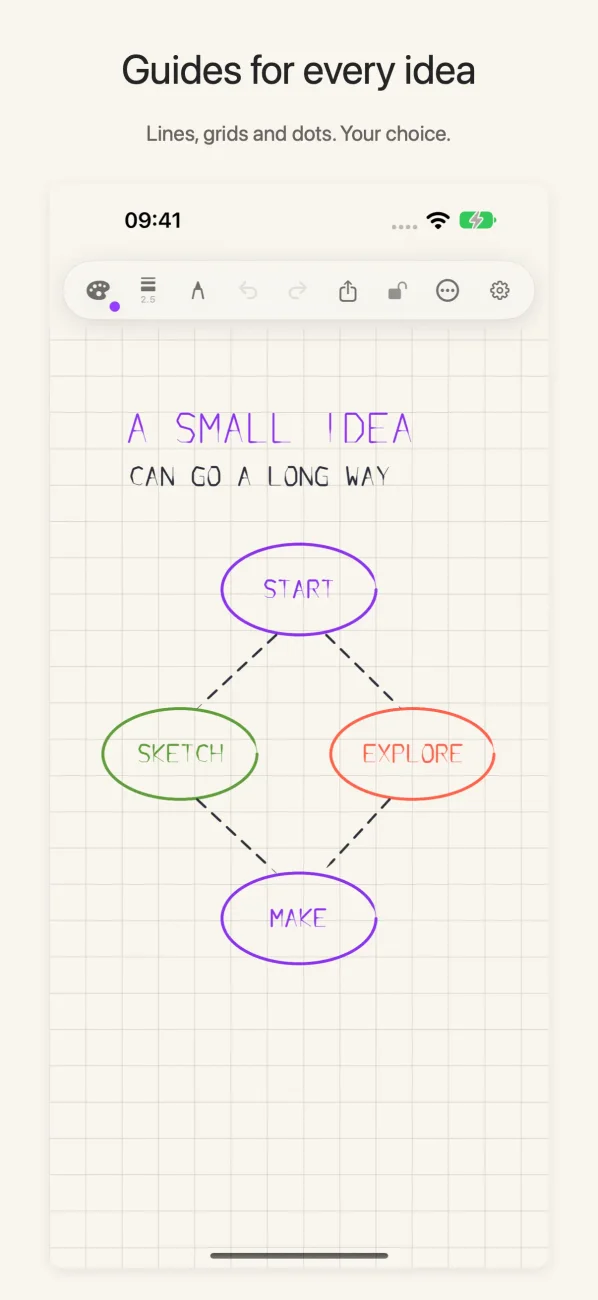
Start with plain paper or add lines, a grid, or dots. Adjust the spacing to suit your handwriting, sketches, or diagrams.
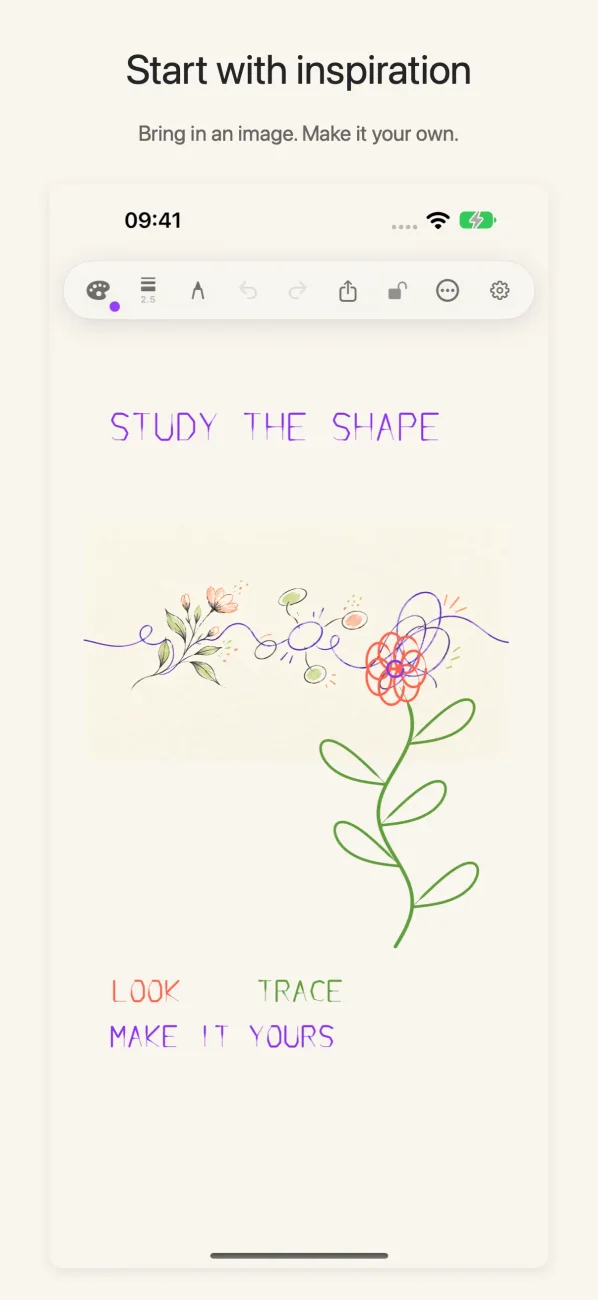
BRING IN INSPIRATION
Import a reference image from Photos or Files. Adjust its size, position, opacity, and visibility, then sketch over it or alongside it.
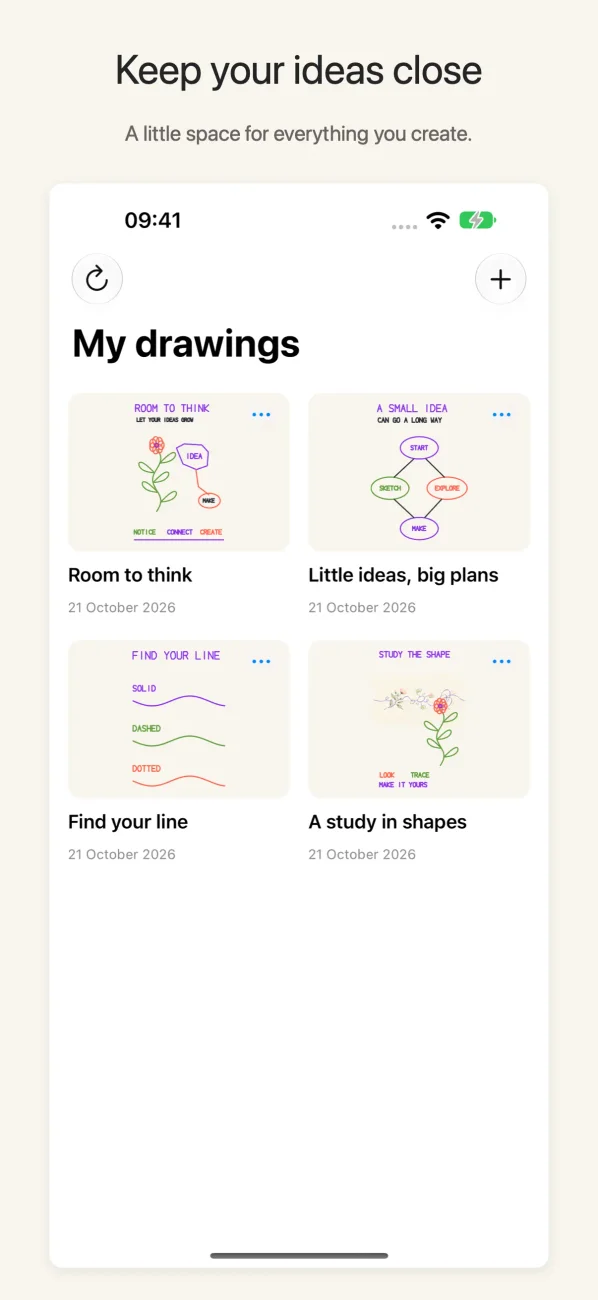
KEEP YOUR IDEAS TOGETHER
Save separate drawings in My drawings. Name, rename, duplicate, and revisit them when inspiration returns.
DRAW WITH APPLE PENCIL
On compatible iPads, customize pressure response, sensitivity, and tilt. Enable Pencil-only mode to draw with your Pencil and move the paper with one finger.
SHARE WHAT YOU CREATE
Export your whole drawing or the visible area as PDF or PNG. Choose whether to include your reference image and paper guides, with options for margins and backgrounds.
YOUR DRAWINGS STAY WITH YOU
Your work is stored locally on your device. No account, advertising, or tracking.
Think, scribble, let the paper roll.
Yang baru
Versi 1.5 · 22/10/2026
More room for your ideas, with new ways to draw and organize:
• Solid, dashed, and dotted lines.
• Color and line controls arranged in easy-to-browse grids.
• Lasso selection to move, duplicate, or delete strokes.
• A whole-stroke eraser with undo and redo.
• Reference images from Photos or Files.
• Paper guides with lines, grids, or dots and adjustable spacing.
• A drawing library to name, duplicate, and revisit your work.
• Apple Pencil pressure, tilt, and Pencil-only settings on compatible iPads.
• Updated drawing tips and an in-app guide.
Privasi aplikasi
Yang dinyatakan Stanko Gazibari di App Store tentang cara aplikasi ini menangani data.
-
Data tidak dikumpulkan
Pengembang tidak mengumpulkan data apa pun dari aplikasi ini.
Praktik privasi dapat bervariasi, misalnya berdasarkan fitur yang Anda gunakan atau usia Anda.
Informasi
- Penjual
- Stanko Gazibari
- Kategori
- Gaya Hidup
- Versi
- 1.5
- Diperbarui
- 22/10/2026
- Dirilis
- 26/4/2026
- Ukuran
- 1,6 MB
- Memerlukan
- iOS 18.6 atau yang lebih baru
- Batasan usia
- 4+
- Harga
- Rp 59ribu
- Bahasa
- Inggris
- Hak cipta
- © 2026 Stanko Gazibaric
Mungkin Anda juga suka
-
 AntKeeper: Care JournalGaya Hidup
-
 JinXi - Record,reflect,expectGaya Hidup
-
 BarePaper: Thinking by HandGaya Hidup
-
 Jurnal Satu Kalimat Mood LogPrivat Offline Kebiasaan Log
-
 Annum - The Tiny Day JournalGaya Hidup
-
 Solace: Private AI CompanionGaya Hidup
-
 Impasto - Paint RecipesGaya Hidup
-
 TalkToMe TranslatorGaya Hidup
-
 MBRCGaya Hidup
-
 Founders Baptist ChurchGaya Hidup