
- Clasificación por edad4+
- CategoríaProductividad
- Desarrolladorchangwoon choi
- IdiomasCoreano+ 1 más
- Tamaño8,0 MB
Es posible que Juns Schedule no esté disponible en App Store en este momento
No se pudo acceder a la ficha de la tienda en nuestra última comprobación. El enlace sigue llevando a la página oficial de App Store.
Capturas de pantalla
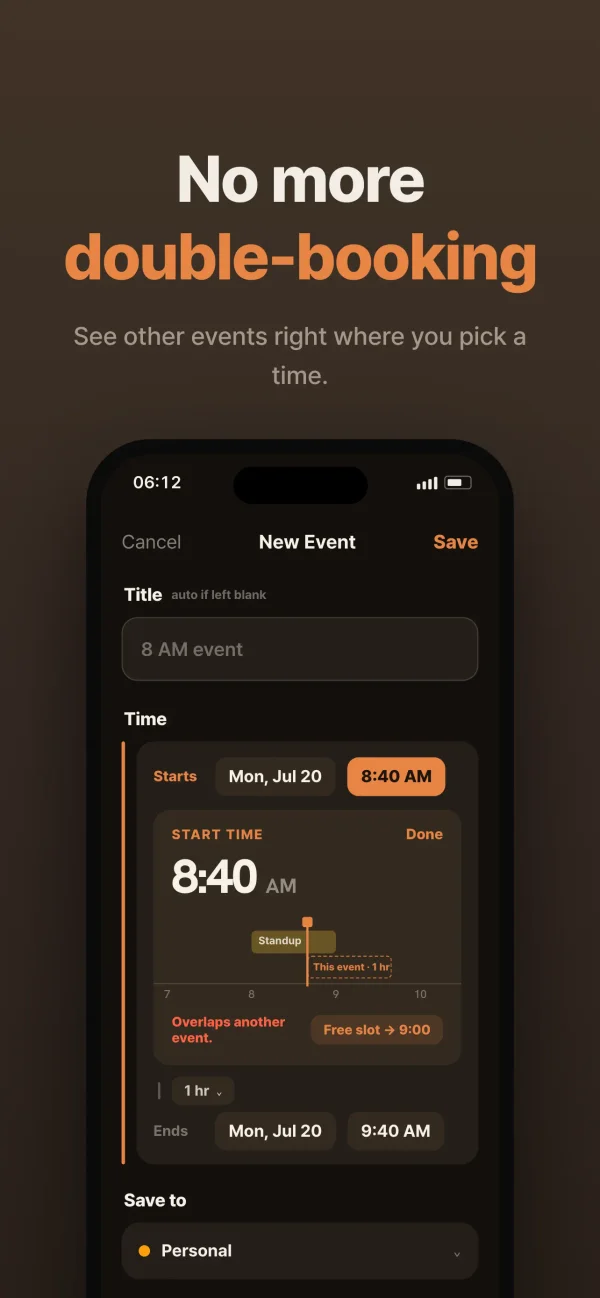
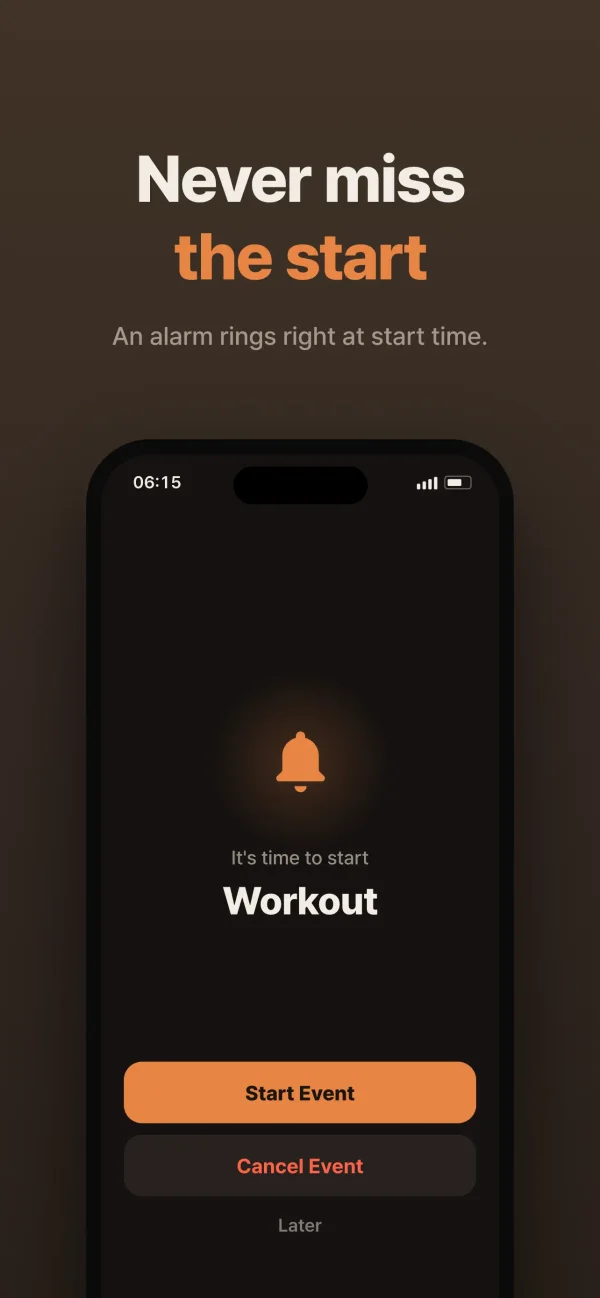
Acerca de
El desarrollador no ha proporcionado este texto en tu idioma.
Your day is packed. Juns Schedule does the math so you don't have to.
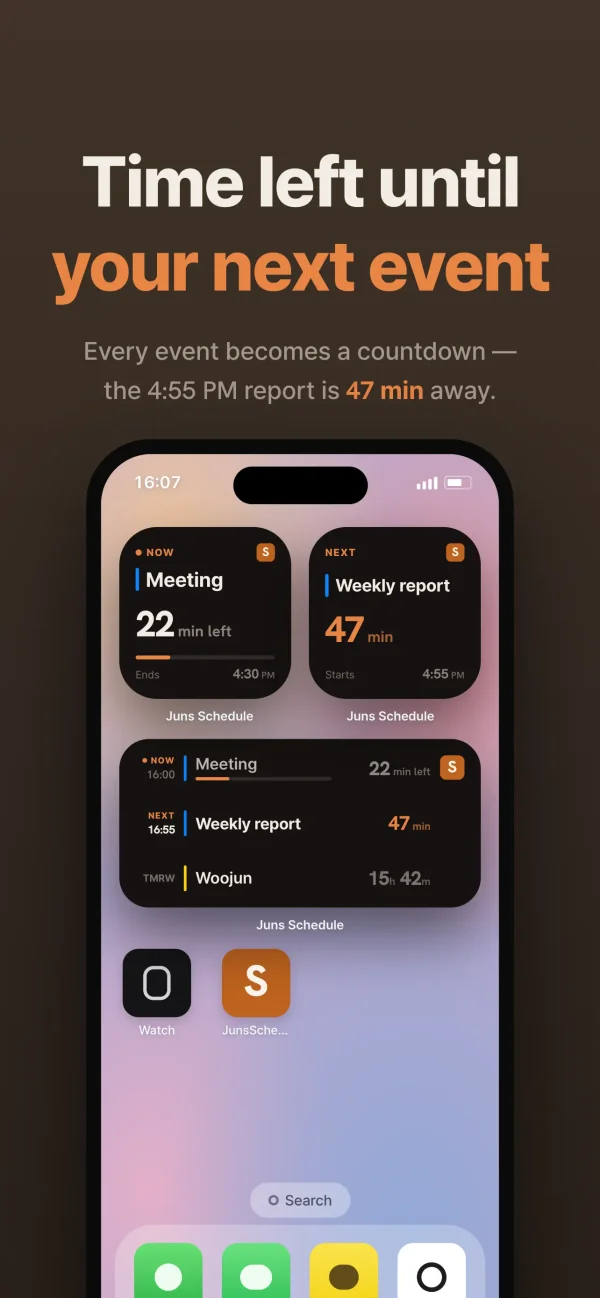
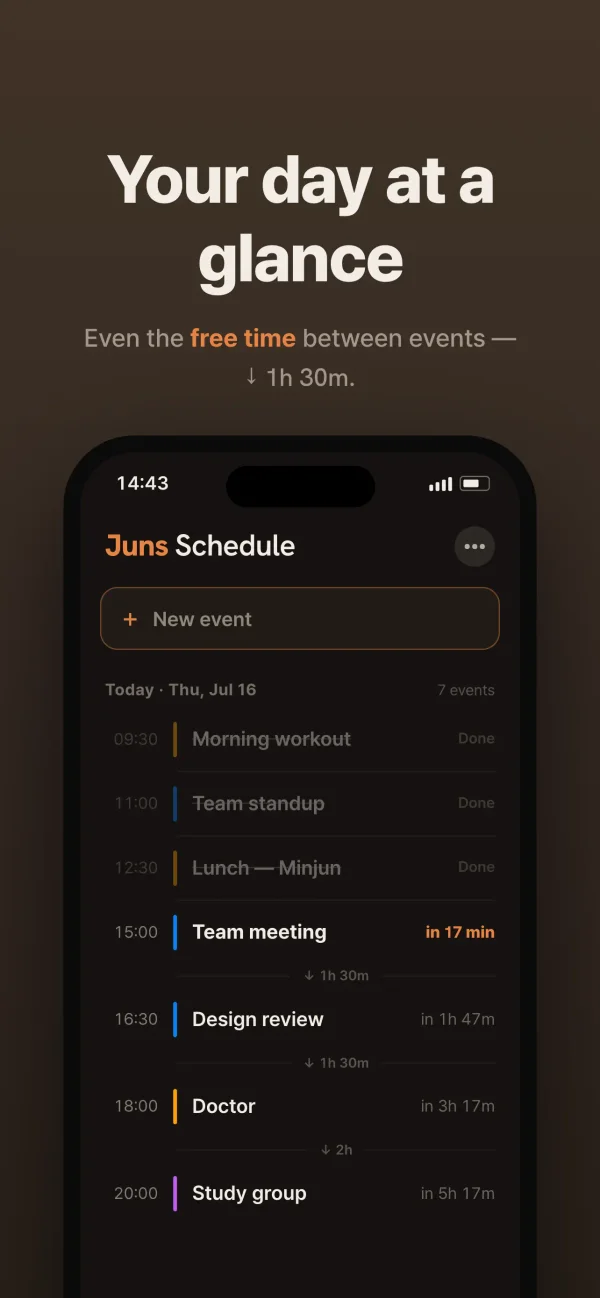
It reads the calendar you already keep and shows one thing that actually matters when you're busy: how much time is left — until your next event starts, and until the one you're in now ends. No more glancing at the clock and subtracting in your head.
WHAT YOU GET
• Live countdowns to your next event and to the end of what's running now
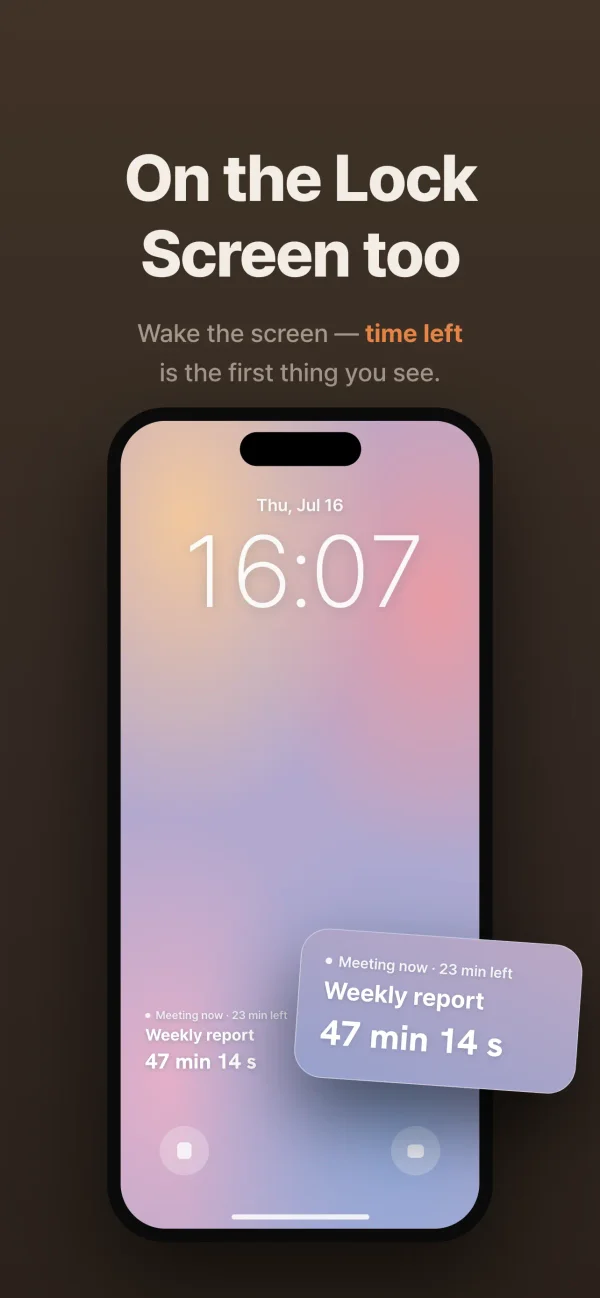
• Home Screen and Lock Screen widgets — the time left, always in view
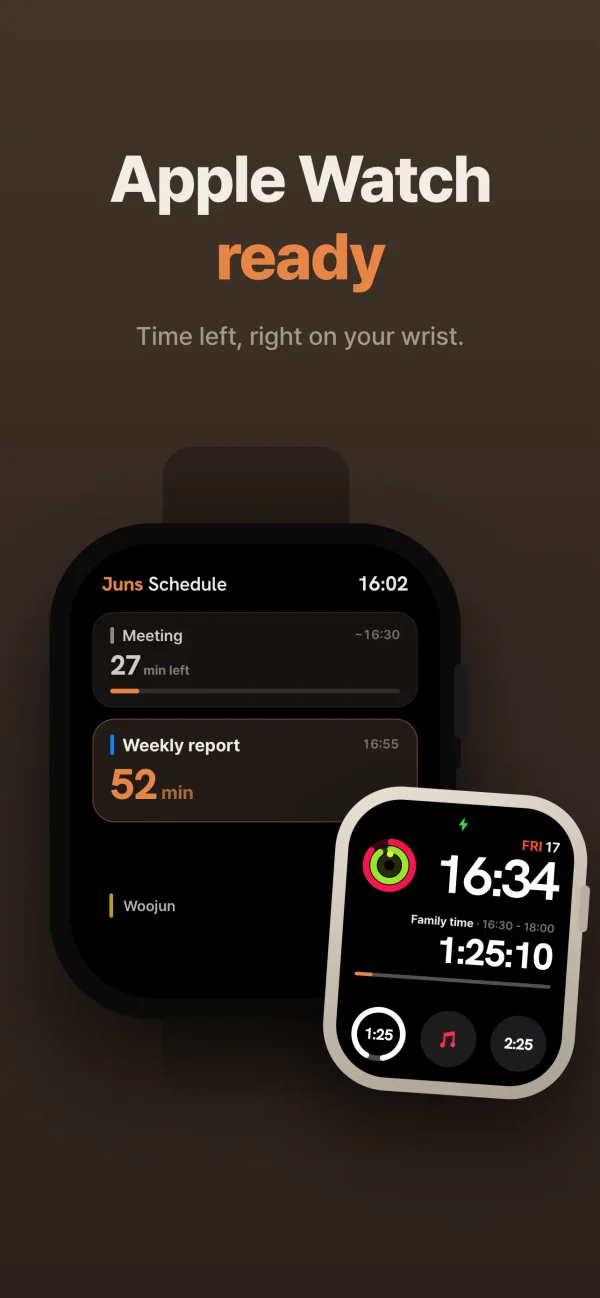
• Apple Watch app and complications — start, end, or skip an event from your wrist
• Built on your existing calendar — nothing new to maintain
• Fast, minimal entry when you do add something
MADE FOR TIGHT DAYS
Airport runs where check-in and the gate are minutes apart. Back-to-back meetings. Live production, tours, shoots — any day that moves by the minute. If you keep checking "how long do I have?", this is for you.
QUIET BY DESIGN
• Time-sensitive alerts when an event is about to start
• Optional silent auto-start and end reminders
• Numbers you can read at a glance, never a wall of text
NO NONSENSE
• Pay once. No subscription, no ads, no account.
• Reads your calendar on your device. Event details never leave your phone.
• Anonymous usage stats only — nothing that identifies you.
Juns Schedule isn't another calendar. It's the answer to the only question a busy day keeps asking: how much time do I have left?
Novedades
Versión 1.3.0 · 1/9/2026
• The new-event screen has been reorganized
• Create all-day events here.
• Edit all-day events here too.
• Settings › Display › Visible calendars — choose which calendars this app shows. Hide holidays, birthdays or subscribed calendars that don't need a countdown and your home screen, widgets and watch get a lot quieter. Calendars added later show up automatically.
• Settings › Display › Show all-day events — hide events without a time, like birthdays and trips.
Privacidad de la aplicación
Lo que changwoon choi declara en App Store sobre cómo esta aplicación gestiona los datos.
-
Datos no vinculados a ti
Pueden recopilarse, pero no se vinculan a tu identidad.
- Identificadores
- Datos de uso
Las prácticas de privacidad pueden variar, por ejemplo, según las funciones que uses o tu edad.
Información
- Vendedor
- changwoon choi
- Categoría
- Productividad
- Versión
- 1.3.0
- Actualizado
- 1/9/2026
- Publicado
- 16/7/2026
- Tamaño
- 8,0 MB
- Requiere
- iOS 17.0 o posterior
- Clasificación por edad
- 4+
- Idiomas
- Coreano, Inglés
- Copyright
- © 2026 Juns Works
Quizá también te guste
-
 Mosco - Calendar & To-DoProductividad
-
 Gridpaper: To-Do & DiaryProductividad
-
 Pack Check: Voice ChecklistProductividad
-
 오늘치Productividad
-
 PassforAllProductividad
-
 Quick Memo+ToDo - PinDeckProductividad
-
 My ListMateProductividad
-
 Kipin: Guardar Enlaces y NotasMarcadores, capturas, fotos
-
 DayBlock: Build your dayProductividad
-
 LookCalendarProductividad