
- Clasificación por edad4+
- CategoríaUtilidades
- DesarrolladorSeGun Lee
- IdiomasInglés+ 1 más
- Tamaño50,3 MB
Enlaza a la página oficial de App Store
Download.org no aloja ningún archivo de LightComics. El botón abre la página de la aplicación en App Store, donde la publica SeGun Lee. Ficha comprobada por última vez el 24/11/2026.
Capturas de pantalla

Acerca de
El desarrollador no ha proporcionado este texto en tu idioma.
Essential Viewer LightComics application for iPhone and iPad
The following features are supported!
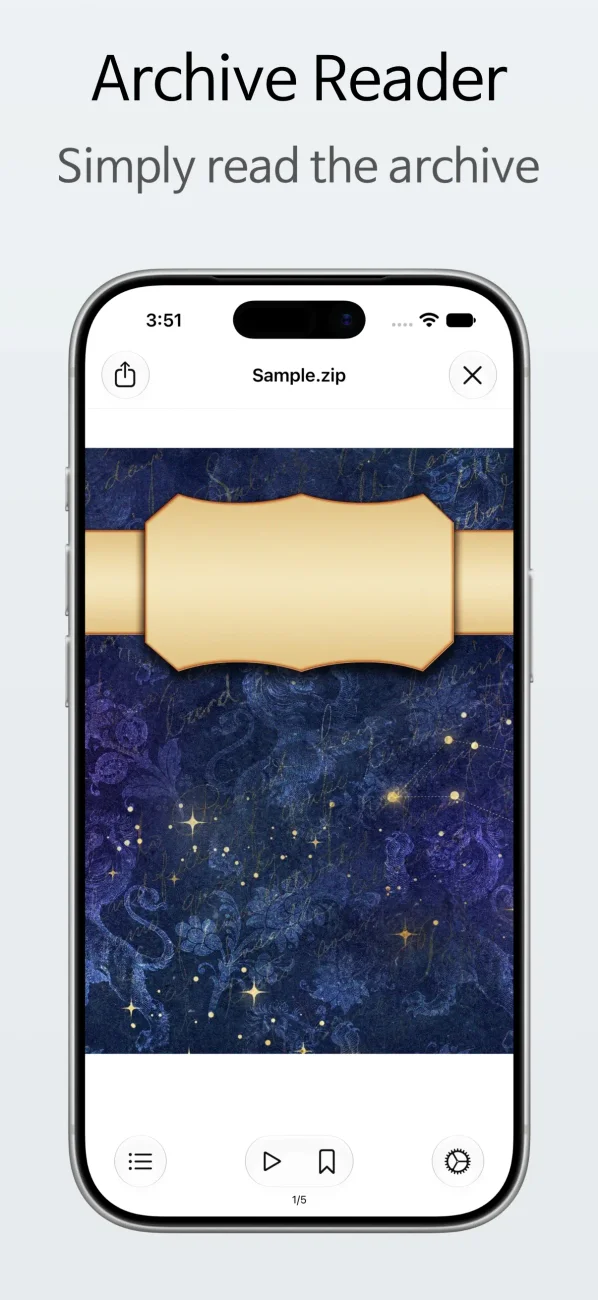
◆ Image Viewer
• Supported compressed files: ZIP, RAR, CBZ, and folders are also available.
* Multiple compressed files are not supported (compressed in compression file)
• Supports wide image cropping, cropping, and reverse sequencing.
• Supports image filter [contrast] and [inverted].
• Supports Fit Image Ratio (General), Fill Ratio (Longer Images)
• For large ZIP files, fast indexing is provided.
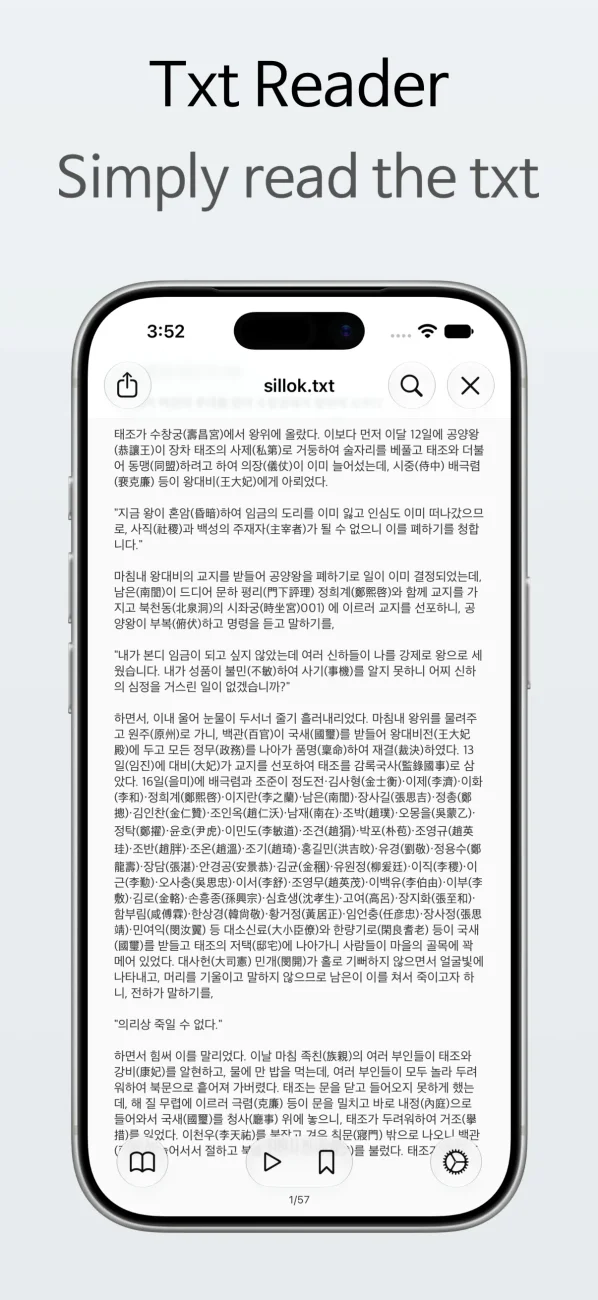
◆ Text Viewer
• Support file: TXT
* Extensions that can be expressed as a text viewer are also supported (ex. .log, .sh, .md, etc.)
• Supports text content search and shortcuts.
• Supports paragraph alignment: paragraphs split by line breaks read as one, and it can be set per book.
• Support TTS (Text To Speech).
* You can activate the function in [Laboratory].
• Offers 3 default fonts and allows for font size and line-to-line adjustment.
* Installed fonts are available (iOS 13 and later)
• You can change the background color and font color of the font.
• Provides fast indexing of large TXT files.
◆ PDF Viewer (iOS 11 and above)
• Supported text files: PDF
• Enables PDF content retrieval and shortcuts.
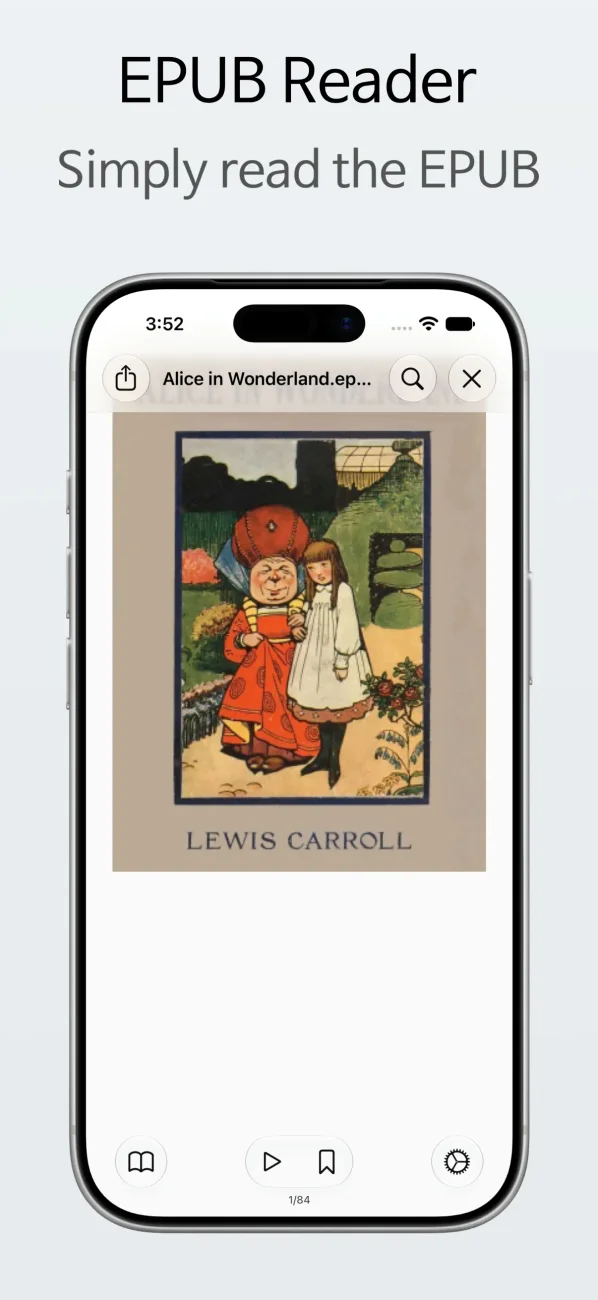
◆ EPUB Plain Text Viewer
* An experimental feature in which only text is extracted from the EPUB. You can activate the function in [Laboratory].
• Support file: EPUB (EPUB2, EPUB3 type)
• Provides features such as a text viewer.
◆ Viewer Common Features
• Background color white and black change support
• Bookmark support
• Enable quick page movement
• Automatic slide support
• Support for scrolling and page curl
• Support two-page split when using page curl transitions
• Support LTR, RTL, and TTB Scroll Direction
• Assign your own keys for next/previous page, next/previous file, and close viewer in [Settings] > [Keyboard & Remote]. (Bluetooth keyboards and some Bluetooth page turners and presenters supported)
• Hold the ⌘ key on iPad to see your assigned viewer shortcuts.
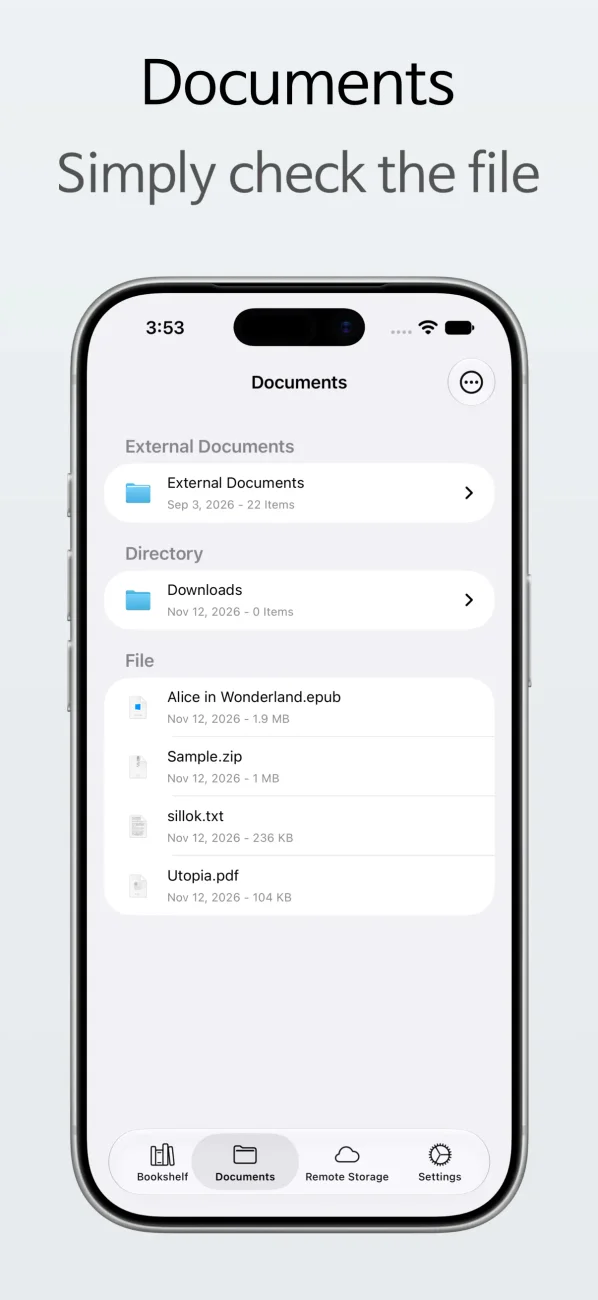
◆ Document
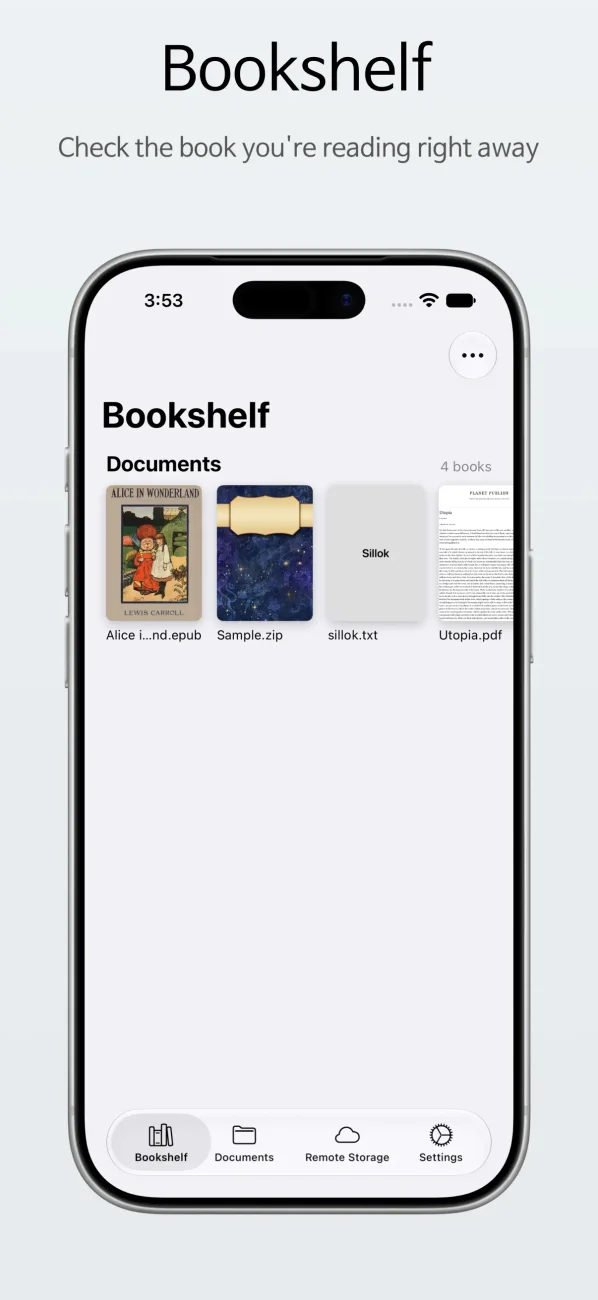
• Provides a file tree-like design support.
• Works with Apple's [File] application.
• Supports decompression of compressed files.
• Supports new folders, rename, move, delete, and share files.
• Read files directly from external documents and repositories (iOS 13 and later)
* You can activate the function in [Laboratory].
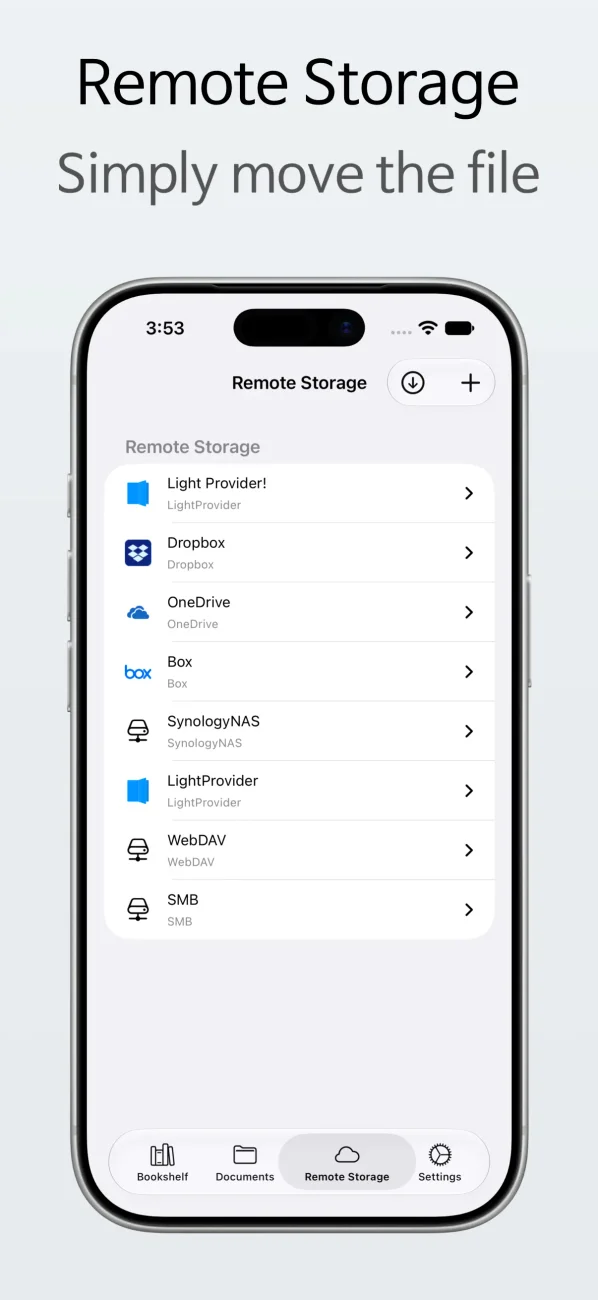
◆ Remote Storage
• Support FTP, WebDAV, SMB, Dropbox, and Onedrive.
* Background downloads are not supported.
• You can delete files in remote storage.
• Quick View is supported.
* You can activate the function in [Laboratory].
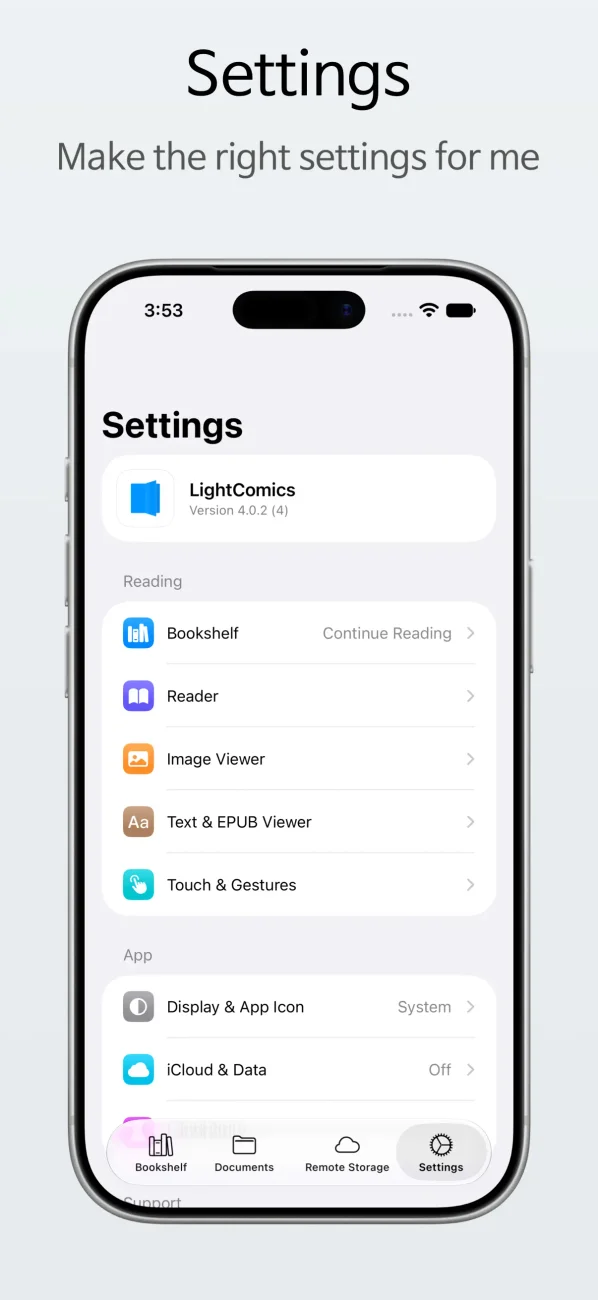
◆ Common Features
• Works with Apple's File application.
• Supports dark themes.
• Supports iCloud synchronization. (Sync only the data in the read information, the file will not be synchronized.)
• Adjust how many books appear per row (cover size) on the bookshelf.
• Support a wide range of other default options
◆ Laboratory functions
• EPUB (epub2, epub3) extracts only text from file to represent viewer
• Page movement using volume up and down physical buttons
• Page movement via Bluetooth keyboard
• Text to Speech (TTS) support
• Status bar always displays
• External documents and storage access
• Hide hidden files
• Light Provider (compressed-file streaming server) beta
• AI Upscale (sharpens low-resolution pages in image books with AI; per-book on/off in the viewer)
• Swipe down to close a book (landscape only)
◆ If you have any questions, please send them directly to the app at [Settings] - [Contact] or segunleedev@gmail.com.
◆ The Laboratory features can cause errors.
◆ If the app shuts down immediately when running, switch on iOS [Settings]App -> [LightComics] -> reset and re-run
* The saved reading list is deleted.
Novedades
Versión 4.0.6 · 22/11/2026
- Added paragraph alignment to the text viewer. You can turn it on or off per book, and paragraphs split by line breaks are joined for smoother reading.
- You can now choose how many books appear per row on the bookshelf. Fewer books per row means larger covers.
- Added a 'Swipe down to close book' option to the Laboratory. When on, you can swipe down on the page to close the book while reading horizontally.
- Refined the book close animation.
- Improved stability.
Privacidad de la aplicación
Lo que SeGun Lee declara en App Store sobre cómo esta aplicación gestiona los datos.
-
Datos usados para rastrearte
Pueden usarse para rastrearte en aplicaciones y sitios web propiedad de otras empresas.
- Identificadores
- Datos de uso
-
Datos no vinculados a ti
Pueden recopilarse, pero no se vinculan a tu identidad.
- Contenido del usuario
- Identificadores
- Datos de uso
- Diagnóstico
Las prácticas de privacidad pueden variar, por ejemplo, según las funciones que uses o tu edad.
Información
- Vendedor
- SeGun Lee
- Categoría
- Utilidades
- Versión
- 4.0.6
- Actualizado
- 22/11/2026
- Publicado
- 6/10/2018
- Tamaño
- 50,3 MB
- Requiere
- iOS 26.0 o posterior
- Clasificación por edad
- 4+
- Precio
- Gratis
- Idiomas
- Inglés, Coreano
- Copyright
- © 2026 LEESEGUN
Quizá también te guste
-
 펀뷰 - 이미지, 만화 뷰어폴더나 압축 파일에 있는 이미지를 간단하게 보기
-
 TxtBook - Slim TXT ReaderUtilidades
-
 더치트 - 사기피해 정보공유 공식 앱Utilidades
-
 Fecha de CaducidadGestor de fechas de caducidad
-
 Mobile IDentification AppUtilidades
-
 Unicorn Pro:Content BlockerUtilidades
-
 네이버 스마트보드 - Naver SmartboardUtilidades
-
 ICN SMARTPASS (인천공항 스마트패스)Utilidades
-
 8BitDo Ultimate SoftwareUtilidades
-
 Unicorn HTTPSUtilidades