
- 対象年齢4+
- カテゴリユーティリティ
- 開発元SeGun Lee
- 言語英語ほか1言語
- サイズ50.3 MB
App Storeの公式ページにリンクしています
Download.orgはLightComicsのファイルを一切ホストしていません。ボタンを押すと、SeGun Leeが公開しているApp Storeのアプリページが開きます。ページの最終確認:2026/11/24。
スクリーンショット

概要
開発元はこのテキストをお使いの言語で提供していません。
Essential Viewer LightComics application for iPhone and iPad
The following features are supported!
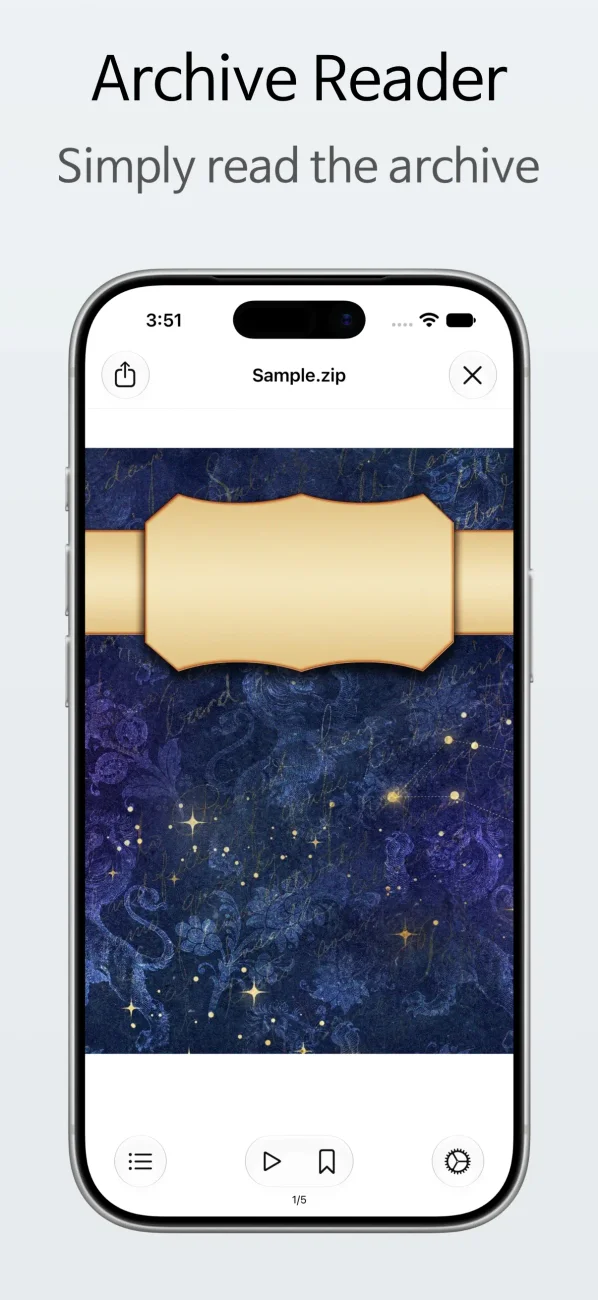
◆ Image Viewer
• Supported compressed files: ZIP, RAR, CBZ, and folders are also available.
* Multiple compressed files are not supported (compressed in compression file)
• Supports wide image cropping, cropping, and reverse sequencing.
• Supports image filter [contrast] and [inverted].
• Supports Fit Image Ratio (General), Fill Ratio (Longer Images)
• For large ZIP files, fast indexing is provided.
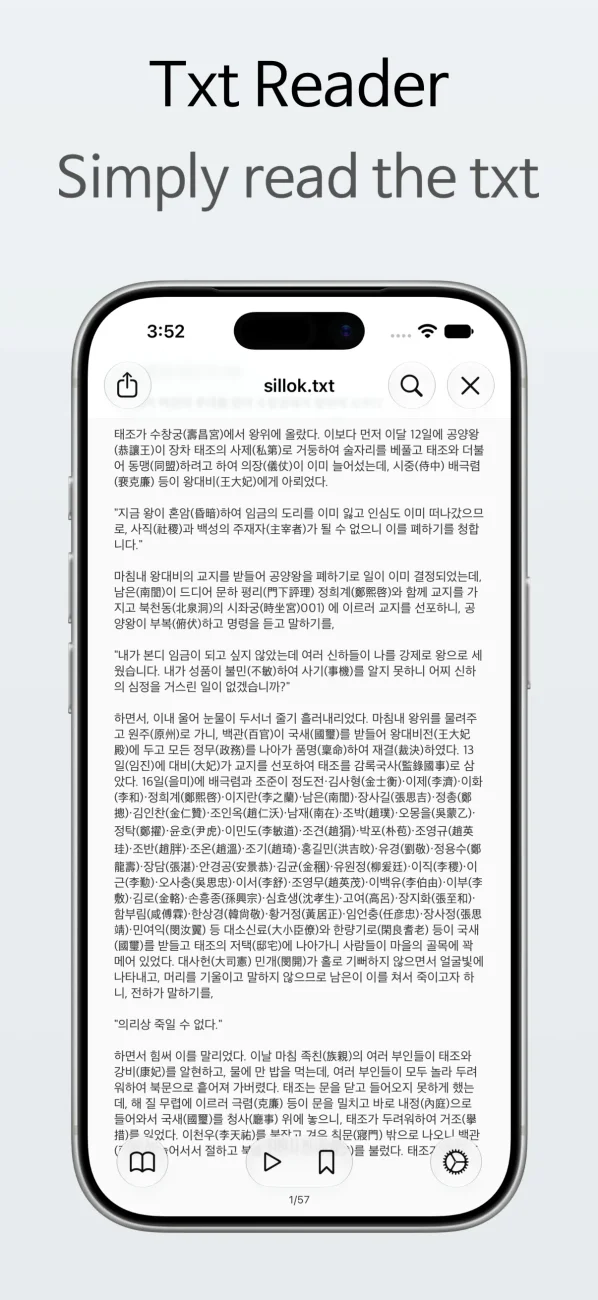
◆ Text Viewer
• Support file: TXT
* Extensions that can be expressed as a text viewer are also supported (ex. .log, .sh, .md, etc.)
• Supports text content search and shortcuts.
• Supports paragraph alignment: paragraphs split by line breaks read as one, and it can be set per book.
• Support TTS (Text To Speech).
* You can activate the function in [Laboratory].
• Offers 3 default fonts and allows for font size and line-to-line adjustment.
* Installed fonts are available (iOS 13 and later)
• You can change the background color and font color of the font.
• Provides fast indexing of large TXT files.
◆ PDF Viewer (iOS 11 and above)
• Supported text files: PDF
• Enables PDF content retrieval and shortcuts.
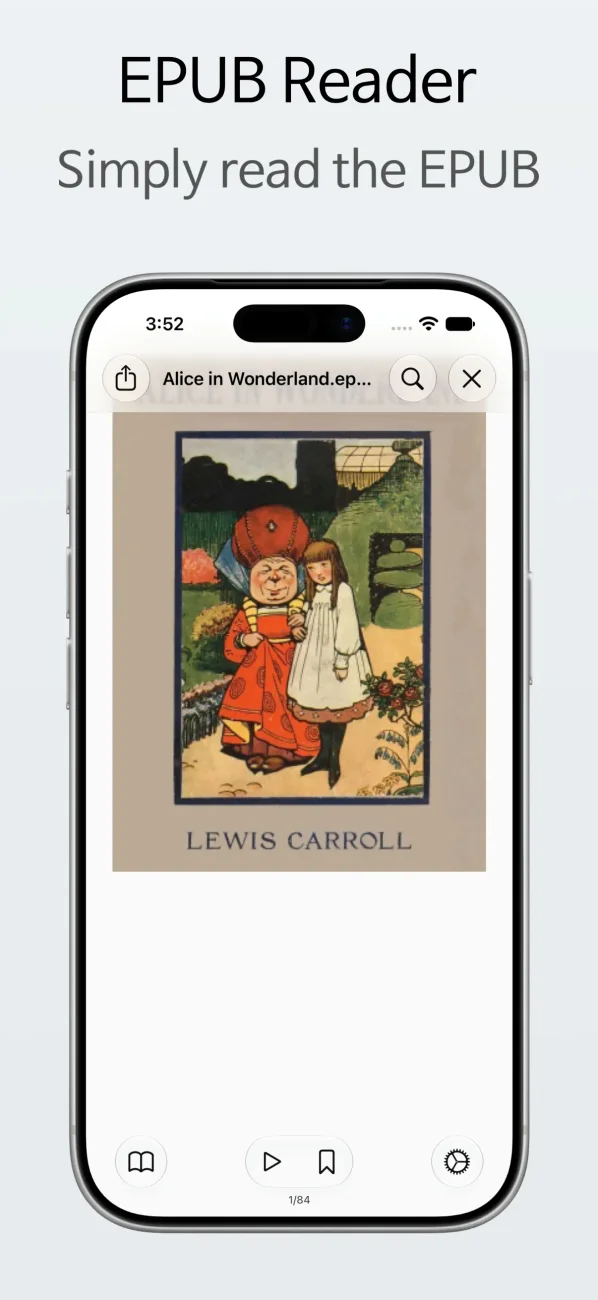
◆ EPUB Plain Text Viewer
* An experimental feature in which only text is extracted from the EPUB. You can activate the function in [Laboratory].
• Support file: EPUB (EPUB2, EPUB3 type)
• Provides features such as a text viewer.
◆ Viewer Common Features
• Background color white and black change support
• Bookmark support
• Enable quick page movement
• Automatic slide support
• Support for scrolling and page curl
• Support two-page split when using page curl transitions
• Support LTR, RTL, and TTB Scroll Direction
• Assign your own keys for next/previous page, next/previous file, and close viewer in [Settings] > [Keyboard & Remote]. (Bluetooth keyboards and some Bluetooth page turners and presenters supported)
• Hold the ⌘ key on iPad to see your assigned viewer shortcuts.
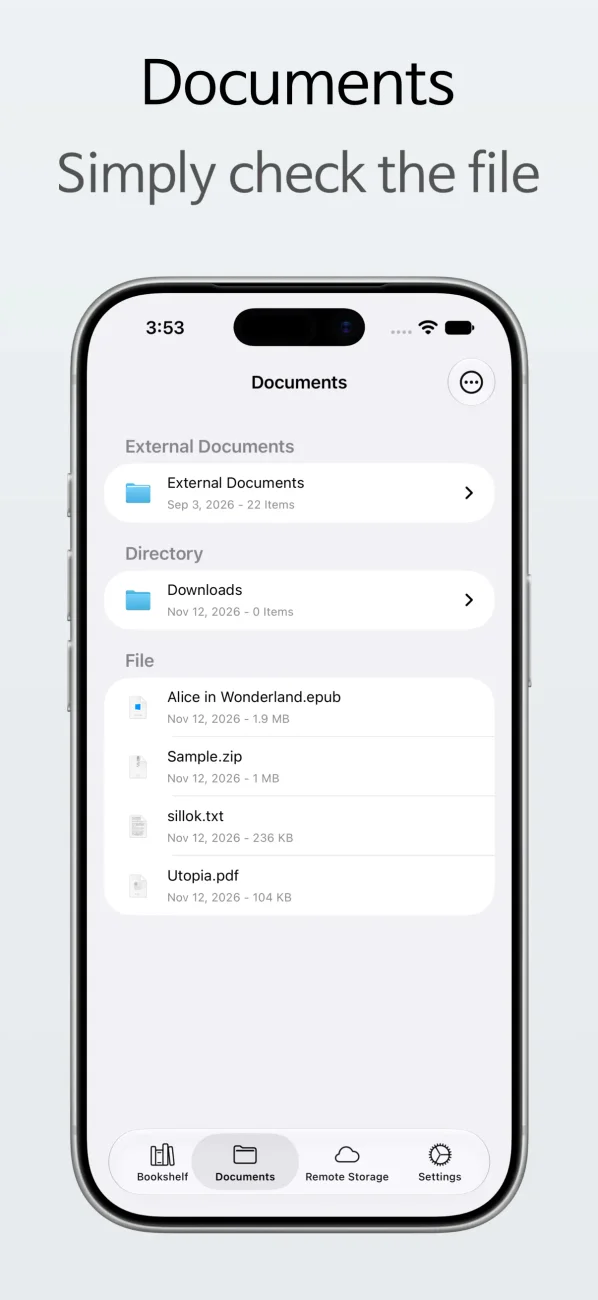
◆ Document
• Provides a file tree-like design support.
• Works with Apple's [File] application.
• Supports decompression of compressed files.
• Supports new folders, rename, move, delete, and share files.
• Read files directly from external documents and repositories (iOS 13 and later)
* You can activate the function in [Laboratory].
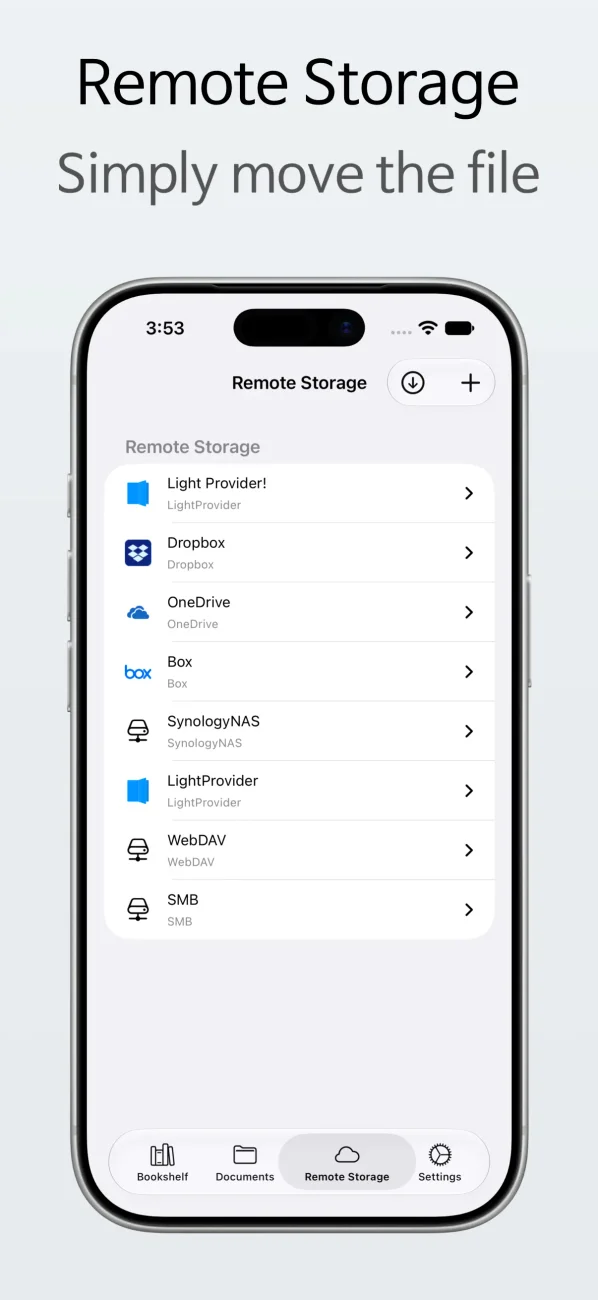
◆ Remote Storage
• Support FTP, WebDAV, SMB, Dropbox, and Onedrive.
* Background downloads are not supported.
• You can delete files in remote storage.
• Quick View is supported.
* You can activate the function in [Laboratory].
◆ Common Features
• Works with Apple's File application.
• Supports dark themes.
• Supports iCloud synchronization. (Sync only the data in the read information, the file will not be synchronized.)
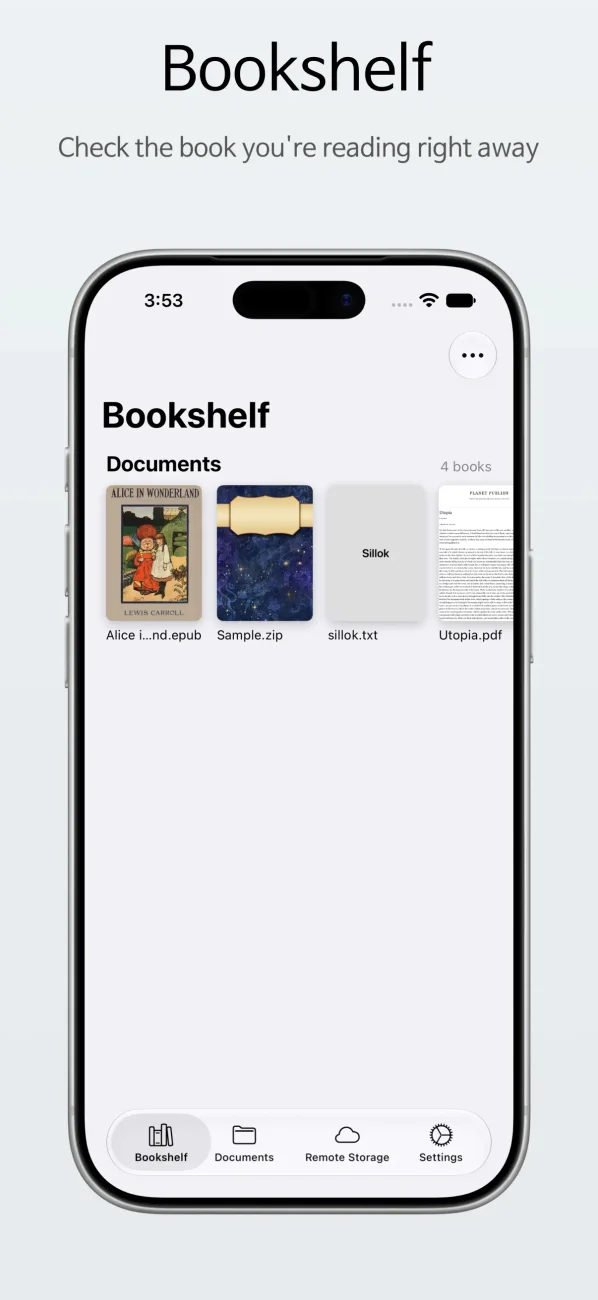
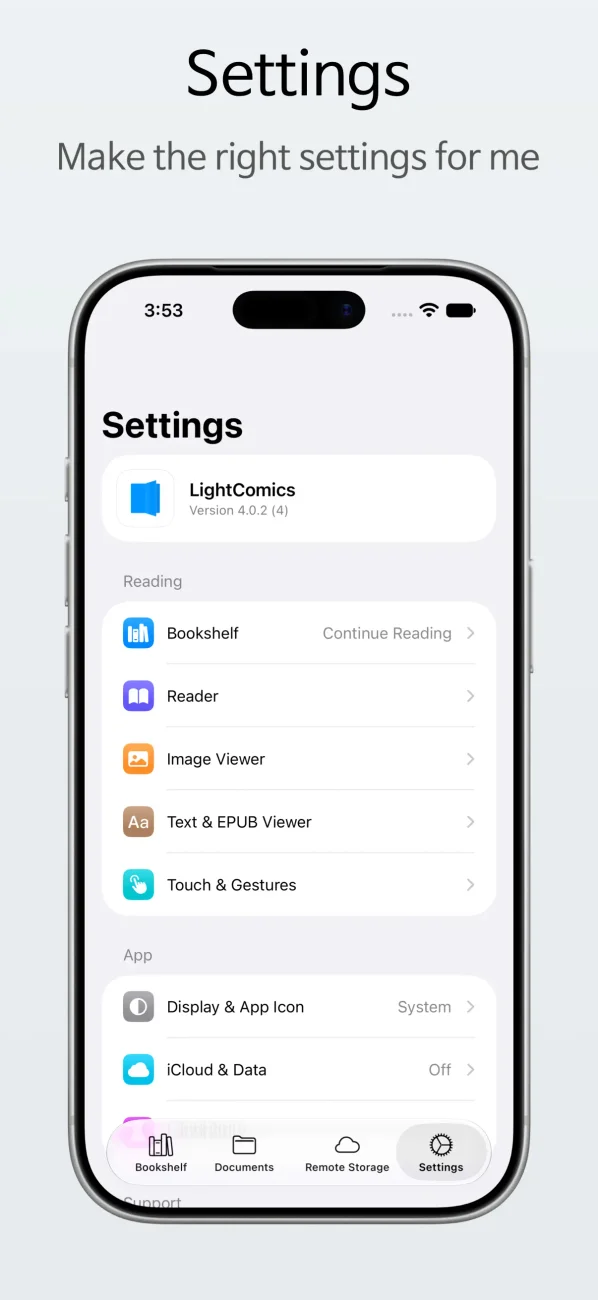
• Adjust how many books appear per row (cover size) on the bookshelf.
• Support a wide range of other default options
◆ Laboratory functions
• EPUB (epub2, epub3) extracts only text from file to represent viewer
• Page movement using volume up and down physical buttons
• Page movement via Bluetooth keyboard
• Text to Speech (TTS) support
• Status bar always displays
• External documents and storage access
• Hide hidden files
• Light Provider (compressed-file streaming server) beta
• AI Upscale (sharpens low-resolution pages in image books with AI; per-book on/off in the viewer)
• Swipe down to close a book (landscape only)
◆ If you have any questions, please send them directly to the app at [Settings] - [Contact] or segunleedev@gmail.com.
◆ The Laboratory features can cause errors.
◆ If the app shuts down immediately when running, switch on iOS [Settings]App -> [LightComics] -> reset and re-run
* The saved reading list is deleted.
新機能
バージョン 4.0.6 · 2026/11/22
- Added paragraph alignment to the text viewer. You can turn it on or off per book, and paragraphs split by line breaks are joined for smoother reading.
- You can now choose how many books appear per row on the bookshelf. Fewer books per row means larger covers.
- Added a 'Swipe down to close book' option to the Laboratory. When on, you can swipe down on the page to close the book while reading horizontally.
- Refined the book close animation.
- Improved stability.
アプリのプライバシー
このアプリのデータの取り扱いについて、SeGun LeeがApp Storeで申告している内容です。
-
ユーザーのトラッキングに使用されるデータ
他社のアプリやウェブサイトを横断してユーザーをトラッキングする目的で使用される場合があります。
- ID
- 使用状況データ
-
ユーザーに関連付けられないデータ
収集される場合がありますが、ユーザーの識別情報には関連付けられません。
- ユーザーコンテンツ
- ID
- 使用状況データ
- 診断
プライバシーの取り扱いは、ご利用の機能やお客様の年齢などに応じて異なる場合があります。
情報
- 販売元
- SeGun Lee
- カテゴリ
- ユーティリティ
- バージョン
- 4.0.6
- 更新日
- 2026/11/22
- リリース
- 2018/10/6
- サイズ
- 50.3 MB
- 必要条件
- iOS 26.0以降
- 対象年齢
- 4+
- 価格
- 無料
- 言語
- 英語, 韓国語
- 著作権
- © 2026 LEESEGUN
こちらもおすすめ
-
 ファンビュー:イメージビューアー簡単にフォルダーや圧縮ファイルのイメージを観る
-
 TxtBook - ダイエットしたTXTリーダー縦書きと振り仮名機能でtxtファイルを見る
-
 더치트 - 사기피해 정보공유 공식 앱ユーティリティ
-
 賞味期限_賞味期限マネージャー
-
 Mobile IDentification Appユーティリティ
-
 Unicorn Pro:プライバシー保護&広告ブロックユーティリティ
-
 네이버 스마트보드 - Naver Smartboardユーティリティ
-
 ICN SMARTPASS (인천공항 스마트패스)ユーティリティ
-
 8BitDo Ultimate Softwareユーティリティ
-
 Unicorn HTTPSユーティリティ