
- Yaş sınırı4+
- KategoriYardımcılar
- GeliştiriciSeGun Lee
- Dillerİngilizce+ 1 dil daha
- Boyut50,3 MB
Resmi App Store sayfasına bağlanır
Download.org, LightComics için hiçbir dosya barındırmaz. Düğme, uygulamanın App Store üzerindeki sayfasını açar; uygulamayı orada SeGun Lee yayınlar. Sayfanın son kontrolü: 24.11.2026.
Ekran görüntüleri

Hakkında
Geliştirici bu metni dilinizde sunmamış.
Essential Viewer LightComics application for iPhone and iPad
The following features are supported!
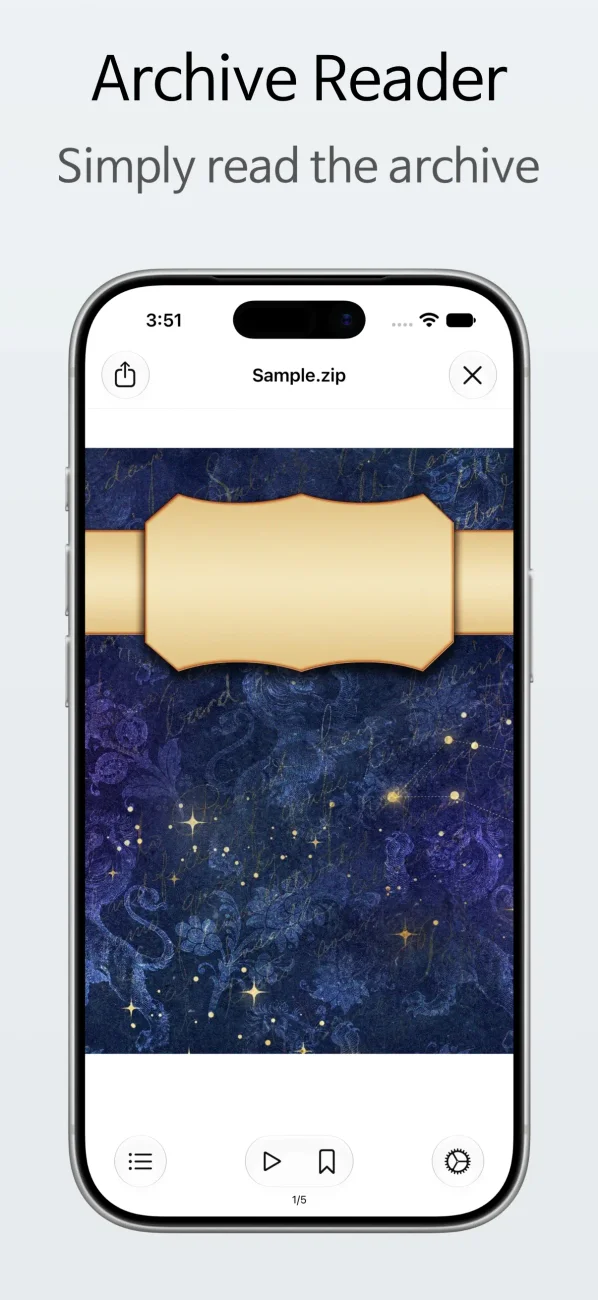
◆ Image Viewer
• Supported compressed files: ZIP, RAR, CBZ, and folders are also available.
* Multiple compressed files are not supported (compressed in compression file)
• Supports wide image cropping, cropping, and reverse sequencing.
• Supports image filter [contrast] and [inverted].
• Supports Fit Image Ratio (General), Fill Ratio (Longer Images)
• For large ZIP files, fast indexing is provided.
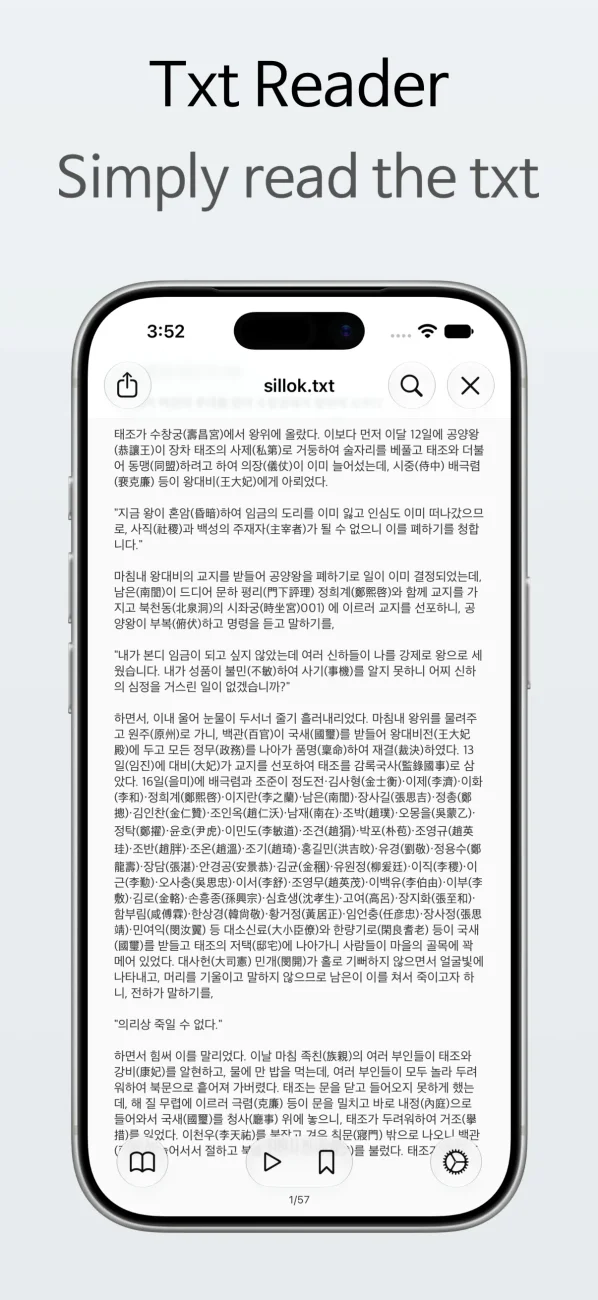
◆ Text Viewer
• Support file: TXT
* Extensions that can be expressed as a text viewer are also supported (ex. .log, .sh, .md, etc.)
• Supports text content search and shortcuts.
• Supports paragraph alignment: paragraphs split by line breaks read as one, and it can be set per book.
• Support TTS (Text To Speech).
* You can activate the function in [Laboratory].
• Offers 3 default fonts and allows for font size and line-to-line adjustment.
* Installed fonts are available (iOS 13 and later)
• You can change the background color and font color of the font.
• Provides fast indexing of large TXT files.
◆ PDF Viewer (iOS 11 and above)
• Supported text files: PDF
• Enables PDF content retrieval and shortcuts.
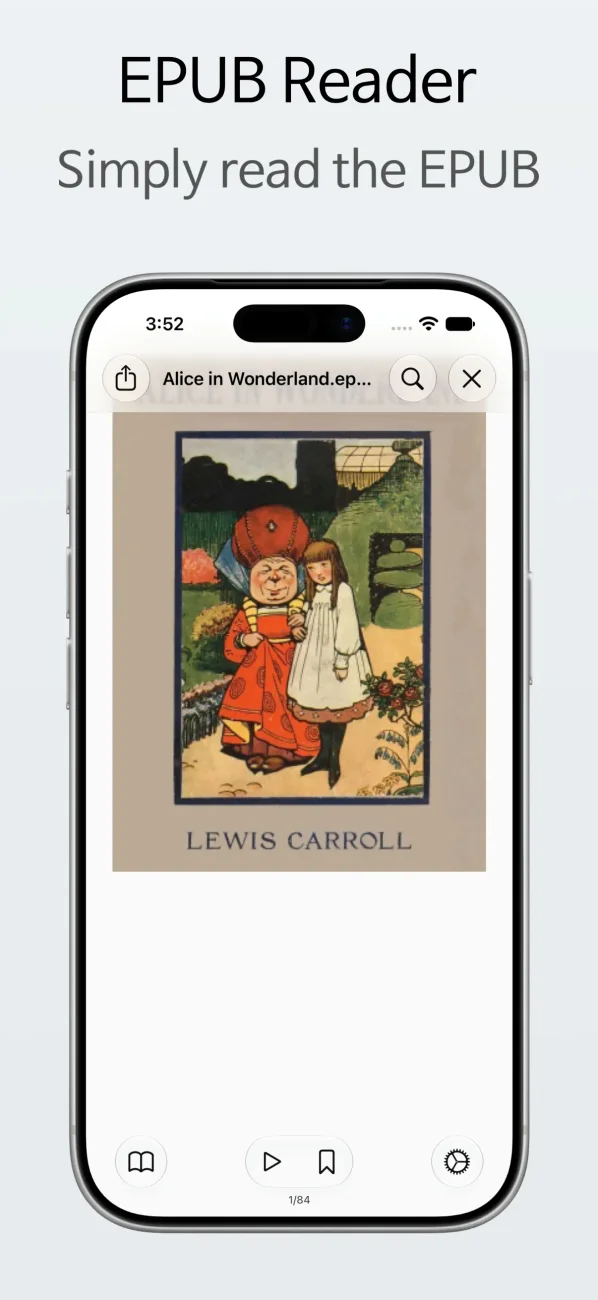
◆ EPUB Plain Text Viewer
* An experimental feature in which only text is extracted from the EPUB. You can activate the function in [Laboratory].
• Support file: EPUB (EPUB2, EPUB3 type)
• Provides features such as a text viewer.
◆ Viewer Common Features
• Background color white and black change support
• Bookmark support
• Enable quick page movement
• Automatic slide support
• Support for scrolling and page curl
• Support two-page split when using page curl transitions
• Support LTR, RTL, and TTB Scroll Direction
• Assign your own keys for next/previous page, next/previous file, and close viewer in [Settings] > [Keyboard & Remote]. (Bluetooth keyboards and some Bluetooth page turners and presenters supported)
• Hold the ⌘ key on iPad to see your assigned viewer shortcuts.
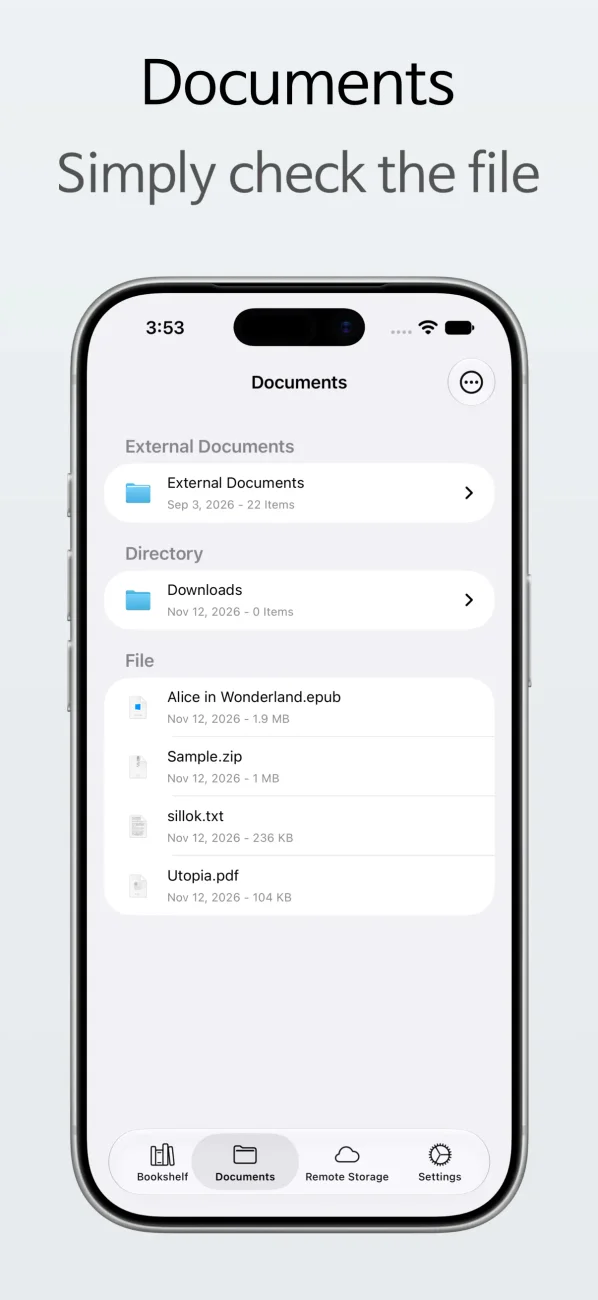
◆ Document
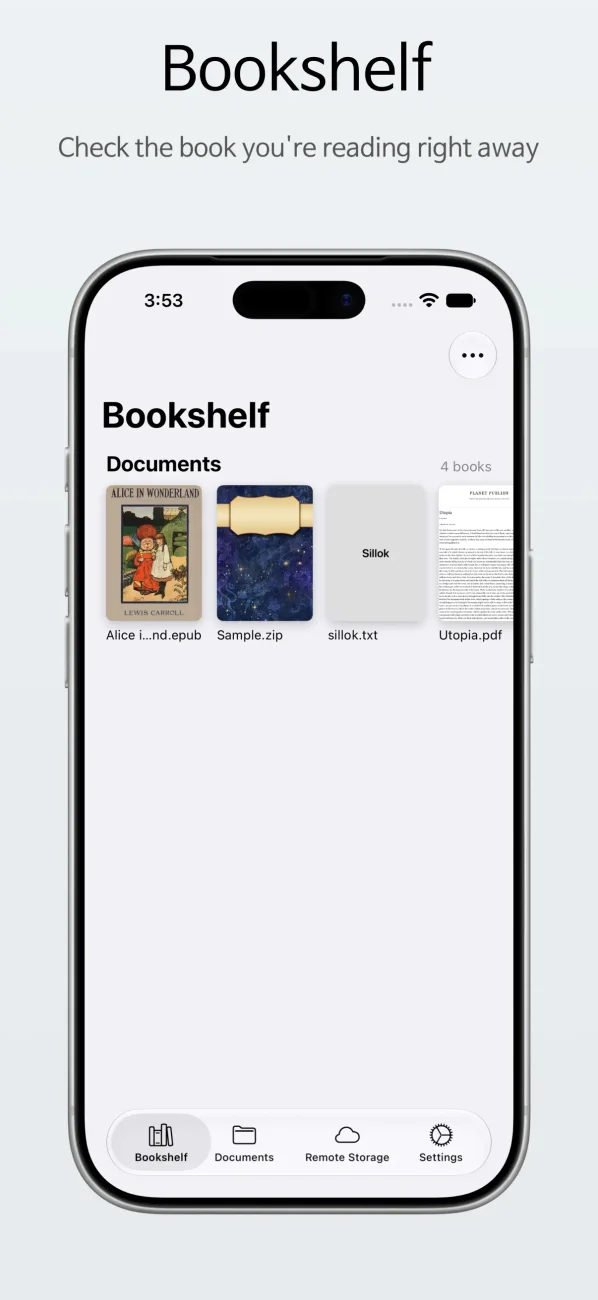
• Provides a file tree-like design support.
• Works with Apple's [File] application.
• Supports decompression of compressed files.
• Supports new folders, rename, move, delete, and share files.
• Read files directly from external documents and repositories (iOS 13 and later)
* You can activate the function in [Laboratory].
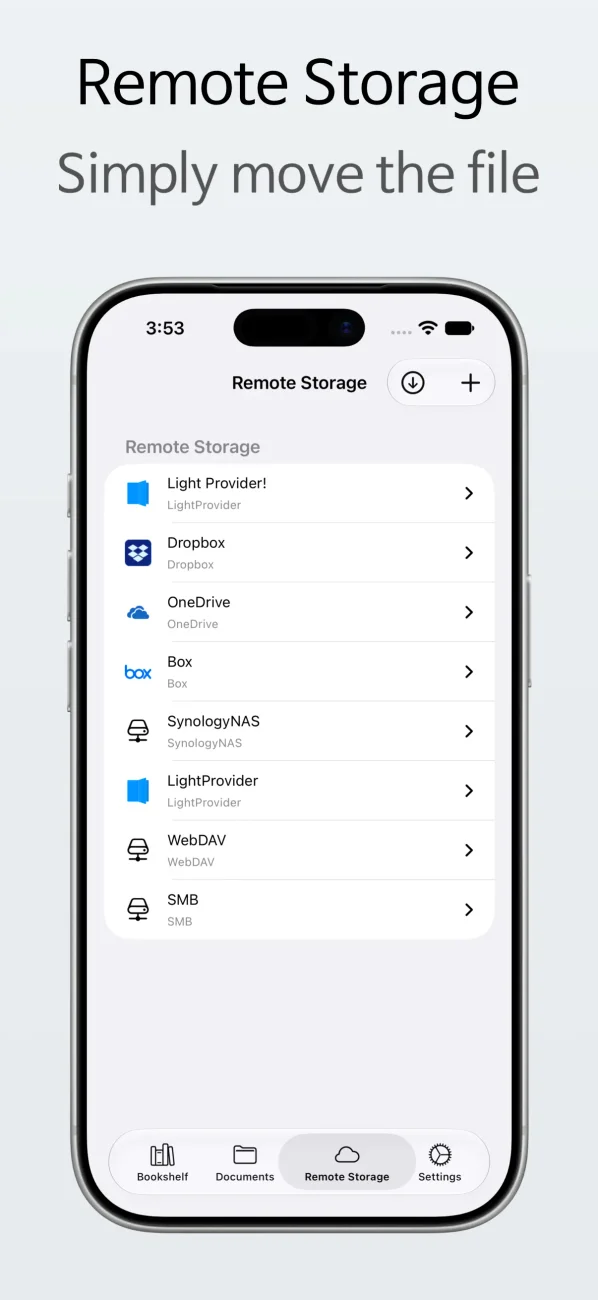
◆ Remote Storage
• Support FTP, WebDAV, SMB, Dropbox, and Onedrive.
* Background downloads are not supported.
• You can delete files in remote storage.
• Quick View is supported.
* You can activate the function in [Laboratory].
◆ Common Features
• Works with Apple's File application.
• Supports dark themes.
• Supports iCloud synchronization. (Sync only the data in the read information, the file will not be synchronized.)
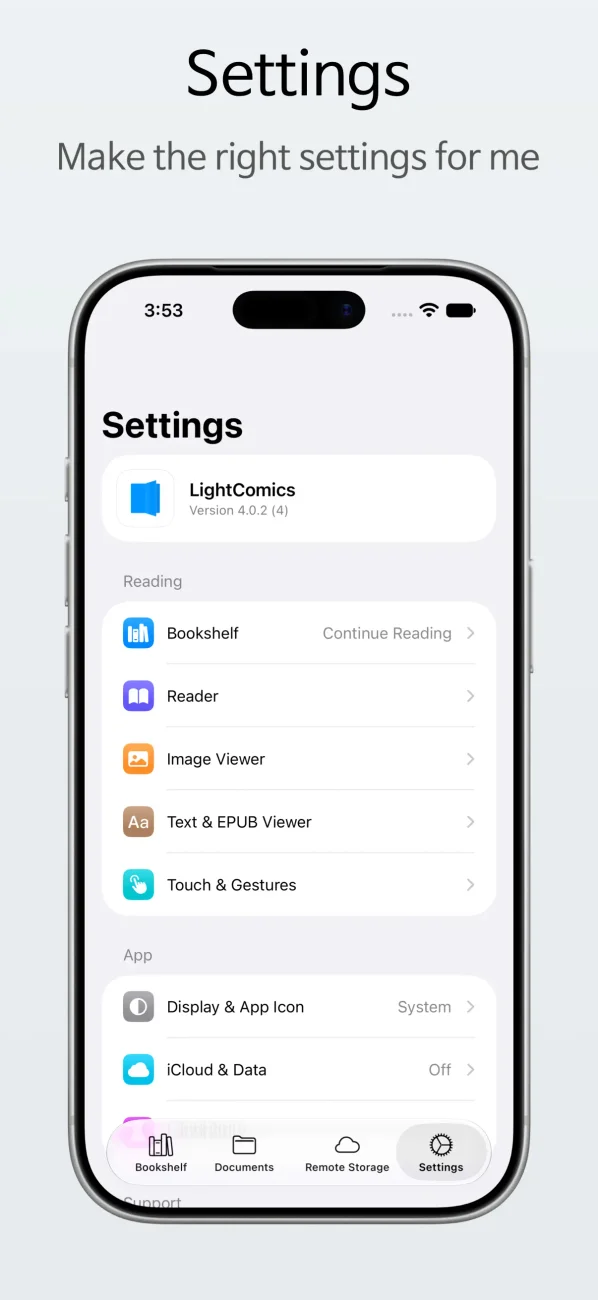
• Adjust how many books appear per row (cover size) on the bookshelf.
• Support a wide range of other default options
◆ Laboratory functions
• EPUB (epub2, epub3) extracts only text from file to represent viewer
• Page movement using volume up and down physical buttons
• Page movement via Bluetooth keyboard
• Text to Speech (TTS) support
• Status bar always displays
• External documents and storage access
• Hide hidden files
• Light Provider (compressed-file streaming server) beta
• AI Upscale (sharpens low-resolution pages in image books with AI; per-book on/off in the viewer)
• Swipe down to close a book (landscape only)
◆ If you have any questions, please send them directly to the app at [Settings] - [Contact] or segunleedev@gmail.com.
◆ The Laboratory features can cause errors.
◆ If the app shuts down immediately when running, switch on iOS [Settings]App -> [LightComics] -> reset and re-run
* The saved reading list is deleted.
Yenilikler
Sürüm 4.0.6 · 22.11.2026
- Added paragraph alignment to the text viewer. You can turn it on or off per book, and paragraphs split by line breaks are joined for smoother reading.
- You can now choose how many books appear per row on the bookshelf. Fewer books per row means larger covers.
- Added a 'Swipe down to close book' option to the Laboratory. When on, you can swipe down on the page to close the book while reading horizontally.
- Refined the book close animation.
- Improved stability.
Uygulama gizliliği
Bu uygulamanın verileri nasıl işlediği hakkında SeGun Lee tarafından App Store üzerinde yapılan beyan.
-
Sizi izlemek için kullanılan veriler
Başka şirketlere ait uygulamalarda ve web sitelerinde sizi izlemek için kullanılabilir.
- Tanımlayıcılar
- Kullanım verileri
-
Sizinle ilişkilendirilmeyen veriler
Toplanabilir ancak kimliğinizle ilişkilendirilmez.
- Kullanıcı içeriği
- Tanımlayıcılar
- Kullanım verileri
- Tanılama
Gizlilik uygulamaları, örneğin kullandığınız özelliklere veya yaşınıza göre değişiklik gösterebilir.
Bilgiler
- Satıcı
- SeGun Lee
- Kategori
- Yardımcılar
- Sürüm
- 4.0.6
- Güncellendi
- 22.11.2026
- Yayın tarihi
- 06.10.2018
- Boyut
- 50,3 MB
- Gereksinim
- iOS 26.0 veya sonrası
- Yaş sınırı
- 4+
- Fiyat
- Ücretsiz
- Diller
- İngilizce, Korece
- Telif hakkı
- © 2026 LEESEGUN
Bunları da beğenebilirsiniz
-
 FunView - Image, Manga viewerYardımcılar
-
 TxtBook - Slim TXT ReaderYardımcılar
-
 더치트 - 사기피해 정보공유 공식 앱Yardımcılar
-
 Son Kullanma TarihiTarih yöneticisi
-
 Mobile IDentification AppYardımcılar
-
 Unicorn Pro:Content BlockerYardımcılar
-
 네이버 스마트보드 - Naver SmartboardYardımcılar
-
 ICN SMARTPASS (인천공항 스마트패스)Yardımcılar
-
 8BitDo Ultimate SoftwareYardımcılar
-
 Unicorn HTTPSSNI HTTPS filtrelemesini aşın