- Clasificación por edad9+
- CategoríaUtilidades
- DesarrolladorHarun Selcuk Cetin
- IdiomasInglés
- Tamaño24,5 MB
Enlaza a la página oficial de App Store
Download.org no aloja ningún archivo de Local Desk. El botón abre la página de la aplicación en App Store, donde la publica Harun Selcuk Cetin. Ficha comprobada por última vez el 12/11/2026.
Capturas de pantalla


Acerca de
El desarrollador no ha proporcionado este texto en tu idioma.
Transform your phone into a fully-featured Desktop Controller — with no additional hardware required.
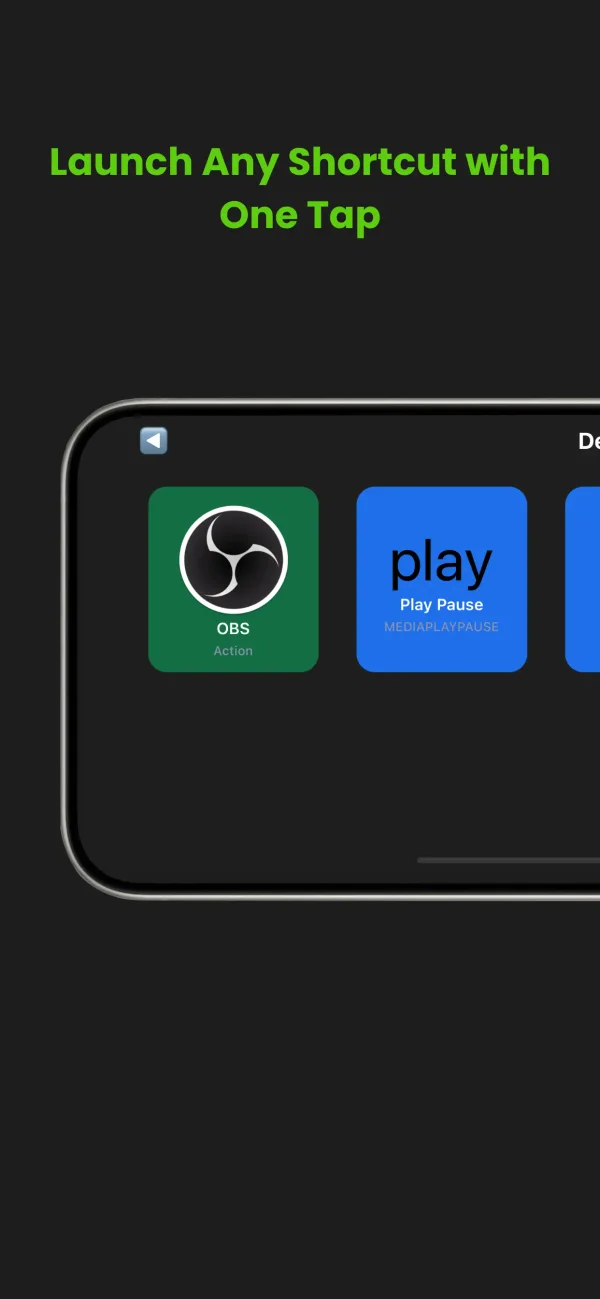
Local Desk lets you control your computer, apps, and games directly from your phone through a fast and secure local connection. Whether you’re streaming, gaming, editing, or working, you can trigger commands, shortcuts, and actions with a single tap.
Key Features
• No Extra Device Needed – Works instantly over your local network. No USB, Bluetooth devices, dongles, or stream deck required.
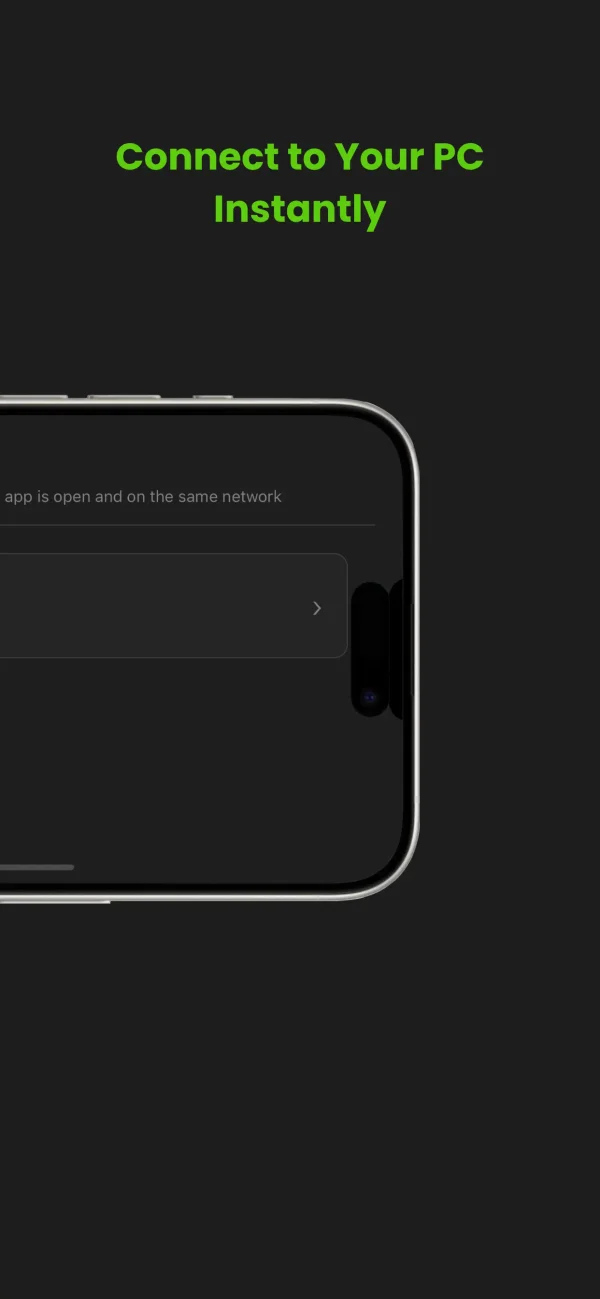
• Instant PC Connection – Auto-detects your computer on the same Wi-Fi network and connects within seconds.
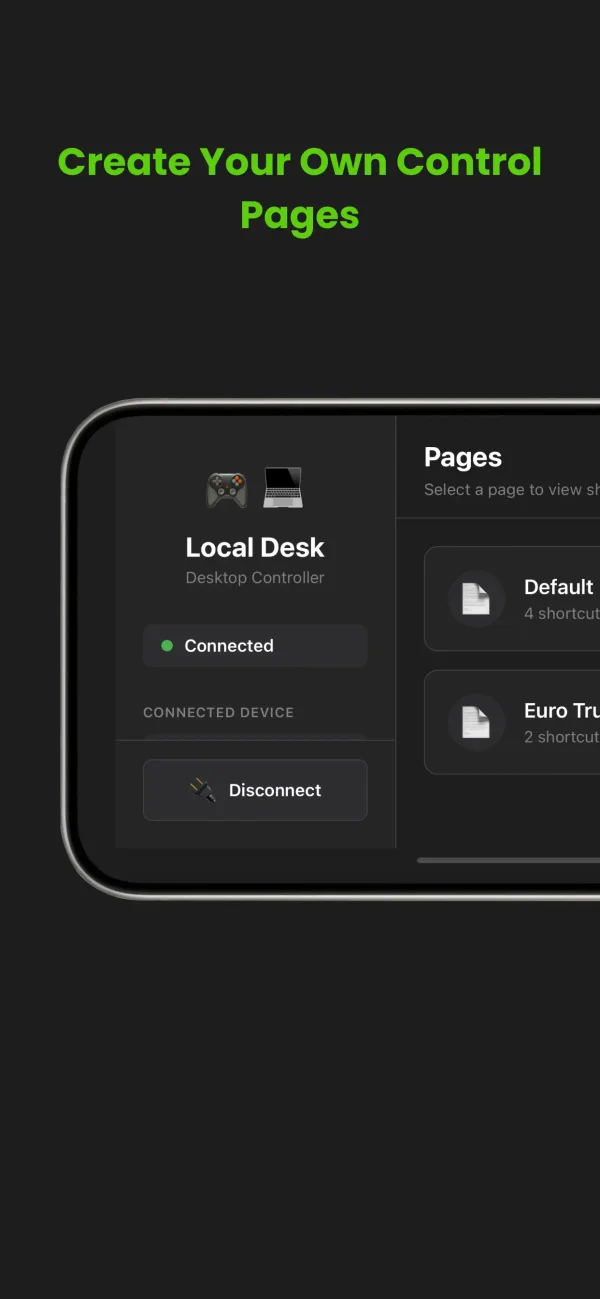
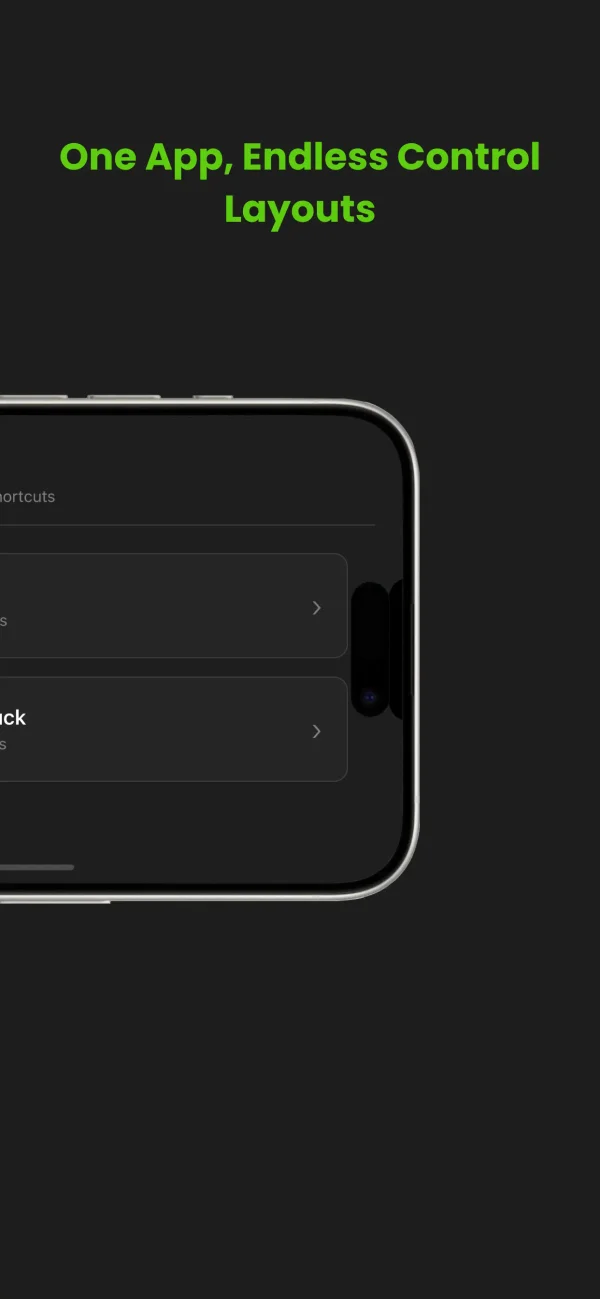
• Custom Control Pages – Create multiple pages for different apps, games, or workflows.
• One-Tap Shortcuts – Send keyboard shortcuts, media keys, macros, and custom actions effortlessly.
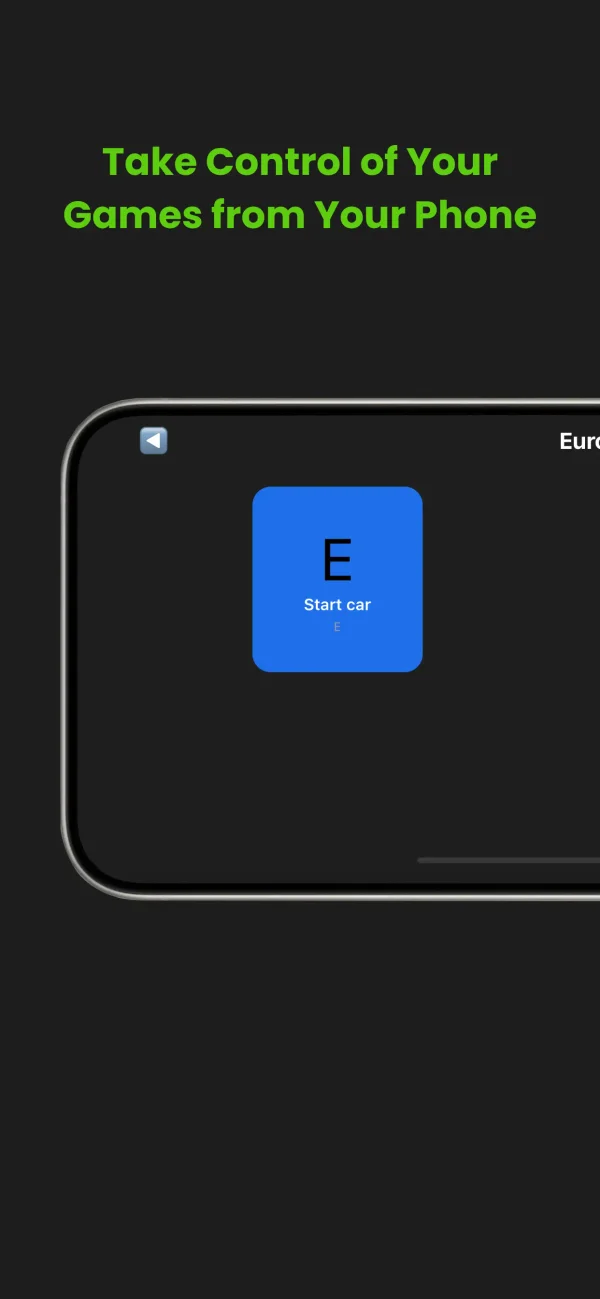
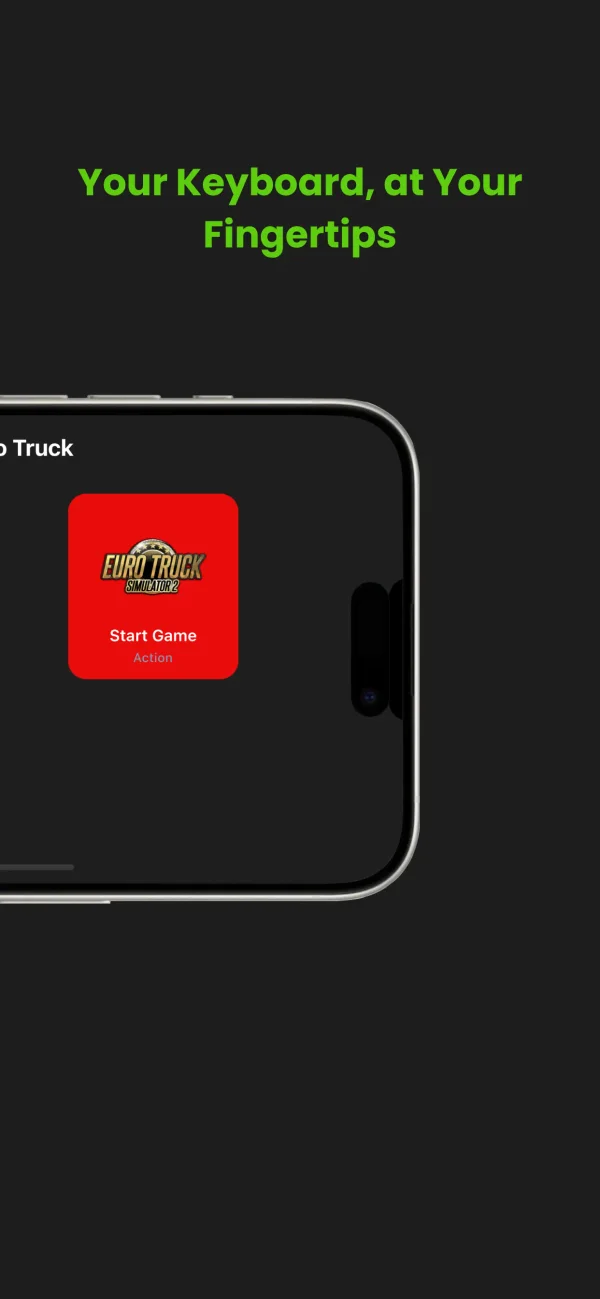
• Gaming Controls – Turn your phone into a game controller for titles like Euro Truck Simulator 2, GTA, racing games, and more.
• Stream & Media Control – Control OBS, music players, media playback, recording, and scenes without touching your keyboard.
• Clean & Modern UI – Designed for speed, simplicity, and a seamless user experience.
Perfect For
• Streamers
• Gamers
• Creators
• Productivity and Workflows
• Music and Media Control
• PC users who want one-tap access to shortcuts
How It Works
Download the Local Desk desktop app.
Make sure your PC and phone are on the same network.
Open the app — your PC will appear automatically.
Tap to control.
No setup, no cables, no tools — just connect and start controlling.
Take control of your computer from anywhere in the room.
Your phone is now your controller.
Novedades
Versión 1.0.1 · 23/11/2025
New Features:
Mouse Control
Users can now control the cursor remotely, enabling seamless navigation and interaction across devices.
Fixes & Improvements:
Bug Fixes
Multiple stability issues have been resolved.
Connection Stability
The connection layer has been optimized for smoother, uninterrupted communication between devices.
Privacidad de la aplicación
Lo que Harun Selcuk Cetin declara en App Store sobre cómo esta aplicación gestiona los datos.
-
No se recopilan datos
El desarrollador no recopila ningún dato de esta aplicación.
Las prácticas de privacidad pueden variar, por ejemplo, según las funciones que uses o tu edad.
Información
- Vendedor
- Harun Selcuk Cetin
- Categoría
- Utilidades
- Versión
- 1.0.1
- Actualizado
- 23/11/2025
- Publicado
- 19/11/2025
- Tamaño
- 24,5 MB
- Requiere
- iOS 15.1 o posterior
- Clasificación por edad
- 9+
- Precio
- Gratis
- Idiomas
- Inglés
- Copyright
- © Harun Selcuk Cetin