- Classification d’âge9+
- CatégorieUtilitaires
- DéveloppeurHarun Selcuk Cetin
- LanguesAnglais
- Taille24,5 Mo
Renvoie vers la page App Store officielle
Download.org n’héberge aucun fichier de Local Desk. Le bouton ouvre la page de l’application sur App Store, où Harun Selcuk Cetin la publie. Fiche vérifiée pour la dernière fois le 12/11/2026.
Captures d’écran


À propos
Le développeur n’a pas fourni ce texte dans votre langue.
Transform your phone into a fully-featured Desktop Controller — with no additional hardware required.
Local Desk lets you control your computer, apps, and games directly from your phone through a fast and secure local connection. Whether you’re streaming, gaming, editing, or working, you can trigger commands, shortcuts, and actions with a single tap.
Key Features
• No Extra Device Needed – Works instantly over your local network. No USB, Bluetooth devices, dongles, or stream deck required.
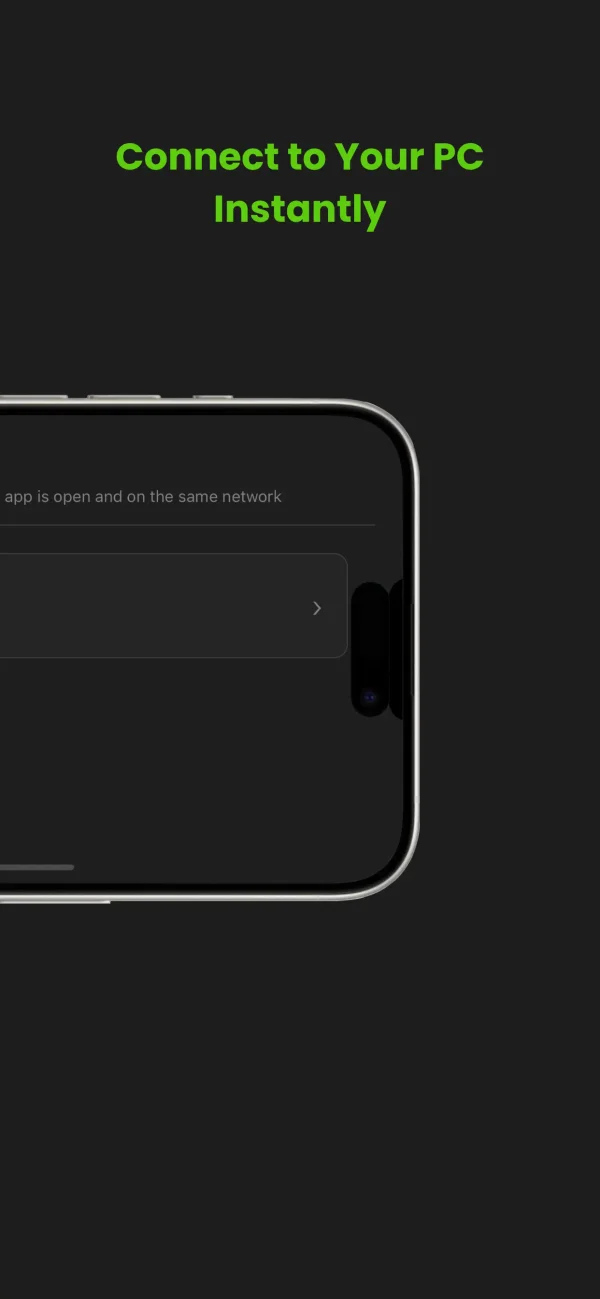
• Instant PC Connection – Auto-detects your computer on the same Wi-Fi network and connects within seconds.
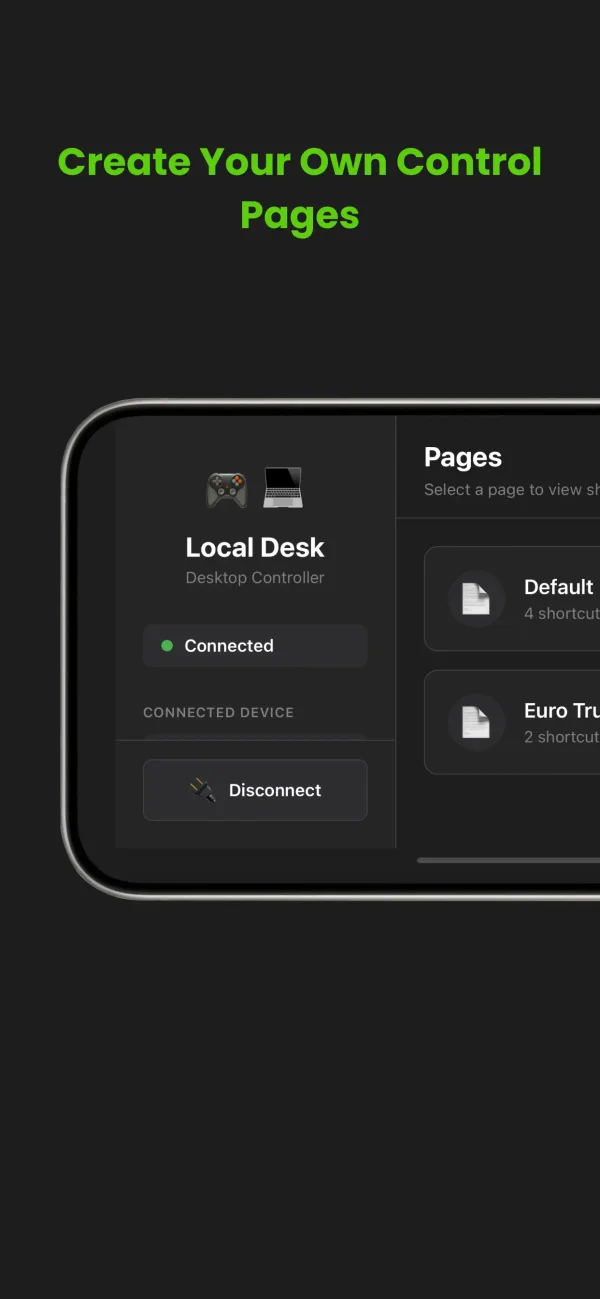
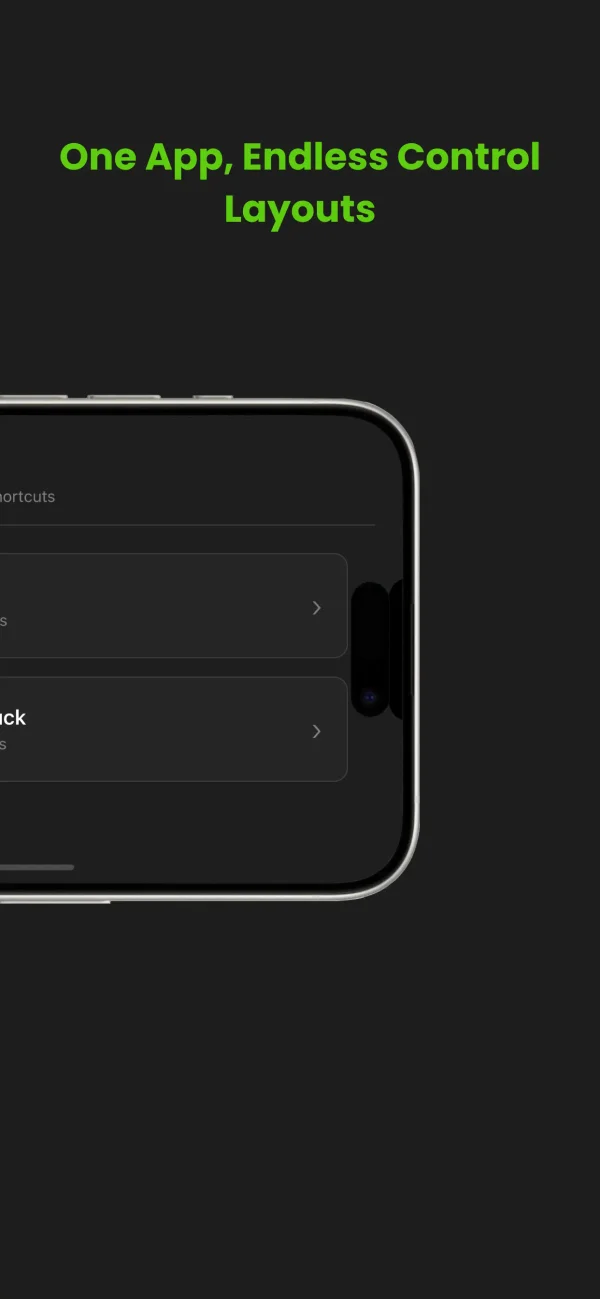
• Custom Control Pages – Create multiple pages for different apps, games, or workflows.
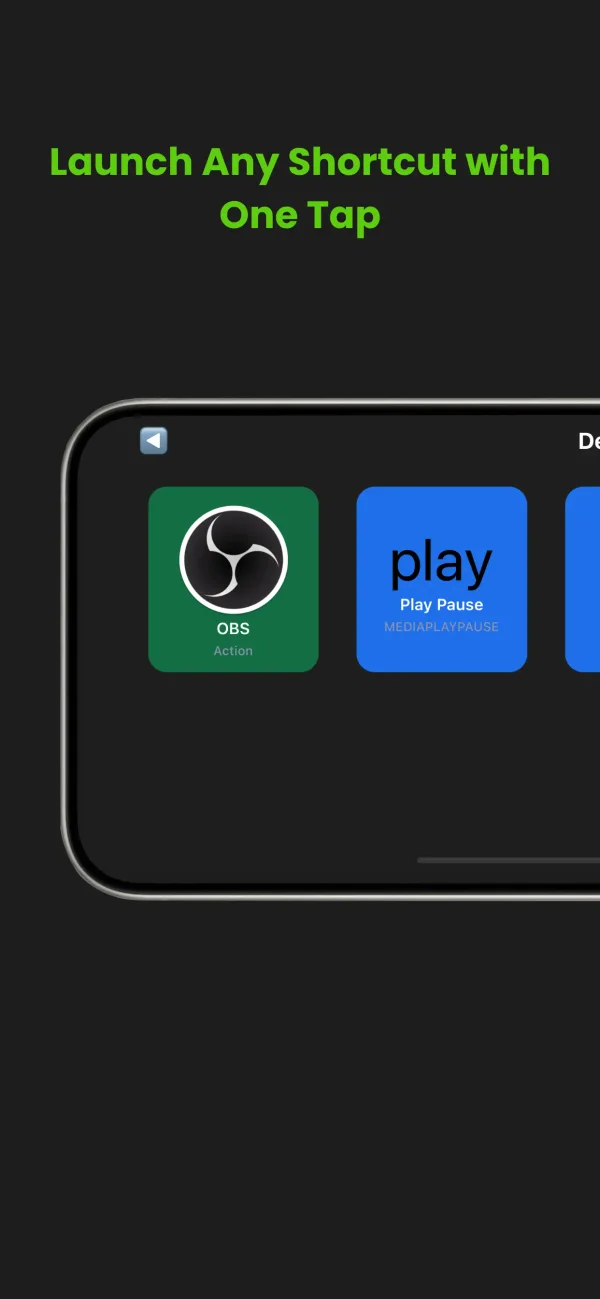
• One-Tap Shortcuts – Send keyboard shortcuts, media keys, macros, and custom actions effortlessly.
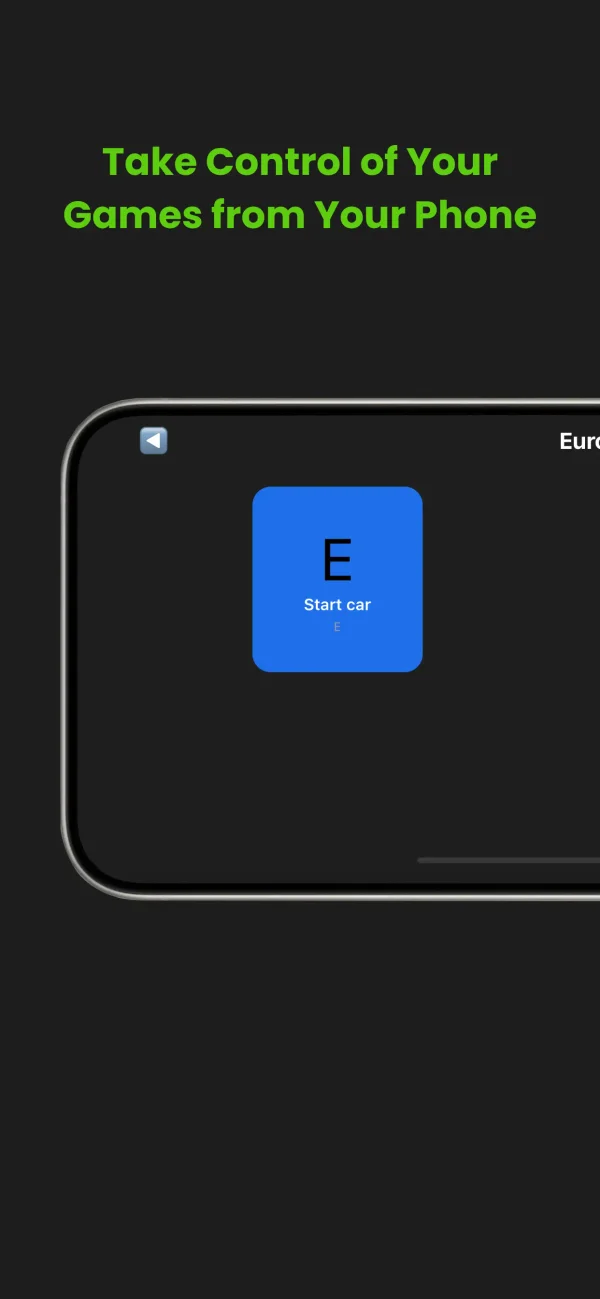
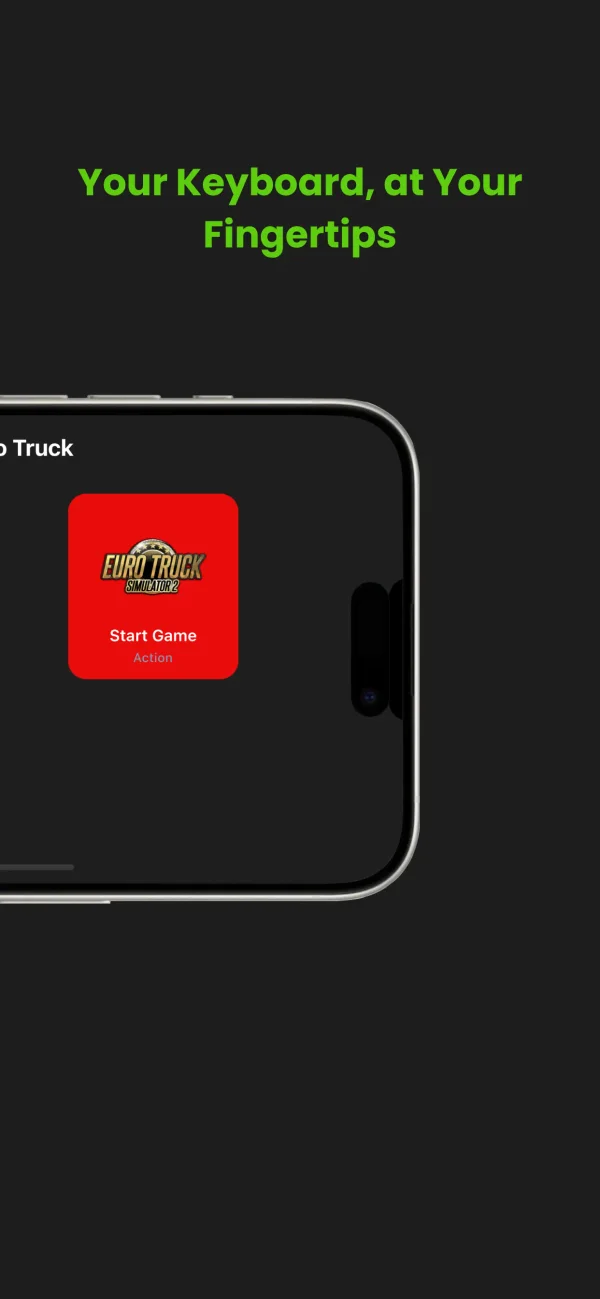
• Gaming Controls – Turn your phone into a game controller for titles like Euro Truck Simulator 2, GTA, racing games, and more.
• Stream & Media Control – Control OBS, music players, media playback, recording, and scenes without touching your keyboard.
• Clean & Modern UI – Designed for speed, simplicity, and a seamless user experience.
Perfect For
• Streamers
• Gamers
• Creators
• Productivity and Workflows
• Music and Media Control
• PC users who want one-tap access to shortcuts
How It Works
Download the Local Desk desktop app.
Make sure your PC and phone are on the same network.
Open the app — your PC will appear automatically.
Tap to control.
No setup, no cables, no tools — just connect and start controlling.
Take control of your computer from anywhere in the room.
Your phone is now your controller.
Nouveautés
Version 1.0.1 · 23/11/2025
New Features:
Mouse Control
Users can now control the cursor remotely, enabling seamless navigation and interaction across devices.
Fixes & Improvements:
Bug Fixes
Multiple stability issues have been resolved.
Connection Stability
The connection layer has been optimized for smoother, uninterrupted communication between devices.
Confidentialité de l’application
Ce que Harun Selcuk Cetin déclare sur l’App Store au sujet du traitement des données par cette application.
-
Données non collectées
Le développeur ne collecte aucune donnée à partir de cette application.
Les pratiques en matière de confidentialité peuvent varier, notamment en fonction des fonctionnalités que vous utilisez ou de votre âge.
Informations
- Vendeur
- Harun Selcuk Cetin
- Catégorie
- Utilitaires
- Version
- 1.0.1
- Mis à jour
- 23/11/2025
- Publié
- 19/11/2025
- Taille
- 24,5 Mo
- Nécessite
- iOS 15.1 ou version ultérieure
- Classification d’âge
- 9+
- Prix
- Gratuit
- Langues
- Anglais
- Copyright
- © Harun Selcuk Cetin