- 対象年齢9+
- カテゴリユーティリティ
- 開発元Harun Selcuk Cetin
- 言語英語
- サイズ24.5 MB
App Storeの公式ページにリンクしています
Download.orgはLocal Deskのファイルを一切ホストしていません。ボタンを押すと、Harun Selcuk Cetinが公開しているApp Storeのアプリページが開きます。ページの最終確認:2026/11/12。
スクリーンショット


概要
開発元はこのテキストをお使いの言語で提供していません。
Transform your phone into a fully-featured Desktop Controller — with no additional hardware required.
Local Desk lets you control your computer, apps, and games directly from your phone through a fast and secure local connection. Whether you’re streaming, gaming, editing, or working, you can trigger commands, shortcuts, and actions with a single tap.
Key Features
• No Extra Device Needed – Works instantly over your local network. No USB, Bluetooth devices, dongles, or stream deck required.
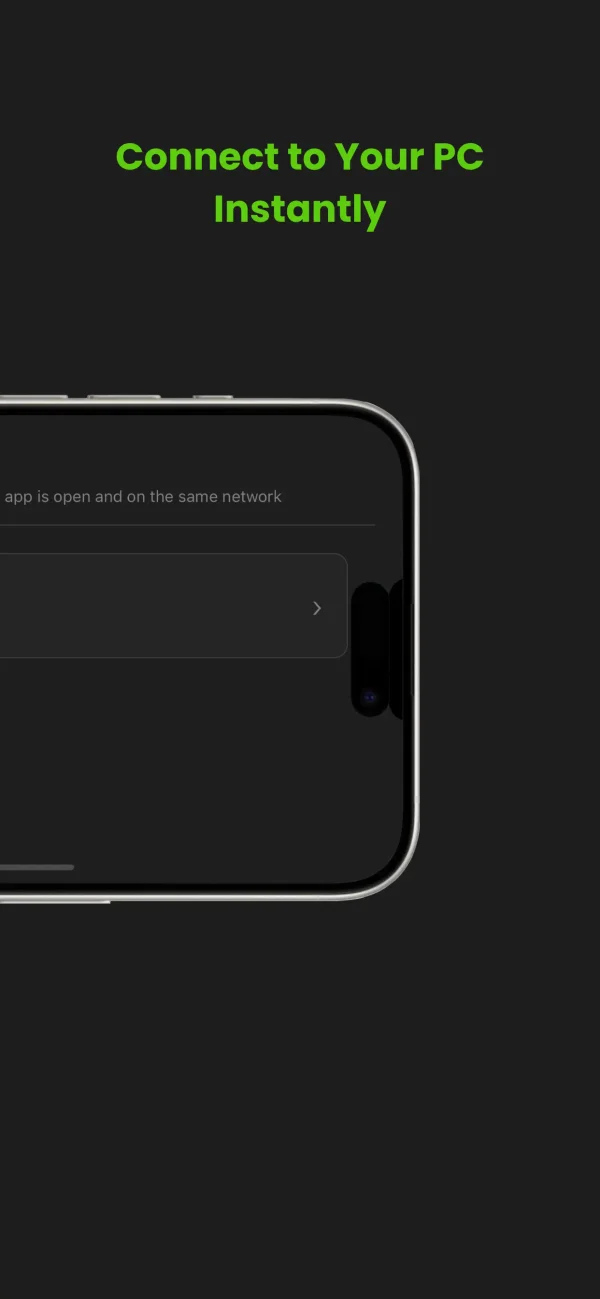
• Instant PC Connection – Auto-detects your computer on the same Wi-Fi network and connects within seconds.
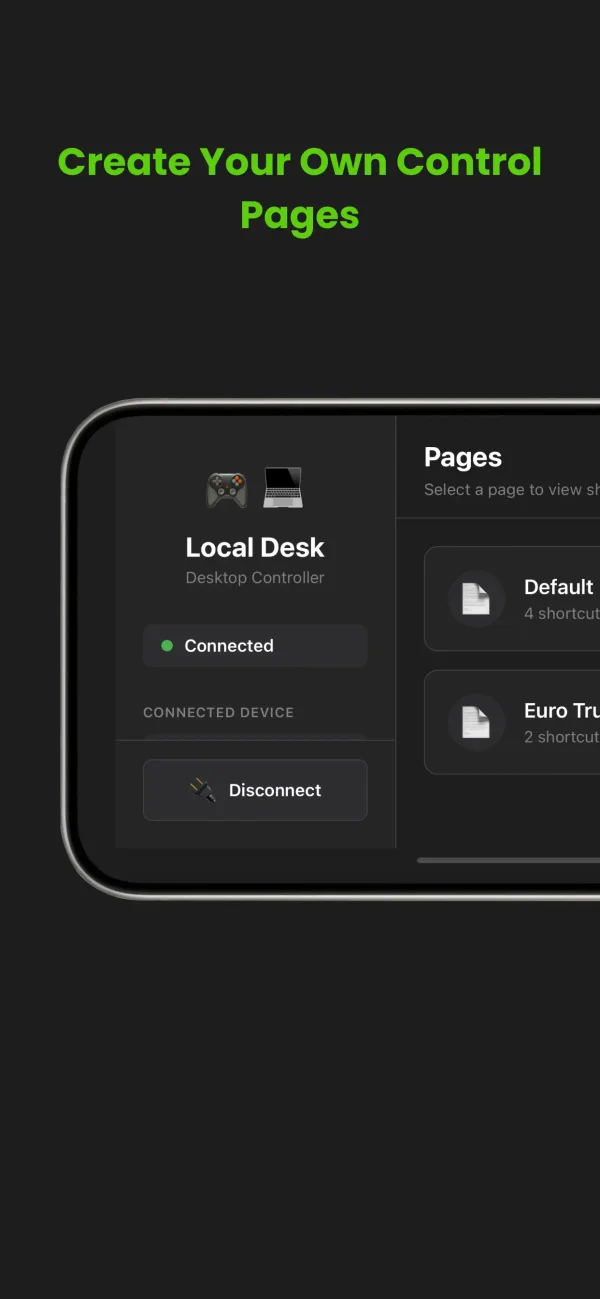
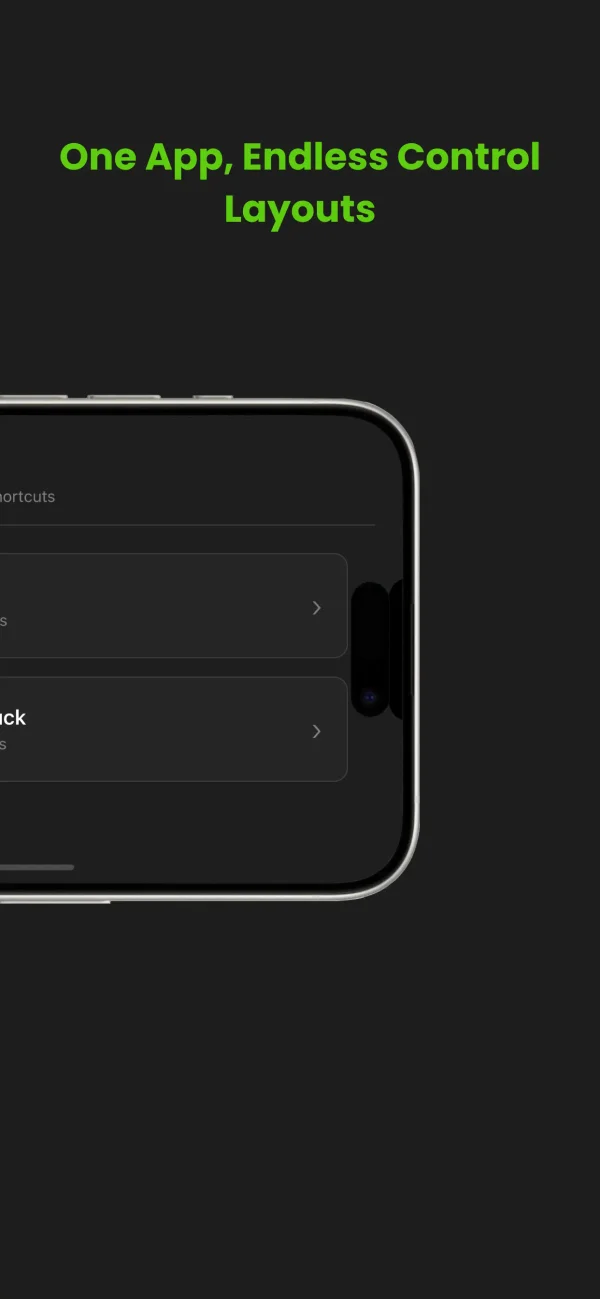
• Custom Control Pages – Create multiple pages for different apps, games, or workflows.
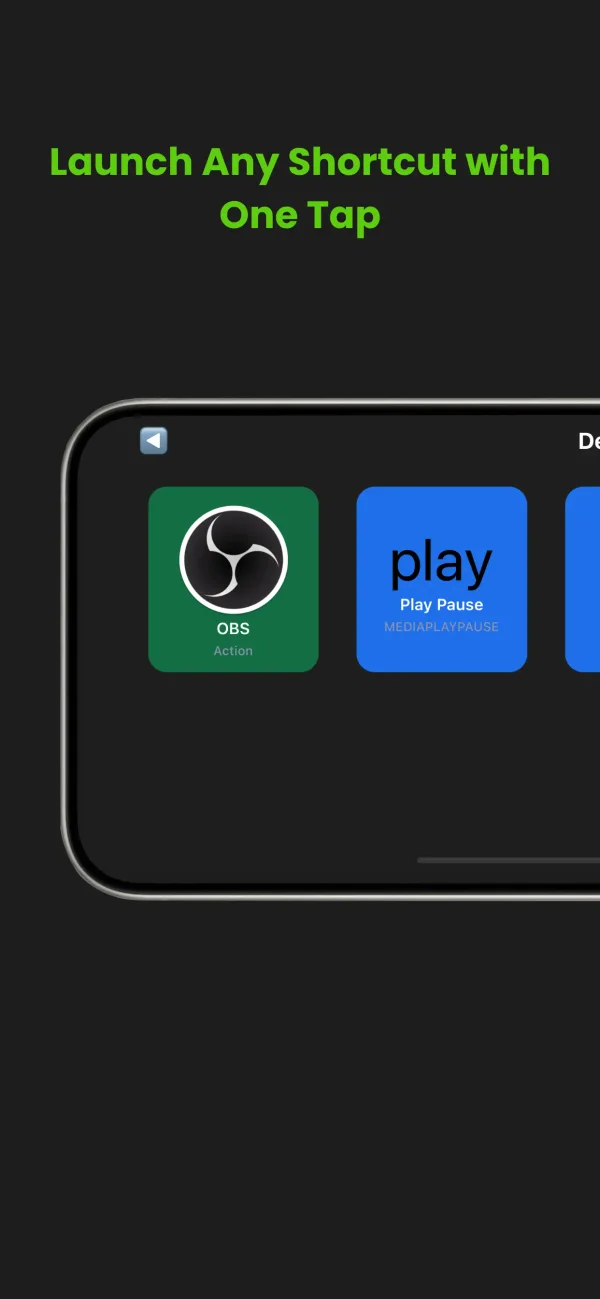
• One-Tap Shortcuts – Send keyboard shortcuts, media keys, macros, and custom actions effortlessly.
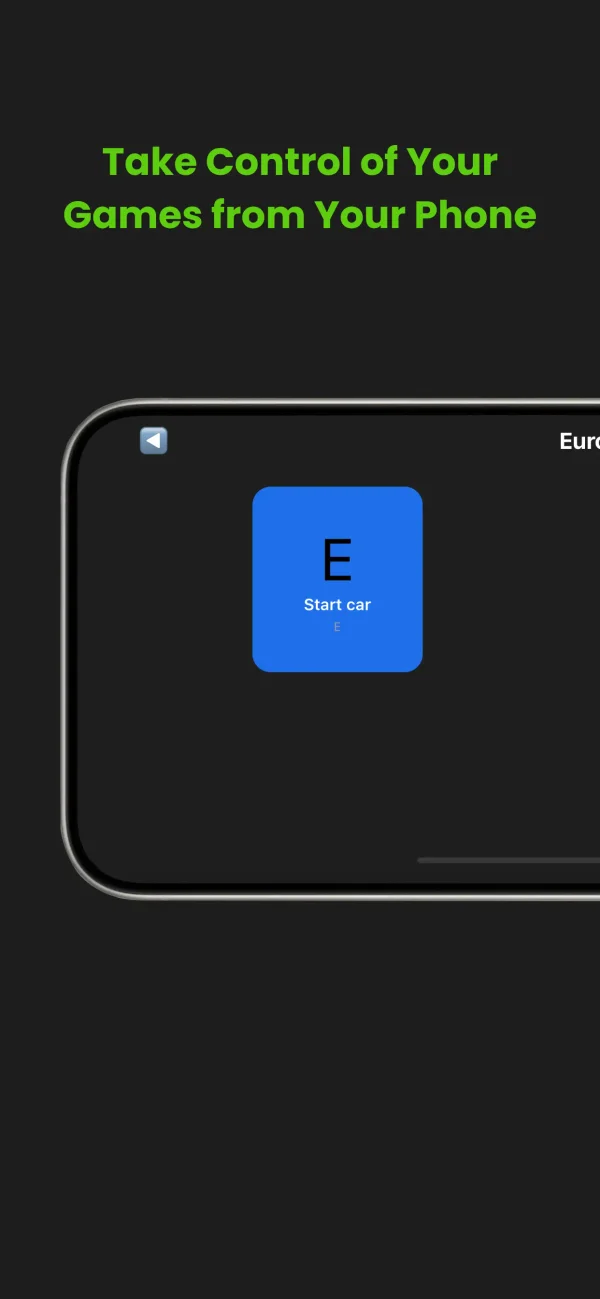
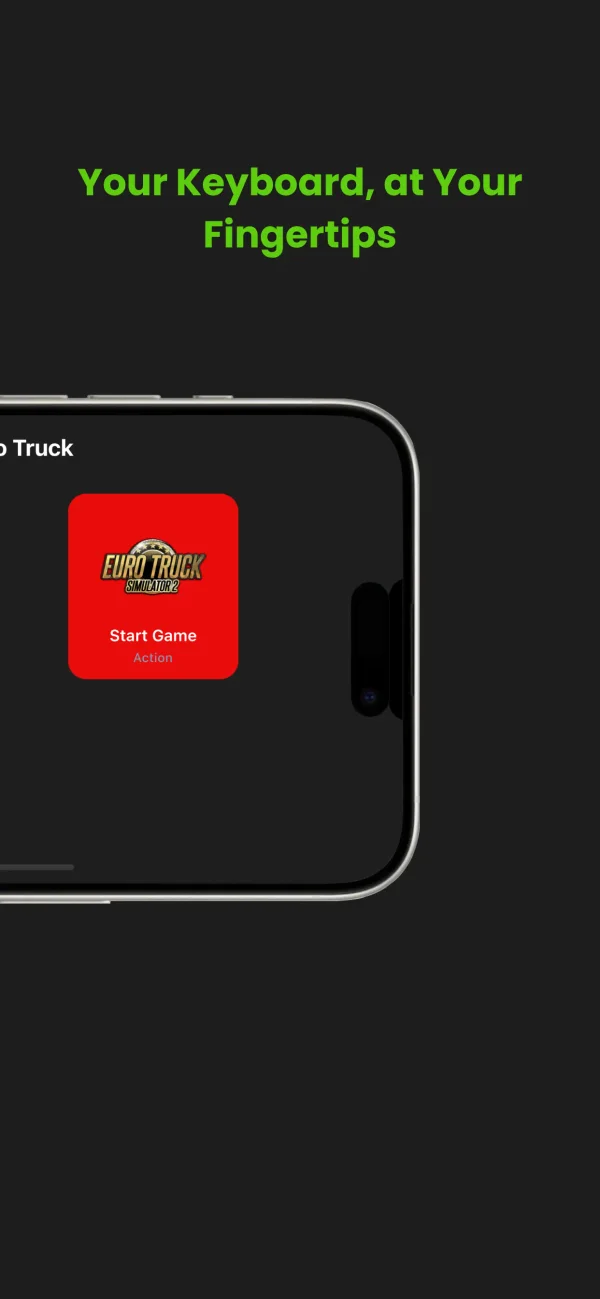
• Gaming Controls – Turn your phone into a game controller for titles like Euro Truck Simulator 2, GTA, racing games, and more.
• Stream & Media Control – Control OBS, music players, media playback, recording, and scenes without touching your keyboard.
• Clean & Modern UI – Designed for speed, simplicity, and a seamless user experience.
Perfect For
• Streamers
• Gamers
• Creators
• Productivity and Workflows
• Music and Media Control
• PC users who want one-tap access to shortcuts
How It Works
Download the Local Desk desktop app.
Make sure your PC and phone are on the same network.
Open the app — your PC will appear automatically.
Tap to control.
No setup, no cables, no tools — just connect and start controlling.
Take control of your computer from anywhere in the room.
Your phone is now your controller.
新機能
バージョン 1.0.1 · 2025/11/23
New Features:
Mouse Control
Users can now control the cursor remotely, enabling seamless navigation and interaction across devices.
Fixes & Improvements:
Bug Fixes
Multiple stability issues have been resolved.
Connection Stability
The connection layer has been optimized for smoother, uninterrupted communication between devices.
アプリのプライバシー
このアプリのデータの取り扱いについて、Harun Selcuk CetinがApp Storeで申告している内容です。
-
データの収集なし
開発元はこのアプリからデータを収集しません。
プライバシーの取り扱いは、ご利用の機能やお客様の年齢などに応じて異なる場合があります。
情報
- 販売元
- Harun Selcuk Cetin
- カテゴリ
- ユーティリティ
- バージョン
- 1.0.1
- 更新日
- 2025/11/23
- リリース
- 2025/11/19
- サイズ
- 24.5 MB
- 必要条件
- iOS 15.1以降
- 対象年齢
- 9+
- 価格
- 無料
- 言語
- 英語
- 著作権
- © Harun Selcuk Cetin