- Clasificación por edad4+
- CategoríaProductividad
- DesarrolladorMurani Consultancy BV
- IdiomasInglés+ 1 más
- Tamaño7,7 MB
Enlaza a la página oficial de App Store
Download.org no aloja ningún archivo de LoopPDF. El botón abre la página de la aplicación en App Store, donde la publica Murani Consultancy BV. Ficha comprobada por última vez el 12/11/2026.
Capturas de pantalla
Acerca de
El desarrollador no ha proporcionado este texto en tu idioma.
Turn paper into clean PDFs and copy text with OCR using LoopPDF, the free document scanner for iPhone, iPad and Mac.
POINT, SCAN, SAVE
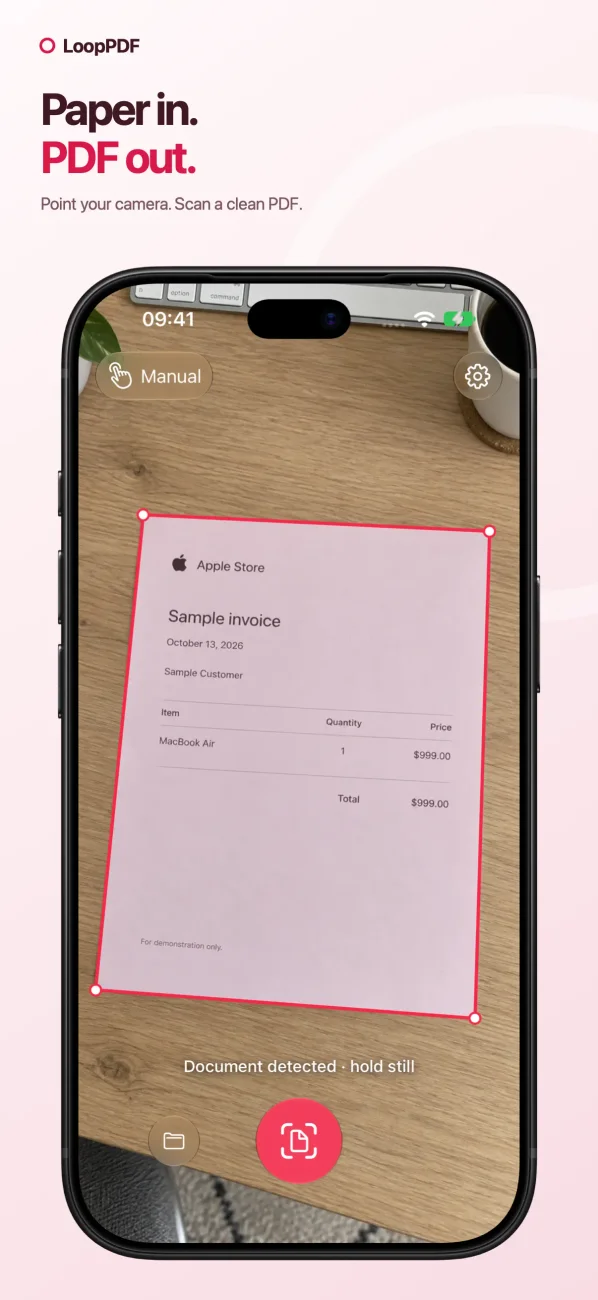
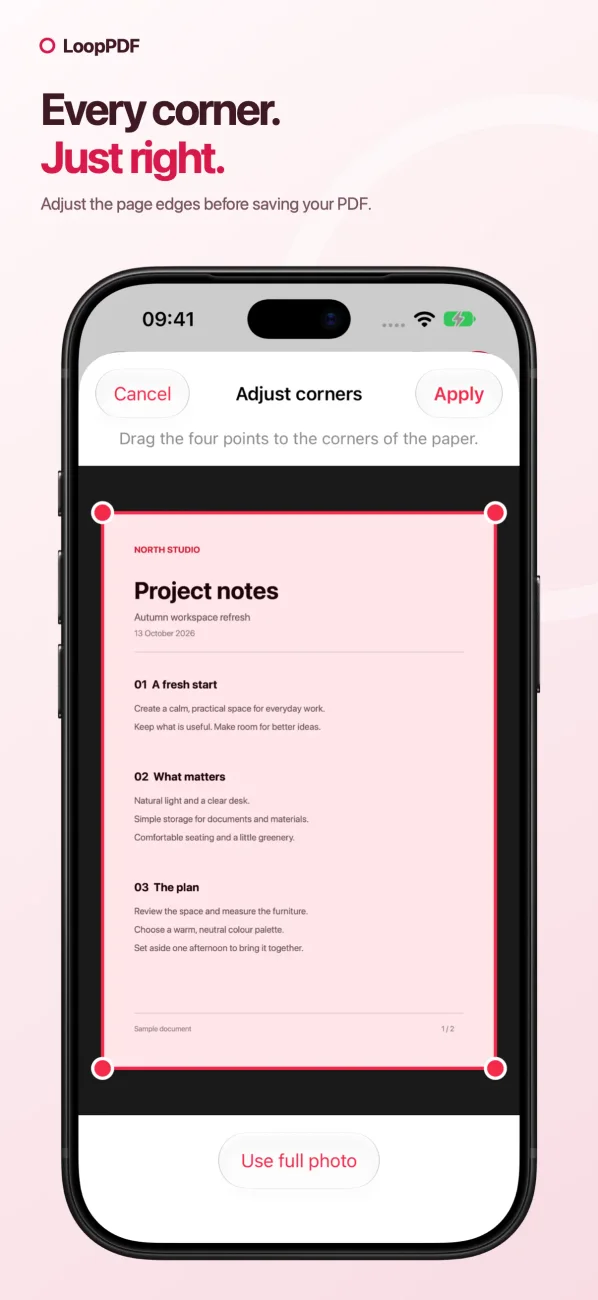
Open the camera and bring all four corners into view. LoopPDF detects the page, counts down and captures it automatically. Tap the scan button whenever you want to capture immediately. Perspective correction straightens pages photographed at an angle.
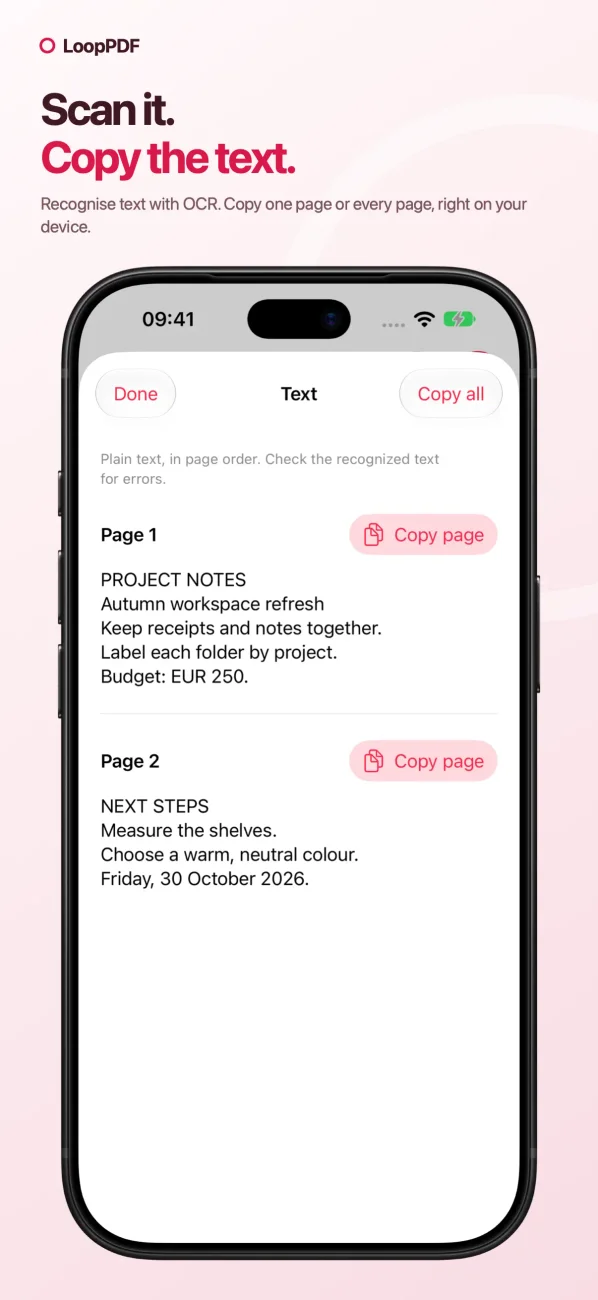
COPY TEXT WITH OCR
Recognise text in new scans and saved PDFs with Apple Vision. Select and copy text from one page or copy all pages in order. Recognition runs on your device whenever you open Text, so your saved scans can benefit from improvements to Apple's text recognition.
MULTIPLE PAGES, ONE PDF
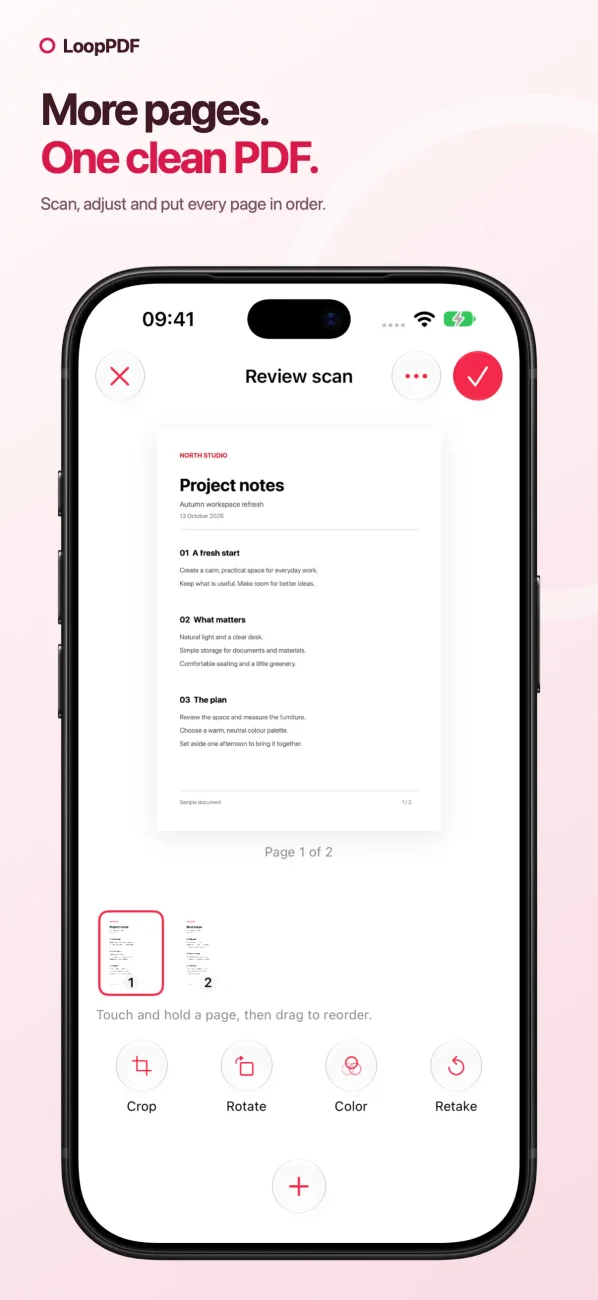
Scan another page, review the result and drag the thumbnails into the right order. Crop, rotate and adjust the colour treatment before saving. Add more pages to an existing PDF whenever you need to.
YOUR FILES, ORGANISED
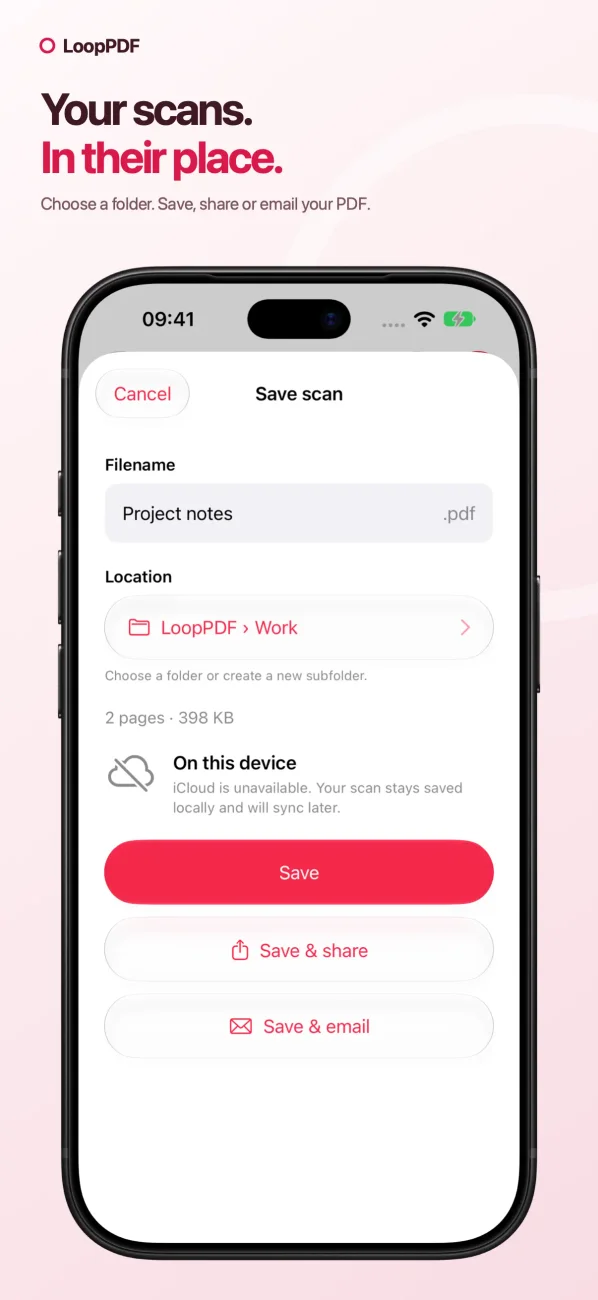
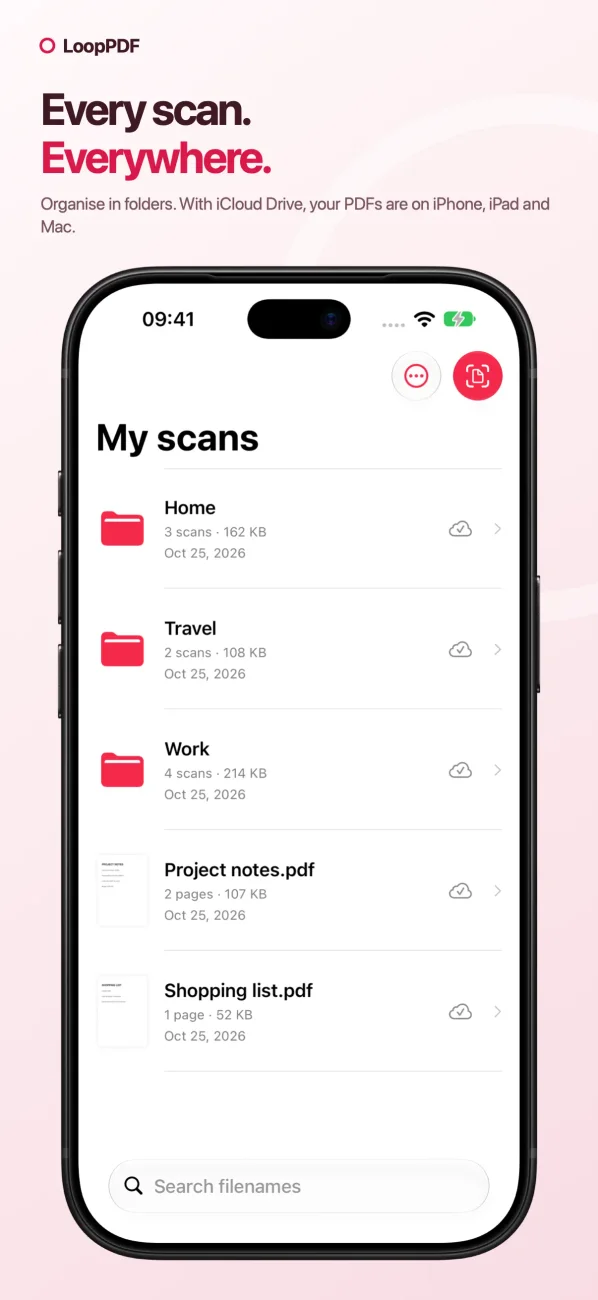
Name your PDF and choose a folder inside LoopPDF. Browse subfolders, search by filename and open scans in the built-in PDF viewer. See page counts, file sizes, dates and sync status at a glance.
READY ON YOUR OTHER DEVICES
Save PDFs to your LoopPDF folder in iCloud Drive and continue on your iPhone, iPad or Mac using the same Apple Account. If iCloud is unavailable, your scans stay on the device and move to iCloud when it becomes available.
PRESERVE THE DETAILS
Save scans at their original resolution without additional lossy image compression. Keep small details in your documents, with larger files that use more storage.
SAVE AND SHARE
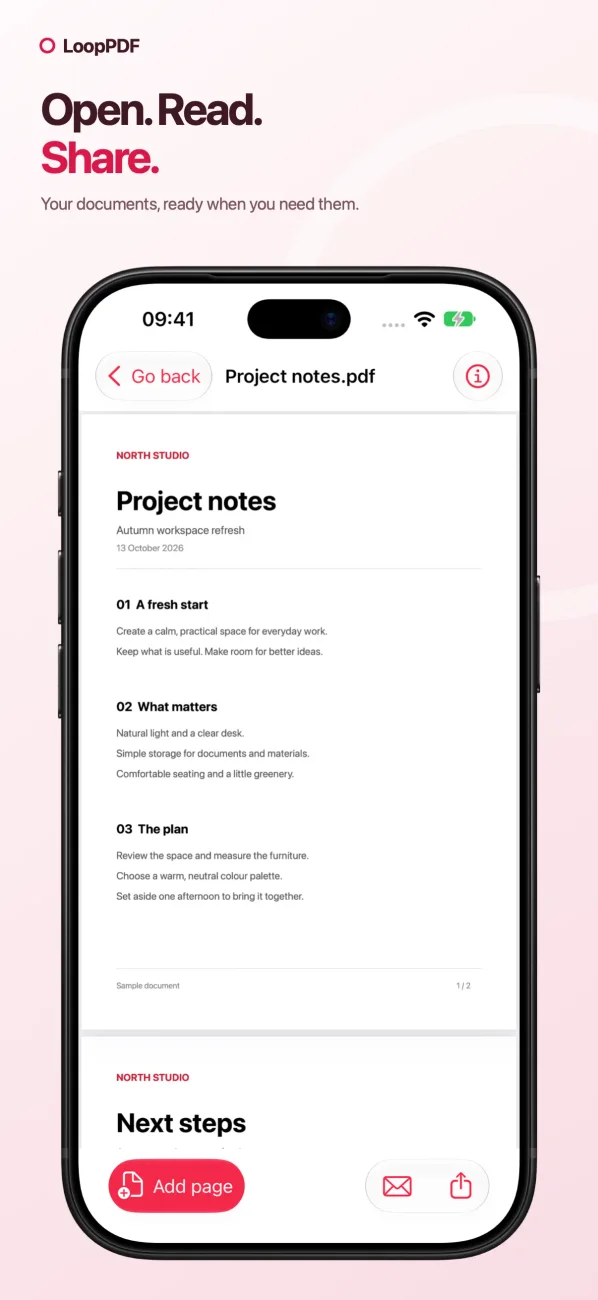
Send a PDF through Mail, AirDrop or the system share sheet directly after scanning or from the PDF viewer.
PRIVATE BY DESIGN
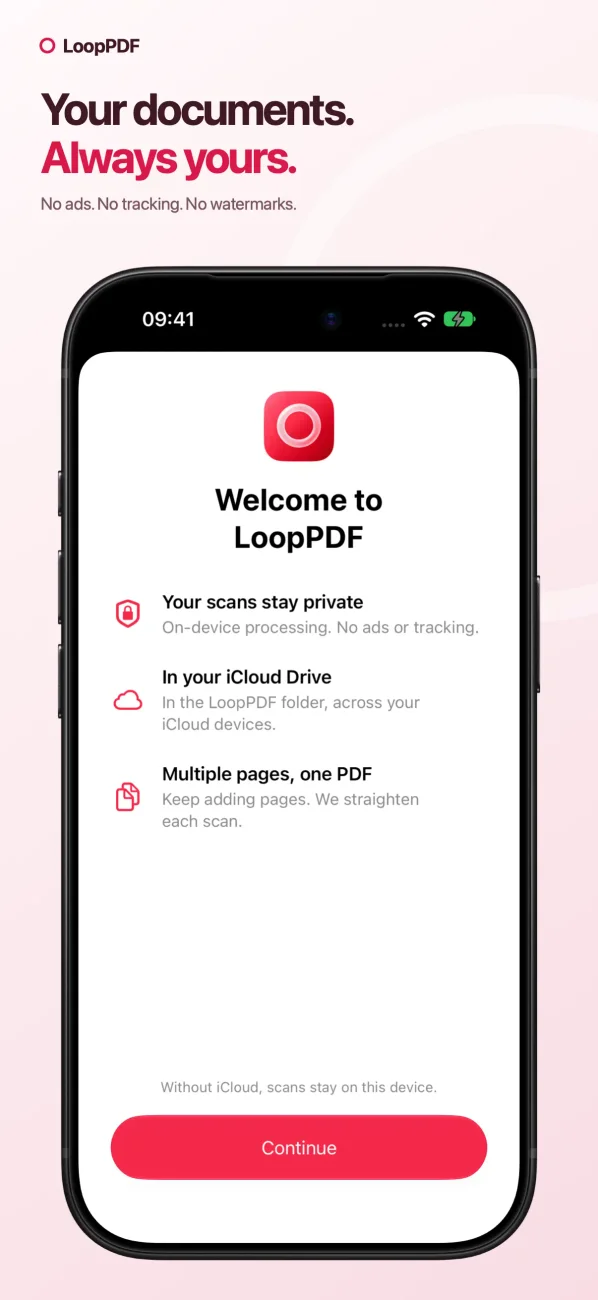
Document detection, image processing and OCR happen on your device. We do not receive your scans or add watermarks, logos or other branding. No ads, no subscription, no tracking and no separate LoopPDF account.
MAKE IT YOURS
Choose an automatic capture delay from 0.5 to 4 seconds. On Mac, use the built-in camera, an external webcam or an available Continuity Camera.
Camera access is required for scanning. Syncing requires iCloud Drive and the same Apple Account on your devices. Apple's iCloud storage limits apply.
Support: https://murani.nl/apps/looppdf/#support
Privacy: https://murani.nl/apps/looppdf/#privacy
Novedades
Versión 1.2 · 30/10/2026
OCR support
OCR recognises the words in your scans and turns them into text you can copy.
After scanning or opening a saved PDF, tap the text-lines icon at the top. Choose "Copy page" for one page or "Copy all" for the entire document.
Privacidad de la aplicación
Lo que Murani Consultancy BV declara en App Store sobre cómo esta aplicación gestiona los datos.
-
No se recopilan datos
El desarrollador no recopila ningún dato de esta aplicación.
Las prácticas de privacidad pueden variar, por ejemplo, según las funciones que uses o tu edad.
Información
- Vendedor
- Murani Consultancy BV
- Categoría
- Productividad
- Versión
- 1.2
- Actualizado
- 30/10/2026
- Publicado
- 14/10/2026
- Tamaño
- 7,7 MB
- Requiere
- iOS 18.0 o posterior
- Clasificación por edad
- 4+
- Precio
- Gratis
- Idiomas
- Inglés, Neerlandés
- Copyright
- © 2026 Murani Consultancy BV
Quizá también te guste
-
 Foldie LinksProductividad
-
 NotesHub: Notes, Kanban BoardsProductividad
-
 Bookmark Links: PostPocketProductividad
-
 Horizon: Calendario esencialResumen, metas y cuenta atrás
-
 Precursor: Bloqueador de appsLímites por hora, no por día
-
 oh my hoursProductividad
-
 Supernotes – Notas & DiarioZettelkasten Markdown Rápido
-
 HEY CalendarProductividad
-
 Remind Me FasterProductividad
-
 AdGuard Mail & Temp MailCorreo temporal con alias