- 対象年齢4+
- カテゴリ仕事効率化
- 開発元Murani Consultancy BV
- 言語英語ほか1言語
- サイズ7.7 MB
App Storeの公式ページにリンクしています
Download.orgはLoopPDFのファイルを一切ホストしていません。ボタンを押すと、Murani Consultancy BVが公開しているApp Storeのアプリページが開きます。ページの最終確認:2026/11/12。
スクリーンショット
概要
開発元はこのテキストをお使いの言語で提供していません。
Turn paper into clean PDFs and copy text with OCR using LoopPDF, the free document scanner for iPhone, iPad and Mac.
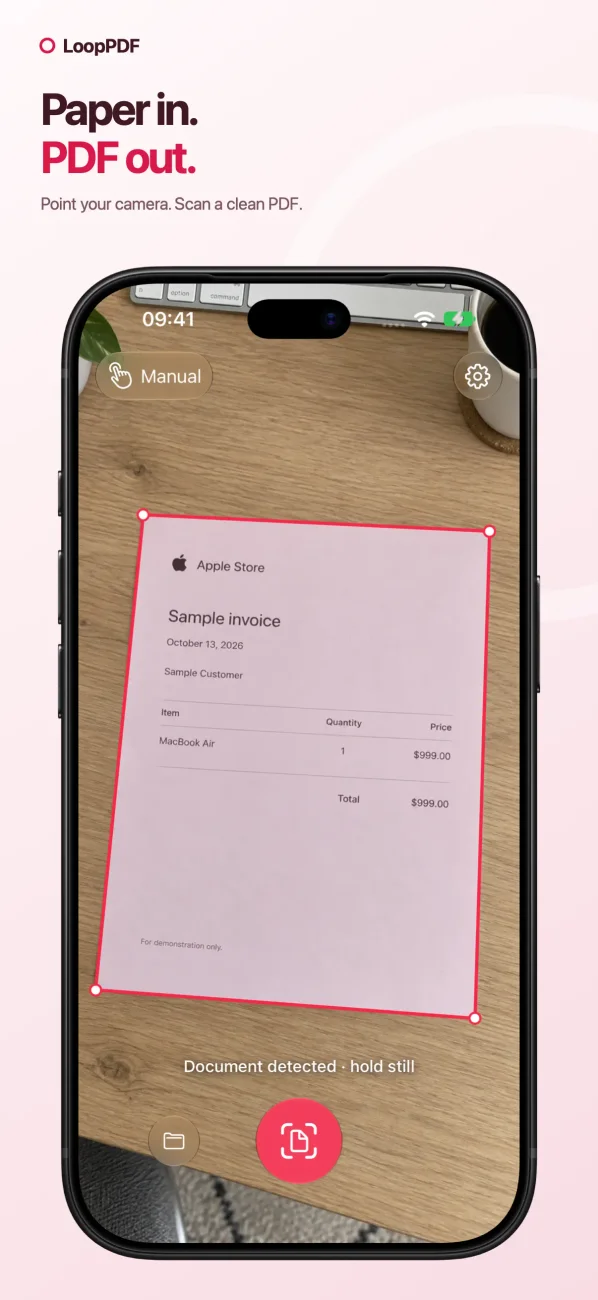
POINT, SCAN, SAVE
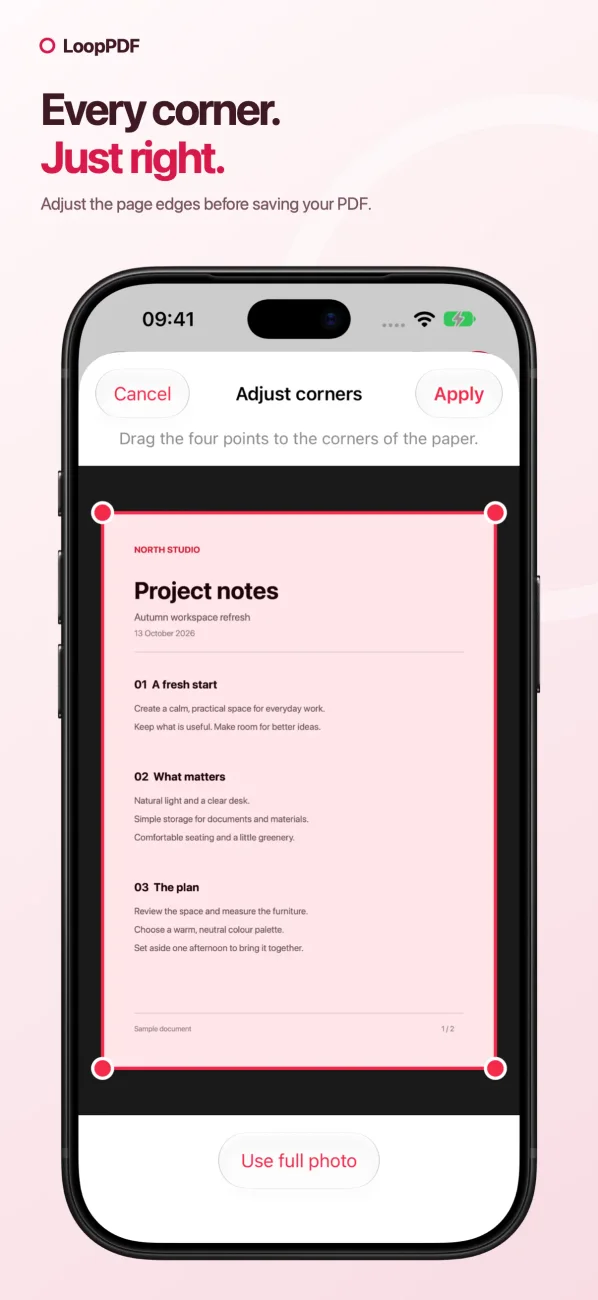
Open the camera and bring all four corners into view. LoopPDF detects the page, counts down and captures it automatically. Tap the scan button whenever you want to capture immediately. Perspective correction straightens pages photographed at an angle.
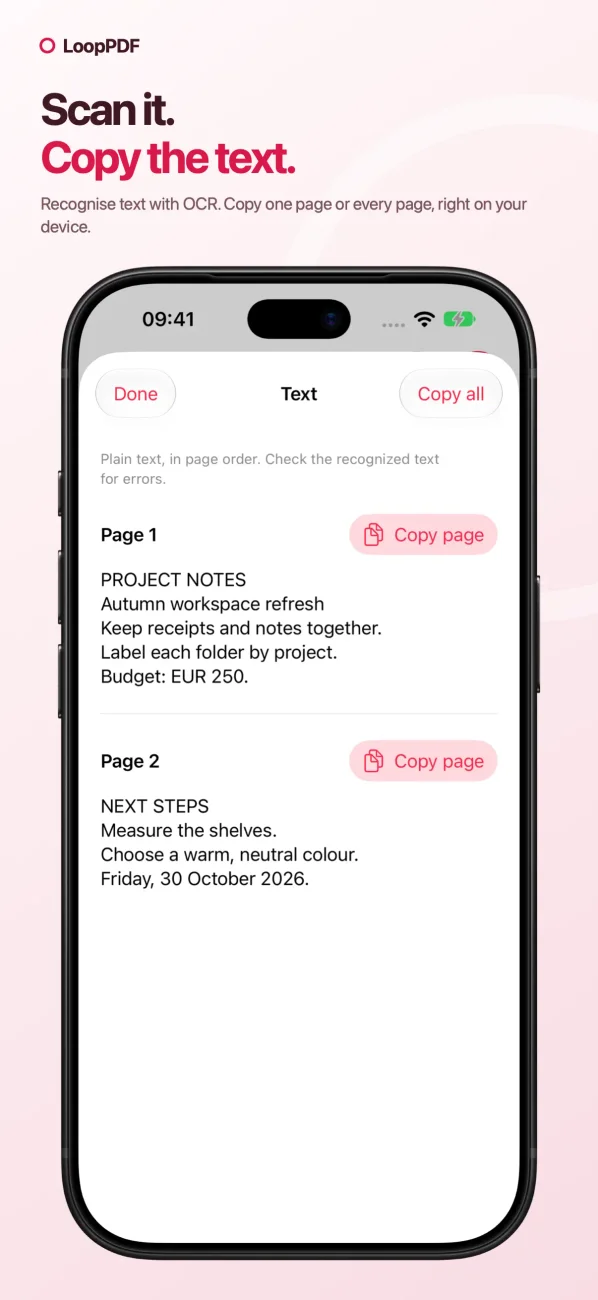
COPY TEXT WITH OCR
Recognise text in new scans and saved PDFs with Apple Vision. Select and copy text from one page or copy all pages in order. Recognition runs on your device whenever you open Text, so your saved scans can benefit from improvements to Apple's text recognition.
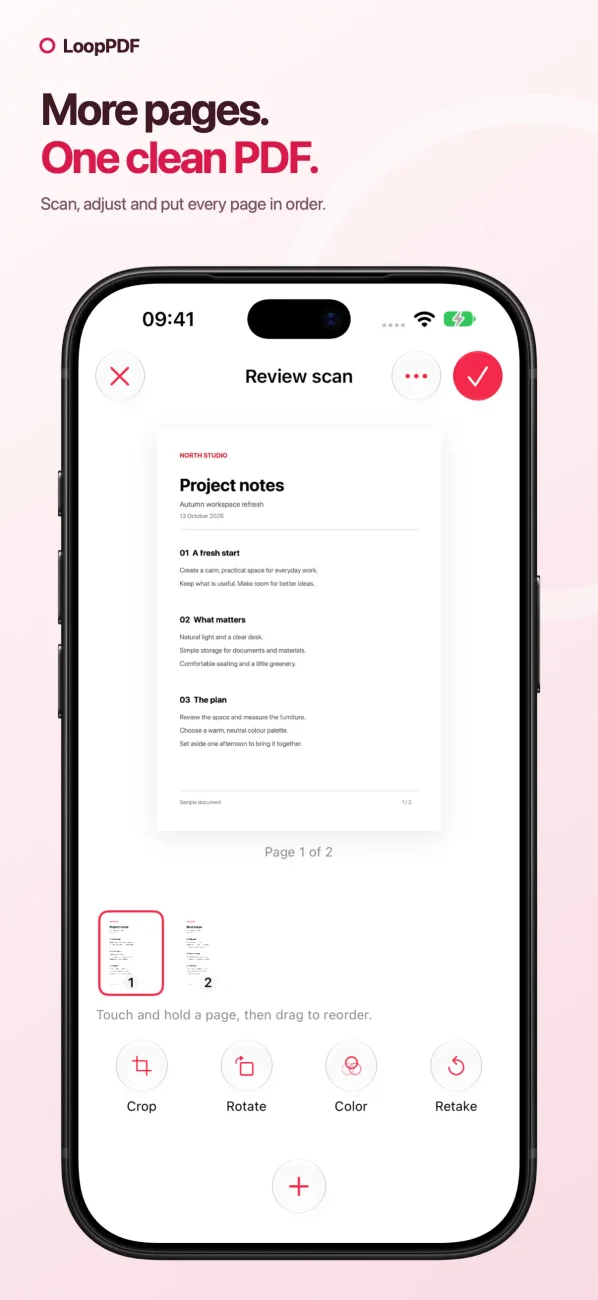
MULTIPLE PAGES, ONE PDF
Scan another page, review the result and drag the thumbnails into the right order. Crop, rotate and adjust the colour treatment before saving. Add more pages to an existing PDF whenever you need to.
YOUR FILES, ORGANISED
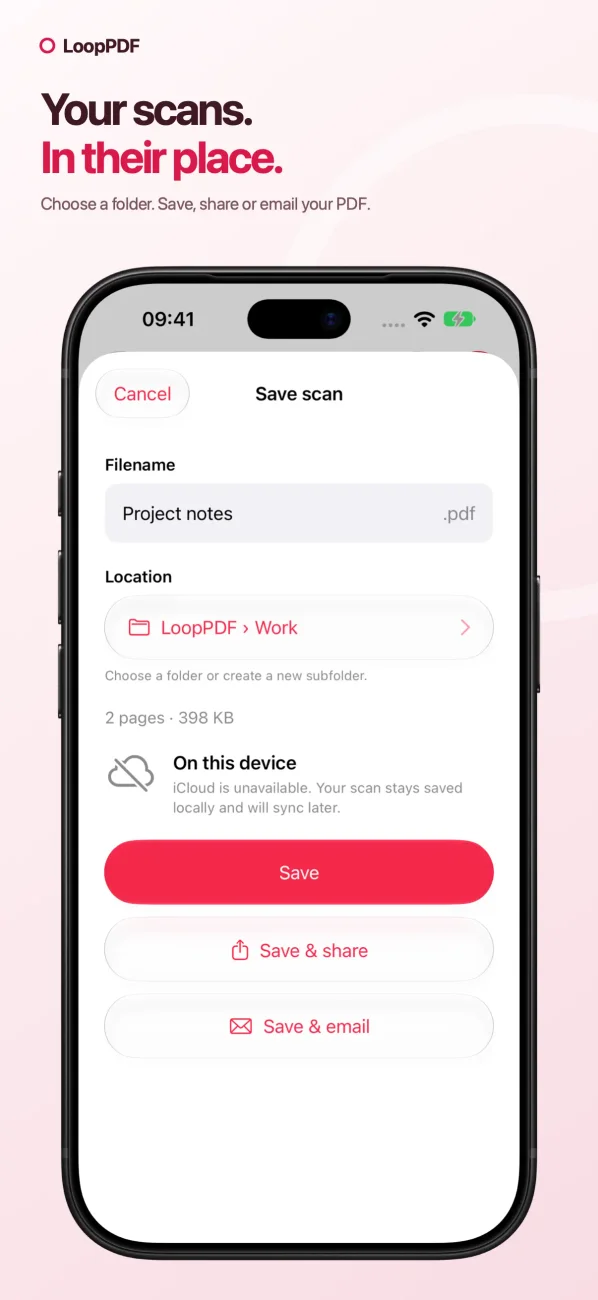
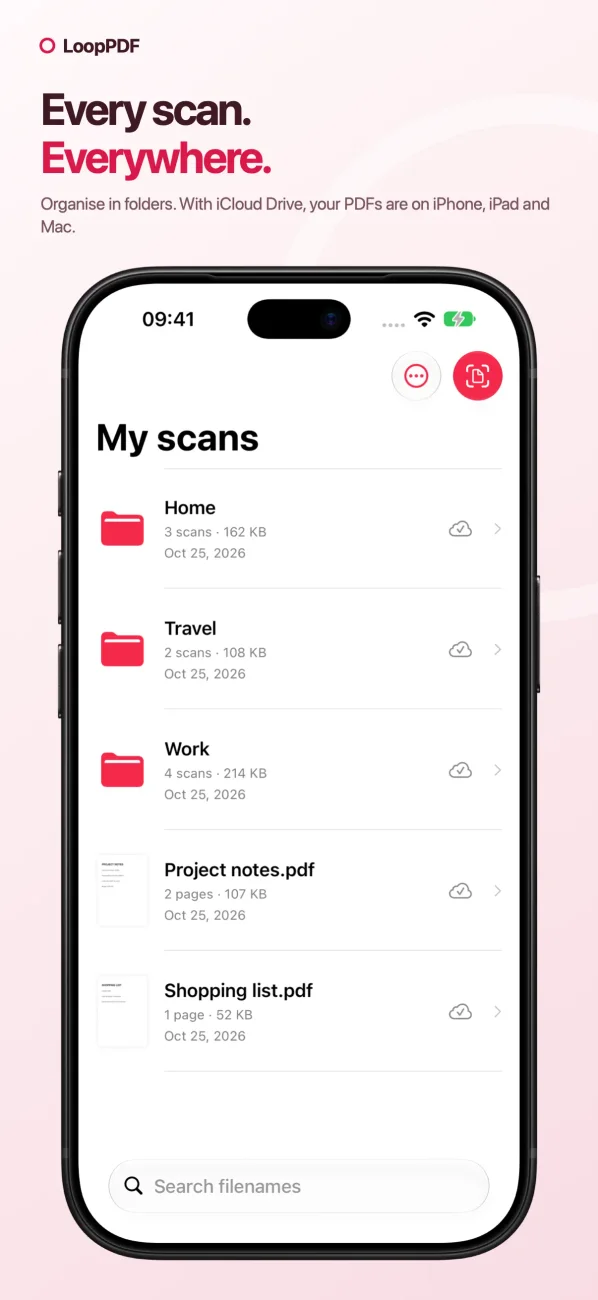
Name your PDF and choose a folder inside LoopPDF. Browse subfolders, search by filename and open scans in the built-in PDF viewer. See page counts, file sizes, dates and sync status at a glance.
READY ON YOUR OTHER DEVICES
Save PDFs to your LoopPDF folder in iCloud Drive and continue on your iPhone, iPad or Mac using the same Apple Account. If iCloud is unavailable, your scans stay on the device and move to iCloud when it becomes available.
PRESERVE THE DETAILS
Save scans at their original resolution without additional lossy image compression. Keep small details in your documents, with larger files that use more storage.
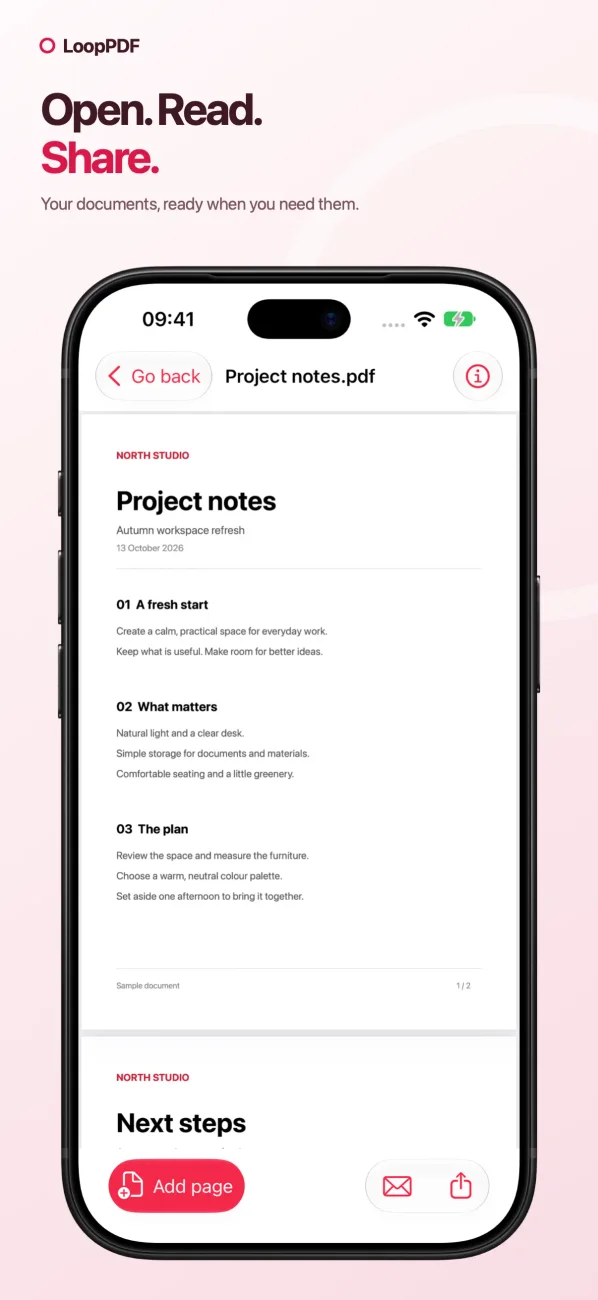
SAVE AND SHARE
Send a PDF through Mail, AirDrop or the system share sheet directly after scanning or from the PDF viewer.
PRIVATE BY DESIGN
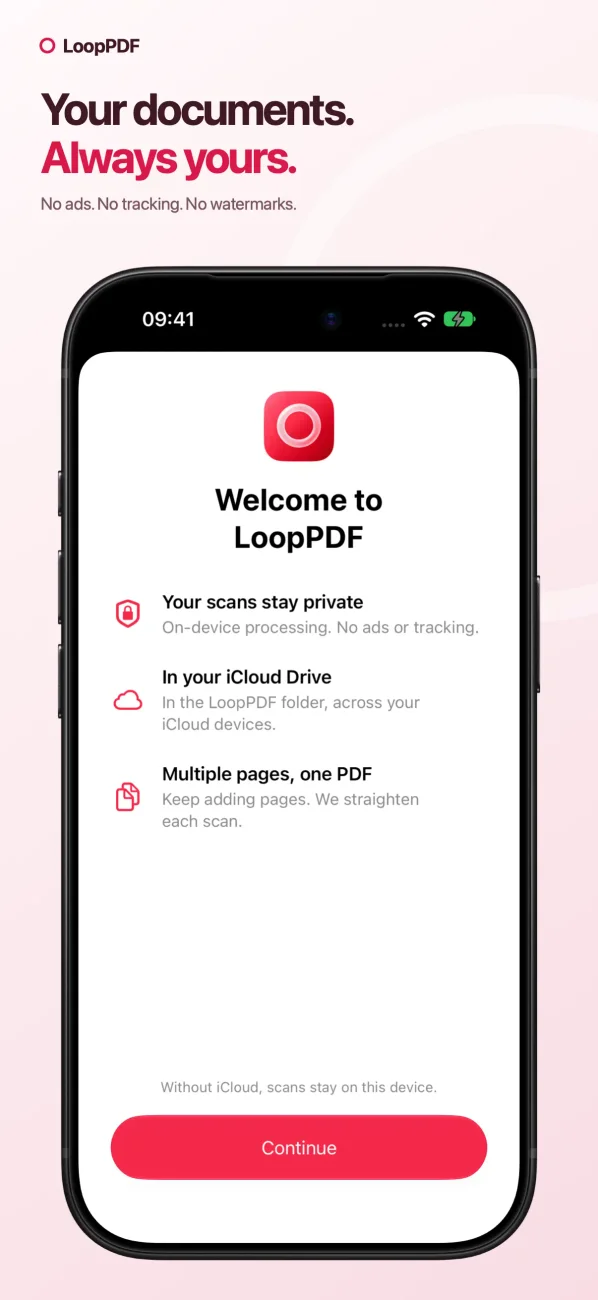
Document detection, image processing and OCR happen on your device. We do not receive your scans or add watermarks, logos or other branding. No ads, no subscription, no tracking and no separate LoopPDF account.
MAKE IT YOURS
Choose an automatic capture delay from 0.5 to 4 seconds. On Mac, use the built-in camera, an external webcam or an available Continuity Camera.
Camera access is required for scanning. Syncing requires iCloud Drive and the same Apple Account on your devices. Apple's iCloud storage limits apply.
Support: https://murani.nl/apps/looppdf/#support
Privacy: https://murani.nl/apps/looppdf/#privacy
新機能
バージョン 1.2 · 2026/10/30
OCR support
OCR recognises the words in your scans and turns them into text you can copy.
After scanning or opening a saved PDF, tap the text-lines icon at the top. Choose "Copy page" for one page or "Copy all" for the entire document.
アプリのプライバシー
このアプリのデータの取り扱いについて、Murani Consultancy BVがApp Storeで申告している内容です。
-
データの収集なし
開発元はこのアプリからデータを収集しません。
プライバシーの取り扱いは、ご利用の機能やお客様の年齢などに応じて異なる場合があります。
情報
- 販売元
- Murani Consultancy BV
- カテゴリ
- 仕事効率化
- バージョン
- 1.2
- 更新日
- 2026/10/30
- リリース
- 2026/10/14
- サイズ
- 7.7 MB
- 必要条件
- iOS 18.0以降
- 対象年齢
- 4+
- 価格
- 無料
- 言語
- 英語, オランダ語
- 著作権
- © 2026 Murani Consultancy BV
こちらもおすすめ
-
 Foldie Links仕事効率化
-
 NotesHub: Notes, Kanban Boards仕事効率化
-
 Bookmark Links: PostPocket仕事効率化
-
 Horizon: Calendar Highlights仕事効率化
-
 Precursor プリカーサー: 1時間ごとのアプリ制限1日1回ではなく、1時間ごとにリセット
-
 oh my hours仕事効率化
-
 Supernotes – Notes & Journal仕事効率化
-
 HEY Calendar仕事効率化
-
 Remind Me Faster仕事効率化
-
 AdGuard メール:エイリアスと捨てメアド作成使い捨てメールアドレス(捨てアド)とエイリアスを使えるアプリ