
- Clasificación por edad4+
- CategoríaProductividad
- DesarrolladorDaniel Barba
- IdiomasInglés
- Tamaño31,5 MB
Es posible que Markour no esté disponible en App Store en este momento
No se pudo acceder a la ficha de la tienda en nuestra última comprobación. El enlace sigue llevando a la página oficial de App Store.
Capturas de pantalla



Acerca de
El desarrollador no ha proporcionado este texto en tu idioma.
Description
Markour is a powerful, intuitive whiteboard and drawing app designed for creative thinkers, students, teachers, and teams. Sketch ideas on endless whiteboards, organize work with tabs, and invite anyone to collaborate in real time — all from your iPhone or iPad.
DRAW WITH PRECISION
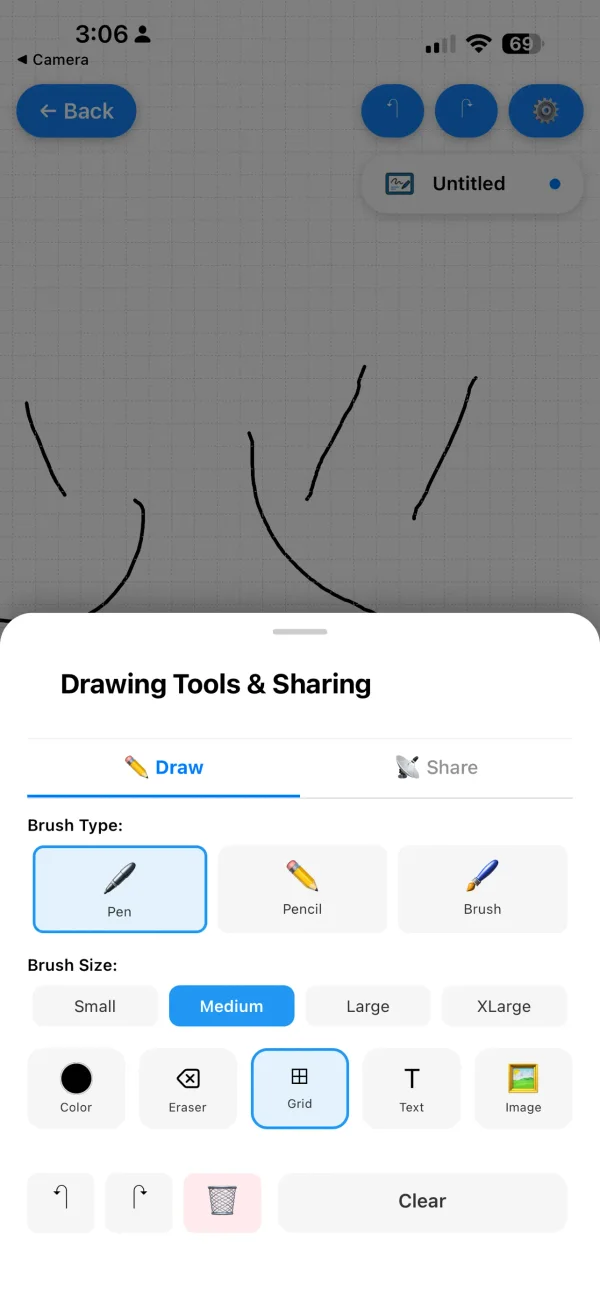
Choose from Pen, Pencil, and Brush tools with four brush sizes. Pick from 20+ preset colors or dial in the exact shade you want with the advanced HSL color picker — complete with opacity control. Add text with full styling options (bold, italic, underline, custom size) and import images from your photo library.
STAY ORGANIZED
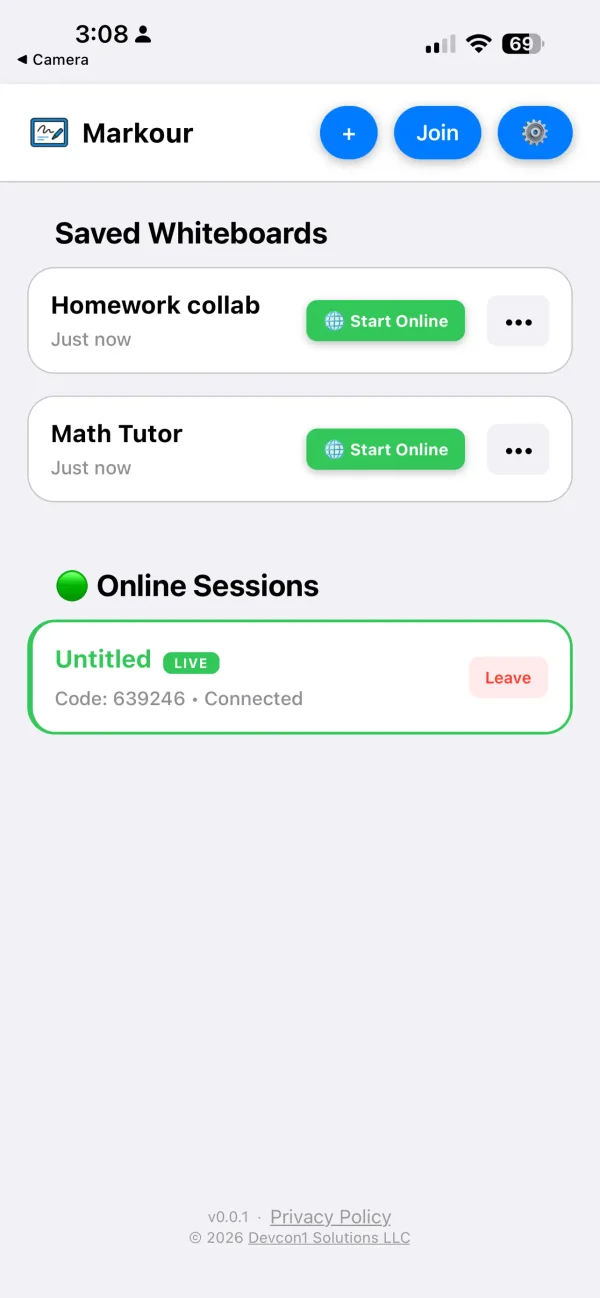
Create and name unlimited whiteboards. Use the multi-tab system to keep different ideas in the same board — like pages in a notebook. Auto-save runs every 30 seconds so you never lose your work. Your 20 most recent boards are always one tap away.
STAY ORGANIZED
Create and name unlimited whiteboards. Use the multi-tab system to keep different ideas in the same board — like pages in a notebook. Auto-save runs every 30 seconds so you never lose your work. Your 20 most recent boards are always one tap away.
COLLABORATE IN REAL TIME
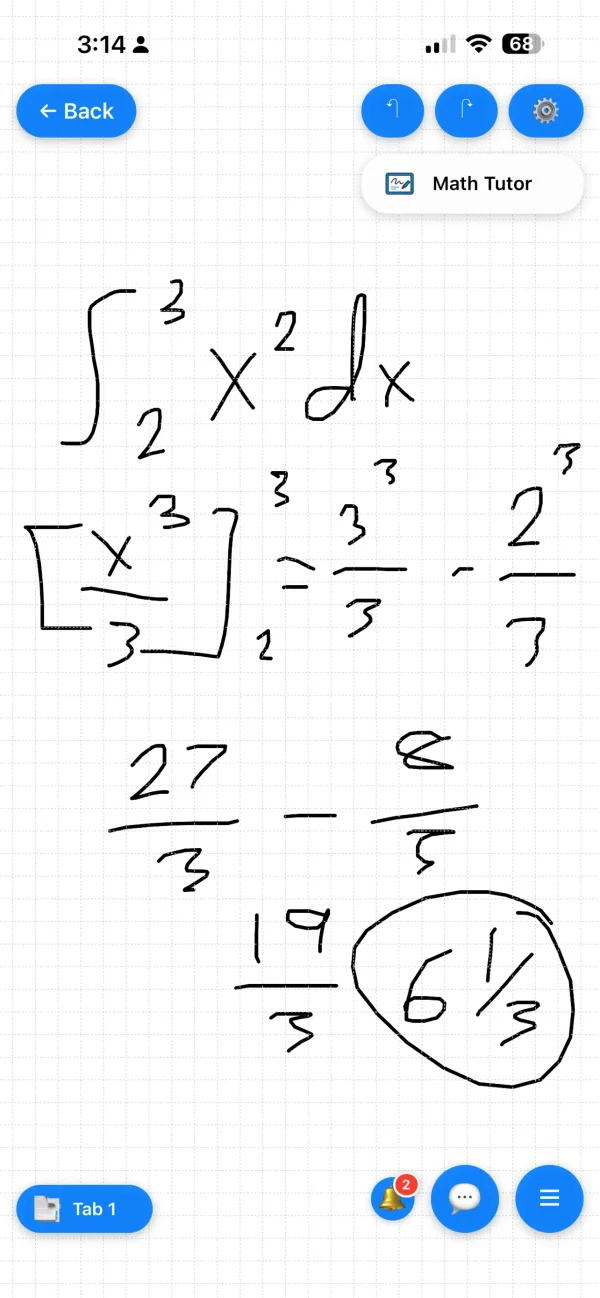
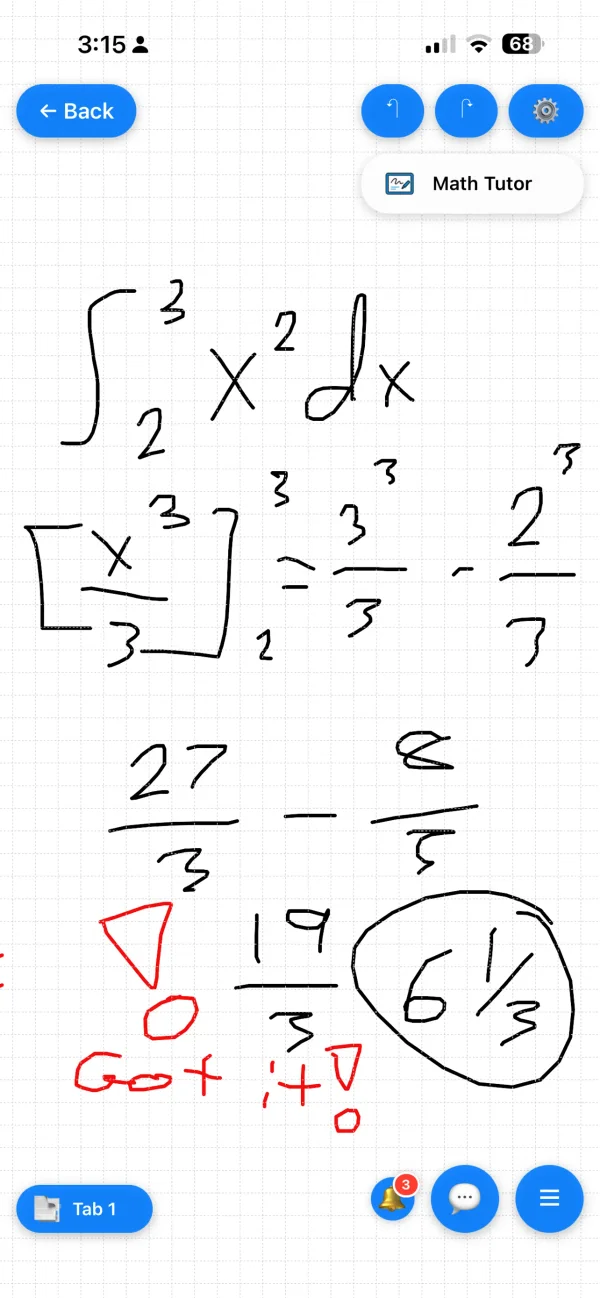
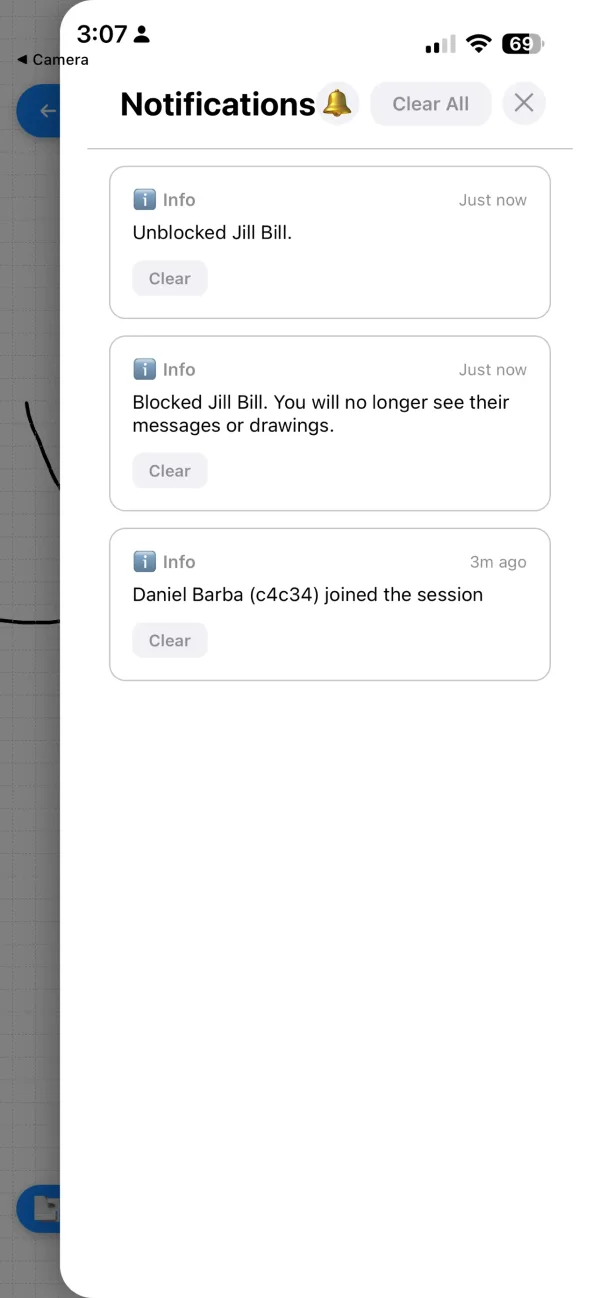
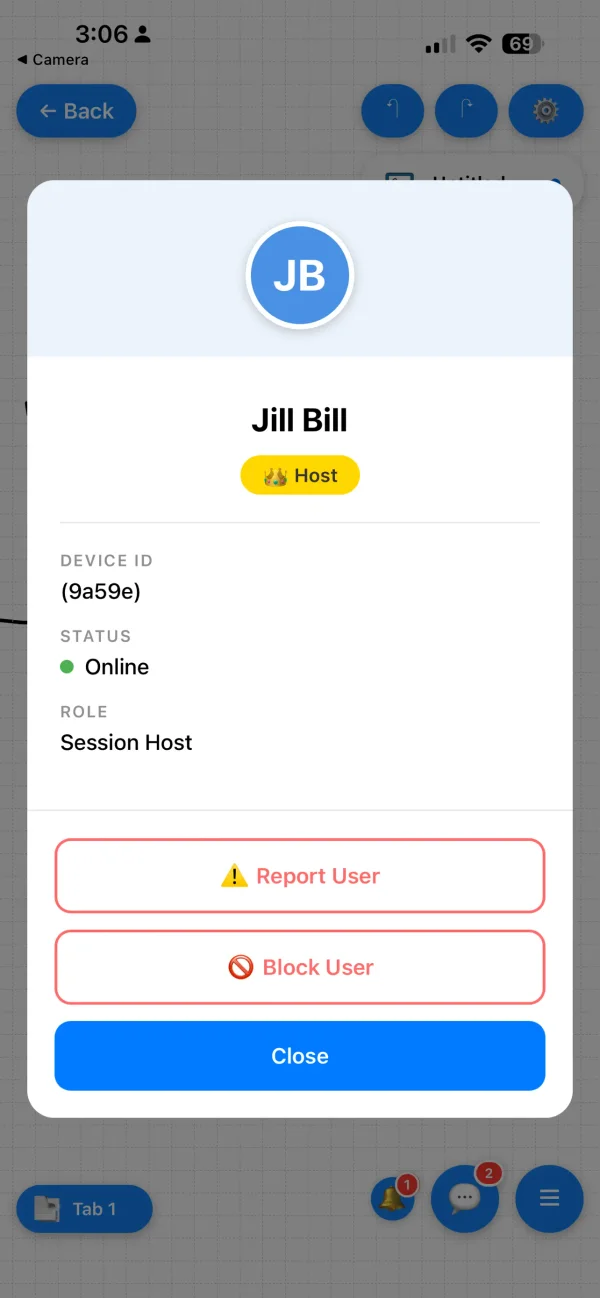
Share your board with a simple 6-digit code. Guests join instantly — no account, no sign-up, no friction. See connected users, chat during sessions, and watch strokes appear live as your team draws together. Perfect for brainstorming, tutoring, and remote workshops.
BUILT FOR PRIVACY
Your drawings are stored locally on your device. Collaboration sessions use only a temporary name — no account or personal data required. You control your work, always.
Pen, Pencil & Brush tools with 4 sizes
Advanced color picker with HSL sliders & opacity
Text tool with font size, weight & style controls
Image import from photo library
Multi-tab canvases within each whiteboard
Undo, redo, eraser & grid overlay
Auto-save every 30 seconds
Dark mode support
Real-time collaboration
In-session chat & user list
Export & share drawings
No account required
Privacidad de la aplicación
Lo que Daniel Barba declara en App Store sobre cómo esta aplicación gestiona los datos.
-
Datos vinculados a ti
Pueden recopilarse y vincularse a tu identidad.
- Información de contacto
- Identificadores
-
Datos no vinculados a ti
Pueden recopilarse, pero no se vinculan a tu identidad.
- Información de contacto
Las prácticas de privacidad pueden variar, por ejemplo, según las funciones que uses o tu edad.
Información
- Vendedor
- Daniel Barba
- Categoría
- Productividad
- Versión
- 1.0.0
- Actualizado
- 20/7/2026
- Publicado
- 20/7/2026
- Tamaño
- 31,5 MB
- Requiere
- iOS 15.1 o posterior
- Clasificación por edad
- 4+
- Idiomas
- Inglés
- Copyright
- © DEVCON1 SOLUTIONS LLC
Quizá también te guste
-
 Ultra Board: Pencil WhiteboardProductividad
-
 SiS SWBProductividad
-
 Pastel PonderProductividad
-
 Atelier TimesheetProductividad
-
 WhiteSync: Whiteboard DrawingProductividad
-
 Whiteboard - Draw AnythingProductividad
-
 Whiteboard SimpleProductividad
-
 Canvs.io whiteboardProductividad
-
 Outbuild FieldLookahead Management
-
 Pizarra PDF: lienzo infinitoDibujo, diagramas y anotación