
- Độ tuổi4+
- Danh mụcHiệu Suất
- Nhà phát triểnDaniel Barba
- Ngôn ngữTiếng Anh
- Kích thước31,5 MB
Markour hiện có thể không có trên App Store
Ở lần kiểm tra gần nhất, chúng tôi không truy cập được trang trên cửa hàng. Liên kết vẫn dẫn đến trang App Store chính thức.
Ảnh chụp màn hình



Giới thiệu
Nhà phát triển chưa cung cấp nội dung này bằng ngôn ngữ của bạn.
Description
Markour is a powerful, intuitive whiteboard and drawing app designed for creative thinkers, students, teachers, and teams. Sketch ideas on endless whiteboards, organize work with tabs, and invite anyone to collaborate in real time — all from your iPhone or iPad.
DRAW WITH PRECISION
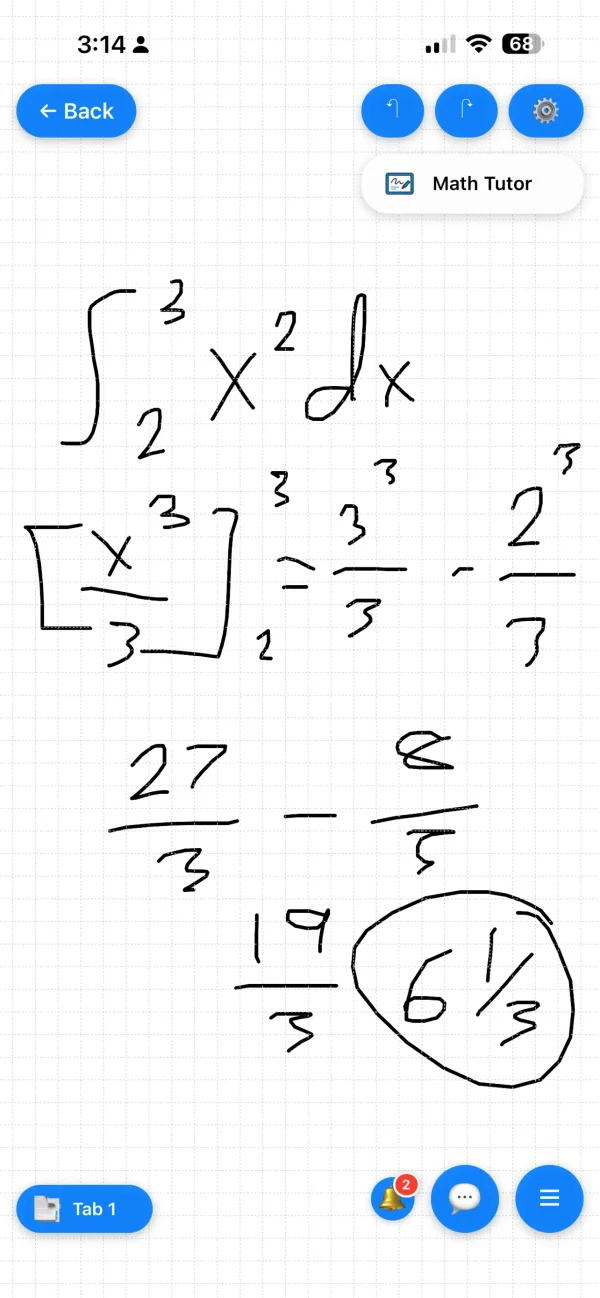
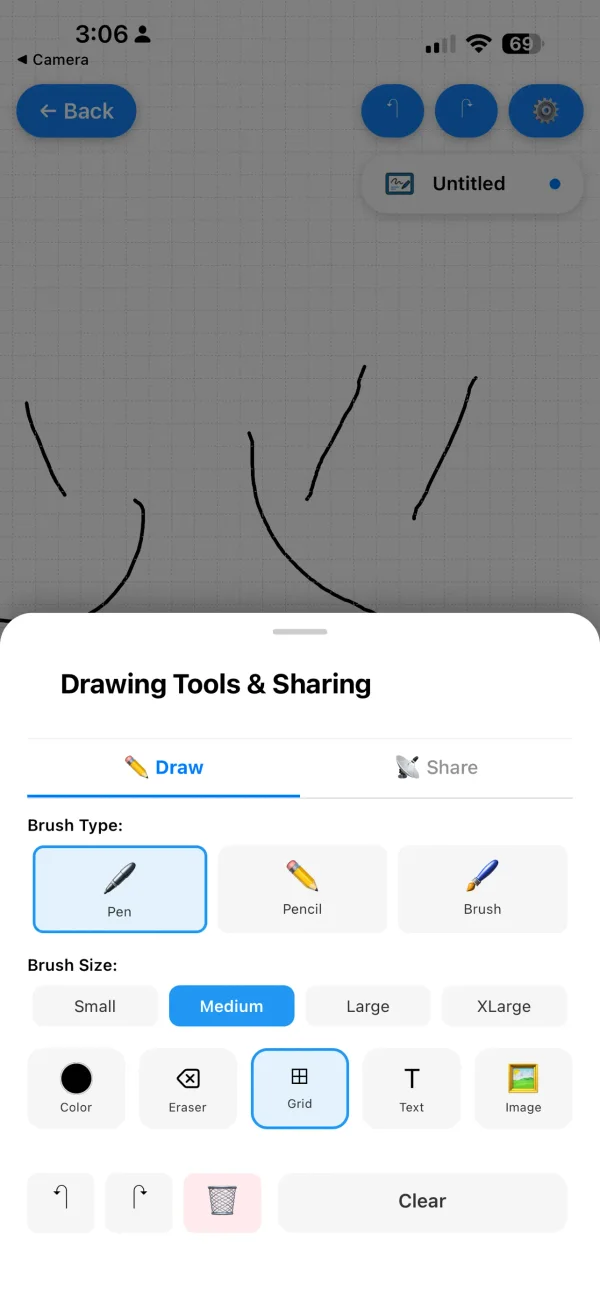
Choose from Pen, Pencil, and Brush tools with four brush sizes. Pick from 20+ preset colors or dial in the exact shade you want with the advanced HSL color picker — complete with opacity control. Add text with full styling options (bold, italic, underline, custom size) and import images from your photo library.
STAY ORGANIZED
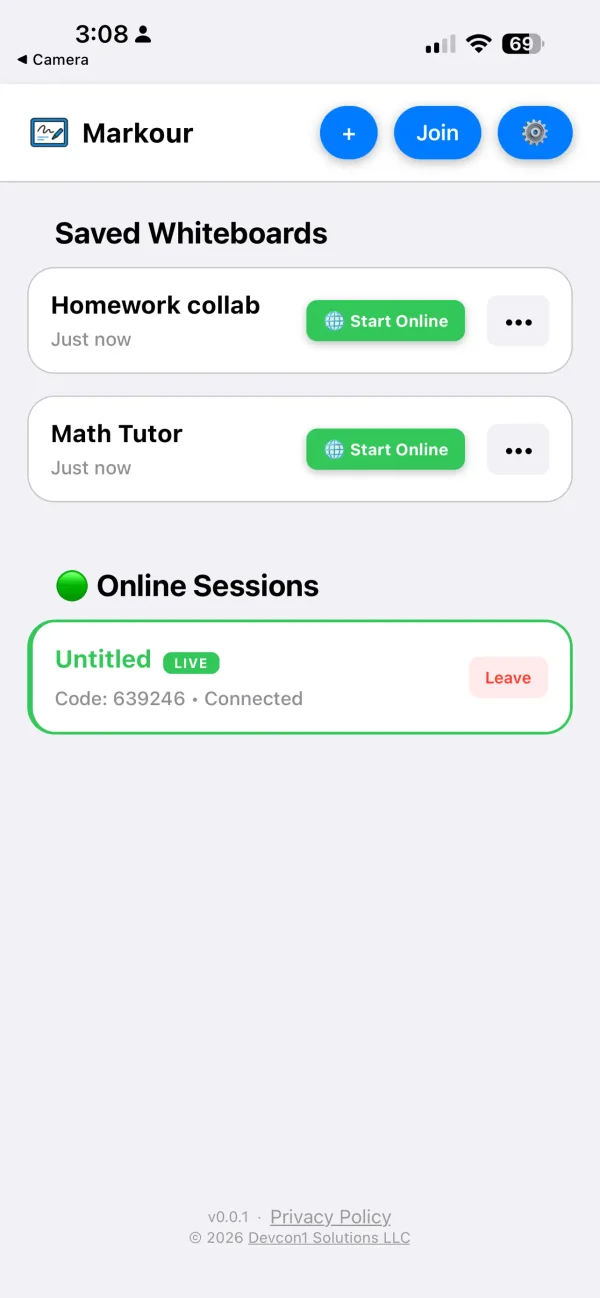
Create and name unlimited whiteboards. Use the multi-tab system to keep different ideas in the same board — like pages in a notebook. Auto-save runs every 30 seconds so you never lose your work. Your 20 most recent boards are always one tap away.
STAY ORGANIZED
Create and name unlimited whiteboards. Use the multi-tab system to keep different ideas in the same board — like pages in a notebook. Auto-save runs every 30 seconds so you never lose your work. Your 20 most recent boards are always one tap away.
COLLABORATE IN REAL TIME
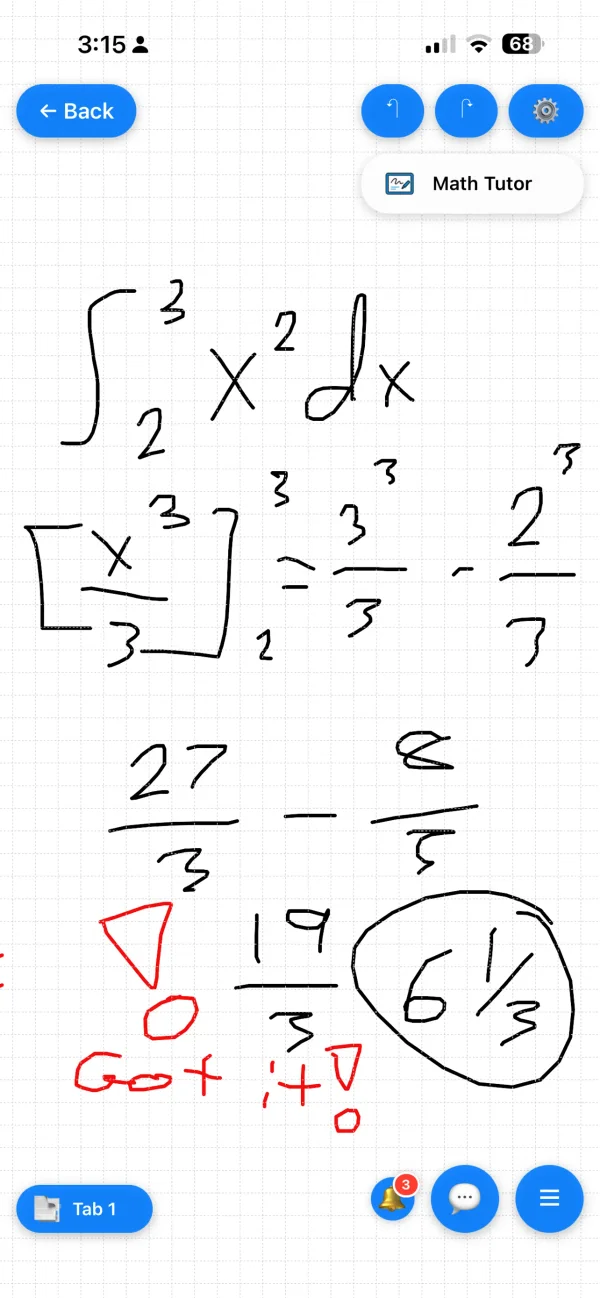
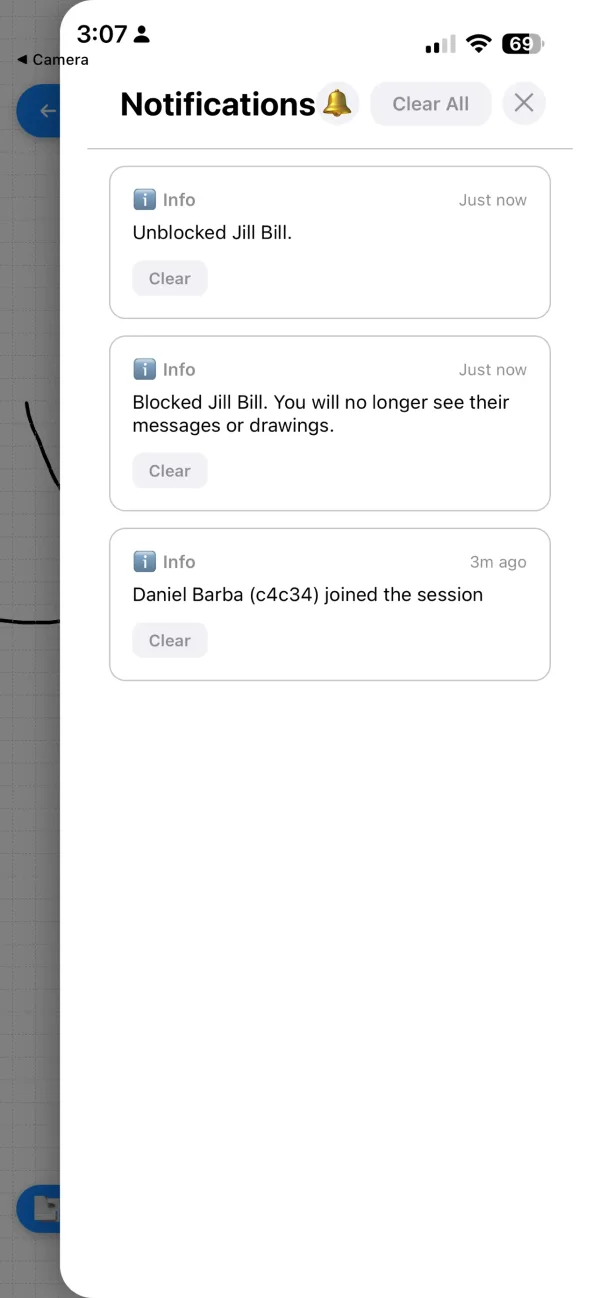
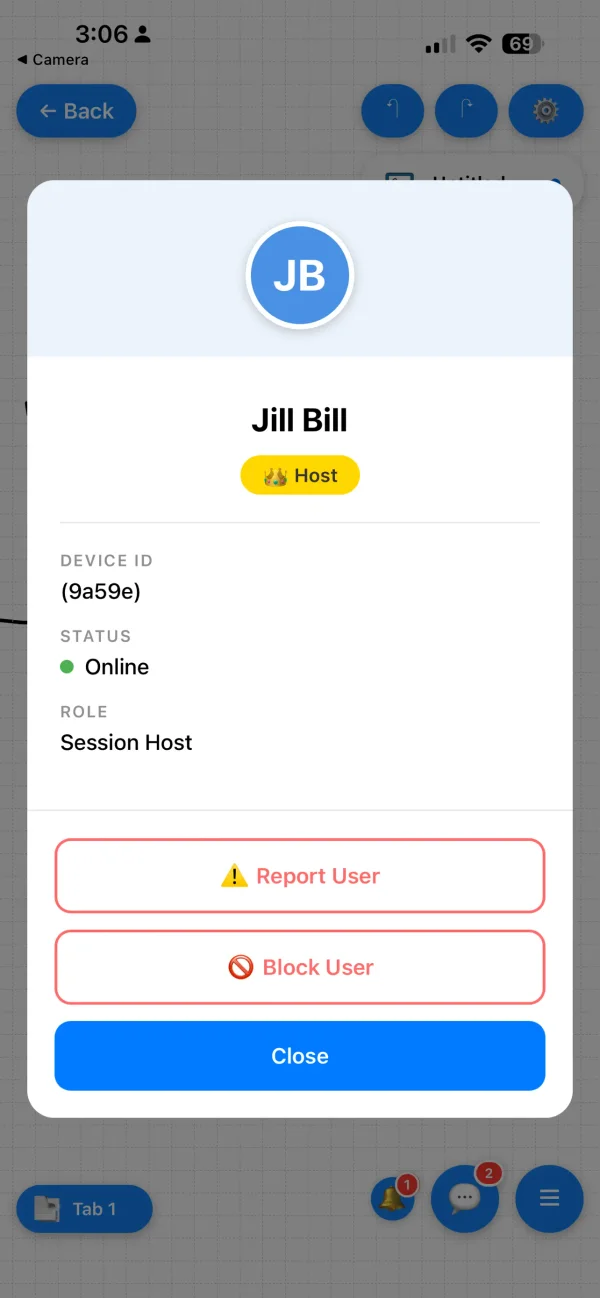
Share your board with a simple 6-digit code. Guests join instantly — no account, no sign-up, no friction. See connected users, chat during sessions, and watch strokes appear live as your team draws together. Perfect for brainstorming, tutoring, and remote workshops.
BUILT FOR PRIVACY
Your drawings are stored locally on your device. Collaboration sessions use only a temporary name — no account or personal data required. You control your work, always.
Pen, Pencil & Brush tools with 4 sizes
Advanced color picker with HSL sliders & opacity
Text tool with font size, weight & style controls
Image import from photo library
Multi-tab canvases within each whiteboard
Undo, redo, eraser & grid overlay
Auto-save every 30 seconds
Dark mode support
Real-time collaboration
In-session chat & user list
Export & share drawings
No account required
Quyền riêng tư của ứng dụng
Những gì Daniel Barba khai báo trên App Store về cách ứng dụng này xử lý dữ liệu.
-
Dữ liệu liên kết với bạn
Có thể được thu thập và liên kết với danh tính của bạn.
- Thông tin liên hệ
- Mã định danh
-
Dữ liệu không liên kết với bạn
Có thể được thu thập nhưng không liên kết với danh tính của bạn.
- Thông tin liên hệ
Phương thức đảm bảo quyền riêng tư có thể khác nhau, chẳng hạn như tuỳ theo các tính năng bạn sử dụng hoặc độ tuổi của bạn.
Thông tin
- Người bán
- Daniel Barba
- Danh mục
- Hiệu Suất
- Phiên bản
- 1.0.0
- Cập nhật
- 20/07/2026
- Phát hành
- 20/07/2026
- Kích thước
- 31,5 MB
- Yêu cầu
- iOS 15.1 trở lên
- Độ tuổi
- 4+
- Ngôn ngữ
- Tiếng Anh
- Bản quyền
- © DEVCON1 SOLUTIONS LLC
Có thể bạn cũng thích
-
 Ultra Board: Pencil WhiteboardHiệu Suất
-
 SiS SWBHiệu Suất
-
 Pastel PonderHiệu Suất
-
 Atelier TimesheetHiệu Suất
-
 WhiteSync: Whiteboard DrawingHiệu Suất
-
 Whiteboard - Draw AnythingHiệu Suất
-
 Whiteboard SimpleHiệu Suất
-
 Canvs.io whiteboardHiệu Suất
-
 Outbuild FieldHiệu Suất
-
 Bảng trắng PDF: canvas vô hạnVẽ, sơ đồ và chú thích