
- Batasan usia4+
- KategoriProduktivitas
- PengembangDaniel Barba
- BahasaInggris
- Ukuran31,5 MB
Markour mungkin sedang tidak tersedia di App Store
Halaman di toko tidak dapat dijangkau saat terakhir kami periksa. Tautan tetap mengarah ke halaman resmi App Store.
Tangkapan layar



Tentang
Pengembang belum menyediakan teks ini dalam bahasa Anda.
Description
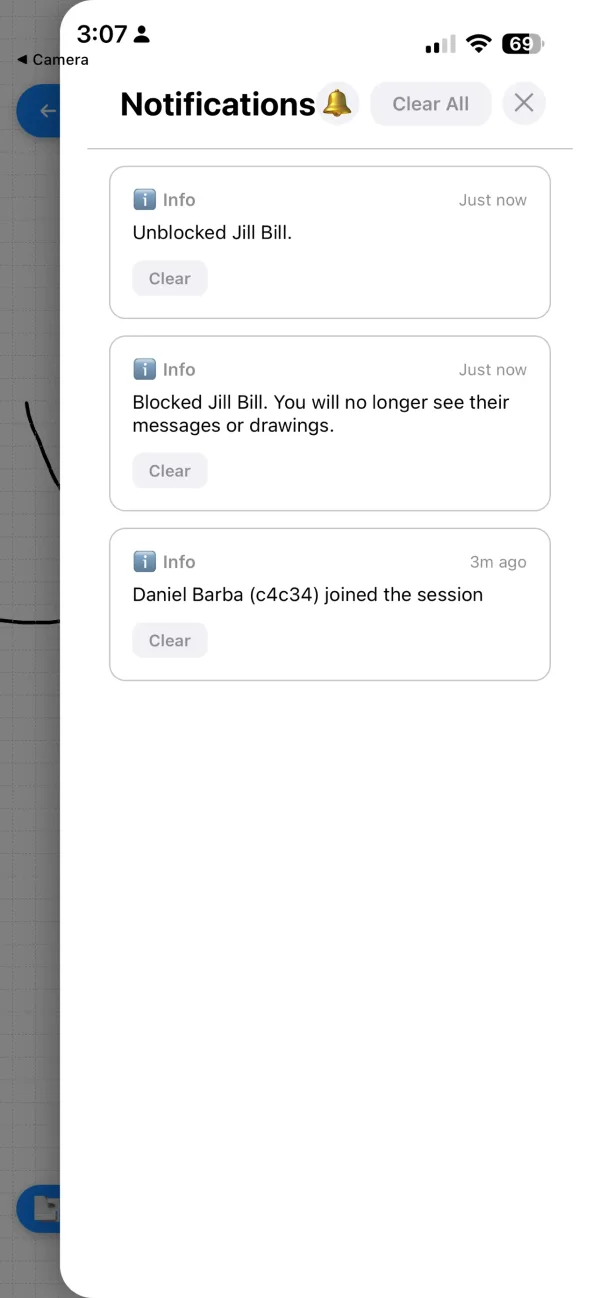
Markour is a powerful, intuitive whiteboard and drawing app designed for creative thinkers, students, teachers, and teams. Sketch ideas on endless whiteboards, organize work with tabs, and invite anyone to collaborate in real time — all from your iPhone or iPad.
DRAW WITH PRECISION
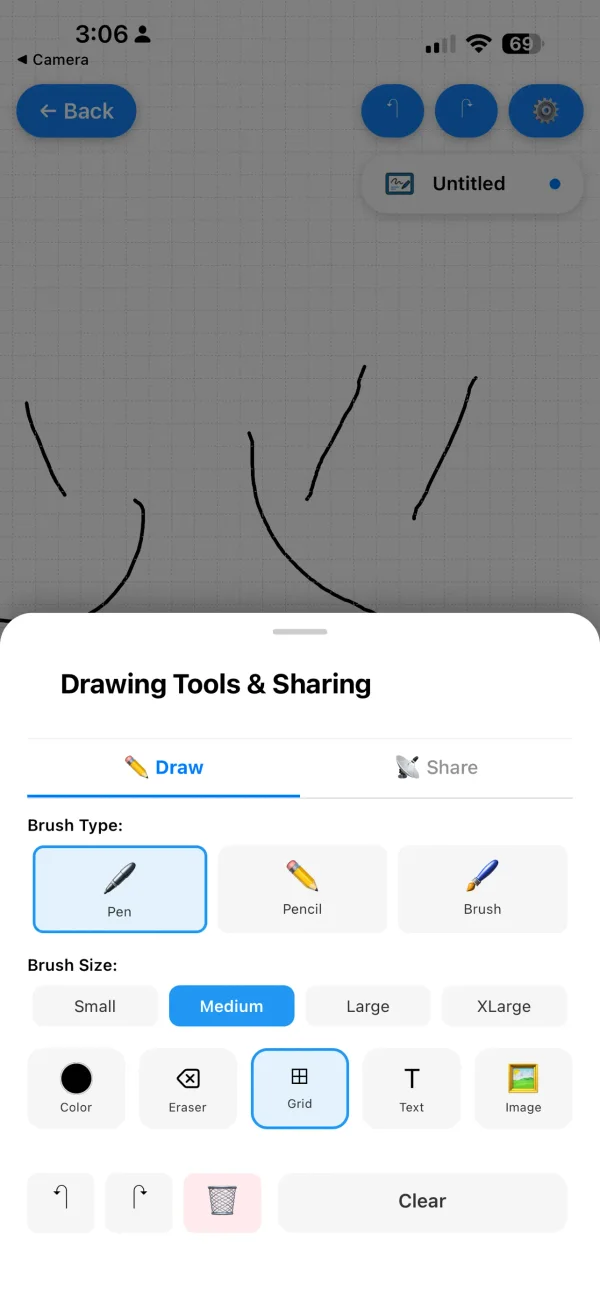
Choose from Pen, Pencil, and Brush tools with four brush sizes. Pick from 20+ preset colors or dial in the exact shade you want with the advanced HSL color picker — complete with opacity control. Add text with full styling options (bold, italic, underline, custom size) and import images from your photo library.
STAY ORGANIZED
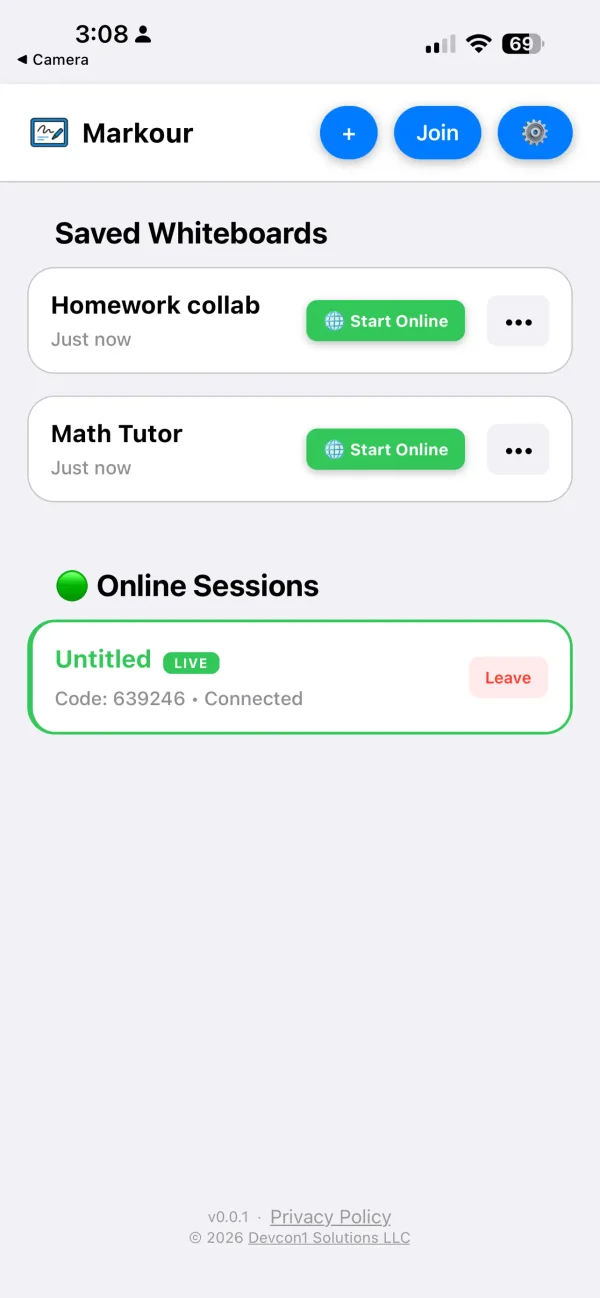
Create and name unlimited whiteboards. Use the multi-tab system to keep different ideas in the same board — like pages in a notebook. Auto-save runs every 30 seconds so you never lose your work. Your 20 most recent boards are always one tap away.
STAY ORGANIZED
Create and name unlimited whiteboards. Use the multi-tab system to keep different ideas in the same board — like pages in a notebook. Auto-save runs every 30 seconds so you never lose your work. Your 20 most recent boards are always one tap away.
COLLABORATE IN REAL TIME
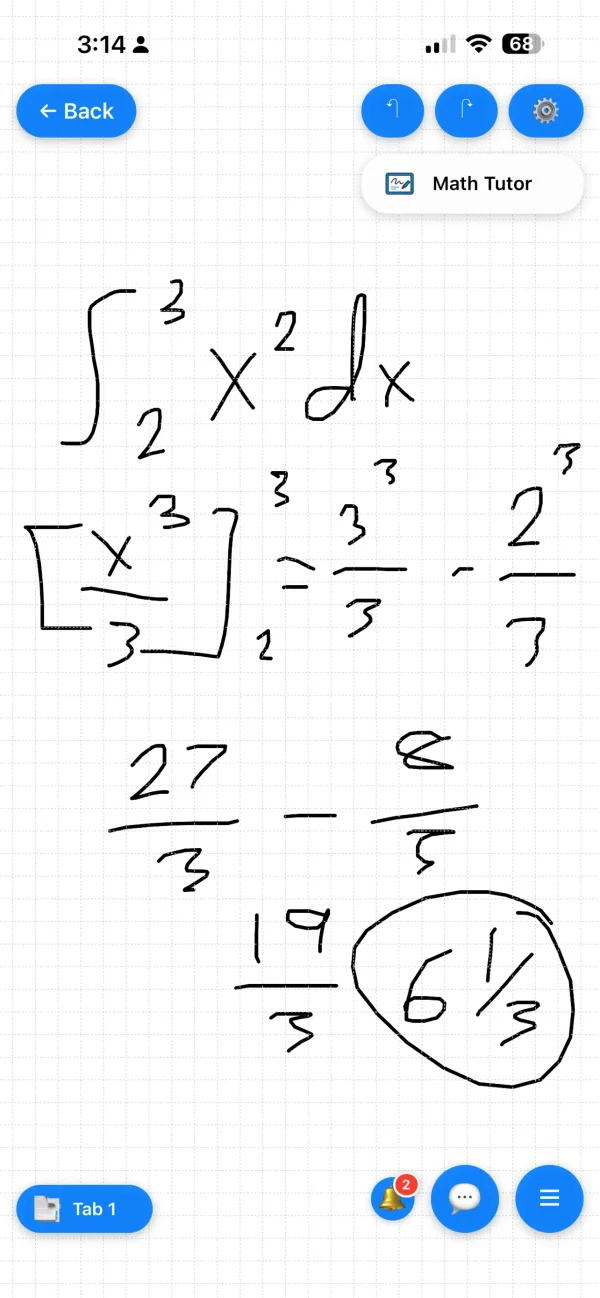
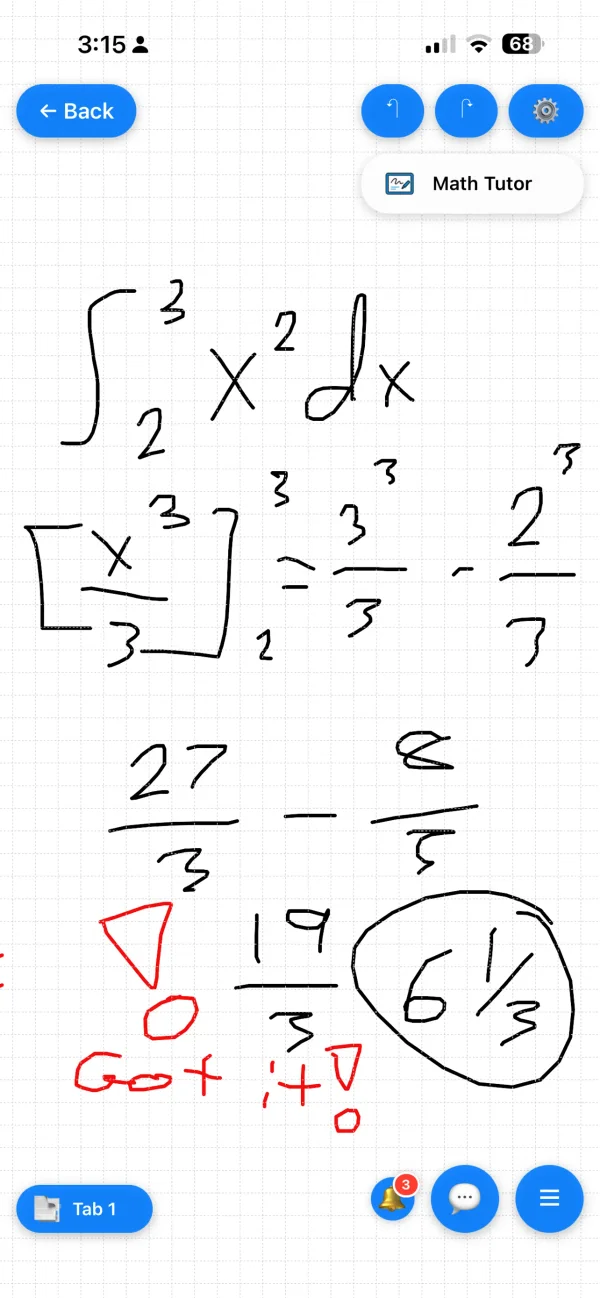
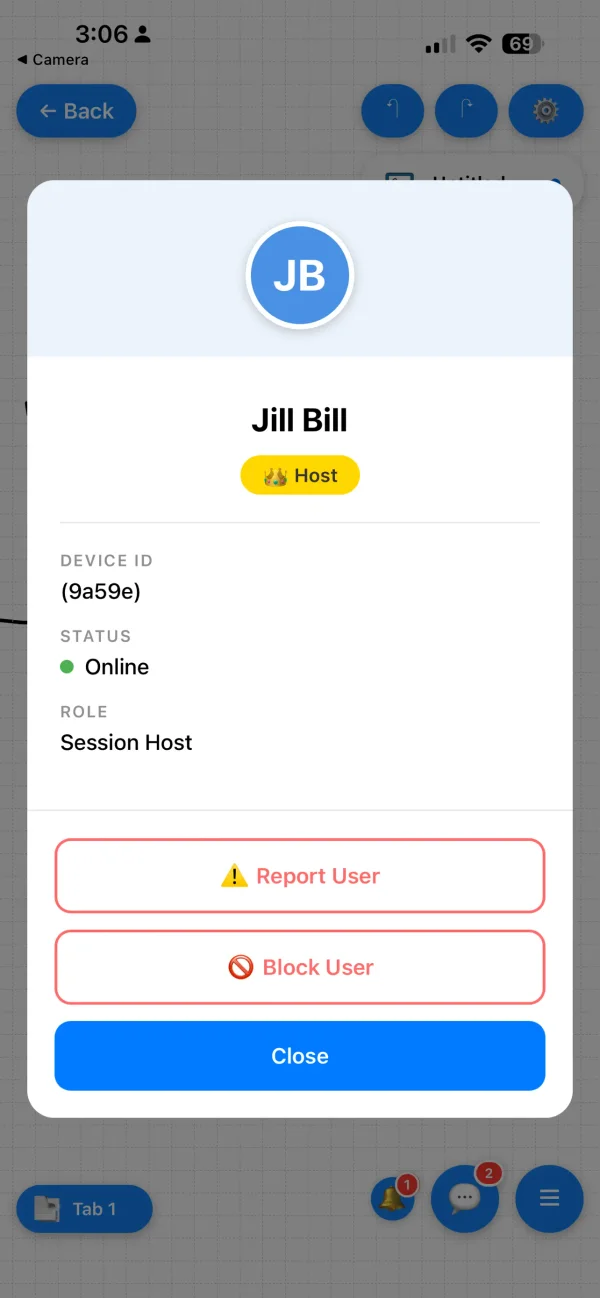
Share your board with a simple 6-digit code. Guests join instantly — no account, no sign-up, no friction. See connected users, chat during sessions, and watch strokes appear live as your team draws together. Perfect for brainstorming, tutoring, and remote workshops.
BUILT FOR PRIVACY
Your drawings are stored locally on your device. Collaboration sessions use only a temporary name — no account or personal data required. You control your work, always.
Pen, Pencil & Brush tools with 4 sizes
Advanced color picker with HSL sliders & opacity
Text tool with font size, weight & style controls
Image import from photo library
Multi-tab canvases within each whiteboard
Undo, redo, eraser & grid overlay
Auto-save every 30 seconds
Dark mode support
Real-time collaboration
In-session chat & user list
Export & share drawings
No account required
Privasi aplikasi
Yang dinyatakan Daniel Barba di App Store tentang cara aplikasi ini menangani data.
-
Data yang ditautkan dengan Anda
Dapat dikumpulkan dan ditautkan dengan identitas Anda.
- Info kontak
- Pengenal
-
Data yang tidak ditautkan dengan Anda
Dapat dikumpulkan, tetapi tidak ditautkan dengan identitas Anda.
- Info kontak
Praktik privasi dapat bervariasi, misalnya berdasarkan fitur yang Anda gunakan atau usia Anda.
Informasi
- Penjual
- Daniel Barba
- Kategori
- Produktivitas
- Versi
- 1.0.0
- Diperbarui
- 20/7/2026
- Dirilis
- 20/7/2026
- Ukuran
- 31,5 MB
- Memerlukan
- iOS 15.1 atau yang lebih baru
- Batasan usia
- 4+
- Bahasa
- Inggris
- Hak cipta
- © DEVCON1 SOLUTIONS LLC
Mungkin Anda juga suka
-
 Ultra Board: Pencil WhiteboardProduktivitas
-
 SiS SWBProduktivitas
-
 Pastel PonderProduktivitas
-
 Atelier TimesheetProduktivitas
-
 WhiteSync: Whiteboard DrawingProduktivitas
-
 Whiteboard - Draw AnythingProduktivitas
-
 Whiteboard SimpleProduktivitas
-
 Canvs.io whiteboardProduktivitas
-
 Outbuild FieldProduktivitas
-
 Papan Tulis PDF Tanpa BatasMenggambar, Diagram & Anotasi