Memory Clock: Day & Night
Phone & wrist dementia clock
Diseñada para iPhone
0,49 €
- Clasificación por edad4+
- CategoríaMedicina
- DesarrolladorPER PONTUS SJOBERG
- IdiomasInglés+ 1 más
- Tamaño5,7 MB
Enlaza a la página oficial de App Store
Download.org no aloja ningún archivo de Memory Clock: Day & Night. El botón abre la página de la aplicación en App Store, donde la publica PER PONTUS SJOBERG. Ficha comprobada por última vez el 20/11/2026.
Capturas de pantalla
Acerca de
El desarrollador no ha proporcionado este texto en tu idioma.
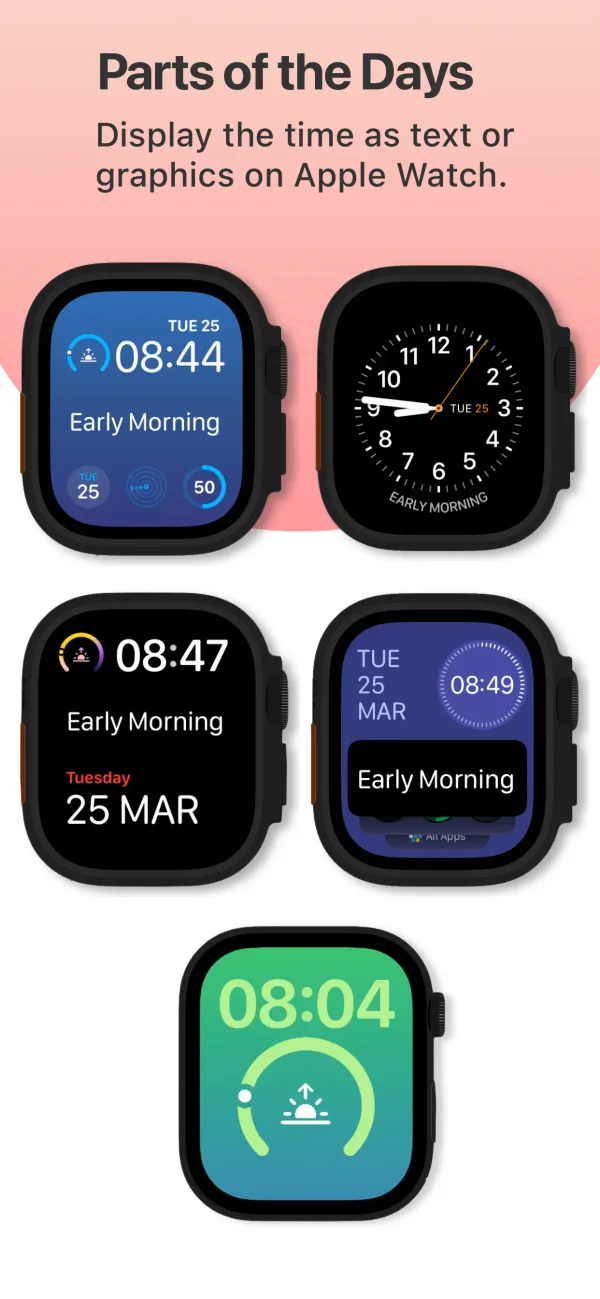
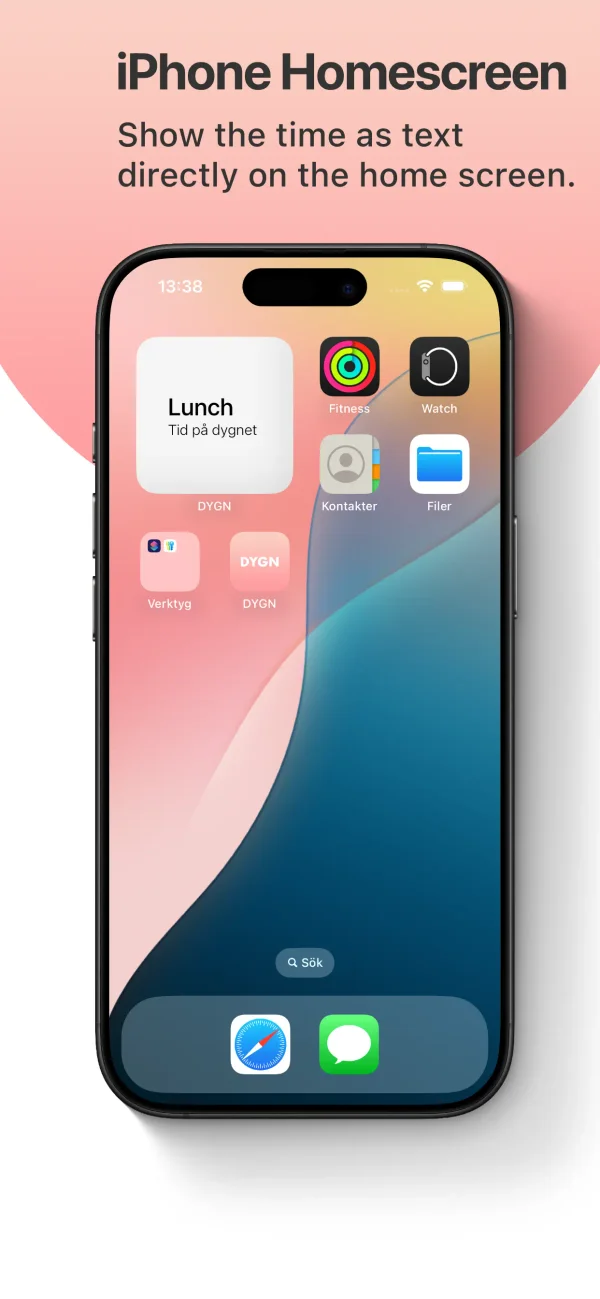
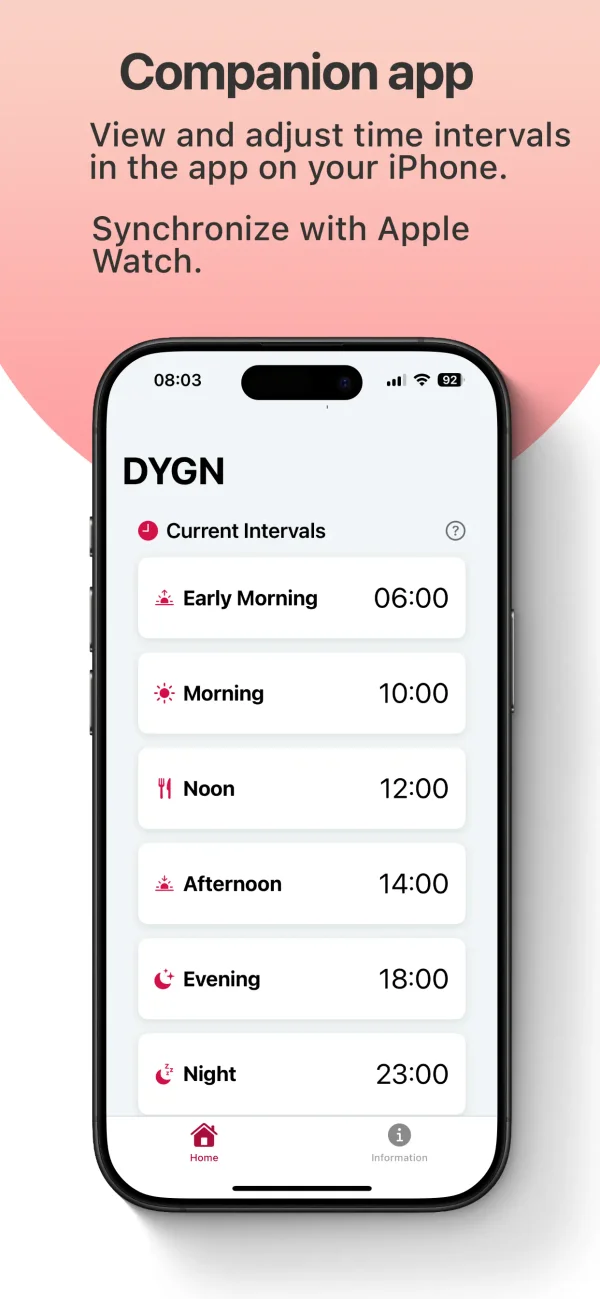
With DYGN – The Text Clock, instantly know which part of your day you’re in. The app tells time in plain language, so you can easily see if it’s morning, mid-morning, noon, afternoon, evening, or night. Customize each segment to match your personal routine.
Key Features:
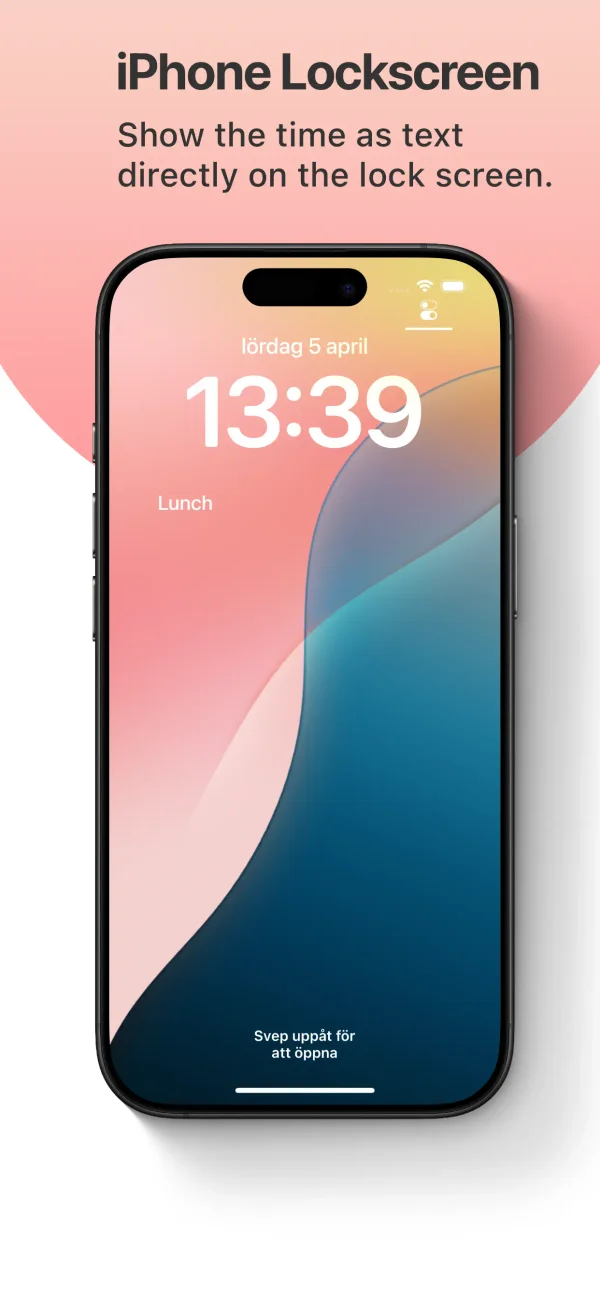
• Text-Based Time: Quickly find out whether it’s morning, noon, or night on Apple Watch and iPhone.
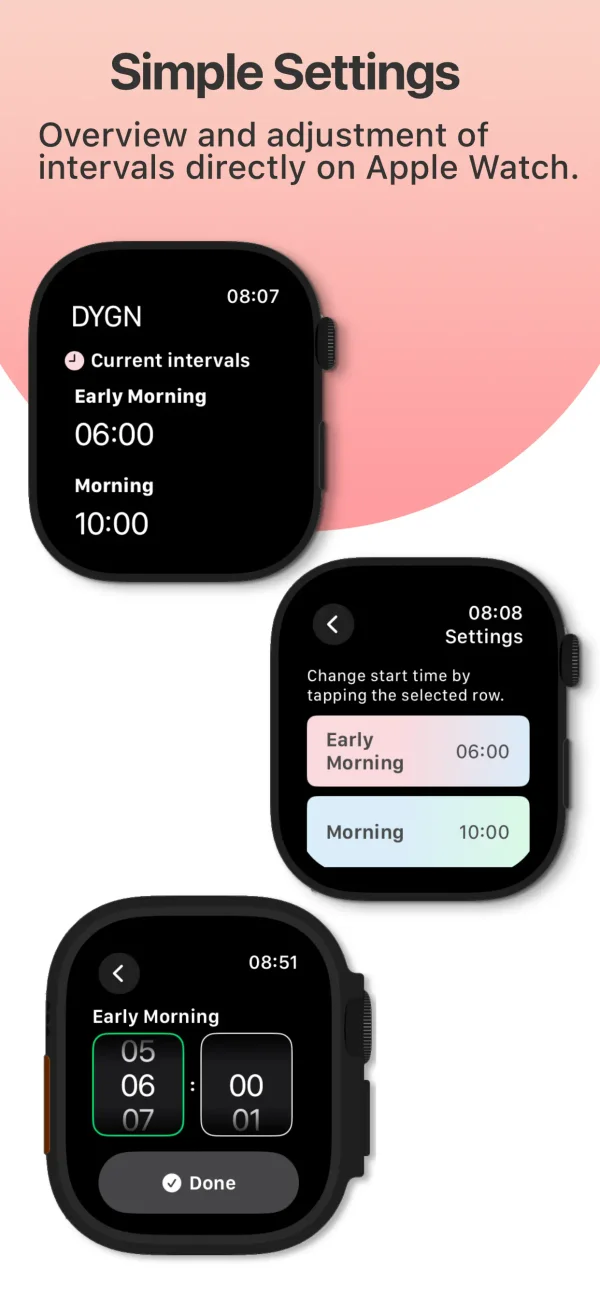
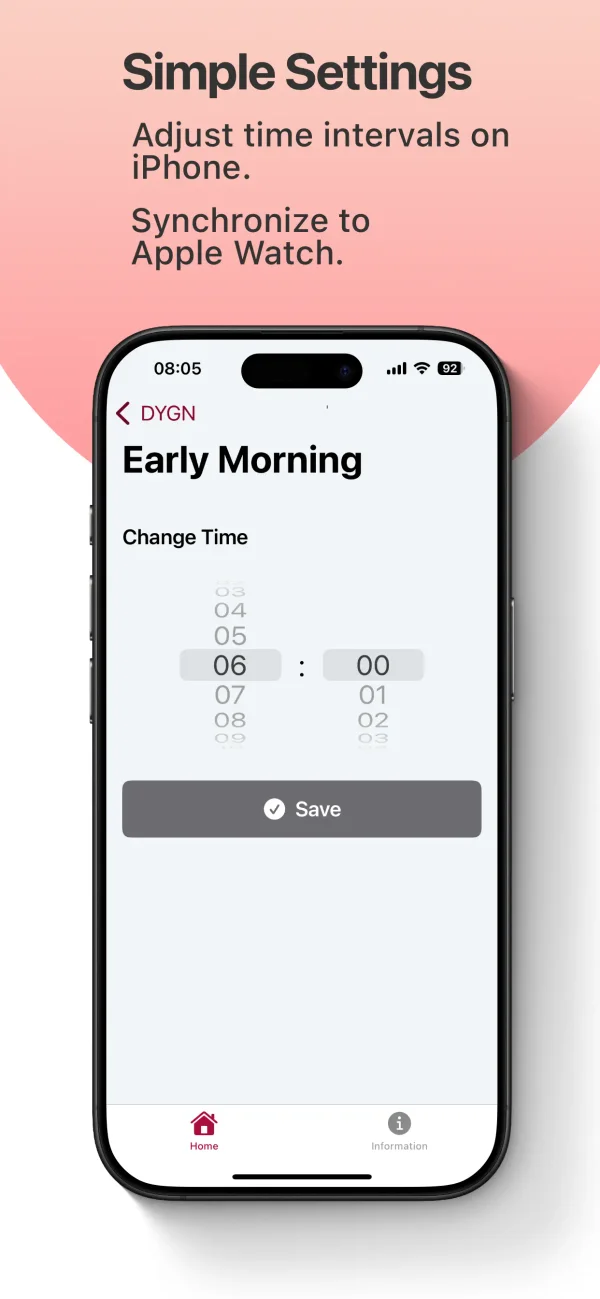
• Easy Overview: Adjust your schedule directly from your iPhone or Apple Watch.
• Simple & Clear: Perfect for anyone who prefers a straightforward, word-based display of time.
Your day is divided into six customizable parts, each with its own start time:
- Early Morning
- Morning
- Lunch
- Afternoon
- Evening
- Night
Installation
In most cases, the Apple Watch app installs automatically when you download the app on your iPhone. If this doesn't happen automatically, you can easily install it manually by following these steps:
1. Open the Watch app on your iPhone.
2. Under the My Watch tab, scroll down to the Available Apps section.
3. Locate the DYGN app and tap Install.
Adding a Widget and Complication on Apple Watch
1. Press and hold your current watch face until you can tap Edit.
2. Swipe left or right to edit the complications.
3. Tap a complication slot, scroll, and select DYGN.
Novedades
Versión 1.2.1 · 28/4/2025
This app has been updated by Apple to prepare for watchOS 27 compatibility. No new features are included.
- Improvements
Privacidad de la aplicación
Lo que PER PONTUS SJOBERG declara en App Store sobre cómo esta aplicación gestiona los datos.
-
No se recopilan datos
El desarrollador no recopila ningún dato de esta aplicación.
Las prácticas de privacidad pueden variar, por ejemplo, según las funciones que uses o tu edad.
Información
- Vendedor
- PER PONTUS SJOBERG
- Categoría
- Medicina
- Versión
- 1.2.1
- Actualizado
- 28/4/2025
- Publicado
- 14/3/2025
- Tamaño
- 5,7 MB
- Requiere
- iOS 18.2 o posterior
- Clasificación por edad
- 4+
- Precio
- 0,49 €
- Idiomas
- Inglés, Sueco
- Copyright
- © 2025, PONTUS SJÖBERG
Quizá también te guste
-
 MareliSalud y forma física
-
 Steady: Sueño por turnosCansancio, siestas y rotación
-
 Diario GLP-1: Inyección y PesoAdelgazar: Control de Dosis
-
 Minimal Interval TimerSalud y forma física
-
 Mind Journal - Diario TCCRegistro de ánimo y emociones
-
 Panic Attack Relief & AnxietySalud y forma física
-
 Reloj DemenciaReloj demencia y avisos
-
 Ambulans NorrbottenMedicina
-
 Greenhouse YogaSalud y forma física
-
 Equest – Riding ExercisesSalud y forma física