Memory Clock: Day & Night
Phone & wrist dementia clock
Dirancang untuk iPhone
Rp 9ribu
- Batasan usia4+
- KategoriMedis
- PengembangPER PONTUS SJOBERG
- BahasaInggris+ 1 lainnya
- Ukuran5,7 MB
Tertaut ke halaman resmi App Store
Download.org tidak menyimpan file Memory Clock: Day & Night apa pun. Tombol ini membuka halaman aplikasi di App Store, tempat PER PONTUS SJOBERG menerbitkannya. Halaman terakhir diperiksa pada 20/11/2026.
Tangkapan layar
Tentang
Pengembang belum menyediakan teks ini dalam bahasa Anda.
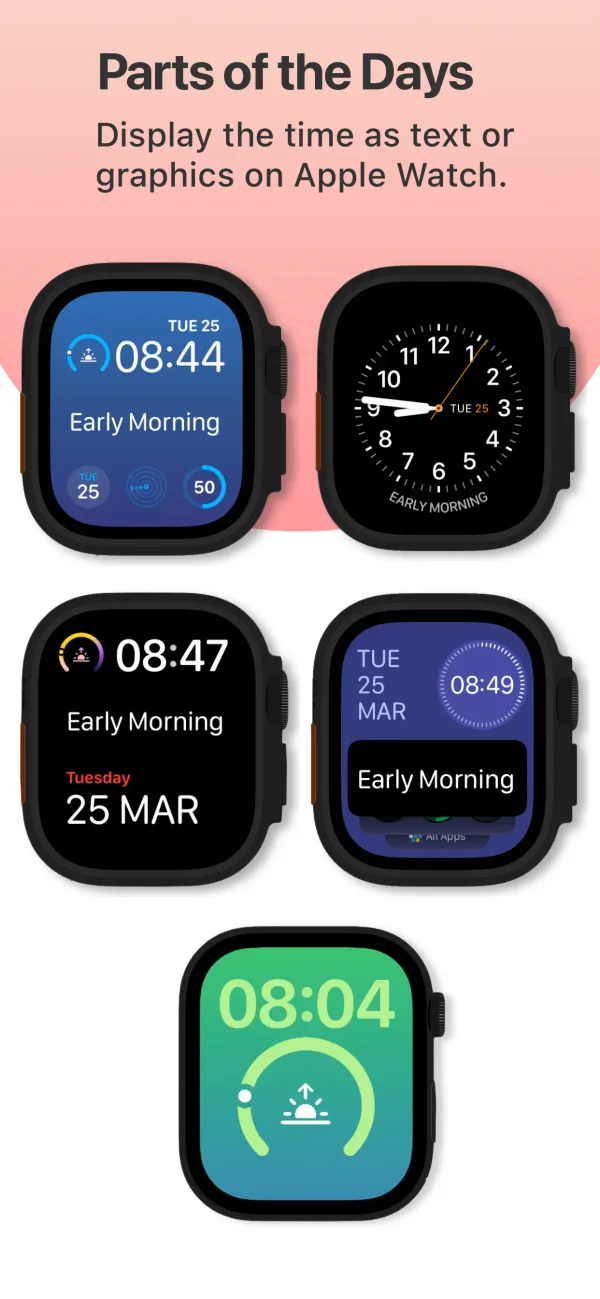
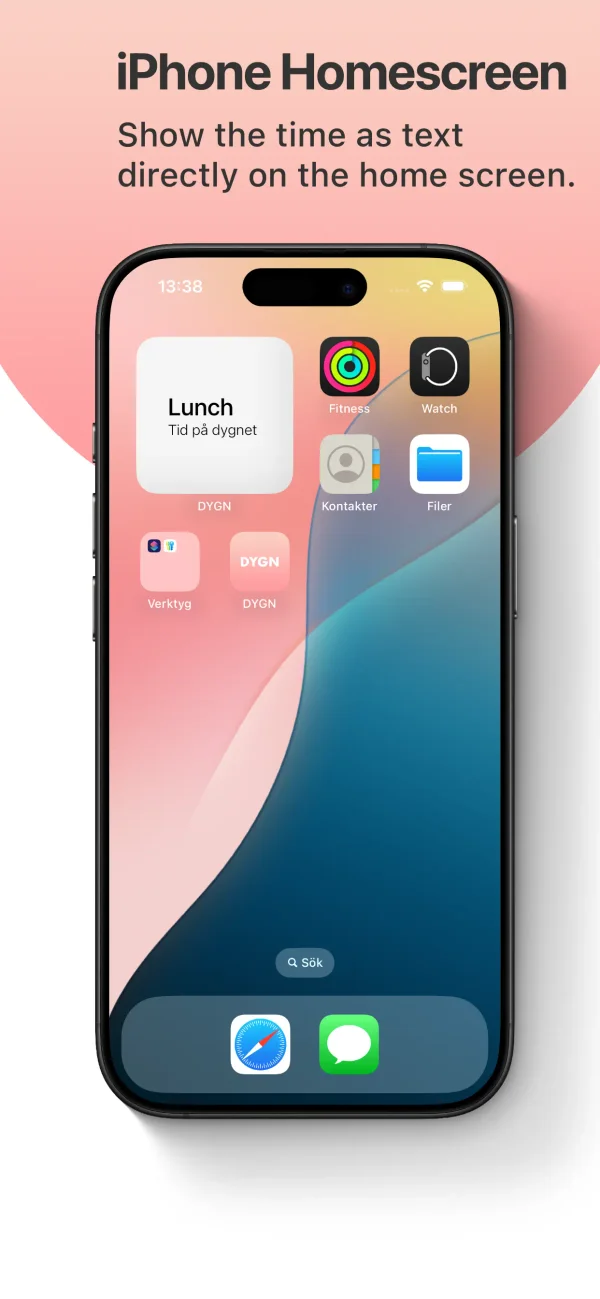
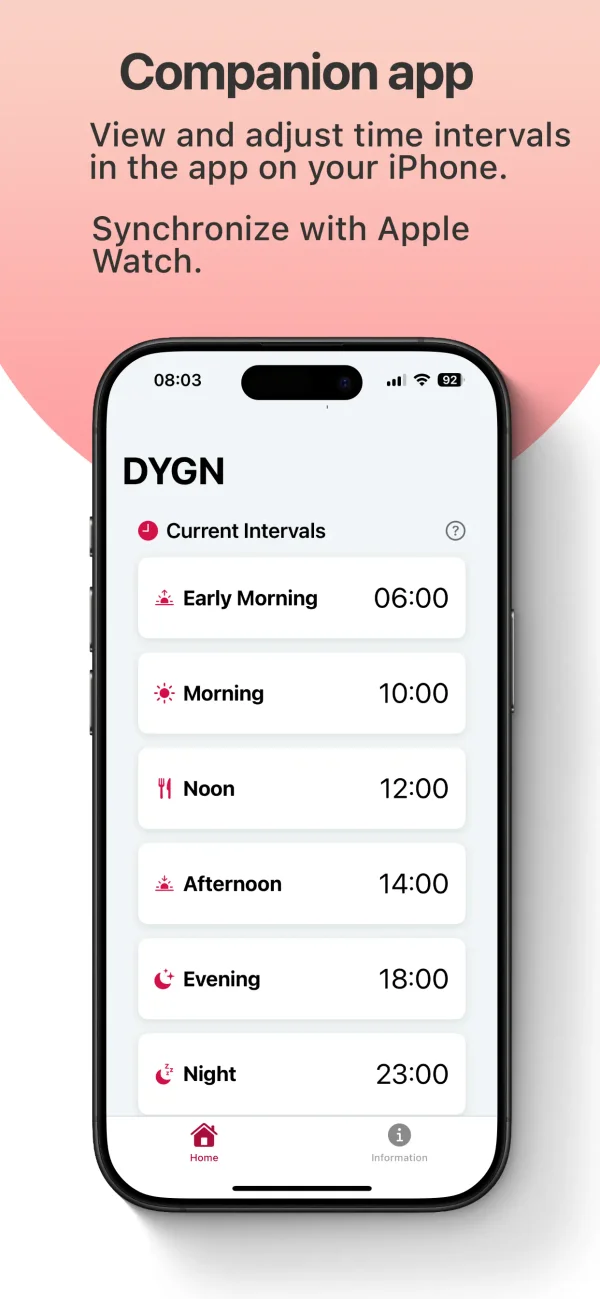
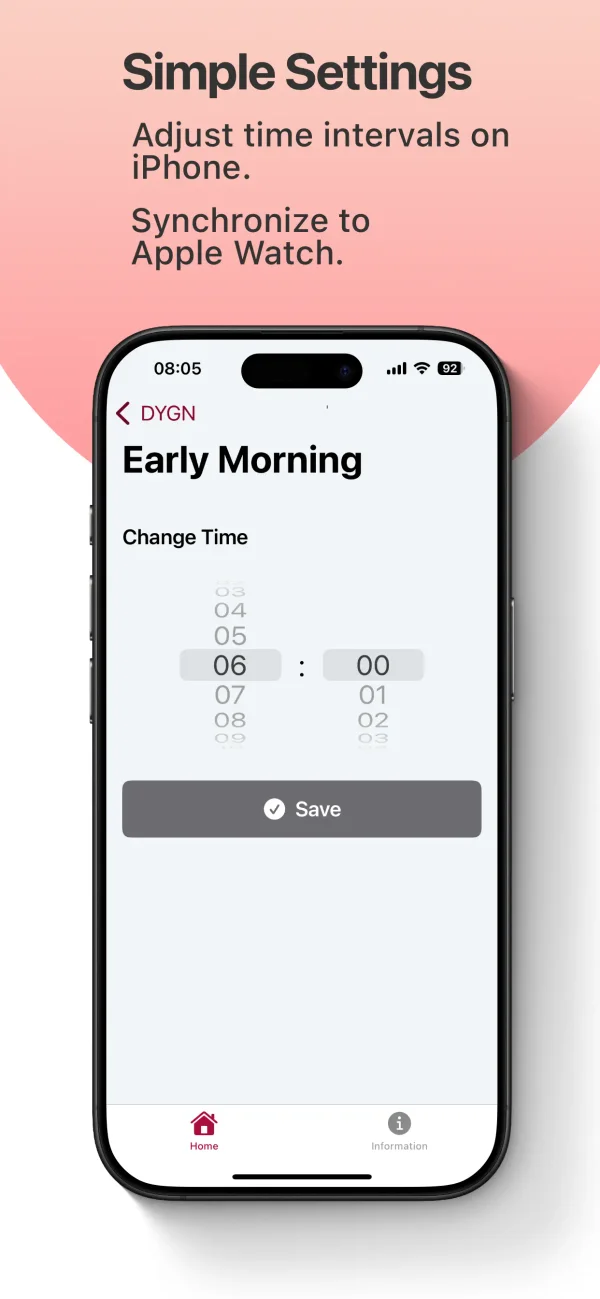
With DYGN – The Text Clock, instantly know which part of your day you’re in. The app tells time in plain language, so you can easily see if it’s morning, mid-morning, noon, afternoon, evening, or night. Customize each segment to match your personal routine.
Key Features:
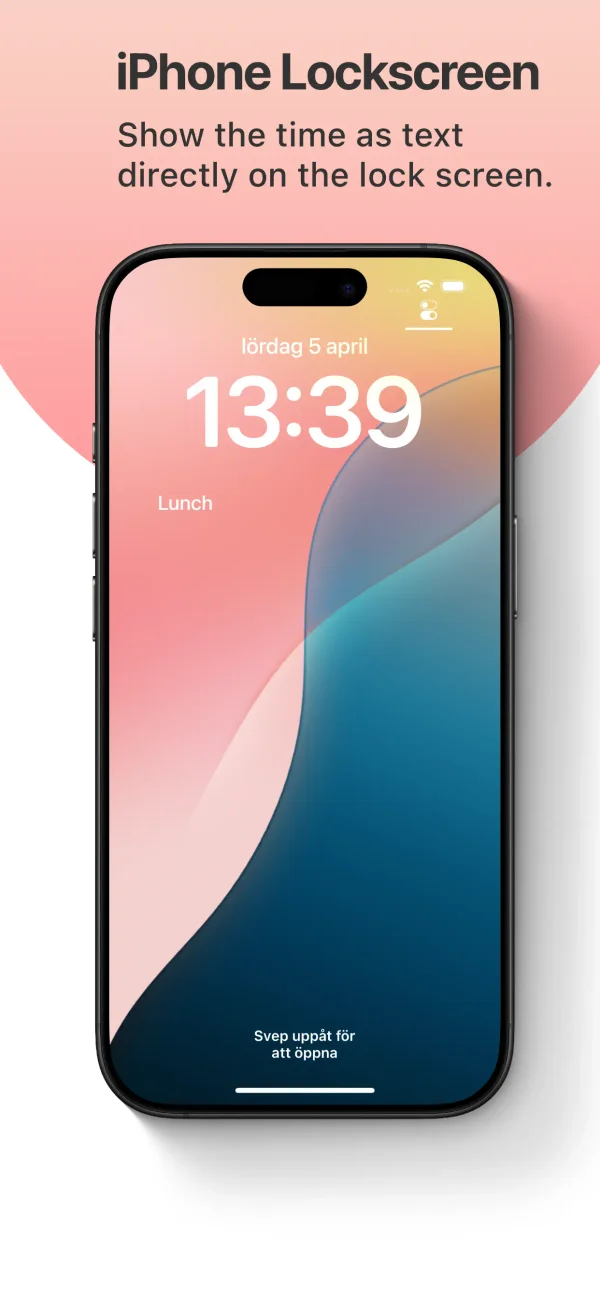
• Text-Based Time: Quickly find out whether it’s morning, noon, or night on Apple Watch and iPhone.
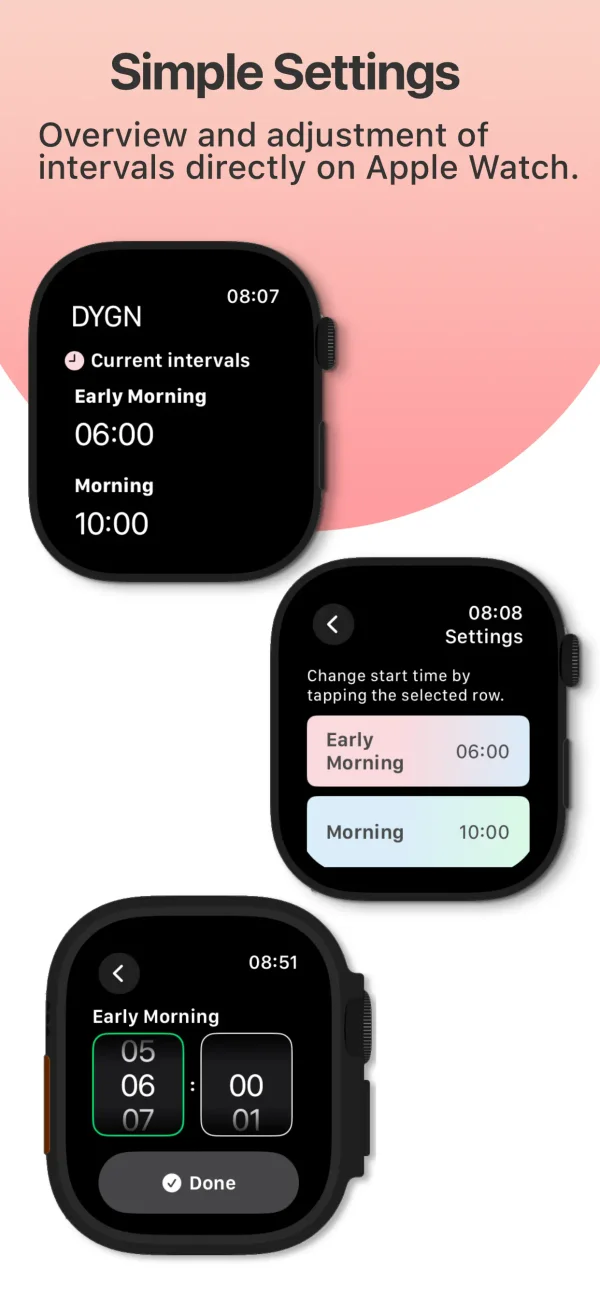
• Easy Overview: Adjust your schedule directly from your iPhone or Apple Watch.
• Simple & Clear: Perfect for anyone who prefers a straightforward, word-based display of time.
Your day is divided into six customizable parts, each with its own start time:
- Early Morning
- Morning
- Lunch
- Afternoon
- Evening
- Night
Installation
In most cases, the Apple Watch app installs automatically when you download the app on your iPhone. If this doesn't happen automatically, you can easily install it manually by following these steps:
1. Open the Watch app on your iPhone.
2. Under the My Watch tab, scroll down to the Available Apps section.
3. Locate the DYGN app and tap Install.
Adding a Widget and Complication on Apple Watch
1. Press and hold your current watch face until you can tap Edit.
2. Swipe left or right to edit the complications.
3. Tap a complication slot, scroll, and select DYGN.
Yang baru
Versi 1.2.1 · 28/4/2025
This app has been updated by Apple to prepare for watchOS 27 compatibility. No new features are included.
- Improvements
Privasi aplikasi
Yang dinyatakan PER PONTUS SJOBERG di App Store tentang cara aplikasi ini menangani data.
-
Data tidak dikumpulkan
Pengembang tidak mengumpulkan data apa pun dari aplikasi ini.
Praktik privasi dapat bervariasi, misalnya berdasarkan fitur yang Anda gunakan atau usia Anda.
Informasi
- Penjual
- PER PONTUS SJOBERG
- Kategori
- Medis
- Versi
- 1.2.1
- Diperbarui
- 28/4/2025
- Dirilis
- 14/3/2025
- Ukuran
- 5,7 MB
- Memerlukan
- iOS 18.2 atau yang lebih baru
- Batasan usia
- 4+
- Harga
- Rp 9ribu
- Bahasa
- Inggris, Swensk (Swedia)
- Hak cipta
- © 2025, PONTUS SJÖBERG
Mungkin Anda juga suka
-
 MareliKesehatan & Kebugaran
-
 Steady: Night Shift SleepKesehatan & Kebugaran
-
 Weight Loss GLP-1 Shot TrackerKesehatan & Kebugaran
-
 Minimal Interval TimerKesehatan & Kebugaran
-
 Mind Journal - Jurnal CBTCatat suasana hati & pikiran
-
 Panic Attack Relief & AnxietyKesehatan & Kebugaran
-
 Memory Care ClockKesehatan & Kebugaran
-
 Ambulans NorrbottenMedis
-
 Greenhouse YogaKesehatan & Kebugaran
-
 Equest – Riding ExercisesKesehatan & Kebugaran