Memory Clock: Day & Night
Phone & wrist dementia clock
Conçue pour iPhone
0,49 €
- Classification d’âge4+
- CatégorieMédecine
- DéveloppeurPER PONTUS SJOBERG
- LanguesAnglais+ 1 de plus
- Taille5,7 Mo
Renvoie vers la page App Store officielle
Download.org n’héberge aucun fichier de Memory Clock: Day & Night. Le bouton ouvre la page de l’application sur App Store, où PER PONTUS SJOBERG la publie. Fiche vérifiée pour la dernière fois le 20/11/2026.
Captures d’écran
À propos
Le développeur n’a pas fourni ce texte dans votre langue.
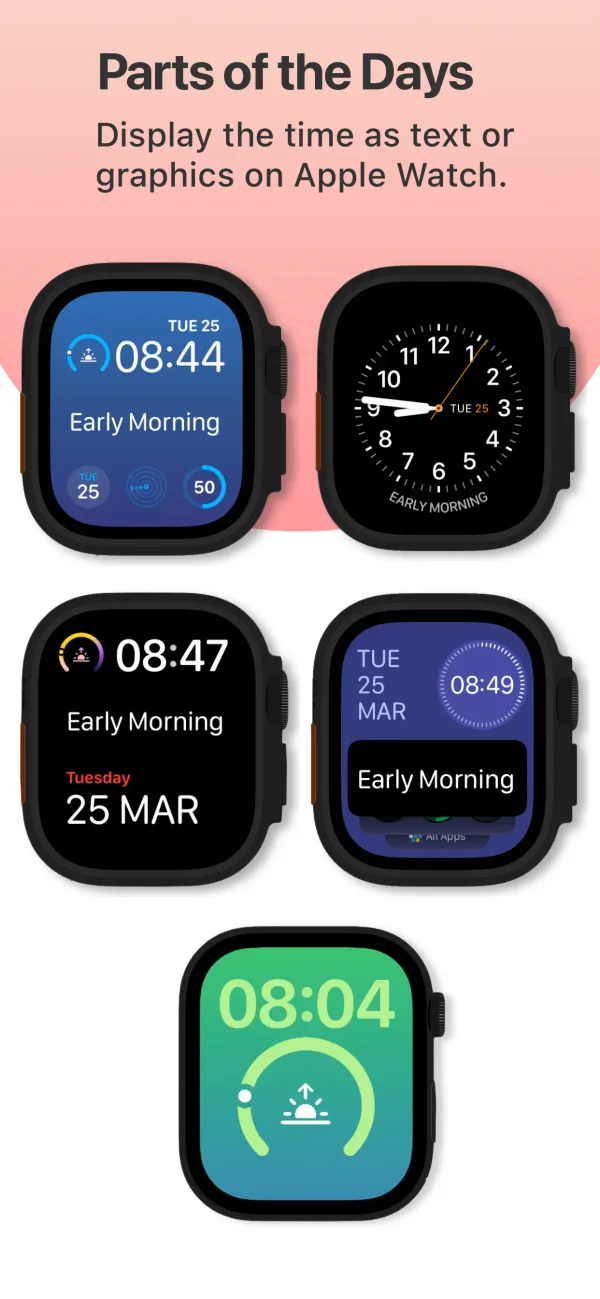
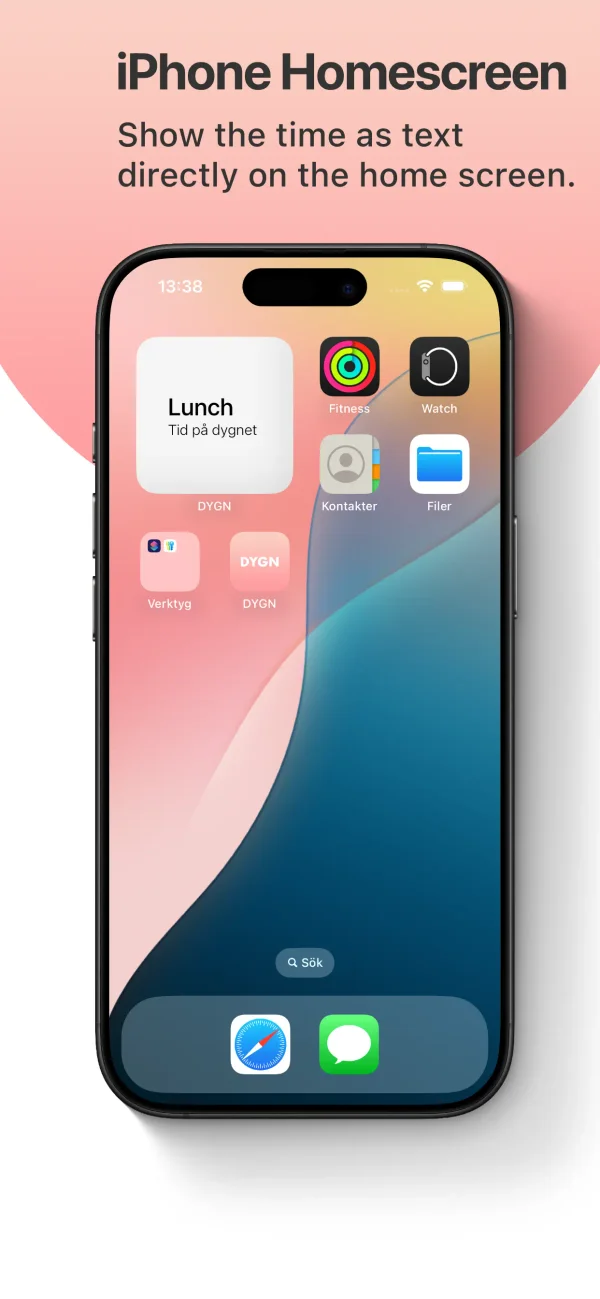
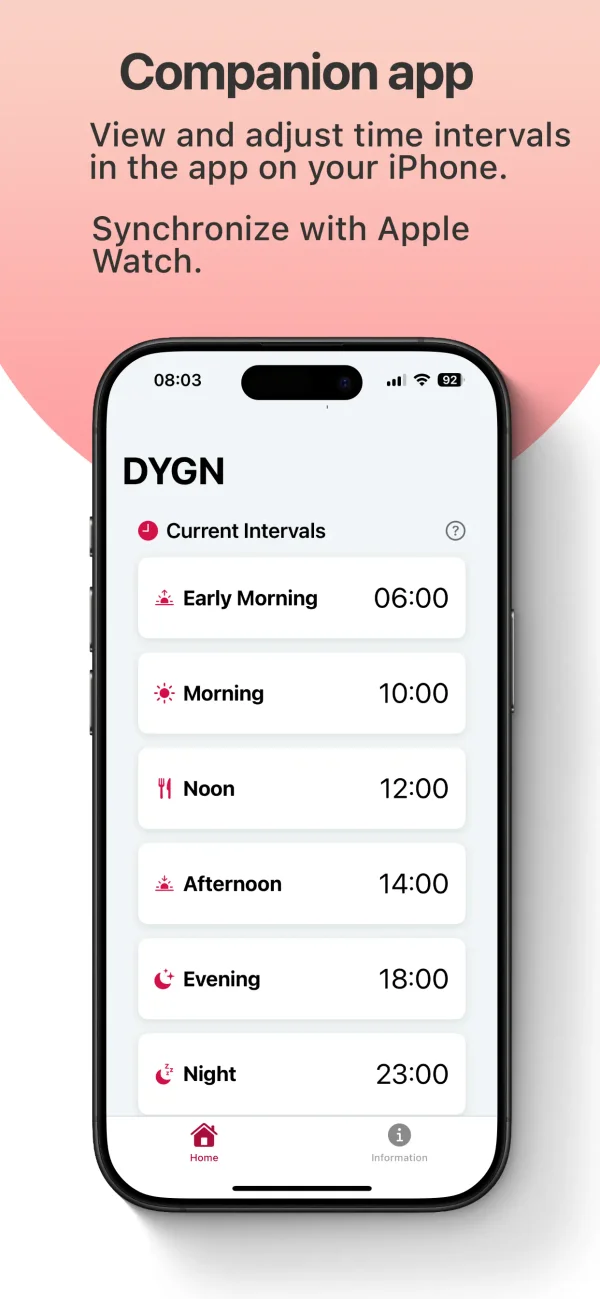
With DYGN – The Text Clock, instantly know which part of your day you’re in. The app tells time in plain language, so you can easily see if it’s morning, mid-morning, noon, afternoon, evening, or night. Customize each segment to match your personal routine.
Key Features:
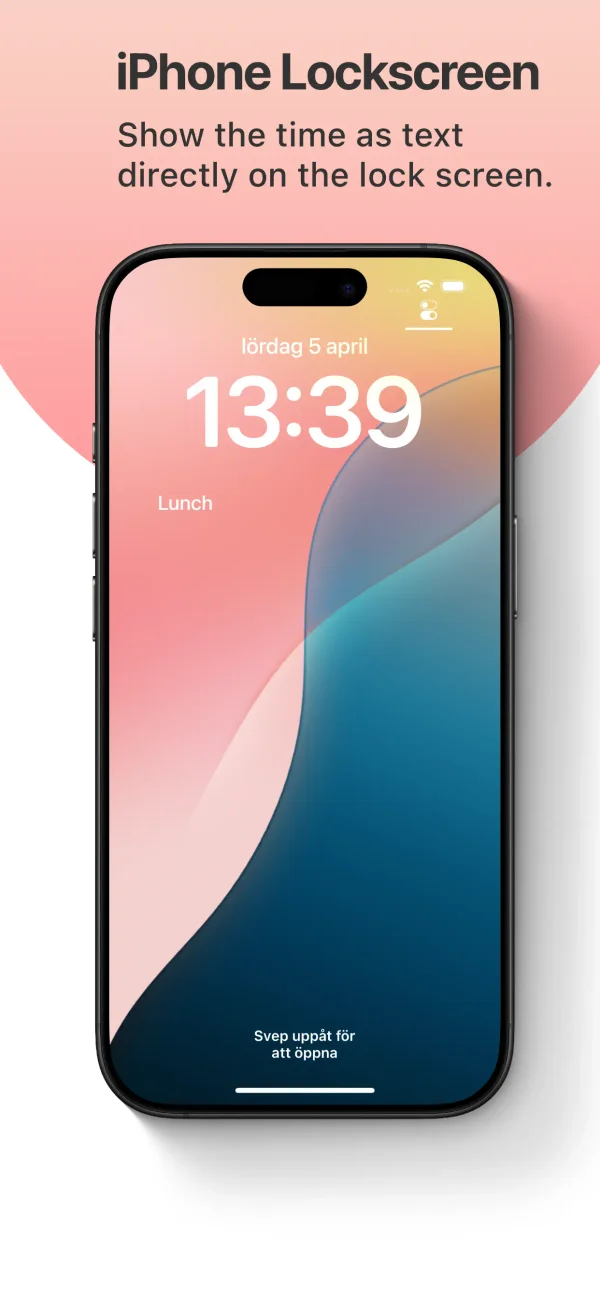
• Text-Based Time: Quickly find out whether it’s morning, noon, or night on Apple Watch and iPhone.
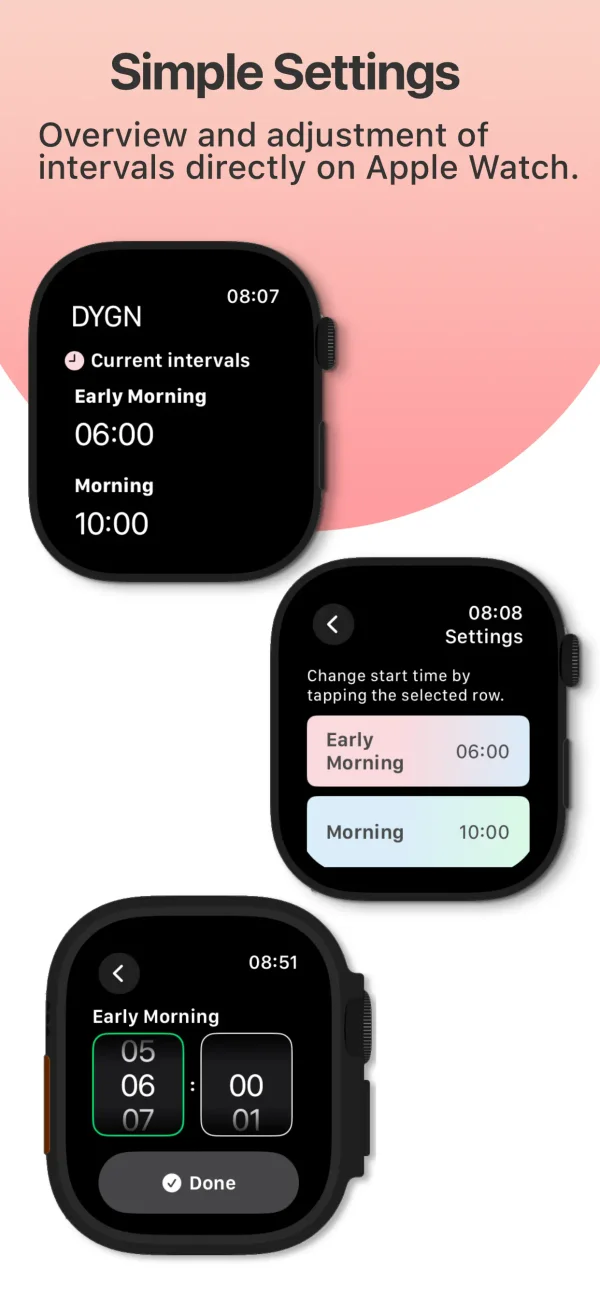
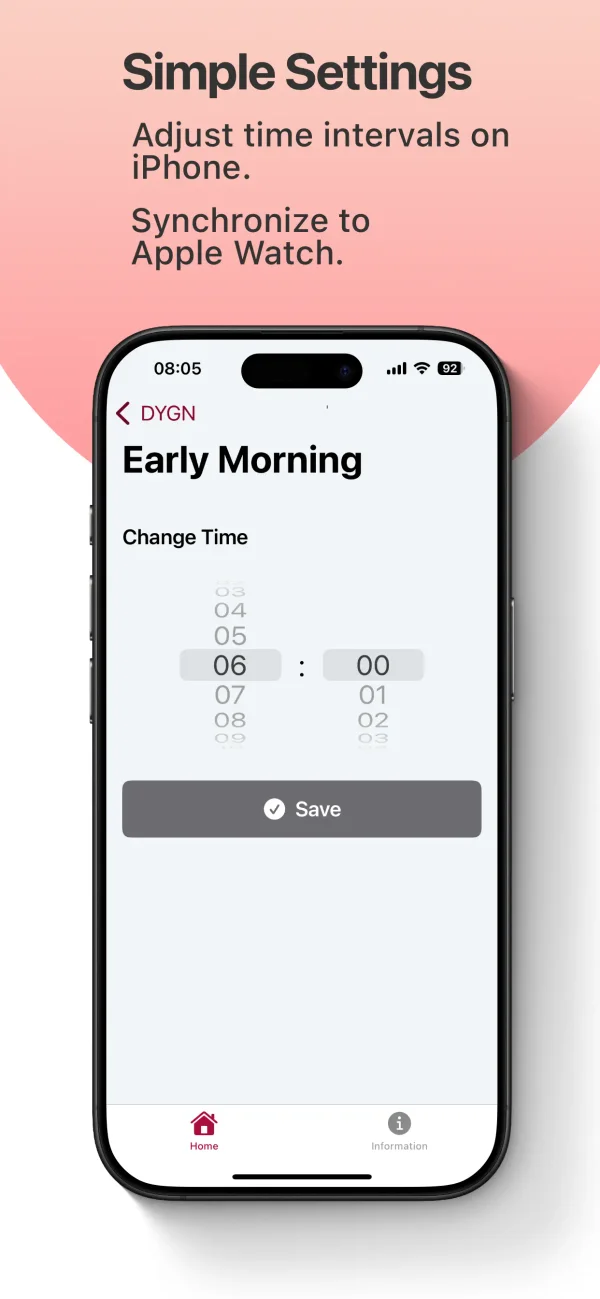
• Easy Overview: Adjust your schedule directly from your iPhone or Apple Watch.
• Simple & Clear: Perfect for anyone who prefers a straightforward, word-based display of time.
Your day is divided into six customizable parts, each with its own start time:
- Early Morning
- Morning
- Lunch
- Afternoon
- Evening
- Night
Installation
In most cases, the Apple Watch app installs automatically when you download the app on your iPhone. If this doesn't happen automatically, you can easily install it manually by following these steps:
1. Open the Watch app on your iPhone.
2. Under the My Watch tab, scroll down to the Available Apps section.
3. Locate the DYGN app and tap Install.
Adding a Widget and Complication on Apple Watch
1. Press and hold your current watch face until you can tap Edit.
2. Swipe left or right to edit the complications.
3. Tap a complication slot, scroll, and select DYGN.
Nouveautés
Version 1.2.1 · 28/04/2025
This app has been updated by Apple to prepare for watchOS 27 compatibility. No new features are included.
- Improvements
Confidentialité de l’application
Ce que PER PONTUS SJOBERG déclare sur l’App Store au sujet du traitement des données par cette application.
-
Données non collectées
Le développeur ne collecte aucune donnée à partir de cette application.
Les pratiques en matière de confidentialité peuvent varier, notamment en fonction des fonctionnalités que vous utilisez ou de votre âge.
Informations
- Vendeur
- PER PONTUS SJOBERG
- Catégorie
- Médecine
- Version
- 1.2.1
- Mis à jour
- 28/04/2025
- Publié
- 14/03/2025
- Taille
- 5,7 Mo
- Nécessite
- iOS 18.2 ou version ultérieure
- Classification d’âge
- 4+
- Prix
- 0,49 €
- Langues
- Anglais, Suédois
- Copyright
- © 2025, PONTUS SJÖBERG
Vous aimerez peut-être aussi
-
 MareliForme et santé
-
 Steady: Night Shift SleepForme et santé
-
 GLP-1: Suivi de poidsCarnet des injections
-
 Minimal Interval TimerForme et santé
-
 Mind Journal - Journal CBTSuivi humeur & santé mentale
-
 Panic Attack Relief & AnxietyForme et santé
-
 Horloge DémenceHorloge démence & rappels
-
 Ambulans NorrbottenMédecine
-
 Greenhouse YogaForme et santé
-
 Equest – Exercices équestresDevenez un meilleur cavalier