
- Clasificación por edad4+
- CategoríaDiseño gráfico
- DesarrolladorYap Studios
- IdiomasInglés
- Tamaño15,3 MB
Enlaza a la página oficial de App Store
Download.org no aloja ningún archivo de Metabind. El botón abre la página de la aplicación en App Store, donde la publica Yap Studios. Ficha comprobada por última vez el 18/11/2026.
Capturas de pantalla
Acerca de
El desarrollador no ha proporcionado este texto en tu idioma.
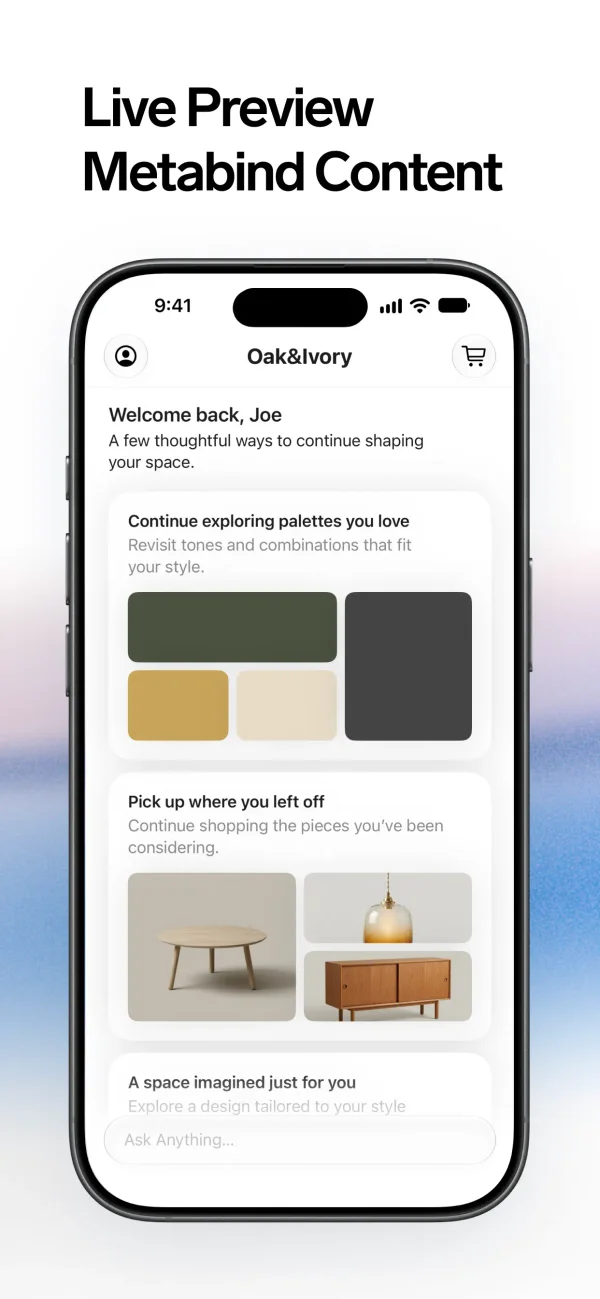
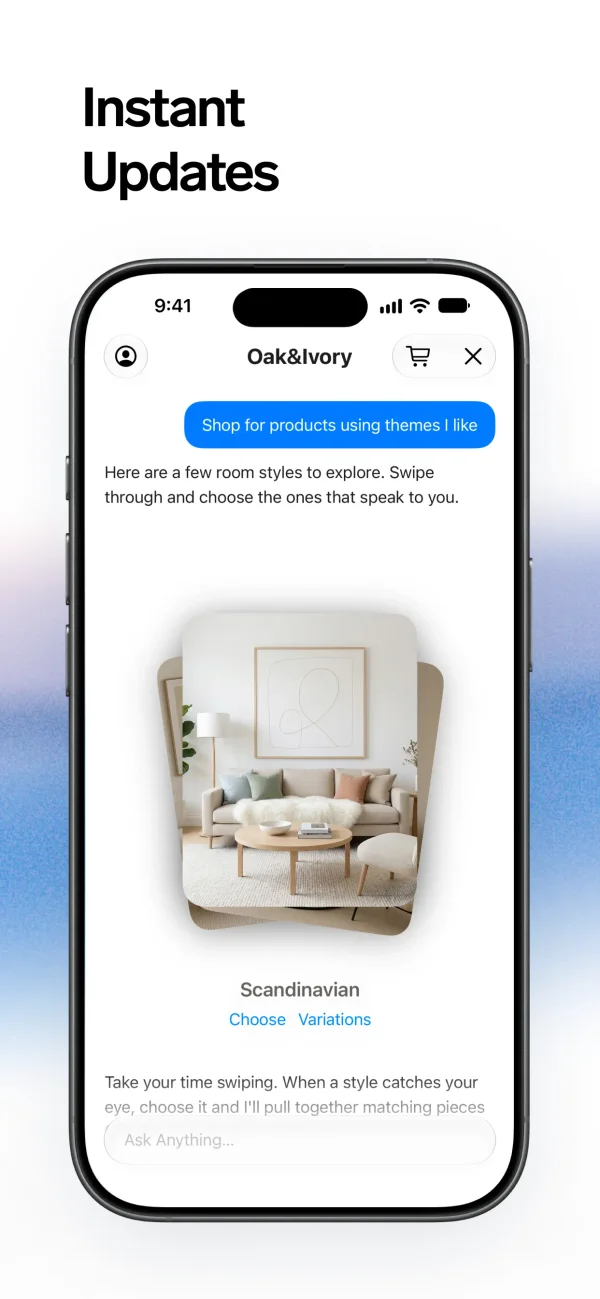
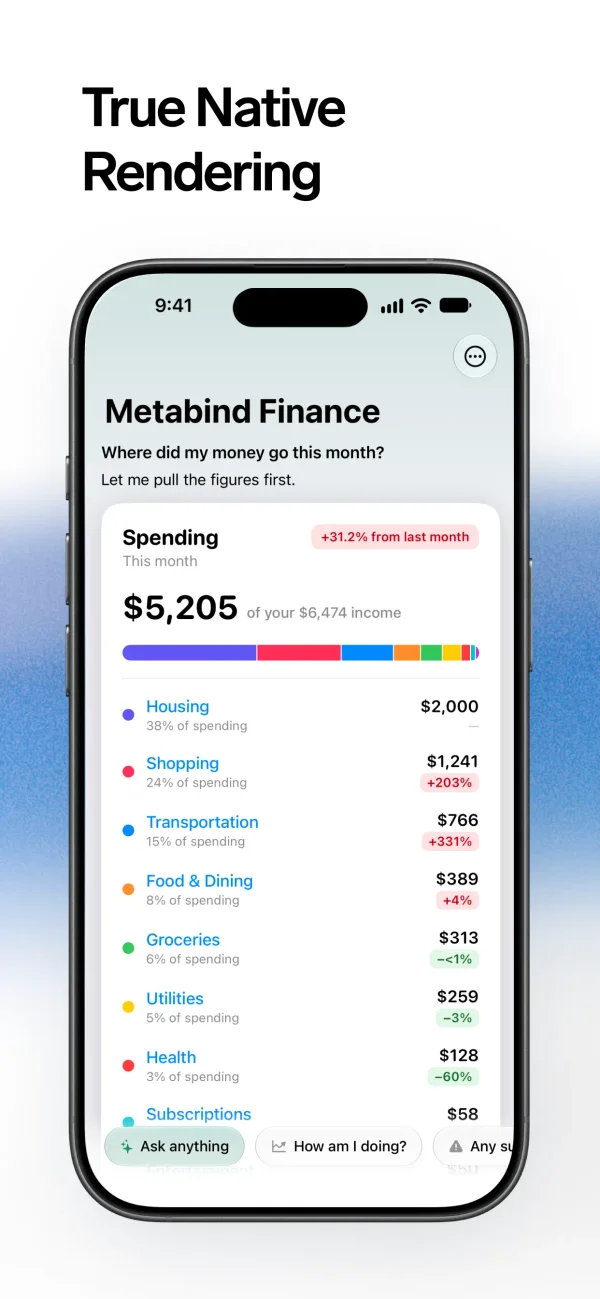
Test your agent on your iPhone before your customers see it. Scan a code in Metabind Studio, sign in, and chat with your agent. Its answers render with your project's components, natively in SwiftUI.
Metabind is interactive UI for AI agents. Your agent answers with your own components, in your brand, instead of text: in Claude, ChatGPT, and every MCP Apps host, and natively in your own iOS app. The Metabind app is where you see it on a device.
New: test your agent natively
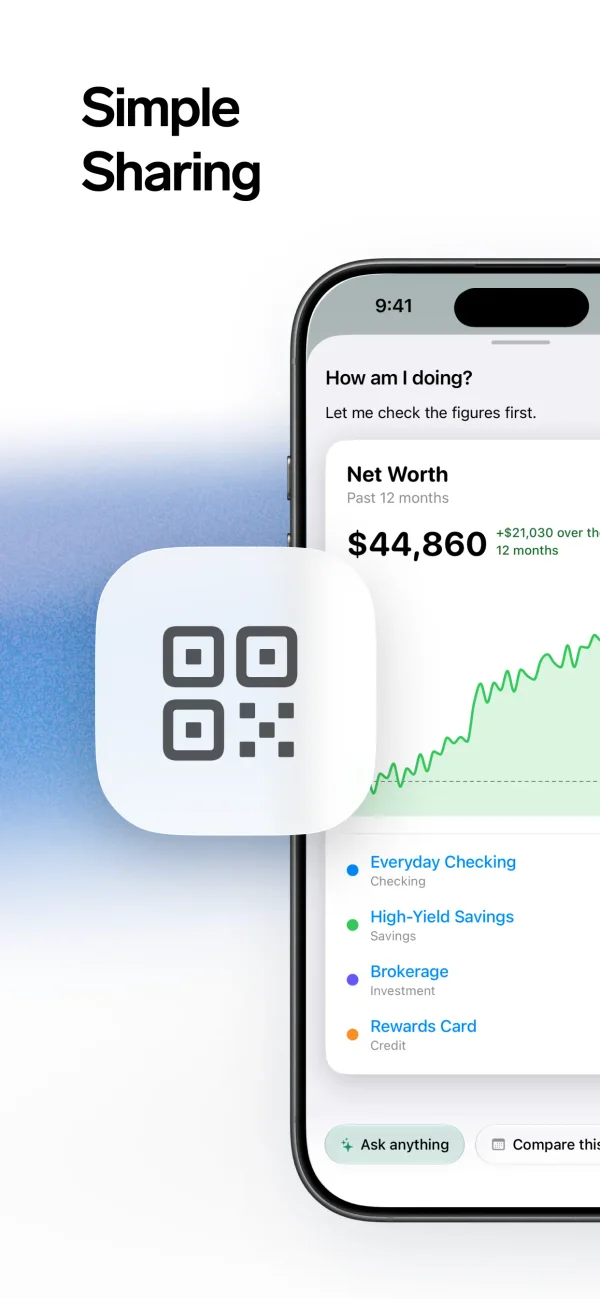
• Scan and chat. Scan your project's QR code in Studio with the Metabind app or your iPhone's Camera. Sign in, and you're talking to your agent.
• Your agent, as you set it up. The hosted agent runs it on the model you chose, with the system prompt you wrote in Studio, and it calls your project's tools.
• Native SwiftUI. Answers render with the same SwiftUI renderer the Metabind Agent SDK uses in your iOS app, with native gestures, accessibility, and Dynamic Type.
• Draft or published. Test the draft, which picks up each save in Studio while you chat, without restarting the conversation. Or test the published project your customers get.
• Nothing to install. Scanning with the Camera opens an App Clip, so anyone in your organization with access to the project can test on their own iPhone. Install the app to keep every project you've opened in one list.
Preview your components
Scan a preview code in Studio to see a component on your iPhone, drawn by the SwiftUI renderer and updated each time you save.
Your projects in one list
• Recents shows every project and preview you've opened, with draft and published kept separate.
• Share a project's link. Sharing sends only the link, and everyone signs in with their own account.
• Disconnect a project to remove its sign-in from this iPhone.
How sign-in works
• You sign in with your Metabind account in the system browser, and only accounts with access to the project can chat with it.
• The QR code holds no key or token. The app keeps each project's sign-in in the Keychain, separate from every other project's.
What you need
• A Metabind account with access to the project.
• To test an agent, a project with its hosted agent set up in Metabind Studio.
Your agent. Your UI. Every channel.
No credit card. No sales call. No server to run. Start at metabind.ai.
Novedades
Versión 1.1.12 · 13/11/2026
Test your agent on your iPhone. Scan your project's QR code in Metabind Studio, and sign in with your Metabind account. Test the draft, which picks up each save while you chat, or the published project. Answers render with your project's components, natively in SwiftUI.
Also new: project thumbnails in Recents, and Disconnect, which removes a project's sign-in from this iPhone.
Privacidad de la aplicación
Lo que Yap Studios declara en App Store sobre cómo esta aplicación gestiona los datos.
-
No se recopilan datos
El desarrollador no recopila ningún dato de esta aplicación.
Las prácticas de privacidad pueden variar, por ejemplo, según las funciones que uses o tu edad.
Información
- Vendedor
- Yap Studios LLC
- Categoría
- Diseño gráfico
- Versión
- 1.1.12
- Actualizado
- 13/11/2026
- Publicado
- 4/11/2025
- Tamaño
- 15,3 MB
- Requiere
- iOS 18.0 o posterior
- Clasificación por edad
- 4+
- Precio
- Gratis
- Idiomas
- Inglés
- Copyright
- © 2026 Yap Studios LLC
Quizá también te guste
-
 Amazing App Mockups - MockheroDiseño gráfico
-
 SnapFrame - Marcos de capturasMockups para redes sociales
-
 Foto Collage - ShowcaseProMarcos para fotos
-
 App Mockup Studio: BezelCrea screenshots app
-
 shotwell - screenshots & mocksDiseño gráfico
-
 3D ScratchpadDiseño gráfico
-
 Yingzao StudioDiseño gráfico
-
 Chromatose: Visual SynthesizerDiseño gráfico
-
 Realtime Drawing : Turbo PaintSketch,Doodle to Create AI Art
-
 Brochure Maker - InfographicPamphlet,Leaflet,Catalog Maker