
- Độ tuổi4+
- Danh mụcĐồ Họa & Thiết Kế
- Nhà phát triểnYap Studios
- Ngôn ngữTiếng Anh
- Kích thước15,3 MB
Liên kết đến trang App Store chính thức
Download.org không lưu trữ tệp nào của Metabind. Nút này mở trang ứng dụng trên App Store, nơi Yap Studios phát hành ứng dụng. Trang được kiểm tra lần cuối: 18/11/2026.
Ảnh chụp màn hình
Giới thiệu
Nhà phát triển chưa cung cấp nội dung này bằng ngôn ngữ của bạn.
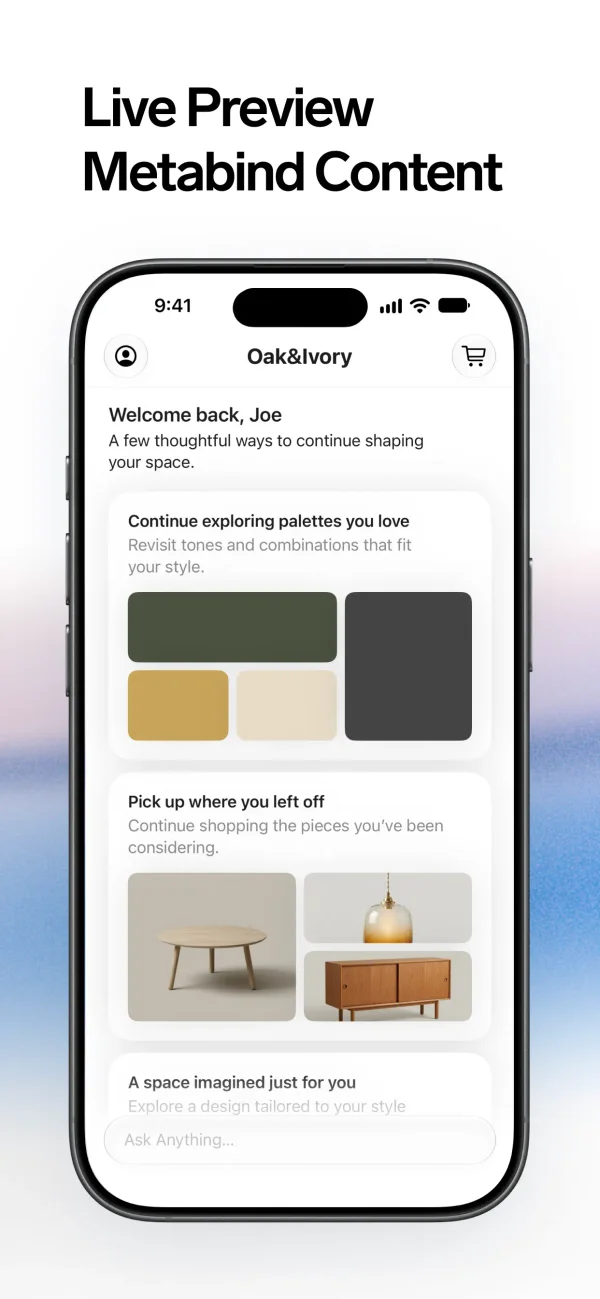
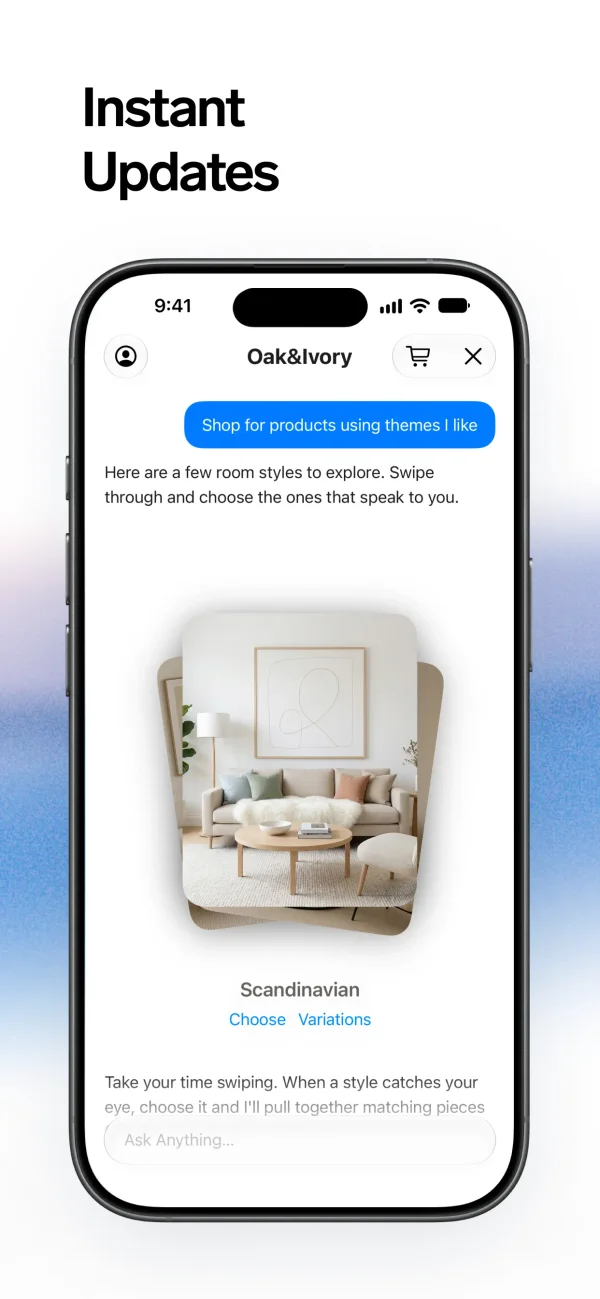
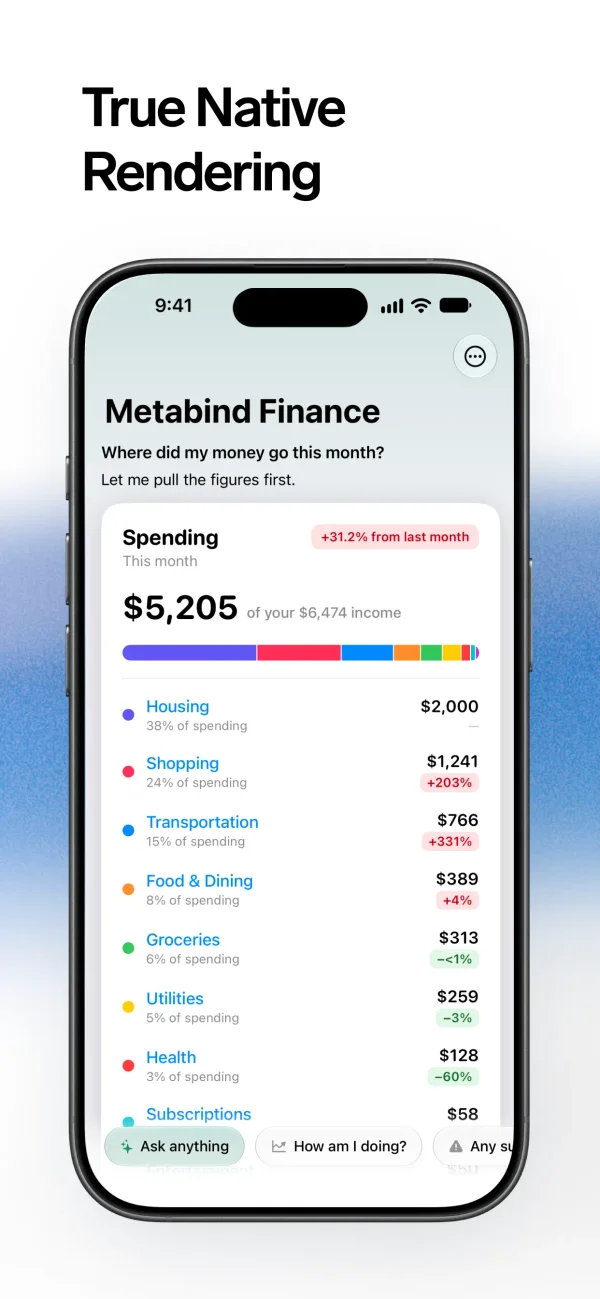
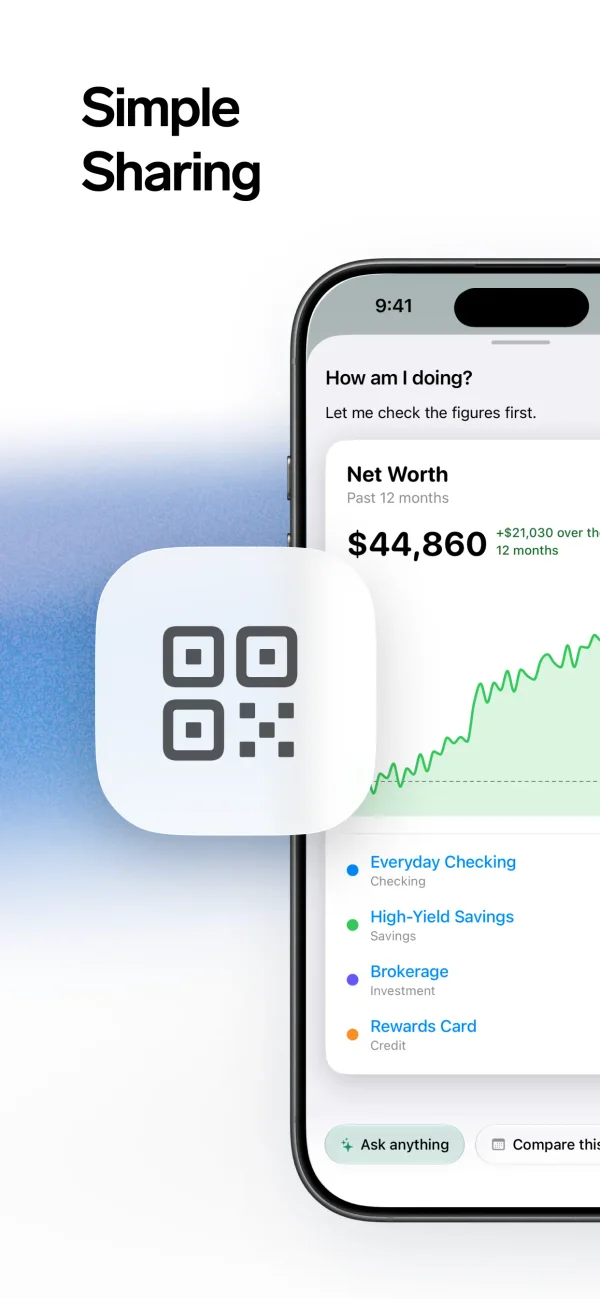
Test your agent on your iPhone before your customers see it. Scan a code in Metabind Studio, sign in, and chat with your agent. Its answers render with your project's components, natively in SwiftUI.
Metabind is interactive UI for AI agents. Your agent answers with your own components, in your brand, instead of text: in Claude, ChatGPT, and every MCP Apps host, and natively in your own iOS app. The Metabind app is where you see it on a device.
New: test your agent natively
• Scan and chat. Scan your project's QR code in Studio with the Metabind app or your iPhone's Camera. Sign in, and you're talking to your agent.
• Your agent, as you set it up. The hosted agent runs it on the model you chose, with the system prompt you wrote in Studio, and it calls your project's tools.
• Native SwiftUI. Answers render with the same SwiftUI renderer the Metabind Agent SDK uses in your iOS app, with native gestures, accessibility, and Dynamic Type.
• Draft or published. Test the draft, which picks up each save in Studio while you chat, without restarting the conversation. Or test the published project your customers get.
• Nothing to install. Scanning with the Camera opens an App Clip, so anyone in your organization with access to the project can test on their own iPhone. Install the app to keep every project you've opened in one list.
Preview your components
Scan a preview code in Studio to see a component on your iPhone, drawn by the SwiftUI renderer and updated each time you save.
Your projects in one list
• Recents shows every project and preview you've opened, with draft and published kept separate.
• Share a project's link. Sharing sends only the link, and everyone signs in with their own account.
• Disconnect a project to remove its sign-in from this iPhone.
How sign-in works
• You sign in with your Metabind account in the system browser, and only accounts with access to the project can chat with it.
• The QR code holds no key or token. The app keeps each project's sign-in in the Keychain, separate from every other project's.
What you need
• A Metabind account with access to the project.
• To test an agent, a project with its hosted agent set up in Metabind Studio.
Your agent. Your UI. Every channel.
No credit card. No sales call. No server to run. Start at metabind.ai.
Có gì mới
Phiên bản 1.1.12 · 13/11/2026
Test your agent on your iPhone. Scan your project's QR code in Metabind Studio, and sign in with your Metabind account. Test the draft, which picks up each save while you chat, or the published project. Answers render with your project's components, natively in SwiftUI.
Also new: project thumbnails in Recents, and Disconnect, which removes a project's sign-in from this iPhone.
Quyền riêng tư của ứng dụng
Những gì Yap Studios khai báo trên App Store về cách ứng dụng này xử lý dữ liệu.
-
Dữ liệu không được thu thập
Nhà phát triển không thu thập bất kỳ dữ liệu nào từ ứng dụng này.
Phương thức đảm bảo quyền riêng tư có thể khác nhau, chẳng hạn như tuỳ theo các tính năng bạn sử dụng hoặc độ tuổi của bạn.
Thông tin
- Người bán
- Yap Studios LLC
- Danh mục
- Đồ Họa & Thiết Kế
- Phiên bản
- 1.1.12
- Cập nhật
- 13/11/2026
- Phát hành
- 04/11/2025
- Kích thước
- 15,3 MB
- Yêu cầu
- iOS 18.0 trở lên
- Độ tuổi
- 4+
- Giá
- Miễn phí
- Ngôn ngữ
- Tiếng Anh
- Bản quyền
- © 2026 Yap Studios LLC
Có thể bạn cũng thích
-
 Amazing App Mockups - MockheroĐồ Họa & Thiết Kế
-
 SnapFrame - Khung ảnh màn hìnhBiến ảnh chụp thành mockup
-
 Picture Collage - ShowcaseProĐồ Họa & Thiết Kế
-
 App Mockup Studio: BezelĐồ Họa & Thiết Kế
-
 shotwell - screenshots & mocksĐồ Họa & Thiết Kế
-
 3D ScratchpadĐồ Họa & Thiết Kế
-
 Yingzao StudioĐồ Họa & Thiết Kế
-
 Chromatose: Visual SynthesizerĐồ Họa & Thiết Kế
-
 Realtime Drawing : Turbo PaintĐồ Họa & Thiết Kế
-
 Brochure Maker - InfographicPamphlet,Leaflet,Catalog Maker