
- Age rating4+
- CategoryGraphics & Design
- DeveloperYap Studios
- LanguagesEnglish
- Size15.3 MB
Links to the official App Store page
Download.org hosts no file of Metabind. The button opens its official App Store page, published by Yap Studios. Listing last checked on Nov 18, 2026.
Screenshots
About
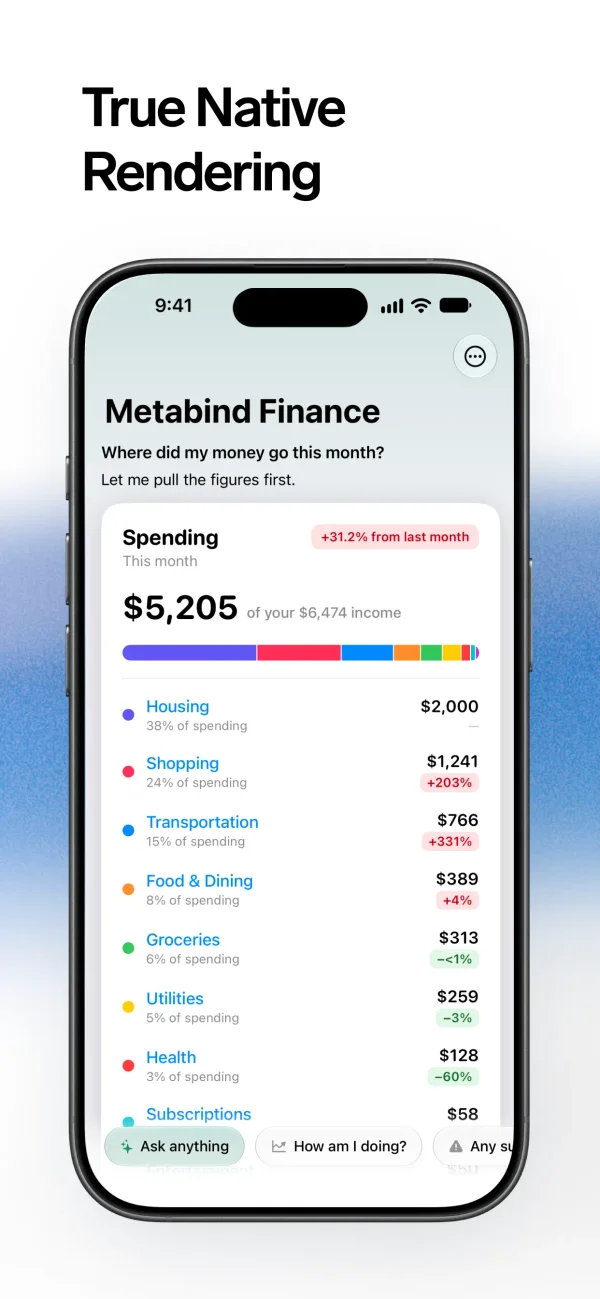
Test your agent on your iPhone before your customers see it. Scan a code in Metabind Studio, sign in, and chat with your agent. Its answers render with your project's components, natively in SwiftUI.
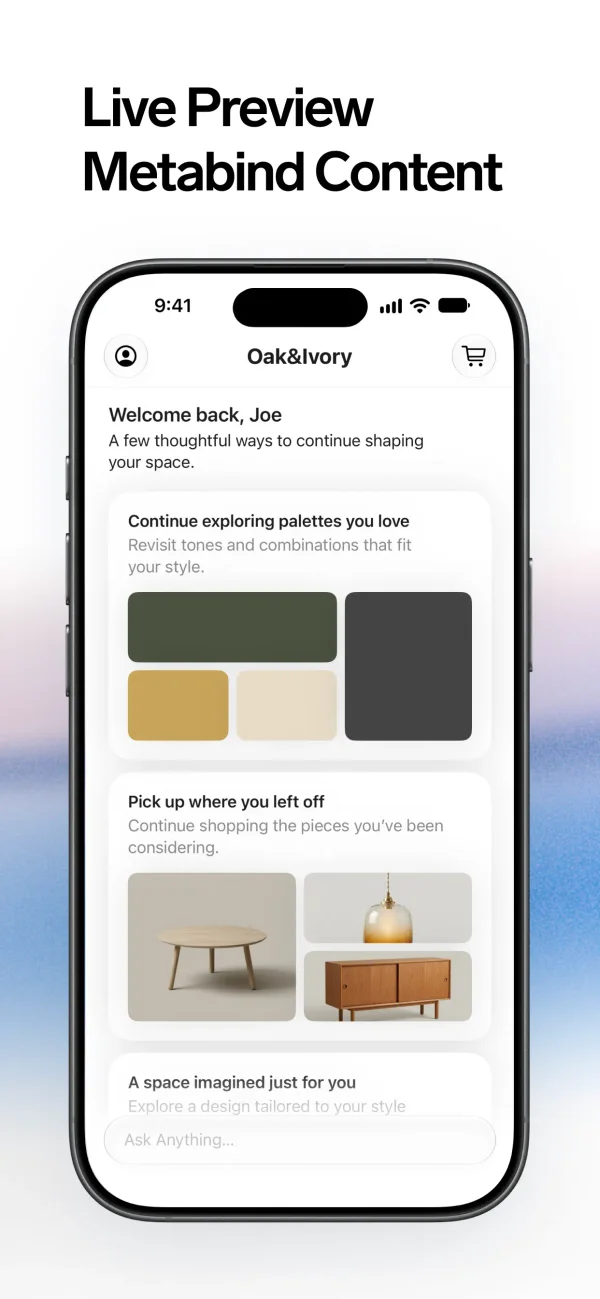
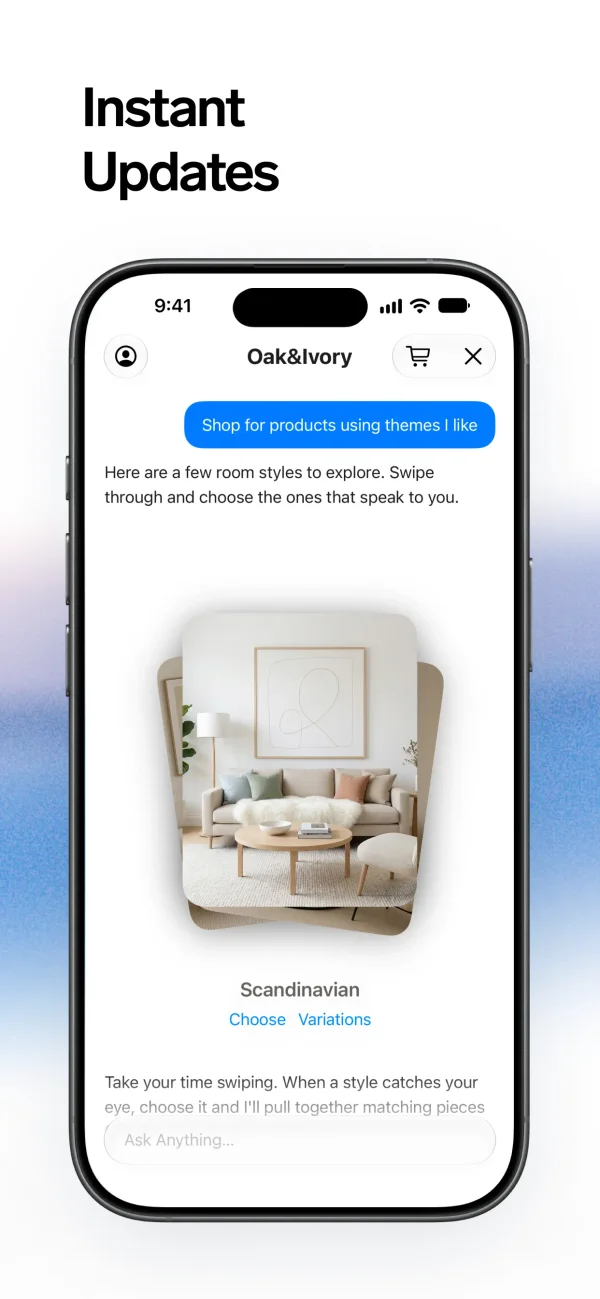
Metabind is interactive UI for AI agents. Your agent answers with your own components, in your brand, instead of text: in Claude, ChatGPT, and every MCP Apps host, and natively in your own iOS app. The Metabind app is where you see it on a device.
New: test your agent natively
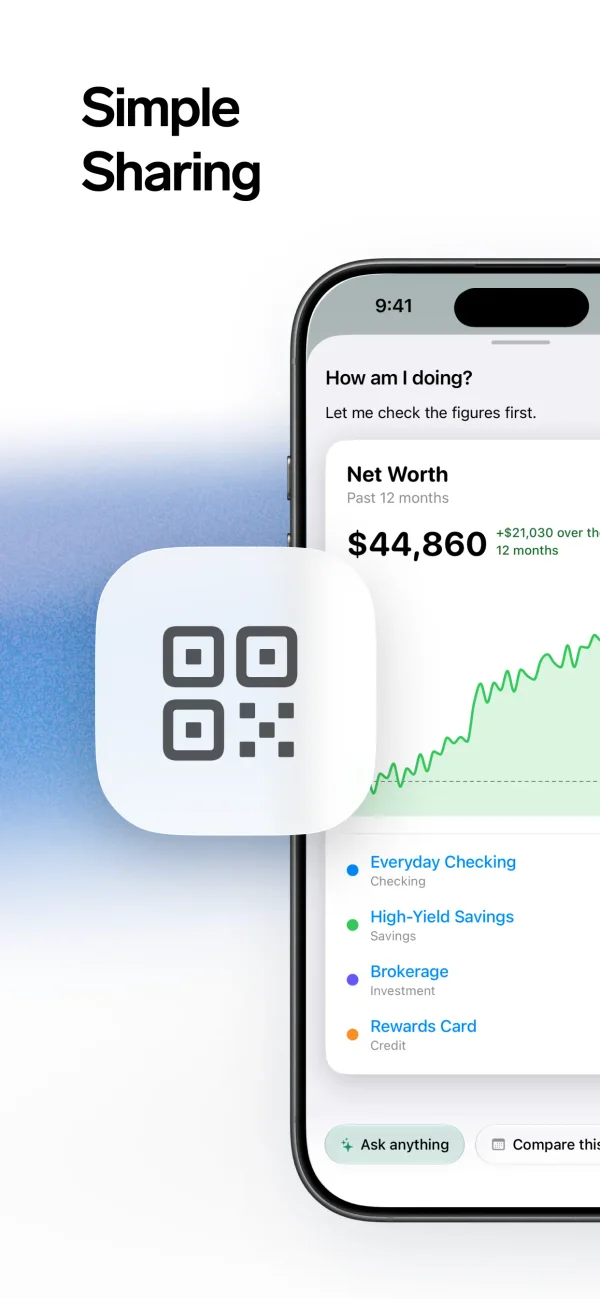
• Scan and chat. Scan your project's QR code in Studio with the Metabind app or your iPhone's Camera. Sign in, and you're talking to your agent.
• Your agent, as you set it up. The hosted agent runs it on the model you chose, with the system prompt you wrote in Studio, and it calls your project's tools.
• Native SwiftUI. Answers render with the same SwiftUI renderer the Metabind Agent SDK uses in your iOS app, with native gestures, accessibility, and Dynamic Type.
• Draft or published. Test the draft, which picks up each save in Studio while you chat, without restarting the conversation. Or test the published project your customers get.
• Nothing to install. Scanning with the Camera opens an App Clip, so anyone in your organization with access to the project can test on their own iPhone. Install the app to keep every project you've opened in one list.
Preview your components
Scan a preview code in Studio to see a component on your iPhone, drawn by the SwiftUI renderer and updated each time you save.
Your projects in one list
• Recents shows every project and preview you've opened, with draft and published kept separate.
• Share a project's link. Sharing sends only the link, and everyone signs in with their own account.
• Disconnect a project to remove its sign-in from this iPhone.
How sign-in works
• You sign in with your Metabind account in the system browser, and only accounts with access to the project can chat with it.
• The QR code holds no key or token. The app keeps each project's sign-in in the Keychain, separate from every other project's.
What you need
• A Metabind account with access to the project.
• To test an agent, a project with its hosted agent set up in Metabind Studio.
Your agent. Your UI. Every channel.
No credit card. No sales call. No server to run. Start at metabind.ai.
What’s new
Version 1.1.12 · Nov 13, 2026
Test your agent on your iPhone. Scan your project's QR code in Metabind Studio, and sign in with your Metabind account. Test the draft, which picks up each save while you chat, or the published project. Answers render with your project's components, natively in SwiftUI.
Also new: project thumbnails in Recents, and Disconnect, which removes a project's sign-in from this iPhone.
App privacy
What Yap Studios declares on the App Store about how this app handles data.
-
Data not collected
The developer does not collect any data from this app.
Privacy practices may vary, for example with the features you use or your age.
Information
- Seller
- Yap Studios LLC
- Category
- Graphics & Design
- Version
- 1.1.12
- Updated
- Nov 13, 2026
- Released
- Nov 4, 2025
- Size
- 15.3 MB
- Requires
- iOS 18.0 or later
- Age rating
- 4+
- Languages
- English
- Copyright
- © 2026 Yap Studios LLC
You might also like
-
 Amazing App Mockups - MockheroQuick, Beautiful Phone Mockups
-
 SnapFrame - Screenshot FramesDevice mockup for app demos
-
 Picture Collage - ShowcaseProPhoto background remover
-
 App Mockup Studio: BezelScreenshot maker for apps
-
 shotwell - screenshots & mocksshadows, borders, backgrounds
-
 3D Scratchpad3D Design at your Fingertips
-
 Yingzao StudioExplore Chinese Architecture
-
 Chromatose: Visual SynthesizerModular Psychedelic Video Art
-
 Realtime Drawing : Turbo PaintSketch,Doodle to Create AI Art
-
 Brochure Maker - InfographicPamphlet,Leaflet,Catalog Maker