
MetaFixer
Save with correct metadata
Diseñada para iPhone, iPod touch
Gratis · Compras en la aplicación
- Clasificación por edad4+
- CategoríaProductividad
- DesarrolladorPixegram, LLC
- IdiomasInglés
- Tamaño15,6 MB
Enlaza a la página oficial de App Store
Download.org no aloja ningún archivo de MetaFixer. El botón abre la página de la aplicación en App Store, donde la publica Pixegram, LLC. Ficha comprobada por última vez el 12/11/2026.
Capturas de pantalla

Acerca de
El desarrollador no ha proporcionado este texto en tu idioma.
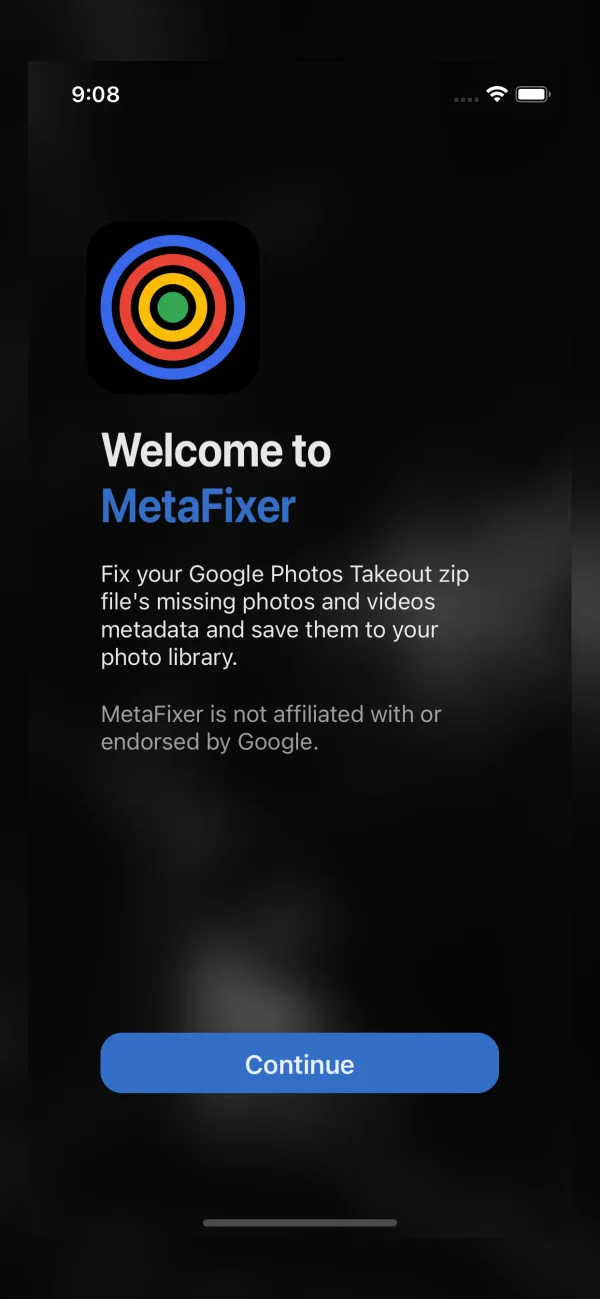
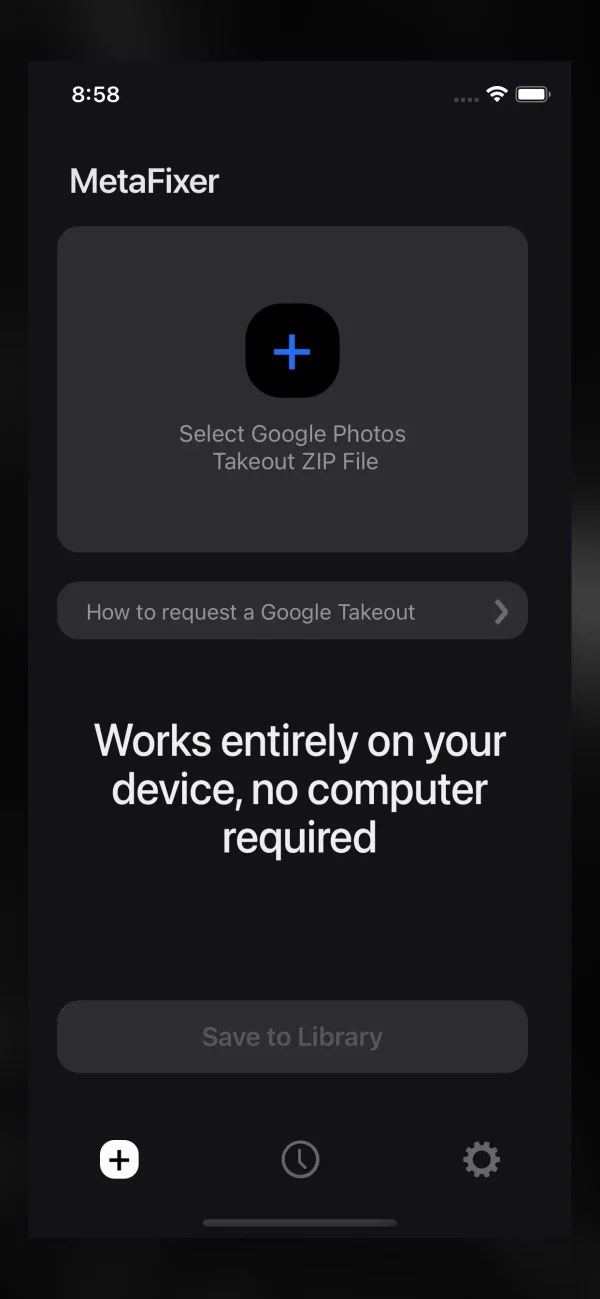
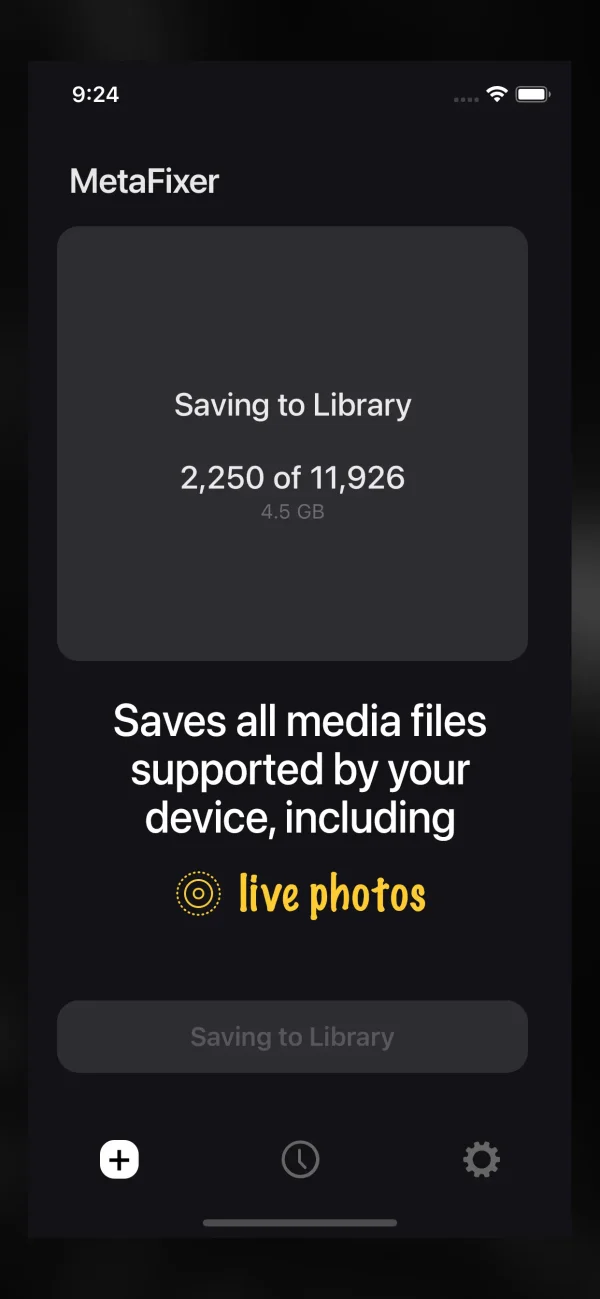
MetaFixer fixes your Google Photos Takeout zip file's missing photos and videos metadata and streamlines the process of saving them back to your device’s photo library.
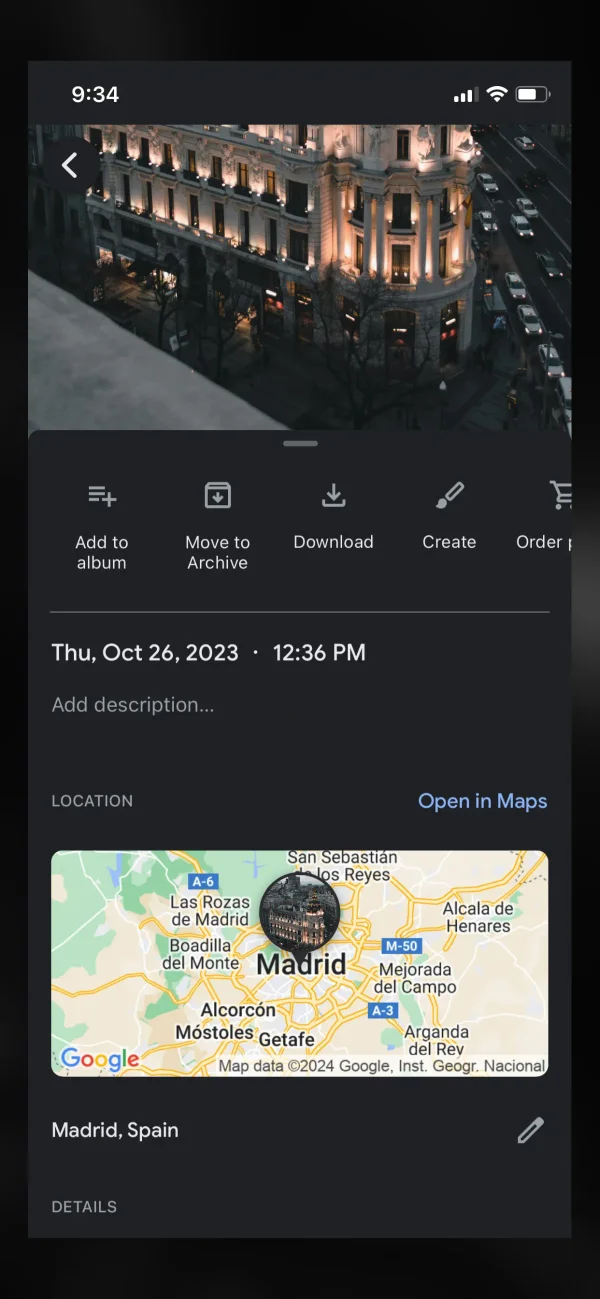
The recommended method for exporting your Google Photos with all its metadata is via takeout. However, because Google Photos does not modify the EXIF metadata of any photos and videos for which you may have provided custom dates and locations in Google Photos, your photos and videos may appear with incorrect dates or locations once saved to your device.
In addition, because the associated video of any live photos are saved as separate video files within the takeout file, your live photos become two separate files — a regular photo and a separate short video.
Here is how MetaFixer fixes both these issues and streamlines the entire process:
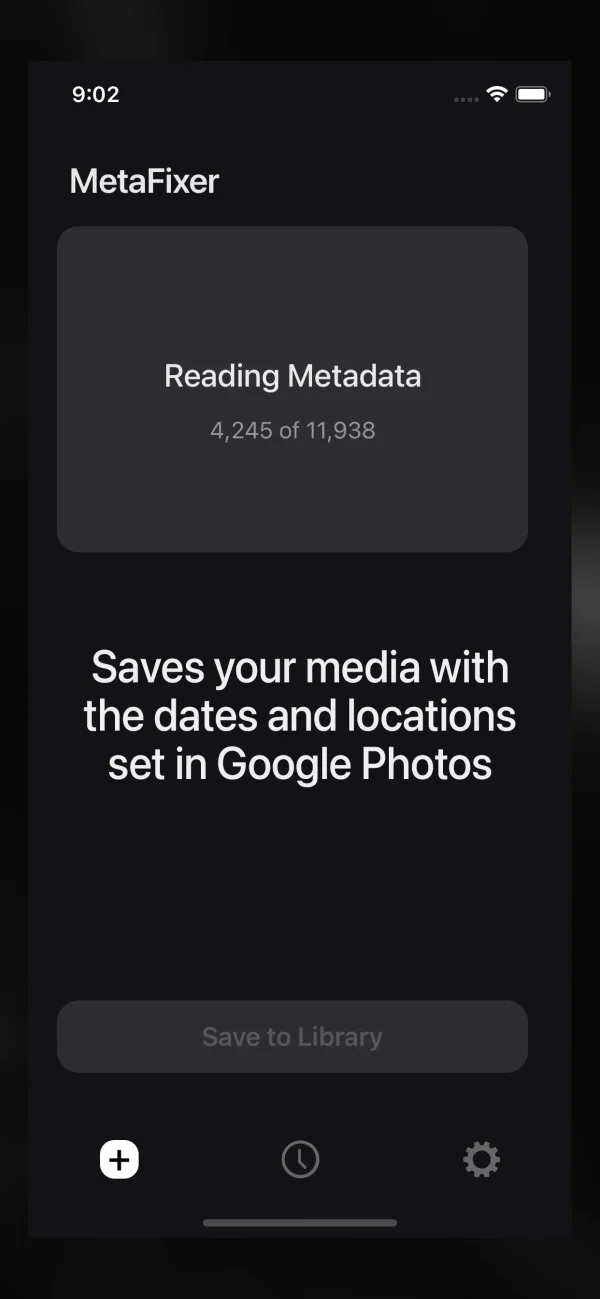
1- It unzips the takeout file and reads any metadata included in the associated json files for each photo and video.
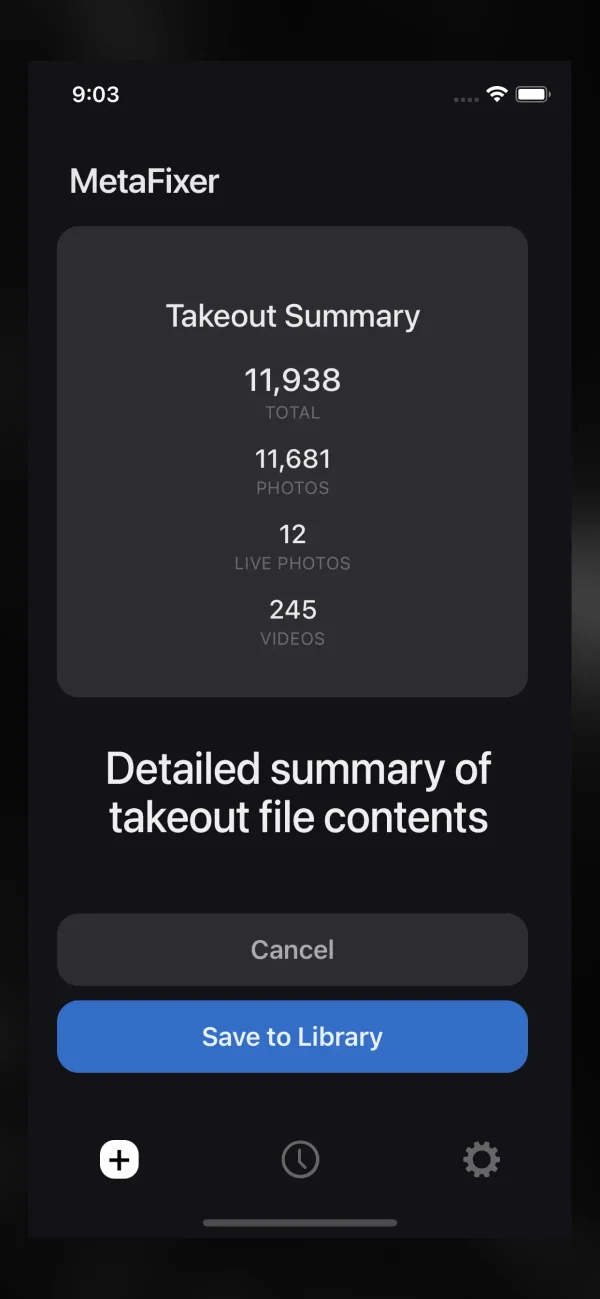
2- It checks if any photos also include an associated short video. These photos are recombined with their videos and saved as back live photos.
3- It saves the regular photos, live photos, and videos to your device, setting their updated dates and locations. It will save them in order by date, so that in addition to appearing in order in the Library section, they also appear in order within the Recents album.
Free Plan
The free plan is limited to saving up to 100 photos and videos from takeout files, suitable for testing the app and to save photos and videos from takeout files with less than 100 photos and videos.
Premium Plan
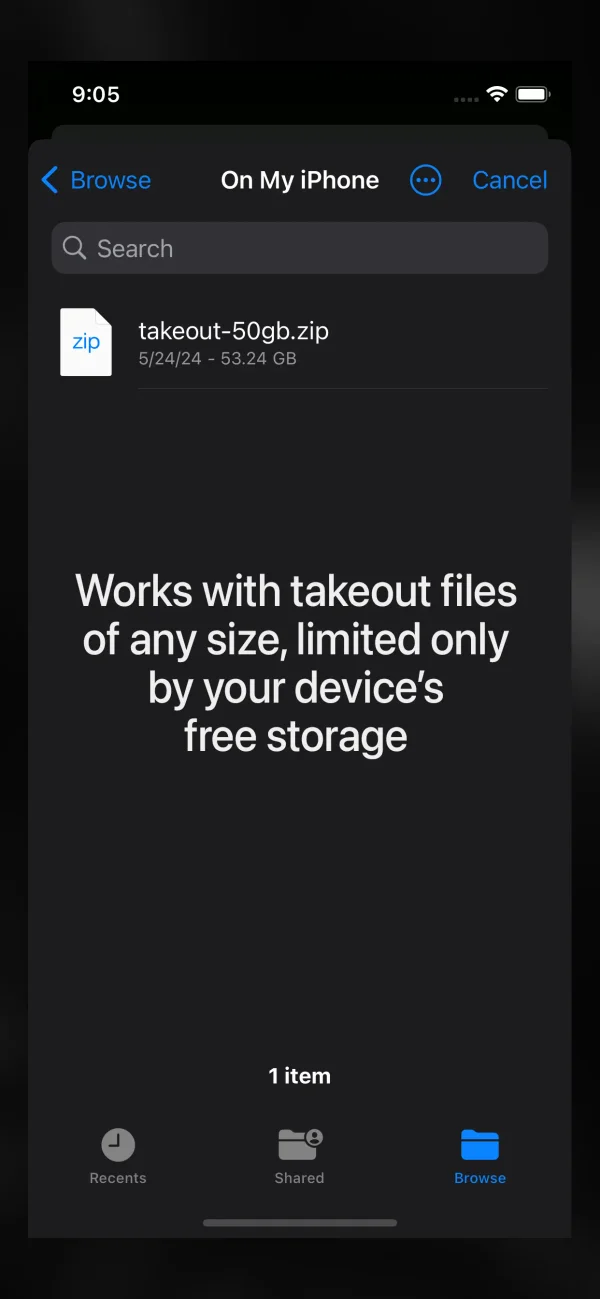
The premium plan saves an unlimited number of photos and videos from takeout files of any size.
Subscription Pricing and Terms
- Annual or monthly subscription billing will start immediately after your subscribe and will auto-renew each year or month.
- Subscriptions will automatically renew unless cancelled at least one day before the renewal date within 24 hours before the end of the current period. Payment will be charged to your Apple ID account at the confirmation of purchase. You can manage and cancel your subscription by going to your account settings in the App Store.
- Subscriptions are nonrefundable, so please choose this option carefully.
- Please refer to the In-App Purchases section for pricing.
Terms and Use —
https://www.apple.com/legal/internet-services/itunes/dev/stdeula
Privacy Policy —
https://sync.photosplus.app/privacy.php
Novedades
Versión 1.3 · 24/9/2024
This release includes bug fixes and performance upgrades.
Privacidad de la aplicación
Lo que Pixegram, LLC declara en App Store sobre cómo esta aplicación gestiona los datos.
-
No se recopilan datos
El desarrollador no recopila ningún dato de esta aplicación.
Las prácticas de privacidad pueden variar, por ejemplo, según las funciones que uses o tu edad.
Información
- Vendedor
- Pixegram, LLC
- Categoría
- Productividad
- Versión
- 1.3
- Actualizado
- 24/9/2024
- Publicado
- 12/6/2024
- Tamaño
- 15,6 MB
- Requiere
- iOS 15.6 o posterior
- Clasificación por edad
- 4+
- Precio
- Gratis
- Compras en la aplicación
- Sí
- Idiomas
- Inglés
- Copyright
- © Pixegram, LLC
Quizá también te guste
-
 Photo Boss for Google DriveProductividad
-
 Sync: Respaldo y nubeRespalda, restaura y comparte
-
 Koofr VaultProductividad
-
 Passwords CloudProductividad
-
 MobiDriveStore. Sync. Secure.
-
 FileCentral for iPhoneSimple file & cloud management
-
 Sync2 Outlook, Google & iCloudSincronización de Calendario
-
 Creative PreviewProductividad
-
 Dropbox DashProductividad
-
 G App LauncherProductividad