
MetaFixer
Save with correct metadata
Được thiết kế cho iPhone, iPod touch
Miễn phí · Mua hàng trong ứng dụng
- Độ tuổi4+
- Danh mụcHiệu Suất
- Nhà phát triểnPixegram, LLC
- Ngôn ngữTiếng Anh
- Kích thước15,6 MB
Liên kết đến trang App Store chính thức
Download.org không lưu trữ tệp nào của MetaFixer. Nút này mở trang ứng dụng trên App Store, nơi Pixegram, LLC phát hành ứng dụng. Trang được kiểm tra lần cuối: 12/11/2026.
Ảnh chụp màn hình

Giới thiệu
Nhà phát triển chưa cung cấp nội dung này bằng ngôn ngữ của bạn.
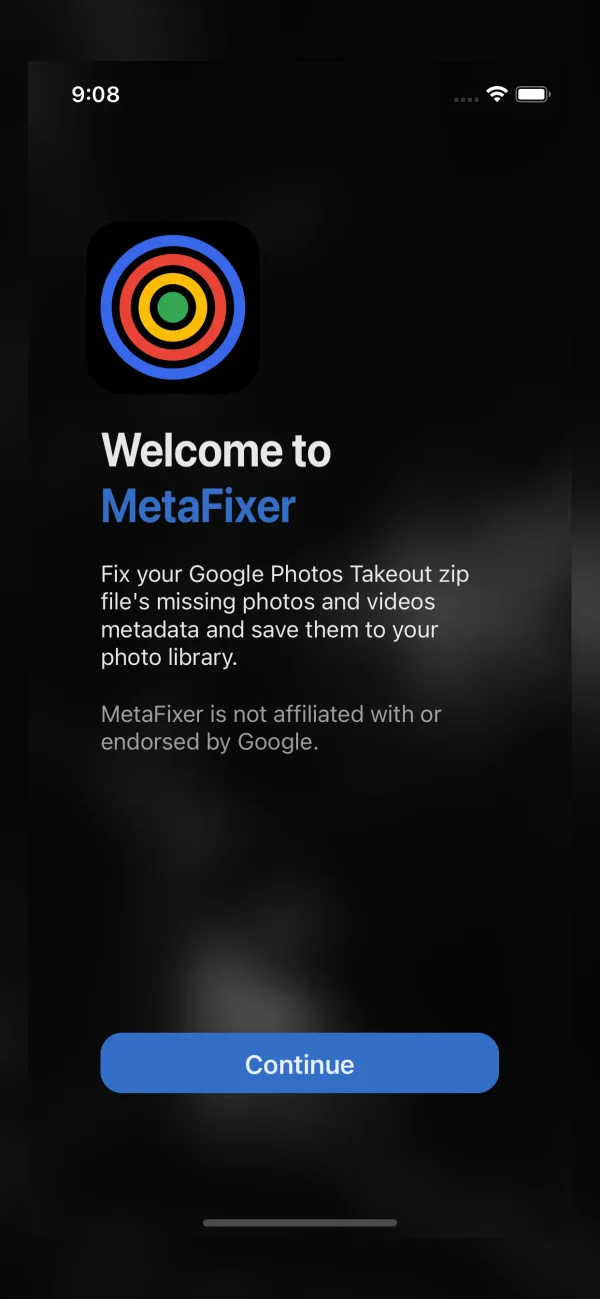
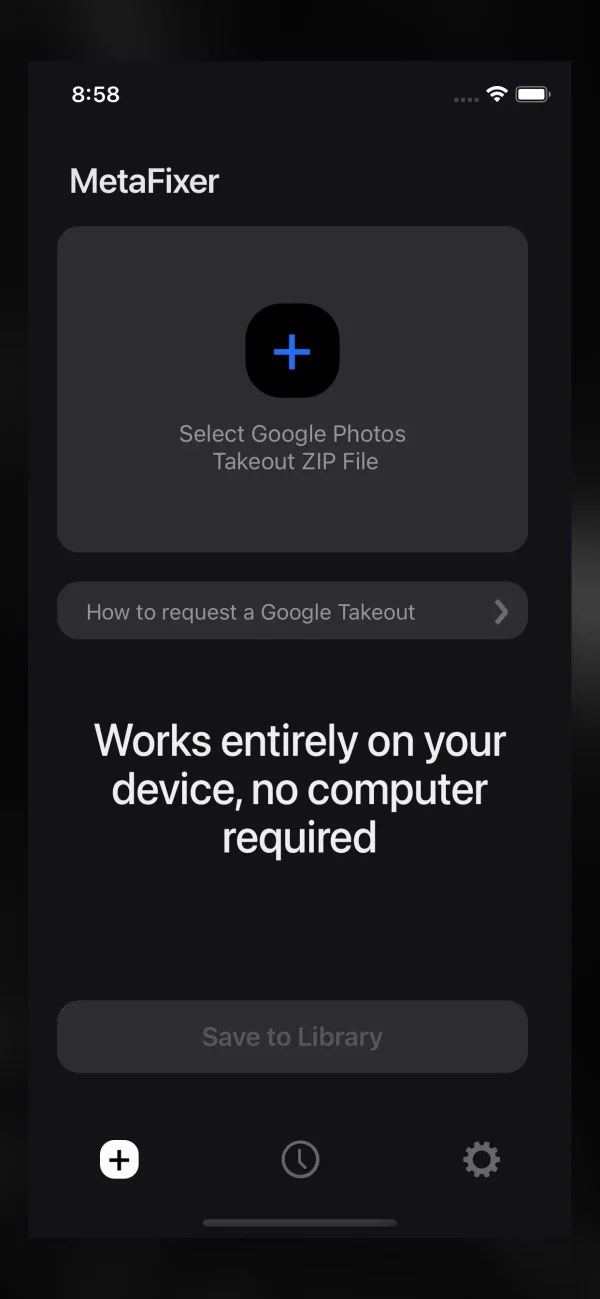
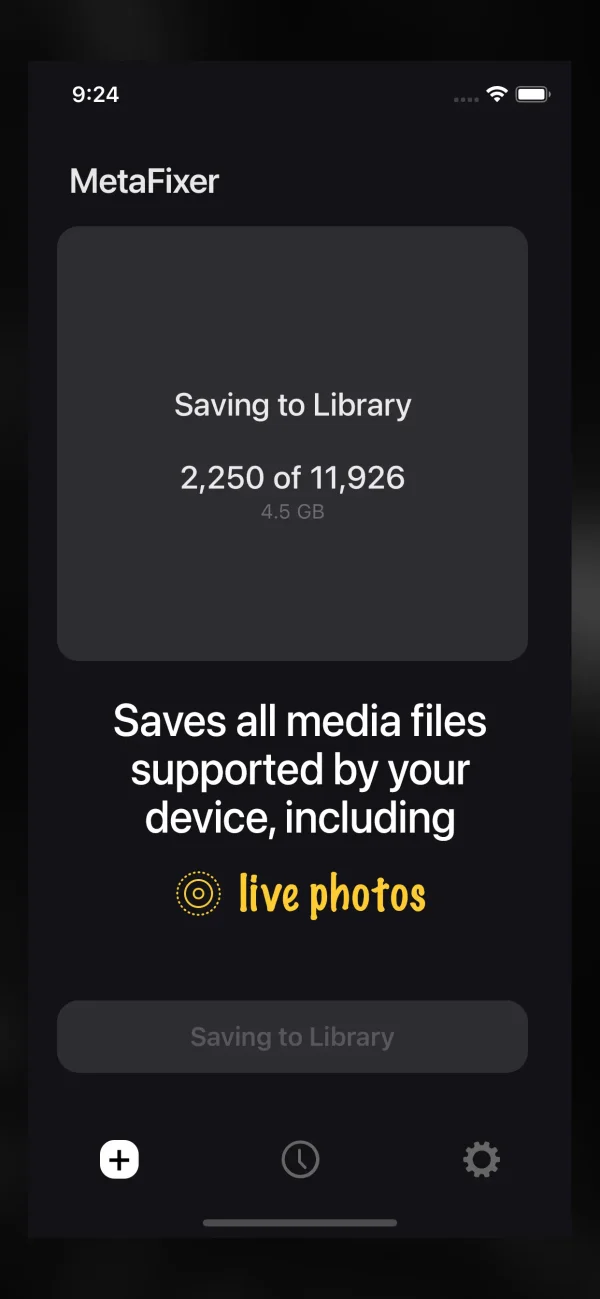
MetaFixer fixes your Google Photos Takeout zip file's missing photos and videos metadata and streamlines the process of saving them back to your device’s photo library.
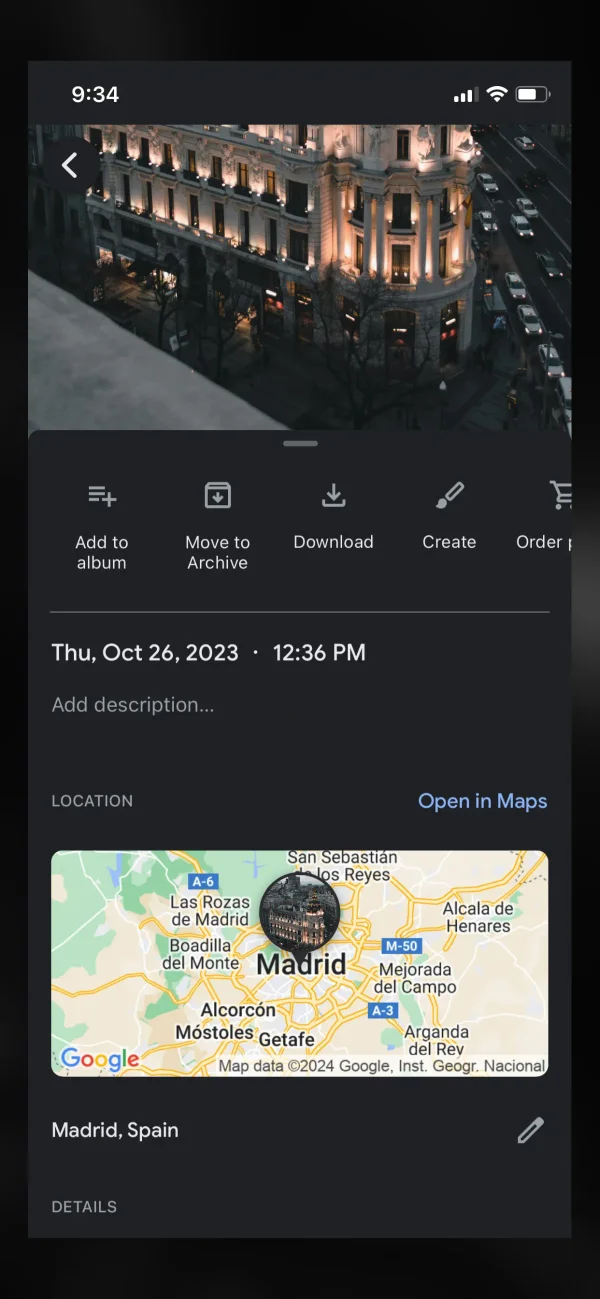
The recommended method for exporting your Google Photos with all its metadata is via takeout. However, because Google Photos does not modify the EXIF metadata of any photos and videos for which you may have provided custom dates and locations in Google Photos, your photos and videos may appear with incorrect dates or locations once saved to your device.
In addition, because the associated video of any live photos are saved as separate video files within the takeout file, your live photos become two separate files — a regular photo and a separate short video.
Here is how MetaFixer fixes both these issues and streamlines the entire process:
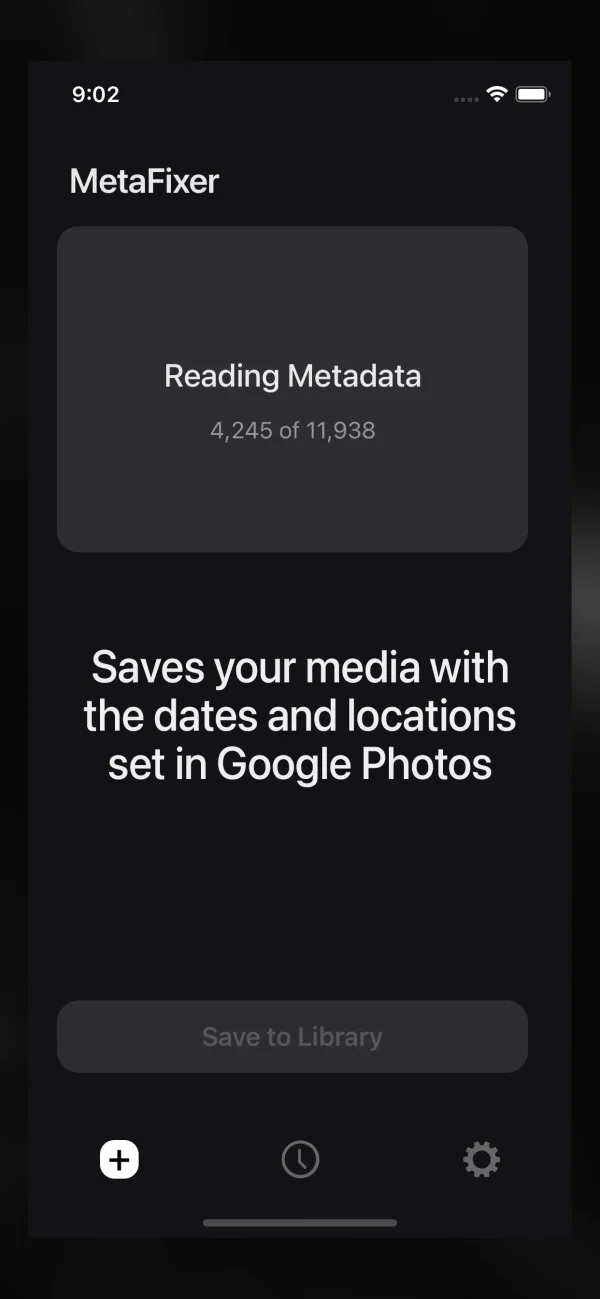
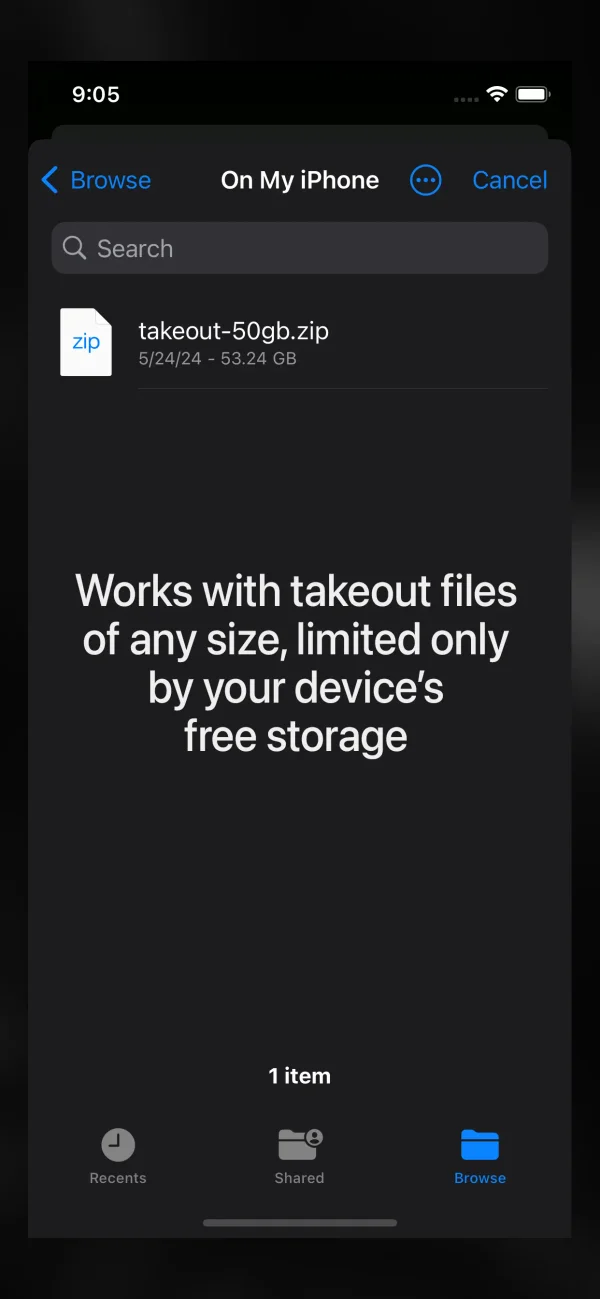
1- It unzips the takeout file and reads any metadata included in the associated json files for each photo and video.
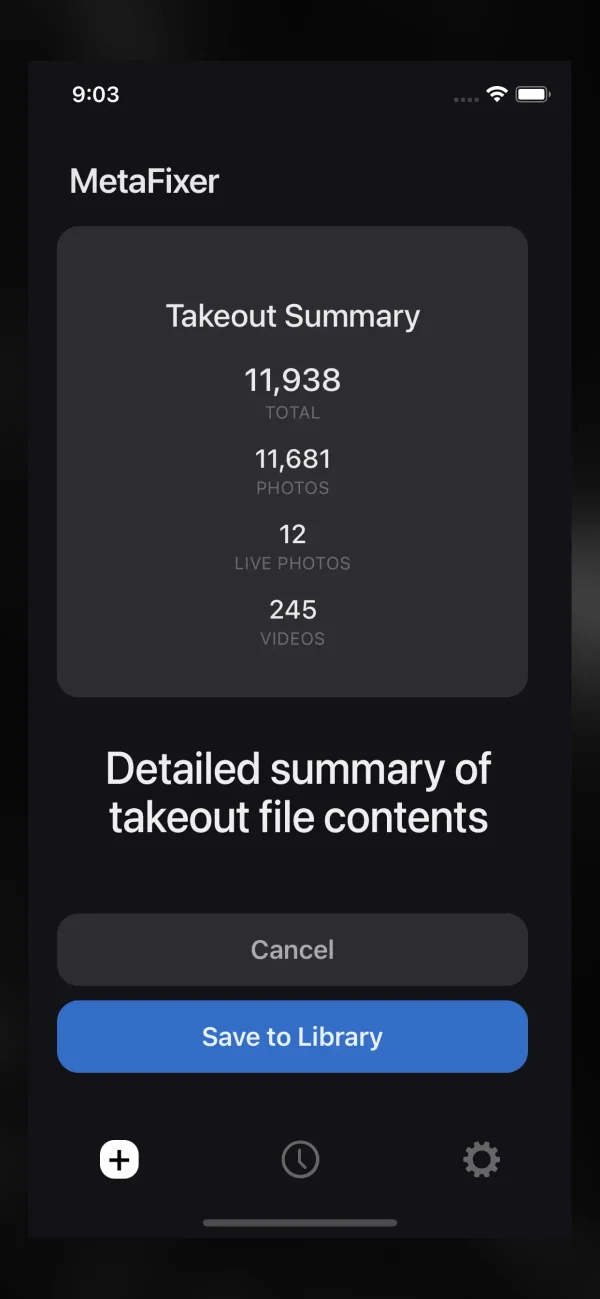
2- It checks if any photos also include an associated short video. These photos are recombined with their videos and saved as back live photos.
3- It saves the regular photos, live photos, and videos to your device, setting their updated dates and locations. It will save them in order by date, so that in addition to appearing in order in the Library section, they also appear in order within the Recents album.
Free Plan
The free plan is limited to saving up to 100 photos and videos from takeout files, suitable for testing the app and to save photos and videos from takeout files with less than 100 photos and videos.
Premium Plan
The premium plan saves an unlimited number of photos and videos from takeout files of any size.
Subscription Pricing and Terms
- Annual or monthly subscription billing will start immediately after your subscribe and will auto-renew each year or month.
- Subscriptions will automatically renew unless cancelled at least one day before the renewal date within 24 hours before the end of the current period. Payment will be charged to your Apple ID account at the confirmation of purchase. You can manage and cancel your subscription by going to your account settings in the App Store.
- Subscriptions are nonrefundable, so please choose this option carefully.
- Please refer to the In-App Purchases section for pricing.
Terms and Use —
https://www.apple.com/legal/internet-services/itunes/dev/stdeula
Privacy Policy —
https://sync.photosplus.app/privacy.php
Có gì mới
Phiên bản 1.3 · 24/09/2024
This release includes bug fixes and performance upgrades.
Quyền riêng tư của ứng dụng
Những gì Pixegram, LLC khai báo trên App Store về cách ứng dụng này xử lý dữ liệu.
-
Dữ liệu không được thu thập
Nhà phát triển không thu thập bất kỳ dữ liệu nào từ ứng dụng này.
Phương thức đảm bảo quyền riêng tư có thể khác nhau, chẳng hạn như tuỳ theo các tính năng bạn sử dụng hoặc độ tuổi của bạn.
Thông tin
- Người bán
- Pixegram, LLC
- Danh mục
- Hiệu Suất
- Phiên bản
- 1.3
- Cập nhật
- 24/09/2024
- Phát hành
- 12/06/2024
- Kích thước
- 15,6 MB
- Yêu cầu
- iOS 15.6 trở lên
- Độ tuổi
- 4+
- Giá
- Miễn phí
- Mua hàng trong ứng dụng
- Có
- Ngôn ngữ
- Tiếng Anh
- Bản quyền
- © Pixegram, LLC
Có thể bạn cũng thích
-
 Photo Boss for Google DriveHiệu Suất
-
 Sync: Sao lưu & Đồng bộSao lưu, khôi phục, chia sẻ
-
 Koofr VaultHiệu Suất
-
 Passwords CloudHiệu Suất
-
 MobiDrive Cloud Storage & SyncHiệu Suất
-
 FileCentral for iPhoneHiệu Suất
-
 Sync2 Outlook Google & iCloudHiệu Suất
-
 Creative PreviewHiệu Suất
-
 Dropbox DashHiệu Suất
-
 G App LauncherHiệu Suất