
MetaFixer
Save with correct metadata
Dirancang untuk iPhone, iPod touch
Gratis · Pembelian dalam aplikasi
- Batasan usia4+
- KategoriProduktivitas
- PengembangPixegram, LLC
- BahasaInggris
- Ukuran15,6 MB
Tertaut ke halaman resmi App Store
Download.org tidak menyimpan file MetaFixer apa pun. Tombol ini membuka halaman aplikasi di App Store, tempat Pixegram, LLC menerbitkannya. Halaman terakhir diperiksa pada 12/11/2026.
Tangkapan layar

Tentang
Pengembang belum menyediakan teks ini dalam bahasa Anda.
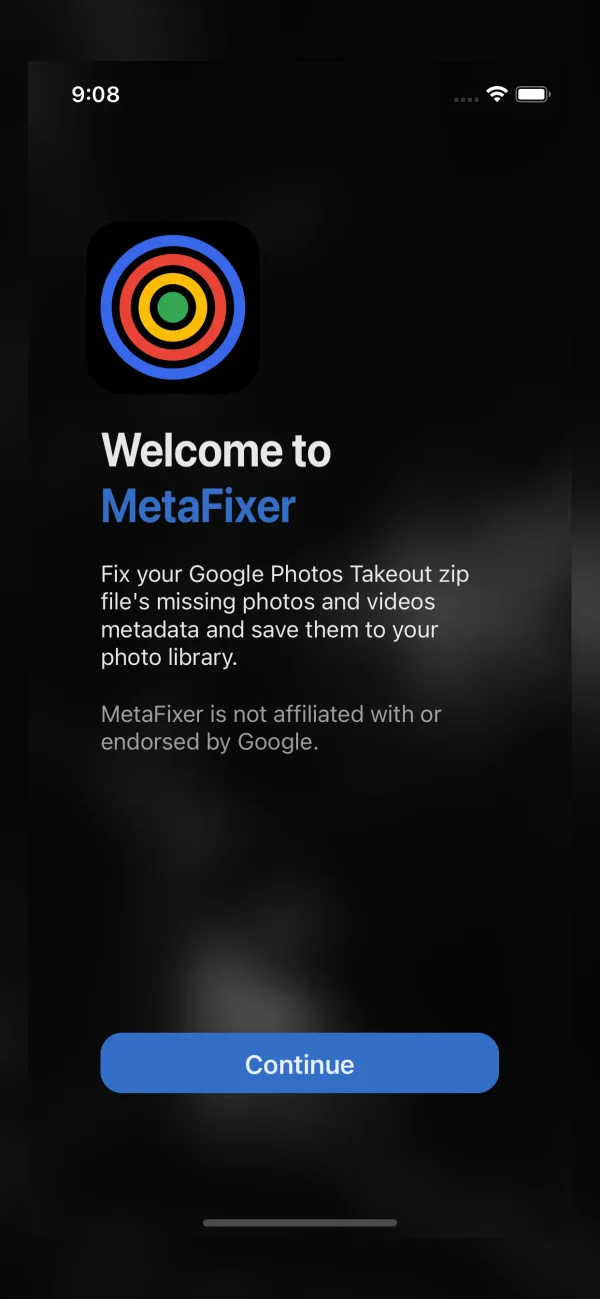
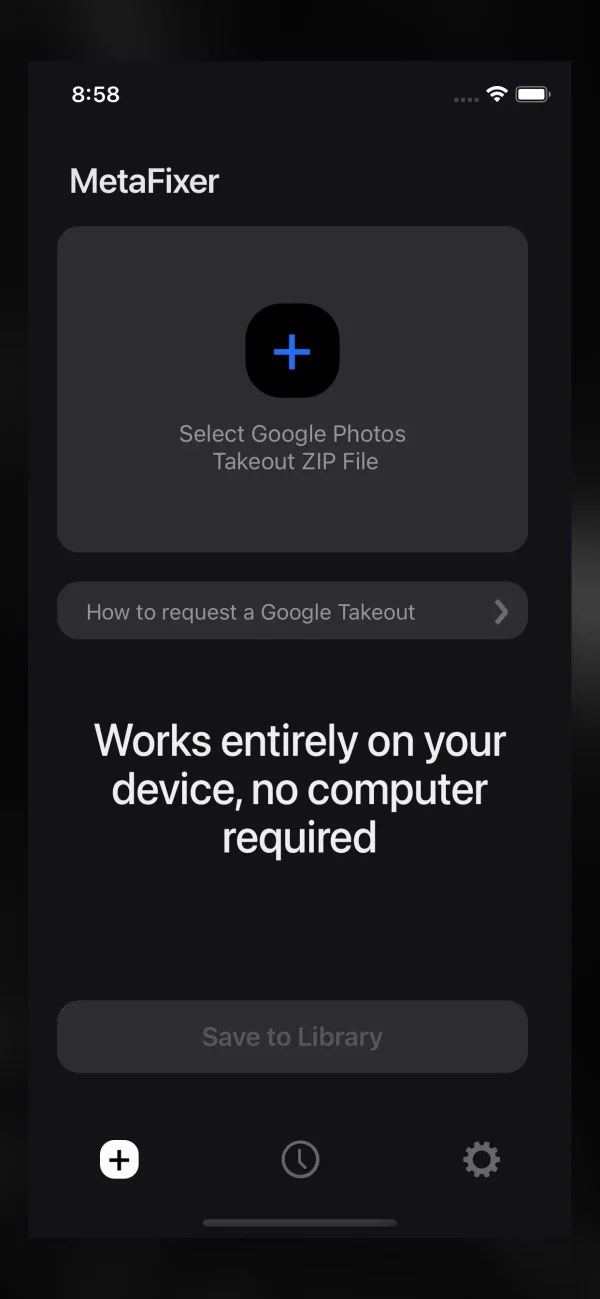
MetaFixer fixes your Google Photos Takeout zip file's missing photos and videos metadata and streamlines the process of saving them back to your device’s photo library.
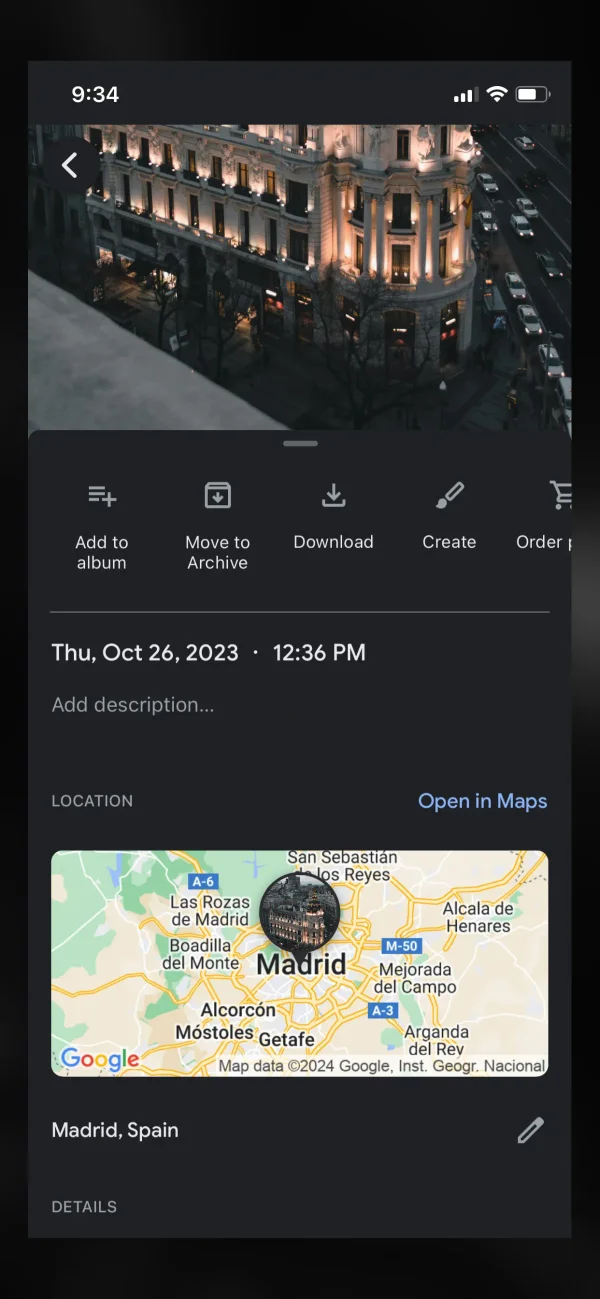
The recommended method for exporting your Google Photos with all its metadata is via takeout. However, because Google Photos does not modify the EXIF metadata of any photos and videos for which you may have provided custom dates and locations in Google Photos, your photos and videos may appear with incorrect dates or locations once saved to your device.
In addition, because the associated video of any live photos are saved as separate video files within the takeout file, your live photos become two separate files — a regular photo and a separate short video.
Here is how MetaFixer fixes both these issues and streamlines the entire process:
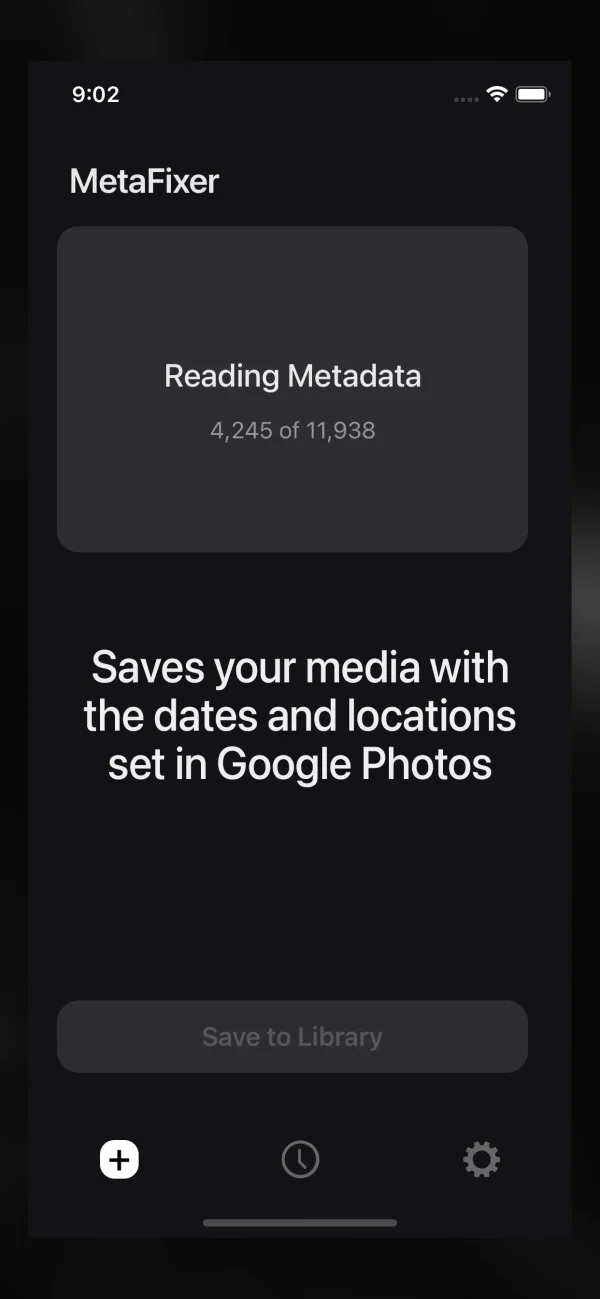
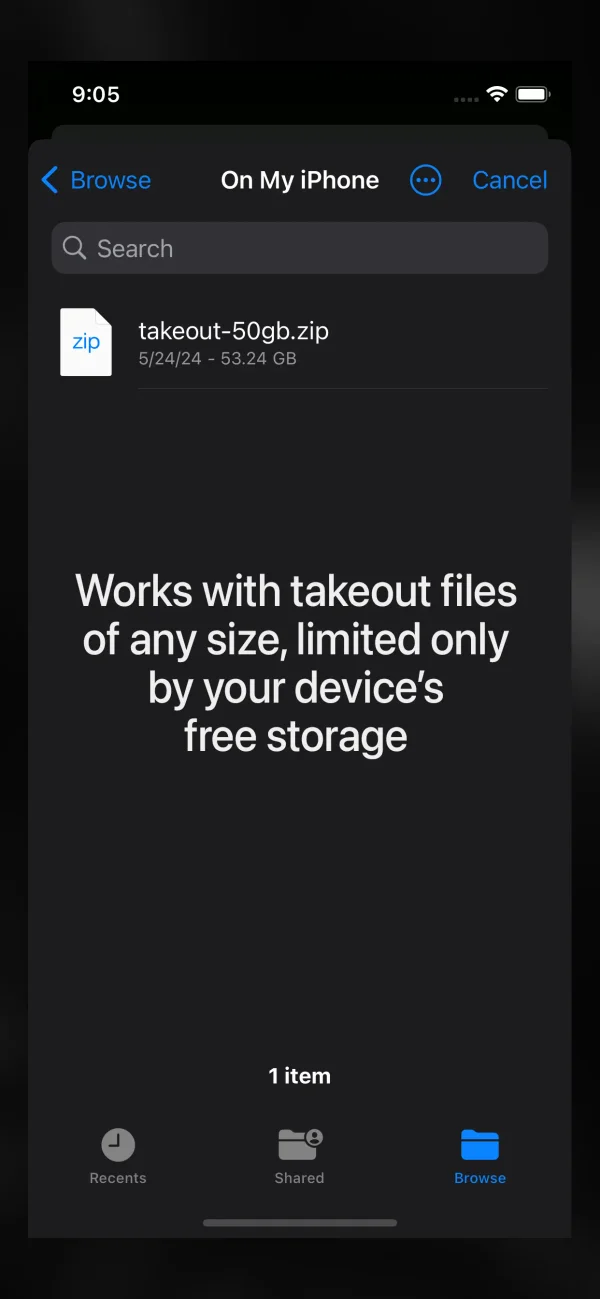
1- It unzips the takeout file and reads any metadata included in the associated json files for each photo and video.
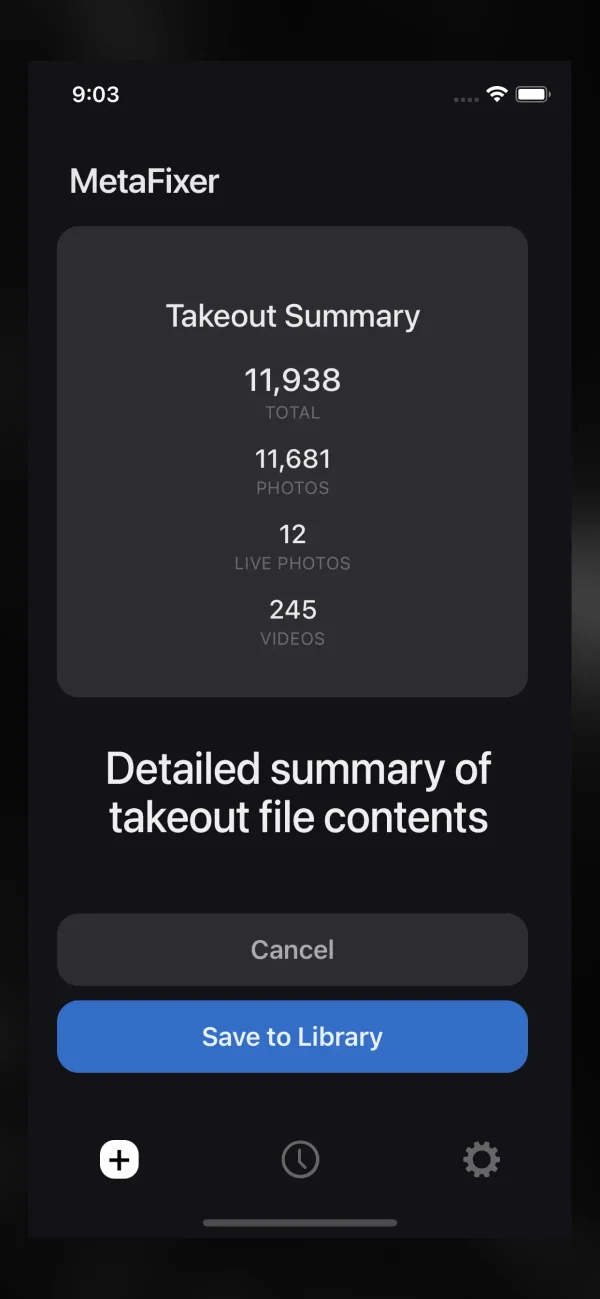
2- It checks if any photos also include an associated short video. These photos are recombined with their videos and saved as back live photos.
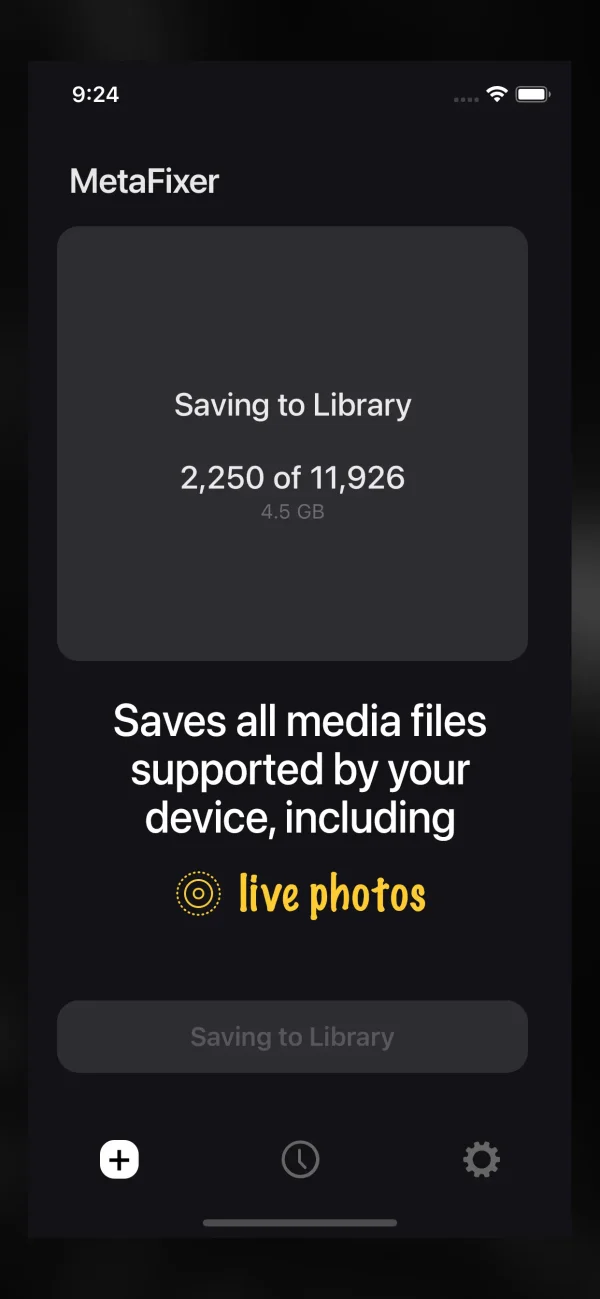
3- It saves the regular photos, live photos, and videos to your device, setting their updated dates and locations. It will save them in order by date, so that in addition to appearing in order in the Library section, they also appear in order within the Recents album.
Free Plan
The free plan is limited to saving up to 100 photos and videos from takeout files, suitable for testing the app and to save photos and videos from takeout files with less than 100 photos and videos.
Premium Plan
The premium plan saves an unlimited number of photos and videos from takeout files of any size.
Subscription Pricing and Terms
- Annual or monthly subscription billing will start immediately after your subscribe and will auto-renew each year or month.
- Subscriptions will automatically renew unless cancelled at least one day before the renewal date within 24 hours before the end of the current period. Payment will be charged to your Apple ID account at the confirmation of purchase. You can manage and cancel your subscription by going to your account settings in the App Store.
- Subscriptions are nonrefundable, so please choose this option carefully.
- Please refer to the In-App Purchases section for pricing.
Terms and Use —
https://www.apple.com/legal/internet-services/itunes/dev/stdeula
Privacy Policy —
https://sync.photosplus.app/privacy.php
Yang baru
Versi 1.3 · 24/9/2024
This release includes bug fixes and performance upgrades.
Privasi aplikasi
Yang dinyatakan Pixegram, LLC di App Store tentang cara aplikasi ini menangani data.
-
Data tidak dikumpulkan
Pengembang tidak mengumpulkan data apa pun dari aplikasi ini.
Praktik privasi dapat bervariasi, misalnya berdasarkan fitur yang Anda gunakan atau usia Anda.
Informasi
- Penjual
- Pixegram, LLC
- Kategori
- Produktivitas
- Versi
- 1.3
- Diperbarui
- 24/9/2024
- Dirilis
- 12/6/2024
- Ukuran
- 15,6 MB
- Memerlukan
- iOS 15.6 atau yang lebih baru
- Batasan usia
- 4+
- Harga
- Gratis
- Pembelian dalam aplikasi
- Ya
- Bahasa
- Inggris
- Hak cipta
- © Pixegram, LLC
Mungkin Anda juga suka
-
 Photo Boss for Google DriveProduktivitas
-
 Sync: Cadangkan File & CloudCadangkan & pulihkan file
-
 Koofr VaultProduktivitas
-
 Passwords CloudProduktivitas
-
 MobiDrive Cloud Storage & SyncProduktivitas
-
 FileCentral for iPhoneProduktivitas
-
 Sync2 Outlook Google & iCloudProduktivitas
-
 Creative PreviewProduktivitas
-
 Dropbox DashProduktivitas
-
 G App LauncherProduktivitas