
- Clasificación por edad4+
- CategoríaFoto y vídeo
- DesarrolladorMove.AI
- IdiomasInglés
- Tamaño21,9 MB
Enlaza a la página oficial de App Store
Download.org no aloja ningún archivo de Move Multi-Cam. El botón abre la página de la aplicación en App Store, donde la publica Move.AI. Ficha comprobada por última vez el 17/11/2026.
Capturas de pantalla
Acerca de
El desarrollador no ha proporcionado este texto en tu idioma.
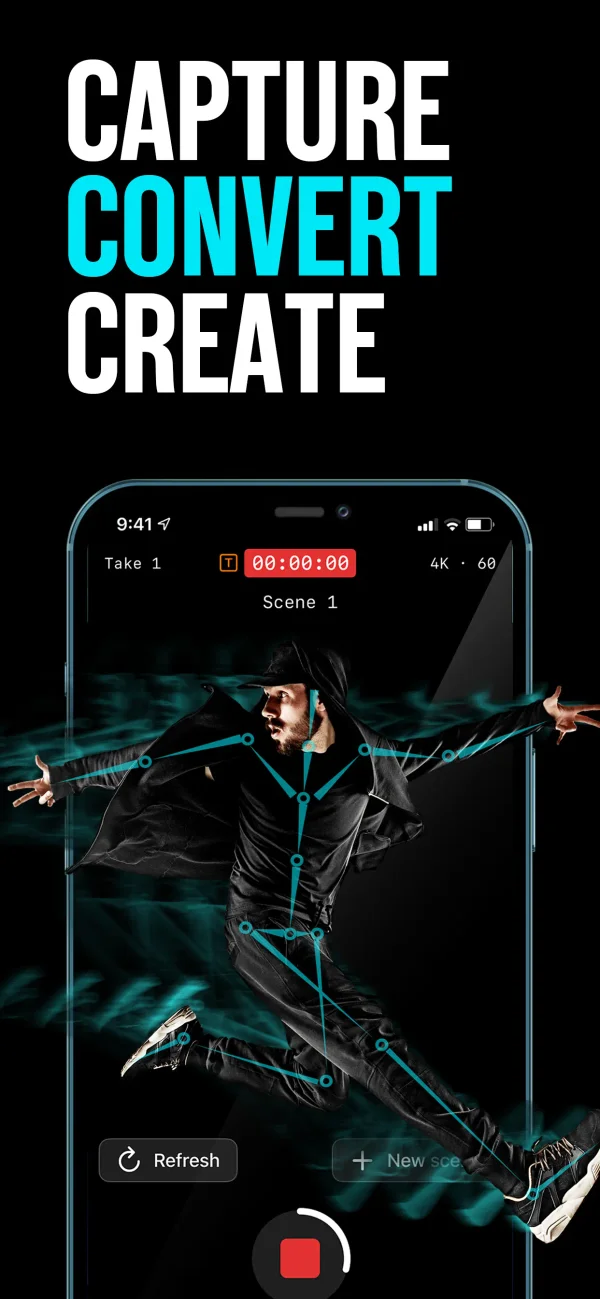
Move AI is bringing high-fidelity markerless motion capture to the masses.
With just a couple of iPhones, you can capture motion data from anyone, in any location. That means you can create your own content using the same quality of motion capture used by AAA games studios. Move’s AI-powered, markerless motion capture smashes the limits of what you can do, and where, bringing studio-quality mocap to the palm of your hand.
No more suits
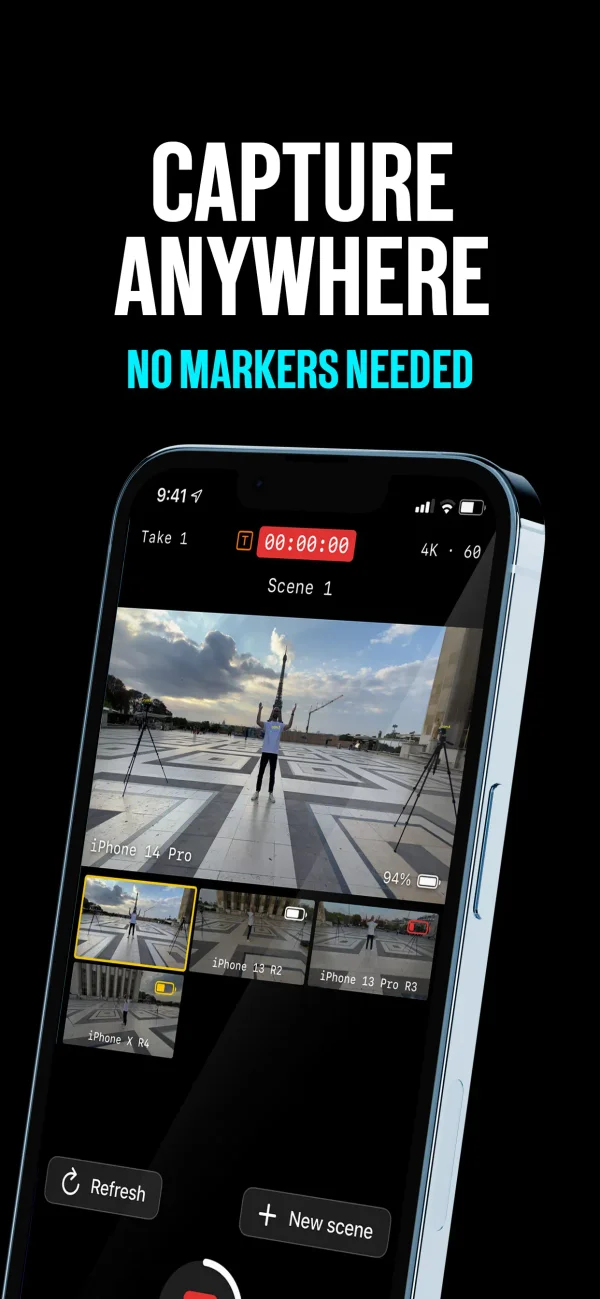
You won’t need an expensive motion capture suit, as Move Multi-Cam is a markerless mocap system. That means no markers, suits, or additional hardware is needed.
Shoot anywhere
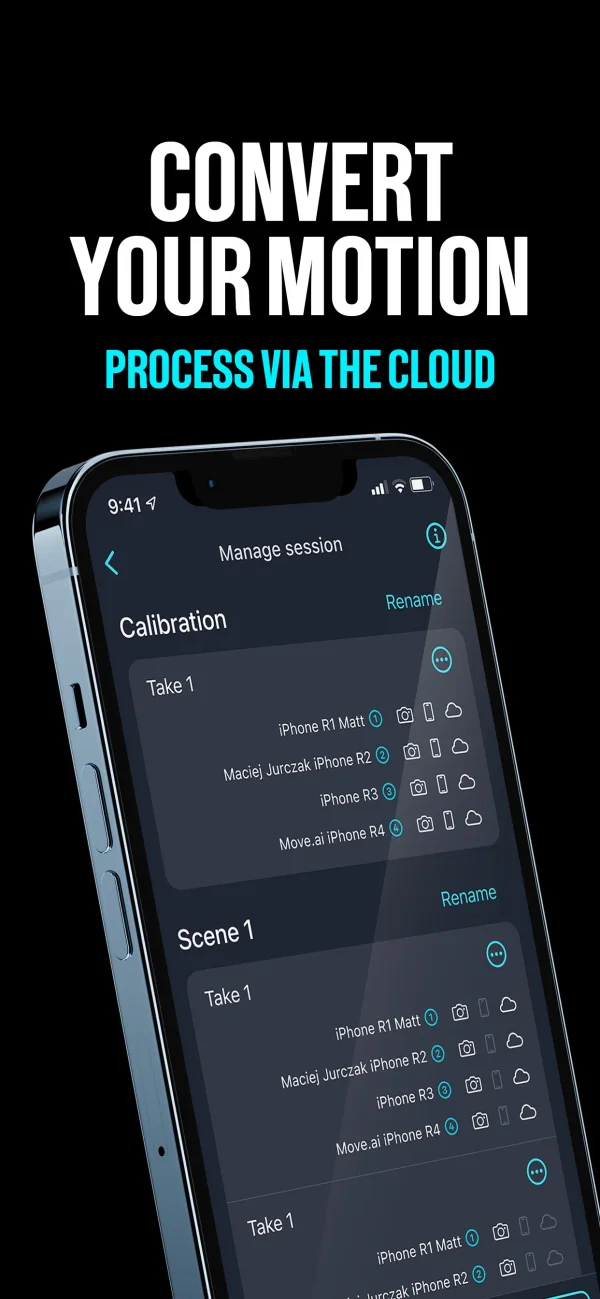
As Move Multi-Cam isn’t constrained by markers, you can shoot in any environment or location, whether that’s in a studio, on a football pitch, or even up a mountain. It only takes around three minutes to set up, then any motion data you capture can be sent from device to cloud.
Works on anyone
You can capture performance data from anyone, no matter what age or gender, with full body tracking, including hands. You can even track multiple people at the same time.
What it takes
With a minimum of two iPhones and a maximum of six, users can capture motion data from anyone, anywhere, at AAA game studio quality. The app works with most iPhones, from the iPhone 8 onwards, up to the latest iPhone 14 model, running iOS 16 or above.
Move One
Move AI also offers Move One, a single-camera motion capture. With just a single iPhone, you can capture one subject and get back high quality 3D motion data. Move One is also available on the App Store.
Novedades
Versión 1.13.1 · 4/6/2024
Hey Move Community! We've got some exciting updates for you in the latest release of Move Multi-Cam. Let's dive into what's new:
- Save Captures Locally: We have added the ability for you to save files locally to your iPhone devices, making it easier to access and upload them to the Move platform.
- Improved Stability: We’ve also updated and improved the stability of the connection between multiple devices to ensure that the capture process is more robust by adding a new green connectivity UI.
- Live Previews: You can now choose to turn live previews on the host app on or off for connected cameras in the capture session. Live previews are switched off by default to improve performance, but can be changed in the app setting prior to creating a new session. If you choose to have the live previews off, connected cameras will show in the host app as a green window with an assigned camera number. This camera number will match the associated camera and also shows on the camera itself.
That's a wrap for this release! We've been working hard to make consistent improvements to the app, so please keep sending us your feedback.
Happy Mocappin’
The Move AI Team
Privacidad de la aplicación
Lo que Move.AI declara en App Store sobre cómo esta aplicación gestiona los datos.
-
Datos vinculados a ti
Pueden recopilarse y vincularse a tu identidad.
- Ubicación
- Información de contacto
- Contenido del usuario
- Identificadores
- Datos de uso
- Diagnóstico
Las prácticas de privacidad pueden variar, por ejemplo, según las funciones que uses o tu edad.
Información
- Vendedor
- MOVE AI LTD
- Categoría
- Foto y vídeo
- Versión
- 1.13.1
- Actualizado
- 4/6/2024
- Publicado
- 24/2/2023
- Tamaño
- 21,9 MB
- Requiere
- iOS 16.0 o posterior
- Clasificación por edad
- 4+
- Precio
- Gratis
- Idiomas
- Inglés
- Copyright
- © 2022 Move ai
Quizá también te guste
-
 Performit LiveFoto y vídeo
-
 Focus PullerFoto y vídeo
-
 V3LCameraFoto y vídeo
-
 Filmic LegacyFoto y vídeo
-
 ClearView FlexFoto y vídeo
-
 AccsoonFoto y vídeo
-
 Spatial Video Studio2D a 3D para Apple Vision Pro
-
 Previs Shot - Crear storyboardPlan de rodaje y orden del día
-
 Unsqueeze: AI Video UpscalerMejorar calidad de videos 4K
-
 VJump - Creador de videosEditor de vídeo transiciónes