MS3D ChaCha
Ai 3D camera, viewer, editor
Diseñada para iPhone, iPod touch
Gratis
- Clasificación por edad4+
- CategoríaFoto y vídeo
- DesarrolladorMacrosolid Inc
- IdiomasInglés
- Tamaño106,0 MB
Enlaza a la página oficial de App Store
Download.org no aloja ningún archivo de MS3D ChaCha. El botón abre la página de la aplicación en App Store, donde la publica Macrosolid Inc. Ficha comprobada por última vez el 18/11/2026.
Capturas de pantalla

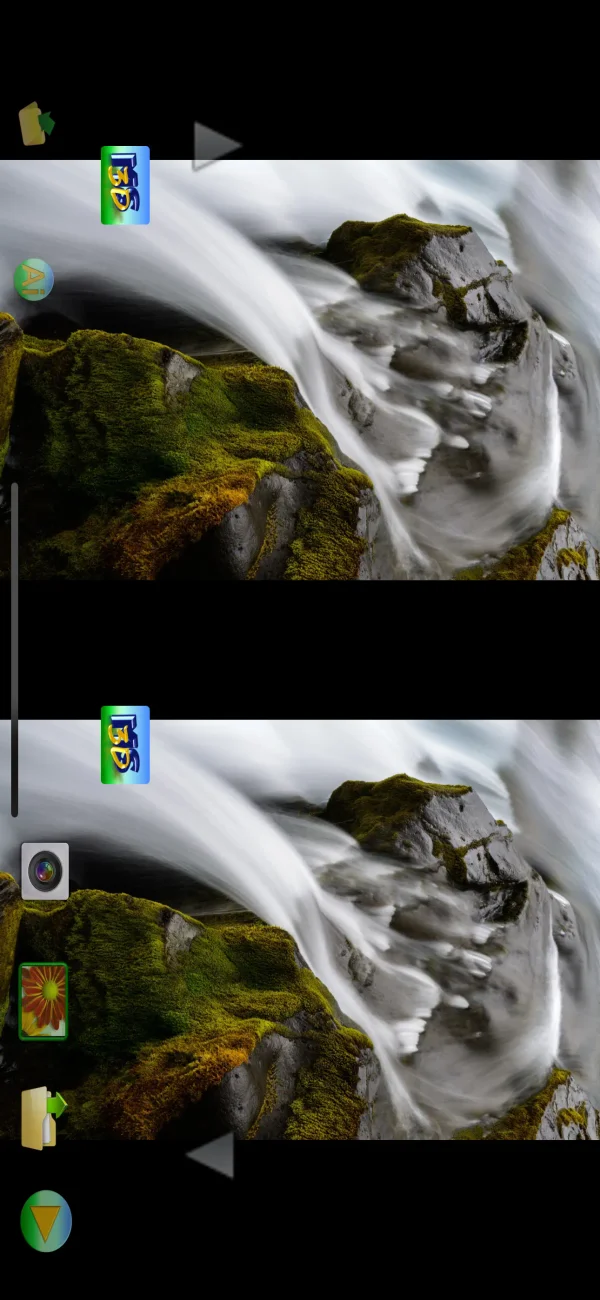
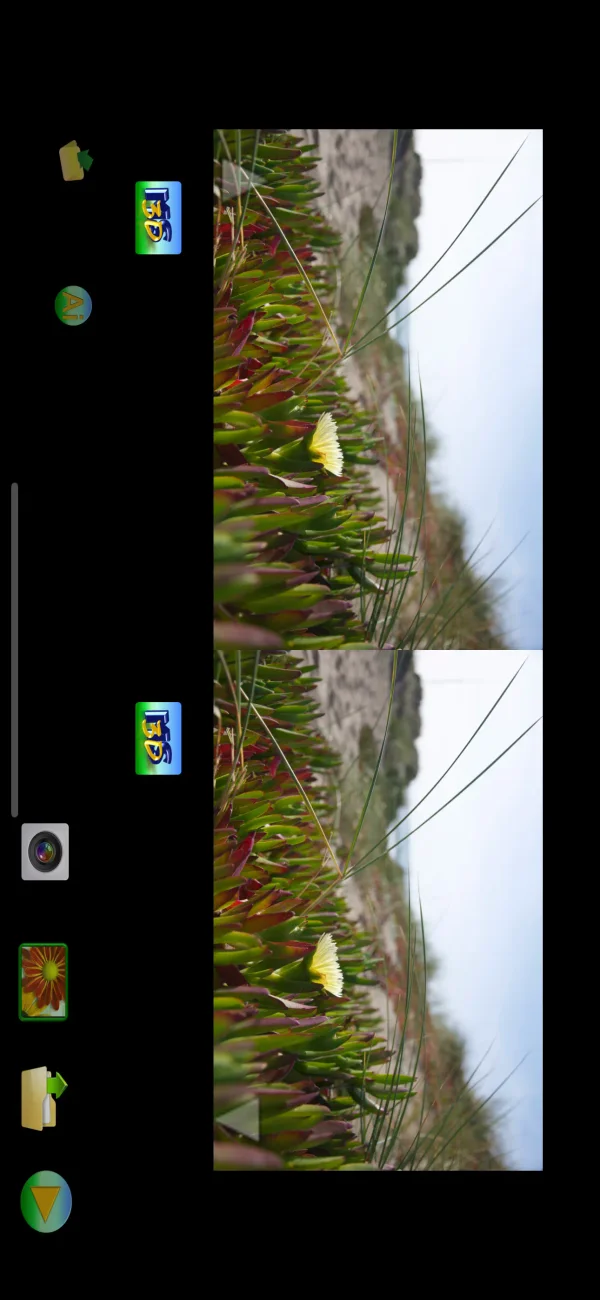
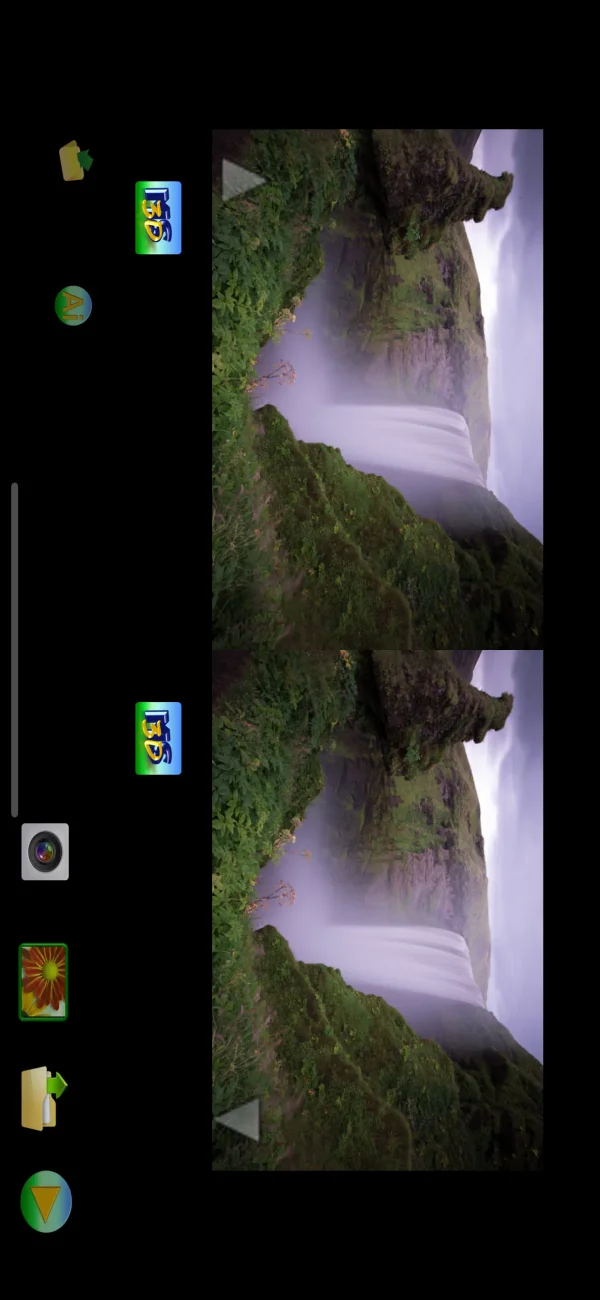
Acerca de
El desarrollador no ha proporcionado este texto en tu idioma.
“ChaCha” is a way to take a 3D photo using a 2D camera. It sounds just like taking two photos, one for each eye individually. Due to the user cannot view the 3D result during photo capturing, this way relies on the complicated post-processing to eventually transform a 3D photo.
MS3D ChaCha, however, has revolutionized the method by enabling users to take 3D photos using their mobile phones, and generate 3D photos immediately with no need for post-processing. As a mobile phone app, it works in conjunction with a pair of MS3D mobile phone glasses to provide real-time 3D viewing, 3D aligning, and even 3D effect adjusting while capturing 3D images. There is no any other 3D camera and 3D photo taking method(e.g. dual cameras) can do this in the world now. What MS3D ChaCha made is, “what you see in 3D is what you take in 3D”.
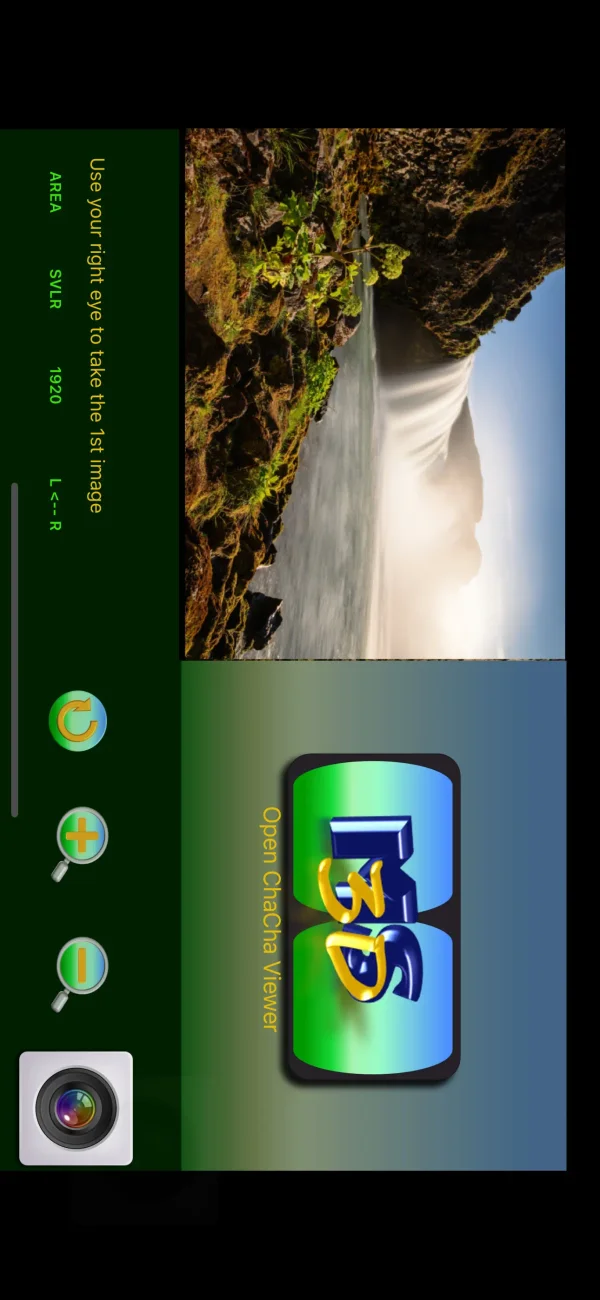
The MS3D ChaCha app consists of two key components: the ChaCha camera and the ChaCha viewer. 3D photos captured using this app are stored in the MS3D SVLR format, a "Split Vertical Left and Right image pair", that can be directly shared and enjoyed on a mobile phone nicely; Furthermore, the MS3D ChaCha app also features advanced MS3D AI-alignment, so that taking 3D photos becomes so much easier and fun.
MS3D ChaCha camera feature settings:
1. ChaCha Mode:
a. L +-- R (Right to Left); b. L --+ R (Left to Right).
2. Horizontal Resolution(one side of SBS photo):
a. 1920 (1920x1440 px); b. 4k (4000x3000 px).
3. 3D Photo format:
a. SVLR (Split Vertical Left and Right image pair); b. SBS (Side By Side).
4. Focus Mode:
a. AREA; b. SPOT.
MS3D ChaCha Advanced Features:
1. Ai align for 3D photo capturing.
2. Ai align for 3D photo post processing.
3. 3D format converting and saving:
a. SBS; b. PSBS(PhoneSBS, aka 16by9 SBS); c. SVLR(Split Vertical Left and Right image pair).
4. 3D camera zooming.
Novedades
Versión 1.0.1 · 20/2/2024
Select 3D photo format for converting and save:
1. SBS; 2. PSBS(PhoneSBS, aka 16by9 SBS); 3. SVLR(Split Vertical Left and Right image pair)
Privacidad de la aplicación
Lo que Macrosolid Inc declara en App Store sobre cómo esta aplicación gestiona los datos.
-
No se recopilan datos
El desarrollador no recopila ningún dato de esta aplicación.
Las prácticas de privacidad pueden variar, por ejemplo, según las funciones que uses o tu edad.
Información
- Vendedor
- Macrosolid Inc
- Categoría
- Foto y vídeo
- Versión
- 1.0.1
- Actualizado
- 20/2/2024
- Publicado
- 14/10/2023
- Tamaño
- 106,0 MB
- Requiere
- iOS 11.0 o posterior
- Clasificación por edad
- 4+
- Precio
- Gratis
- Idiomas
- Inglés
- Copyright
- © 2020 Macrosolid Inc
Quizá también te guste
-
 XstereOFoto y vídeo
-
 Ranky: Best Photo PickerFoto y vídeo
-
 iSpatialAdjusterFoto y vídeo
-
 Orbital VRFoto y vídeo
-
 Fastest 3D CameraFoto y vídeo
-
 7rats: No Crop Photo BorderFit Any Shot, Square & 4:5
-
 i3DMovieCamFoto y vídeo
-
 The Photo WindowFoto y vídeo
-
 i3DPhotoCamFoto y vídeo
-
 magneticAI: for menFoto y vídeo