
- Age rating4+
- CategoryPhoto & Video
- DeveloperMacrosolid Inc
- LanguagesEnglish
- Size106.0 MB
Links to the official App Store page
Download.org hosts no file of MS3D ChaCha. The button opens its official App Store page, published by Macrosolid Inc. Listing last checked on Nov 18, 2026.
Screenshots

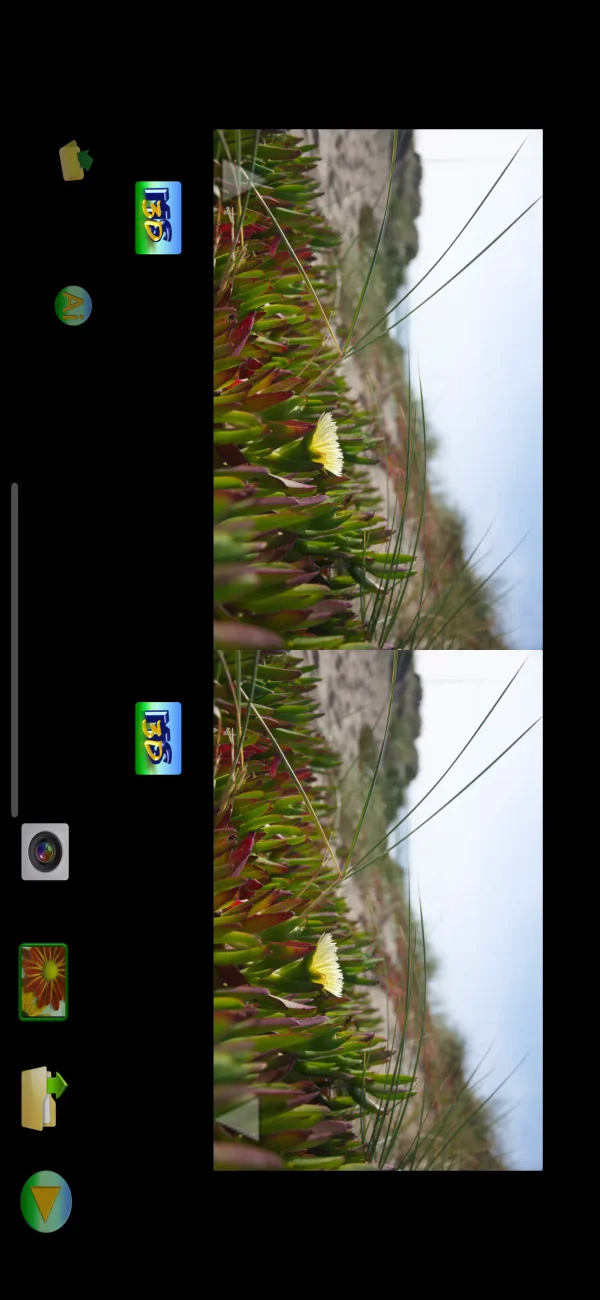

About
“ChaCha” is a way to take a 3D photo using a 2D camera. It sounds just like taking two photos, one for each eye individually. Due to the user cannot view the 3D result during photo capturing, this way relies on the complicated post-processing to eventually transform a 3D photo.
MS3D ChaCha, however, has revolutionized the method by enabling users to take 3D photos using their mobile phones, and generate 3D photos immediately with no need for post-processing. As a mobile phone app, it works in conjunction with a pair of MS3D mobile phone glasses to provide real-time 3D viewing, 3D aligning, and even 3D effect adjusting while capturing 3D images. There is no any other 3D camera and 3D photo taking method(e.g. dual cameras) can do this in the world now. What MS3D ChaCha made is, “what you see in 3D is what you take in 3D”.
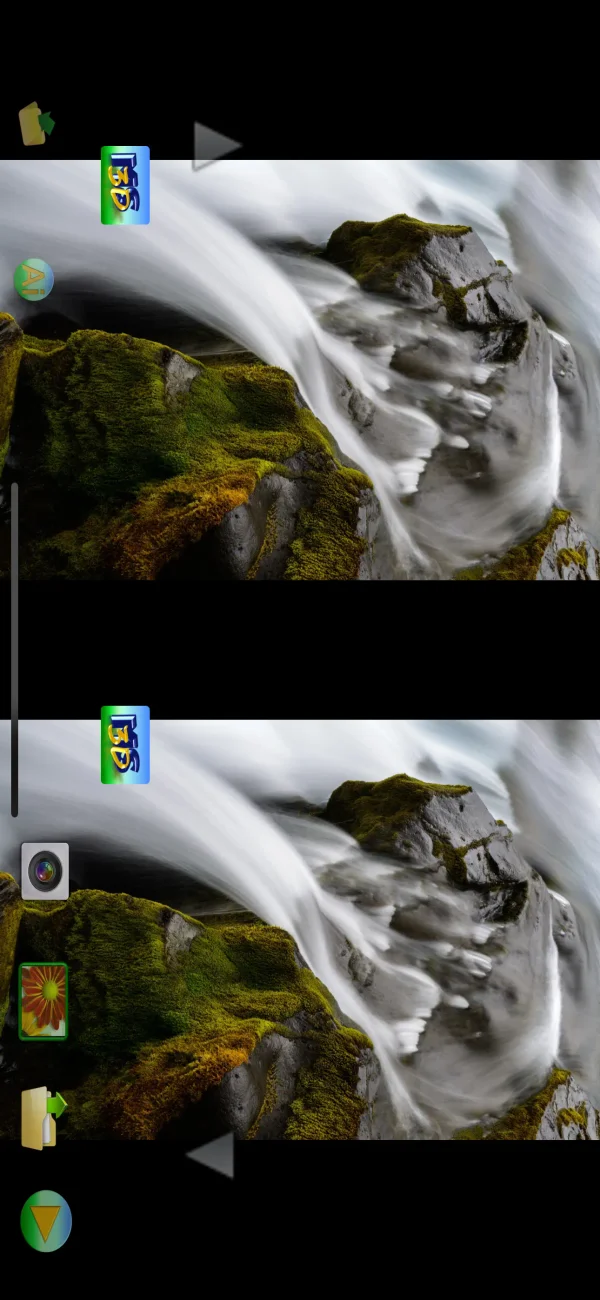
The MS3D ChaCha app consists of two key components: the ChaCha camera and the ChaCha viewer. 3D photos captured using this app are stored in the MS3D SVLR format, a "Split Vertical Left and Right image pair", that can be directly shared and enjoyed on a mobile phone nicely; Furthermore, the MS3D ChaCha app also features advanced MS3D AI-alignment, so that taking 3D photos becomes so much easier and fun.
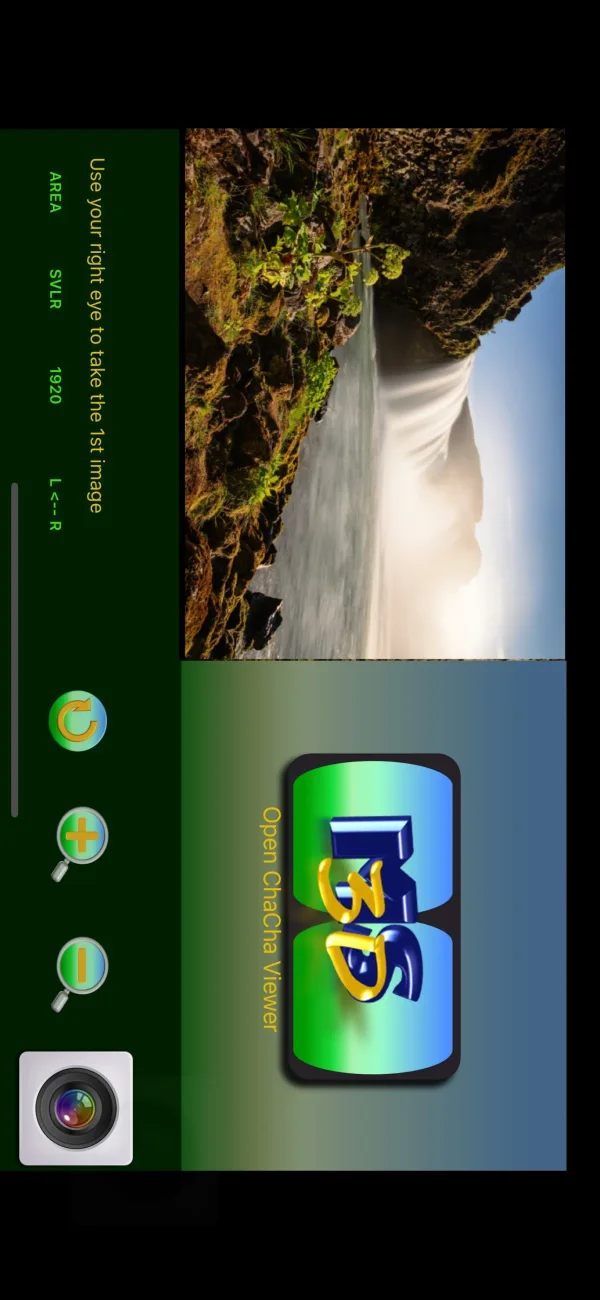
MS3D ChaCha camera feature settings:
1. ChaCha Mode:
a. L +-- R (Right to Left); b. L --+ R (Left to Right).
2. Horizontal Resolution(one side of SBS photo):
a. 1920 (1920x1440 px); b. 4k (4000x3000 px).
3. 3D Photo format:
a. SVLR (Split Vertical Left and Right image pair); b. SBS (Side By Side).
4. Focus Mode:
a. AREA; b. SPOT.
MS3D ChaCha Advanced Features:
1. Ai align for 3D photo capturing.
2. Ai align for 3D photo post processing.
3. 3D format converting and saving:
a. SBS; b. PSBS(PhoneSBS, aka 16by9 SBS); c. SVLR(Split Vertical Left and Right image pair).
4. 3D camera zooming.
What’s new
Version 1.0.1 · Feb 20, 2024
Select 3D photo format for converting and save:
1. SBS; 2. PSBS(PhoneSBS, aka 16by9 SBS); 3. SVLR(Split Vertical Left and Right image pair)
App privacy
What Macrosolid Inc declares on the App Store about how this app handles data.
-
Data not collected
The developer does not collect any data from this app.
Privacy practices may vary, for example with the features you use or your age.
Information
- Seller
- Macrosolid Inc
- Category
- Photo & Video
- Version
- 1.0.1
- Updated
- Feb 20, 2024
- Released
- Oct 14, 2023
- Size
- 106.0 MB
- Requires
- iOS 11.0 or later
- Age rating
- 4+
- Price
- Free
- Languages
- English
- Copyright
- © 2020 Macrosolid Inc
You might also like
-
 XstereOPhoto & Video
-
 Ranky: Best Photo PickerBest photo ranker and picker
-
 iSpatialAdjusterPhoto & Video
-
 Orbital VR360 video player and editor
-
 Fastest 3D CameraTake the fastest 3D photos
-
 7rats: No Crop Photo BorderFit Any Shot, Square & 4:5
-
 i3DMovieCamPhoto & Video
-
 The Photo WindowPortrait Photo 3D Visualizer
-
 i3DPhotoCamPhoto & Video
-
 magneticAI: for menDating photo feedback