MS3D ChaCha
Ai 3D camera, viewer, editor
Conçue pour iPhone, iPod touch
Gratuit
- Classification d’âge4+
- CatégoriePhoto et vidéo
- DéveloppeurMacrosolid Inc
- LanguesAnglais
- Taille106,0 Mo
Renvoie vers la page App Store officielle
Download.org n’héberge aucun fichier de MS3D ChaCha. Le bouton ouvre la page de l’application sur App Store, où Macrosolid Inc la publie. Fiche vérifiée pour la dernière fois le 18/11/2026.
Captures d’écran

À propos
Le développeur n’a pas fourni ce texte dans votre langue.
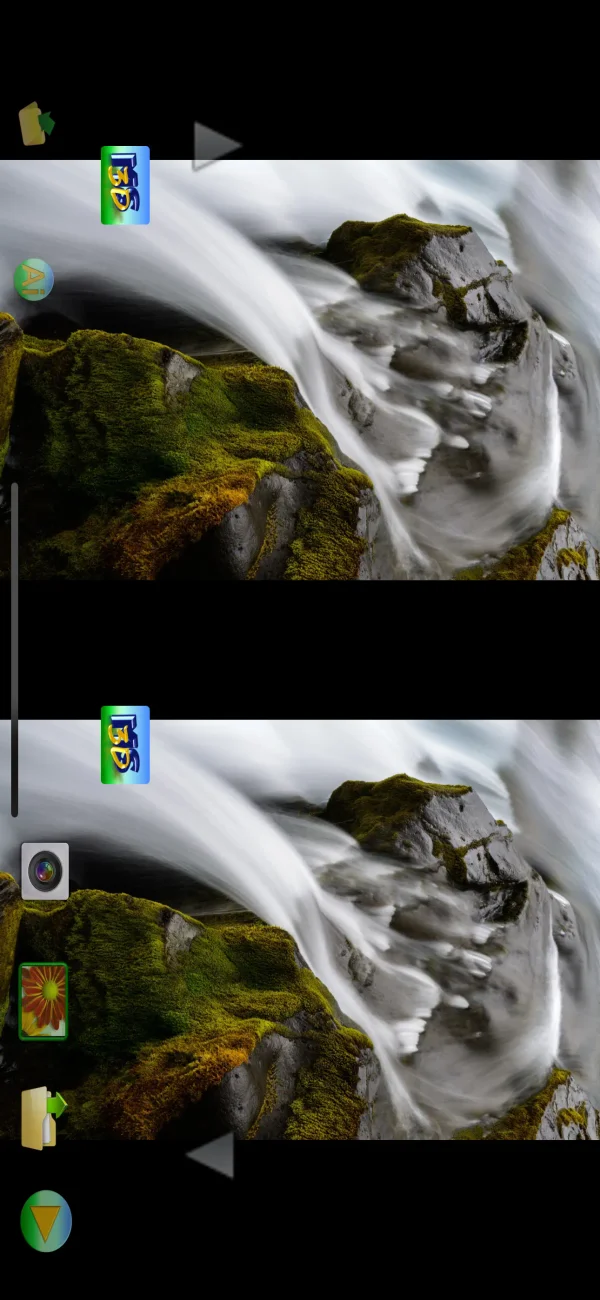
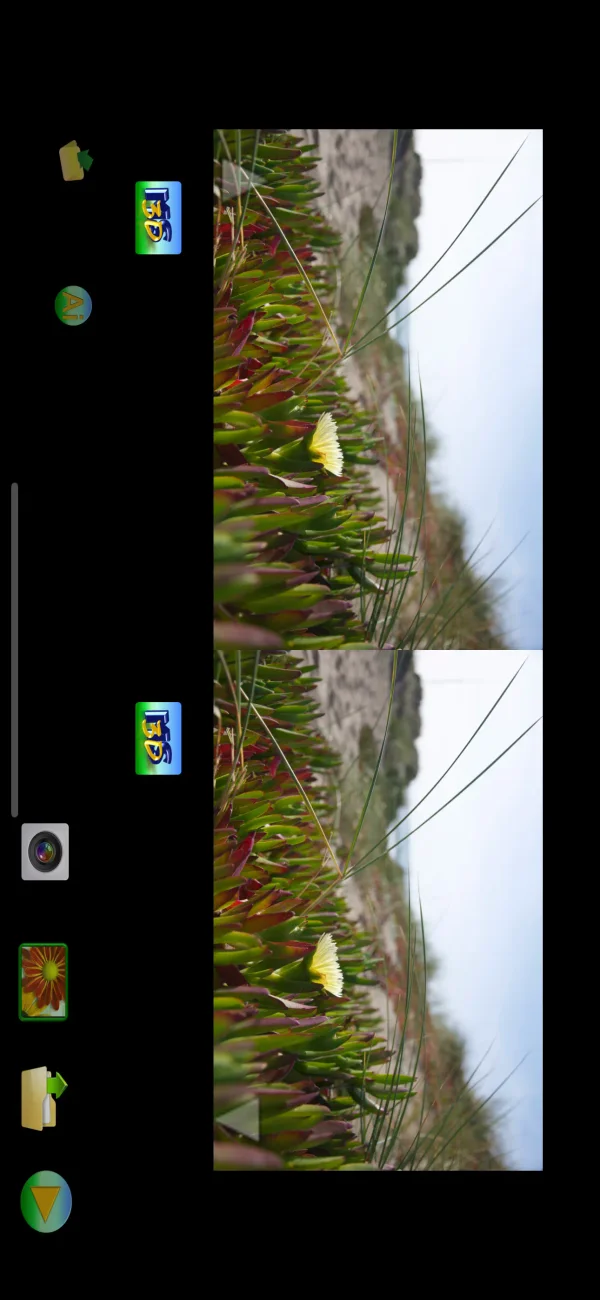
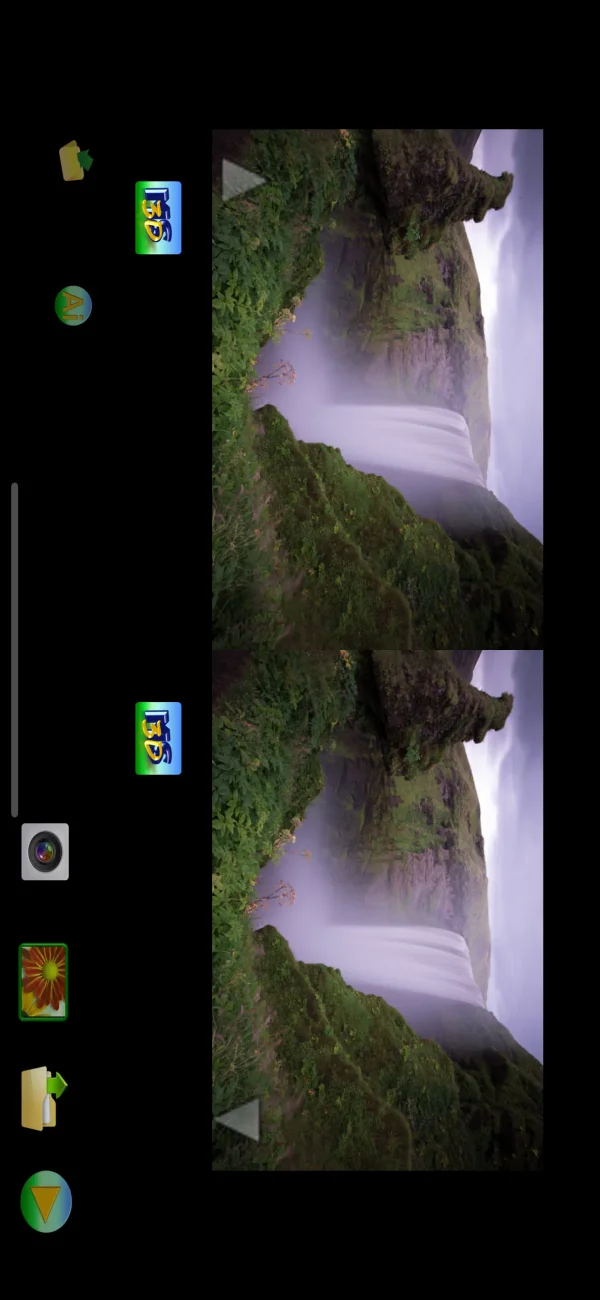
“ChaCha” is a way to take a 3D photo using a 2D camera. It sounds just like taking two photos, one for each eye individually. Due to the user cannot view the 3D result during photo capturing, this way relies on the complicated post-processing to eventually transform a 3D photo.
MS3D ChaCha, however, has revolutionized the method by enabling users to take 3D photos using their mobile phones, and generate 3D photos immediately with no need for post-processing. As a mobile phone app, it works in conjunction with a pair of MS3D mobile phone glasses to provide real-time 3D viewing, 3D aligning, and even 3D effect adjusting while capturing 3D images. There is no any other 3D camera and 3D photo taking method(e.g. dual cameras) can do this in the world now. What MS3D ChaCha made is, “what you see in 3D is what you take in 3D”.
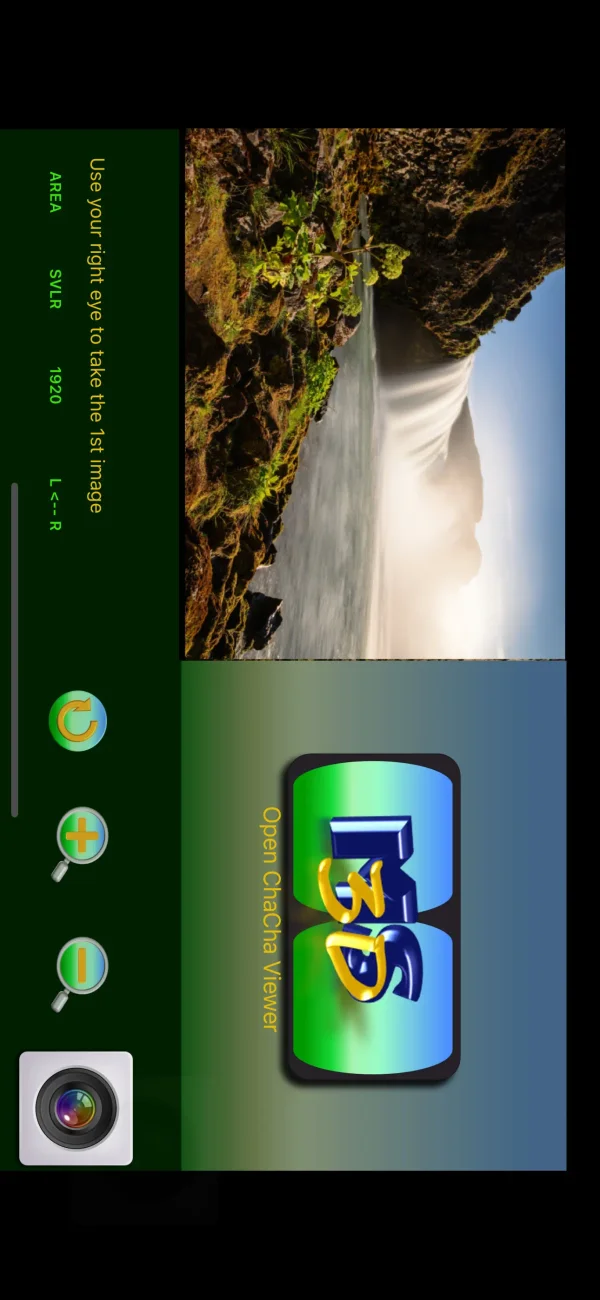
The MS3D ChaCha app consists of two key components: the ChaCha camera and the ChaCha viewer. 3D photos captured using this app are stored in the MS3D SVLR format, a "Split Vertical Left and Right image pair", that can be directly shared and enjoyed on a mobile phone nicely; Furthermore, the MS3D ChaCha app also features advanced MS3D AI-alignment, so that taking 3D photos becomes so much easier and fun.
MS3D ChaCha camera feature settings:
1. ChaCha Mode:
a. L +-- R (Right to Left); b. L --+ R (Left to Right).
2. Horizontal Resolution(one side of SBS photo):
a. 1920 (1920x1440 px); b. 4k (4000x3000 px).
3. 3D Photo format:
a. SVLR (Split Vertical Left and Right image pair); b. SBS (Side By Side).
4. Focus Mode:
a. AREA; b. SPOT.
MS3D ChaCha Advanced Features:
1. Ai align for 3D photo capturing.
2. Ai align for 3D photo post processing.
3. 3D format converting and saving:
a. SBS; b. PSBS(PhoneSBS, aka 16by9 SBS); c. SVLR(Split Vertical Left and Right image pair).
4. 3D camera zooming.
Nouveautés
Version 1.0.1 · 20/02/2024
Select 3D photo format for converting and save:
1. SBS; 2. PSBS(PhoneSBS, aka 16by9 SBS); 3. SVLR(Split Vertical Left and Right image pair)
Confidentialité de l’application
Ce que Macrosolid Inc déclare sur l’App Store au sujet du traitement des données par cette application.
-
Données non collectées
Le développeur ne collecte aucune donnée à partir de cette application.
Les pratiques en matière de confidentialité peuvent varier, notamment en fonction des fonctionnalités que vous utilisez ou de votre âge.
Informations
- Vendeur
- Macrosolid Inc
- Catégorie
- Photo et vidéo
- Version
- 1.0.1
- Mis à jour
- 20/02/2024
- Publié
- 14/10/2023
- Taille
- 106,0 Mo
- Nécessite
- iOS 11.0 ou version ultérieure
- Classification d’âge
- 4+
- Prix
- Gratuit
- Langues
- Anglais
- Copyright
- © 2020 Macrosolid Inc
Vous aimerez peut-être aussi
-
 XstereOPhoto et vidéo
-
 Ranky: Best Photo PickerPhoto et vidéo
-
 iSpatialAdjusterPhoto et vidéo
-
 Orbital VRPhoto et vidéo
-
 Fastest 3D CameraPhoto et vidéo
-
 7rats: No Crop Photo BorderFit Any Shot, Square & 4:5
-
 i3DMovieCamPhoto et vidéo
-
 The Photo WindowPhoto et vidéo
-
 i3DPhotoCamPhoto et vidéo
-
 magneticAI: for menPhoto et vidéo