notesCraft
Handwritten notes and PDFs
Diseñada para iPhone, iPad, Mac, iPod touch
- Clasificación por edad4+
- CategoríaProductividad
- DesarrolladorMichael Labuschke
- IdiomasAlemán+ 1 más
- Tamaño40,8 MB
Es posible que notesCraft no esté disponible en App Store en este momento
No se pudo acceder a la ficha de la tienda en nuestra última comprobación. El enlace sigue llevando a la página oficial de App Store.
Capturas de pantalla
Acerca de
El desarrollador no ha proporcionado este texto en tu idioma.
notesCraft – handwritten notes that feel like paper.
Write with Apple Pencil or your finger, annotate PDFs and keep your notebooks organised. notesCraft works fully without an account: your notebooks are stored on your device.
WRITE AND DRAW
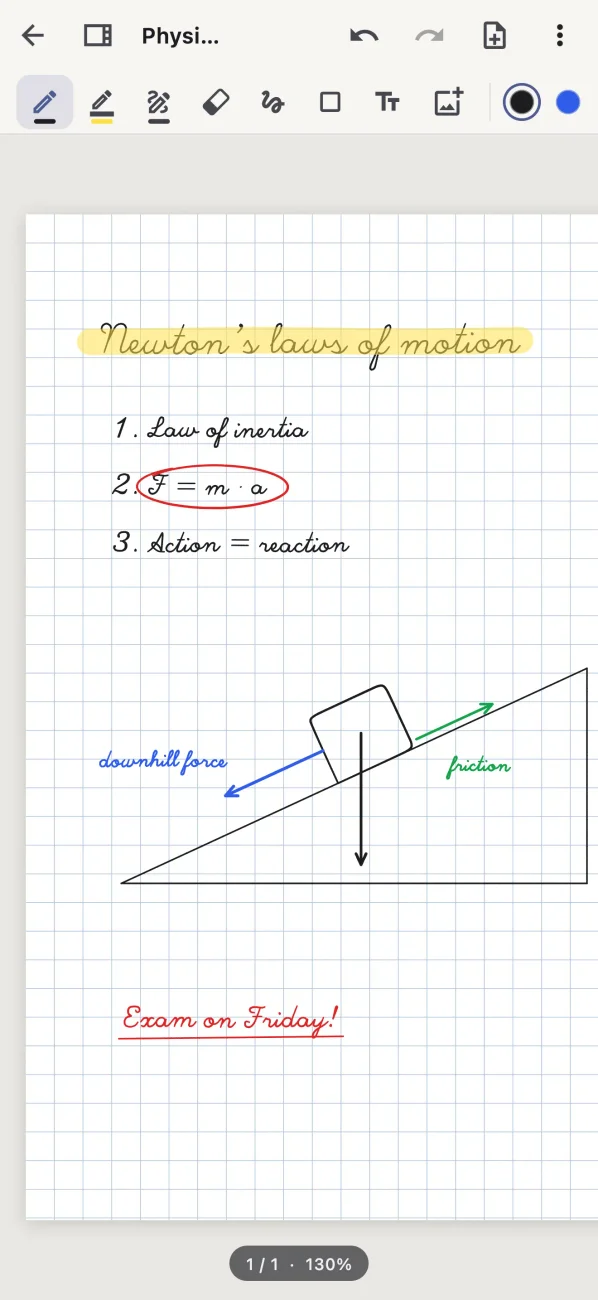
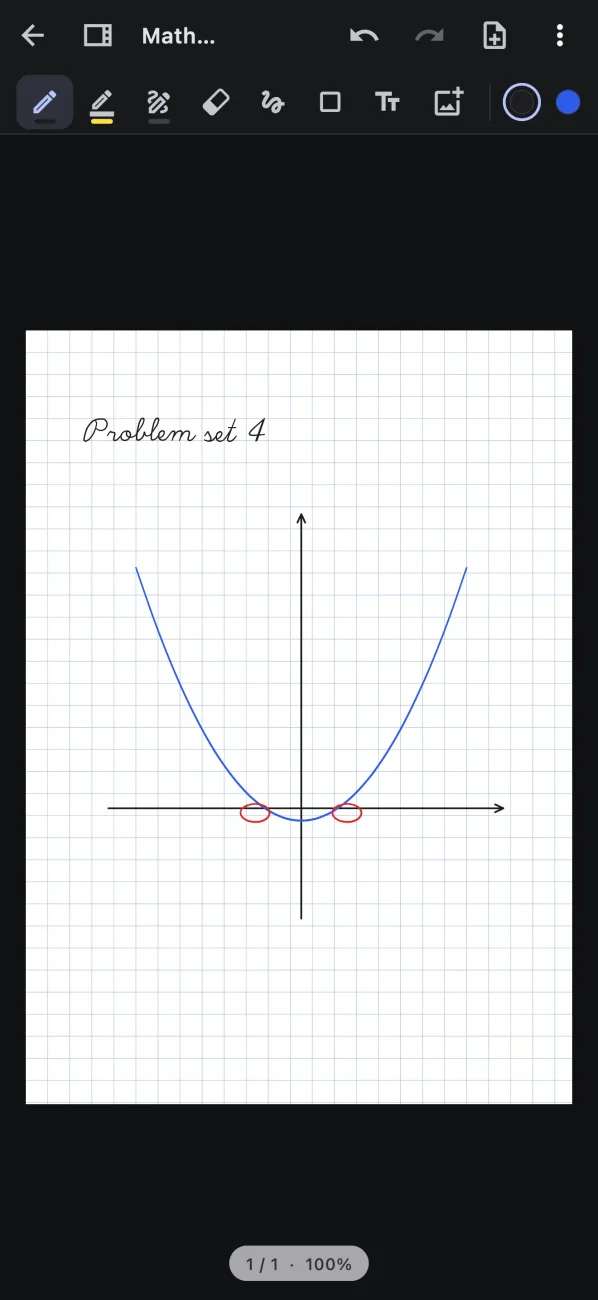
• Pen, highlighter and pencil with pressure sensitivity
• Eraser for whole strokes or precise erasing
• Lasso to select, move, duplicate and delete
• Shapes: line, arrow, rectangle and ellipse
• Ruler for straight lines, turns in 15° steps
• Text boxes and images on any page
• Undo and redo
• Palm rejection: once you write with a stylus, fingers only scroll and zoom
NOTEBOOKS
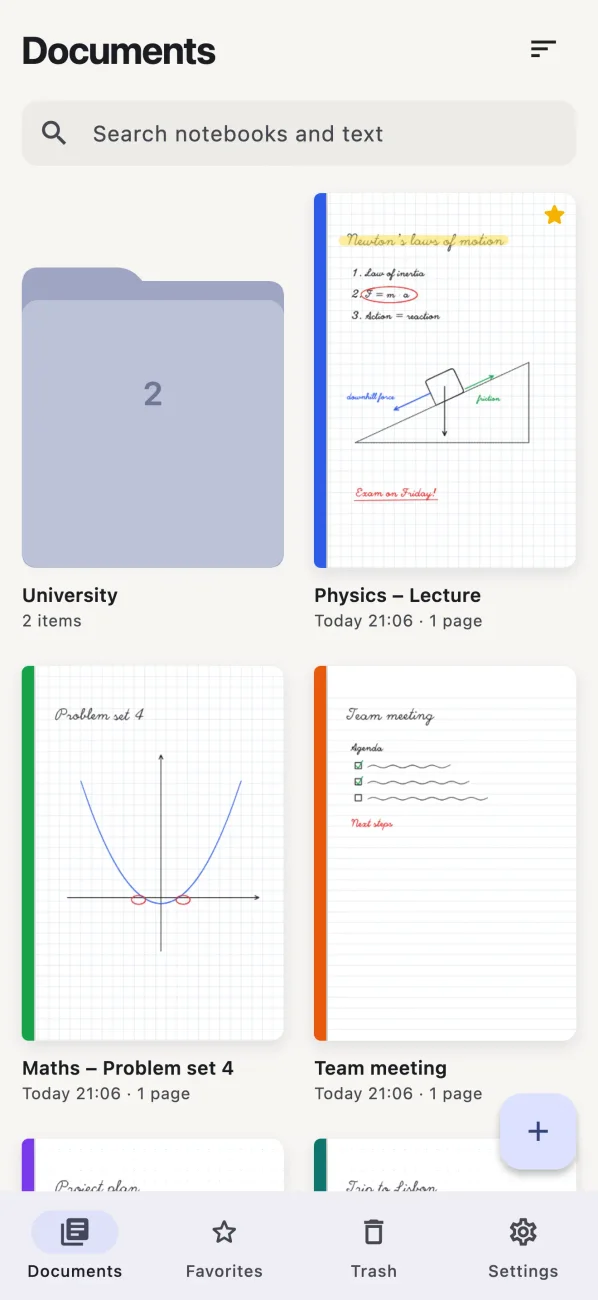
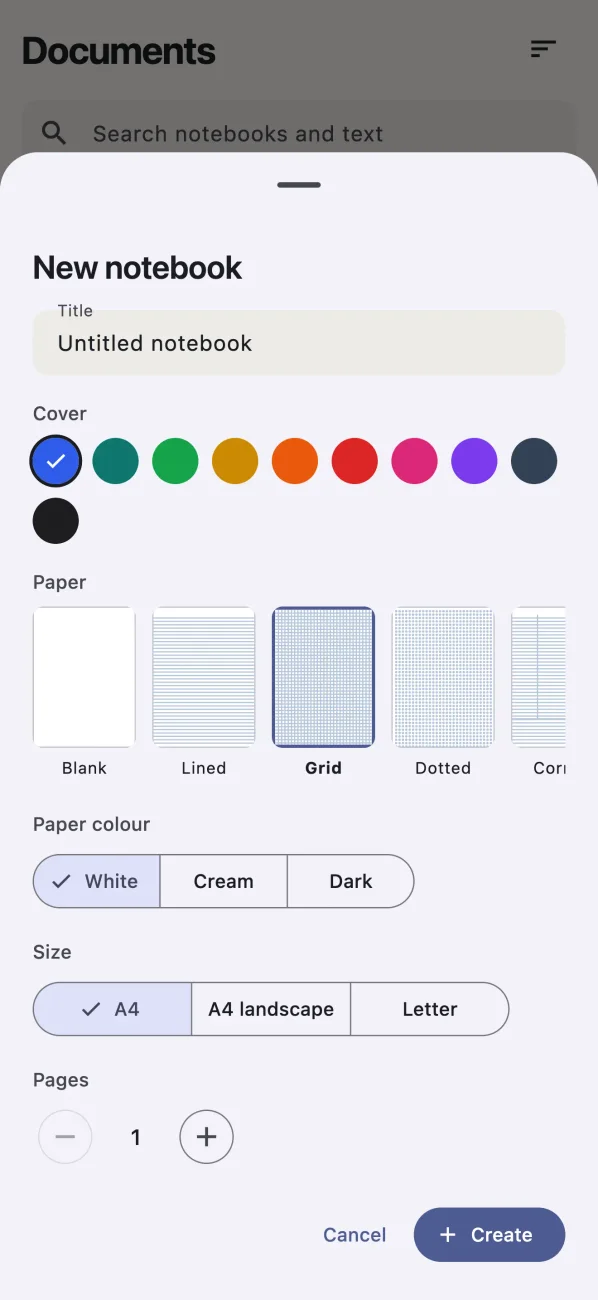
• Blank, lined, grid, dotted or Cornell paper
• Cover colours, folders, favourites and trash
• Page sidebar with previews of every page
• Search in titles and typed text
• Light, dark or matching the system
PDF AND IMPORT
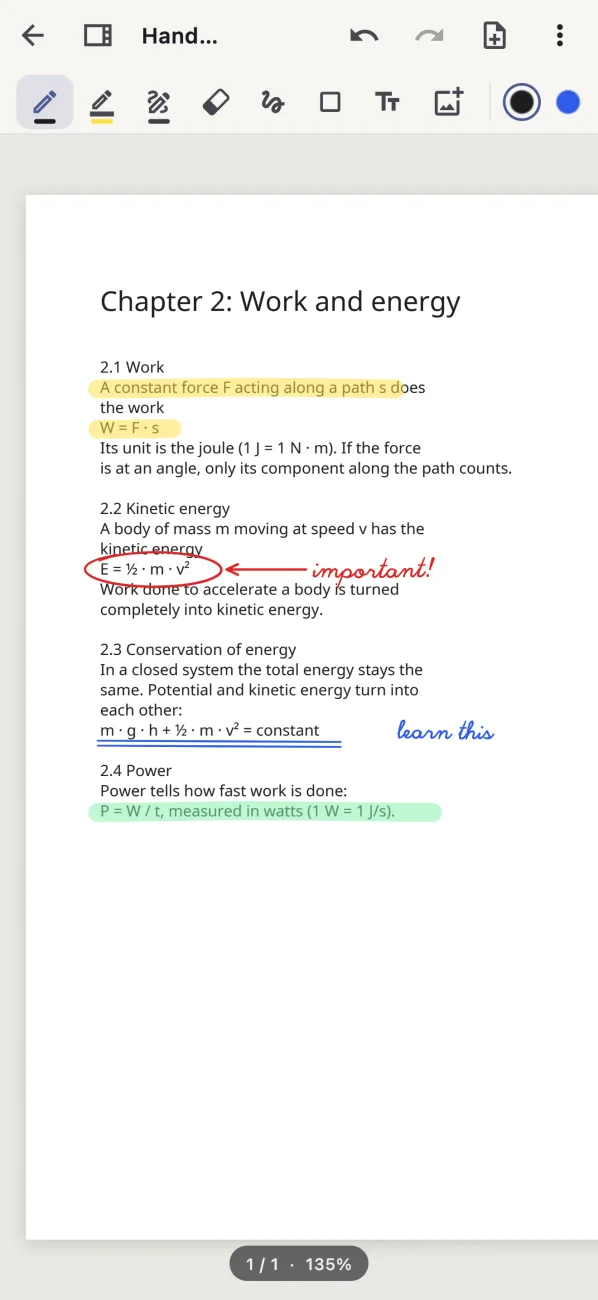
• Import PDFs and write and highlight right on them
• Export notebooks as PDF, image or notesCraft file
• Import images
• Bring over Goodnotes files (.goodnotes)
BACKUP AND SYNC (OPTIONAL)
With a notesCraft account your notebooks are backed up and kept in sync across your devices. In co-working mode, changes from your other devices show up within about a second. With Share live, people without notesCraft write along in their browser: you send a link, let them in and see who wrote what. If you prefer, connect the app to your own notesCraft server instead.
Optionally, notesCraft encrypts synced notebooks end to end: they are encrypted on your device and the server stores only encrypted data. You get a recovery key for this.
You can also connect a folder in your Nextcloud or other WebDAV storage: every notebook is kept there as a PDF, and files you put into it open in notesCraft for editing. Or use the folder as a one-way backup.
No ads, no tracking.
Novedades
Versión 1.2.0 · 12/11/2026
New in notesCraft 1.2.0:
• Share live: share a notebook by link with people who don't have notesCraft. They open it in their browser, enter their name and write along once you let them in. End-to-end encrypted, for accounts with notesCraft Sync. In the notebook's menu under "Share live…".
• "Show who wrote what" marks what your guests wrote in their colour.
Privacidad de la aplicación
Lo que Michael Labuschke declara en App Store sobre cómo esta aplicación gestiona los datos.
-
Datos no vinculados a ti
Pueden recopilarse, pero no se vinculan a tu identidad.
- Información de contacto
Las prácticas de privacidad pueden variar, por ejemplo, según las funciones que uses o tu edad.
Información
- Vendedor
- Michael Labuschke
- Categoría
- Productividad
- Versión
- 1.2.0
- Actualizado
- 12/11/2026
- Publicado
- 20/10/2026
- Tamaño
- 40,8 MB
- Requiere
- iOS 15.0 o posterior
- Clasificación por edad
- 4+
- Idiomas
- Alemán, Inglés
- Copyright
- © 2026 FuTec GmbH
Quizá también te guste
-
 Vellum InkProductividad
-
 Stardate - AI Voice NotesProductividad
-
 Preside emailProductividad
-
 CAR FRIDGE FREEZERProductividad
-
 STIHL connected - FleetProductividad
-
 Daily Task Manager, To Do ListProductividad
-
 Week Plan CalendarProductividad
-
 Remote KeyPad and NumPad Provirtual keyboard for computer
-
 pocket - Local AI ChatbotSecure and Private Chatbot
-
 ZEENIA: Teleprompter for videoProductividad