notesCraft
Handwritten notes and PDFs
Được thiết kế cho iPhone, iPad, Mac, iPod touch
- Độ tuổi4+
- Danh mụcHiệu Suất
- Nhà phát triểnMichael Labuschke
- Ngôn ngữTiếng Đức+ 1 ngôn ngữ khác
- Kích thước40,8 MB
notesCraft hiện có thể không có trên App Store
Ở lần kiểm tra gần nhất, chúng tôi không truy cập được trang trên cửa hàng. Liên kết vẫn dẫn đến trang App Store chính thức.
Ảnh chụp màn hình
Giới thiệu
Nhà phát triển chưa cung cấp nội dung này bằng ngôn ngữ của bạn.
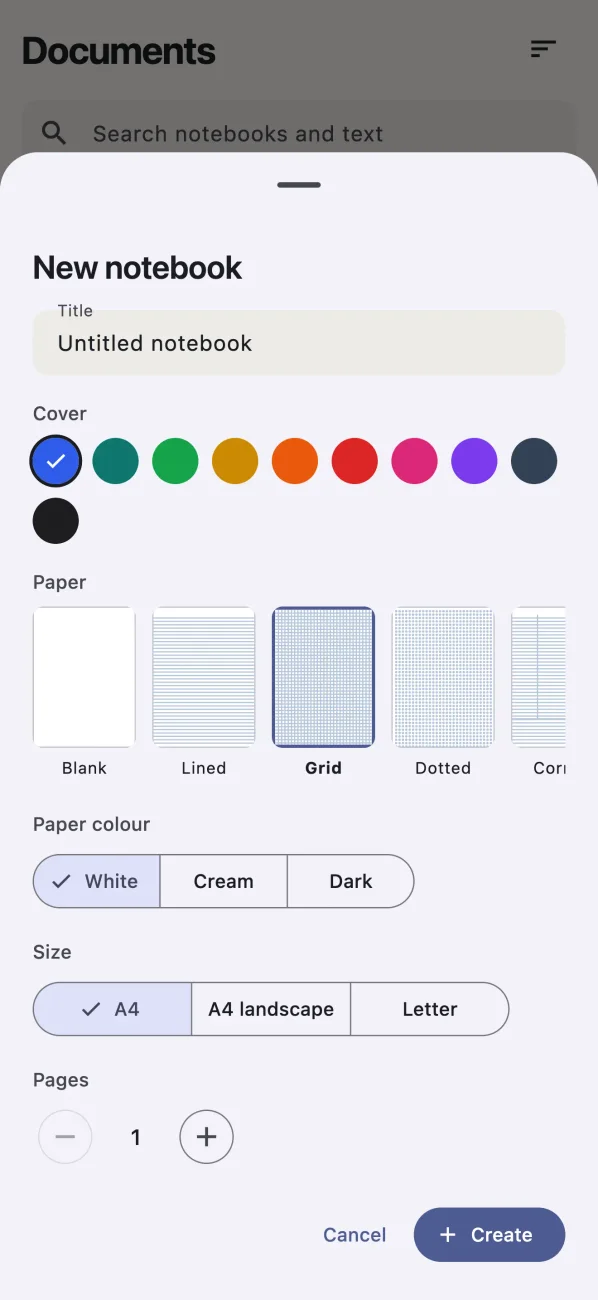
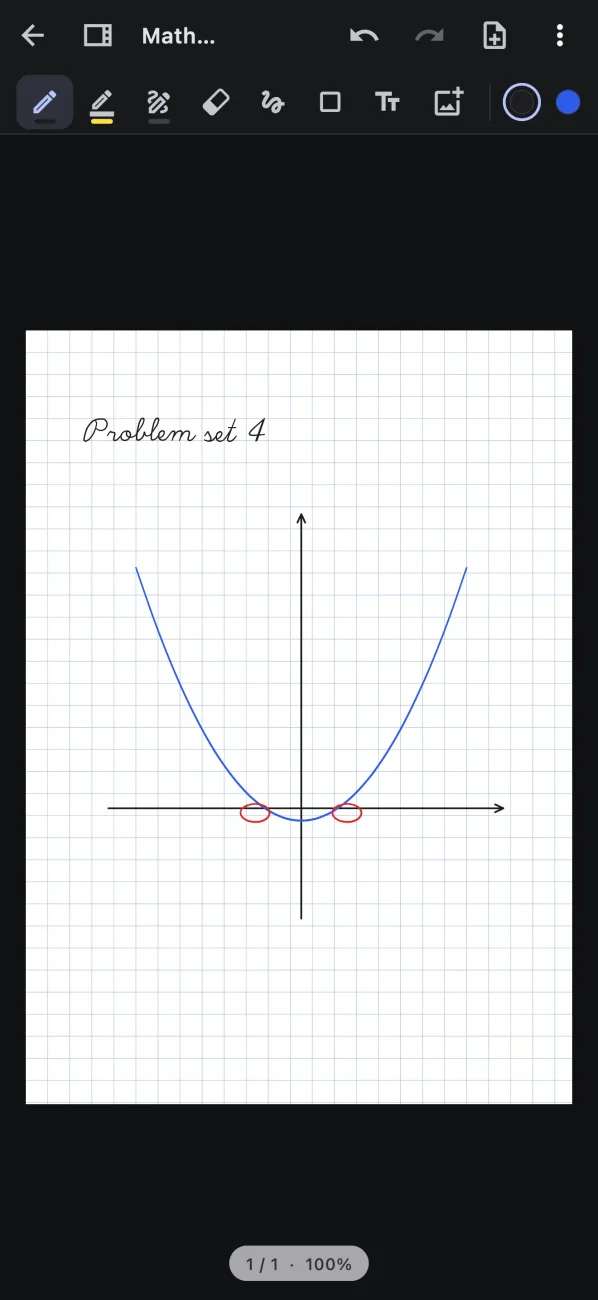
notesCraft – handwritten notes that feel like paper.
Write with Apple Pencil or your finger, annotate PDFs and keep your notebooks organised. notesCraft works fully without an account: your notebooks are stored on your device.
WRITE AND DRAW
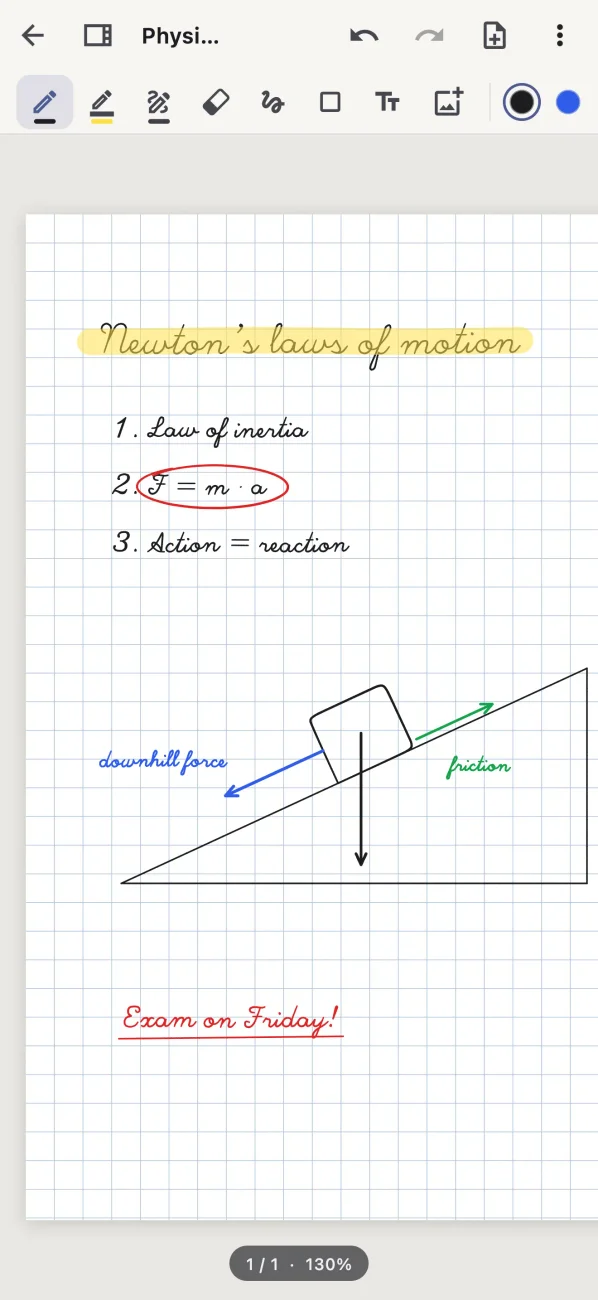
• Pen, highlighter and pencil with pressure sensitivity
• Eraser for whole strokes or precise erasing
• Lasso to select, move, duplicate and delete
• Shapes: line, arrow, rectangle and ellipse
• Ruler for straight lines, turns in 15° steps
• Text boxes and images on any page
• Undo and redo
• Palm rejection: once you write with a stylus, fingers only scroll and zoom
NOTEBOOKS
• Blank, lined, grid, dotted or Cornell paper
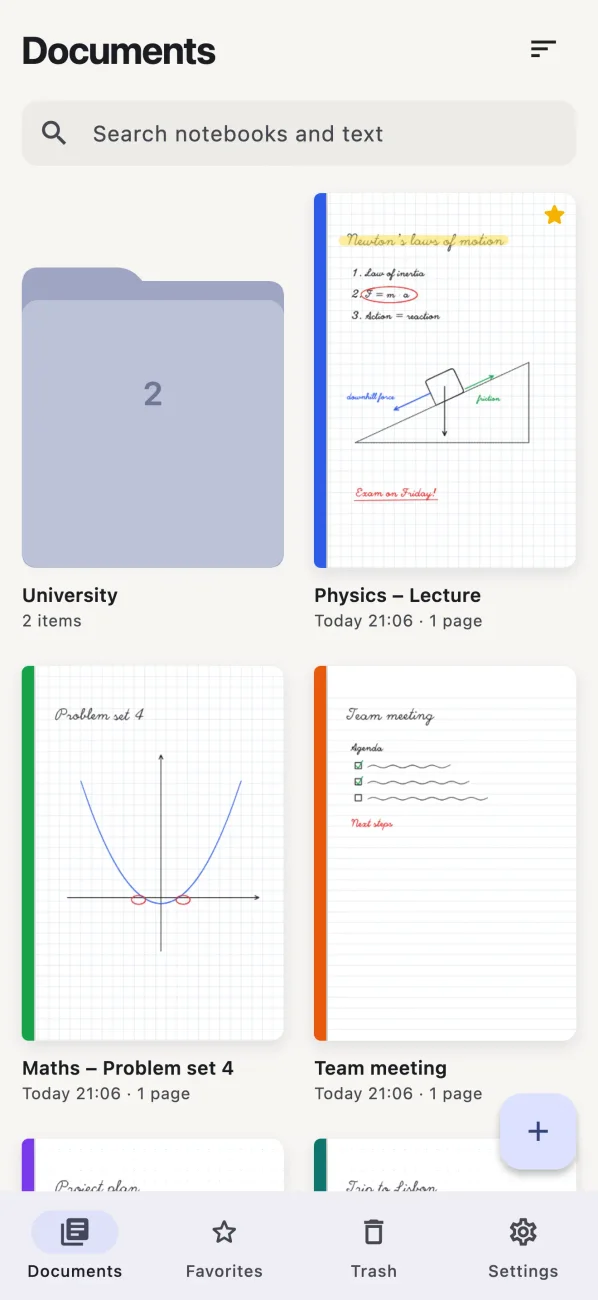
• Cover colours, folders, favourites and trash
• Page sidebar with previews of every page
• Search in titles and typed text
• Light, dark or matching the system
PDF AND IMPORT
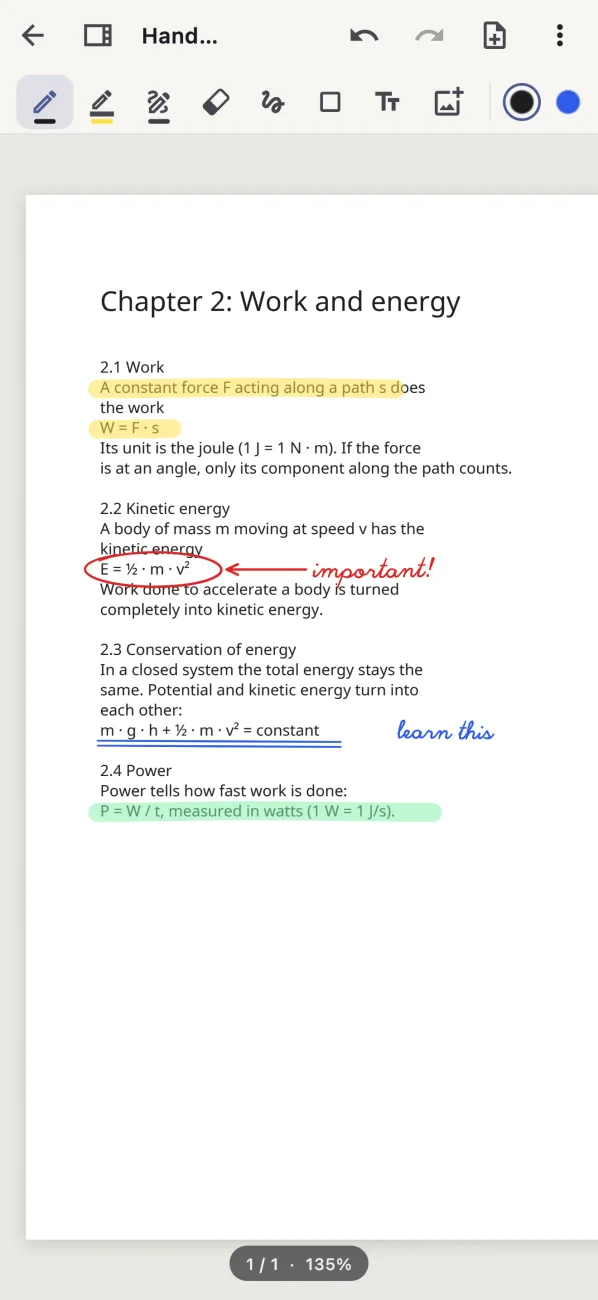
• Import PDFs and write and highlight right on them
• Export notebooks as PDF, image or notesCraft file
• Import images
• Bring over Goodnotes files (.goodnotes)
BACKUP AND SYNC (OPTIONAL)
With a notesCraft account your notebooks are backed up and kept in sync across your devices. In co-working mode, changes from your other devices show up within about a second. With Share live, people without notesCraft write along in their browser: you send a link, let them in and see who wrote what. If you prefer, connect the app to your own notesCraft server instead.
Optionally, notesCraft encrypts synced notebooks end to end: they are encrypted on your device and the server stores only encrypted data. You get a recovery key for this.
You can also connect a folder in your Nextcloud or other WebDAV storage: every notebook is kept there as a PDF, and files you put into it open in notesCraft for editing. Or use the folder as a one-way backup.
No ads, no tracking.
Có gì mới
Phiên bản 1.2.0 · 12/11/2026
New in notesCraft 1.2.0:
• Share live: share a notebook by link with people who don't have notesCraft. They open it in their browser, enter their name and write along once you let them in. End-to-end encrypted, for accounts with notesCraft Sync. In the notebook's menu under "Share live…".
• "Show who wrote what" marks what your guests wrote in their colour.
Quyền riêng tư của ứng dụng
Những gì Michael Labuschke khai báo trên App Store về cách ứng dụng này xử lý dữ liệu.
-
Dữ liệu không liên kết với bạn
Có thể được thu thập nhưng không liên kết với danh tính của bạn.
- Thông tin liên hệ
Phương thức đảm bảo quyền riêng tư có thể khác nhau, chẳng hạn như tuỳ theo các tính năng bạn sử dụng hoặc độ tuổi của bạn.
Thông tin
- Người bán
- Michael Labuschke
- Danh mục
- Hiệu Suất
- Phiên bản
- 1.2.0
- Cập nhật
- 12/11/2026
- Phát hành
- 20/10/2026
- Kích thước
- 40,8 MB
- Yêu cầu
- iOS 15.0 trở lên
- Độ tuổi
- 4+
- Ngôn ngữ
- Tiếng Đức, Tiếng Anh
- Bản quyền
- © 2026 FuTec GmbH
Có thể bạn cũng thích
-
 Vellum InkHiệu Suất
-
 Stardate - AI Voice NotesHiệu Suất
-
 Preside emailHiệu Suất
-
 CAR FRIDGE FREEZERHiệu Suất
-
 STIHL connected - FleetHiệu Suất
-
 Daily Task Manager, To Do ListHiệu Suất
-
 Week Plan CalendarHiệu Suất
-
 Remote KeyPad and NumPad ProHiệu Suất
-
 Local AI Chat - pocketHiệu Suất
-
 ZEENIA: Teleprompter for videoHiệu Suất