notesCraft
Handwritten notes and PDFs
Projetado para iPhone, iPad, Mac, iPod touch
- Classificação etária4+
- CategoriaProdutividade
- DesenvolvedorMichael Labuschke
- IdiomasAlemãoe mais 1
- Tamanho40,8 MB
notesCraft pode não estar disponível na App Store no momento
Não foi possível acessar a página da loja na nossa última verificação. O link continua levando à página oficial na App Store.
Capturas de tela
Sobre
O desenvolvedor não forneceu este texto no seu idioma.
notesCraft – handwritten notes that feel like paper.
Write with Apple Pencil or your finger, annotate PDFs and keep your notebooks organised. notesCraft works fully without an account: your notebooks are stored on your device.
WRITE AND DRAW
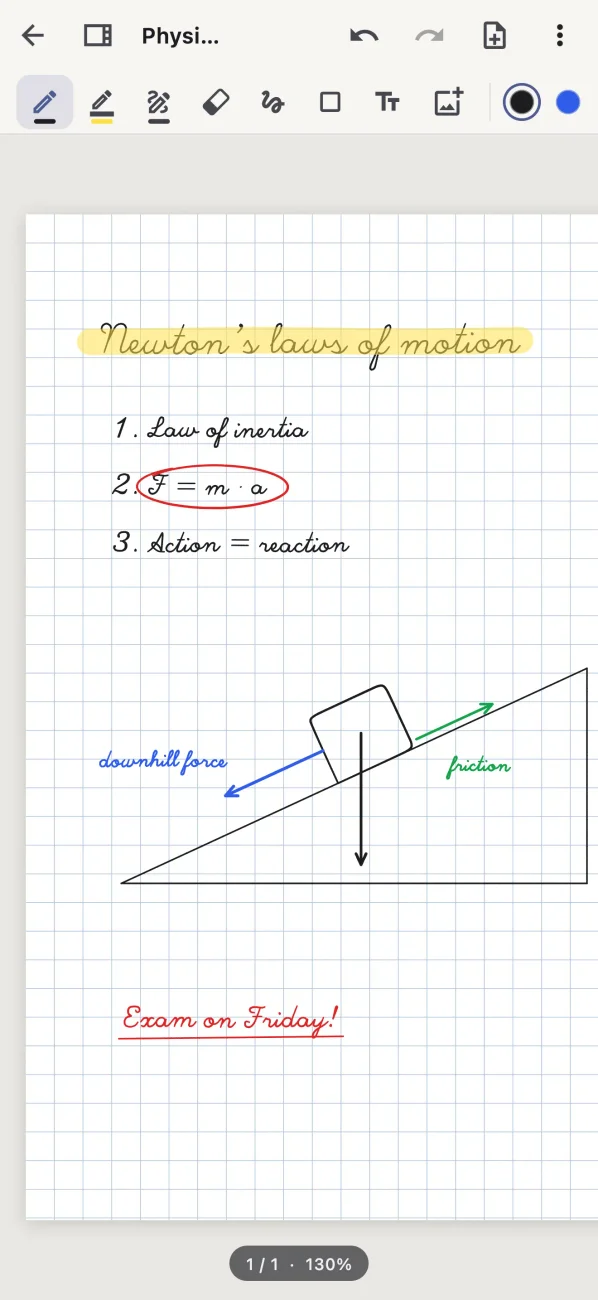
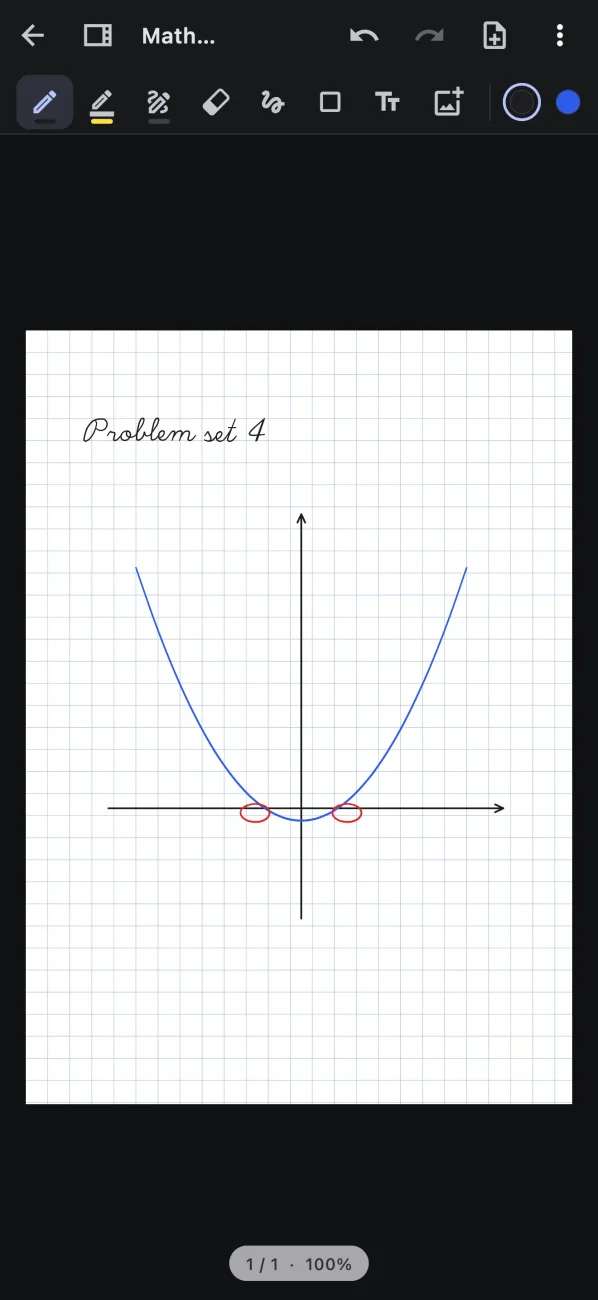
• Pen, highlighter and pencil with pressure sensitivity
• Eraser for whole strokes or precise erasing
• Lasso to select, move, duplicate and delete
• Shapes: line, arrow, rectangle and ellipse
• Ruler for straight lines, turns in 15° steps
• Text boxes and images on any page
• Undo and redo
• Palm rejection: once you write with a stylus, fingers only scroll and zoom
NOTEBOOKS
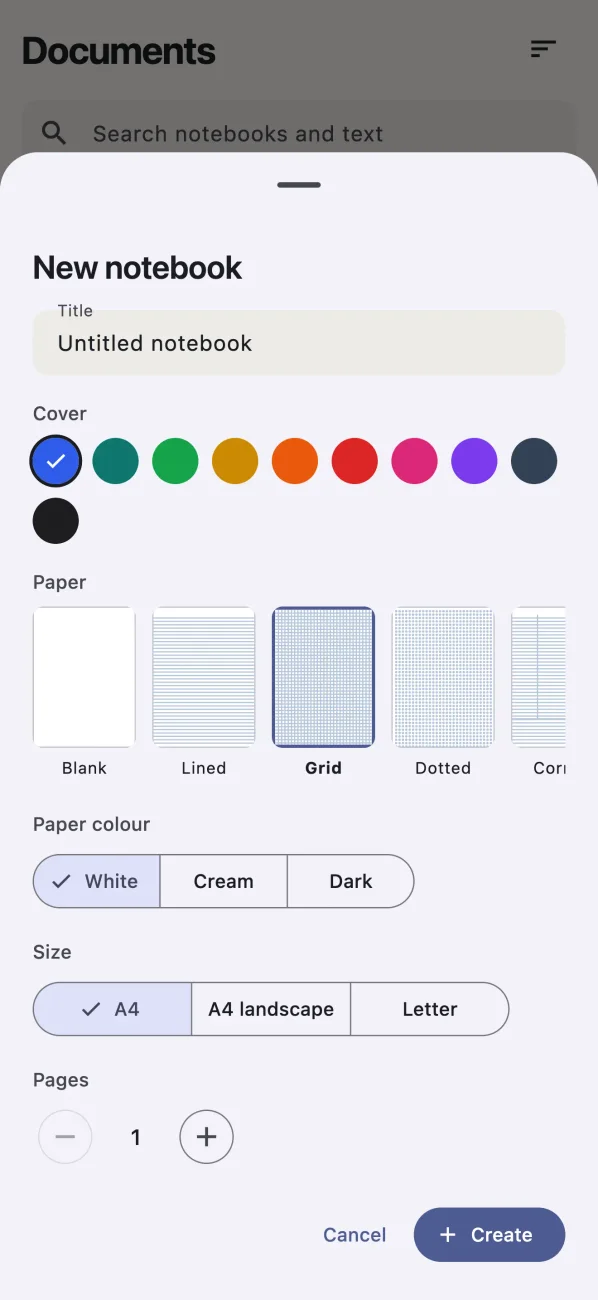
• Blank, lined, grid, dotted or Cornell paper
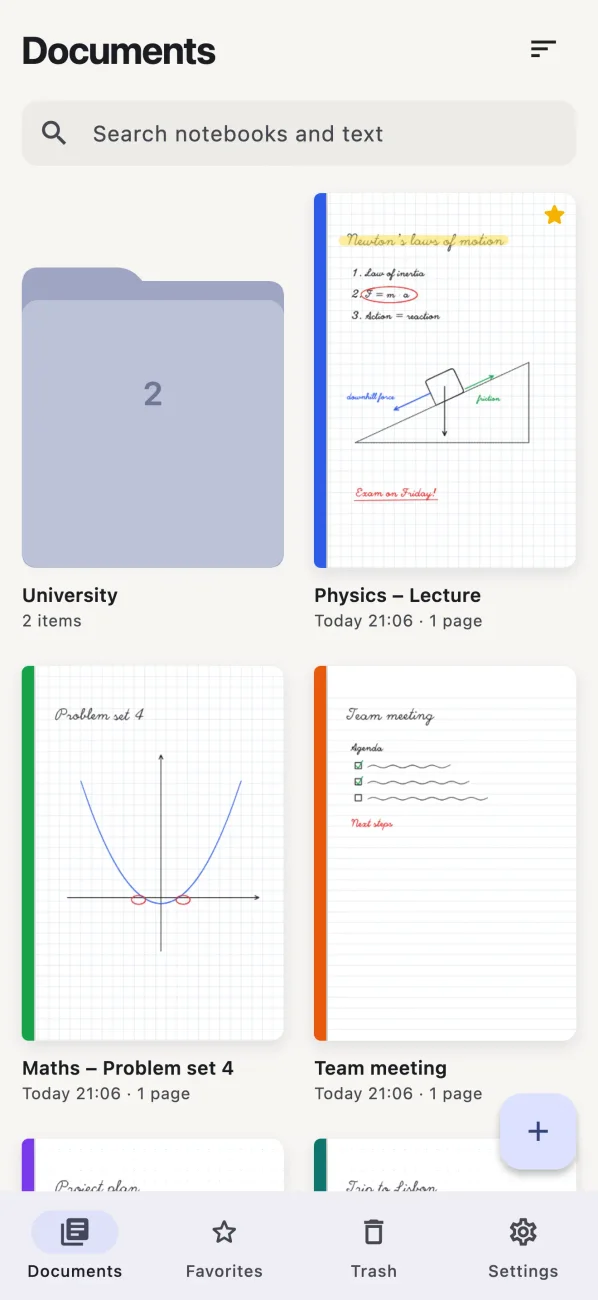
• Cover colours, folders, favourites and trash
• Page sidebar with previews of every page
• Search in titles and typed text
• Light, dark or matching the system
PDF AND IMPORT
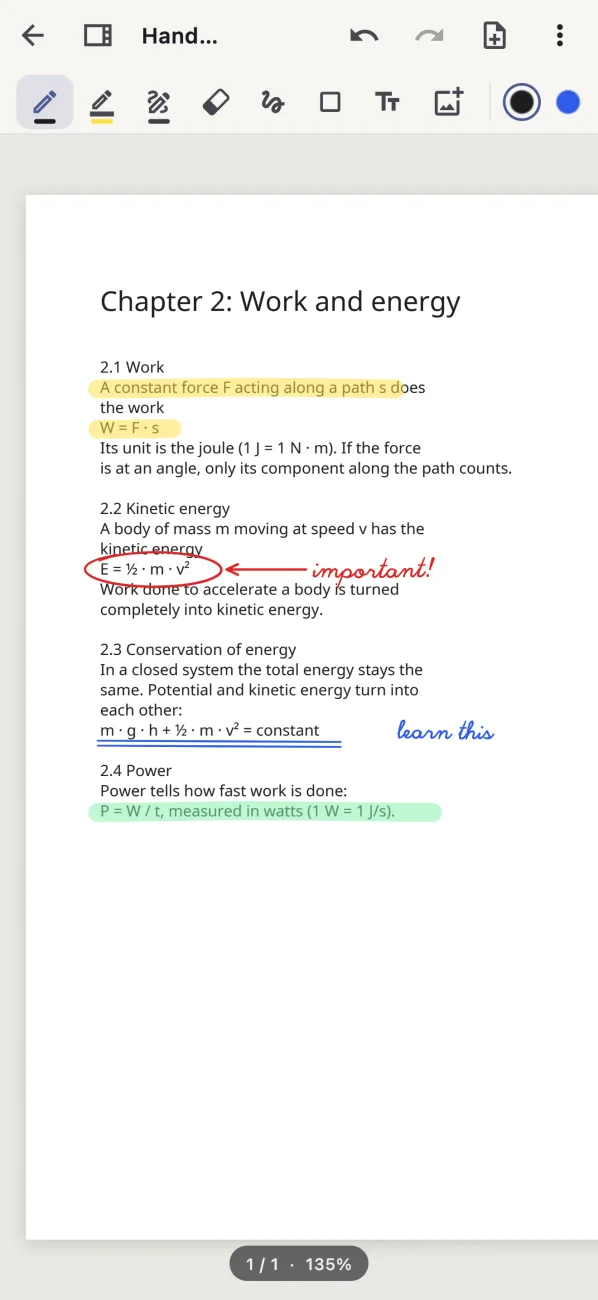
• Import PDFs and write and highlight right on them
• Export notebooks as PDF, image or notesCraft file
• Import images
• Bring over Goodnotes files (.goodnotes)
BACKUP AND SYNC (OPTIONAL)
With a notesCraft account your notebooks are backed up and kept in sync across your devices. In co-working mode, changes from your other devices show up within about a second. With Share live, people without notesCraft write along in their browser: you send a link, let them in and see who wrote what. If you prefer, connect the app to your own notesCraft server instead.
Optionally, notesCraft encrypts synced notebooks end to end: they are encrypted on your device and the server stores only encrypted data. You get a recovery key for this.
You can also connect a folder in your Nextcloud or other WebDAV storage: every notebook is kept there as a PDF, and files you put into it open in notesCraft for editing. Or use the folder as a one-way backup.
No ads, no tracking.
Novidades
Versão 1.2.0 · 12/11/2026
New in notesCraft 1.2.0:
• Share live: share a notebook by link with people who don't have notesCraft. They open it in their browser, enter their name and write along once you let them in. End-to-end encrypted, for accounts with notesCraft Sync. In the notebook's menu under "Share live…".
• "Show who wrote what" marks what your guests wrote in their colour.
Privacidade do app
O que Michael Labuschke declara na App Store sobre como este app lida com os dados.
-
Dados não vinculados a você
Podem ser coletados, mas não são vinculados à sua identidade.
- Informações de contato
As práticas de privacidade podem variar, por exemplo, com base nos recursos que você usa ou na sua idade.
Informações
- Vendedor
- Michael Labuschke
- Categoria
- Produtividade
- Versão
- 1.2.0
- Atualizado
- 12/11/2026
- Lançamento
- 20/10/2026
- Tamanho
- 40,8 MB
- Requer
- iOS 15.0 ou posterior
- Classificação etária
- 4+
- Idiomas
- Alemão, Inglês
- Copyright
- © 2026 FuTec GmbH
Você também pode gostar
-
 Vellum InkProdutividade
-
 Stardate - AI Voice NotesProdutividade
-
 Preside emailProdutividade
-
 CAR FRIDGE FREEZERProdutividade
-
 STIHL connected - FleetProdutividade
-
 Daily Task Manager, To Do ListProdutividade
-
 Week Plan CalendarProdutividade
-
 Remote KeyPad and NumPad Provirtual keyboard for computer
-
 pocket: Chat de IA OfflineChat de IA Local e Seguro
-
 ZEENIA: Teleprompter for videoProdutividade