Nubble Notes: Mind Map & Ideas
Organize thoughts in bubbles
Diseñada para iPhone, iPad
- Clasificación por edad4+
- CategoríaProductividad
- DesarrolladorADAM JIANG LAI
- IdiomasInglés
- Tamaño5,5 MB
Es posible que Nubble Notes: Mind Map & Ideas no esté disponible en App Store en este momento
No se pudo acceder a la ficha de la tienda en nuestra última comprobación. El enlace sigue llevando a la página oficial de App Store.
Capturas de pantalla

Acerca de
El desarrollador no ha proporcionado este texto en tu idioma.
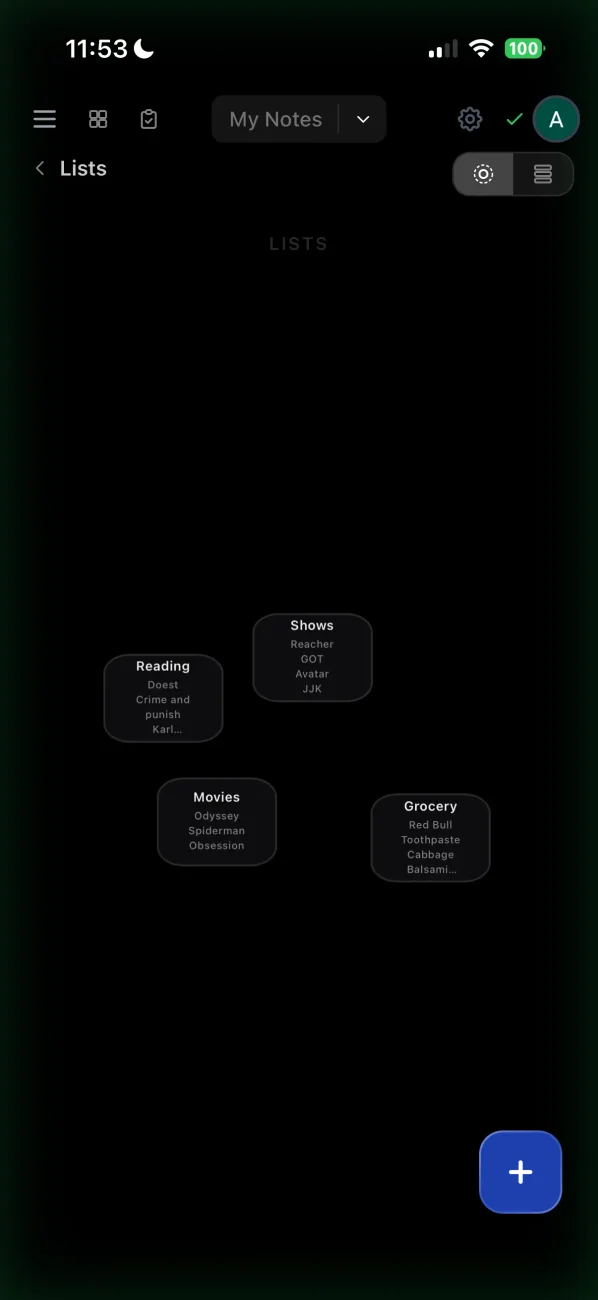
Nubble organizes your thoughts in visual bubbles. Create notes, nest them inside your bubbles, tag them by how sure you are, and link related ideas — so your notes reflect how you actually think, not just when you wrote them down.
Most notes apps ask you to decide on a structure before you have anything to put in it. Nubble lets the pile exist, then makes it something you can see and move around.
Features:
Visual bubble organization — bubbles hold notes and other bubbles, as deep as you like
One note can live in several bubbles at once, no duplicates
Drag and drop to rearrange, with pages that grow as you do
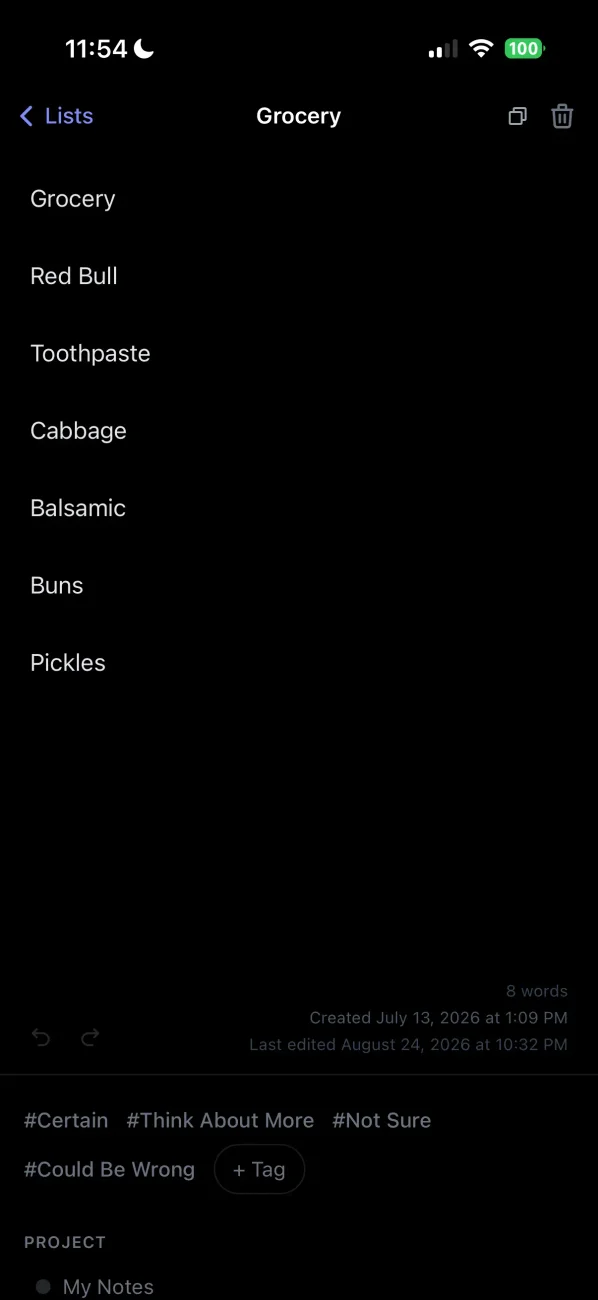
Confidence tags: Certain, Think About More, Not Sure, Could Be Wrong — or make your own
Link notes with typed connections and jump between them
Lock private bubbles behind a password
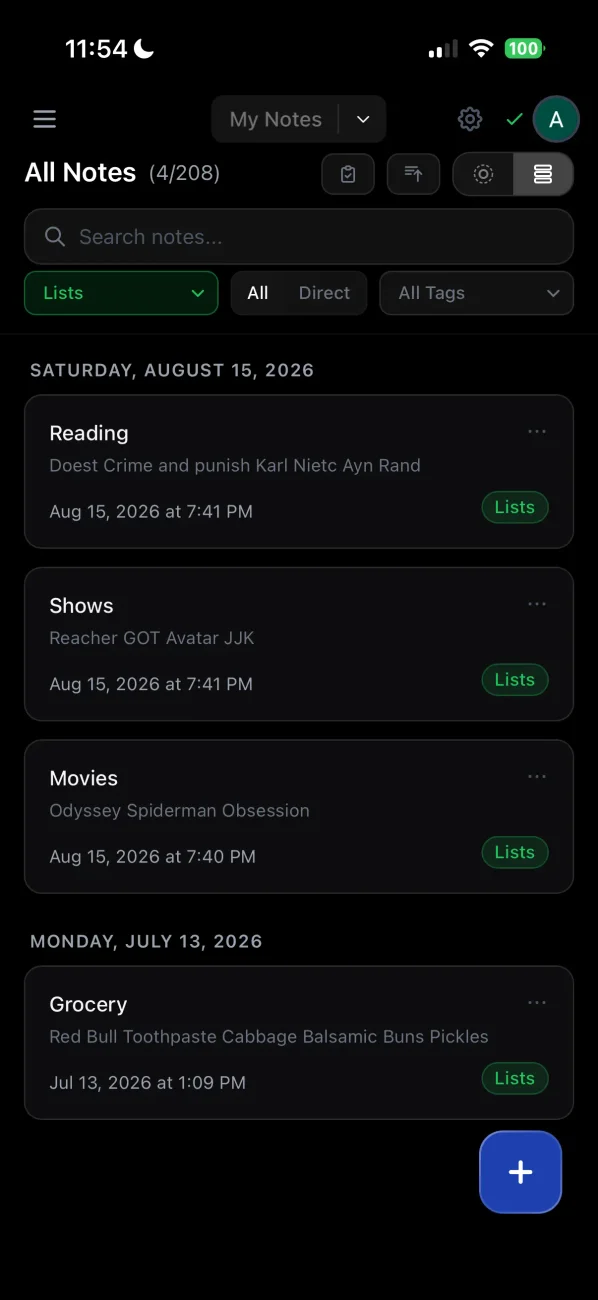
Search, sort, filter, and pin
Import existing notes from text or by pasting
Dark and light mode
Free to use. Start as a guest with everything stored on your device, or sign in to sync across devices.
Novedades
Versión 1.6 · 30/10/2026
Quick Access
Swipe left from your canvas to reach Quick Access — a page for the notes you’re working on right now. Keep anything there with the bookmark, arrange it however you like, and take notes out when you’re done.
A new way to move between pages
The switcher at the top now shows Quick Access, your canvas, and All Notes in one place. Tap to jump, or swipe and watch it follow.
Faster
Typing, the All Notes list, and dragging on busy pages are all noticeably smoother.
Fixes
Buttons no longer stay highlighted after you tap or hold them
Controls no longer flicker when swiping into Quick Access
Pinned notes you move in Quick Access stay where you put them
Many smaller layout and stability fixes
On the web
A redesigned desktop layout with a single toolbar and a framed sidebar, bigger notes and labels on large screens, note windows with a docked details panel, and drag back from All Notes with the mouse.
Privacidad de la aplicación
Lo que ADAM JIANG LAI declara en App Store sobre cómo esta aplicación gestiona los datos.
-
Datos vinculados a ti
Pueden recopilarse y vincularse a tu identidad.
- Información de contacto
- Identificadores
Las prácticas de privacidad pueden variar, por ejemplo, según las funciones que uses o tu edad.
Información
- Vendedor
- ADAM JIANG LAI
- Categoría
- Productividad
- Versión
- 1.6
- Actualizado
- 30/10/2026
- Publicado
- 20/8/2026
- Tamaño
- 5,5 MB
- Requiere
- iOS 16.0 o posterior
- Clasificación por edad
- 4+
- Idiomas
- Inglés
- Copyright
- © 2026 Adam Lai
Quizá también te guste
-
 InkfurrowProductividad
-
 Weft: Mind MapsProductividad
-
 SiloNotesProductividad
-
 YAMM: Notes & Idea BoardProductividad
-
 Bubbly ThoughtsProductividad
-
 Verso ReaderProductividad
-
 AsterBridge: Mind Map, OutlineProductividad
-
 Family DocVaultProductividad
-
 Tangents.Productividad
-
 Remine - No vuelvas a olvidarRecordatorios antes y después