
once: Screen Time & App Limits
Block Apps. Stop Doomscrolling
Diseñada para iPhone
Compras en la aplicación
- Clasificación por edad4+
- CategoríaProductividad
- DesarrolladorDaniel Katz
- IdiomasInglés
- Tamaño2,6 MB
Es posible que once: Screen Time & App Limits no esté disponible en App Store en este momento
No se pudo acceder a la ficha de la tienda en nuestra última comprobación. El enlace sigue llevando a la página oficial de App Store.
Capturas de pantalla

Acerca de
El desarrollador no ha proporcionado este texto en tu idioma.
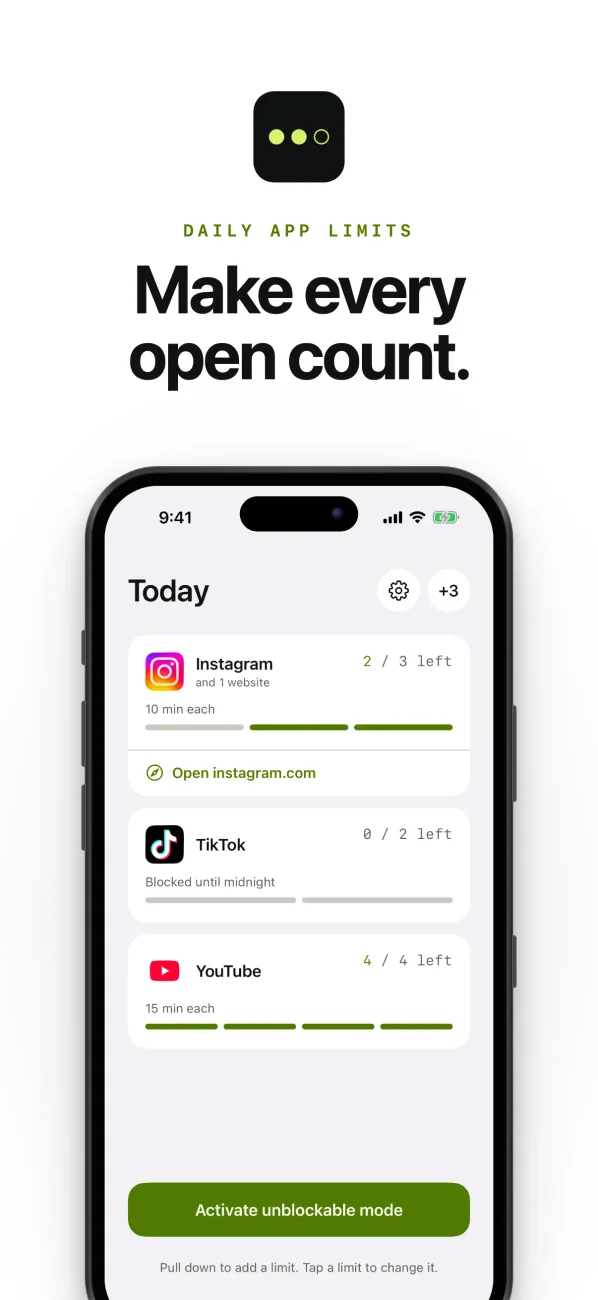
Make every open count.
once helps you take control of the apps and websites competing for your attention. Set how many times you can open them each day and how long you can spend each time.
SET DAILY LIMITS
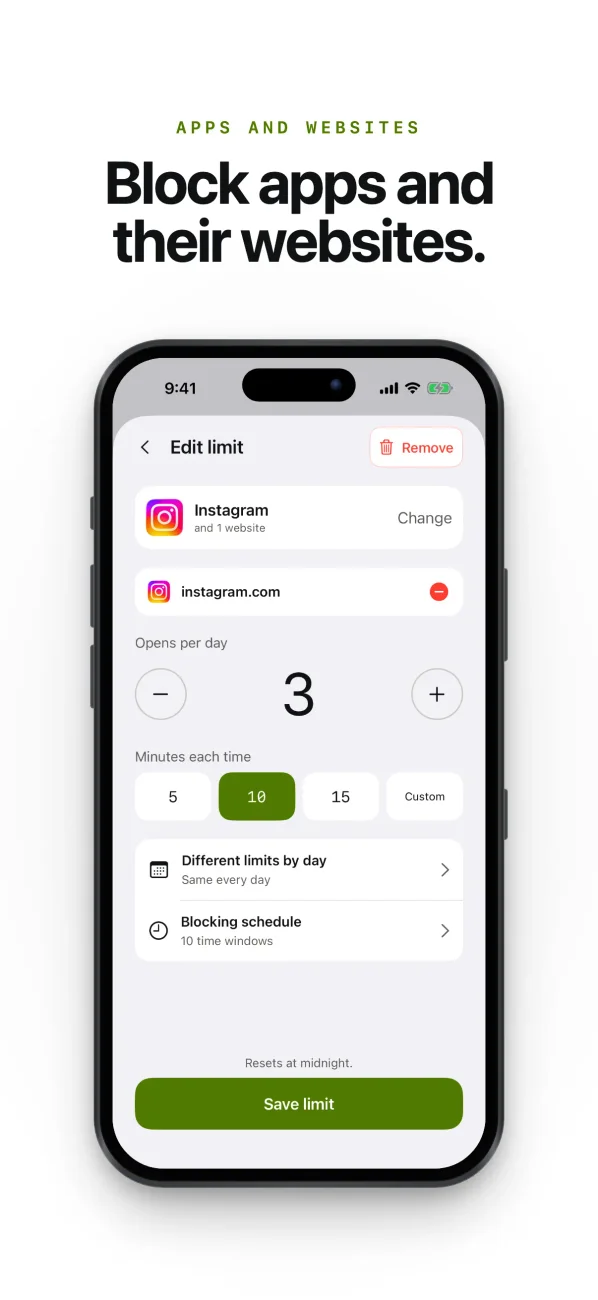
Choose apps or websites and set a daily open limit. Share a limit across multiple apps, or give each app its own.
KEEP EACH VISIT SHORT
Set a time limit for each session. When you're ready to use a blocked app, tap Open to start your session.
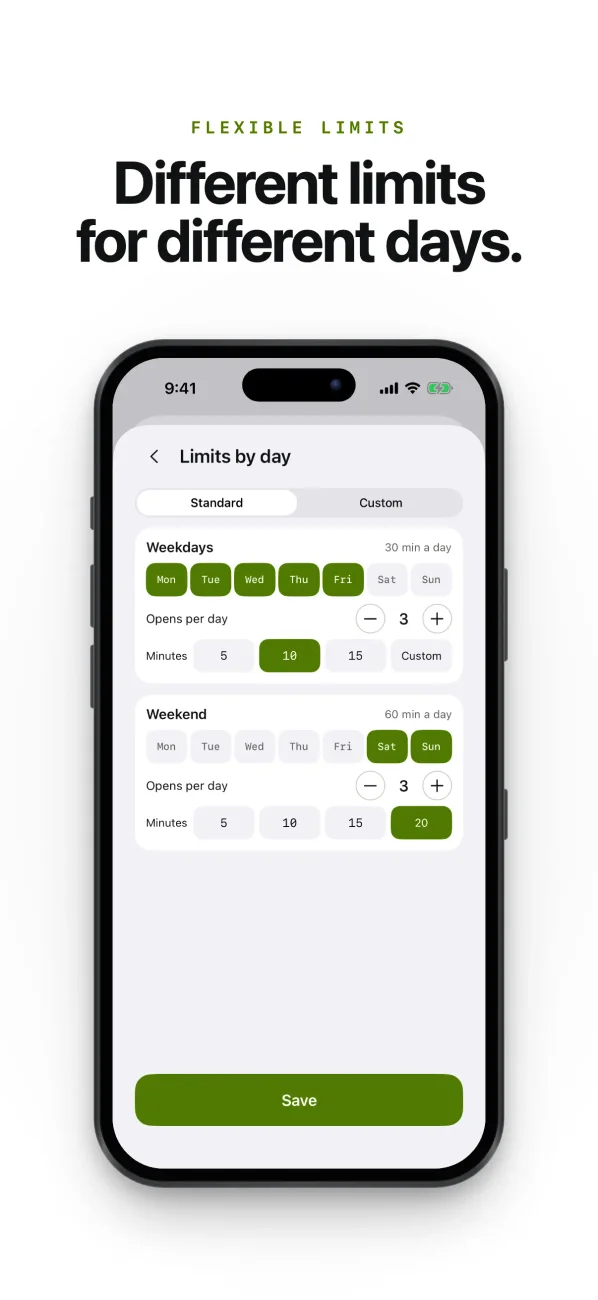
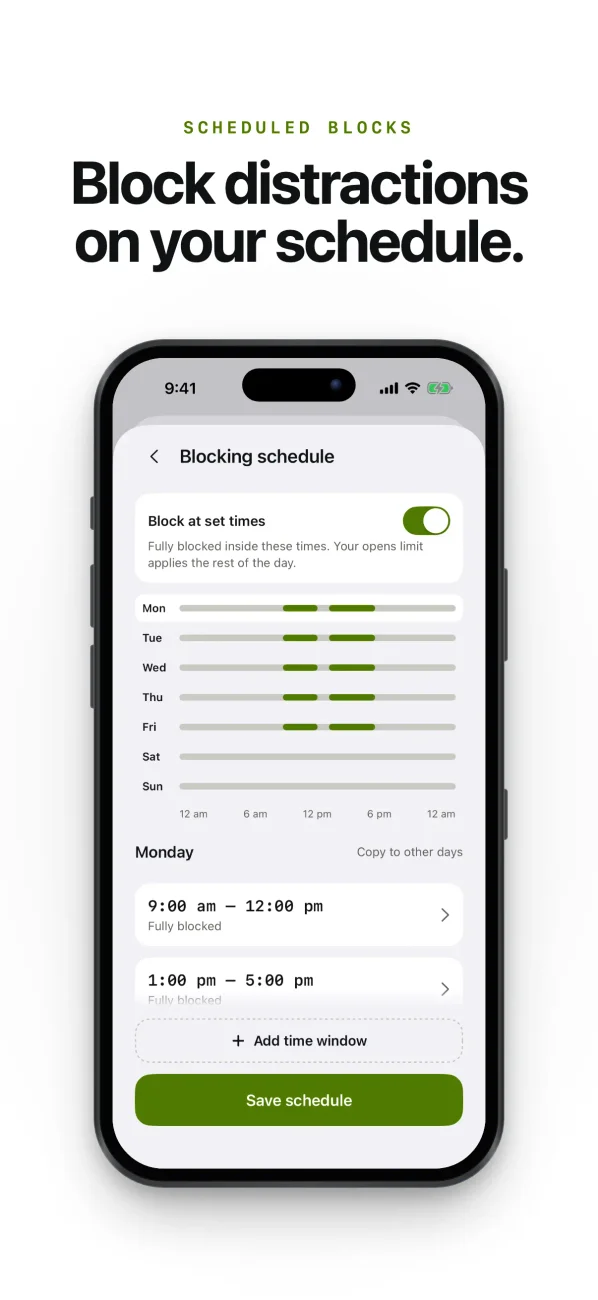
MAKE LIMITS FIT YOUR WEEK
Set different limits for different days. Schedule blocks around work, study, sleep, or time away from your phone.
MAKE YOUR LIMITS STICK
Turn on unblockable mode for 15 minutes to 24 hours. Once activated, selected limits can't be opened, changed, or removed in once until the timer ends.
ALLOW A LITTLE FLEXIBILITY
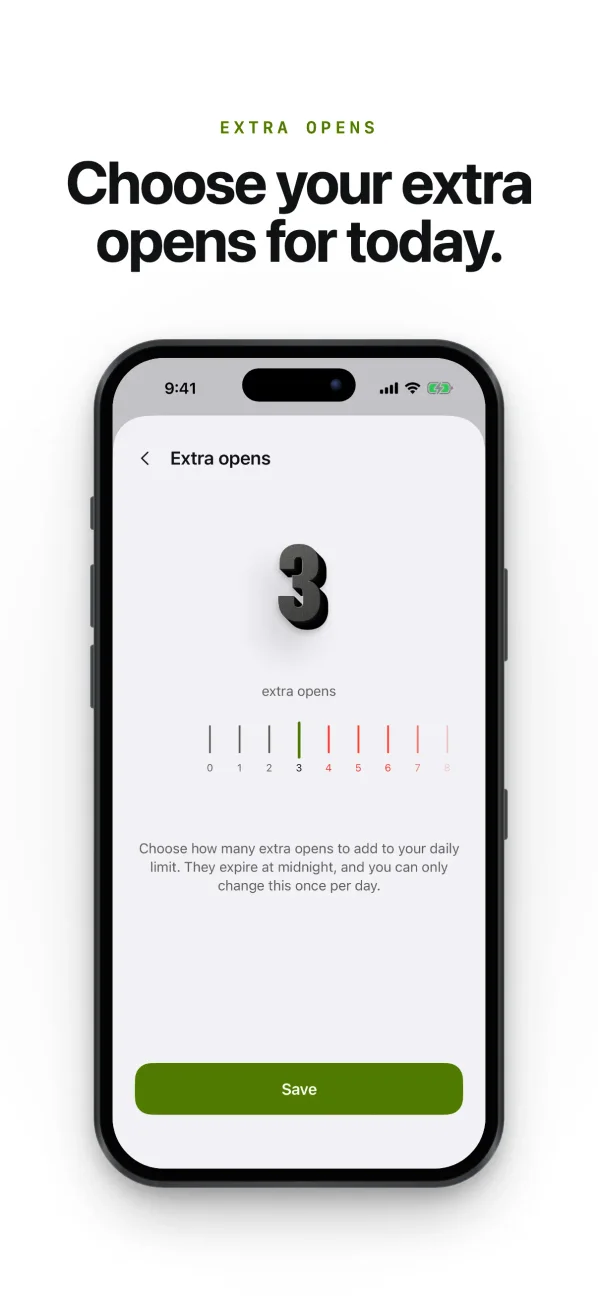
Choose how many extra opens you can add each day. Extra opens expire at midnight, and your regular limits reset the next day.
PRIVATE BY DESIGN
No accounts, ads, or analytics. Your limits, schedules, and activity stay on your iPhone. A copy of your limits and settings is kept in your private iCloud, so they come back if you reinstall. You can turn this off in Settings. The only other internet use is to retrieve icons for websites you add.
once uses Apple Screen Time and needs your permission to apply limits. Website blocks apply in Safari. Other browsers may not apply them.
Novedades
Versión 1.2 · 23/11/2026
• Open website now always opens the website in Safari, not the website's app.
• Add website accepts any address, such as https://www.instagram.com/reels, and saves just the domain.
• More common websites complete as you type. On a keyboard, Tab or the right arrow accepts the suggestion.
• Rate once: a new link in Settings takes you straight to the App Store review page.
Privacidad de la aplicación
Lo que Daniel Katz declara en App Store sobre cómo esta aplicación gestiona los datos.
-
No se recopilan datos
El desarrollador no recopila ningún dato de esta aplicación.
Las prácticas de privacidad pueden variar, por ejemplo, según las funciones que uses o tu edad.
Información
- Vendedor
- Daniel Katz
- Categoría
- Productividad
- Versión
- 1.2
- Actualizado
- 23/11/2026
- Publicado
- 4/11/2026
- Tamaño
- 2,6 MB
- Requiere
- iOS 26.0 o posterior
- Clasificación por edad
- 4+
- Compras en la aplicación
- Sí
- Idiomas
- Inglés
- Copyright
- © 2026 once