
- 対象年齢4+
- カテゴリ仕事効率化
- 開発元Daniel Katz
- 言語英語
- サイズ2.6 MB
App Storeの公式ページにリンクしています
Download.orgはonce: Screen Time & App Limitsのファイルを一切ホストしていません。ボタンを押すと、Daniel Katzが公開しているApp Storeのアプリページが開きます。ページの最終確認:2026/11/24。
スクリーンショット

概要
開発元はこのテキストをお使いの言語で提供していません。
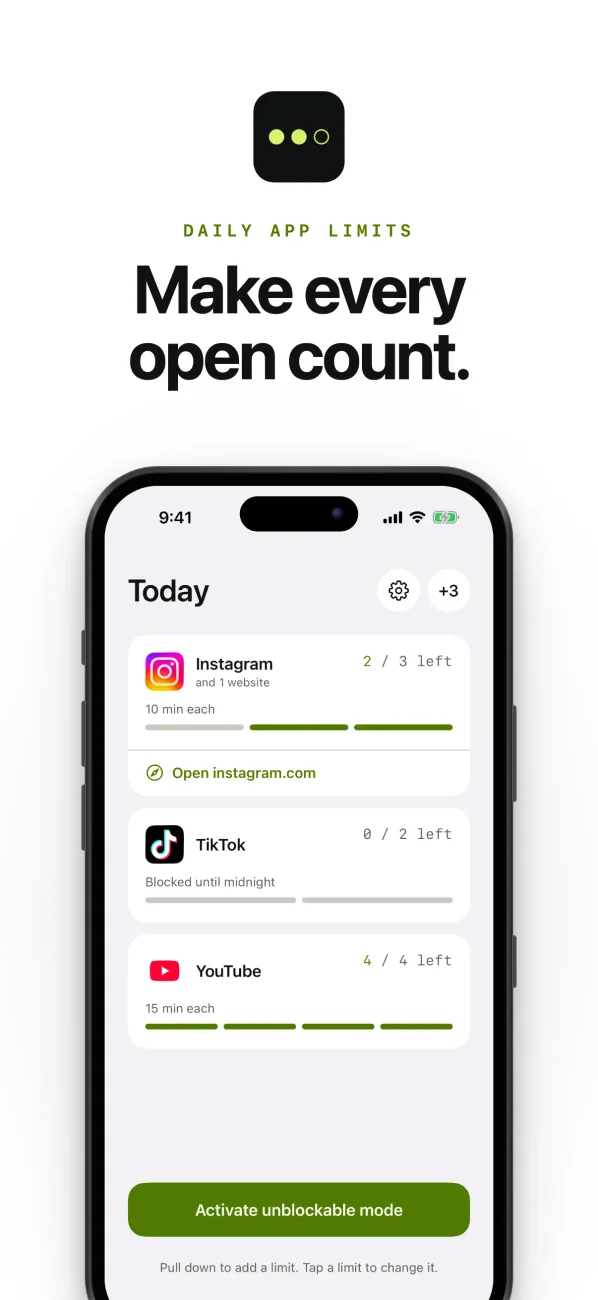
Make every open count.
once helps you take control of the apps and websites competing for your attention. Set how many times you can open them each day and how long you can spend each time.
SET DAILY LIMITS
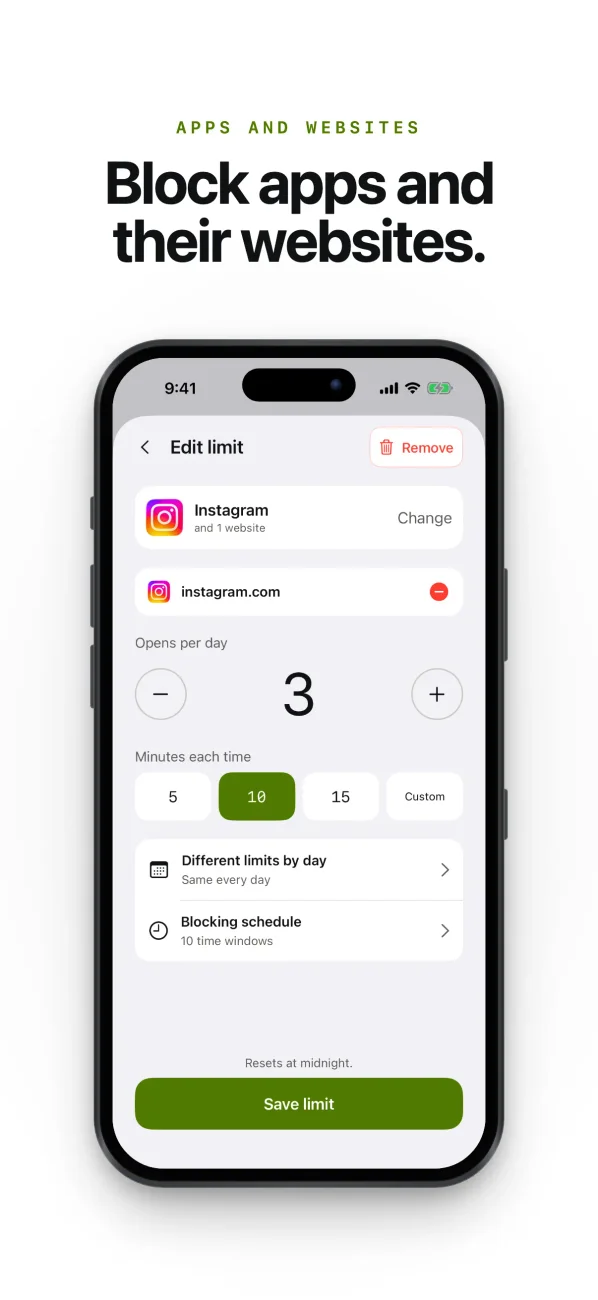
Choose apps or websites and set a daily open limit. Share a limit across multiple apps, or give each app its own.
KEEP EACH VISIT SHORT
Set a time limit for each session. When you're ready to use a blocked app, tap Open to start your session.
MAKE LIMITS FIT YOUR WEEK
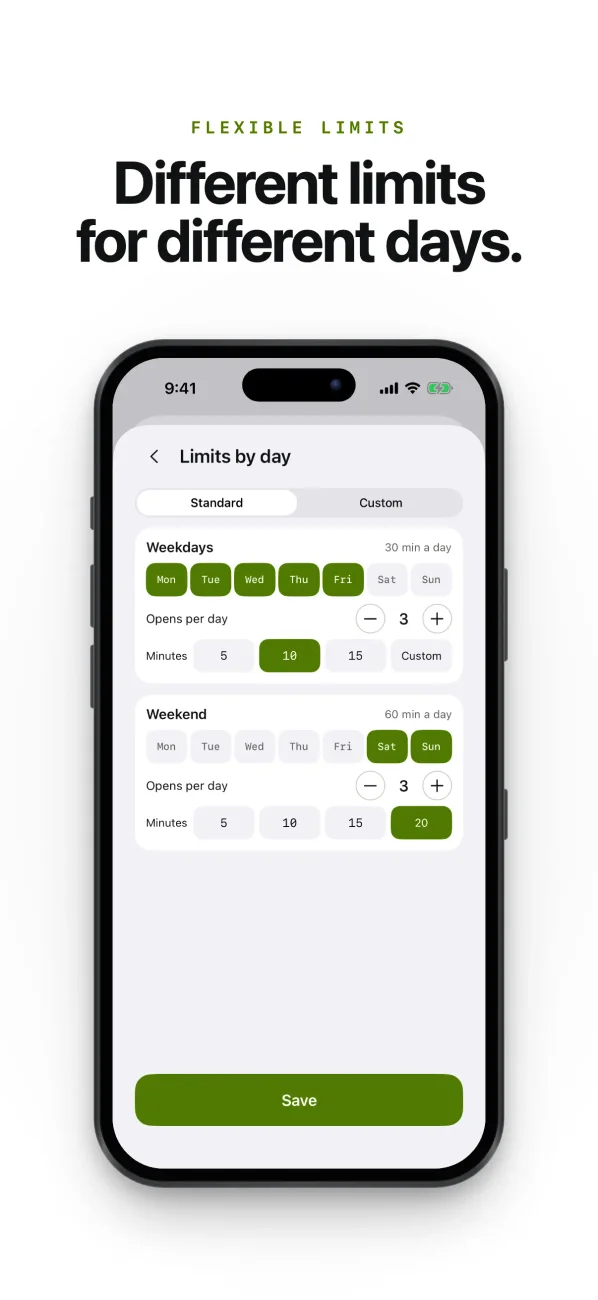
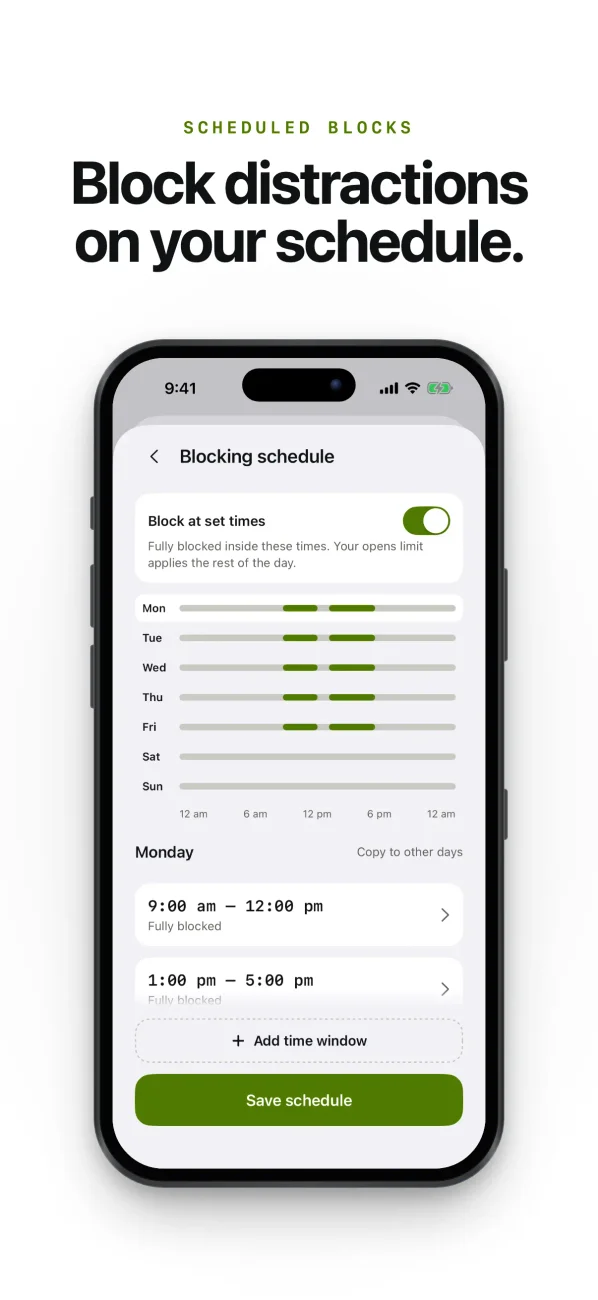
Set different limits for different days. Schedule blocks around work, study, sleep, or time away from your phone.
MAKE YOUR LIMITS STICK
Turn on unblockable mode for 15 minutes to 24 hours. Once activated, selected limits can't be opened, changed, or removed in once until the timer ends.
ALLOW A LITTLE FLEXIBILITY
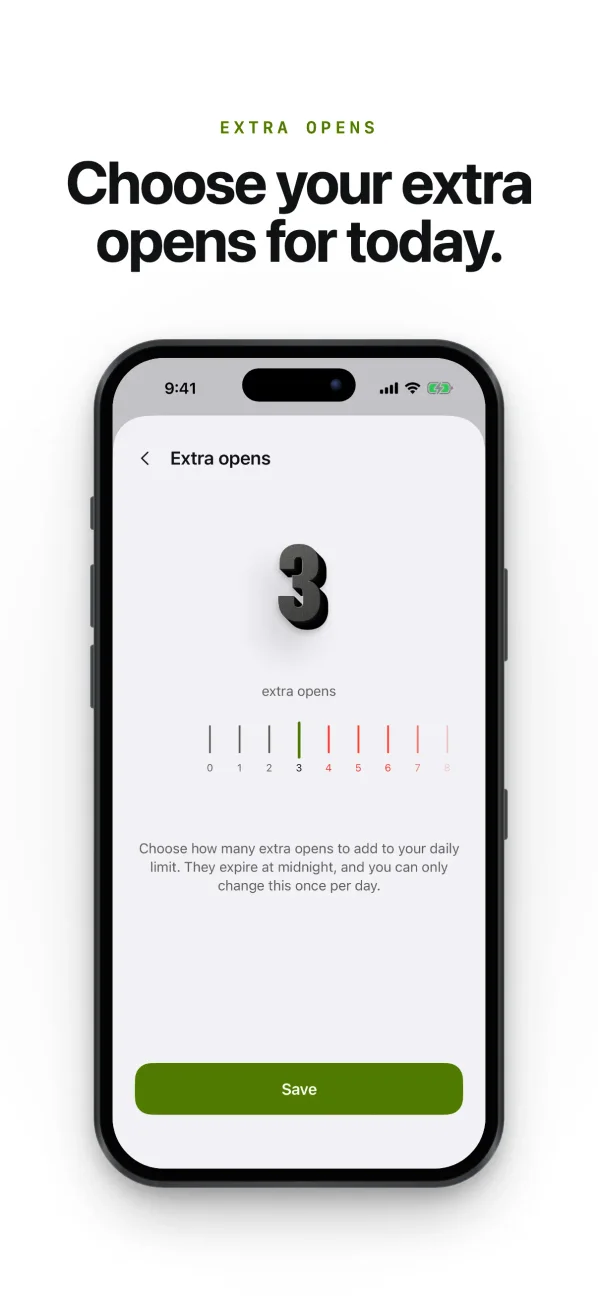
Choose how many extra opens you can add each day. Extra opens expire at midnight, and your regular limits reset the next day.
PRIVATE BY DESIGN
No accounts, ads, or analytics. Your limits, schedules, and activity stay on your iPhone. A copy of your limits and settings is kept in your private iCloud, so they come back if you reinstall. You can turn this off in Settings. The only other internet use is to retrieve icons for websites you add.
once uses Apple Screen Time and needs your permission to apply limits. Website blocks apply in Safari. Other browsers may not apply them.
新機能
バージョン 1.2 · 2026/11/23
• Open website now always opens the website in Safari, not the website's app.
• Add website accepts any address, such as https://www.instagram.com/reels, and saves just the domain.
• More common websites complete as you type. On a keyboard, Tab or the right arrow accepts the suggestion.
• Rate once: a new link in Settings takes you straight to the App Store review page.
アプリのプライバシー
このアプリのデータの取り扱いについて、Daniel KatzがApp Storeで申告している内容です。
-
データの収集なし
開発元はこのアプリからデータを収集しません。
プライバシーの取り扱いは、ご利用の機能やお客様の年齢などに応じて異なる場合があります。
情報
- 販売元
- Daniel Katz
- カテゴリ
- 仕事効率化
- バージョン
- 1.2
- 更新日
- 2026/11/23
- リリース
- 2026/11/4
- サイズ
- 2.6 MB
- 必要条件
- iOS 26.0以降
- 対象年齢
- 4+
- 価格
- 無料
- アプリ内課金
- あり
- 言語
- 英語
- 著作権
- © 2026 once