
OpenRead: PDF Document Reader
Find files. Read offline.
Diseñada para iPhone, iPad, iPod touch
Gratis
- Clasificación por edad4+
- CategoríaProductividad
- DesarrolladorKyoungChan Hwang
- IdiomasInglés
- Tamaño42,8 MB
Enlaza a la página oficial de App Store
Download.org no aloja ningún archivo de OpenRead: PDF Document Reader. El botón abre la página de la aplicación en App Store, donde la publica KyoungChan Hwang. Ficha comprobada por última vez el 12/11/2026.
Capturas de pantalla
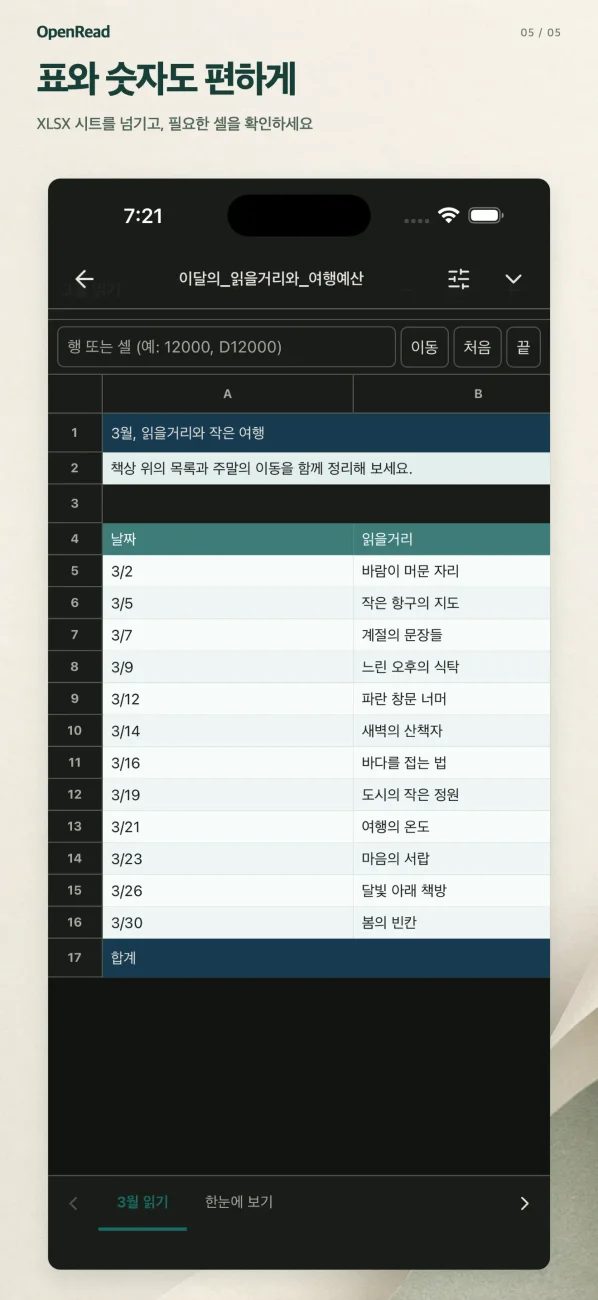
Acerca de
El desarrollador no ha proporcionado este texto en tu idioma.
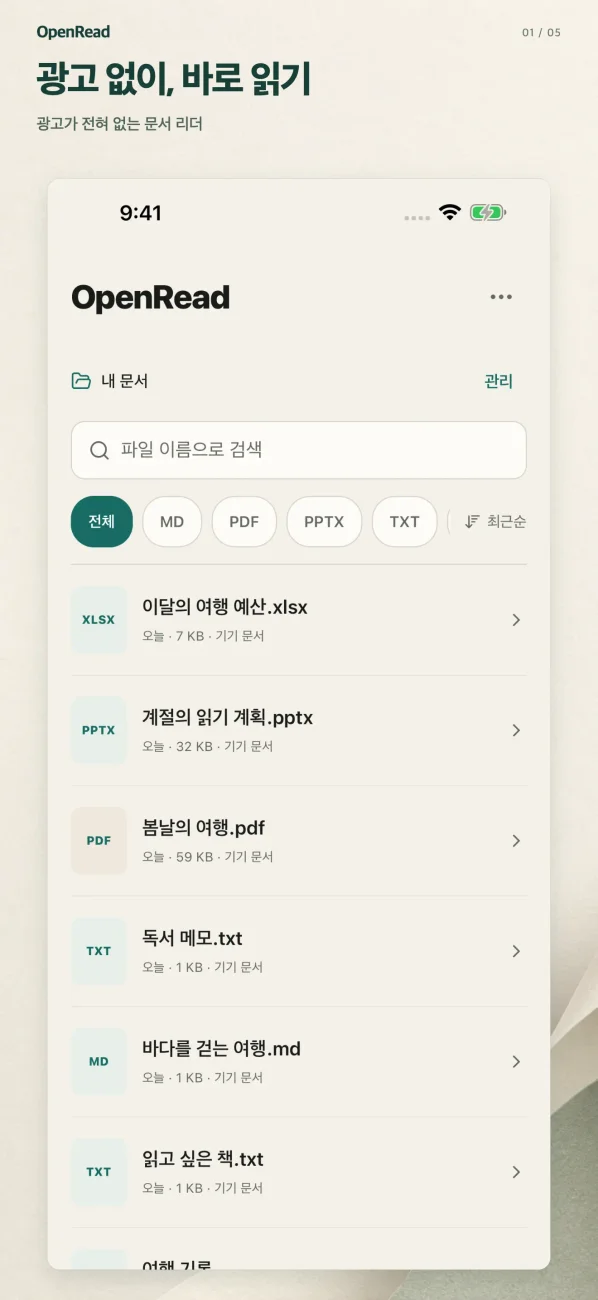
Find your documents and focus on reading. OpenRead brings PDFs, documents, presentations, and spreadsheets into one on-device library.
CONNECT A FOLDER ONCE
Choose a folder in the Files picker. OpenRead finds supported documents in that folder and its subfolders. Add or disconnect folders whenever you need to. On iOS, access is limited to locations you select and allow.
FIND THE RIGHT FILE
Filter by file type, search file names, and sort by recent files or name. Open a document directly from the list.
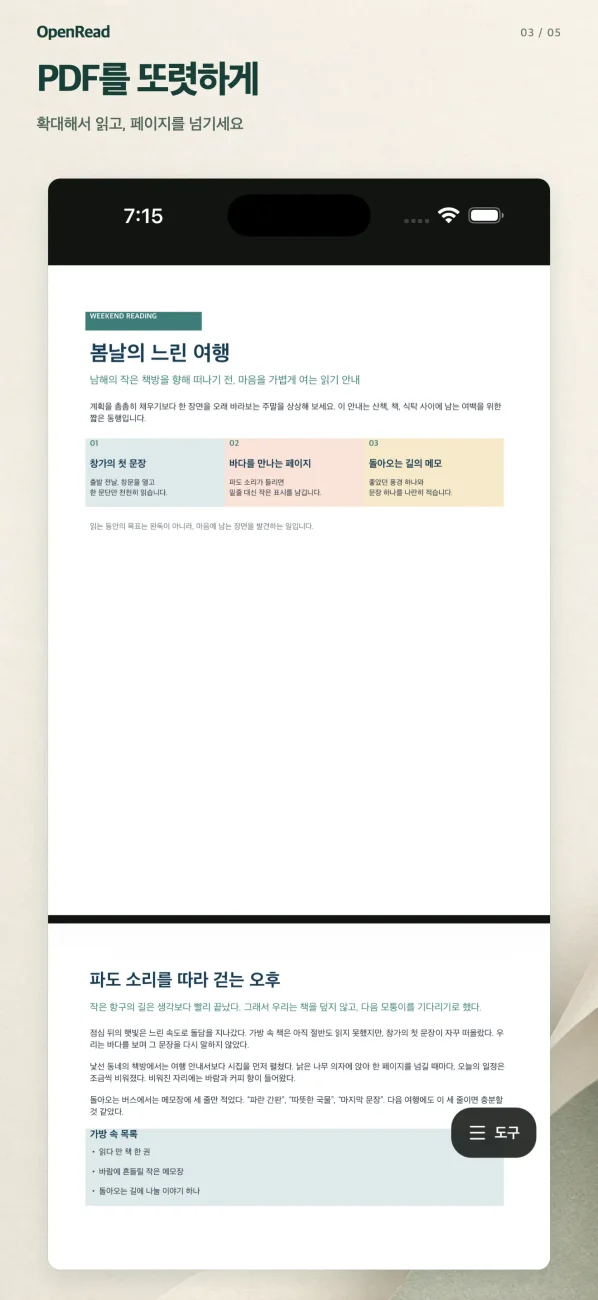
READ IN A VIEW THAT FITS
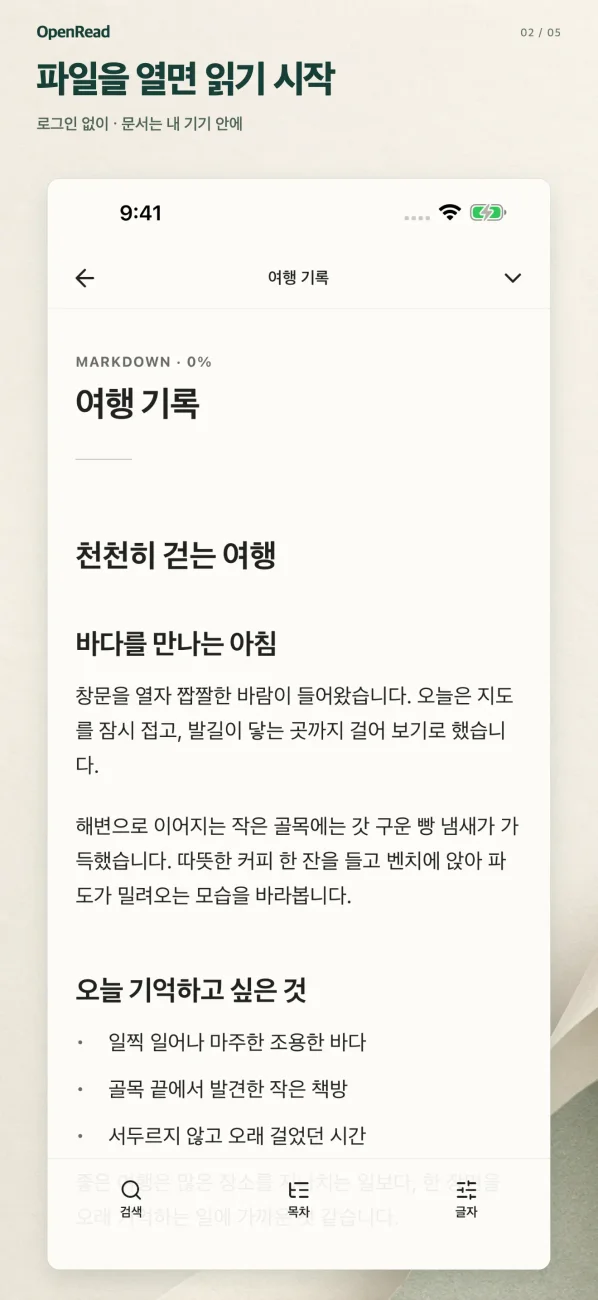
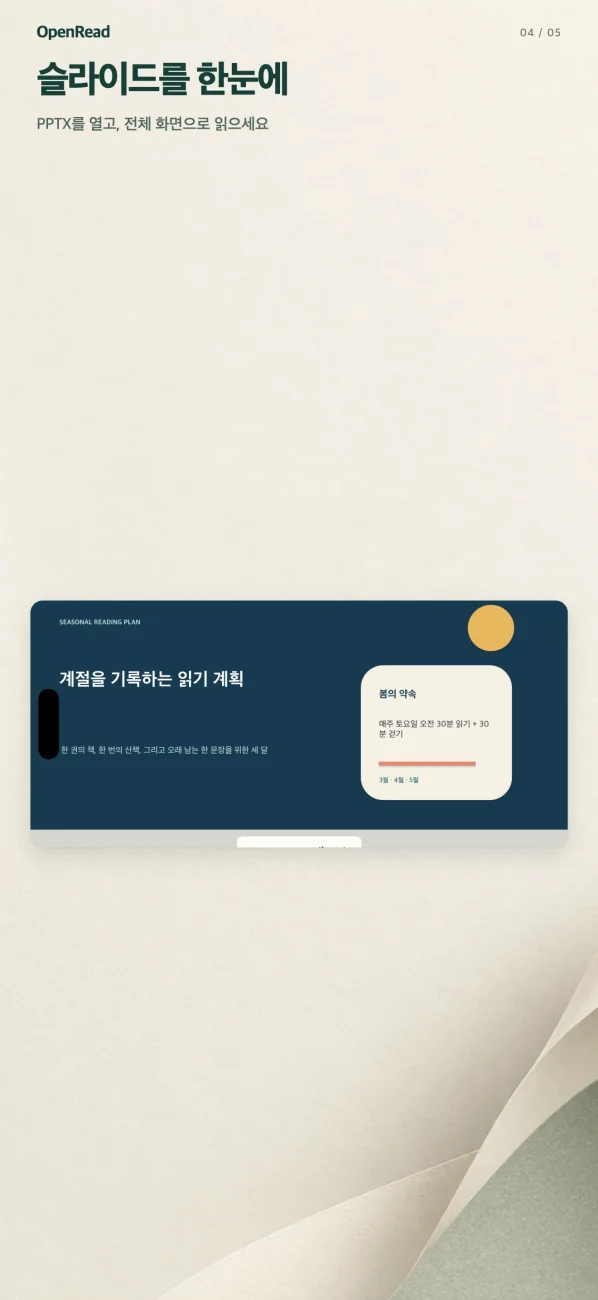
Zoom and navigate PDF pages. Read HWP, HWPX, DOC, and DOCX content in a mobile reading layout. Move through PPTX slides and explore XLS, XLSX, and CSV sheets. Saved reading positions help you pick up where you left off.
MAKE TEXT COMFORTABLE
Adjust body text in the text reader. A separate slider in the More menu changes interface text size in the library, menu, and information pages.
KEEP DOCUMENTS ON YOUR DEVICE
No account or sign-in is required. OpenRead does not upload your documents or use remote conversion. Downloaded documents can be read offline. Original copies, parsed data, and reading positions stay on your device. Cloud-only files must be downloaded first.
SUPPORTED FORMATS
PDF, HWP, HWPX, DOC, DOCX, PPTX, XLS, XLSX, CSV, TXT, Markdown, EPUB, ODT, and RTF.
Legacy PPT files are unsupported; convert them to PPTX or PDF. Password-protected documents, complex formatting, macros, and embedded objects may have limited support. Rendering depends on document structure and device capabilities.
Reading features have no ads, in-app purchases, subscriptions, or app-imposed document-count limit. Terms, privacy information, and help are available in the More menu.
Support: david.hwang@kakao.com
Novedades
Versión 1.0.8 · 17/10/2026
The search and filter bar on the library screen now stays pinned while only the document list scrolls. The top area is more compact, and device document scanning is faster and more reliable.
Privacidad de la aplicación
Lo que KyoungChan Hwang declara en App Store sobre cómo esta aplicación gestiona los datos.
-
Datos vinculados a ti
Pueden recopilarse y vincularse a tu identidad.
- Identificadores
- Datos de uso
Las prácticas de privacidad pueden variar, por ejemplo, según las funciones que uses o tu edad.
Información
- Vendedor
- KyoungChan Hwang
- Categoría
- Productividad
- Versión
- 1.0.8
- Actualizado
- 17/10/2026
- Publicado
- 21/9/2026
- Tamaño
- 42,8 MB
- Requiere
- iOS 15.1 o posterior
- Clasificación por edad
- 4+
- Precio
- Gratis
- Idiomas
- Inglés
- Copyright
- © 2026 Priming water
Quizá también te guste
-
 Manneung ViewerProductividad
-
 Markdown VaultProductividad
-
 OpenViewerProductividad
-
 Open Docs - Document ViewerProductividad
-
 노애드한글: 광고없는 HWP 뷰어Productividad
-
 AllDocs - Document ViewerProductividad
-
 Jom Hae! - Enfoque con amigosCumple tus metas en equipo
-
 VoxPage: Leer PDF en voz altaTexto a voz: lector de textos