OpenRead: PDF Document Reader
Find files. Read offline.
Dirancang untuk iPhone, iPad, iPod touch
Gratis
- Batasan usia4+
- KategoriProduktivitas
- PengembangKyoungChan Hwang
- BahasaInggris
- Ukuran42,8 MB
Tertaut ke halaman resmi App Store
Download.org tidak menyimpan file OpenRead: PDF Document Reader apa pun. Tombol ini membuka halaman aplikasi di App Store, tempat KyoungChan Hwang menerbitkannya. Halaman terakhir diperiksa pada 12/11/2026.
Tangkapan layar
Tentang
Pengembang belum menyediakan teks ini dalam bahasa Anda.
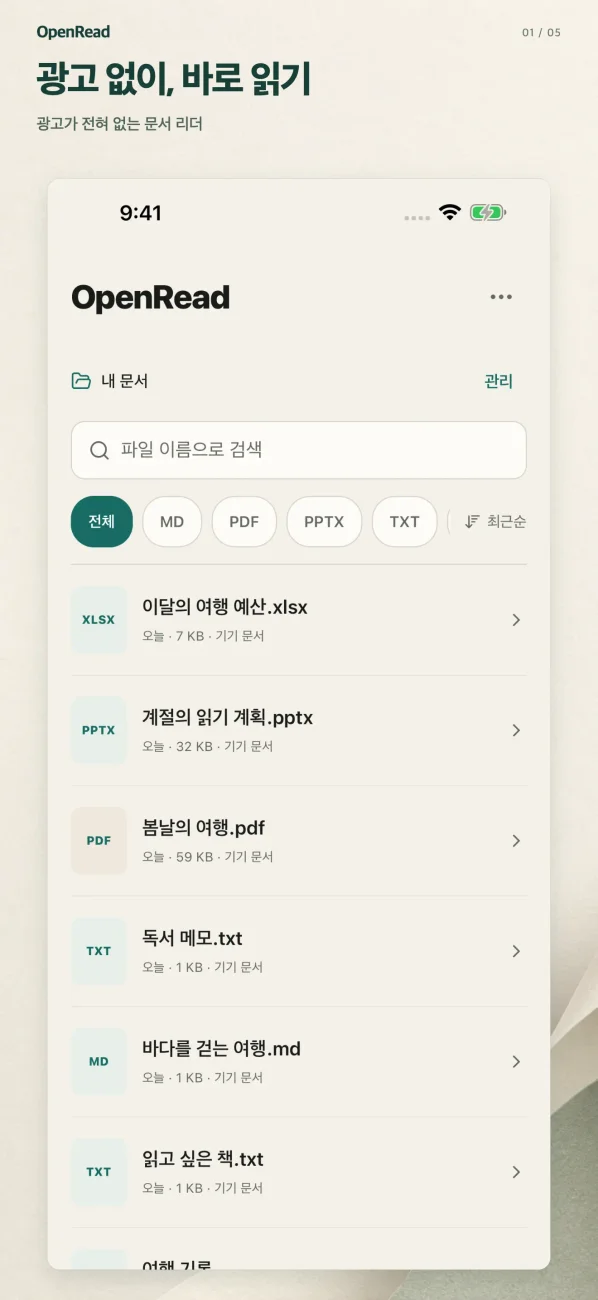
Find your documents and focus on reading. OpenRead brings PDFs, documents, presentations, and spreadsheets into one on-device library.
CONNECT A FOLDER ONCE
Choose a folder in the Files picker. OpenRead finds supported documents in that folder and its subfolders. Add or disconnect folders whenever you need to. On iOS, access is limited to locations you select and allow.
FIND THE RIGHT FILE
Filter by file type, search file names, and sort by recent files or name. Open a document directly from the list.
READ IN A VIEW THAT FITS
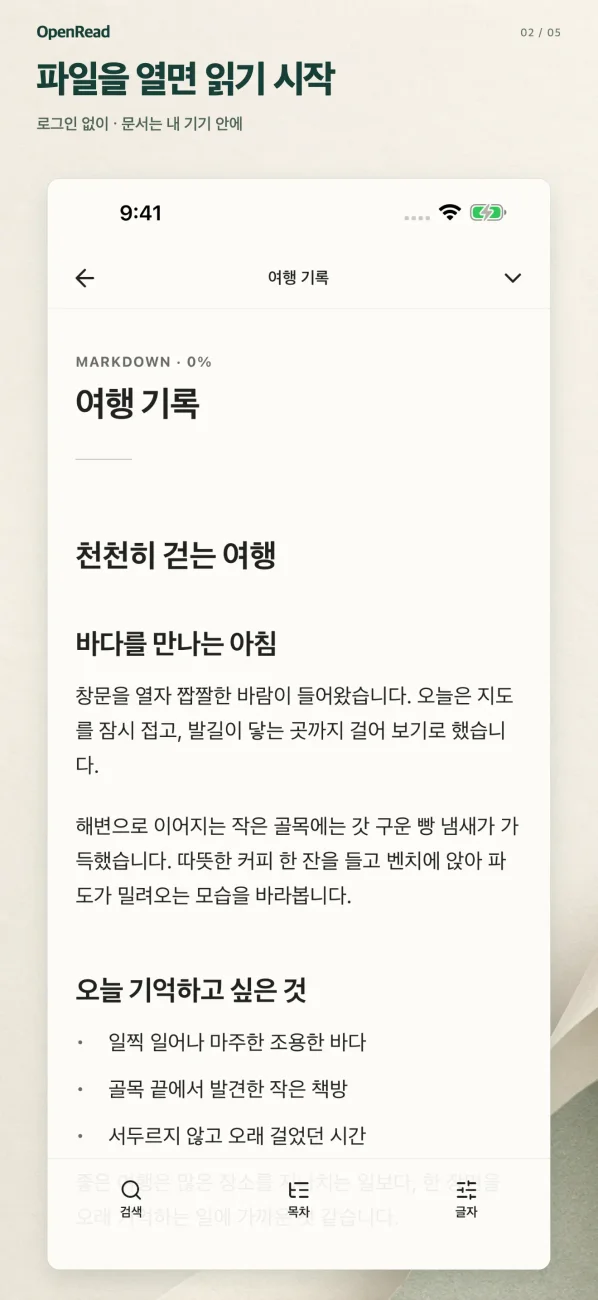
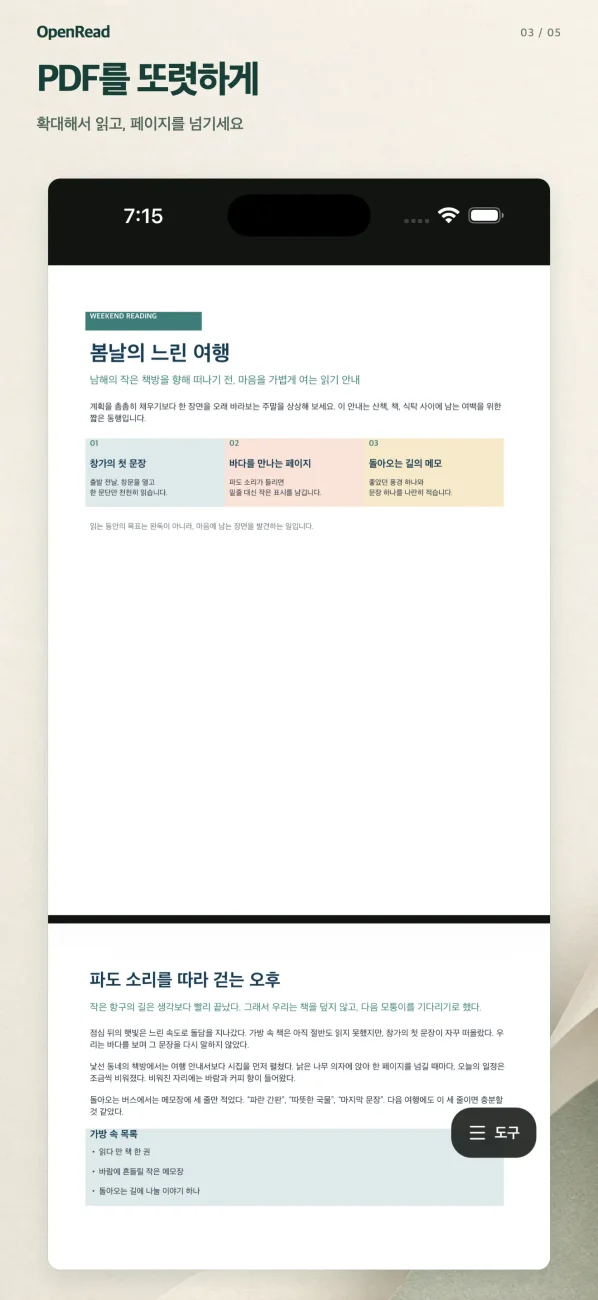
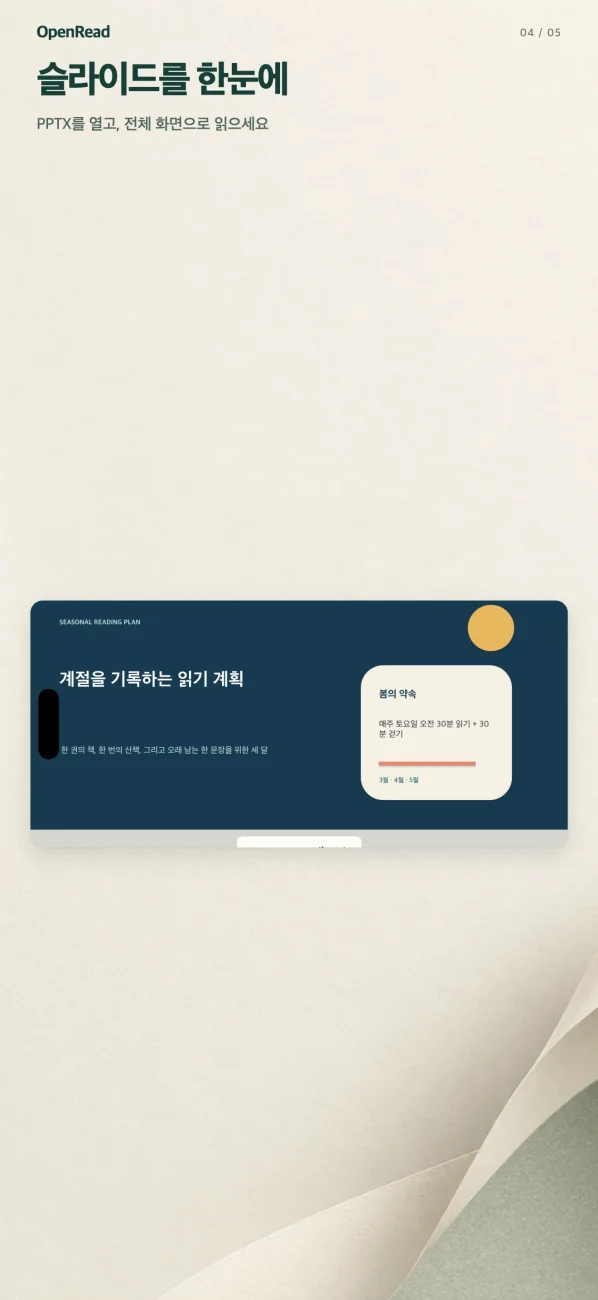
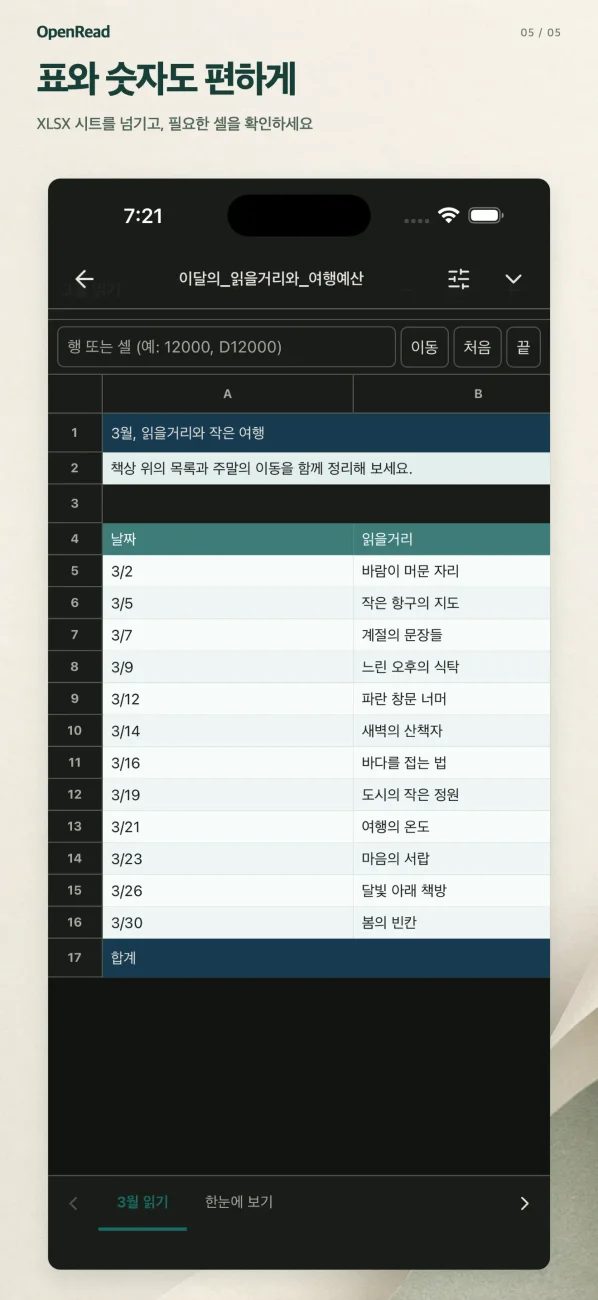
Zoom and navigate PDF pages. Read HWP, HWPX, DOC, and DOCX content in a mobile reading layout. Move through PPTX slides and explore XLS, XLSX, and CSV sheets. Saved reading positions help you pick up where you left off.
MAKE TEXT COMFORTABLE
Adjust body text in the text reader. A separate slider in the More menu changes interface text size in the library, menu, and information pages.
KEEP DOCUMENTS ON YOUR DEVICE
No account or sign-in is required. OpenRead does not upload your documents or use remote conversion. Downloaded documents can be read offline. Original copies, parsed data, and reading positions stay on your device. Cloud-only files must be downloaded first.
SUPPORTED FORMATS
PDF, HWP, HWPX, DOC, DOCX, PPTX, XLS, XLSX, CSV, TXT, Markdown, EPUB, ODT, and RTF.
Legacy PPT files are unsupported; convert them to PPTX or PDF. Password-protected documents, complex formatting, macros, and embedded objects may have limited support. Rendering depends on document structure and device capabilities.
Reading features have no ads, in-app purchases, subscriptions, or app-imposed document-count limit. Terms, privacy information, and help are available in the More menu.
Support: david.hwang@kakao.com
Yang baru
Versi 1.0.8 · 17/10/2026
The search and filter bar on the library screen now stays pinned while only the document list scrolls. The top area is more compact, and device document scanning is faster and more reliable.
Privasi aplikasi
Yang dinyatakan KyoungChan Hwang di App Store tentang cara aplikasi ini menangani data.
-
Data yang ditautkan dengan Anda
Dapat dikumpulkan dan ditautkan dengan identitas Anda.
- Pengenal
- Data penggunaan
Praktik privasi dapat bervariasi, misalnya berdasarkan fitur yang Anda gunakan atau usia Anda.
Informasi
- Penjual
- KyoungChan Hwang
- Kategori
- Produktivitas
- Versi
- 1.0.8
- Diperbarui
- 17/10/2026
- Dirilis
- 21/9/2026
- Ukuran
- 42,8 MB
- Memerlukan
- iOS 15.1 atau yang lebih baru
- Batasan usia
- 4+
- Harga
- Gratis
- Bahasa
- Inggris
- Hak cipta
- © 2026 Priming water