OpenRead: PDF Document Reader
Find files. Read offline.
iPhone, iPad, iPod touch向けに設計
無料
- 対象年齢4+
- カテゴリ仕事効率化
- 開発元KyoungChan Hwang
- 言語英語
- サイズ42.8 MB
App Storeの公式ページにリンクしています
Download.orgはOpenRead: PDF Document Readerのファイルを一切ホストしていません。ボタンを押すと、KyoungChan Hwangが公開しているApp Storeのアプリページが開きます。ページの最終確認:2026/11/12。
スクリーンショット
概要
開発元はこのテキストをお使いの言語で提供していません。
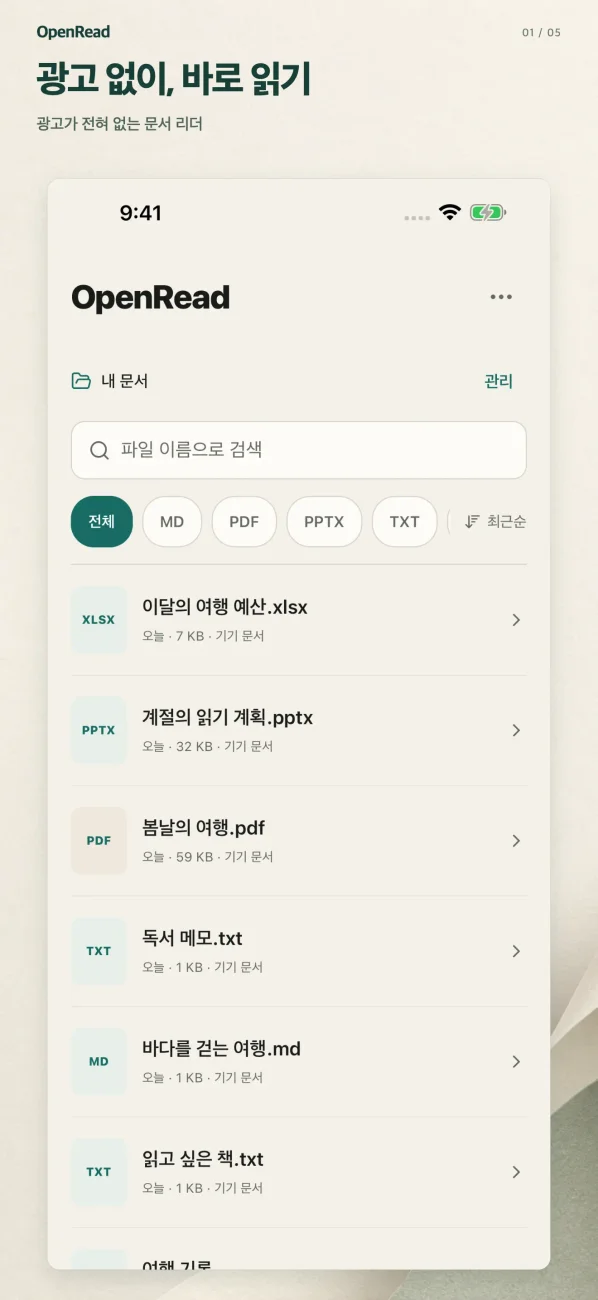
Find your documents and focus on reading. OpenRead brings PDFs, documents, presentations, and spreadsheets into one on-device library.
CONNECT A FOLDER ONCE
Choose a folder in the Files picker. OpenRead finds supported documents in that folder and its subfolders. Add or disconnect folders whenever you need to. On iOS, access is limited to locations you select and allow.
FIND THE RIGHT FILE
Filter by file type, search file names, and sort by recent files or name. Open a document directly from the list.
READ IN A VIEW THAT FITS
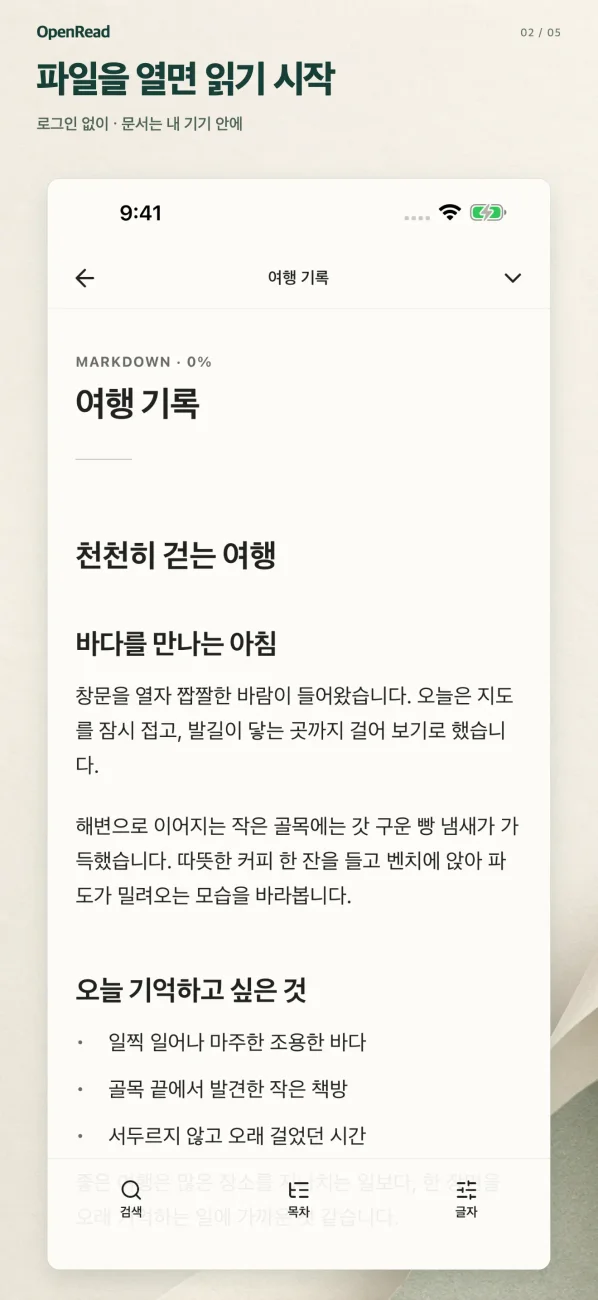
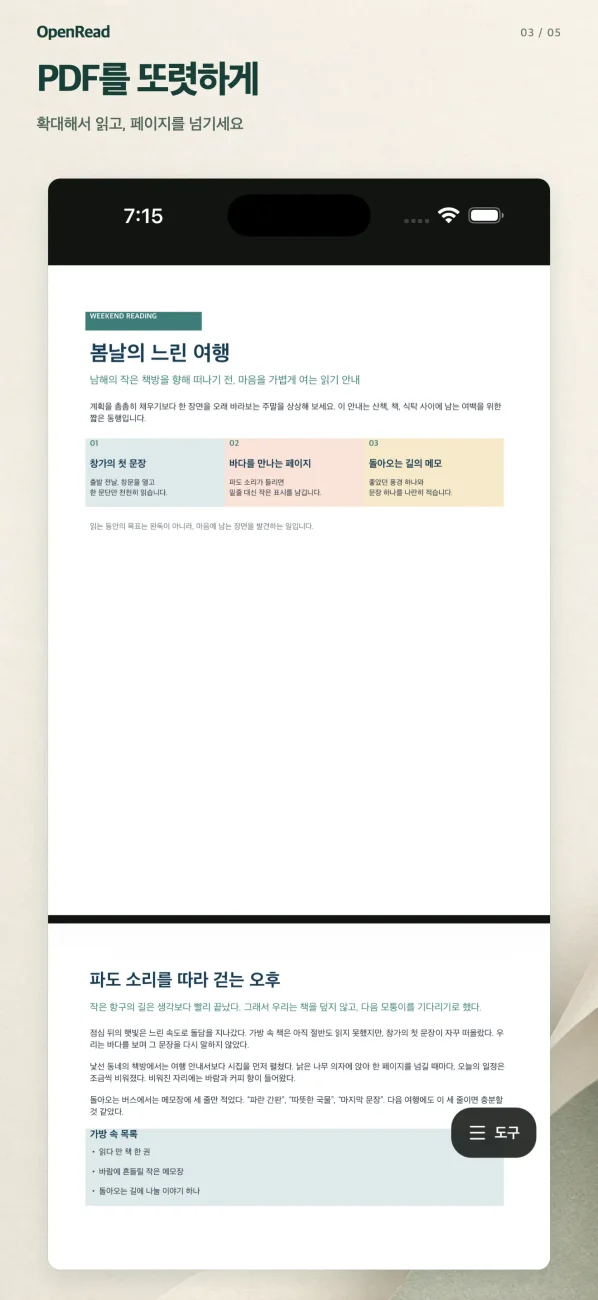
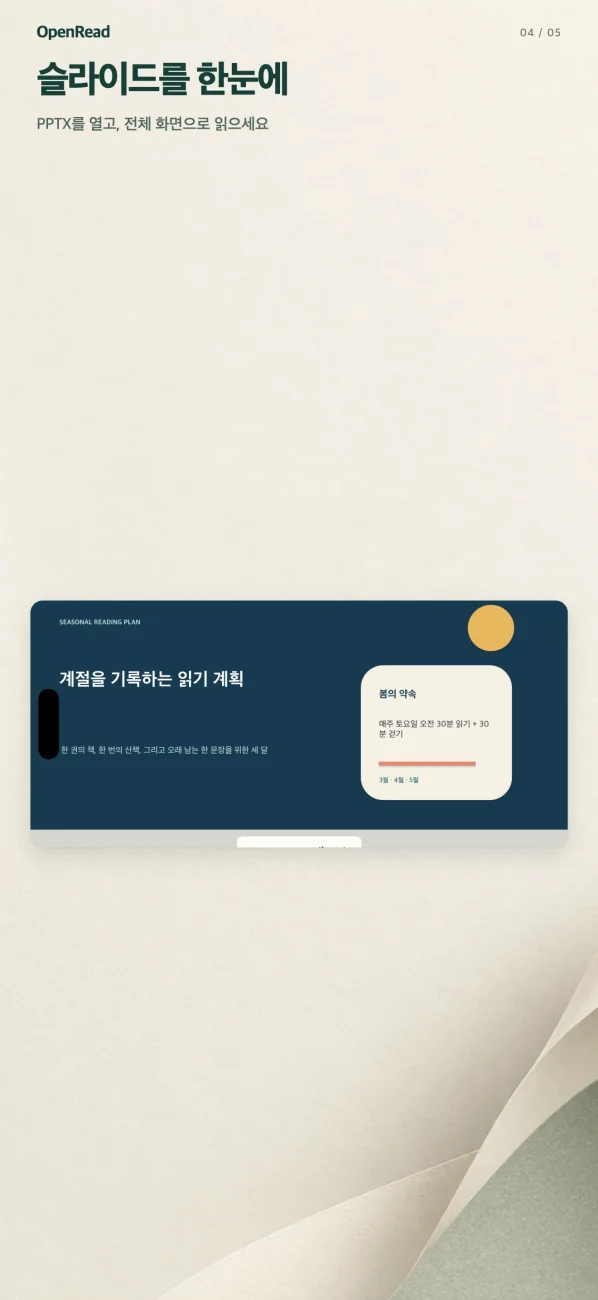
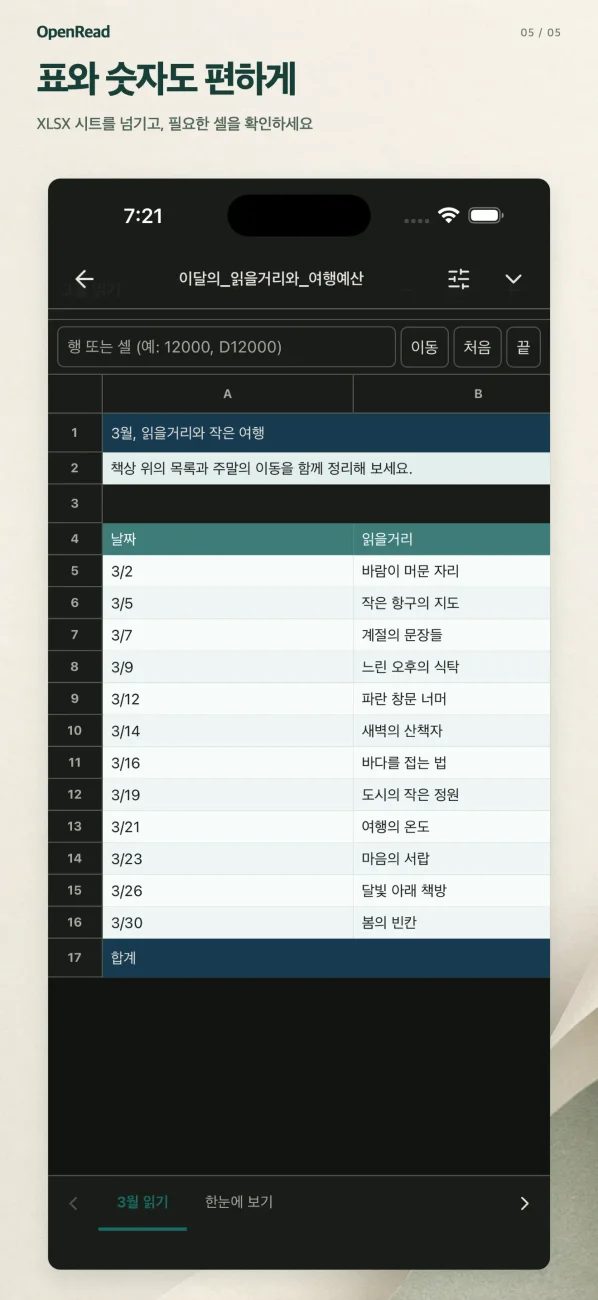
Zoom and navigate PDF pages. Read HWP, HWPX, DOC, and DOCX content in a mobile reading layout. Move through PPTX slides and explore XLS, XLSX, and CSV sheets. Saved reading positions help you pick up where you left off.
MAKE TEXT COMFORTABLE
Adjust body text in the text reader. A separate slider in the More menu changes interface text size in the library, menu, and information pages.
KEEP DOCUMENTS ON YOUR DEVICE
No account or sign-in is required. OpenRead does not upload your documents or use remote conversion. Downloaded documents can be read offline. Original copies, parsed data, and reading positions stay on your device. Cloud-only files must be downloaded first.
SUPPORTED FORMATS
PDF, HWP, HWPX, DOC, DOCX, PPTX, XLS, XLSX, CSV, TXT, Markdown, EPUB, ODT, and RTF.
Legacy PPT files are unsupported; convert them to PPTX or PDF. Password-protected documents, complex formatting, macros, and embedded objects may have limited support. Rendering depends on document structure and device capabilities.
Reading features have no ads, in-app purchases, subscriptions, or app-imposed document-count limit. Terms, privacy information, and help are available in the More menu.
Support: david.hwang@kakao.com
新機能
バージョン 1.0.8 · 2026/10/17
The search and filter bar on the library screen now stays pinned while only the document list scrolls. The top area is more compact, and device document scanning is faster and more reliable.
アプリのプライバシー
このアプリのデータの取り扱いについて、KyoungChan HwangがApp Storeで申告している内容です。
-
ユーザーに関連付けられたデータ
収集され、ユーザーの識別情報に関連付けられる場合があります。
- ID
- 使用状況データ
プライバシーの取り扱いは、ご利用の機能やお客様の年齢などに応じて異なる場合があります。
情報
- 販売元
- KyoungChan Hwang
- カテゴリ
- 仕事効率化
- バージョン
- 1.0.8
- 更新日
- 2026/10/17
- リリース
- 2026/9/21
- サイズ
- 42.8 MB
- 必要条件
- iOS 15.1以降
- 対象年齢
- 4+
- 価格
- 無料
- 言語
- 英語
- 著作権
- © 2026 Priming water