Paperlock: Document Vault
Private, encrypted, offline.
Diseñada para iPhone
Gratis
- Clasificación por edad4+
- CategoríaUtilidades
- DesarrolladorJohn Larson
- IdiomasInglés
- Tamaño1,1 MB
Enlaza a la página oficial de App Store
Download.org no aloja ningún archivo de Paperlock: Document Vault. El botón abre la página de la aplicación en App Store, donde la publica John Larson. Ficha comprobada por última vez el 14/11/2026.
Capturas de pantalla
Acerca de
El desarrollador no ha proporcionado este texto en tu idioma.
Paperlock is a locked drawer for the papers that matter.
Your iPhone can already scan a page. Paperlock is where the scan goes afterwards, when it is something you would not leave lying around: a passport, a lease, a tax return, a medical record.
LOCKED AND ENCRYPTED
• Locks as soon as you leave it. Face ID, Touch ID or your passcode opens it again.
• Every scan, PDF, name and note is encrypted with AES-256 before it is stored.
• The key stays in your iPhone's Keychain, on this device only.
YOUR PAPERS
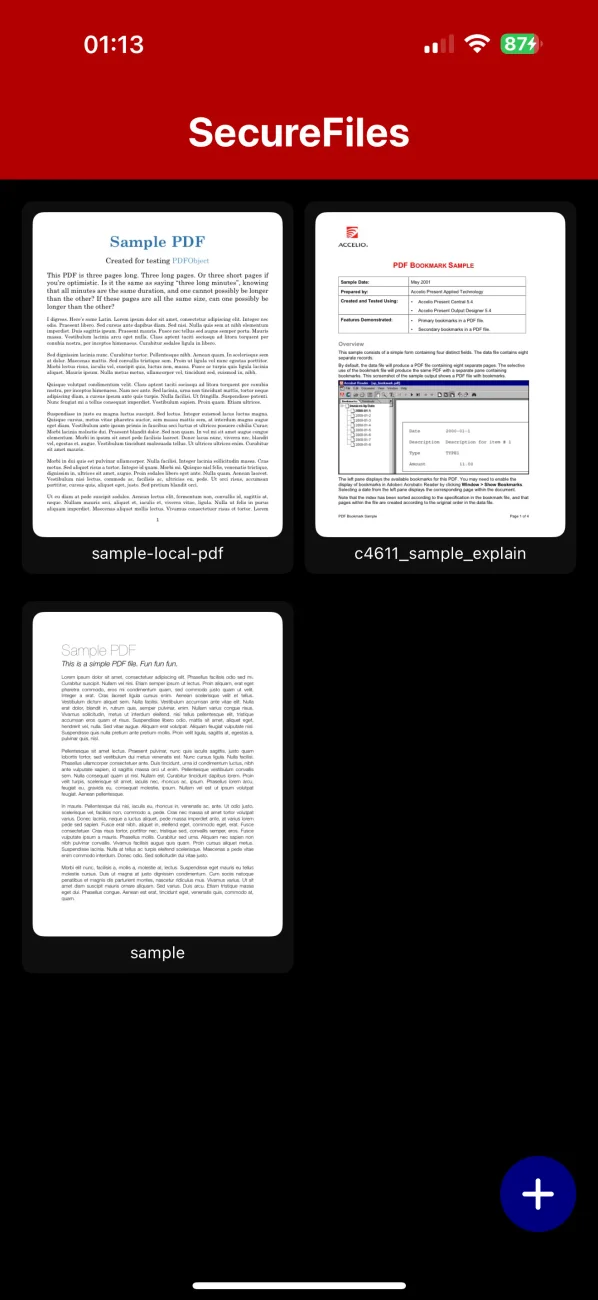
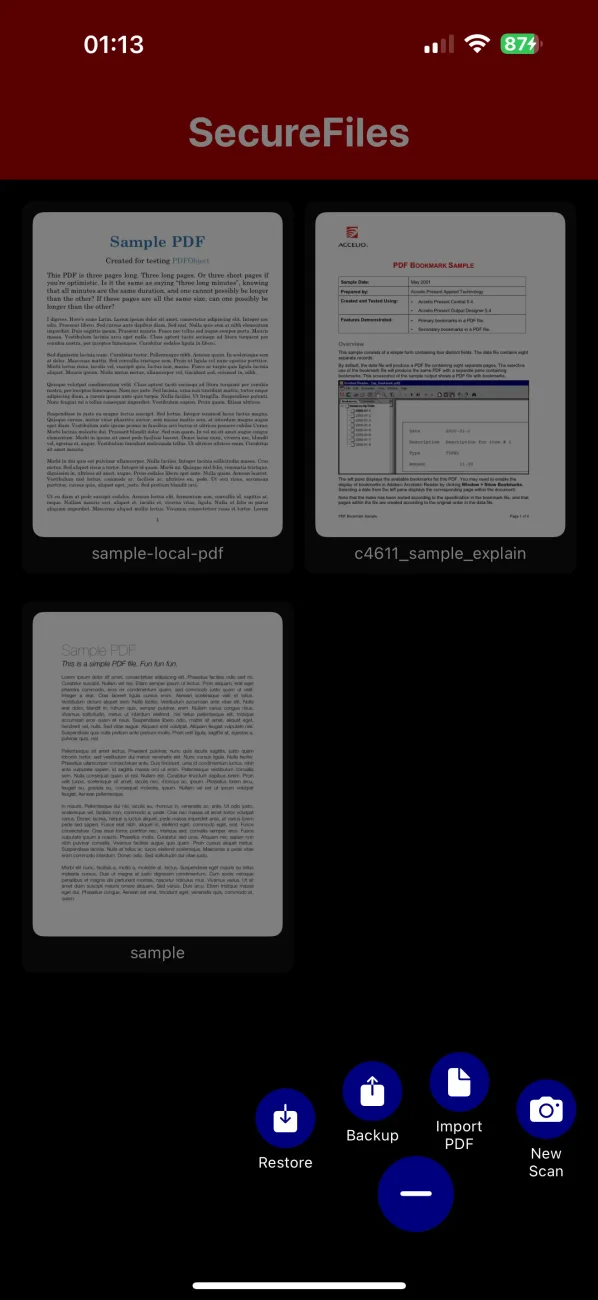
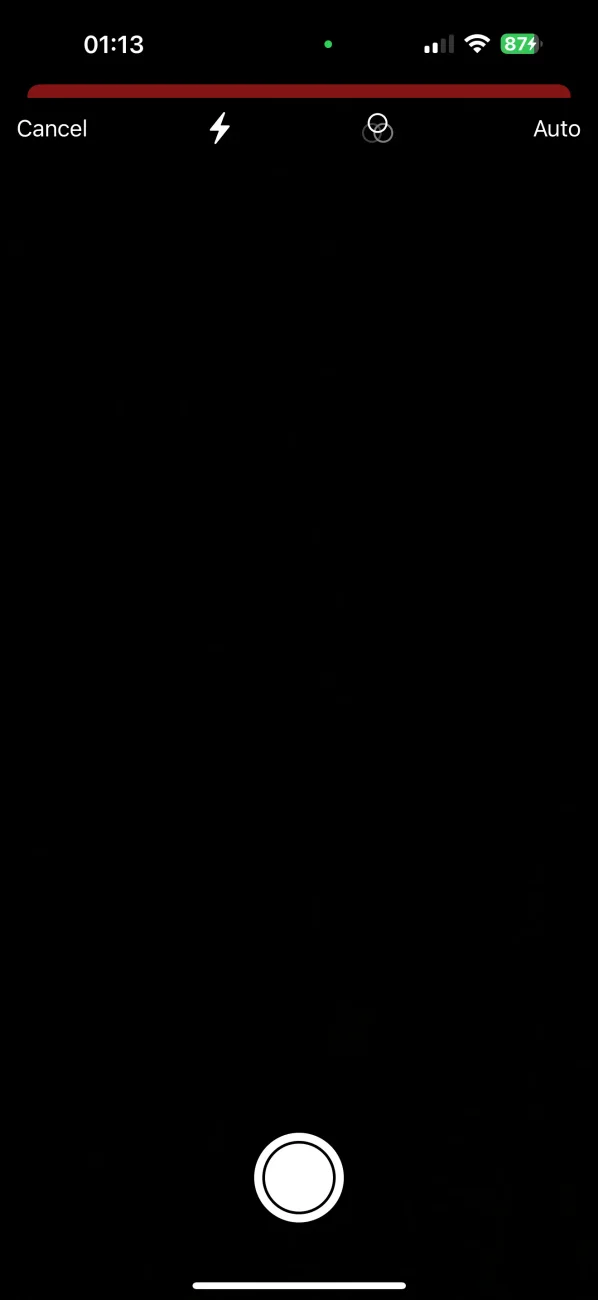
• Scan paper with the camera. Several pages become one PDF.
• Import PDFs you already have.
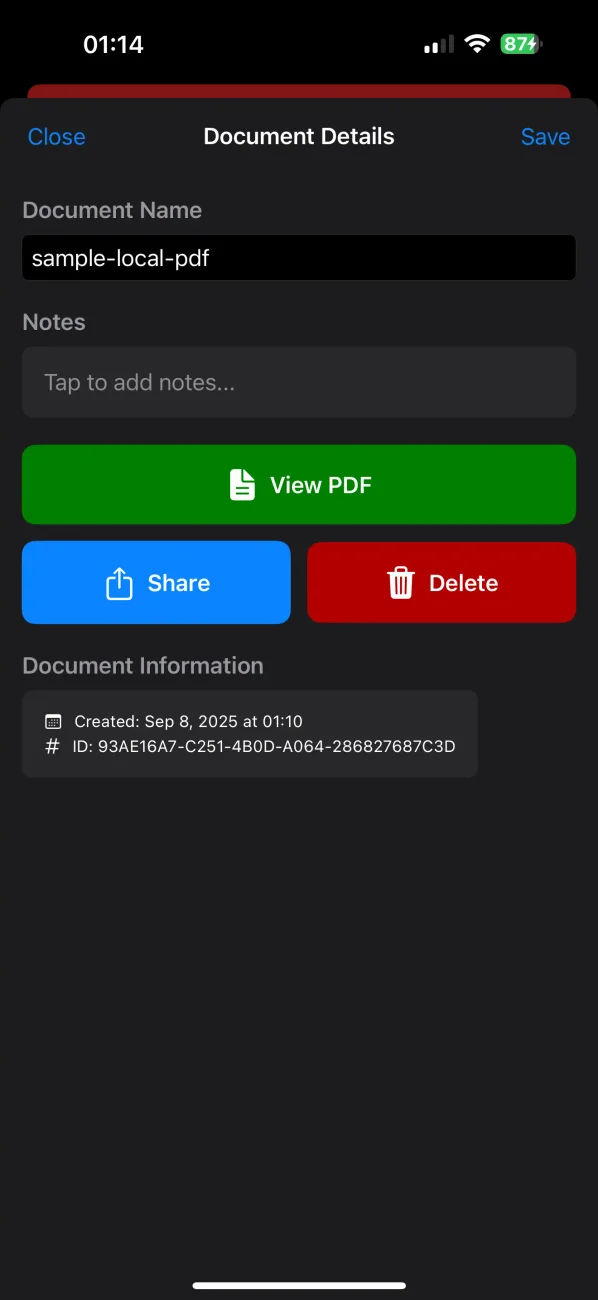
• Give each document a name and a note, and search through both.
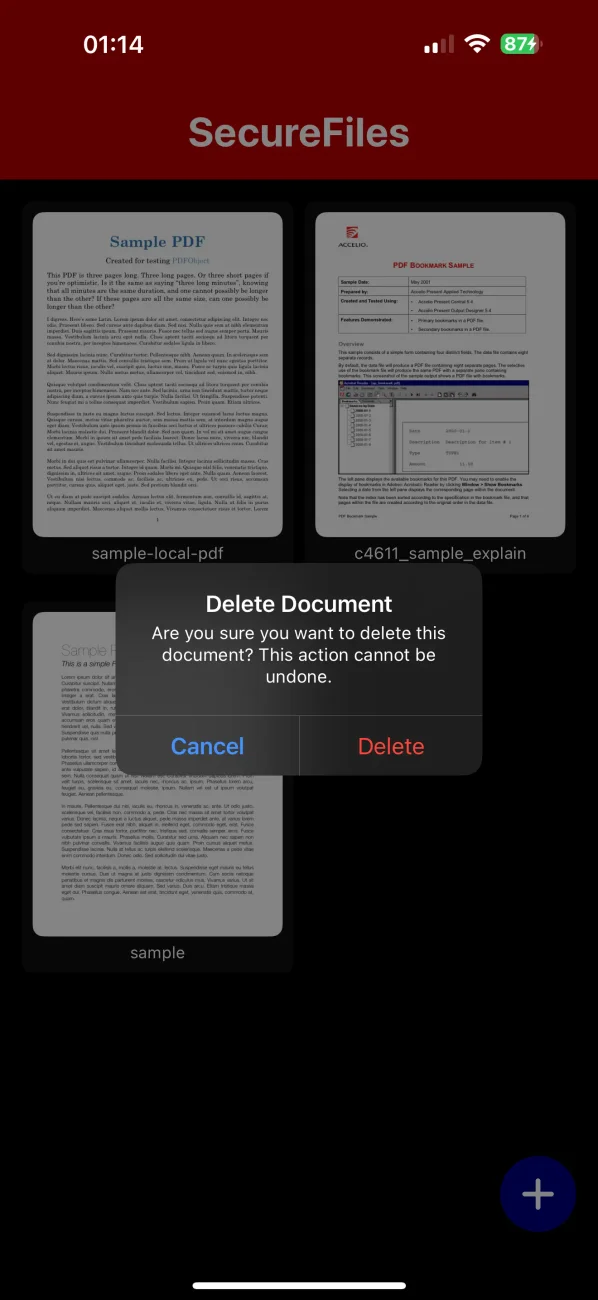
• Open a PDF, or share a copy when you choose.
BACK UP ON YOUR TERMS
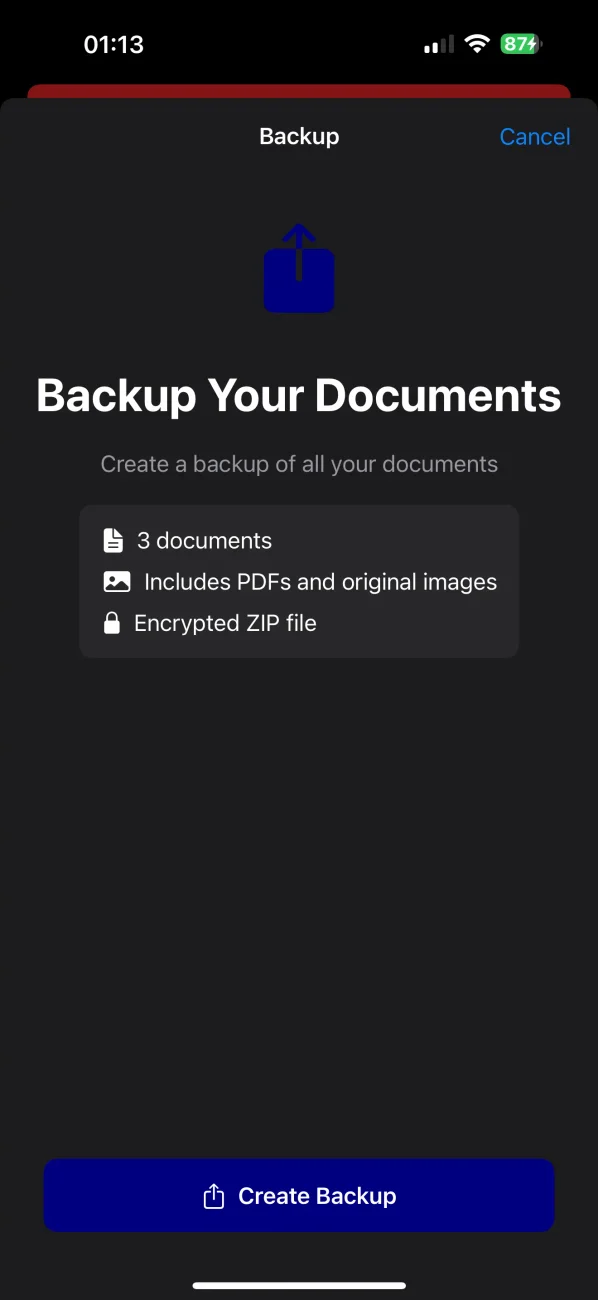
• A backup is one encrypted file with its own password.
• You decide where it goes. Paperlock does not upload it.
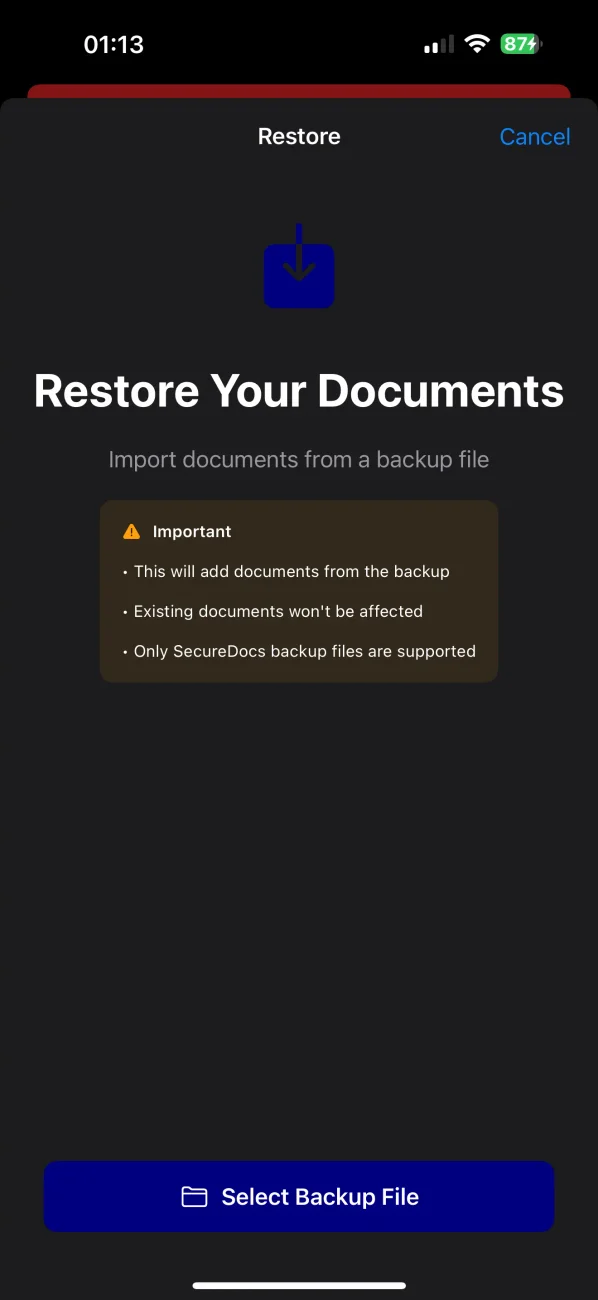
• A vault password opens your documents on a new iPhone.
PRIVATE BY DESIGN
• No account, no cloud, no server, no analytics, no ads.
• The app makes no network requests at all.
GOOD TO KNOW
• There is no password reset. Nobody else holds your key, so nobody can recover it for you.
• There is no sync. Your documents are on one phone, and a backup file is how you move them.
Paperlock was called Secure Document Vault. If you have it, this update keeps your documents and encrypts them the first time you open it.
Novedades
Versión 2.0 · 11/10/2026
Secure Document Vault is now Paperlock, and it is free.
• Face ID lock every time you leave the app.
• Every document, name and note is now encrypted on your iPhone.
• A vault password to recover your documents on a new phone.
• Backups are now one encrypted, password-protected file. Older backups still restore.
• Search by name and notes.
• A new look.
The first time you open this version it asks you to choose a vault password, then encrypts the documents you already have. Nothing is uploaded.
Privacidad de la aplicación
Lo que John Larson declara en App Store sobre cómo esta aplicación gestiona los datos.
-
No se recopilan datos
El desarrollador no recopila ningún dato de esta aplicación.
Las prácticas de privacidad pueden variar, por ejemplo, según las funciones que uses o tu edad.
Información
- Vendedor
- John Larson
- Categoría
- Utilidades
- Versión
- 2.0
- Actualizado
- 11/10/2026
- Publicado
- 9/9/2025
- Tamaño
- 1,1 MB
- Requiere
- iOS 18.5 o posterior
- Clasificación por edad
- 4+
- Precio
- Gratis
- Idiomas
- Inglés
- Copyright
- © 2026 John Larson
Quizá también te guste
-
 Hikkoshi Moving Box NotesUtilidades
-
 Shrinkr: Photo Storage SaverUtilidades
-
 TipnookPropinas y cuentas compartidas
-
 flexstreakUtilidades
-
 SimmerdialUtilidades
-
 Sparkle ProUtilidades
-
 Blackout — Share SafelyUtilidades
-
 Convert All: Units OfflineUtilidades
-
 Countdown Widgets: CountPalUtilidades
-
 Inventario Hogar Lista ObjetosArmario Etiquetas Préstamo Log