Paperlock: Document Vault
Private, encrypted, offline.
Được thiết kế cho iPhone
Miễn phí
- Độ tuổi4+
- Danh mụcTiện Ích
- Nhà phát triểnJohn Larson
- Ngôn ngữTiếng Anh
- Kích thước1,1 MB
Liên kết đến trang App Store chính thức
Download.org không lưu trữ tệp nào của Paperlock: Document Vault. Nút này mở trang ứng dụng trên App Store, nơi John Larson phát hành ứng dụng. Trang được kiểm tra lần cuối: 14/11/2026.
Ảnh chụp màn hình
Giới thiệu
Nhà phát triển chưa cung cấp nội dung này bằng ngôn ngữ của bạn.
Paperlock is a locked drawer for the papers that matter.
Your iPhone can already scan a page. Paperlock is where the scan goes afterwards, when it is something you would not leave lying around: a passport, a lease, a tax return, a medical record.
LOCKED AND ENCRYPTED
• Locks as soon as you leave it. Face ID, Touch ID or your passcode opens it again.
• Every scan, PDF, name and note is encrypted with AES-256 before it is stored.
• The key stays in your iPhone's Keychain, on this device only.
YOUR PAPERS
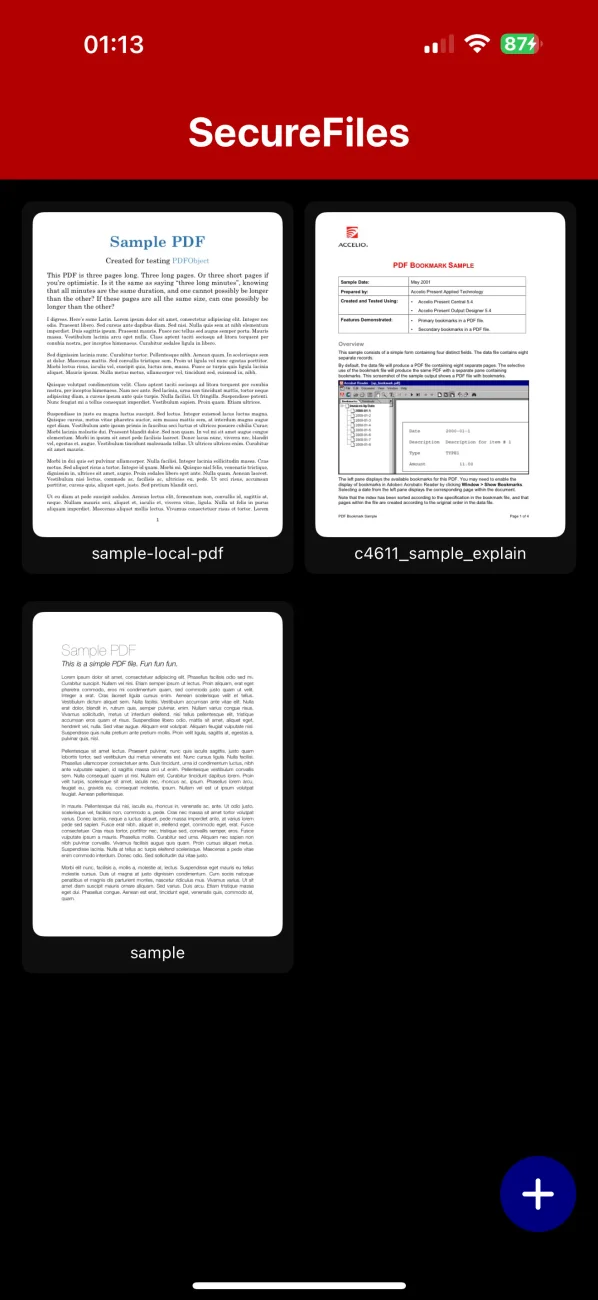
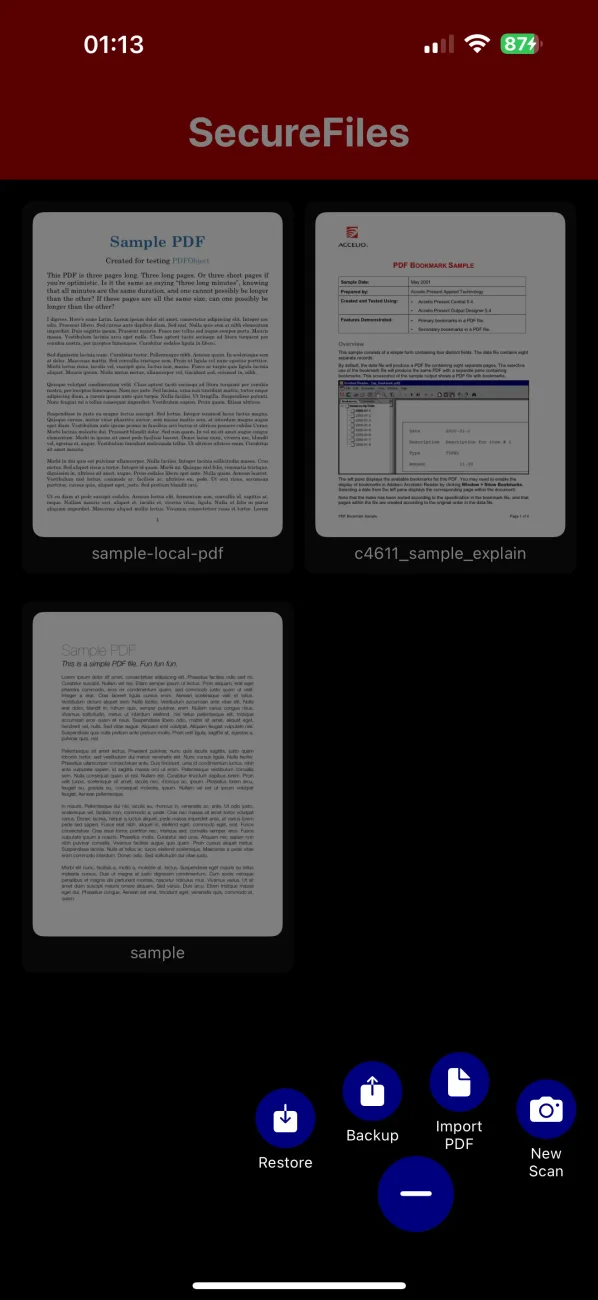
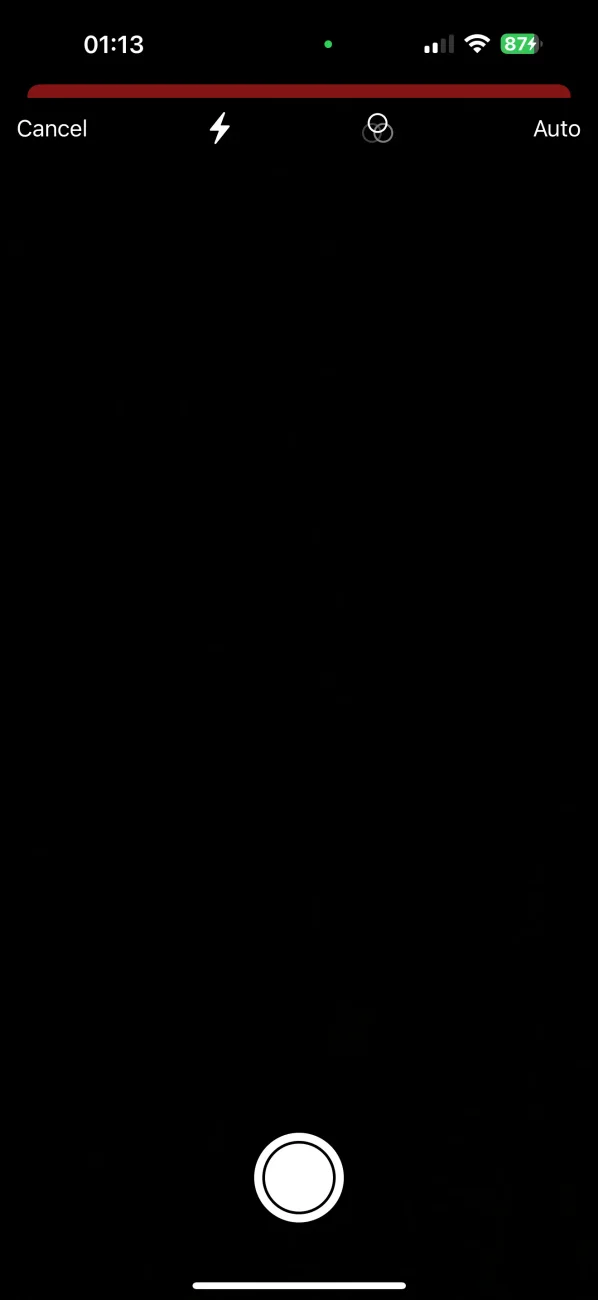
• Scan paper with the camera. Several pages become one PDF.
• Import PDFs you already have.
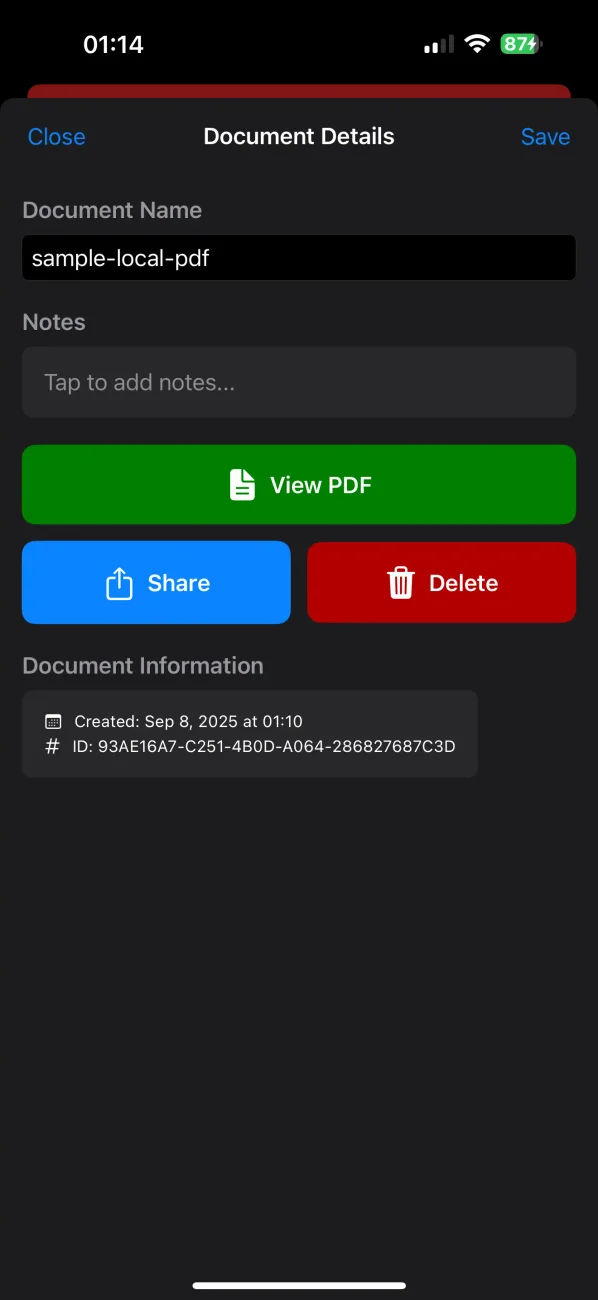
• Give each document a name and a note, and search through both.
• Open a PDF, or share a copy when you choose.
BACK UP ON YOUR TERMS
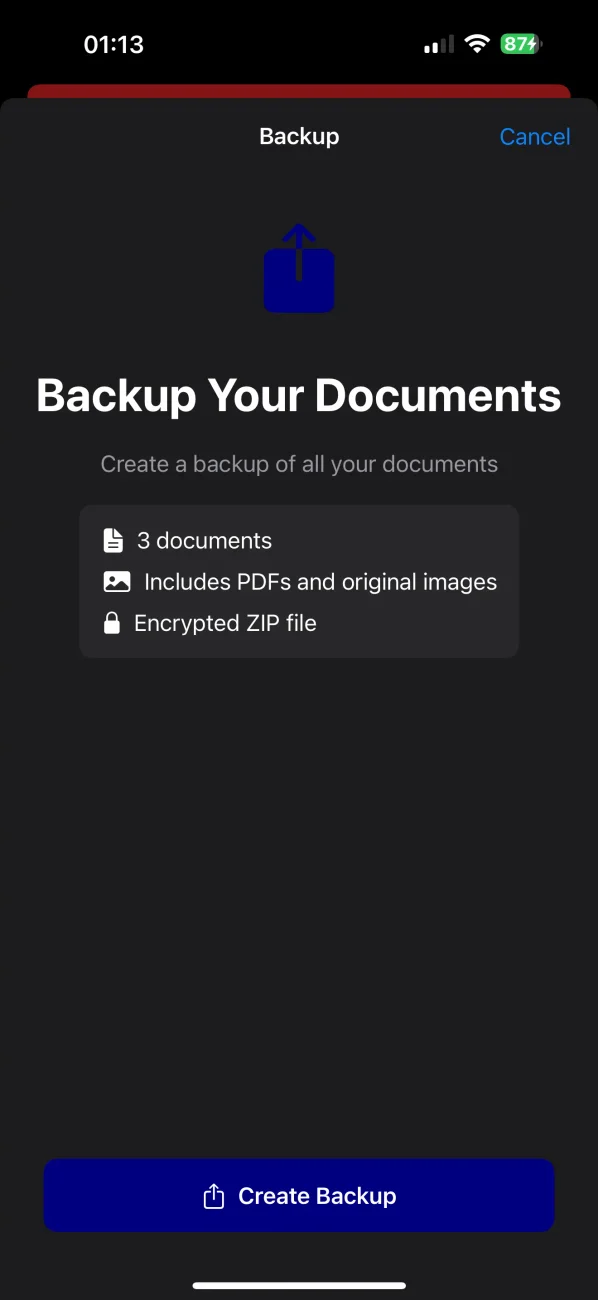
• A backup is one encrypted file with its own password.
• You decide where it goes. Paperlock does not upload it.
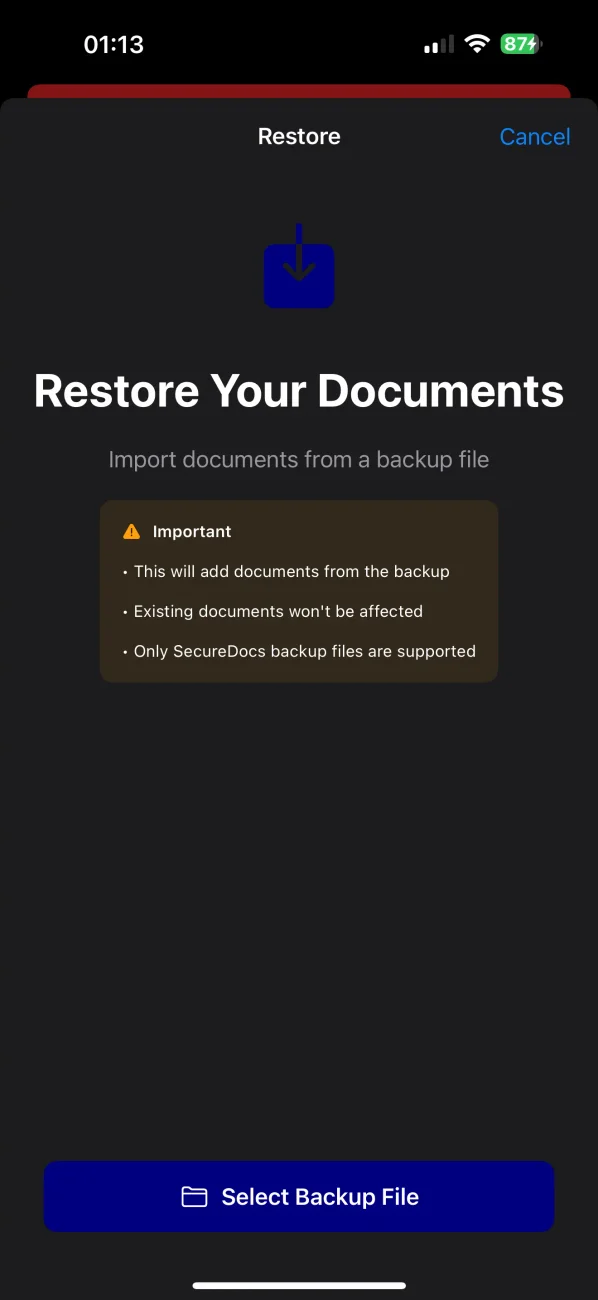
• A vault password opens your documents on a new iPhone.
PRIVATE BY DESIGN
• No account, no cloud, no server, no analytics, no ads.
• The app makes no network requests at all.
GOOD TO KNOW
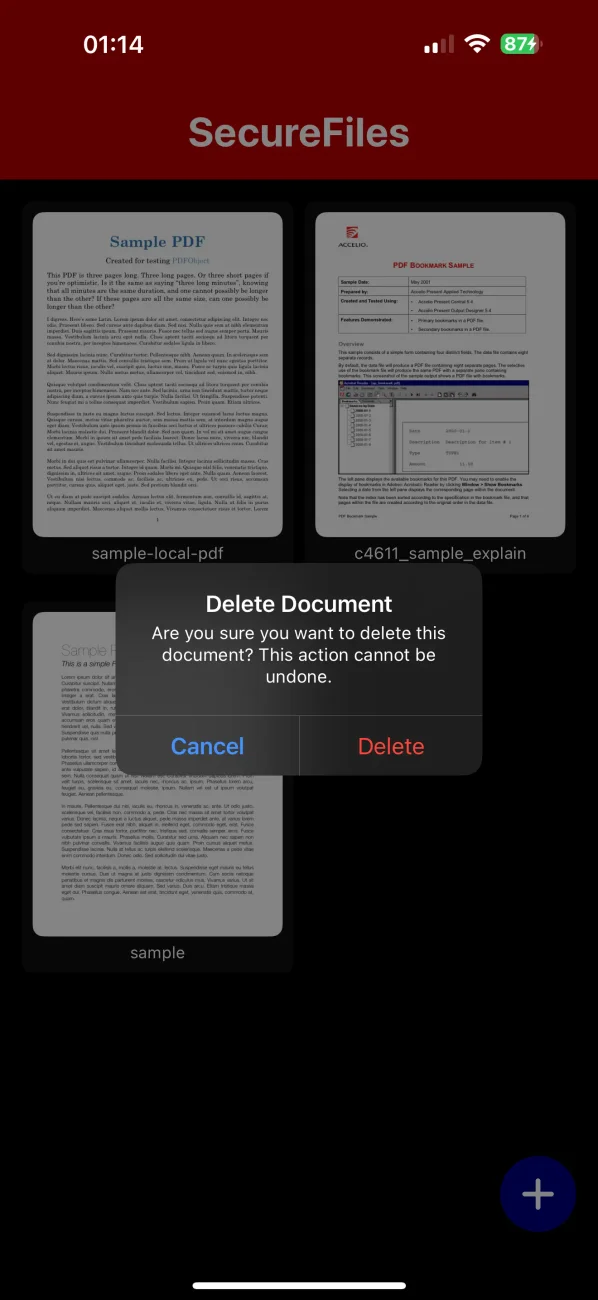
• There is no password reset. Nobody else holds your key, so nobody can recover it for you.
• There is no sync. Your documents are on one phone, and a backup file is how you move them.
Paperlock was called Secure Document Vault. If you have it, this update keeps your documents and encrypts them the first time you open it.
Có gì mới
Phiên bản 2.0 · 11/10/2026
Secure Document Vault is now Paperlock, and it is free.
• Face ID lock every time you leave the app.
• Every document, name and note is now encrypted on your iPhone.
• A vault password to recover your documents on a new phone.
• Backups are now one encrypted, password-protected file. Older backups still restore.
• Search by name and notes.
• A new look.
The first time you open this version it asks you to choose a vault password, then encrypts the documents you already have. Nothing is uploaded.
Quyền riêng tư của ứng dụng
Những gì John Larson khai báo trên App Store về cách ứng dụng này xử lý dữ liệu.
-
Dữ liệu không được thu thập
Nhà phát triển không thu thập bất kỳ dữ liệu nào từ ứng dụng này.
Phương thức đảm bảo quyền riêng tư có thể khác nhau, chẳng hạn như tuỳ theo các tính năng bạn sử dụng hoặc độ tuổi của bạn.
Thông tin
- Người bán
- John Larson
- Danh mục
- Tiện Ích
- Phiên bản
- 2.0
- Cập nhật
- 11/10/2026
- Phát hành
- 09/09/2025
- Kích thước
- 1,1 MB
- Yêu cầu
- iOS 18.5 trở lên
- Độ tuổi
- 4+
- Giá
- Miễn phí
- Ngôn ngữ
- Tiếng Anh
- Bản quyền
- © 2026 John Larson
Có thể bạn cũng thích
-
 Hikkoshi Moving Box NotesTiện Ích
-
 Shrinkr: Photo Storage SaverTiện Ích
-
 TipnookTiện Ích
-
 flexstreakTiện Ích
-
 SimmerdialTiện Ích
-
 Sparkle ProTiện Ích
-
 Blackout — Share SafelyTiện Ích
-
 Convert All: Units OfflineTiện Ích
-
 Countdown Widgets: CountPalTiện Ích
-
 Quản Lý Đồ Nhà Kho Đồ DùngThẻ cho mượn danh sách ước mơ