- 対象年齢4+
- カテゴリユーティリティ
- 開発元John Larson
- 言語英語
- サイズ1.1 MB
App Storeの公式ページにリンクしています
Download.orgはPaperlock: Document Vaultのファイルを一切ホストしていません。ボタンを押すと、John Larsonが公開しているApp Storeのアプリページが開きます。ページの最終確認:2026/11/14。
スクリーンショット
概要
開発元はこのテキストをお使いの言語で提供していません。
Paperlock is a locked drawer for the papers that matter.
Your iPhone can already scan a page. Paperlock is where the scan goes afterwards, when it is something you would not leave lying around: a passport, a lease, a tax return, a medical record.
LOCKED AND ENCRYPTED
• Locks as soon as you leave it. Face ID, Touch ID or your passcode opens it again.
• Every scan, PDF, name and note is encrypted with AES-256 before it is stored.
• The key stays in your iPhone's Keychain, on this device only.
YOUR PAPERS
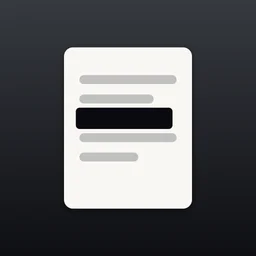
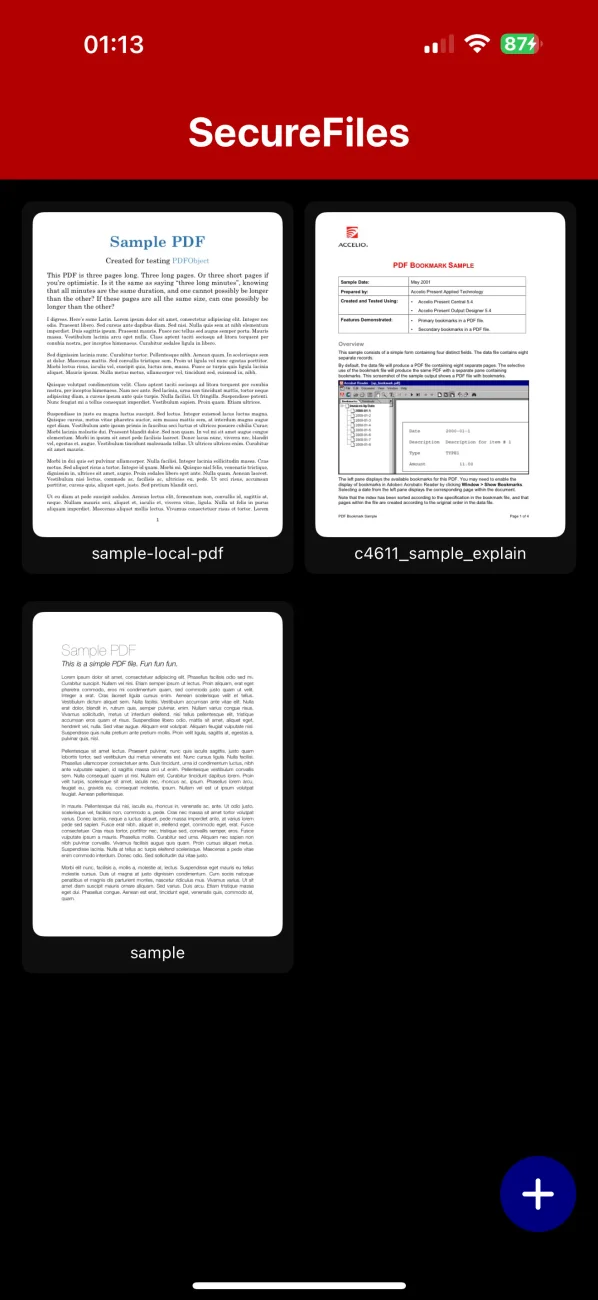
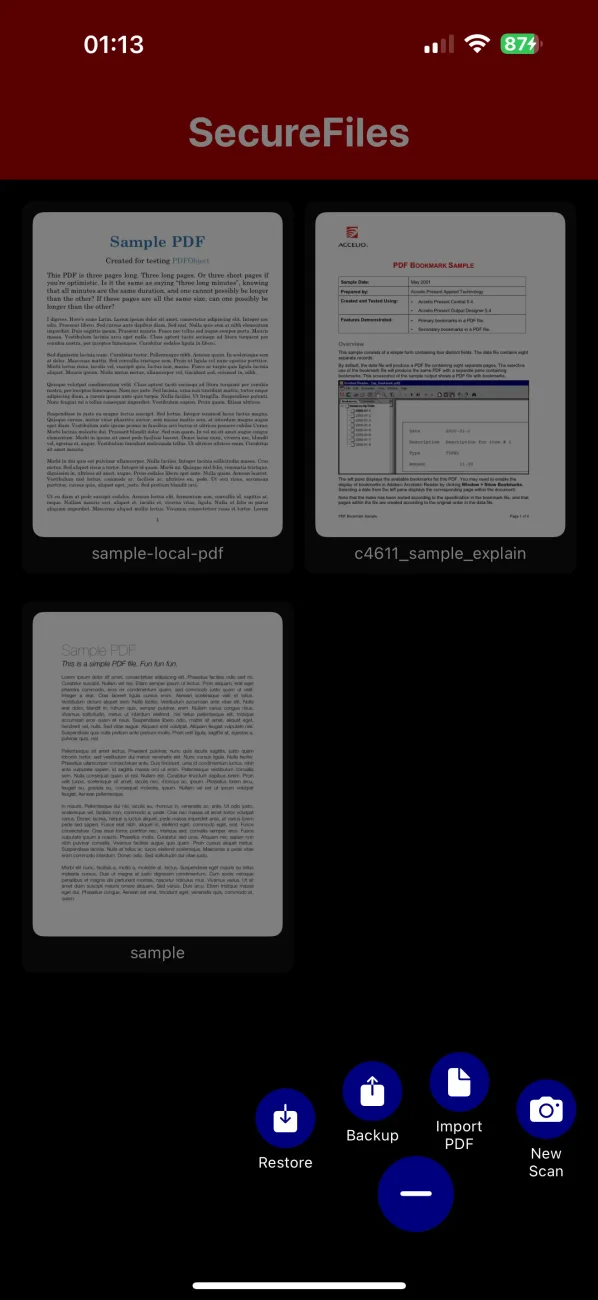
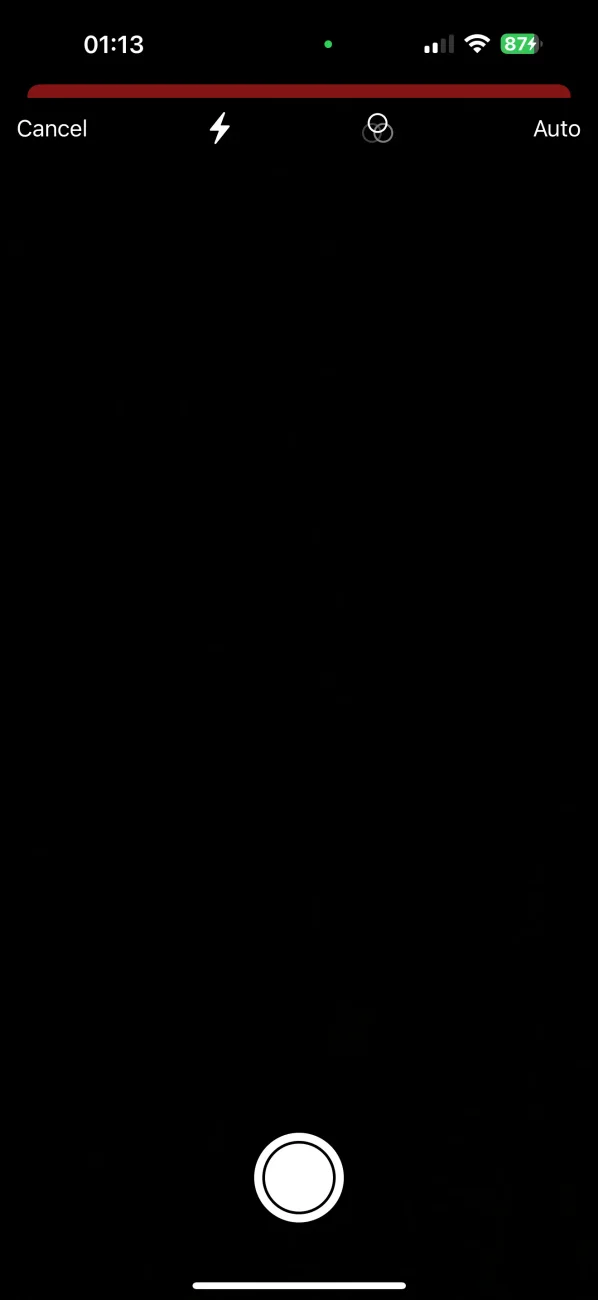
• Scan paper with the camera. Several pages become one PDF.
• Import PDFs you already have.
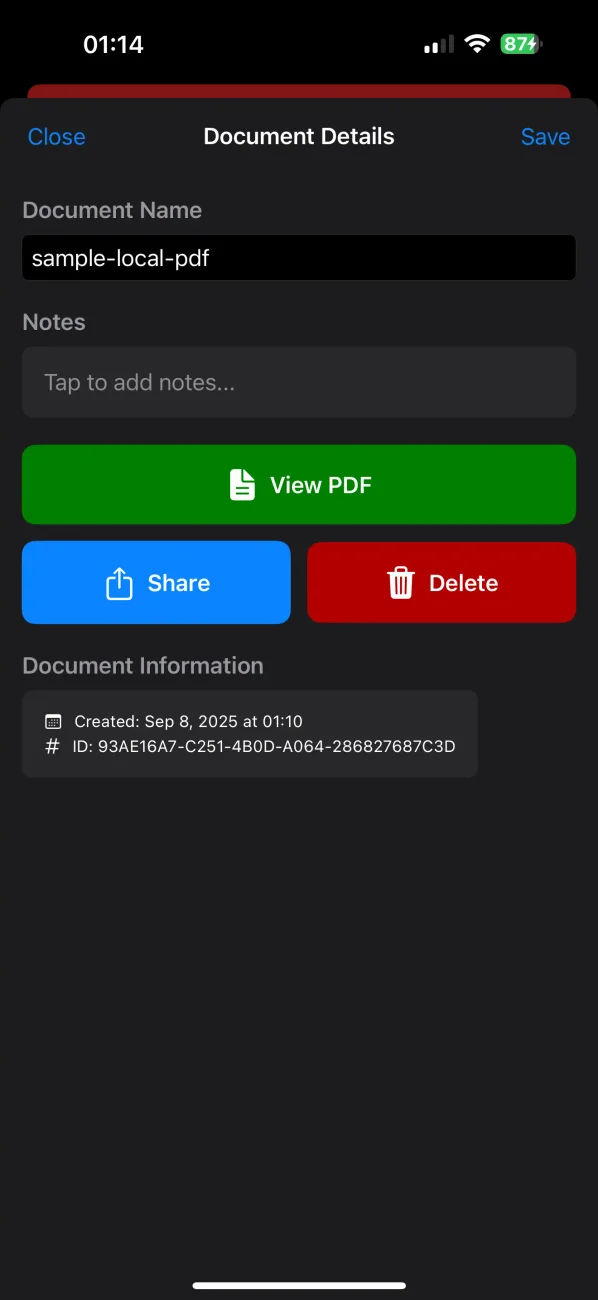
• Give each document a name and a note, and search through both.
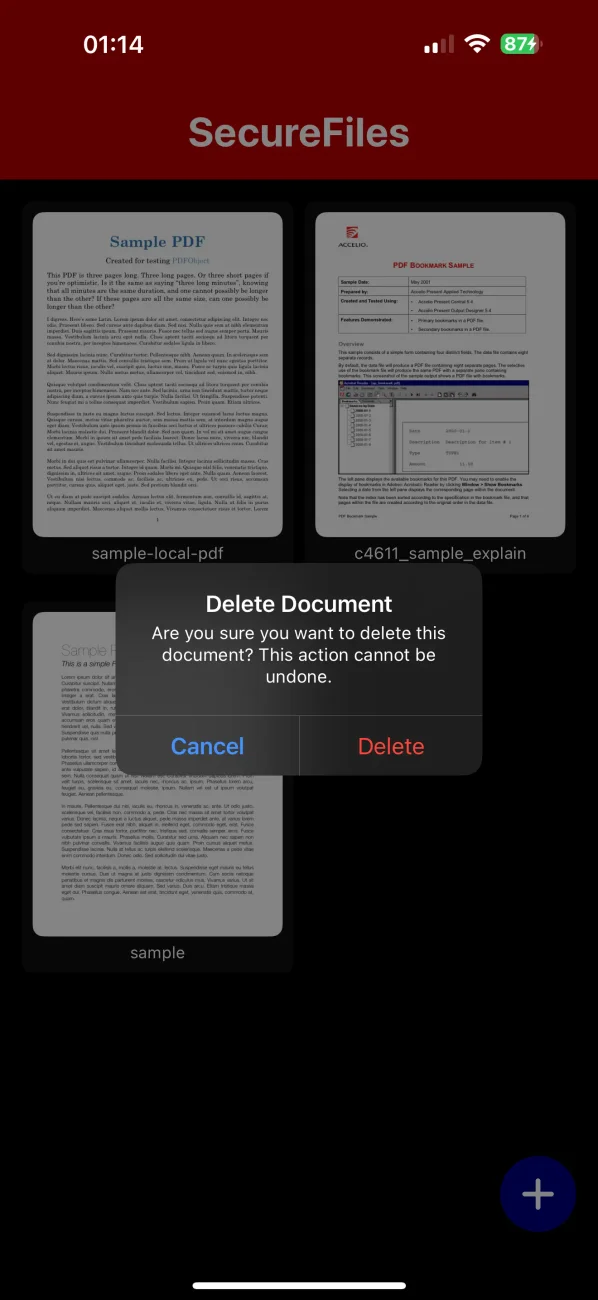
• Open a PDF, or share a copy when you choose.
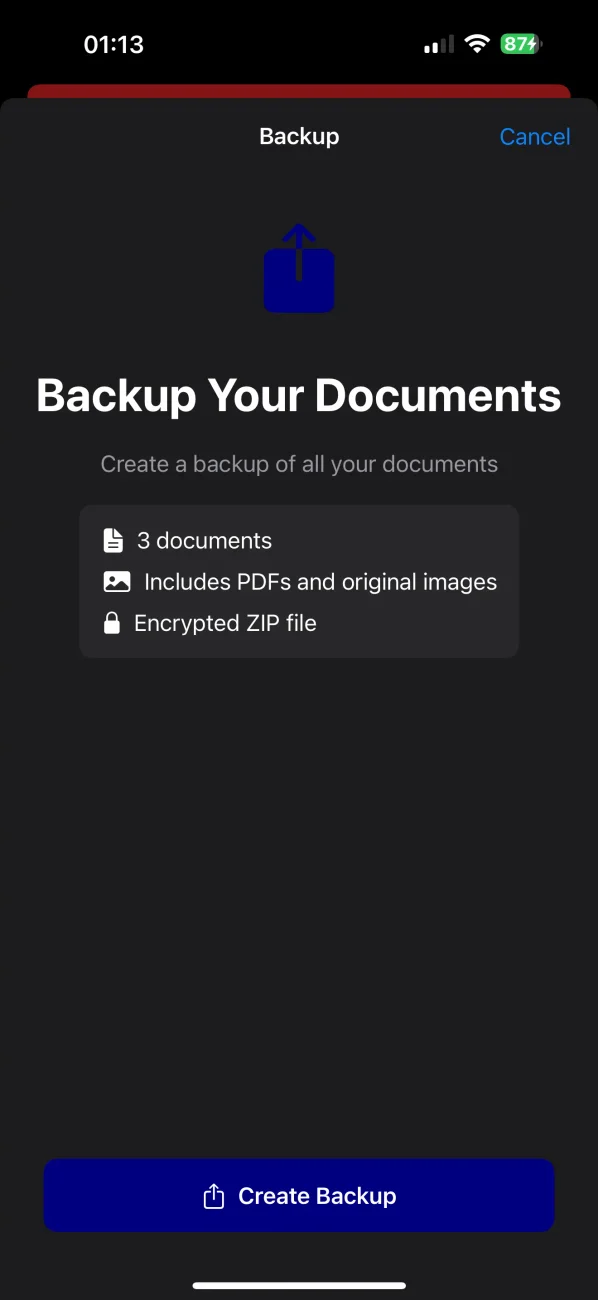
BACK UP ON YOUR TERMS
• A backup is one encrypted file with its own password.
• You decide where it goes. Paperlock does not upload it.
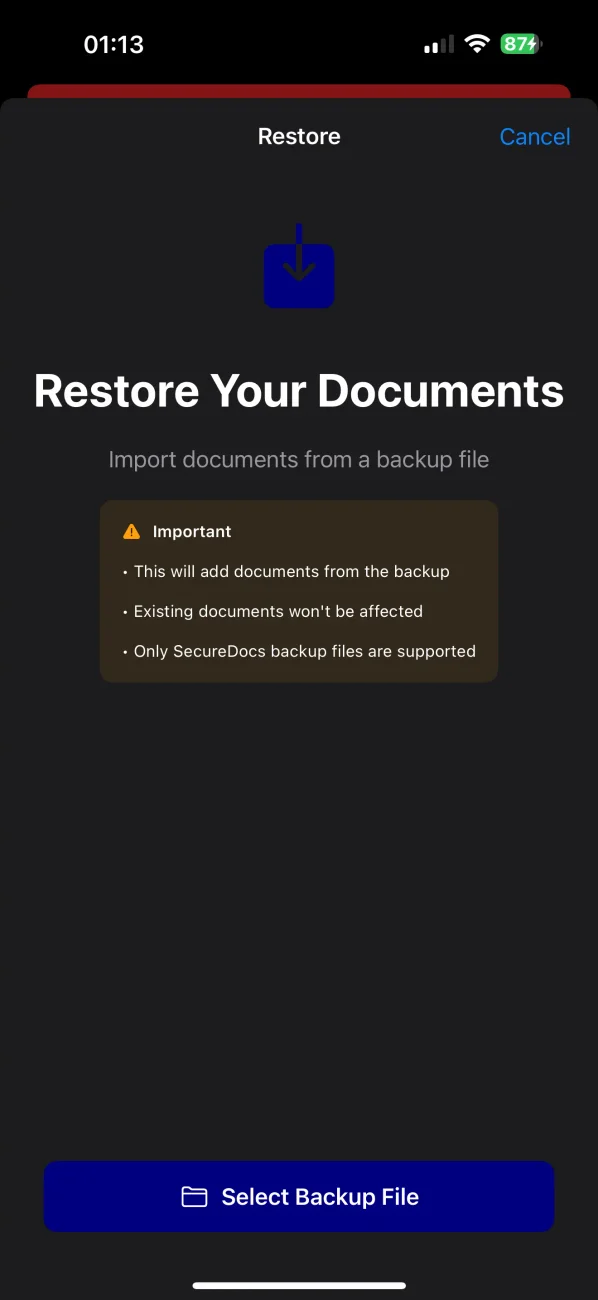
• A vault password opens your documents on a new iPhone.
PRIVATE BY DESIGN
• No account, no cloud, no server, no analytics, no ads.
• The app makes no network requests at all.
GOOD TO KNOW
• There is no password reset. Nobody else holds your key, so nobody can recover it for you.
• There is no sync. Your documents are on one phone, and a backup file is how you move them.
Paperlock was called Secure Document Vault. If you have it, this update keeps your documents and encrypts them the first time you open it.
新機能
バージョン 2.0 · 2026/10/11
Secure Document Vault is now Paperlock, and it is free.
• Face ID lock every time you leave the app.
• Every document, name and note is now encrypted on your iPhone.
• A vault password to recover your documents on a new phone.
• Backups are now one encrypted, password-protected file. Older backups still restore.
• Search by name and notes.
• A new look.
The first time you open this version it asks you to choose a vault password, then encrypts the documents you already have. Nothing is uploaded.
アプリのプライバシー
このアプリのデータの取り扱いについて、John LarsonがApp Storeで申告している内容です。
-
データの収集なし
開発元はこのアプリからデータを収集しません。
プライバシーの取り扱いは、ご利用の機能やお客様の年齢などに応じて異なる場合があります。
情報
- 販売元
- John Larson
- カテゴリ
- ユーティリティ
- バージョン
- 2.0
- 更新日
- 2026/10/11
- リリース
- 2025/9/9
- サイズ
- 1.1 MB
- 必要条件
- iOS 18.5以降
- 対象年齢
- 4+
- 価格
- 無料
- 言語
- 英語
- 著作権
- © 2026 John Larson