Paste2Pic: Markdown to Image
AI Answers & Long Text to PNG
Diseñada para iPhone, iPad
- Clasificación por edad4+
- CategoríaUtilidades
- DesarrolladorHan Zhu
- IdiomasInglés
- Tamaño4,2 MB
Es posible que Paste2Pic: Markdown to Image no esté disponible en App Store en este momento
No se pudo acceder a la ficha de la tienda en nuestra última comprobación. El enlace sigue llevando a la página oficial de App Store.
Capturas de pantalla
Acerca de
El desarrollador no ha proporcionado este texto en tu idioma.
AI answers are easy to copy—but hard to share.
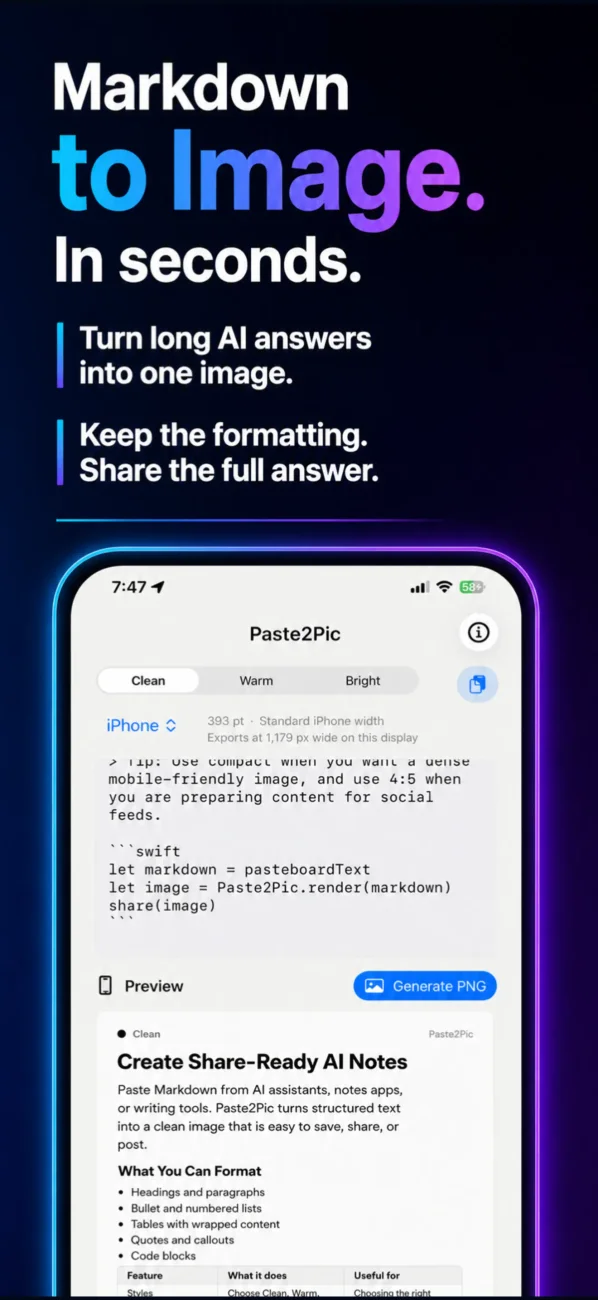
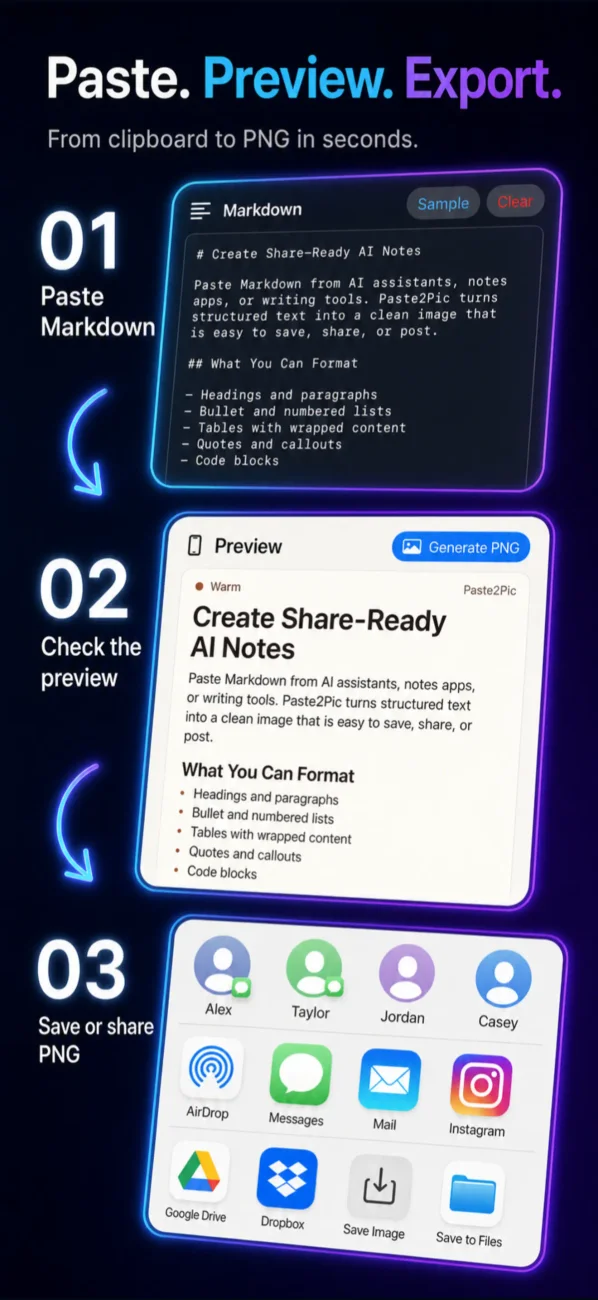
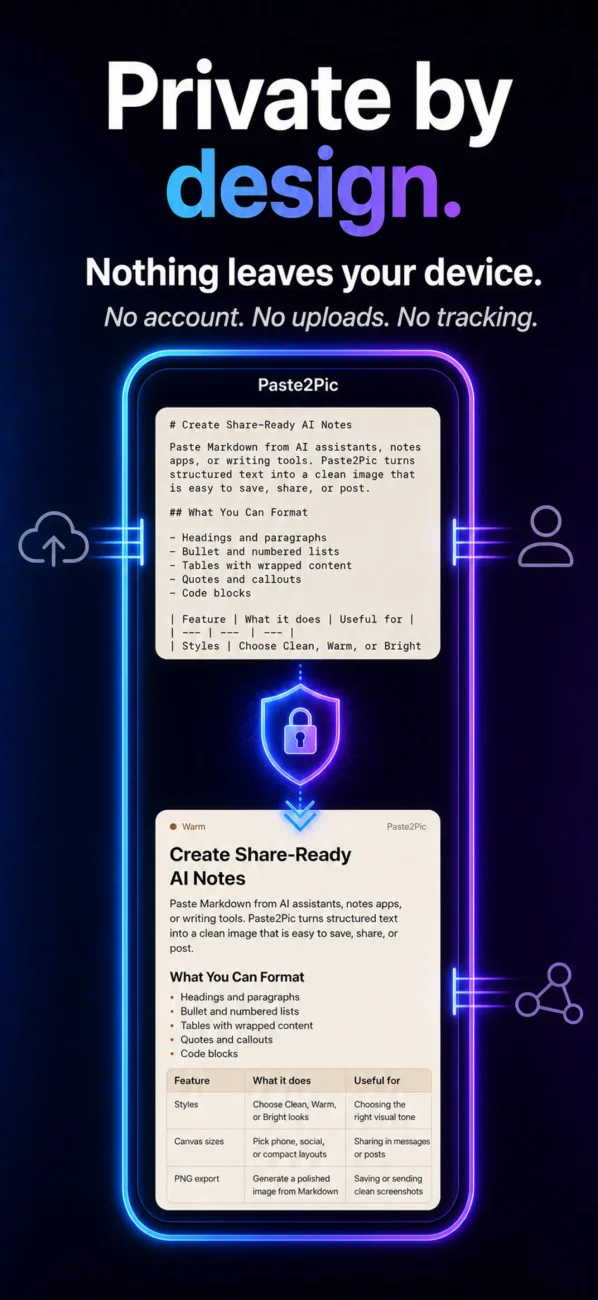
Paste2Pic turns copied Markdown and structured text into polished, share-ready PNG images on iPhone. Paste your content, preview it instantly, choose a reading style, and export one clean long image that keeps headings, lists, tables, quotes, and code easy to read.
KEEP THE FORMATTING
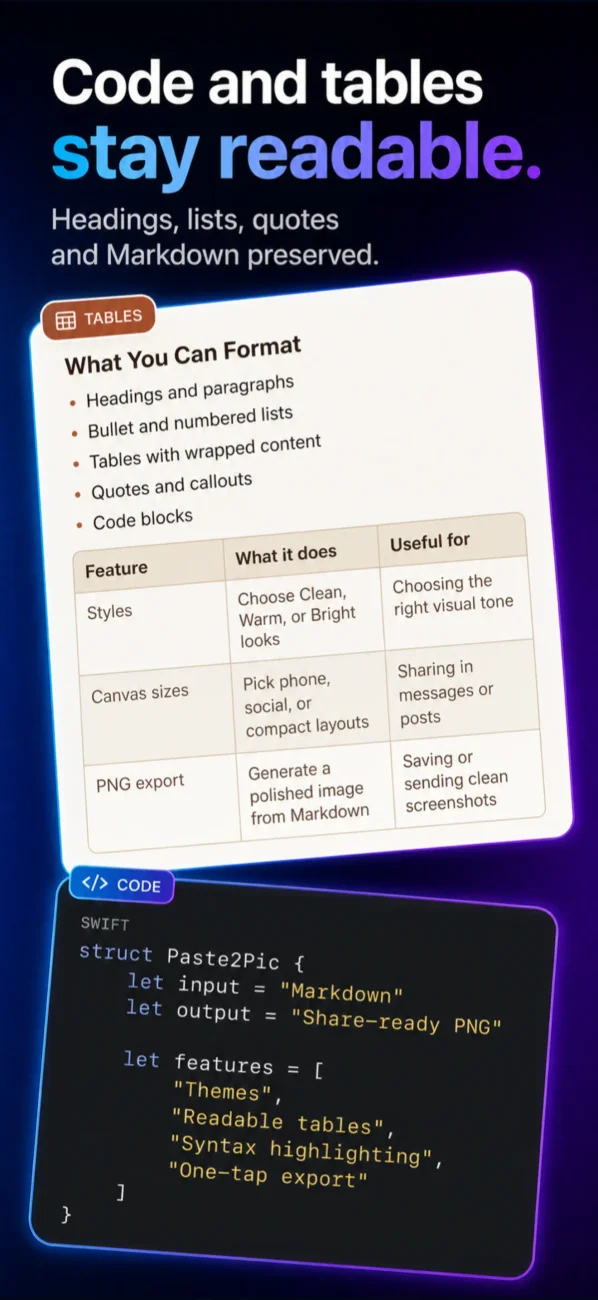
Copied content often loses its structure when moved into messages, email, notes, or social apps. Paste2Pic preserves the parts that make long answers readable:
• Headings and paragraphs
• Bold and inline formatting
• Ordered and unordered lists
• Quotes and dividers
• Markdown tables
• Fenced code blocks
• Common math and symbol notation
MADE FOR LONG CONTENT
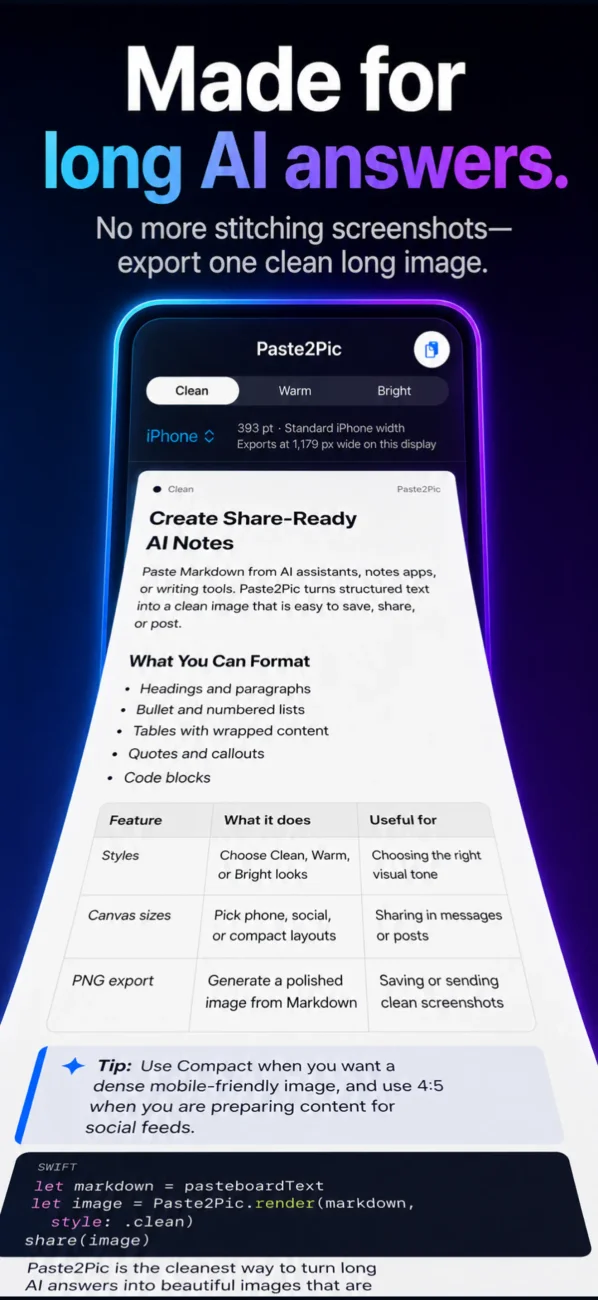
Normal screenshots are not built for long, structured answers. Paste2Pic renders the full result as one continuous image, so you can share explanations, study notes, technical steps, comparisons, plans, and summaries without stitching multiple screenshots together.
PREVIEW BEFORE YOU EXPORT
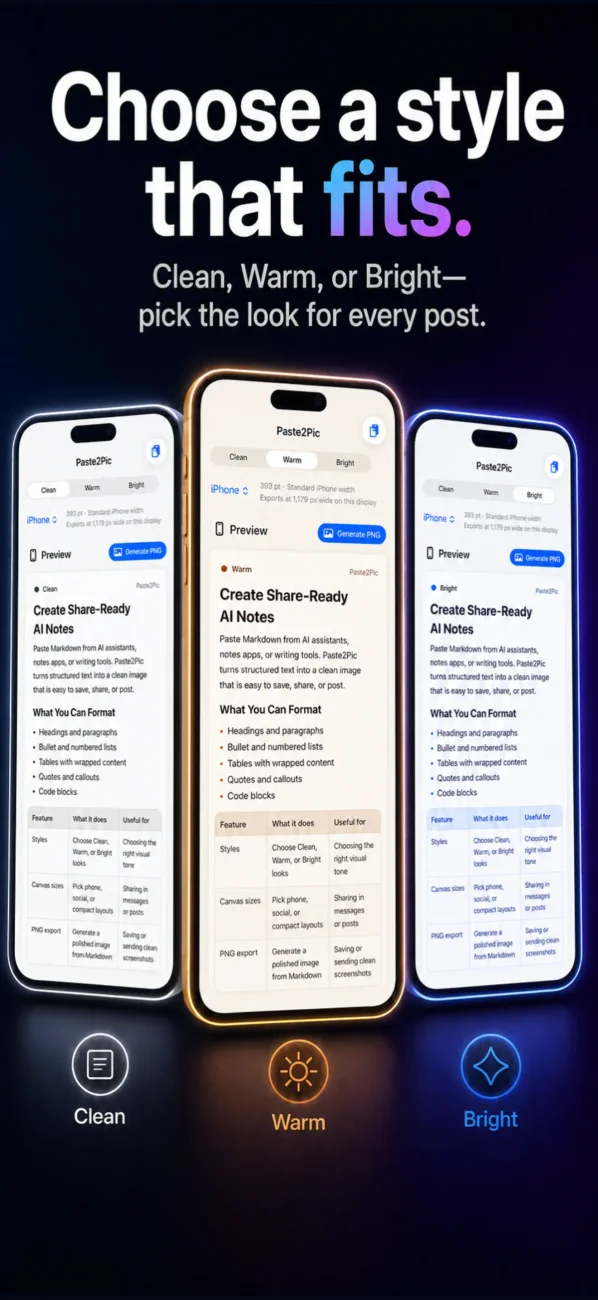
Edit the pasted Markdown and see the rendered result before generating the image. Choose Clean, Warm, or Bright reading styles, then select a device-aware, compact, or social-friendly canvas width.
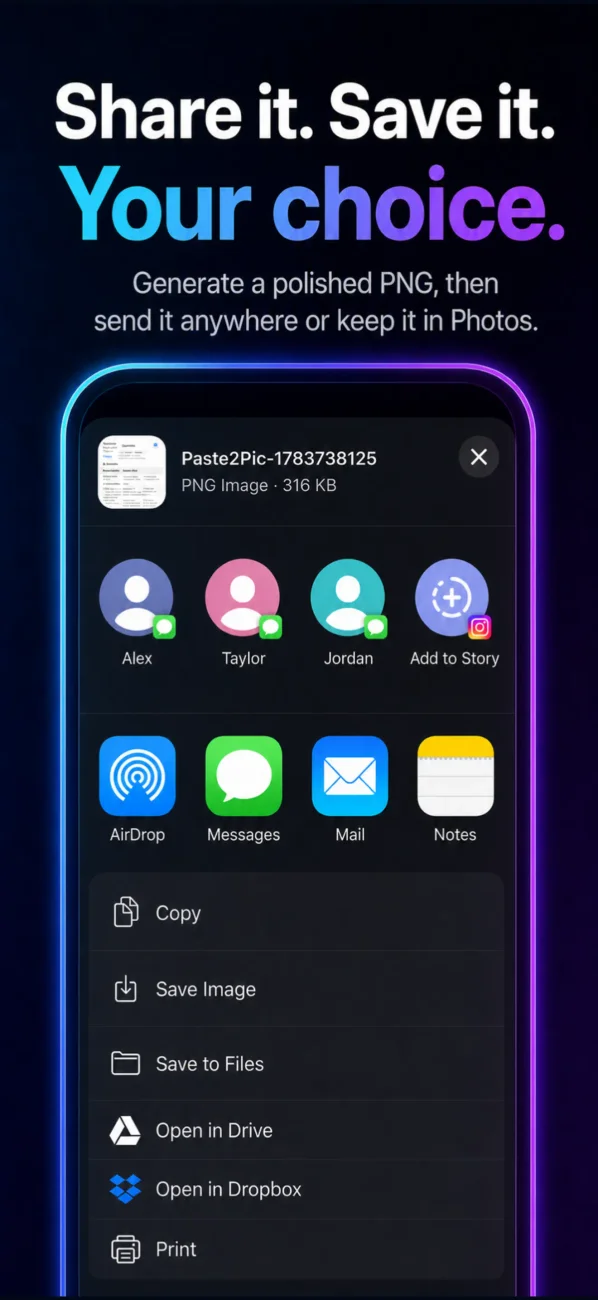
SHARE OR SAVE—YOUR CHOICE
Generate a PNG, then send it through the iOS share sheet or save it to Photos. Sharing does not automatically create an extra copy in your photo library.
BUILT FOR STRUCTURED CONTENT
Paste2Pic is made for students, writers, engineers, consultants, creators, and anyone who regularly shares long AI-generated content.
COPY. PASTE. SHARE.
No complicated editor. No screenshot stitching. Just one readable image, ready to send.
Novedades
Versión 1.04 · 25/8/2026
• Added Settings with export and layout options.
• Extra-long answers can now export as multiple clear pages.
• Improved wide table readability with card-style layout option.
Privacidad de la aplicación
Lo que Han Zhu declara en App Store sobre cómo esta aplicación gestiona los datos.
-
No se recopilan datos
El desarrollador no recopila ningún dato de esta aplicación.
Las prácticas de privacidad pueden variar, por ejemplo, según las funciones que uses o tu edad.
Información
- Vendedor
- Han Zhu
- Categoría
- Utilidades
- Versión
- 1.04
- Actualizado
- 25/8/2026
- Publicado
- 16/7/2026
- Tamaño
- 4,2 MB
- Requiere
- iOS 18.6 o posterior
- Clasificación por edad
- 4+
- Idiomas
- Inglés
- Copyright
- © Han Zhu