
Paste2Pic: Markdown to Image
AI Answers & Long Text to PNG
Designed for iPhone, iPad
Free
- Age rating4+
- CategoryUtilities
- DeveloperHan Zhu
- LanguagesEnglish
- Size4.2 MB
Links to the official App Store page
Download.org hosts no file of Paste2Pic: Markdown to Image. The button opens its official App Store page, published by Han Zhu. Listing last checked on Nov 17, 2026.
Screenshots



About
AI answers are easy to copy—but hard to share.
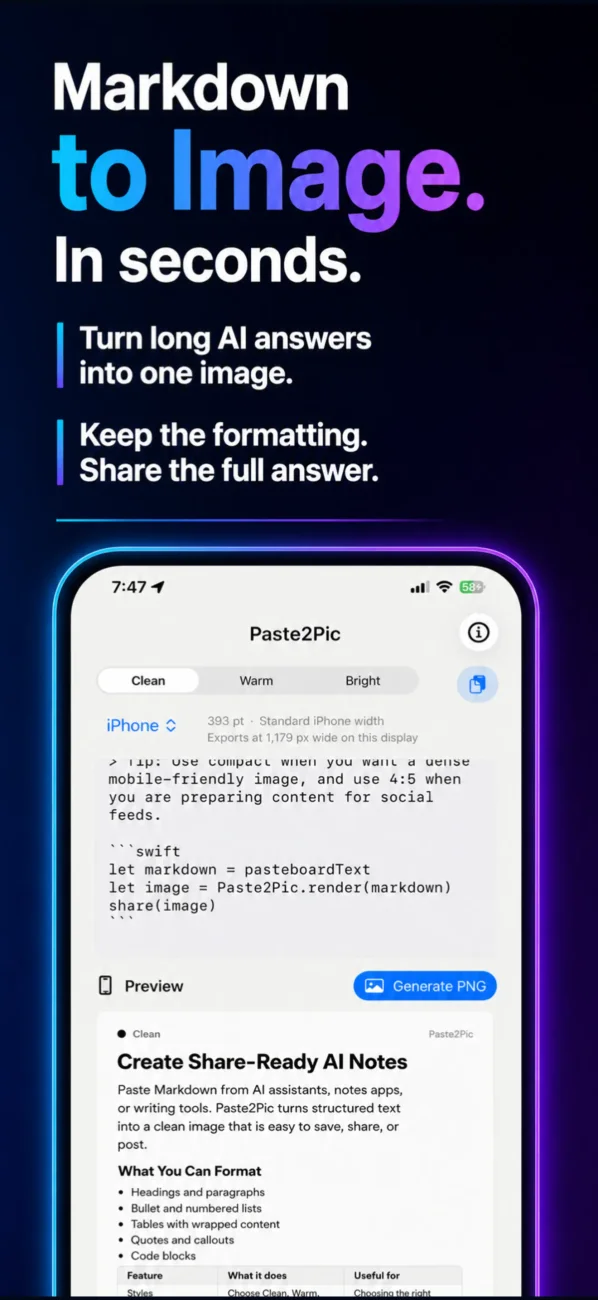
Paste2Pic turns copied Markdown and structured text into polished, share-ready PNG images on iPhone. Paste your content, preview it instantly, choose a reading style, and export one clean long image that keeps headings, lists, tables, quotes, and code easy to read.
KEEP THE FORMATTING
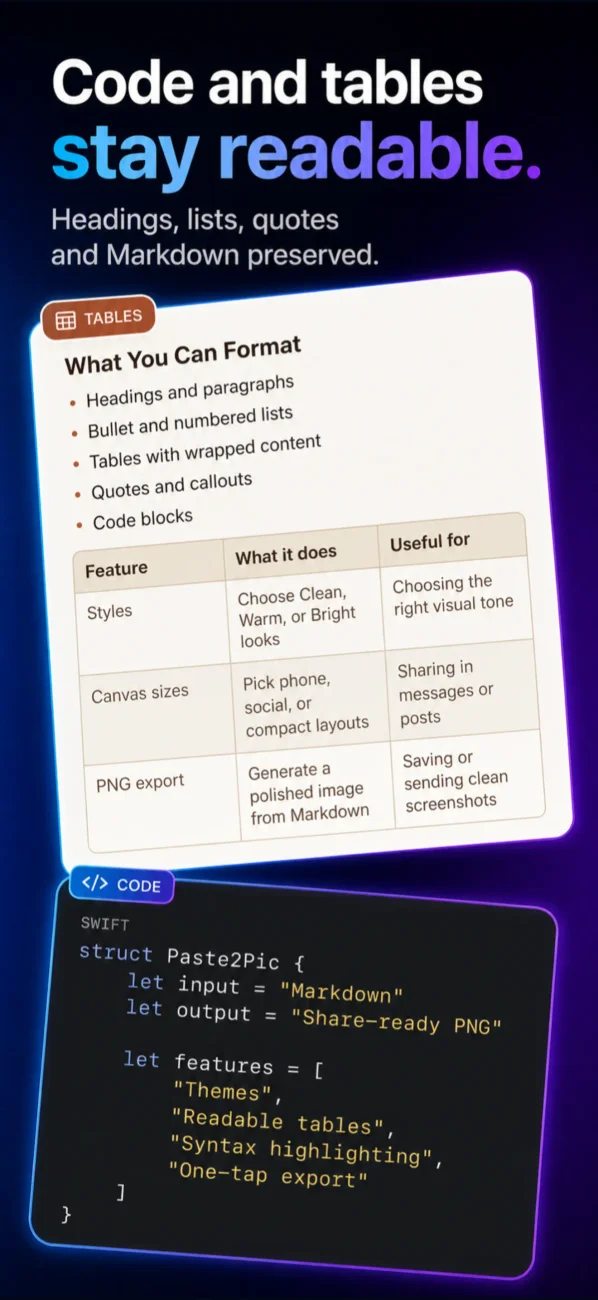
Copied content often loses its structure when moved into messages, email, notes, or social apps. Paste2Pic preserves the parts that make long answers readable:
• Headings and paragraphs
• Bold and inline formatting
• Ordered and unordered lists
• Quotes and dividers
• Markdown tables
• Fenced code blocks
• Common math and symbol notation
MADE FOR LONG CONTENT
Normal screenshots are not built for long, structured answers. Paste2Pic renders the full result as one continuous image, so you can share explanations, study notes, technical steps, comparisons, plans, and summaries without stitching multiple screenshots together.
PREVIEW BEFORE YOU EXPORT
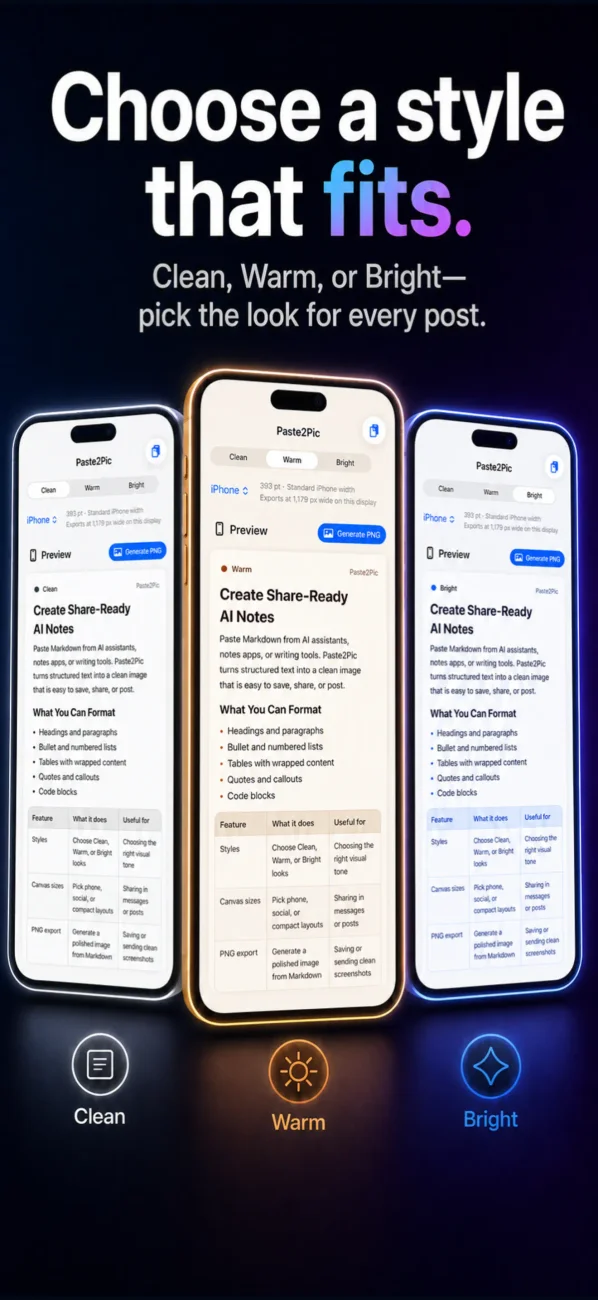
Edit the pasted Markdown and see the rendered result before generating the image. Choose Clean, Warm, or Bright reading styles, then select a device-aware, compact, or social-friendly canvas width.
SHARE OR SAVE—YOUR CHOICE
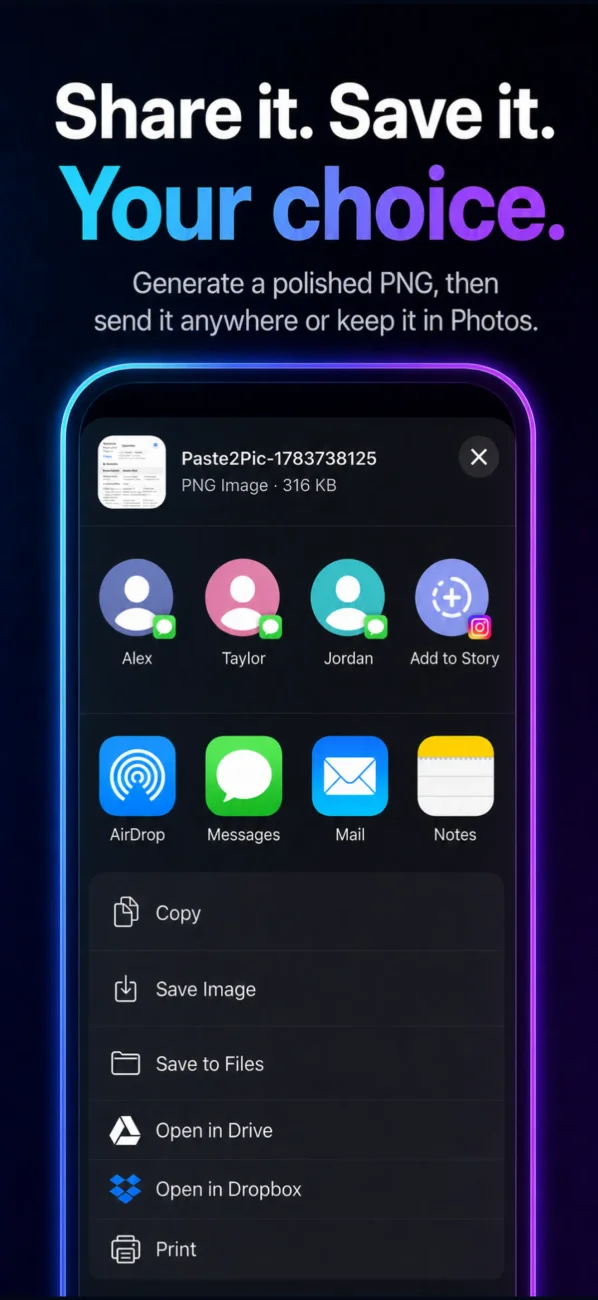
Generate a PNG, then send it through the iOS share sheet or save it to Photos. Sharing does not automatically create an extra copy in your photo library.
BUILT FOR STRUCTURED CONTENT
Paste2Pic is made for students, writers, engineers, consultants, creators, and anyone who regularly shares long AI-generated content.
COPY. PASTE. SHARE.
No complicated editor. No screenshot stitching. Just one readable image, ready to send.
What’s new
Version 1.04 · Aug 25, 2026
• Added Settings with export and layout options.
• Extra-long answers can now export as multiple clear pages.
• Improved wide table readability with card-style layout option.
App privacy
What Han Zhu declares on the App Store about how this app handles data.
-
Data not collected
The developer does not collect any data from this app.
Privacy practices may vary, for example with the features you use or your age.
Information
- Seller
- Han Zhu
- Category
- Utilities
- Version
- 1.04
- Updated
- Aug 25, 2026
- Released
- Jul 16, 2026
- Size
- 4.2 MB
- Requires
- iOS 18.6 or later
- Age rating
- 4+
- Price
- Free
- Languages
- English
- Copyright
- © Han Zhu
You might also like
-
 OneBrowseYour sites, without pop-ups
-
 Markdown-IMGUtilities
-
 Slova: Voice to TextOn-device voice transcription
-
 weDictateUtilities
-
 Web Archive: Page Saver KirokuSave web pages & track changes
-
 Plain Paste: Text ClipboardRemove Formatting. Save Clips
-
 Parawz - Split BrowserTwo browsers on one screen.
-
 Markdown Format PreviewFormat & Read Text Easily
-
 cova - Long Image NotesText, Photos, and share as one