Paste2Pic: Markdown to Image
AI Answers & Long Text to PNG
Được thiết kế cho iPhone, iPad
Miễn phí
- Độ tuổi4+
- Danh mụcTiện Ích
- Nhà phát triểnHan Zhu
- Ngôn ngữTiếng Anh
- Kích thước4,2 MB
Liên kết đến trang App Store chính thức
Download.org không lưu trữ tệp nào của Paste2Pic: Markdown to Image. Nút này mở trang ứng dụng trên App Store, nơi Han Zhu phát hành ứng dụng. Trang được kiểm tra lần cuối: 17/11/2026.
Ảnh chụp màn hình
Giới thiệu
Nhà phát triển chưa cung cấp nội dung này bằng ngôn ngữ của bạn.
AI answers are easy to copy—but hard to share.
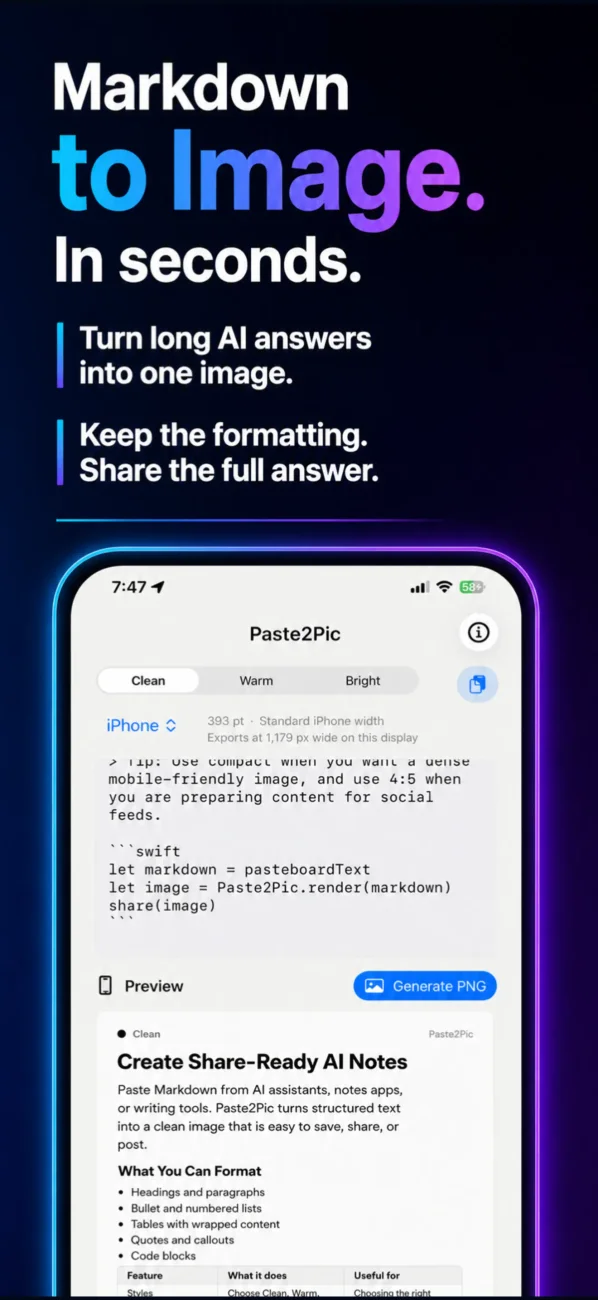
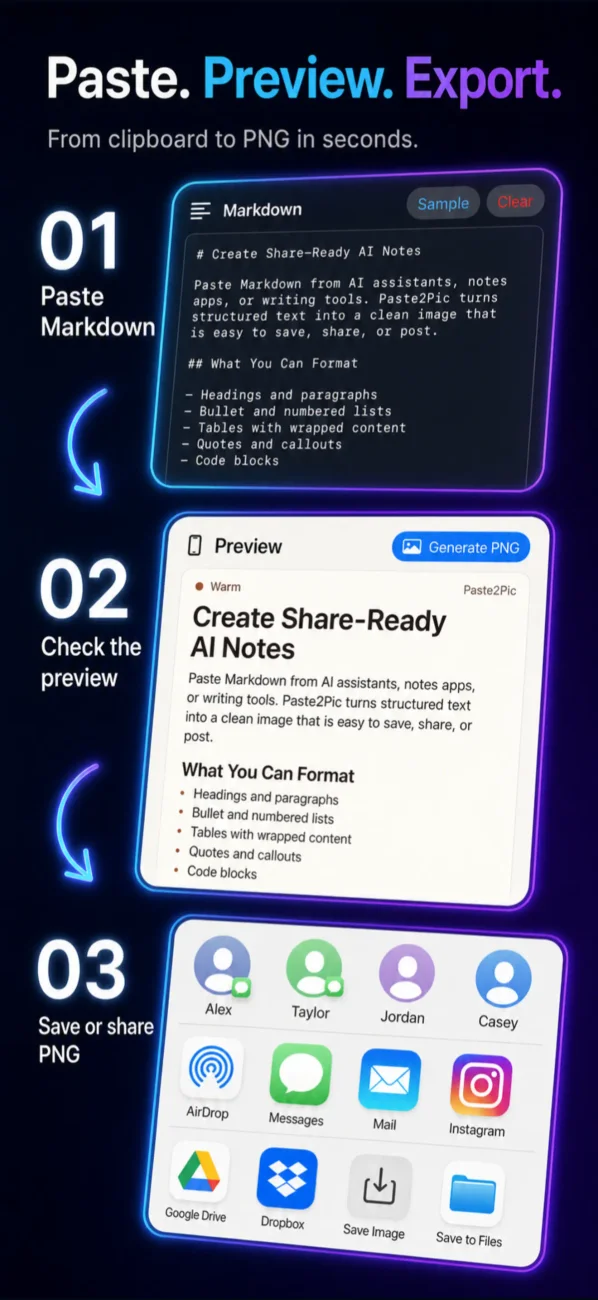
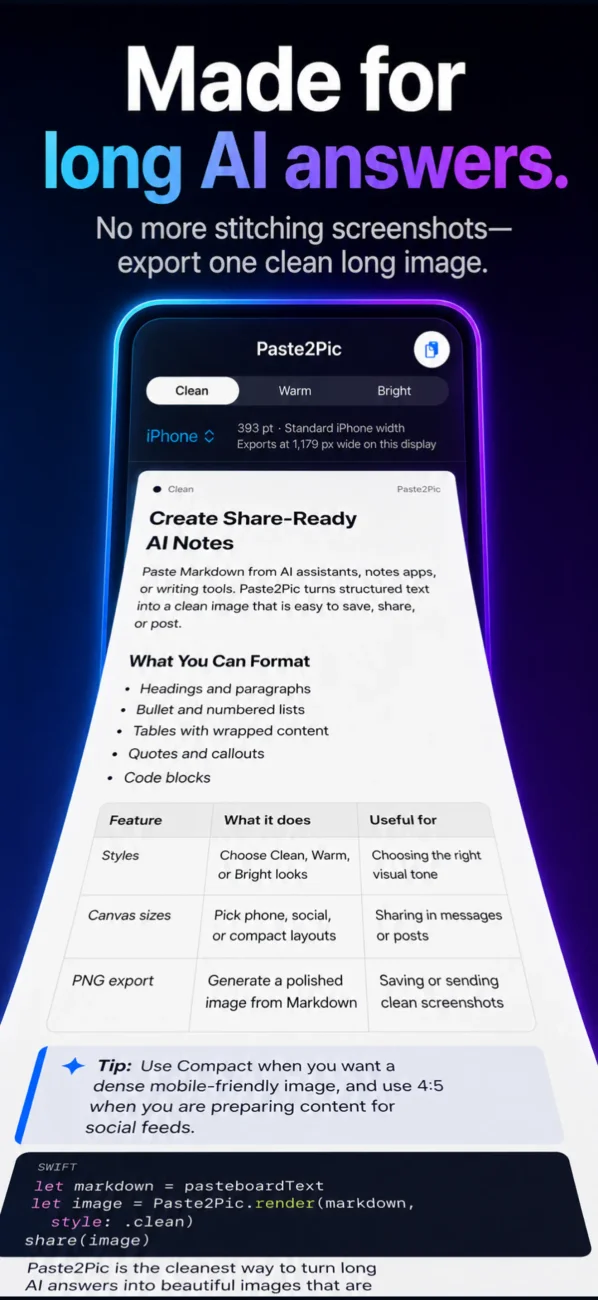
Paste2Pic turns copied Markdown and structured text into polished, share-ready PNG images on iPhone. Paste your content, preview it instantly, choose a reading style, and export one clean long image that keeps headings, lists, tables, quotes, and code easy to read.
KEEP THE FORMATTING
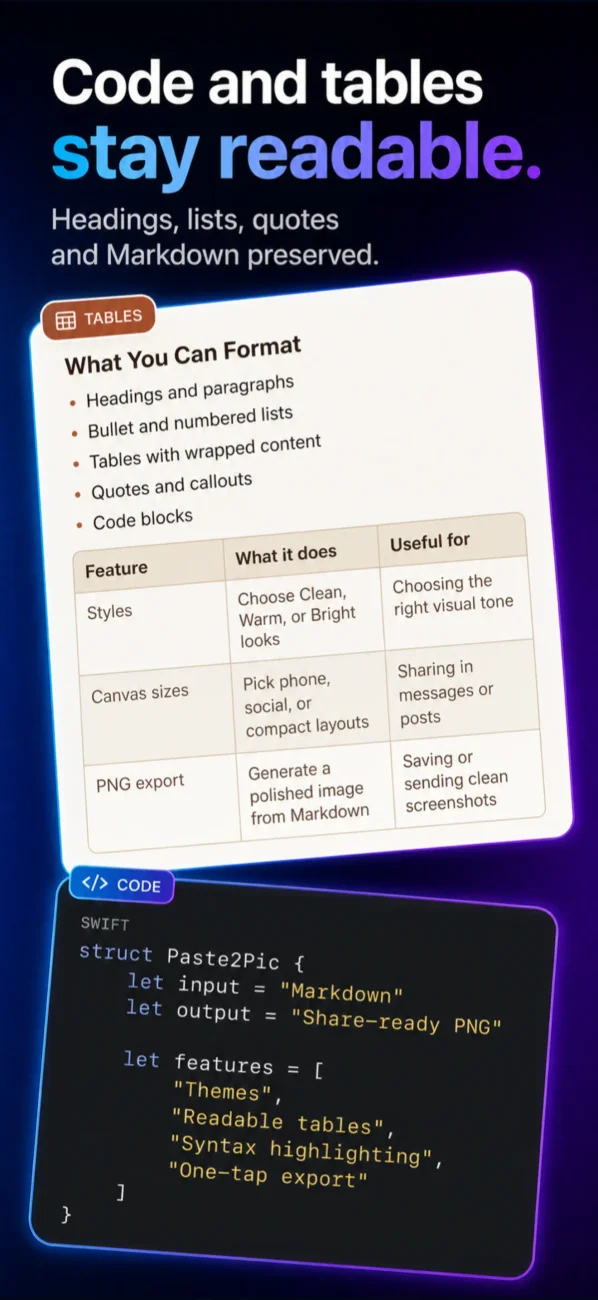
Copied content often loses its structure when moved into messages, email, notes, or social apps. Paste2Pic preserves the parts that make long answers readable:
• Headings and paragraphs
• Bold and inline formatting
• Ordered and unordered lists
• Quotes and dividers
• Markdown tables
• Fenced code blocks
• Common math and symbol notation
MADE FOR LONG CONTENT
Normal screenshots are not built for long, structured answers. Paste2Pic renders the full result as one continuous image, so you can share explanations, study notes, technical steps, comparisons, plans, and summaries without stitching multiple screenshots together.
PREVIEW BEFORE YOU EXPORT
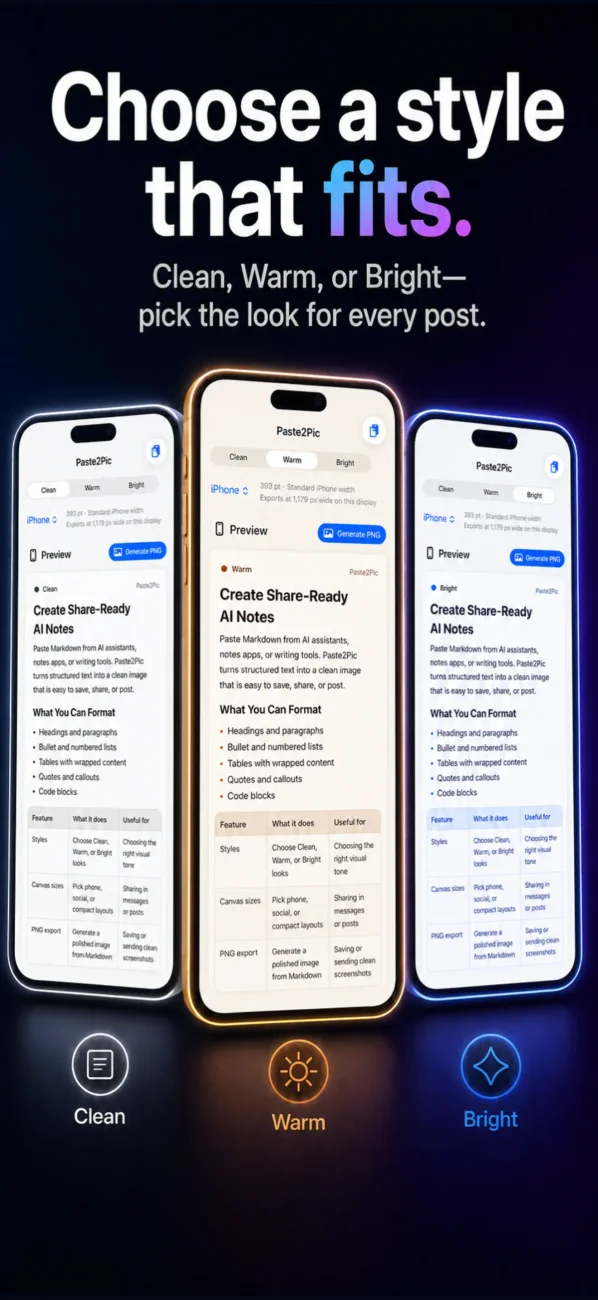
Edit the pasted Markdown and see the rendered result before generating the image. Choose Clean, Warm, or Bright reading styles, then select a device-aware, compact, or social-friendly canvas width.
SHARE OR SAVE—YOUR CHOICE
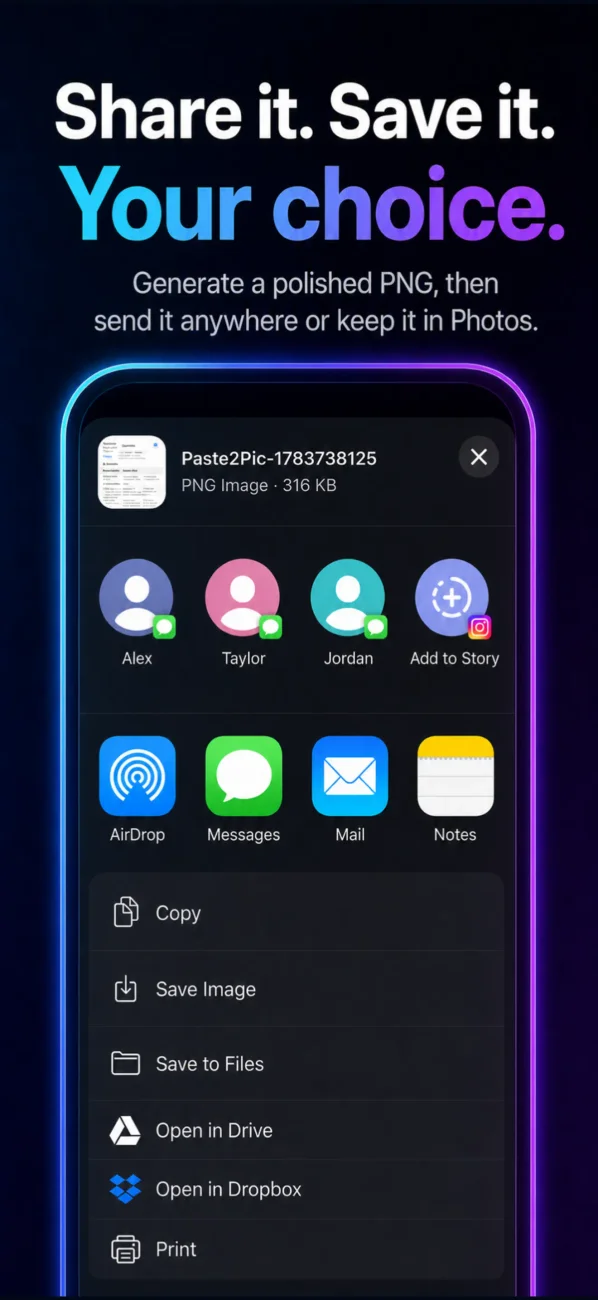
Generate a PNG, then send it through the iOS share sheet or save it to Photos. Sharing does not automatically create an extra copy in your photo library.
BUILT FOR STRUCTURED CONTENT
Paste2Pic is made for students, writers, engineers, consultants, creators, and anyone who regularly shares long AI-generated content.
COPY. PASTE. SHARE.
No complicated editor. No screenshot stitching. Just one readable image, ready to send.
Có gì mới
Phiên bản 1.04 · 25/08/2026
• Added Settings with export and layout options.
• Extra-long answers can now export as multiple clear pages.
• Improved wide table readability with card-style layout option.
Quyền riêng tư của ứng dụng
Những gì Han Zhu khai báo trên App Store về cách ứng dụng này xử lý dữ liệu.
-
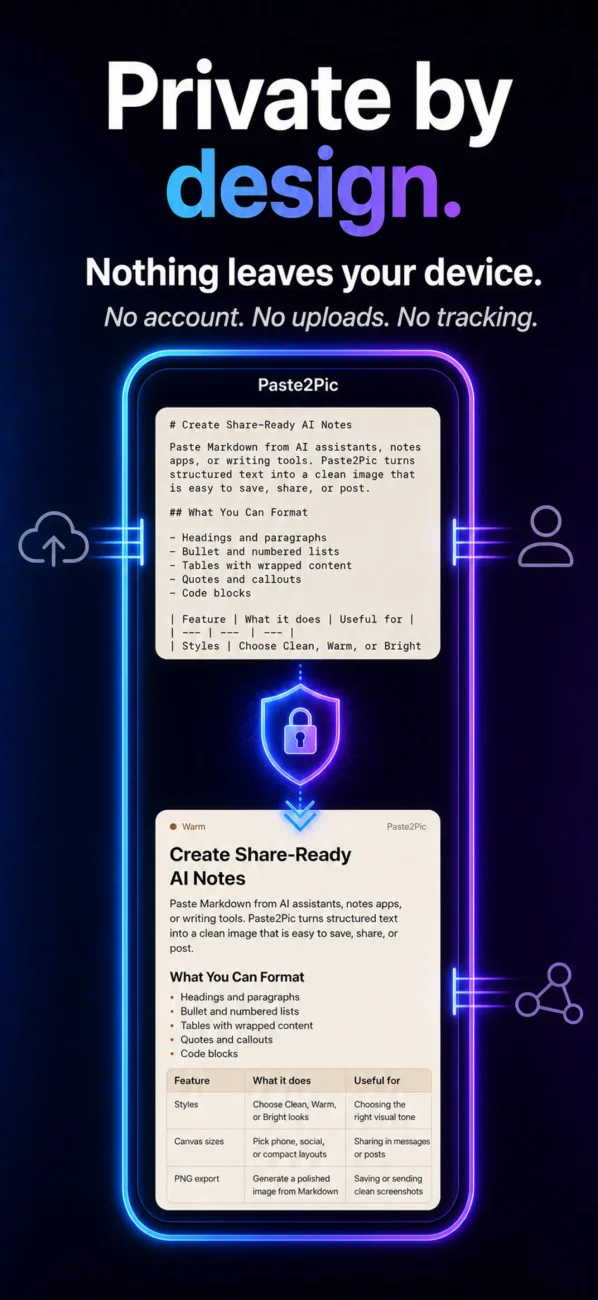
Dữ liệu không được thu thập
Nhà phát triển không thu thập bất kỳ dữ liệu nào từ ứng dụng này.
Phương thức đảm bảo quyền riêng tư có thể khác nhau, chẳng hạn như tuỳ theo các tính năng bạn sử dụng hoặc độ tuổi của bạn.
Thông tin
- Người bán
- Han Zhu
- Danh mục
- Tiện Ích
- Phiên bản
- 1.04
- Cập nhật
- 25/08/2026
- Phát hành
- 16/07/2026
- Kích thước
- 4,2 MB
- Yêu cầu
- iOS 18.6 trở lên
- Độ tuổi
- 4+
- Giá
- Miễn phí
- Ngôn ngữ
- Tiếng Anh
- Bản quyền
- © Han Zhu