
- Clasificación por edad4+
- CategoríaProductividad
- DesarrolladorIllia Abielientsev
- IdiomasInglés
- Tamaño132,1 MB
Enlaza a la página oficial de App Store
Download.org no aloja ningún archivo de PDFCrab. El botón abre la página de la aplicación en App Store, donde la publica Illia Abielientsev. Ficha comprobada por última vez el 14/11/2026.
Capturas de pantalla

Acerca de
El desarrollador no ha proporcionado este texto en tu idioma.
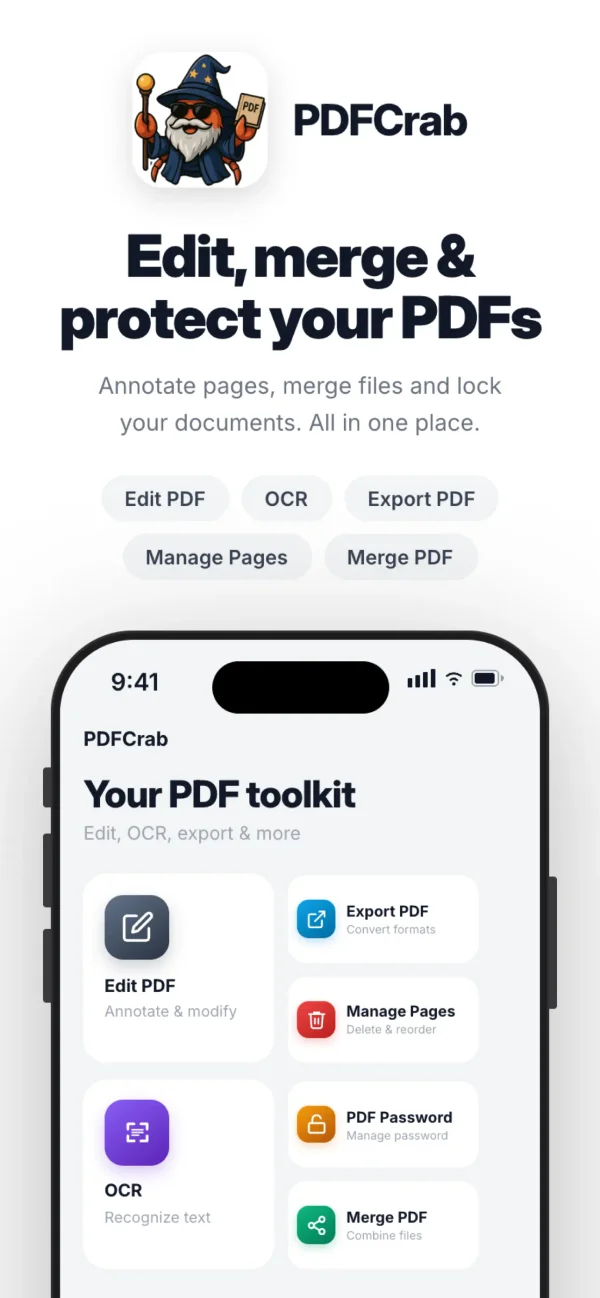
PDFCrab lets you edit PDF files directly on your iPhone — no cloud, no subscriptions, no sign-in required. All processing happens locally on your device.
-Forms Fill interactive PDF form fields directly in the app, then export the completed form.
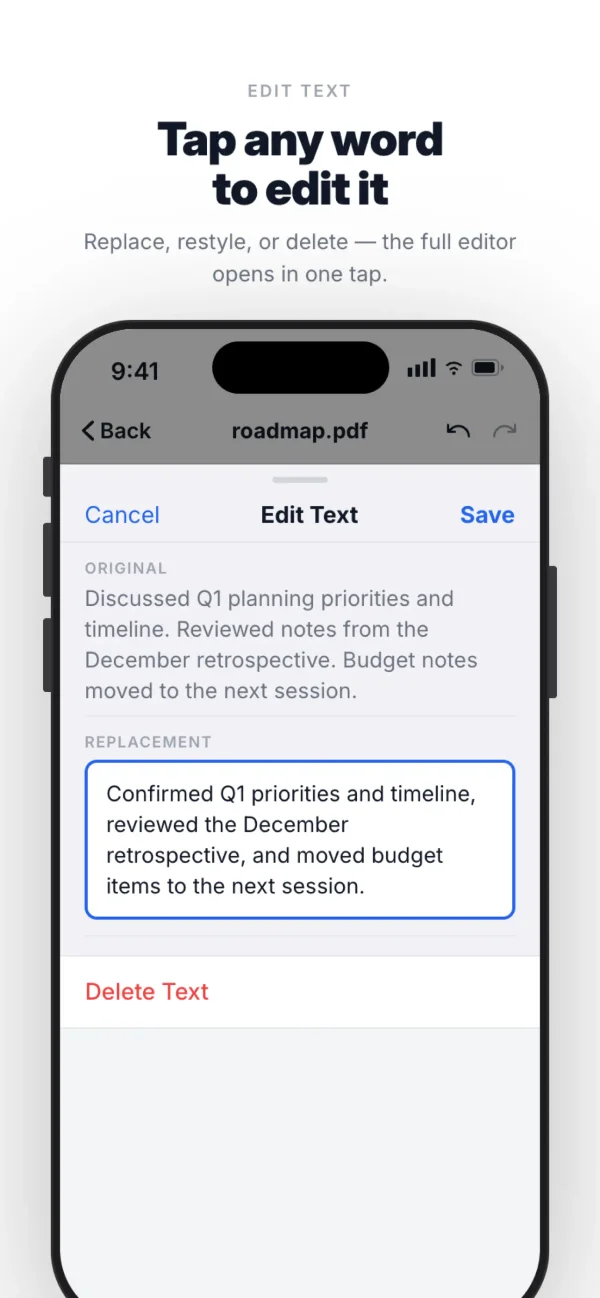
-Search in your PDF Search for any word or phrase across your document and replace it in place — the surrounding text keeps its layout.
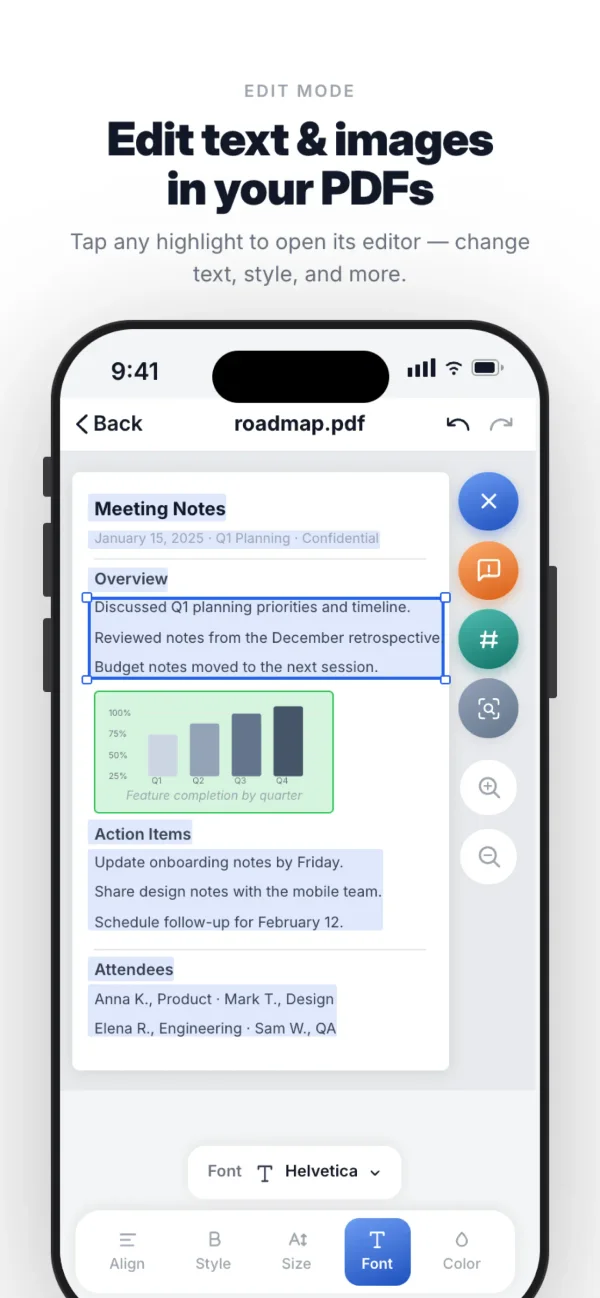
-Highlight text Highlight any passage of text to make it stand out. Choose the highlight color and opacity, then move or remove a highlight at any time.
-Smarter text editing Related text now groups into sections, so you can select and edit a whole block at once instead of line by line.
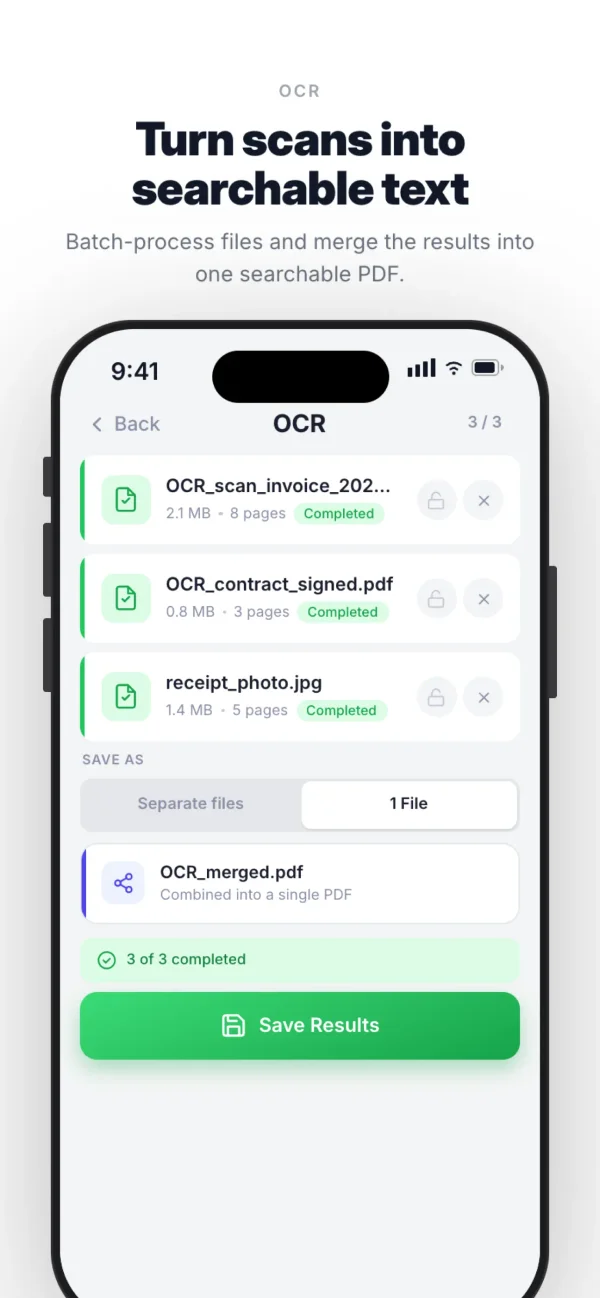
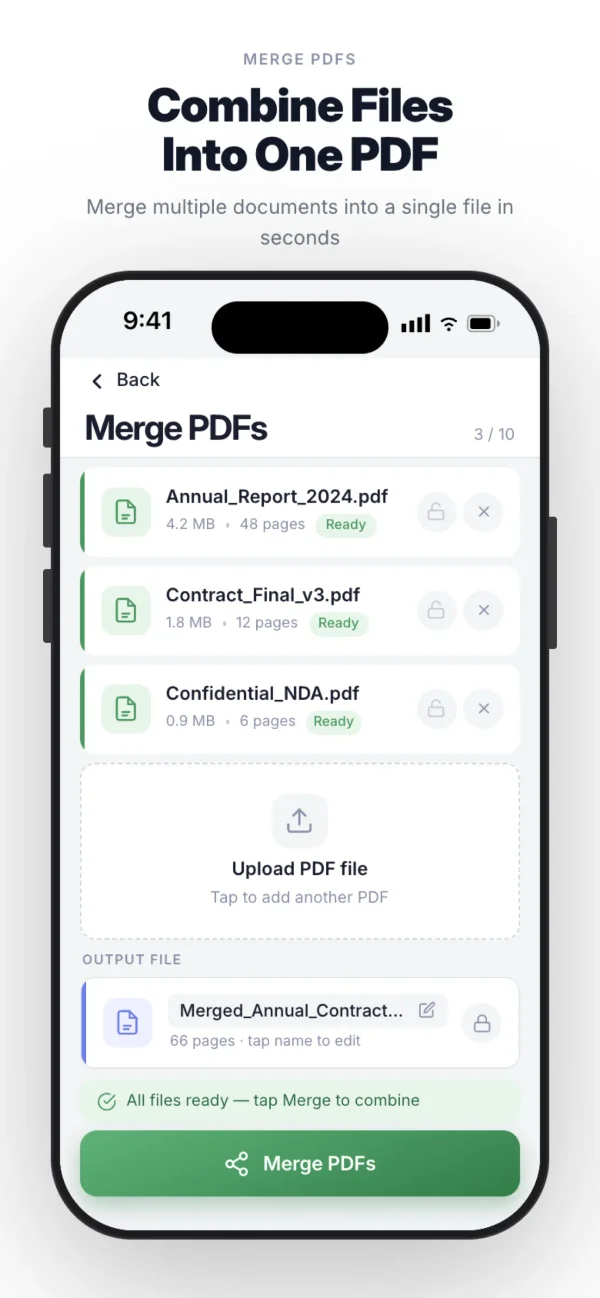
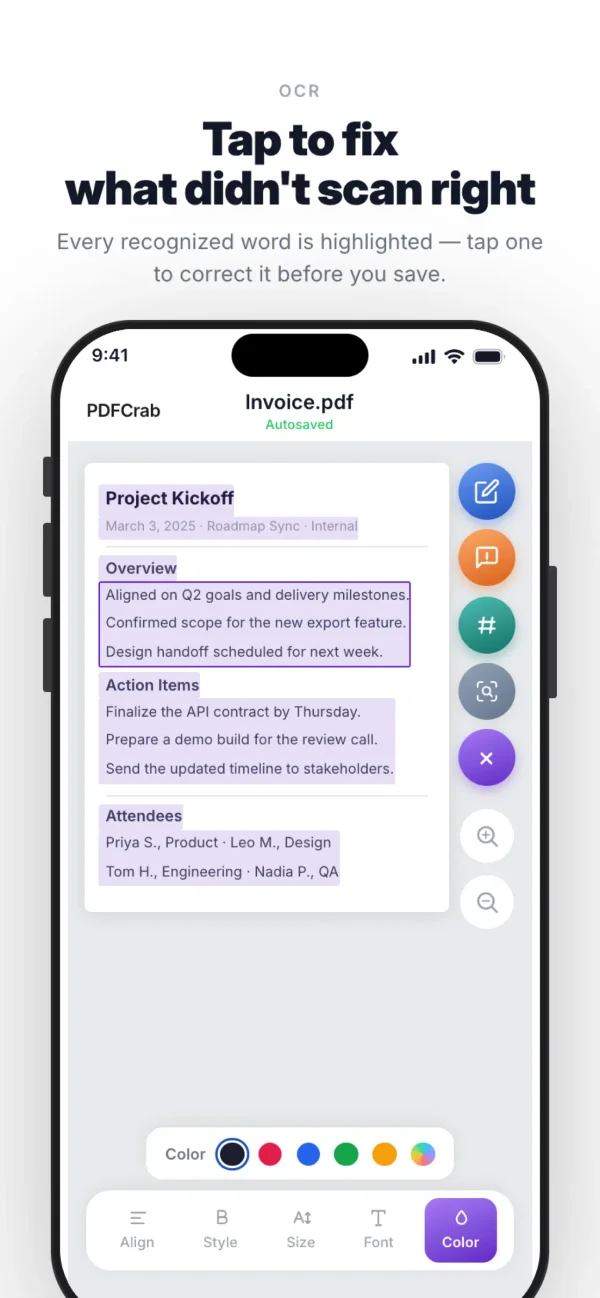
-OCR Scan a photo or PDF of a document and PDFCrab recognizes the text on-device, turning it into real, selectable, editable PDF text instead of a flat image. Review and correct recognized text, then save as separate files or merged into one PDF.
-Cyrillic, Chinese, Japanese & Korean support Editing text and recognizing text via OCR now correctly handles Cyrillic and CJK scripts, not just Latin — the right font is embedded automatically based on what the text actually contains.
-Edit text Tap any text in your PDF to select it, then drag it to a new position or update its content. Choose from 9 bundled fonts or keep the original. Preview font and size live before saving.
-Edit images Move, resize, or remove images embedded in your PDF. Drag any corner or edge handle to resize precisely, or pick a quick percentage preset.
-Page Tools Add page numbers in the position you choose, rotate any page, and switch between Standard and Letter page sizes — with a one-tap way back to the original size.
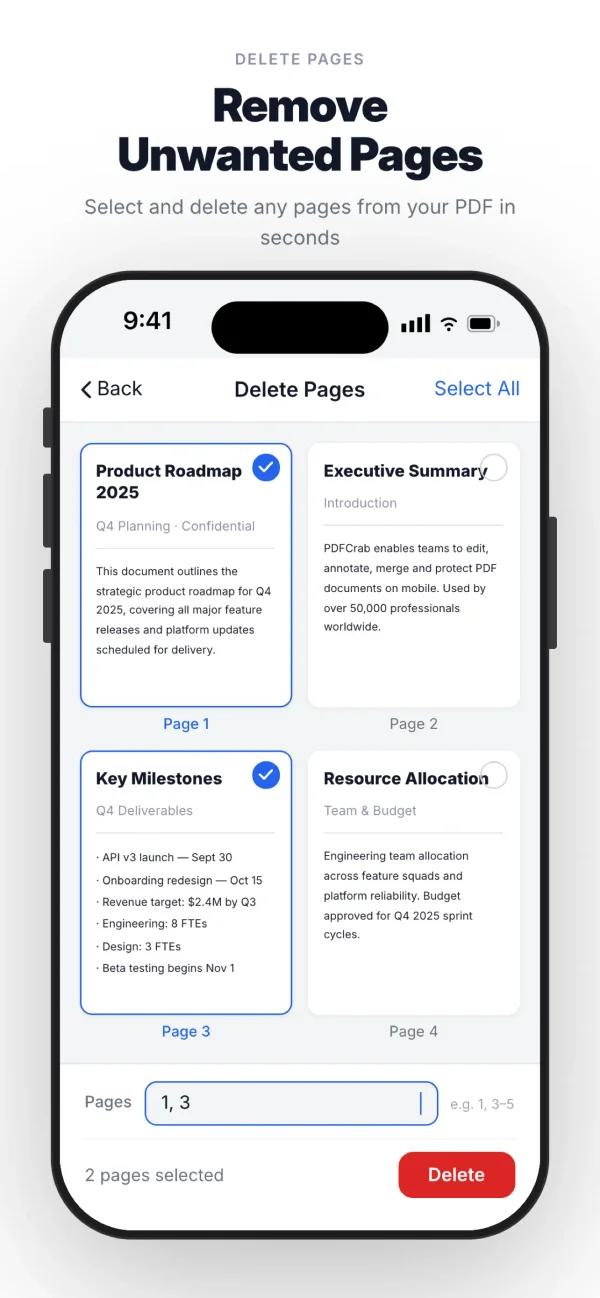
-Manage Pages Browse a thumbnail grid of all pages to delete the ones you don't need — now extended with Reorder: drag pages into a new order and save when you're ready.
-Export Turn any PDF into a TXT file, an audio narration, page images, a Word document, or a PowerPoint — directly on your device.
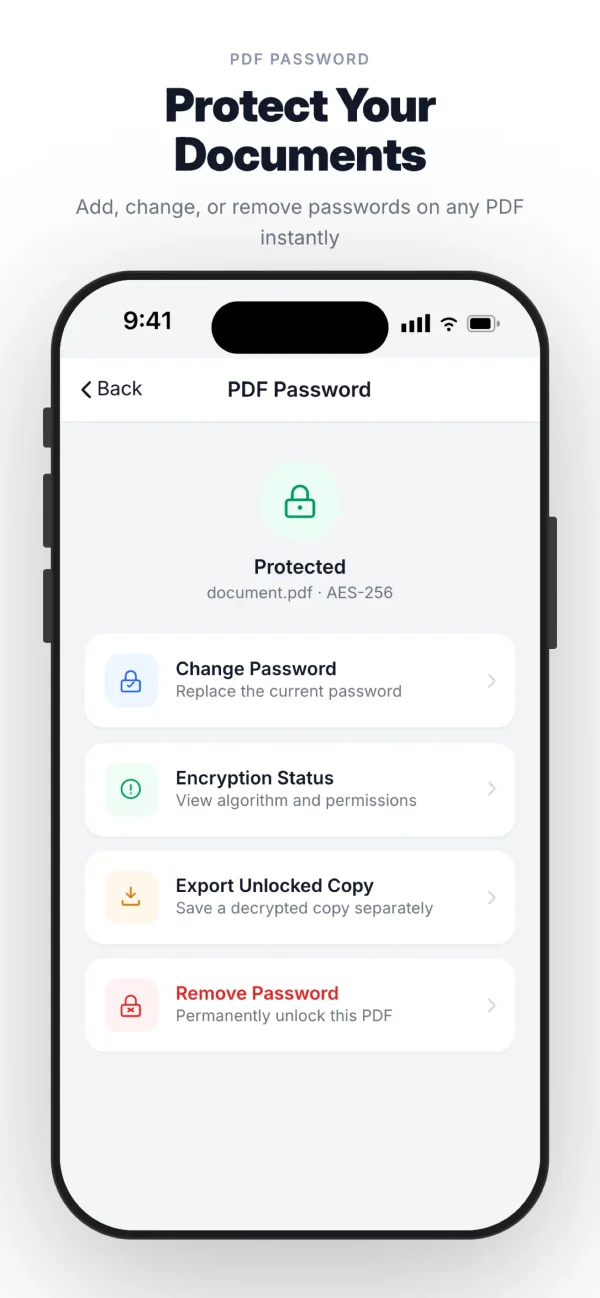
-Password-protected PDFs Open, edit, and save encrypted PDFs. Add, remove, or change passwords. View encryption algorithm, key length, and per-flag permissions. Your password never leaves your device.
-Annotate Draw, highlight, and add freehand annotations using Apple Pencil or your finger.
-Privacy first PDFCrab never uploads your files. Everything stays on your device.
Novedades
Versión 1.4 · 16/7/2026
-Fill & export forms — fill interactive PDF form fields directly in the app and export the completed form.
-Search in your PDF — find any word or phrase across the document and replace it in place, with the surrounding layout preserved.
-Highlight text — highlight any passage of text. Pick the color, adjust the opacity, and move or remove a highlight after placing it.
-Smarter text editing — related text now groups into sections, so you can select and edit a whole block at once instead of line by line.
-Refreshed design — redesigned toolbar icons and buttons for a cleaner, easier-to-read editor.
-Fix — the Manage Pages reorder list now scrolls smoothly for documents with many pages.
Privacidad de la aplicación
Lo que Illia Abielientsev declara en App Store sobre cómo esta aplicación gestiona los datos.
-
No se recopilan datos
El desarrollador no recopila ningún dato de esta aplicación.
Las prácticas de privacidad pueden variar, por ejemplo, según las funciones que uses o tu edad.
Información
- Vendedor
- Illia Abielientsev
- Categoría
- Productividad
- Versión
- 1.4
- Actualizado
- 16/7/2026
- Publicado
- 9/6/2026
- Tamaño
- 132,1 MB
- Requiere
- iOS 17.0 o posterior
- Clasificación por edad
- 4+
- Precio
- Gratis
- Idiomas
- Inglés
- Copyright
- © 2026 Illia Abielientsev
Quizá también te guste
-
 Aitopus: Asistente IA privadoChat sin conexión, PDF y web
-
 PDF ToolBoxProductividad
-
 Offprint: Web to PDF & EPUBProductividad
-
 PDF Master: All-in-One ToolsProductividad
-
 TaskscopeProductividad
-
 MapItOutProductividad
-
 AI Note Taker & RecorderProductividad
-
 Phone to PaperProductividad
-
 Trading Journal ProFinanzas
-
 LinkFindrProductividad