
PDFCrab
PDF Edit & Annotate PDF Files
Dirancang untuk iPhone, iPad, Mac
Gratis
- Batasan usia4+
- KategoriProduktivitas
- PengembangIllia Abielientsev
- BahasaInggris
- Ukuran132,1 MB
Tertaut ke halaman resmi App Store
Download.org tidak menyimpan file PDFCrab apa pun. Tombol ini membuka halaman aplikasi di App Store, tempat Illia Abielientsev menerbitkannya. Halaman terakhir diperiksa pada 14/11/2026.
Tangkapan layar

Tentang
Pengembang belum menyediakan teks ini dalam bahasa Anda.
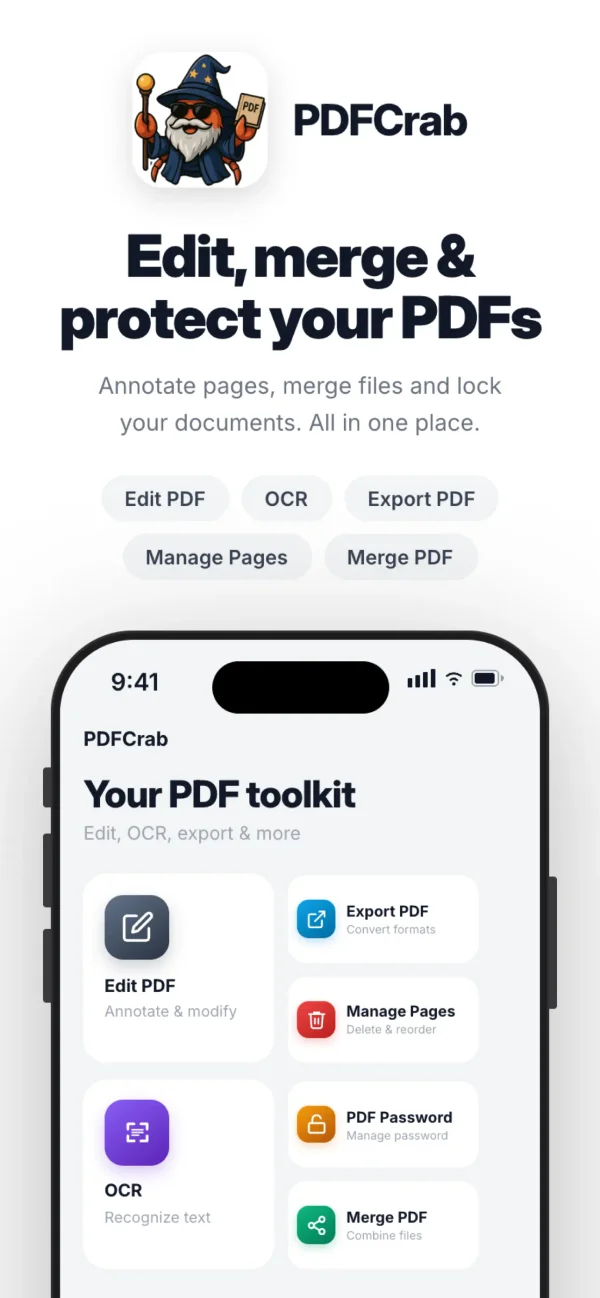
PDFCrab lets you edit PDF files directly on your iPhone — no cloud, no subscriptions, no sign-in required. All processing happens locally on your device.
-Forms Fill interactive PDF form fields directly in the app, then export the completed form.
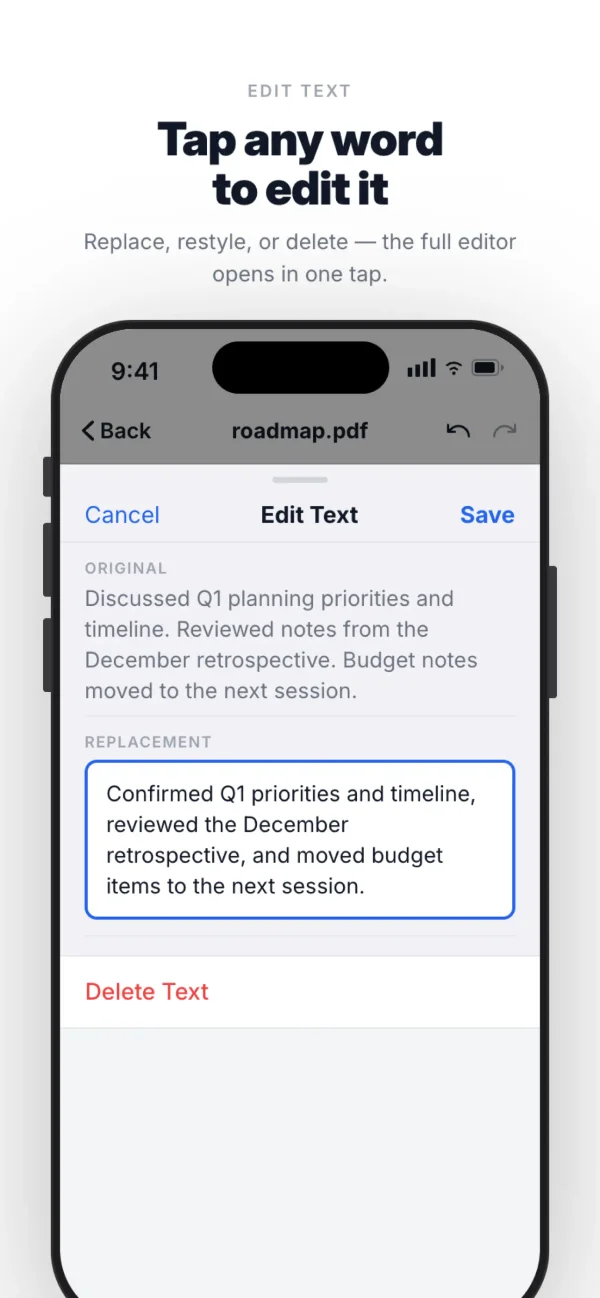
-Search in your PDF Search for any word or phrase across your document and replace it in place — the surrounding text keeps its layout.
-Highlight text Highlight any passage of text to make it stand out. Choose the highlight color and opacity, then move or remove a highlight at any time.
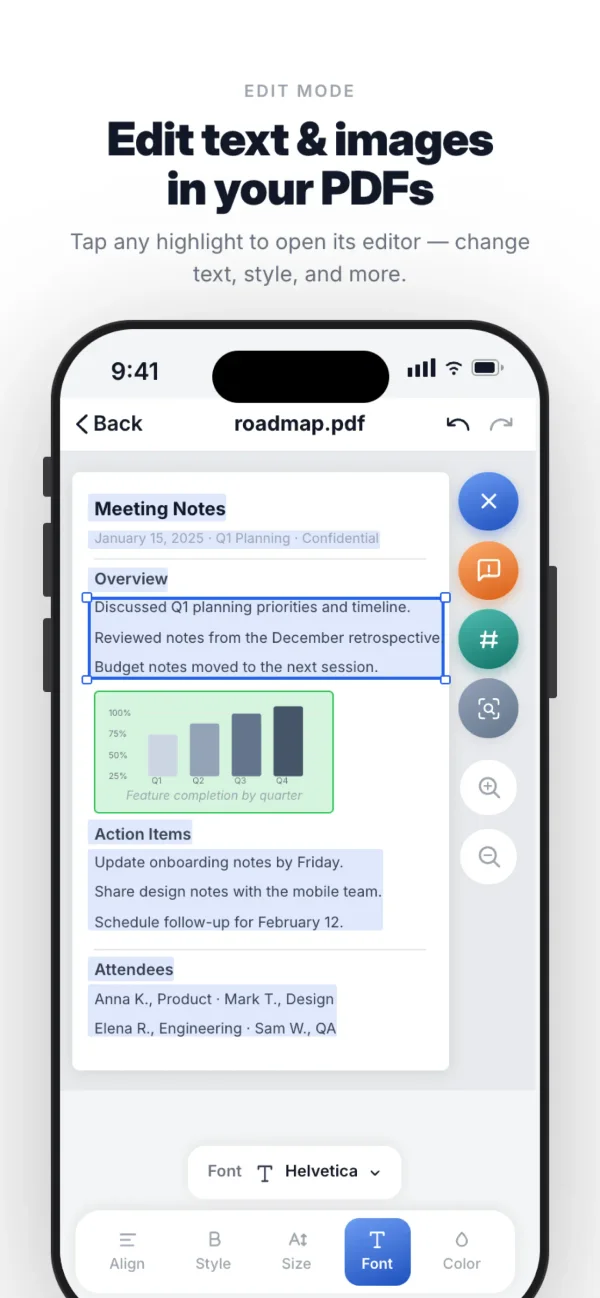
-Smarter text editing Related text now groups into sections, so you can select and edit a whole block at once instead of line by line.
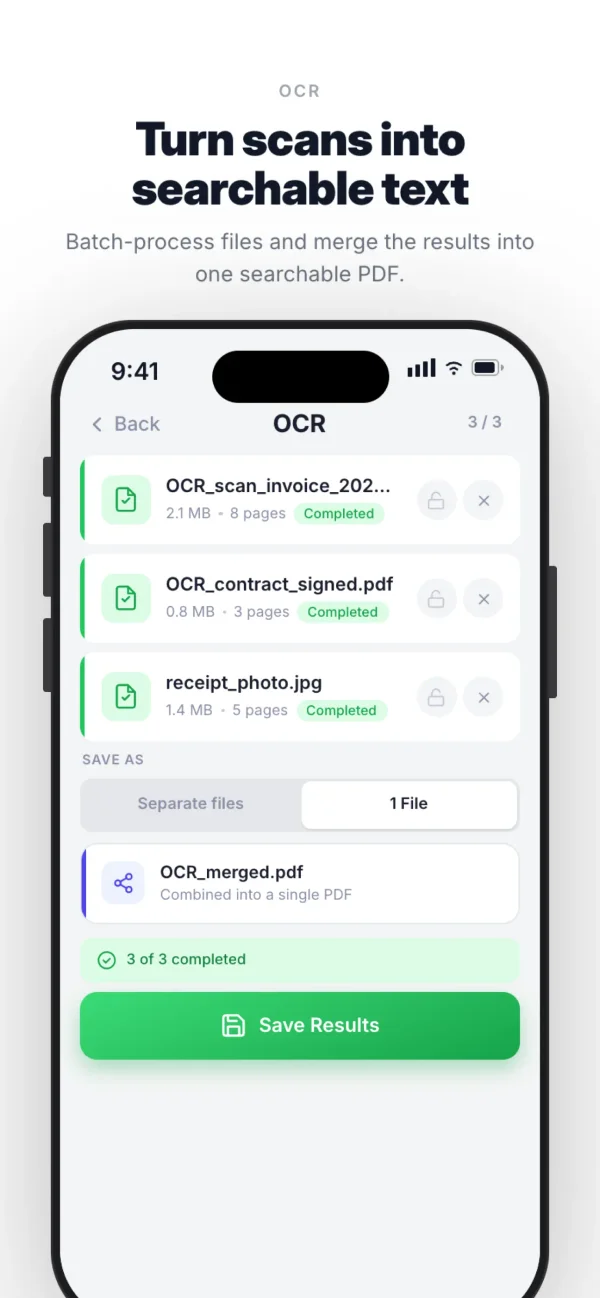
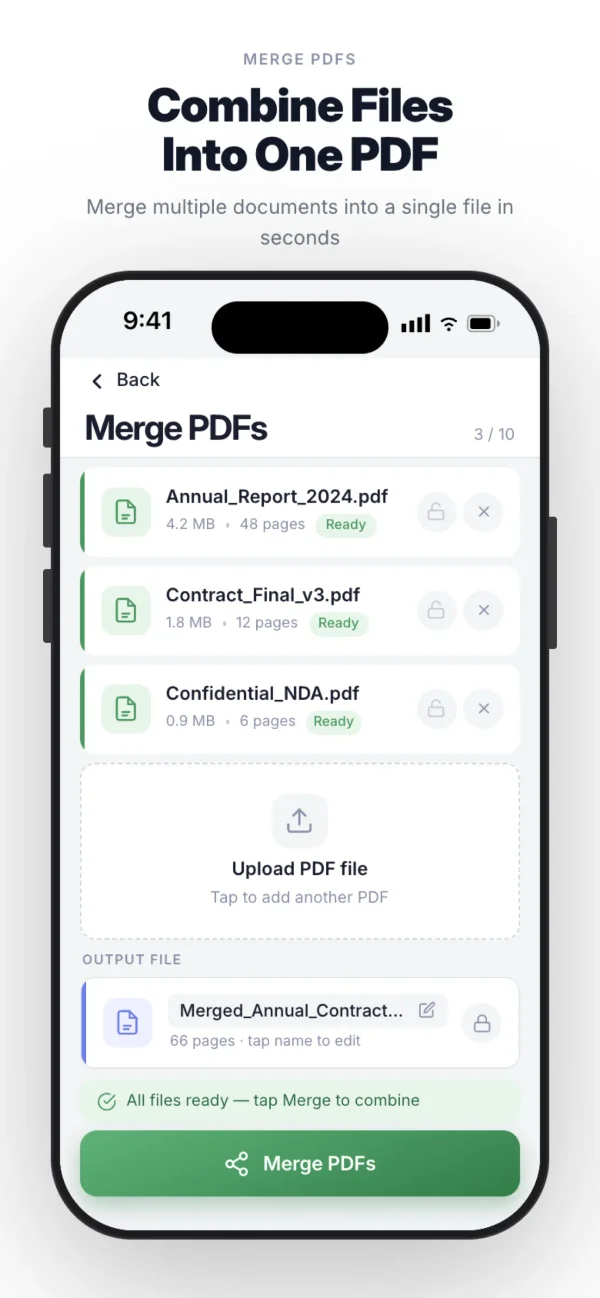
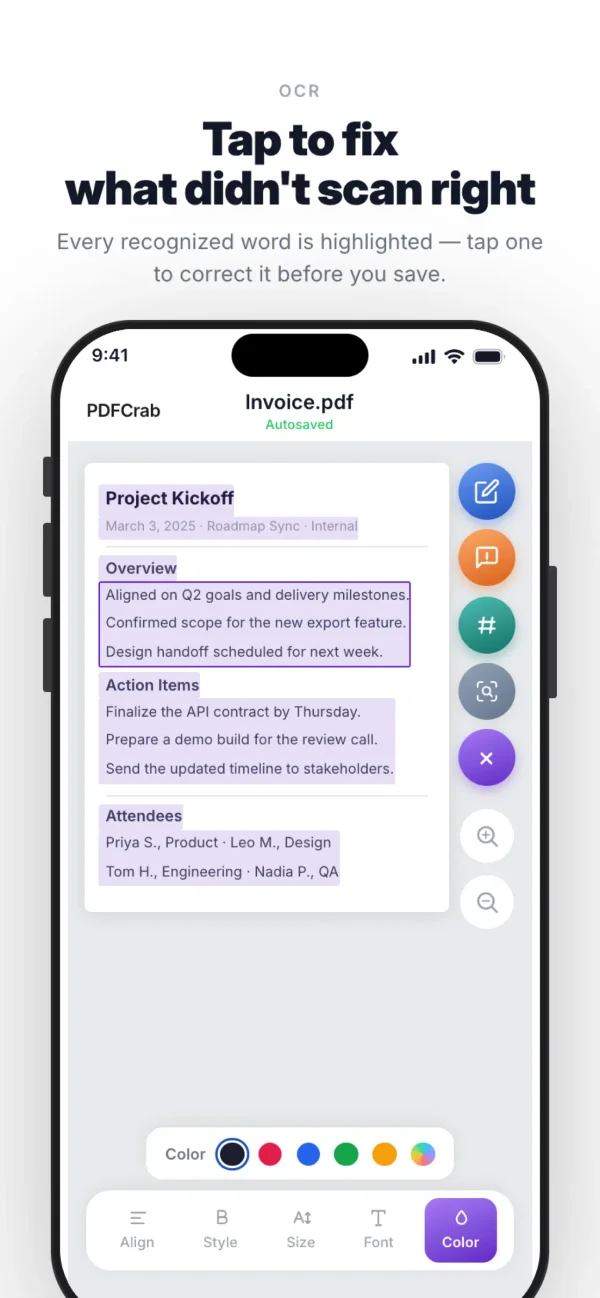
-OCR Scan a photo or PDF of a document and PDFCrab recognizes the text on-device, turning it into real, selectable, editable PDF text instead of a flat image. Review and correct recognized text, then save as separate files or merged into one PDF.
-Cyrillic, Chinese, Japanese & Korean support Editing text and recognizing text via OCR now correctly handles Cyrillic and CJK scripts, not just Latin — the right font is embedded automatically based on what the text actually contains.
-Edit text Tap any text in your PDF to select it, then drag it to a new position or update its content. Choose from 9 bundled fonts or keep the original. Preview font and size live before saving.
-Edit images Move, resize, or remove images embedded in your PDF. Drag any corner or edge handle to resize precisely, or pick a quick percentage preset.
-Page Tools Add page numbers in the position you choose, rotate any page, and switch between Standard and Letter page sizes — with a one-tap way back to the original size.
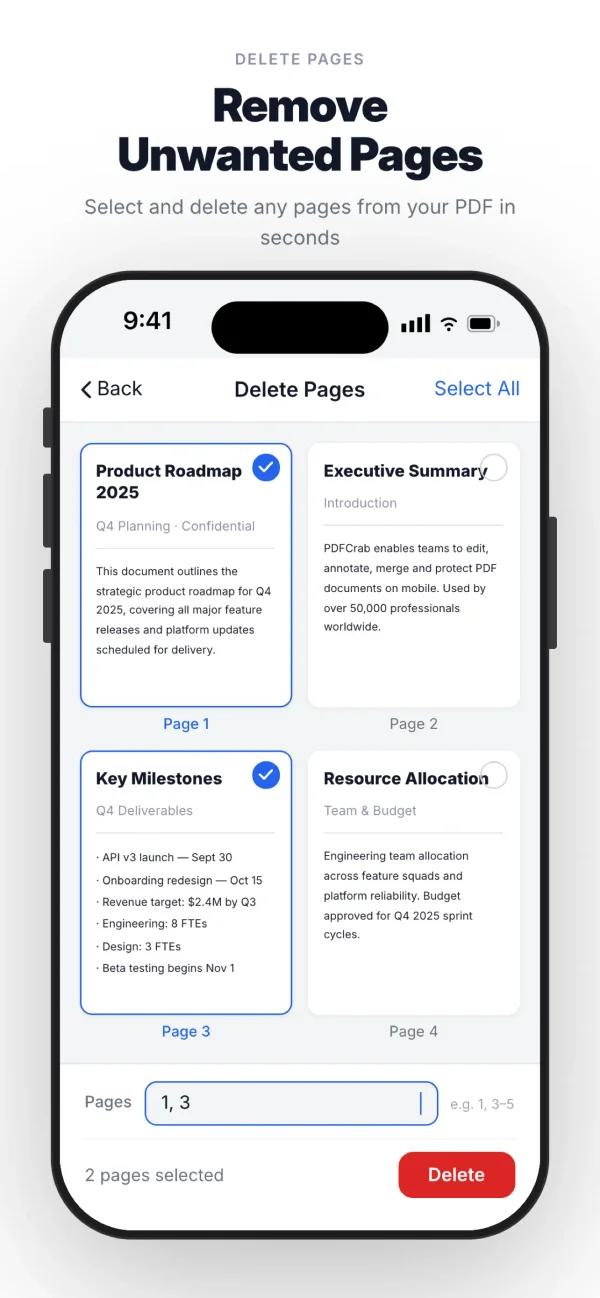
-Manage Pages Browse a thumbnail grid of all pages to delete the ones you don't need — now extended with Reorder: drag pages into a new order and save when you're ready.
-Export Turn any PDF into a TXT file, an audio narration, page images, a Word document, or a PowerPoint — directly on your device.
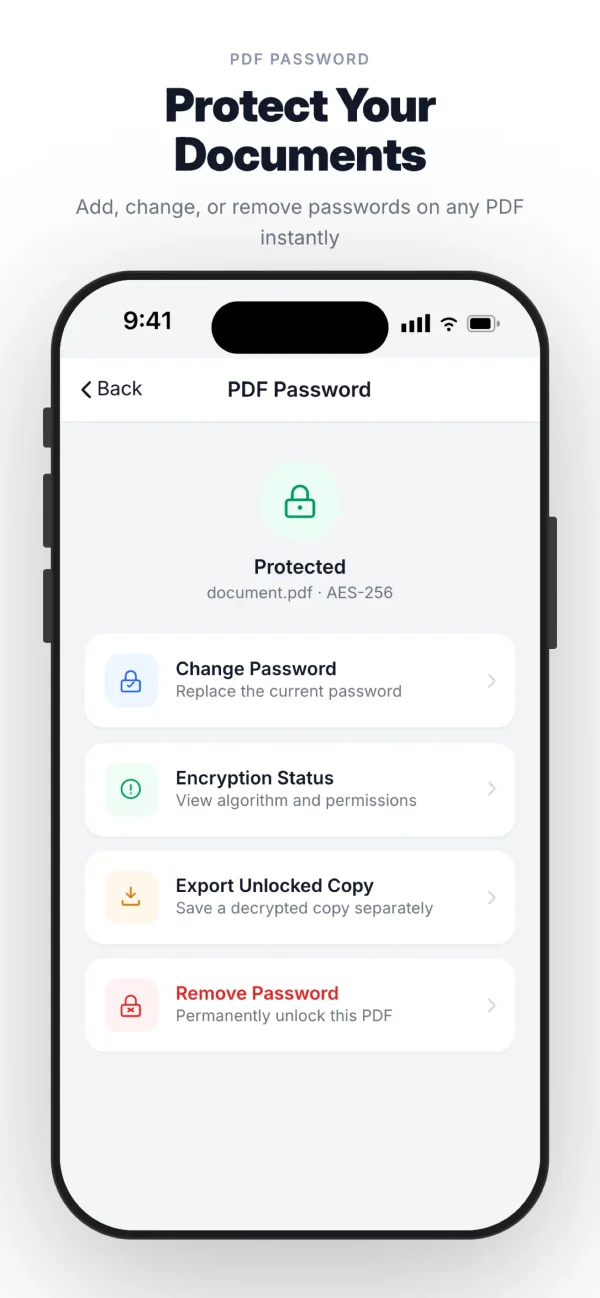
-Password-protected PDFs Open, edit, and save encrypted PDFs. Add, remove, or change passwords. View encryption algorithm, key length, and per-flag permissions. Your password never leaves your device.
-Annotate Draw, highlight, and add freehand annotations using Apple Pencil or your finger.
-Privacy first PDFCrab never uploads your files. Everything stays on your device.
Yang baru
Versi 1.4 · 16/7/2026
-Fill & export forms — fill interactive PDF form fields directly in the app and export the completed form.
-Search in your PDF — find any word or phrase across the document and replace it in place, with the surrounding layout preserved.
-Highlight text — highlight any passage of text. Pick the color, adjust the opacity, and move or remove a highlight after placing it.
-Smarter text editing — related text now groups into sections, so you can select and edit a whole block at once instead of line by line.
-Refreshed design — redesigned toolbar icons and buttons for a cleaner, easier-to-read editor.
-Fix — the Manage Pages reorder list now scrolls smoothly for documents with many pages.
Privasi aplikasi
Yang dinyatakan Illia Abielientsev di App Store tentang cara aplikasi ini menangani data.
-
Data tidak dikumpulkan
Pengembang tidak mengumpulkan data apa pun dari aplikasi ini.
Praktik privasi dapat bervariasi, misalnya berdasarkan fitur yang Anda gunakan atau usia Anda.
Informasi
- Penjual
- Illia Abielientsev
- Kategori
- Produktivitas
- Versi
- 1.4
- Diperbarui
- 16/7/2026
- Dirilis
- 9/6/2026
- Ukuran
- 132,1 MB
- Memerlukan
- iOS 17.0 atau yang lebih baru
- Batasan usia
- 4+
- Harga
- Gratis
- Bahasa
- Inggris
- Hak cipta
- © 2026 Illia Abielientsev
Mungkin Anda juga suka
-
 Aitopus: Private AI AssistantProduktivitas
-
 PDF ToolBoxProduktivitas
-
 Offprint: Web to PDF & EPUBProduktivitas
-
 PDF Master: All-in-One ToolsProduktivitas
-
 TaskscopeProduktivitas
-
 MapItOutProduktivitas
-
 AI Note Taker & RecorderProduktivitas
-
 Phone to PaperProduktivitas
-
 Trading Journal ProKeuangan
-
 LinkFindrProduktivitas