PulseUnlock
Unlock your PC with your phone
Diseñada para iPhone
Gratis · Compras en la aplicación
- Clasificación por edad4+
- CategoríaUtilidades
- DesarrolladorFabian Matthias Meidt
- IdiomasInglés+ 1 más
- Tamaño8,1 MB
Enlaza a la página oficial de App Store
Download.org no aloja ningún archivo de PulseUnlock. El botón abre la página de la aplicación en App Store, donde la publica Fabian Matthias Meidt. Ficha comprobada por última vez el 17/11/2026.
Capturas de pantalla

Acerca de
El desarrollador no ha proporcionado este texto en tu idioma.
PulseUnlock (formerly PC Bio Unlock) lets you unlock your PC or Mac with Face ID or Touch ID on your iPhone.
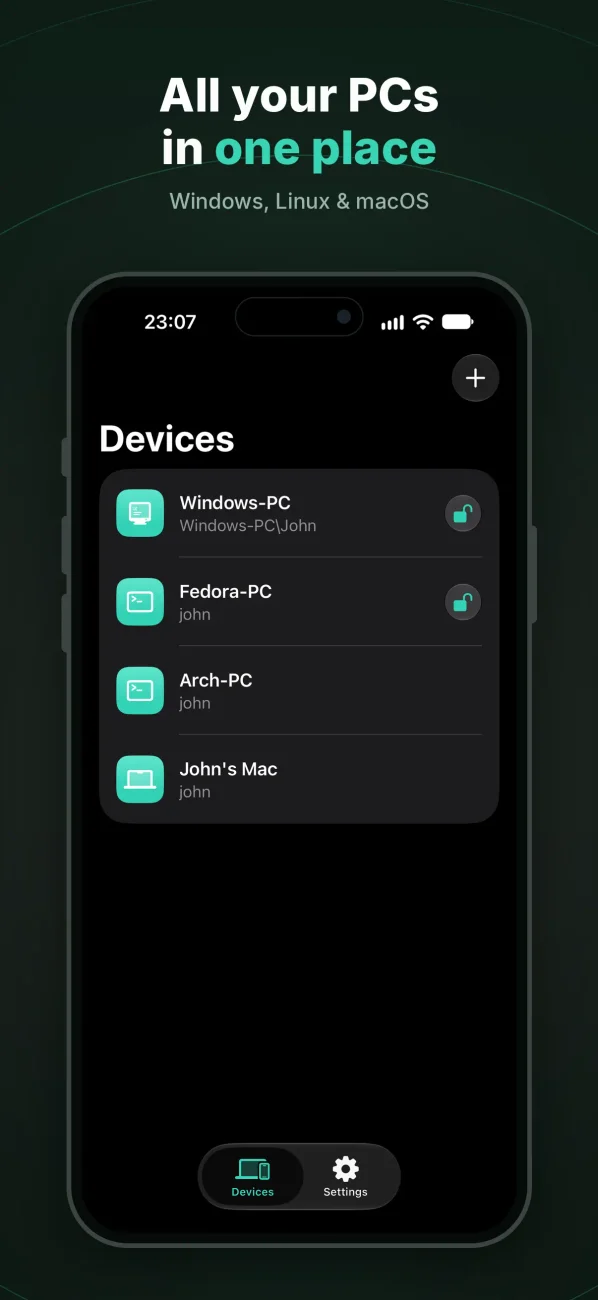
Supports Windows, Linux and macOS.
Get the desktop application: https://meis-apps.com/pcbu
Check out our GitHub: https://github.com/MeisApps
Windows features:
- Unlock the Windows login and lock screen
- Unlock UAC prompts
Linux features:
- Unlock the login and lock screen (GNOME, GDM, KDE, SDDM, LightDM, Cinnamon, Hyprlock)
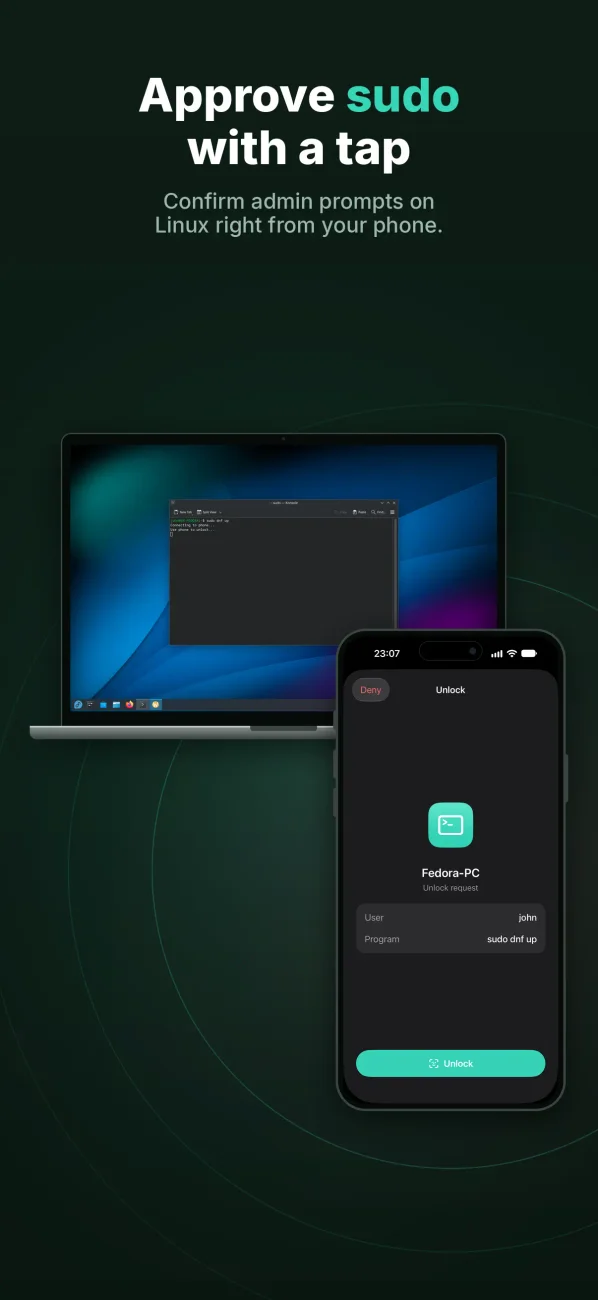
- Unlock sudo and polkit (pkexec)
- Unlock SSH logins for configured hosts
macOS features:
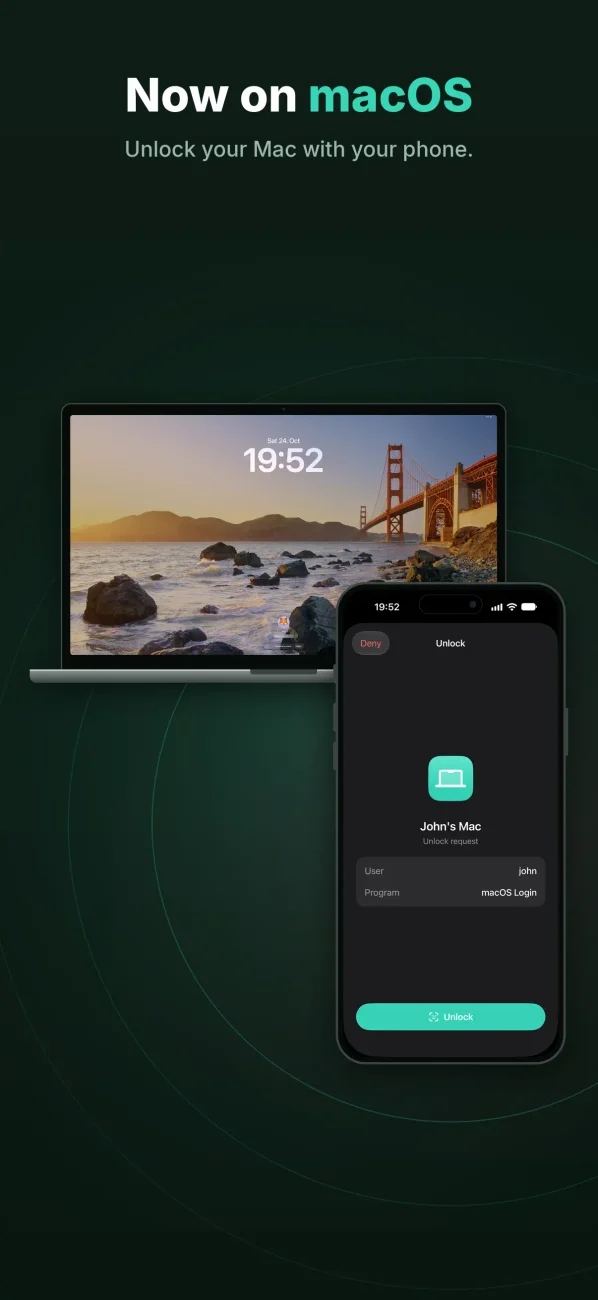
- Unlock the login and lock screen
- Unlock sudo and system permission prompts
- Unlock SSH logins for configured hosts
Connection methods:
- Cloud: Unlock from anywhere over the internet. Unlock requests arrive automatically as a notification, so there's no need to open the app first.
- Wi-Fi: Works locally without internet. When your computer asks to unlock, open PulseUnlock or tap its widget.
More features:
- Direct unlocking (shows the Face ID or Touch ID prompt immediately)
- Wake on LAN (turn on your PC from your iPhone)
- Widgets to unlock or wake a device with a single tap (iOS 18 or later)
- Control Center controls (iOS 18 or later)
- Siri and Shortcuts support
Subscription:
A subscription is required to use PulseUnlock. It's available monthly or yearly and starts with a free trial of 1 week. It includes all features, including Cloud unlocking.
Security:
Your password never leaves your computer. It is stored encrypted on the computer; the phone holds the key and never sees the password.
Traffic between your devices is encrypted with a key created during pairing. Cloud traffic is end-to-end encrypted, so the servers cannot read it.
For more detailed information, please visit https://github.com/MeisApps/pcbu-desktop/blob/main/README.md
Additional notes:
To pair locally, both devices must be on the same network or Wi-Fi.
The unlock process can be cancelled at any time by pressing Ctrl+Alt on the computer.
Support:
Having issues? Please visit https://meis-apps.com/pulse-unlock/troubleshooting
License Agreement (Apple Standard EULA): https://www.apple.com/legal/internet-services/itunes/dev/stdeula/
Terms of Use: https://meis-apps.com/terms-of-service
Privacy Policy: https://meis-apps.com/privacy-policy
Novedades
Versión 1.1.0 · 29/10/2026
- Optimized for iPhone Duo
- Extra large widgets on iPhone Duo
- Bug fixes and improvements
Privacidad de la aplicación
Lo que Fabian Matthias Meidt declara en App Store sobre cómo esta aplicación gestiona los datos.
-
Datos no vinculados a ti
Pueden recopilarse, pero no se vinculan a tu identidad.
- Compras
- Identificadores
- Diagnóstico
Las prácticas de privacidad pueden variar, por ejemplo, según las funciones que uses o tu edad.
Información
- Vendedor
- Fabian Matthias Meidt
- Categoría
- Utilidades
- Versión
- 1.1.0
- Actualizado
- 29/10/2026
- Publicado
- 24/10/2026
- Tamaño
- 8,1 MB
- Requiere
- iOS 16.0 o posterior
- Clasificación por edad
- 4+
- Precio
- Gratis
- Compras en la aplicación
- Sí
- Idiomas
- Inglés, Alemán
- Copyright
- © 2026 Fabian Matthias Meidt
Quizá también te guste
-
 xHydra UnlockUtilidades
-
 Wake Me Up - Wake-on-LANUtilidades
-
 AR WiFi&5GUtilidades
-
 Wolow - Wake on LANUtilidades
-
 Wallpix — Fondos IA en 4K HDTemas, Widgets y Fondos HD
-
 Unified RemoteControla tu ordenador
-
 Blip: Send Files in a ClickUtilidades
-
 AnyViewer Escritorio RemotoFreeware para controlar el PC
-
 NID Wallet BDUtilidades
-
 Wi-Fi ToolkitUtilidades