QR Code Reader for iPhone
QR Scanner, Generator & Reader
Diseñada para iPhone, iPad, iPod touch
Gratis · Compras en la aplicación
- Clasificación por edad4+
- CategoríaUtilidades
- DesarrolladorDAJIRAJ INFOTECH PRIVATE LIMITED
- IdiomasInglés
- Tamaño87,7 MB
Enlaza a la página oficial de App Store
Download.org no aloja ningún archivo de QR Code Reader for iPhone. El botón abre la página de la aplicación en App Store, donde la publica DAJIRAJ INFOTECH PRIVATE LIMITED. Ficha comprobada por última vez el 12/11/2026.
Capturas de pantalla
Acerca de
El desarrollador no ha proporcionado este texto en tu idioma.
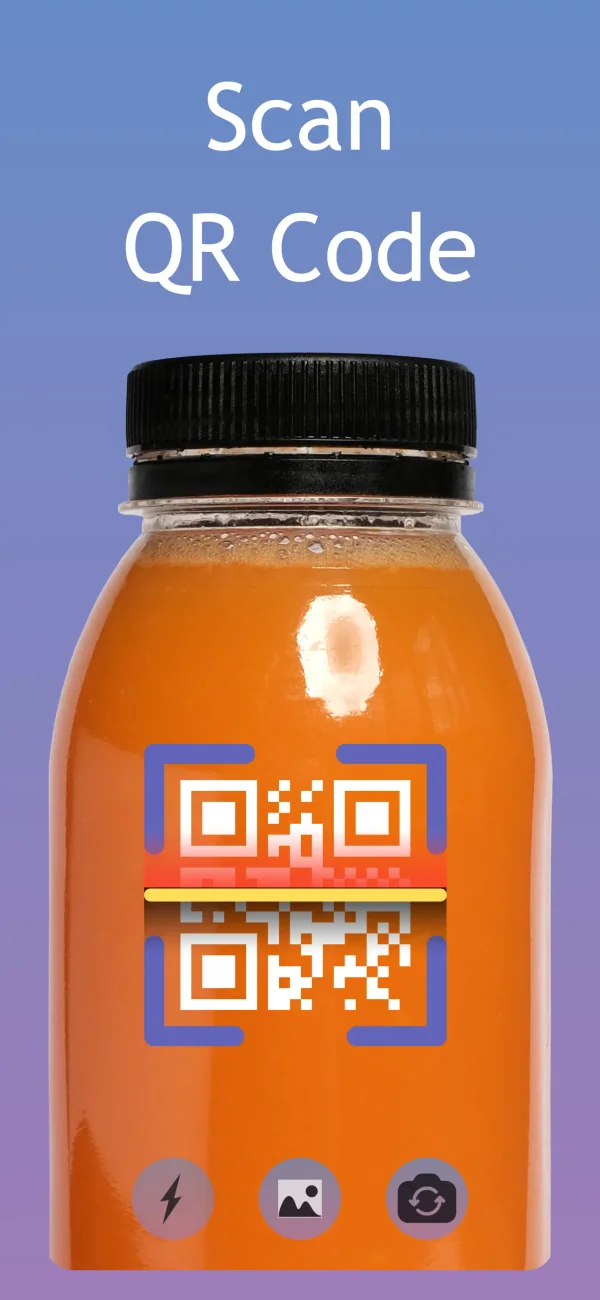
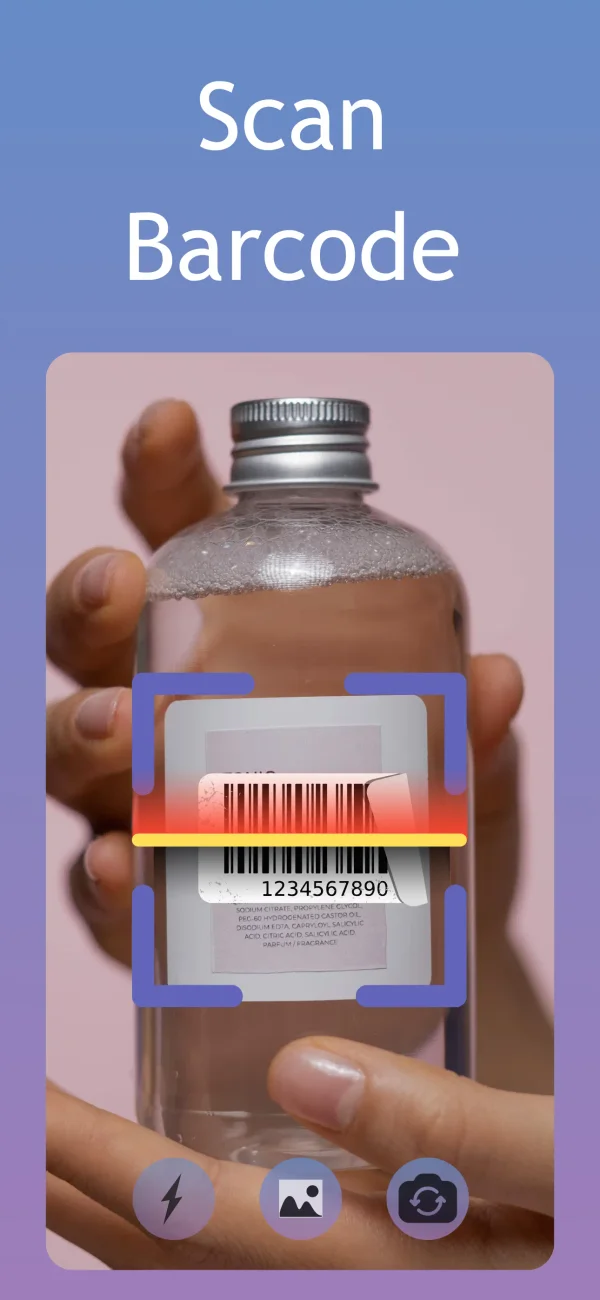
QR & Barcode Scanner App is a powerful and versatile tool that allows you to scan and decode any QR code or barcode with ease. This app is designed to simplify your life and help you access information quickly and easily, without having to type in lengthy URLs or product codes.
QR codes and barcodes have become an essential part of our daily lives. They are found everywhere, from grocery stores to movie theaters, and even on our personal belongings. With the rise of e-commerce, the importance of QR and barcodes has increased even more. However, scanning them can be a hassle, especially if you have to manually input the information. This is where the QR & Barcode Scanner App comes in.
Simple Guide to Use this QR & Barcode Scanner:
- Download a QR code & barcode scanner app from your device's app store and install it.
- Open the app and allow it to access your device's camera.
- Hold the camera over the QR code or barcode you want to scan, ensuring the code is within the frame.
- Wait for the app to recognize the code and process it.
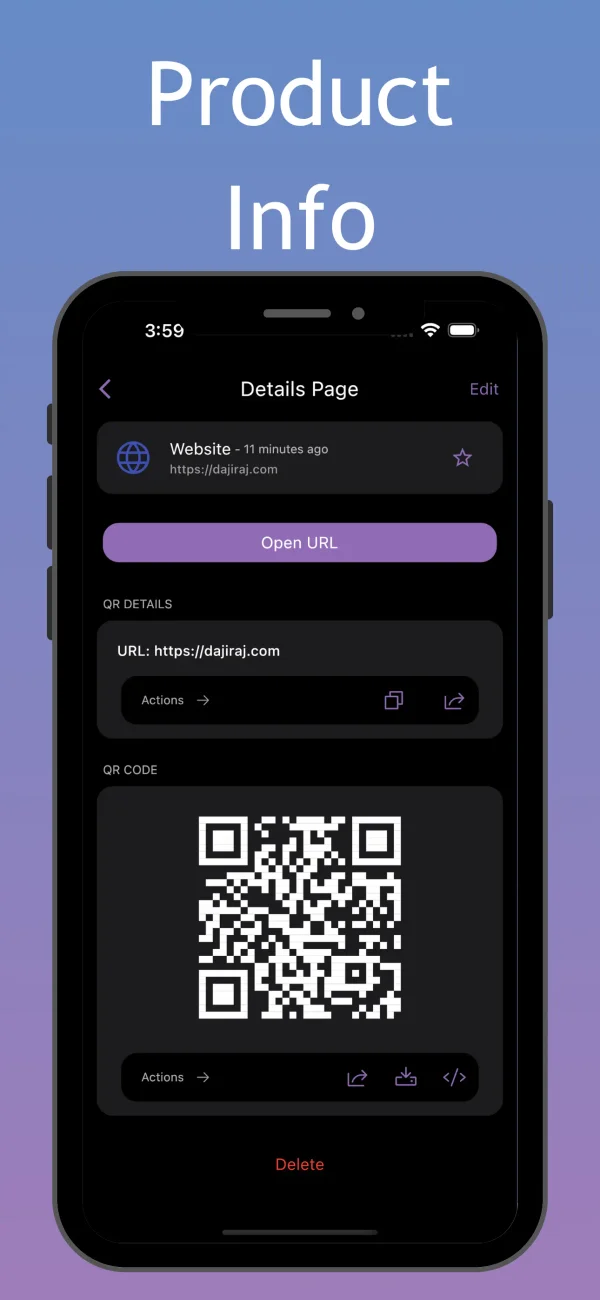
- Once the code is scanned, the app will display the information contained within the code or barcode.
- If it's a QR code, the information may include a URL, contact information, or other text-based data. If it's a barcode, the information may include the product name, price, and other details.
- Follow the instructions displayed on the app to complete the desired action associated with the code or barcode, such as visiting a website or making a purchase.
- If the QR Code App doesn't recognize the code or barcode, try adjusting the camera angle or ensuring the code is properly aligned within the frame.
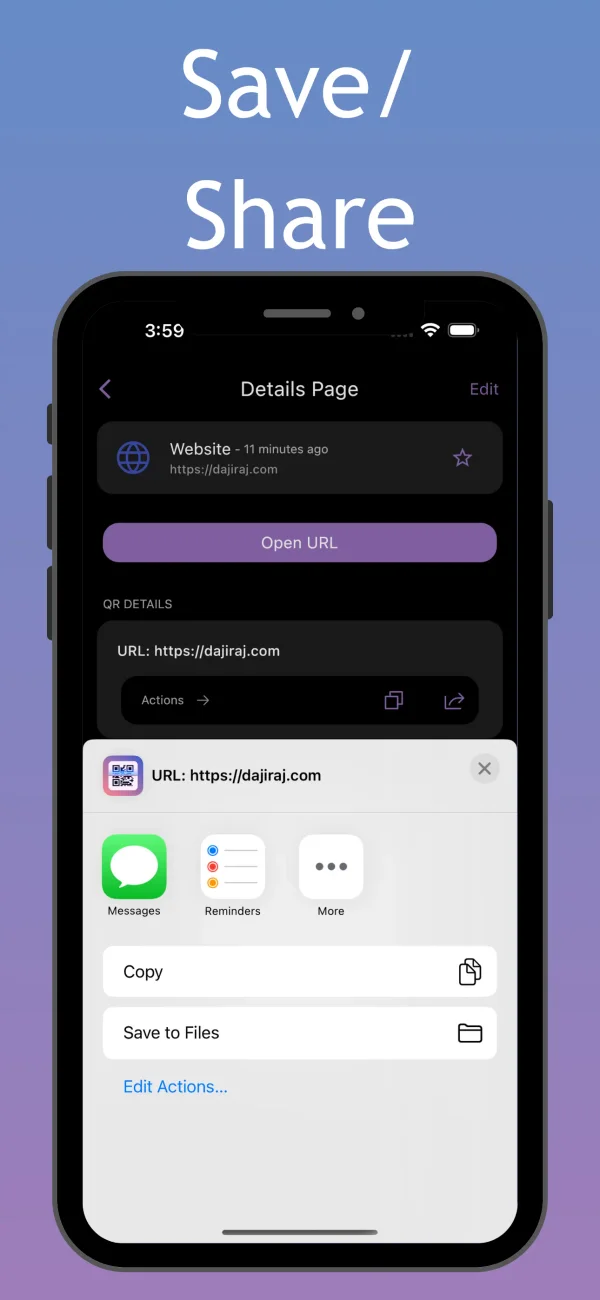
- QR Code and Barcode scanner App may also allow you to save scanned codes for future reference or share the information with others through email or messaging platforms.
Useful Features:
- Easy scanning: Ability to quickly and easily scan QR codes and barcodes using the device's camera.
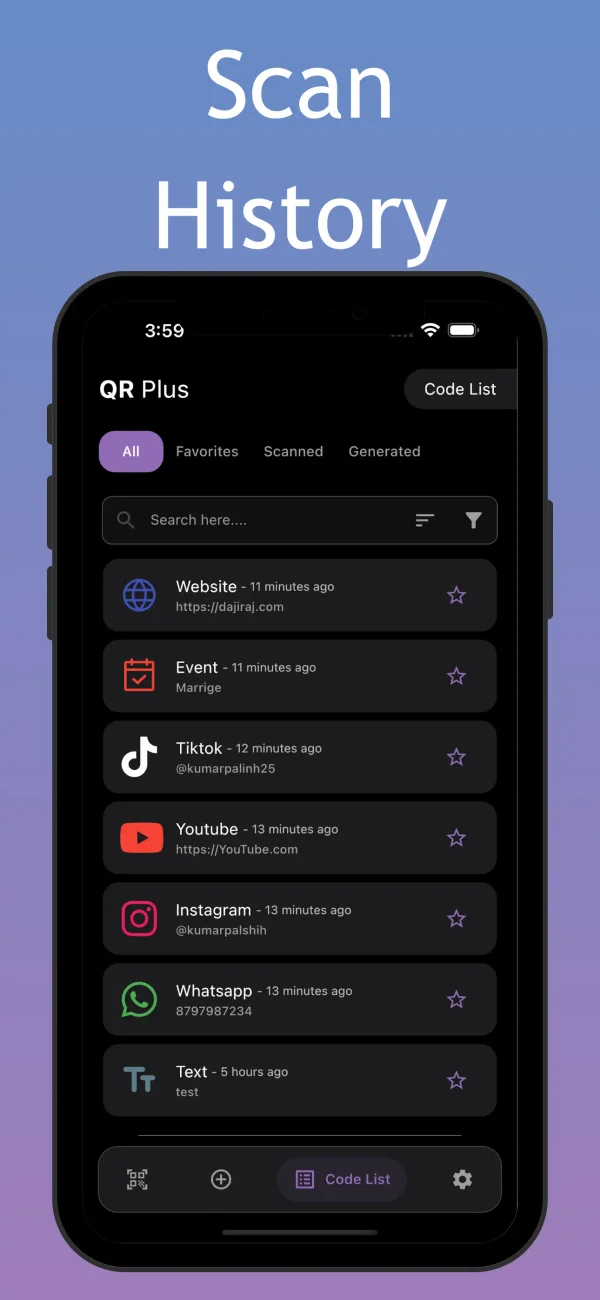
- Scan history: Ability to view a history of previously scanned codes for easy reference.
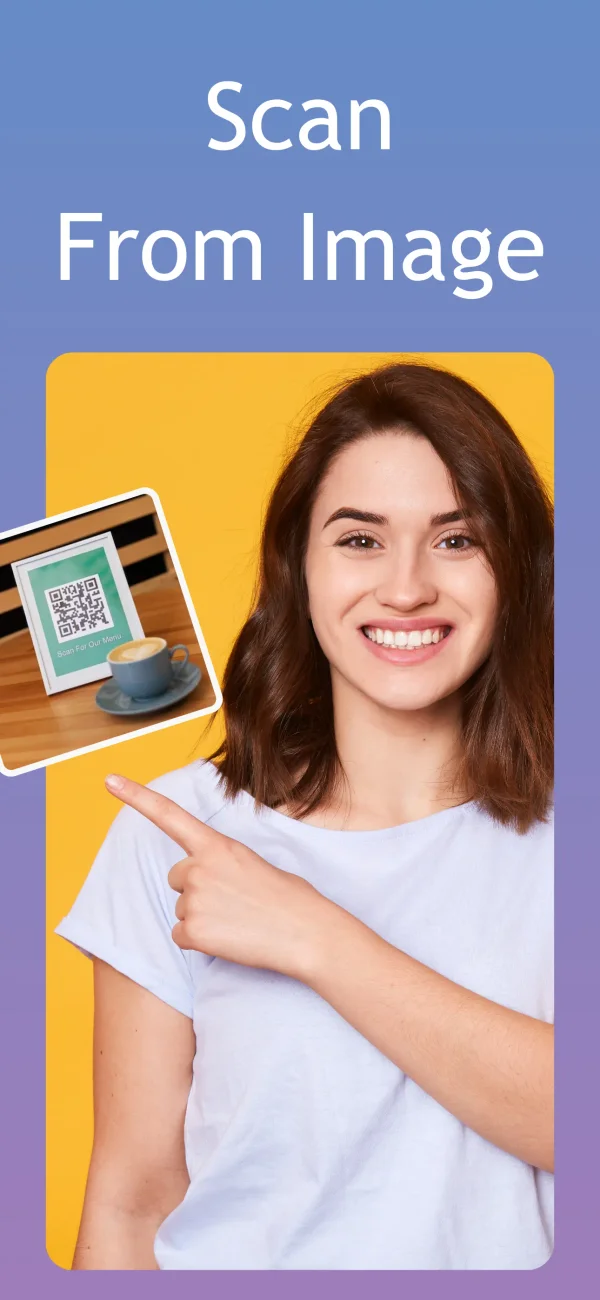
- Scan QR Code from images: You can directly scan QR or barcode from the images of your device gallery with this QR code maker app.
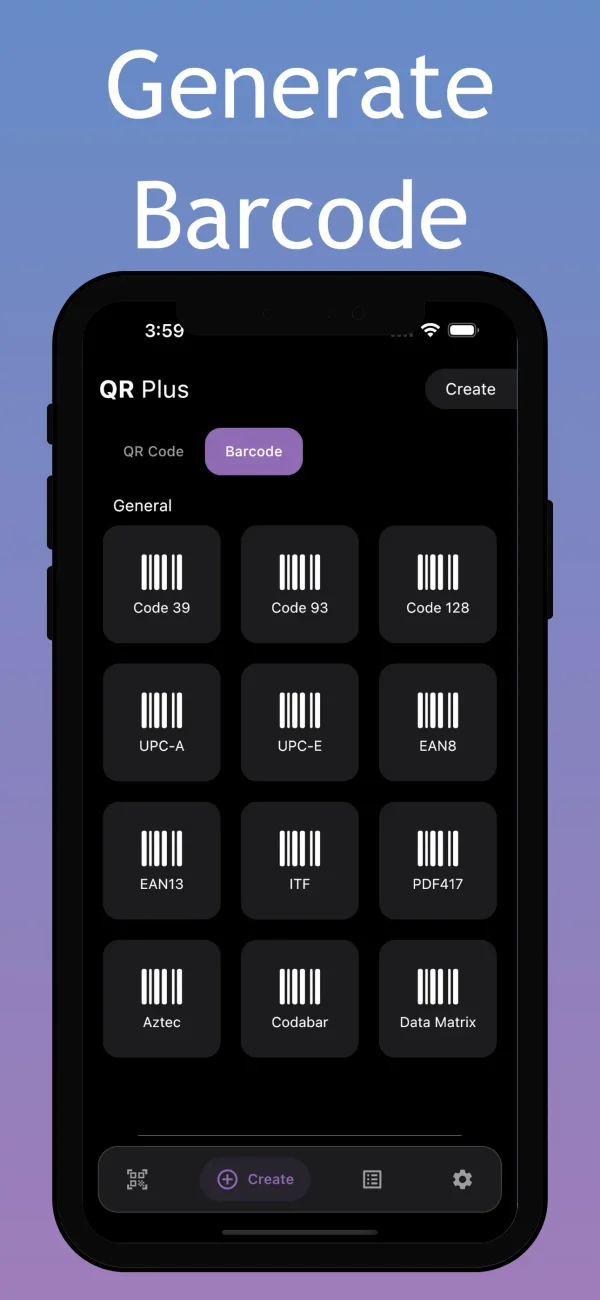
- Barcode formats: Ability to scan & generate a variety of barcode formats, including UPC, EAN-8, EAN-13, Code 39, Code 93, Code 128, ITF, PDF417, Aztec, Codabar, Data Matrix and ISBN, .
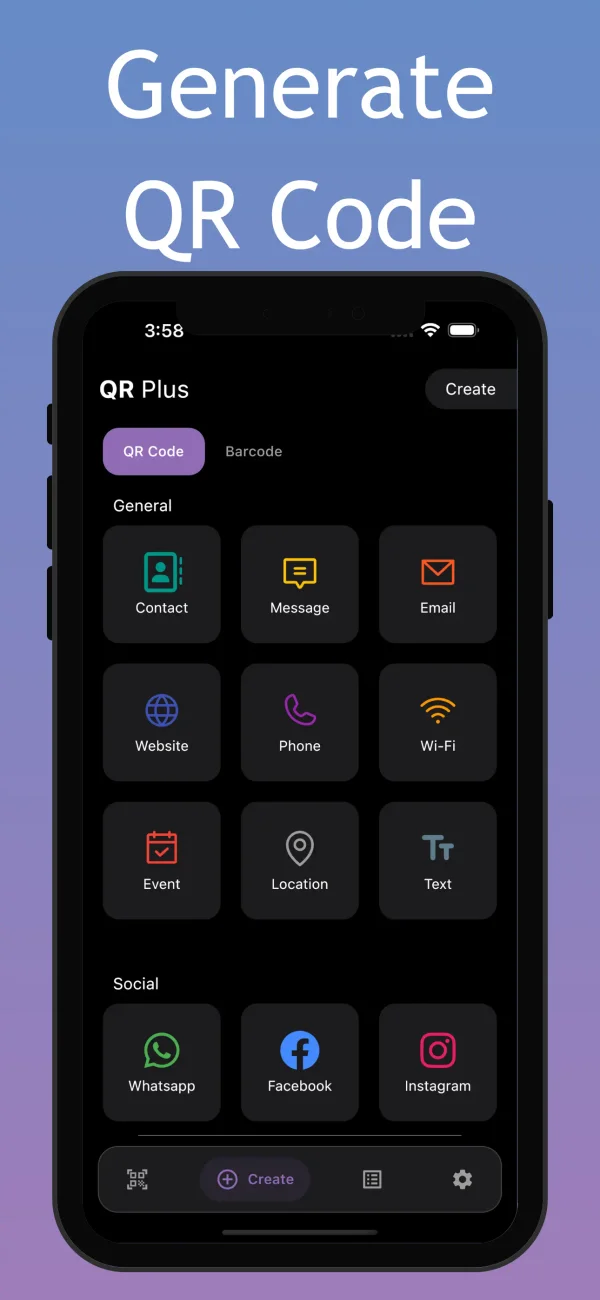
- Code generation: Ability to generate QR codes for different social media platforms, sharing website URLs, contact information, or other data.
- Social media sharing: Ability to share scanned codes and their associated information on popular social media platforms.
- Auto-focus: Ability to adjust the camera focus automatically to ensure accurate code scanning.
- Customizable settings: Ability to customize settings such as beep sound, vibration, and flash when scanning a code.
- Offline scanning: Ability to scan codes without an internet connection and store information for later use.
Overall, the QR & Barcode Scanner App is an essential tool for anyone who needs to scan and decode codes on a regular basis. Its ease of use, versatility, and customization options make it a must-have app for professionals and casual users alike. So why wait? Download the QR & Barcode Scanner App today and start scanning!
QR Scanner Pro Subscription Info:
- Weekly Subscription - $1.99
- Monthly Subscription - $4.99
- Yearly Subscription - $39.99
Payment will be charged to iTunes Account at confirmation of purchase
Subscriptions are automatically renewed unless automatic renewal is turned off at least 24 hours before the end of the current period, user can cancel in account settings
Privacy Policy: https://www.dajiraj.com/qrplus-privacy-policy
Terms of use: https://www.dajiraj.com/qrplus-terms-of-use
Novedades
Versión 1.1.19 · 30/7/2026
Minor Fixes
Privacidad de la aplicación
Lo que DAJIRAJ INFOTECH PRIVATE LIMITED declara en App Store sobre cómo esta aplicación gestiona los datos.
-
Datos usados para rastrearte
Pueden usarse para rastrearte en aplicaciones y sitios web propiedad de otras empresas.
- Identificadores
-
Datos no vinculados a ti
Pueden recopilarse, pero no se vinculan a tu identidad.
- Identificadores
- Datos de uso
- Diagnóstico
Las prácticas de privacidad pueden variar, por ejemplo, según las funciones que uses o tu edad.
Información
- Vendedor
- DAJIRAJ INFOTECH PRIVATE LIMITED
- Categoría
- Utilidades
- Versión
- 1.1.19
- Actualizado
- 30/7/2026
- Publicado
- 24/5/2023
- Tamaño
- 87,7 MB
- Requiere
- iOS 13.0 o posterior
- Clasificación por edad
- 4+
- Precio
- Gratis
- Compras en la aplicación
- Sí
- Idiomas
- Inglés
- Copyright
- © DAJIRAJ INFOTECH PRIVATE LIMITED
Quizá también te guste
-
 Lector y Escáner de Códigos QREscanea el código de barras
-
 Codigo qr *Lector códigos qr & qr code
-
 QR Code Reader/QR Scanner AppUtilidades
-
 QR ScannerQR y Códigos de Barras Lector
-
 QR Pro - Lector y creadorEscáner de códigos de barras
-
 Mi Wi-Fi con código QRUso compartido rápido de red
-
 Lector Código de Barras AirEscanear Códigos QR con iPhone
-
 QR Scanner & Escáner de CódigoLector QR, Barras y Generador
-
 Escanear Código QR & de BarrasQR Scanner & Generator App
-
 NFC.cool Tools Tag ReaderLeer y escribir tarjetas RFID