QR Code Reader for iPhone
QR Scanner, Generator & Reader
iPhone, iPad, iPod touch向けに設計
無料 · アプリ内課金
- 対象年齢4+
- カテゴリユーティリティ
- 開発元DAJIRAJ INFOTECH PRIVATE LIMITED
- 言語英語
- サイズ87.7 MB
App Storeの公式ページにリンクしています
Download.orgはQR Code Reader for iPhoneのファイルを一切ホストしていません。ボタンを押すと、DAJIRAJ INFOTECH PRIVATE LIMITEDが公開しているApp Storeのアプリページが開きます。ページの最終確認:2026/11/12。
スクリーンショット

概要
開発元はこのテキストをお使いの言語で提供していません。
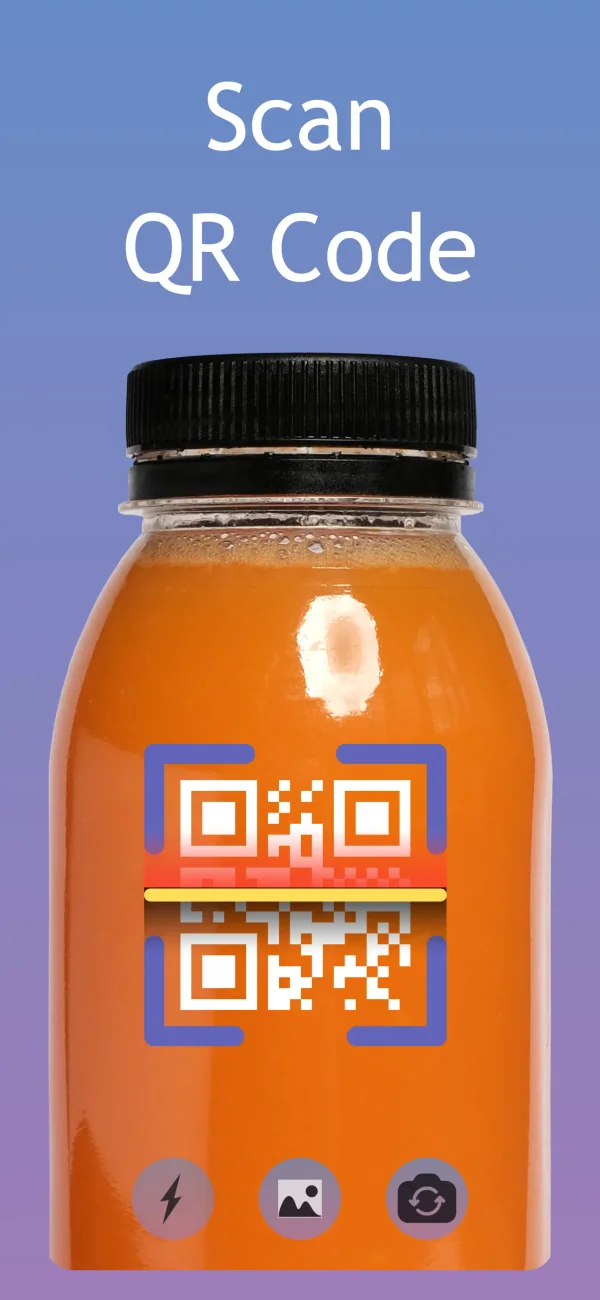
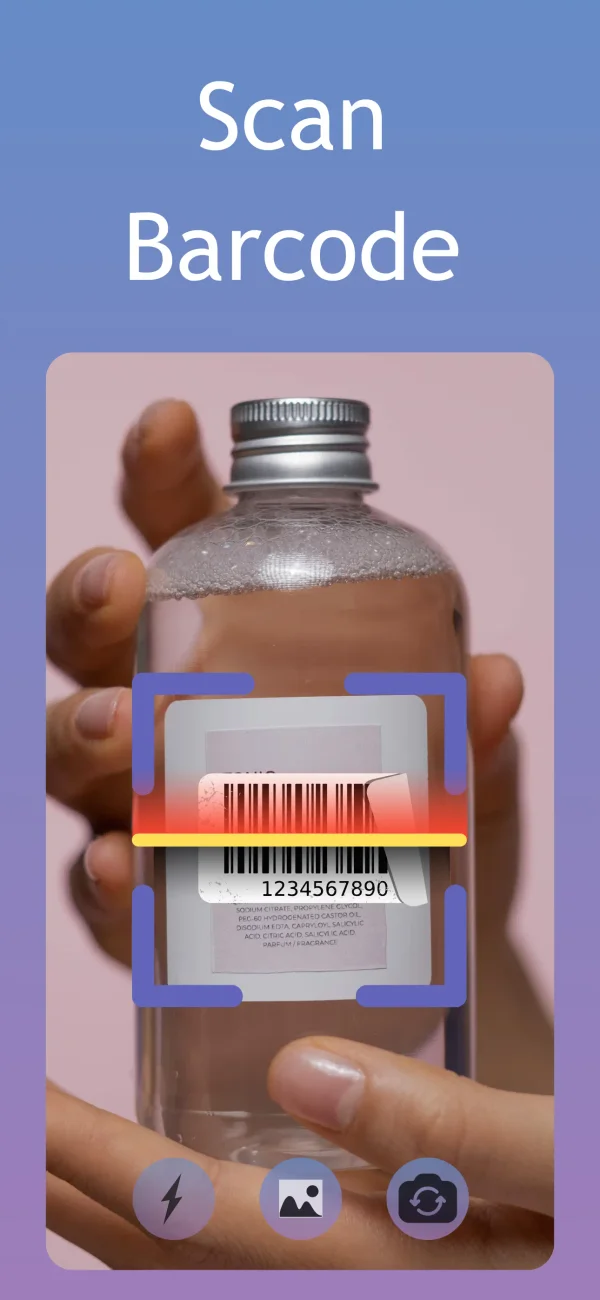
QR & Barcode Scanner App is a powerful and versatile tool that allows you to scan and decode any QR code or barcode with ease. This app is designed to simplify your life and help you access information quickly and easily, without having to type in lengthy URLs or product codes.
QR codes and barcodes have become an essential part of our daily lives. They are found everywhere, from grocery stores to movie theaters, and even on our personal belongings. With the rise of e-commerce, the importance of QR and barcodes has increased even more. However, scanning them can be a hassle, especially if you have to manually input the information. This is where the QR & Barcode Scanner App comes in.
Simple Guide to Use this QR & Barcode Scanner:
- Download a QR code & barcode scanner app from your device's app store and install it.
- Open the app and allow it to access your device's camera.
- Hold the camera over the QR code or barcode you want to scan, ensuring the code is within the frame.
- Wait for the app to recognize the code and process it.
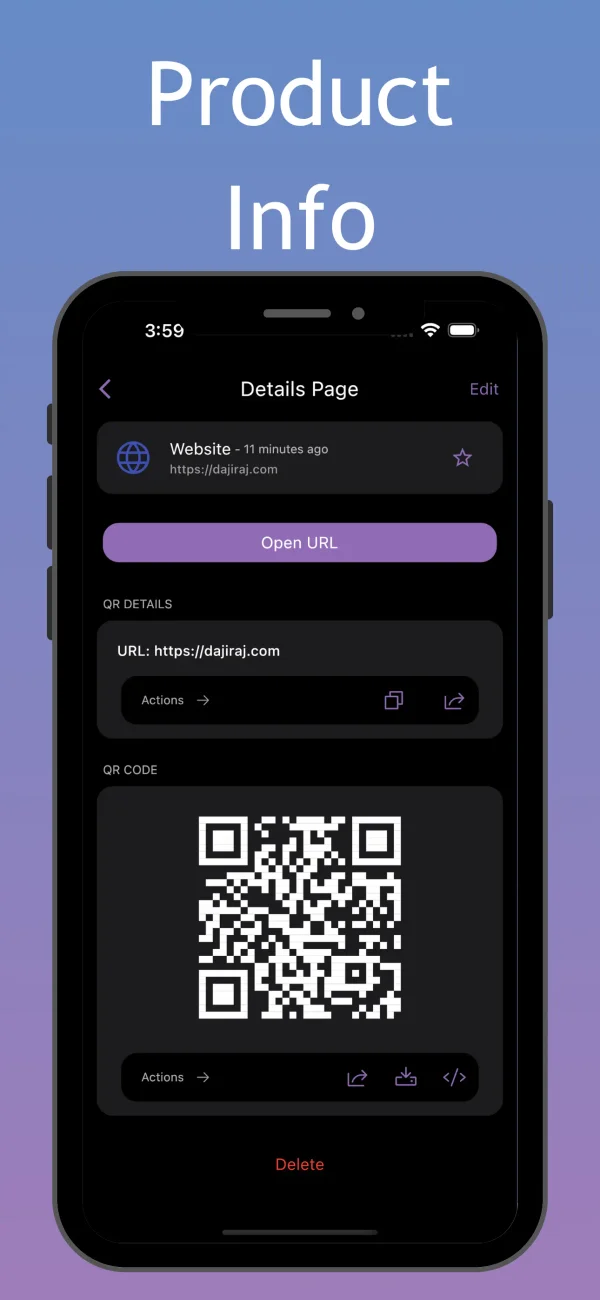
- Once the code is scanned, the app will display the information contained within the code or barcode.
- If it's a QR code, the information may include a URL, contact information, or other text-based data. If it's a barcode, the information may include the product name, price, and other details.
- Follow the instructions displayed on the app to complete the desired action associated with the code or barcode, such as visiting a website or making a purchase.
- If the QR Code App doesn't recognize the code or barcode, try adjusting the camera angle or ensuring the code is properly aligned within the frame.
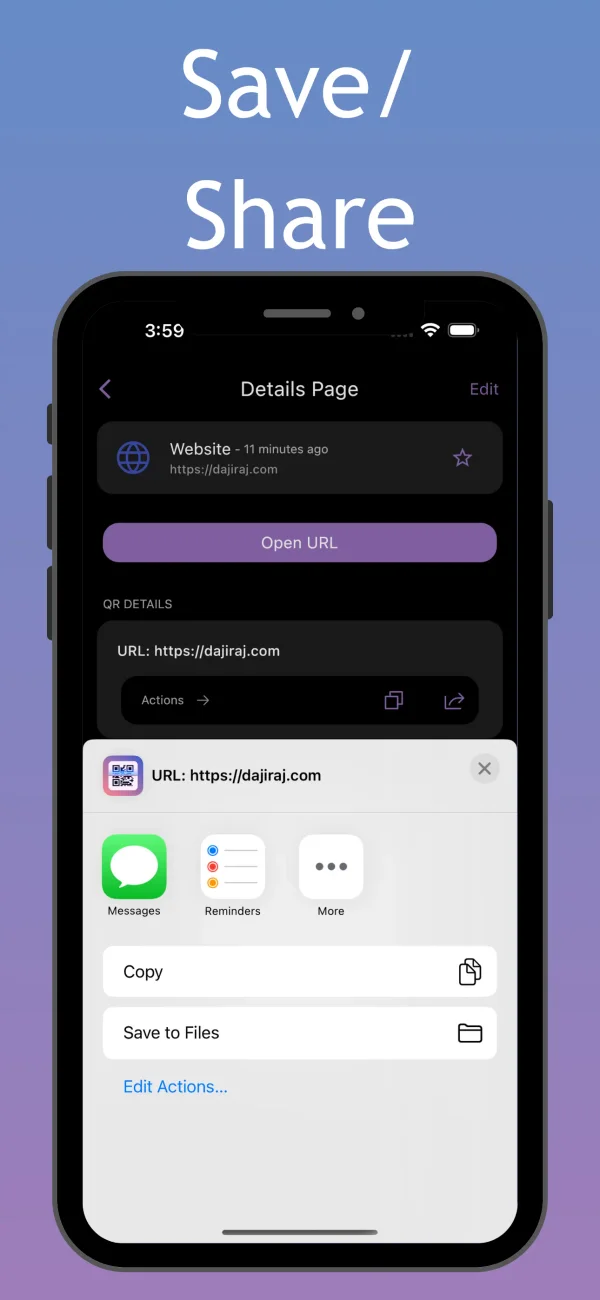
- QR Code and Barcode scanner App may also allow you to save scanned codes for future reference or share the information with others through email or messaging platforms.
Useful Features:
- Easy scanning: Ability to quickly and easily scan QR codes and barcodes using the device's camera.
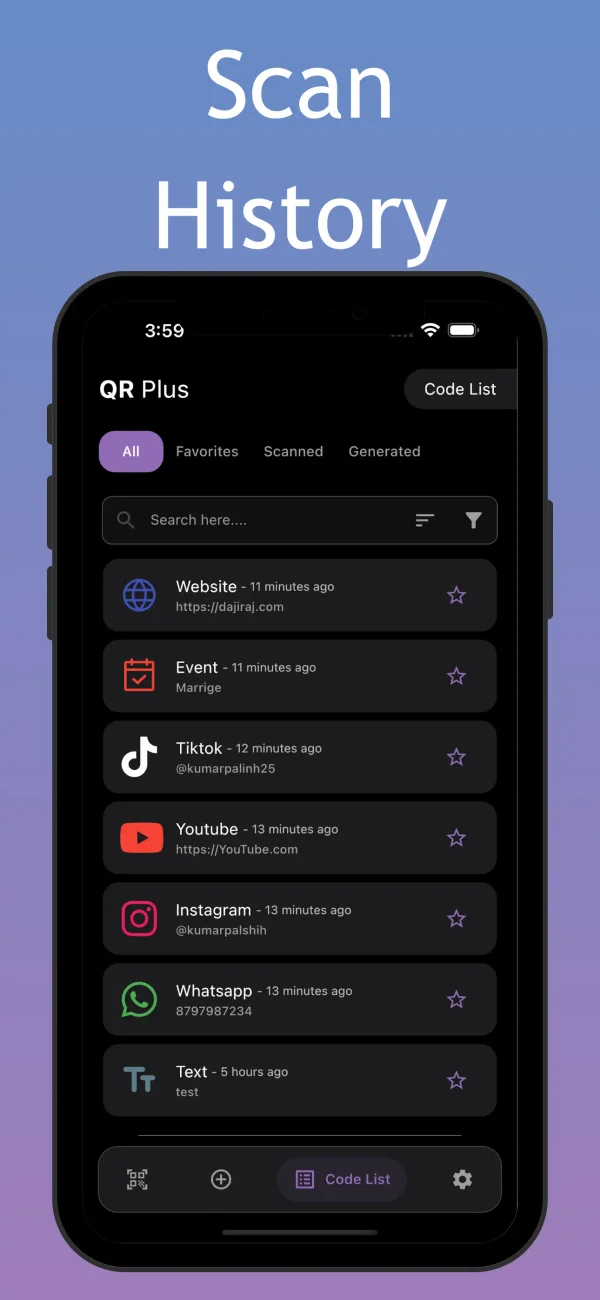
- Scan history: Ability to view a history of previously scanned codes for easy reference.
- Scan QR Code from images: You can directly scan QR or barcode from the images of your device gallery with this QR code maker app.
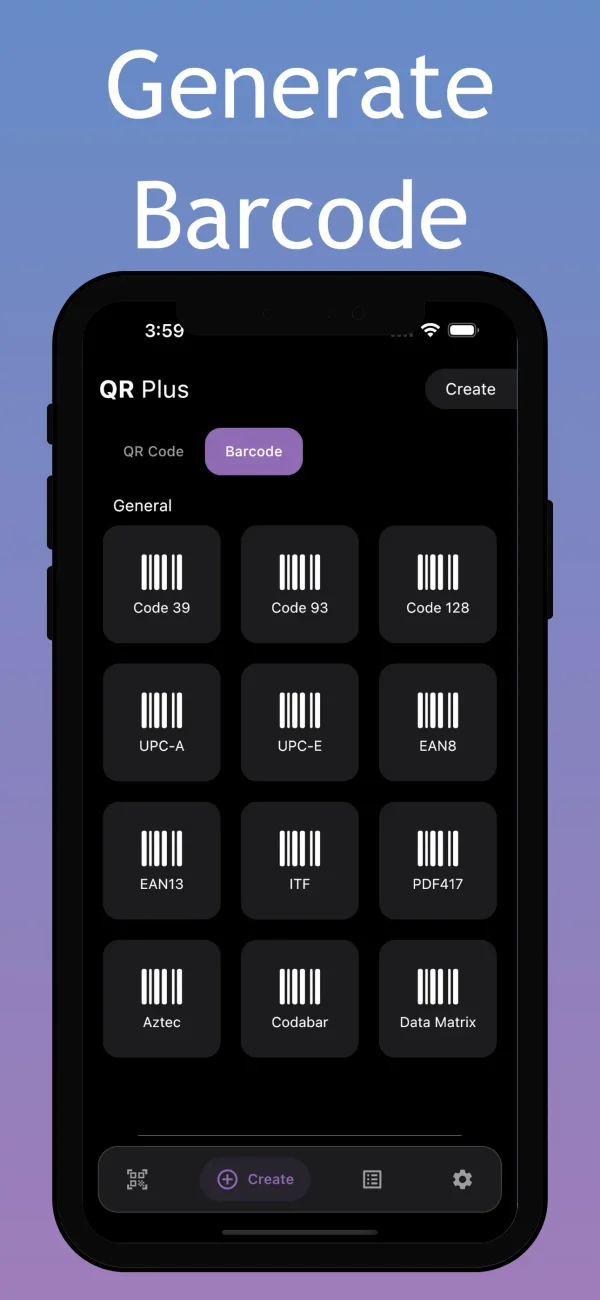
- Barcode formats: Ability to scan & generate a variety of barcode formats, including UPC, EAN-8, EAN-13, Code 39, Code 93, Code 128, ITF, PDF417, Aztec, Codabar, Data Matrix and ISBN, .
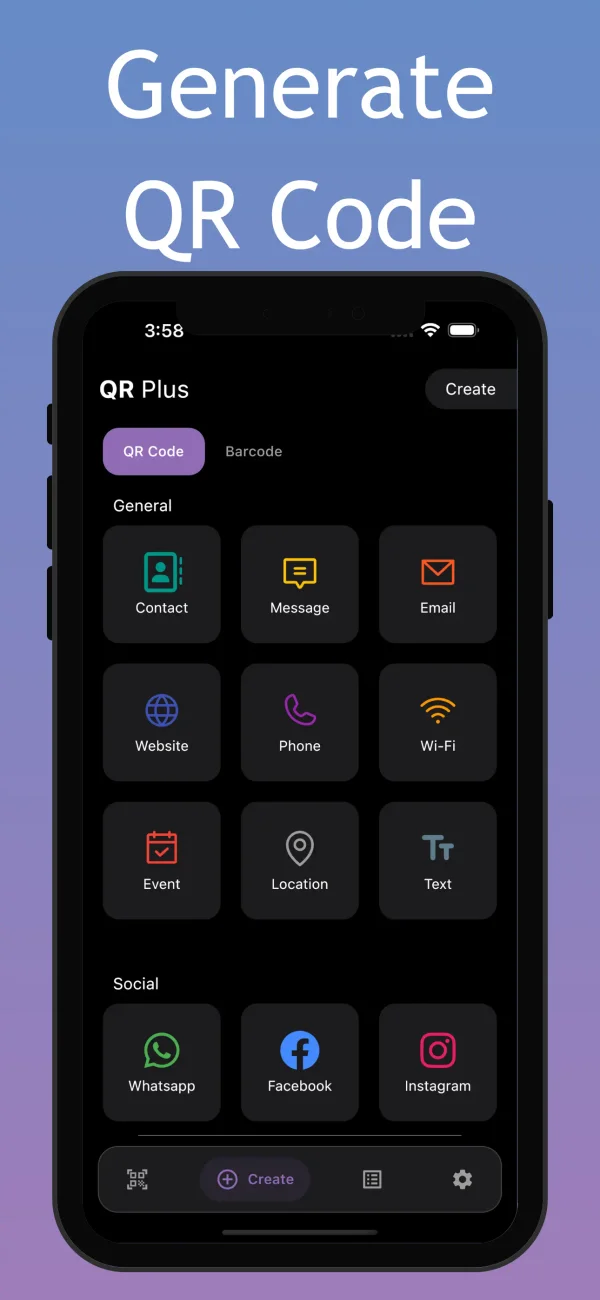
- Code generation: Ability to generate QR codes for different social media platforms, sharing website URLs, contact information, or other data.
- Social media sharing: Ability to share scanned codes and their associated information on popular social media platforms.
- Auto-focus: Ability to adjust the camera focus automatically to ensure accurate code scanning.
- Customizable settings: Ability to customize settings such as beep sound, vibration, and flash when scanning a code.
- Offline scanning: Ability to scan codes without an internet connection and store information for later use.
Overall, the QR & Barcode Scanner App is an essential tool for anyone who needs to scan and decode codes on a regular basis. Its ease of use, versatility, and customization options make it a must-have app for professionals and casual users alike. So why wait? Download the QR & Barcode Scanner App today and start scanning!
QR Scanner Pro Subscription Info:
- Weekly Subscription - $1.99
- Monthly Subscription - $4.99
- Yearly Subscription - $39.99
Payment will be charged to iTunes Account at confirmation of purchase
Subscriptions are automatically renewed unless automatic renewal is turned off at least 24 hours before the end of the current period, user can cancel in account settings
Privacy Policy: https://www.dajiraj.com/qrplus-privacy-policy
Terms of use: https://www.dajiraj.com/qrplus-terms-of-use
新機能
バージョン 1.1.19 · 2026/7/30
Minor Fixes
アプリのプライバシー
このアプリのデータの取り扱いについて、DAJIRAJ INFOTECH PRIVATE LIMITEDがApp Storeで申告している内容です。
-
ユーザーのトラッキングに使用されるデータ
他社のアプリやウェブサイトを横断してユーザーをトラッキングする目的で使用される場合があります。
- ID
-
ユーザーに関連付けられないデータ
収集される場合がありますが、ユーザーの識別情報には関連付けられません。
- ID
- 使用状況データ
- 診断
プライバシーの取り扱いは、ご利用の機能やお客様の年齢などに応じて異なる場合があります。
情報
- 販売元
- DAJIRAJ INFOTECH PRIVATE LIMITED
- カテゴリ
- ユーティリティ
- バージョン
- 1.1.19
- 更新日
- 2026/7/30
- リリース
- 2023/5/24
- サイズ
- 87.7 MB
- 必要条件
- iOS 13.0以降
- 対象年齢
- 4+
- 価格
- 無料
- アプリ内課金
- あり
- 言語
- 英語
- 著作権
- © DAJIRAJ INFOTECH PRIVATE LIMITED
こちらもおすすめ
-
 QRコードリーダー&スキャナー | QCSバーコードをスキャンしてQRコードを作成
-
 qr コード *QR・バーコードリーダー
-
 QRコードリーダー:QRコード読み取りアプリバーコード & QRコードスキャナー:QRコードリーダー
-
 きゅーあーるこーど 読み取り 無料バーコードリーダー無料
-
 QR Pro - QRコード読み取り・作成バーコードリーダー・保存と共有
-
 QRコード付きMy Wi-Fi高速ネットワーク共有
-
 QR コードリーダー Air - QR コード読み取りアプリバーコード読み取り・QR コード作成と読み取り iPhone
-
 QRコードリーダー・バーコード読み取りQRコードスキャナー・バーコード作成
-
 qrコードリーダー,バーコードの読み取りfor iPhoneQRコード 作成・バーコードリーダー:認証・URL読み取り
-
 NFC.cool Tools Tag Readerタグ・カードリーダー:読み取り&書き込み